




 here!
here!
I’m your shopping assistant for PC builds, upgrades, and everything tech.
Got questions? Ask away!
Start a conversation
here!
I’m your shopping assistant for PC builds, upgrades, and everything tech.
Got questions? Ask away!
Start a conversation Top Rated Top Rated


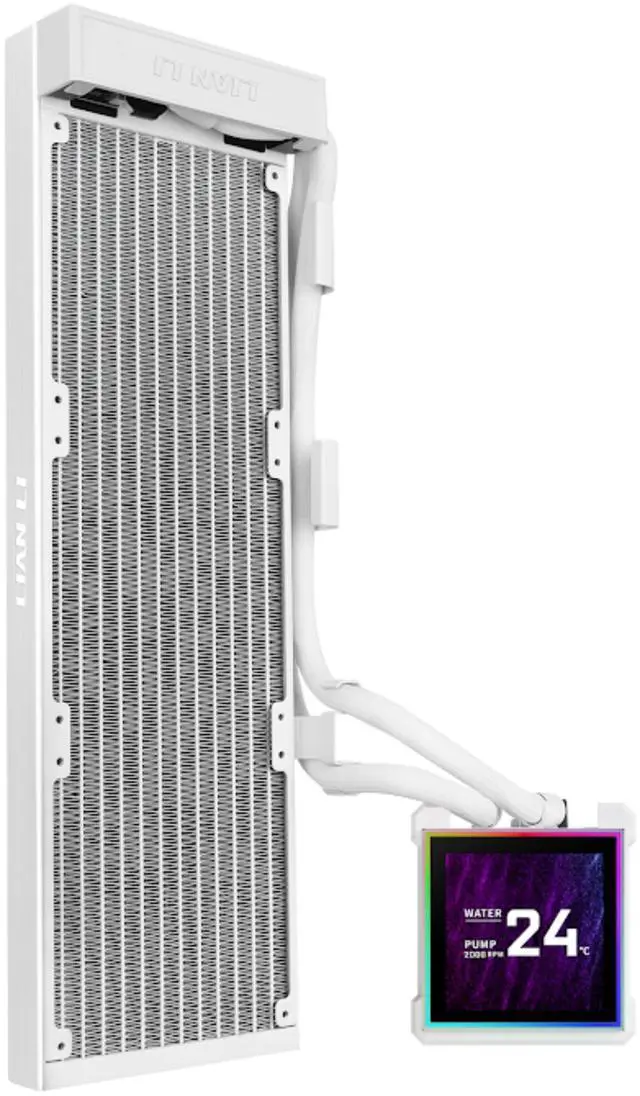
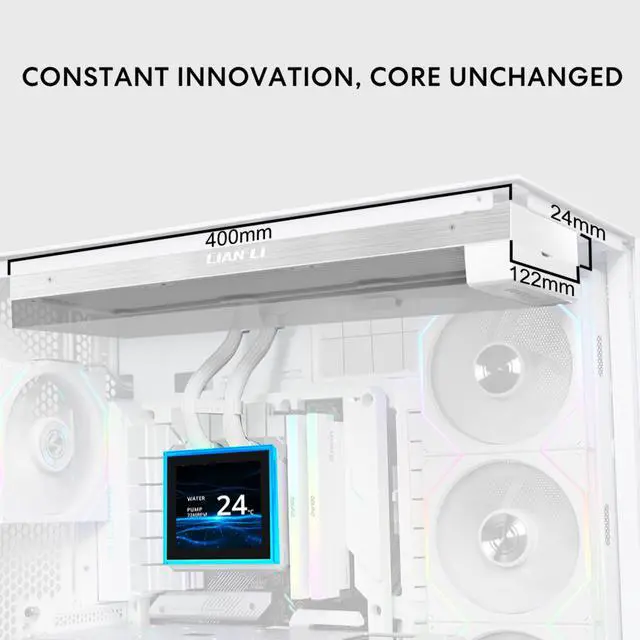
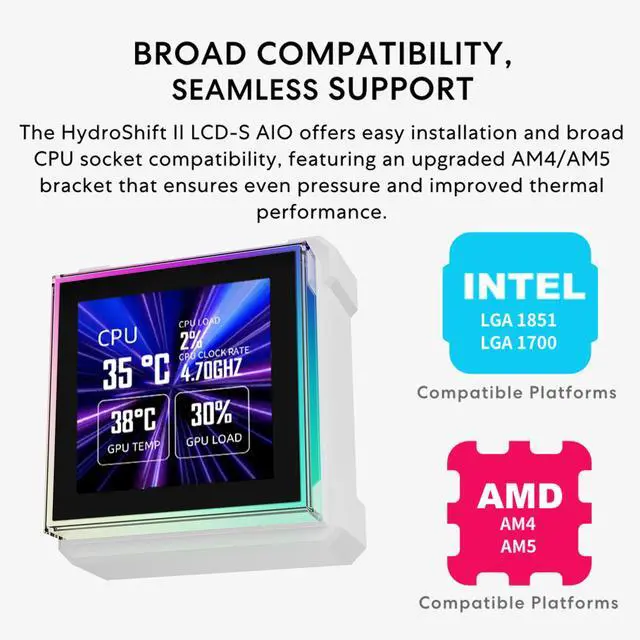
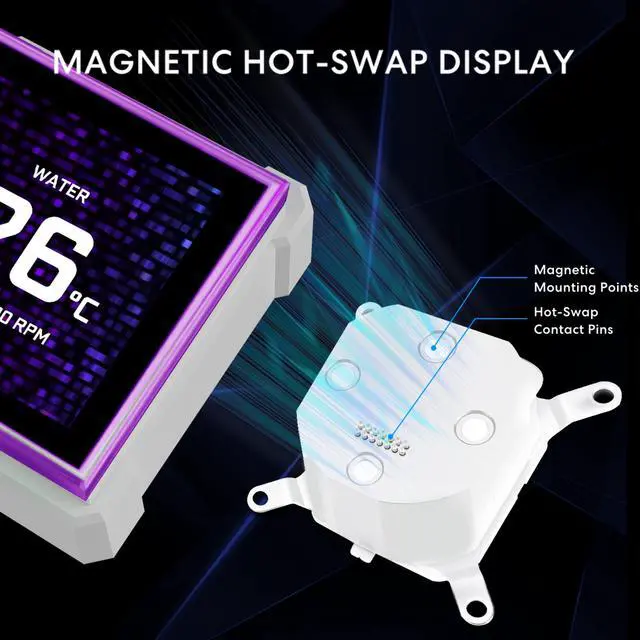



Any questions? Ask CelesteSM will help you find out quickly.

Compatibility Warning:
The HydroShift II LCD-S may interfere with the ROG MAXIMUS Z890 EXTREME and ROG MAXIMUS Z890 HERO motherboards. Feel free to reach out to us for an upgraded LCD (redesigned with an opening) for support.
The updated Receiver and Receiver 5V 3-Pin ARGB Cable are available only with the HydroShift II-C and HydroShift II-S TL or CL versions. If needed, our support team can assist with this request.
Troubleshooting AIO Water Cooling USB Connection Issues
If the issue persists, please contact us via the support form.


