



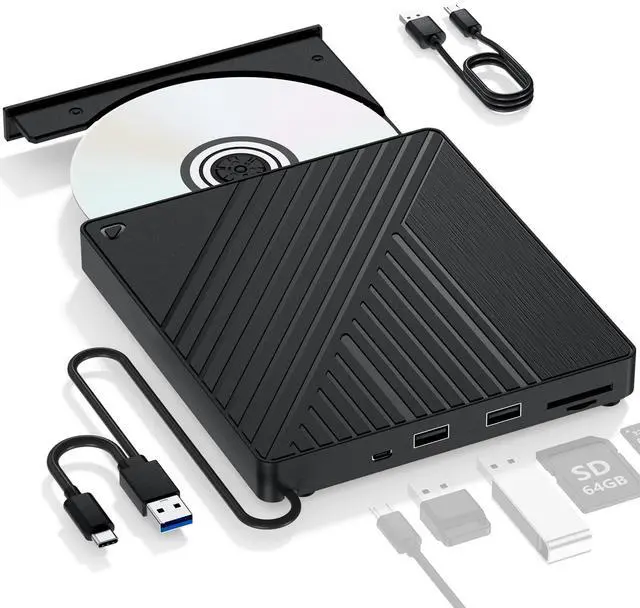
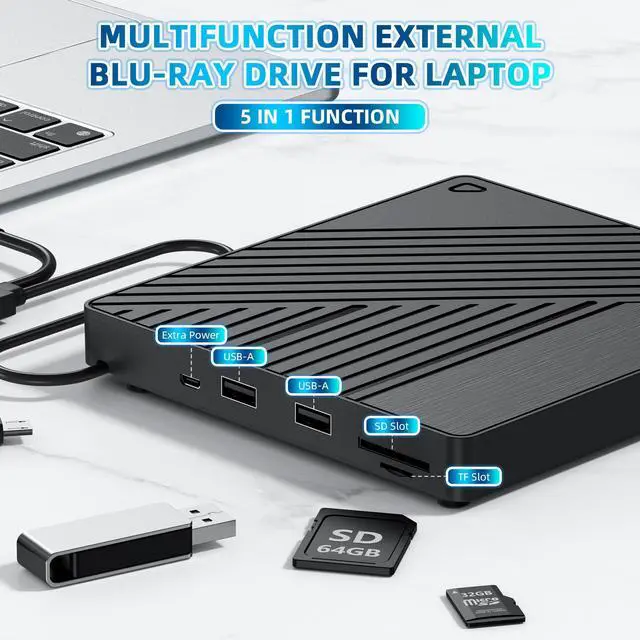
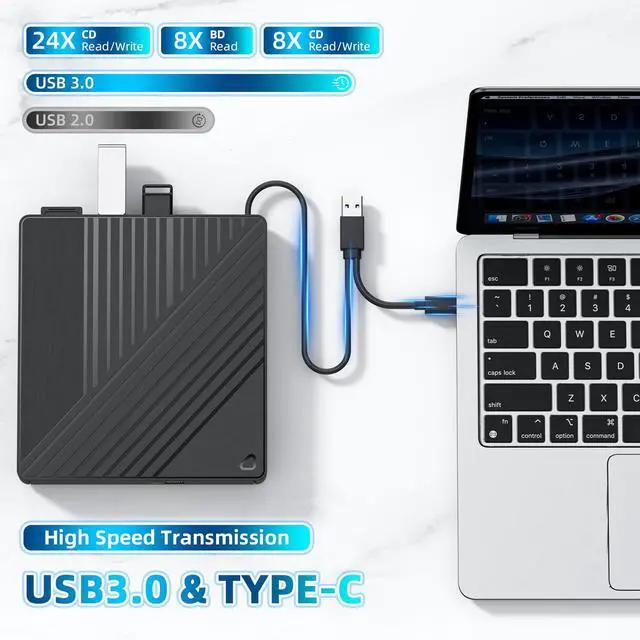


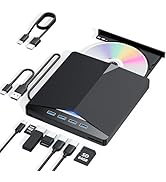
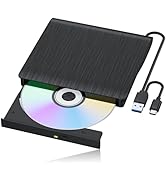
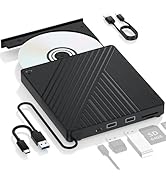




USB A & C

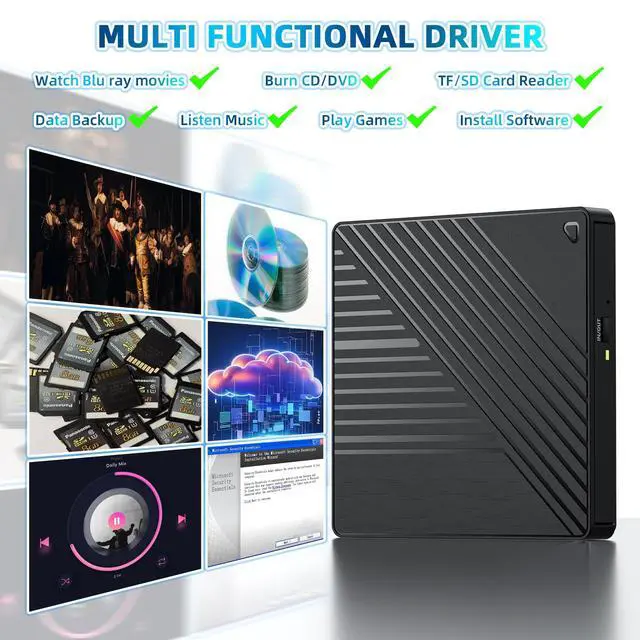
All-in-One Blu-ray Drive

Portable

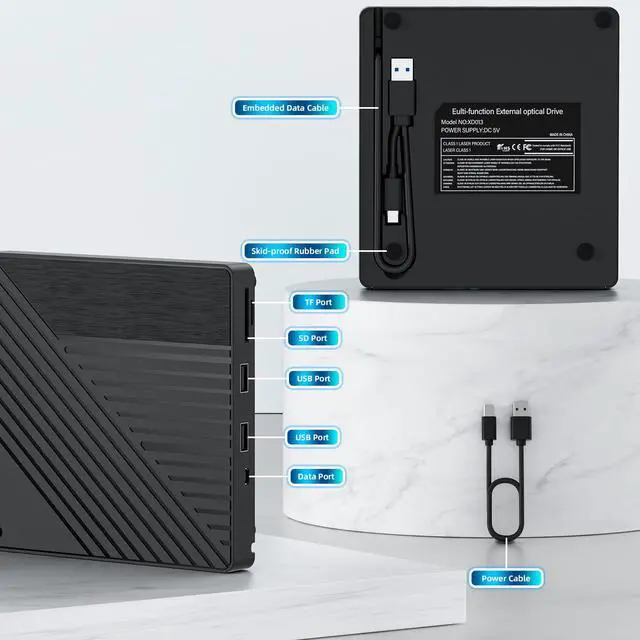
Embedded data cable
Important Note:
1.The Blu ray drive requires a considerable amount of power to operate, and the USB-C/Thunderbolt port of the MacBook may not provide sufficient power, especially when the drive is connected through adapters, docking stations, or hubs. So make sure the optical drive is directly connected or using an external power supply/power dock, and the dual head USB-A cable must be fully plugged in.
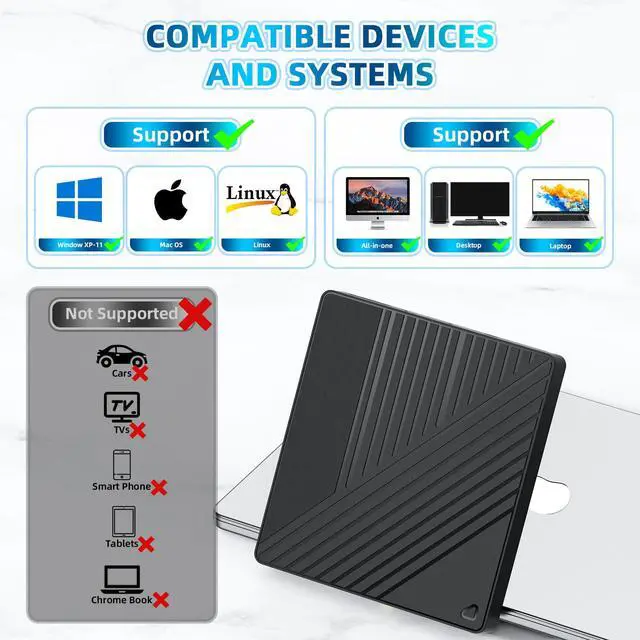
2.Check MacBook Connection: If using an docking station, try connecting the optical drive directly to the MacBook and changing the USB-C port on the Mac.
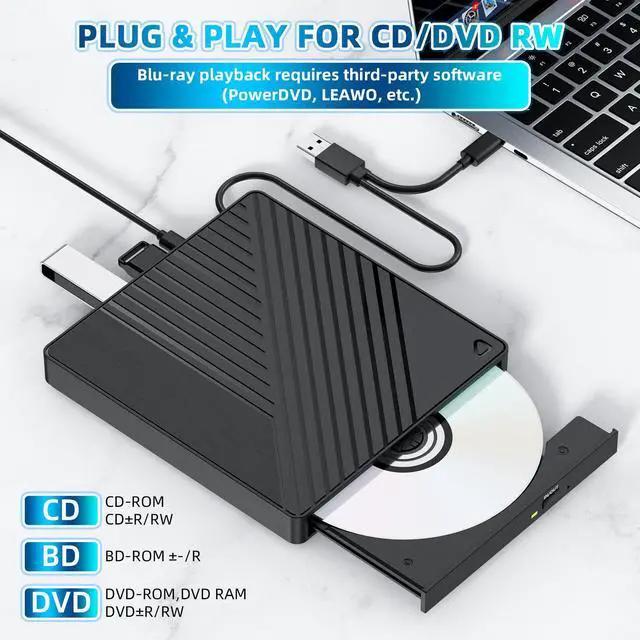
3.Limited native support for macOS: Although macOS typically recognizes standard DVD/CD drives and discs, native support for Blu ray disc content (especially commercial movie discs) is very limited or even non-existent. The system may recognize the 'optical drive' hardware, but cannot mount or read the file system (usually UDF) on the Blu ray disc. To play commercial Blu ray movies or read Blu ray data disks in certain formats, third-party Blu ray playback software must be installed.
4.Check the 'Disk Tool': Check if the optical drive device and disc appear.
5.Test different discs: First, play a regular DVD/CD for testing. Change to another Blu ray disc for testing.
6.Test the optical drive on another computer: determine if it is an optical drive issue or a Mac/settings issue.


USB A & C
All-in-One Blu-ray Drive
Portable
Embedded data cable
Important Note:
1.The Blu ray drive requires a considerable amount of power to operate, and the USB-C/Thunderbolt port of the MacBook may not provide sufficient power, especially when the drive is connected through adapters, docking stations, or hubs. So make sure the optical drive is directly connected or using an external power supply/power dock, and the dual head USB-A cable must be fully plugged in.
2.Check MacBook Connection: If using an docking station, try connecting the optical drive directly to the MacBook and changing the USB-C port on the Mac.
3.Limited native support for macOS: Although macOS typically recognizes standard DVD/CD drives and discs, native support for Blu ray disc content (especially commercial movie discs) is very limited or even non-existent. The system may recognize the 'optical drive' hardware, but cannot mount or read the file system (usually UDF) on the Blu ray disc. To play commercial Blu ray movies or read Blu ray data disks in certain formats, third-party Blu ray playback software must be installed.
4.Check the 'Disk Tool': Check if the optical drive device and disc appear.
5.Test different discs: First, play a regular DVD/CD for testing. Change to another Blu ray disc for testing.
6.Test the optical drive on another computer: determine if it is an optical drive issue or a Mac/settings issue.
Our story is so exciting
Our story is so exciting, we look forward to your visit.