


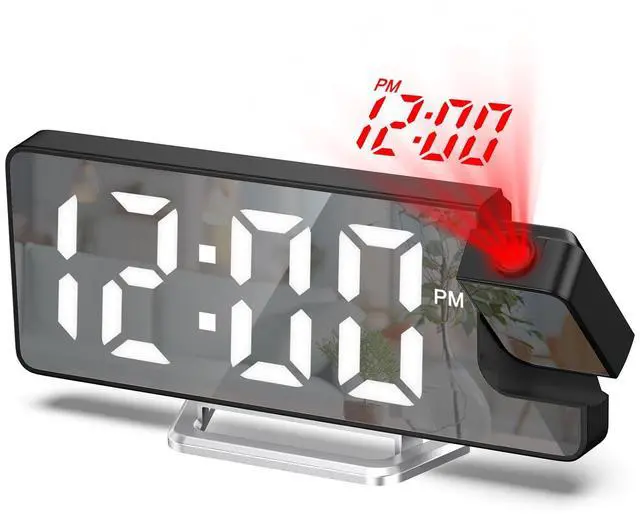
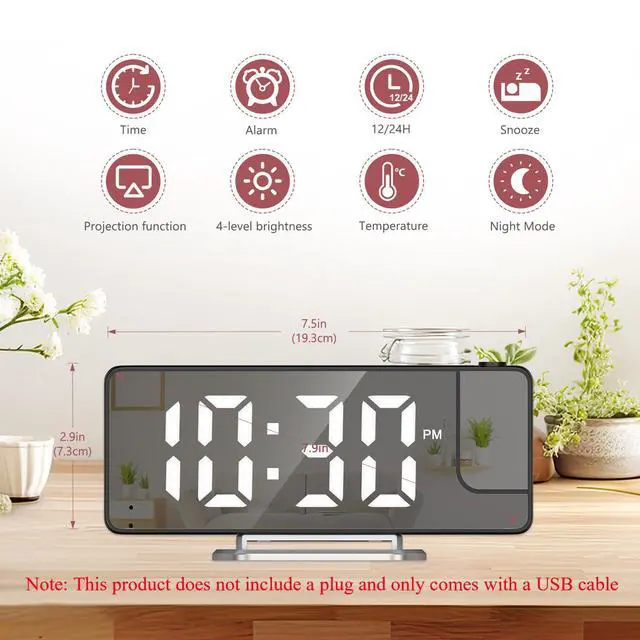
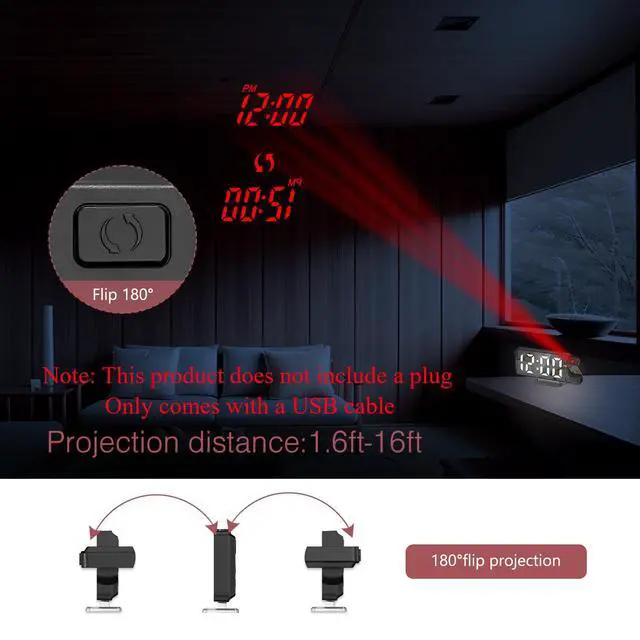


LOFICOPER Upgraded Version 7.9'' Projection Alarm Clock


Date settings:
Press the MODE button to enter the date mode once, and press the Mode Button to enter the setting state
The setting sequence is: Year -Month -Day
Alarm Setting:
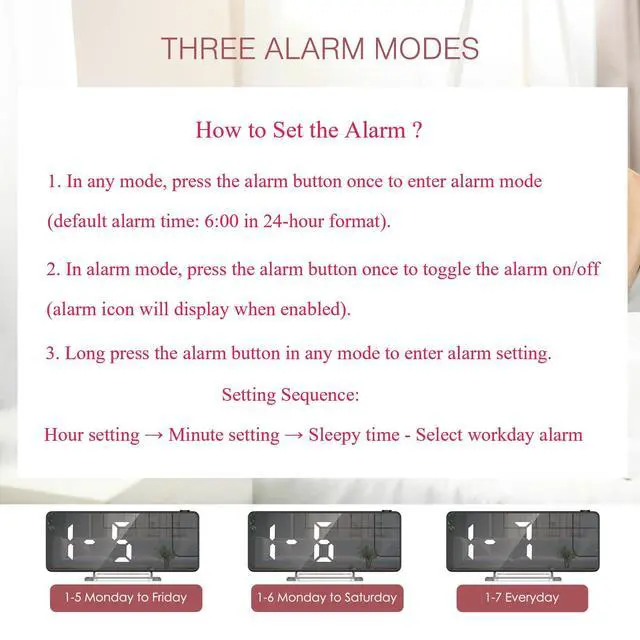
In any mode, press the Alarm button to display the alarm mode, and the default alarm time is 6:00; Press the Alarm button to turn on/off the alarm in alarm mode (with the alarm icon display)
In any mode, press and hold the Alarm button to enter the alarm setting status
The setting sequence is: Hour?Minute?Snooze?Workday Mode (1-7/1-6/1-5)
Temperature display:
Press the MODE button to enter the temperature mode twice, and press "-" button to switch temperature unit.
Measurement range: -10 ? ~ 50 ? (14 ? ~ 122 ?).
Time setting:
Press the MODE button to enter the time setting mode, combine +/- Button to adjust
Night mode:
In time mode, press the MODE button to enter the night settings 3 times, press +/- button to open/close the night mode.
Power Supply:
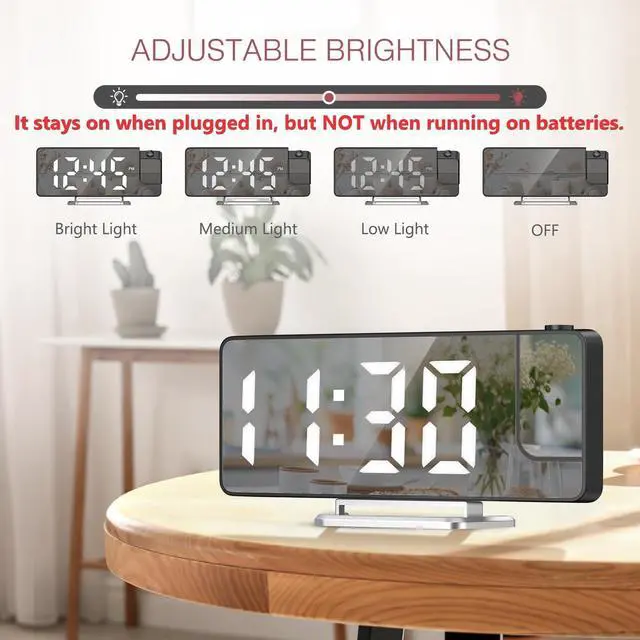
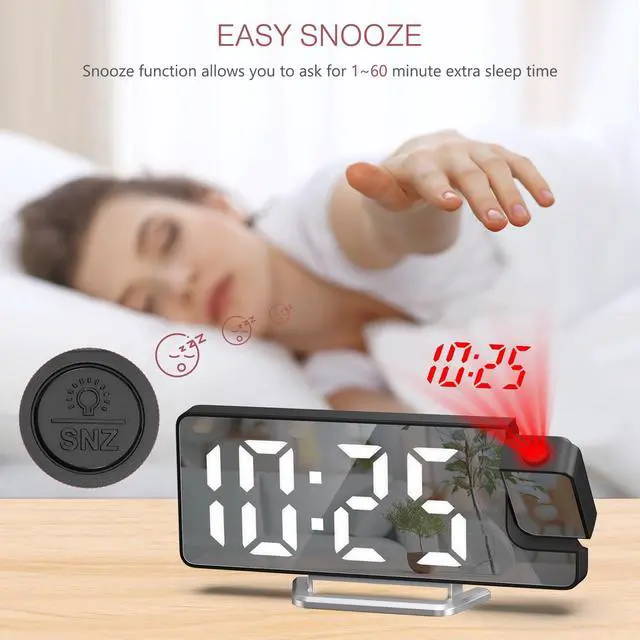
3 AAA batteries: Provide time memory function, the screen will automatically turn off after 30 seconds
USB: screen always on
Package Includes:
1* Projection Alarm Clock; 1* Charging Cable (Not Include The Plug); 1* User Manual
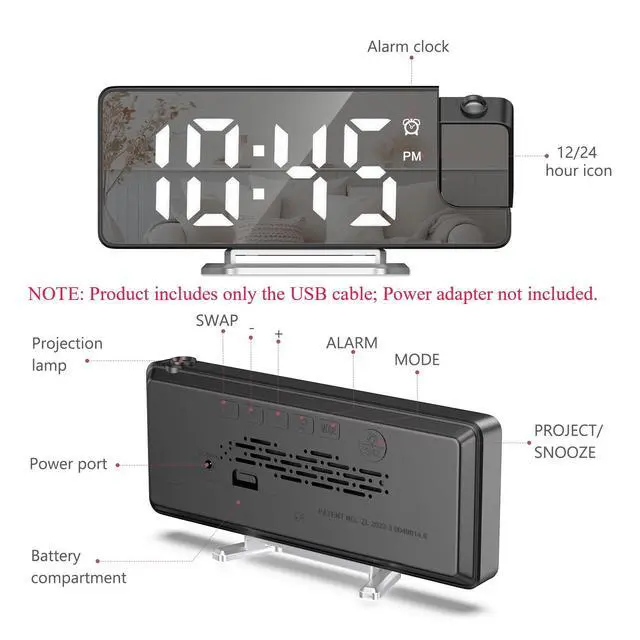
Product Notices: 1. Product includes only the USB cable; power adapter not included. 2. Remove the protective film from the screen before initial use.
Troubleshooting steps:
1. Unable to set time or date
Step : Enter the setup mode
Long press the "MODE" button to enter the 12/24-hour clock selection, then short press again to enter the hour, minute, snooze time, and select the workday alarm settings. Adjust the values using the "+/-" button.
2. Button unresponsive
Step 1: Eliminate battery issues
Insufficient battery power or reversed polarity can cause button failure. Reinstall a compliant battery.
Step 2: Clean the contact points
Use a cotton swab dipped in alcohol to gently wipe the contacts below the button to remove any oxide layer or stains (be careful to avoid liquid infiltration).

Covering Everything You Need!




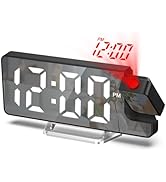
Multi-function LED Alarm Clock


![LOFICOPER Digital Coffee Scale with Timer, [Upgraded Version] Rechargeable Coffee Scale for Pour ...](//c1.neweggimages.com/sellingpilot/modules/product/a-plus/b0fff221f5461c334a79a6822797731ce520381f26660cfcf1d8da75b9402c6e.jpg)
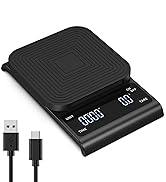
Mini Range Hood & Coffee Scale
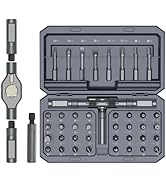
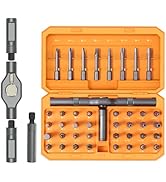
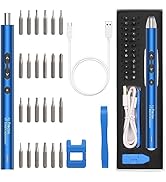

Various Screwdriver Sets
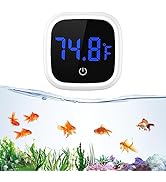
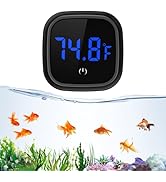
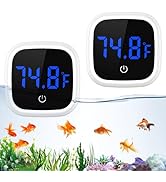
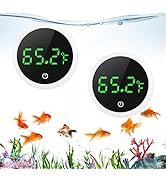
Digital Aquarium Thermometer
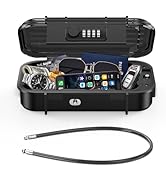
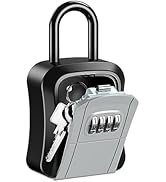
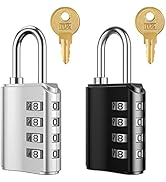
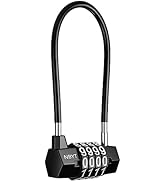
A Must-have Locks At Home
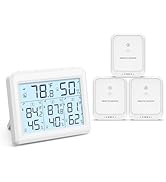

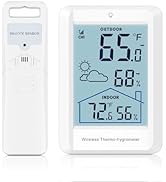
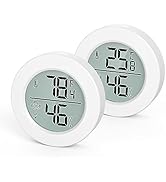
Digital Thermometer Hygrometer
![LOFICOPER Motion Sensor Night Light, [Upgraded] Indoor Motion Sensor Light, Battery Powered LED N...](//c1.neweggimages.com/sellingpilot/modules/product/a-plus/fda4c651326e5adbe199f9fd19daccfe50757ad743c2d2946e5b6182f94b0c91.jpg)
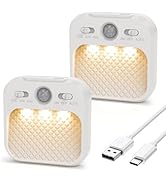


Smart Indoor Lights
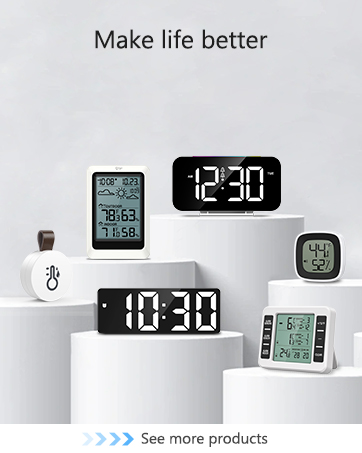
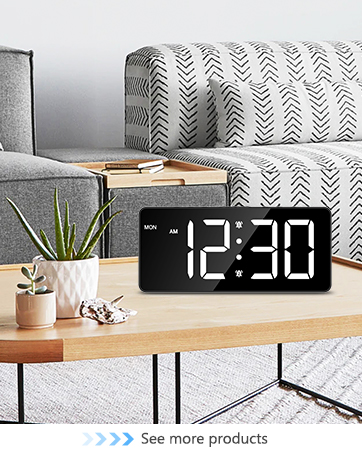
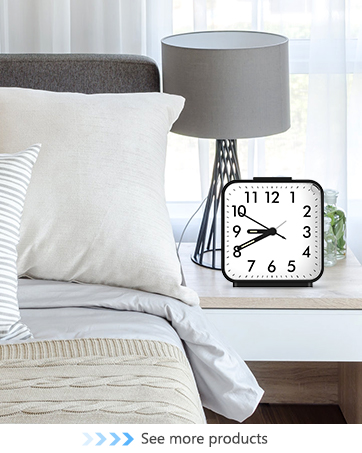
How did we get our start?
After helping some friends to find products that can help them work and life, we started to embark on the path of transformation and innovation.
We can imagine that the products we produce will bring convenience to countless people.
What makes our products unique?
We can think of a better way to bring convenience to people, we are also willing to explore and provide better products for everyone.
Why do we love what we do?
Bringing our products to the people across the country is a wonderful feeling that cannot be expressed in language, and we will never get tired of it.


![LOFICOPER Digital Coffee Scale with Timer, [Upgraded Version] Rechargeable Coffee Scale for Pour ...](http://c1.neweggimages.com/sellingpilot/modules/product/a-plus/b0fff221f5461c334a79a6822797731ce520381f26660cfcf1d8da75b9402c6e.jpg)


![LOFICOPER Motion Sensor Night Light, [Upgraded] Indoor Motion Sensor Light, Battery Powered LED N...](http://c1.neweggimages.com/sellingpilot/modules/product/a-plus/fda4c651326e5adbe199f9fd19daccfe50757ad743c2d2946e5b6182f94b0c91.jpg)

Covering Everything You Need!
Multi-function LED Alarm Clock
Mini Range Hood & Coffee Scale
Various Screwdriver Sets
Digital Aquarium Thermometer
A Must-have Locks At Home
Digital Thermometer Hygrometer
Smart Indoor Lights
How did we get our start?
After helping some friends to find products that can help them work and life, we started to embark on the path of transformation and innovation.
We can imagine that the products we produce will bring convenience to countless people.
What makes our products unique?
We can think of a better way to bring convenience to people, we are also willing to explore and provide better products for everyone.
Why do we love what we do?
Bringing our products to the people across the country is a wonderful feeling that cannot be expressed in language, and we will never get tired of it.
LOFICOPER Upgraded Version 7.9'' Projection Alarm Clock


Date settings:
Press the MODE button to enter the date mode once, and press the Mode Button to enter the setting state
The setting sequence is: Year -Month -Day
Alarm Setting:
In any mode, press the Alarm button to display the alarm mode, and the default alarm time is 6:00; Press the Alarm button to turn on/off the alarm in alarm mode (with the alarm icon display)
In any mode, press and hold the Alarm button to enter the alarm setting status
The setting sequence is: Hour?Minute?Snooze?Workday Mode (1-7/1-6/1-5)
Temperature display:
Press the MODE button to enter the temperature mode twice, and press "-" button to switch temperature unit.
Measurement range: -10 ? ~ 50 ? (14 ? ~ 122 ?).
Time setting:
Press the MODE button to enter the time setting mode, combine +/- Button to adjust
Night mode:
In time mode, press the MODE button to enter the night settings 3 times, press +/- button to open/close the night mode.
Power Supply:
3 AAA batteries: Provide time memory function, the screen will automatically turn off after 30 seconds
USB: screen always on
Package Includes:
1* Projection Alarm Clock; 1* Charging Cable (Not Include The Plug); 1* User Manual
Product Notices: 1. Product includes only the USB cable; power adapter not included. 2. Remove the protective film from the screen before initial use.
Troubleshooting steps:
1. Unable to set time or date
Step : Enter the setup mode
Long press the "MODE" button to enter the 12/24-hour clock selection, then short press again to enter the hour, minute, snooze time, and select the workday alarm settings. Adjust the values using the "+/-" button.
2. Button unresponsive
Step 1: Eliminate battery issues
Insufficient battery power or reversed polarity can cause button failure. Reinstall a compliant battery.
Step 2: Clean the contact points
Use a cotton swab dipped in alcohol to gently wipe the contacts below the button to remove any oxide layer or stains (be careful to avoid liquid infiltration).