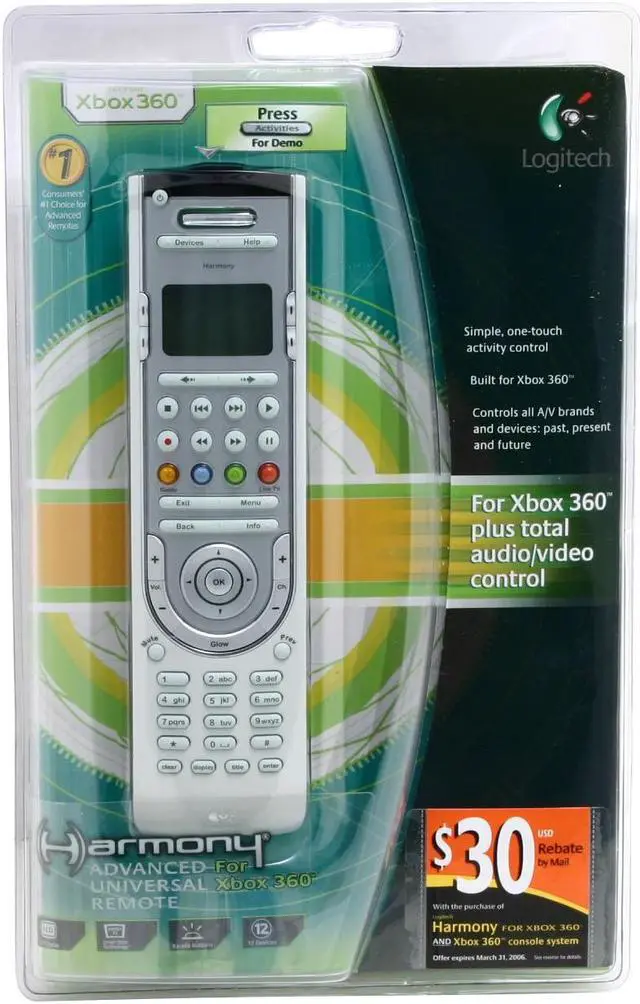
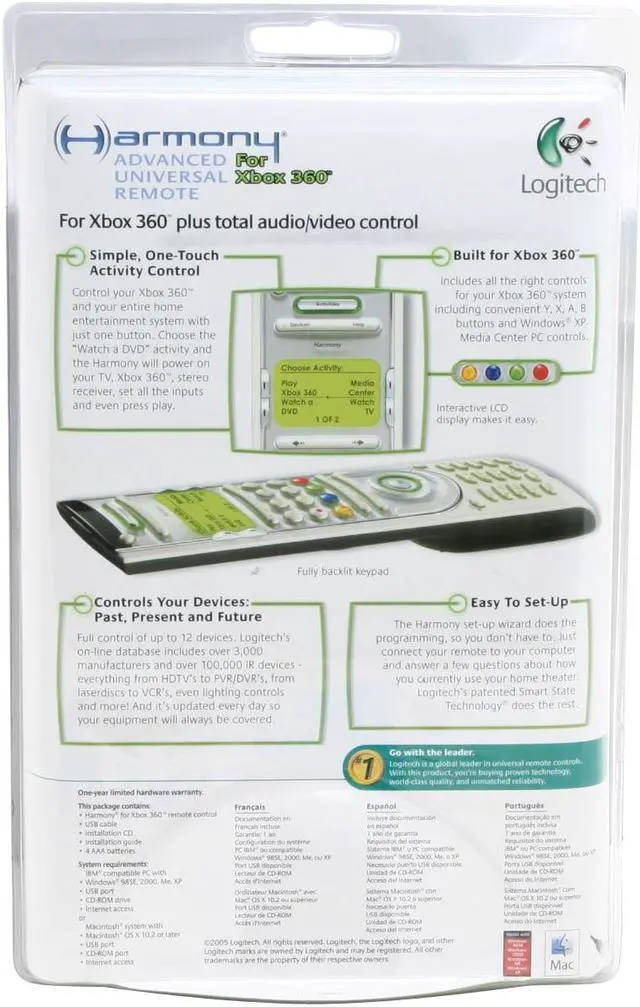
| Features | Make your Xbox 360 part of your home entertainment family. Touch just one button to power on everything you need to play a game. Navigate Xbox menus with X, Y, A and B buttons. And of course, for the rest of the family, you can add up to 11 other components.
360° Command
One trigger finger is all you need.
One-Touch Control: Choose the activity you want to do, not the component you want to turn on.
Up to 12 Components: Control Xbox 360, home theater, audio—even lights and appliances.
Customizable Buttons: Put your most frequent activities at your fingertips.
Learning Port: Add favorite functions from an old remote just by pointing it at your Harmony.
Comfort and Convenience
Never get numb-thumb again.
Comfort-Grip Shape: Hold on comfortably and reach all the buttons with ease.
Fully Backlit Controls and LCD Display: Navigate even in movie-theater darkness.
Help Button: Confused? Let the Help Button figure it out for you. (No one else has one.)
Simple Setup
It doesn't get easier than this.
Online Wizard: Plug into a USB port and walk right through initial setup or adding equipment.
Incredible Compatibility: From laser disc to Blu-Ray disc, find your components in our 175,000-device database.
System Requirements
PC
Windows 98, 2000, XP, Vista
USB port
CD-ROM drive
Internet access
10MB free hard drive space
Mac
Mac OS X 10.3 or later
USB port
CD-ROM drive
Internet access
10MB free hard drive space |
|---|