




 here!
here!
I’m your shopping assistant for PC builds, upgrades, and everything tech.
Got questions? Ask away!
Start a conversation
here!
I’m your shopping assistant for PC builds, upgrades, and everything tech.
Got questions? Ask away!
Start a conversation

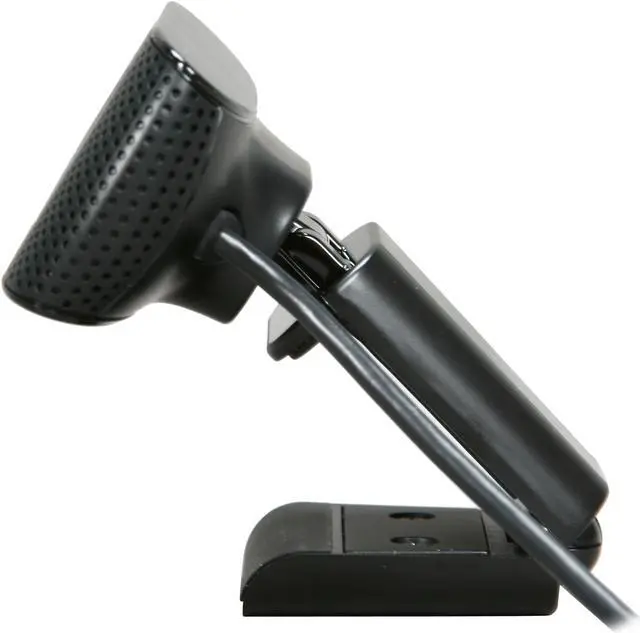
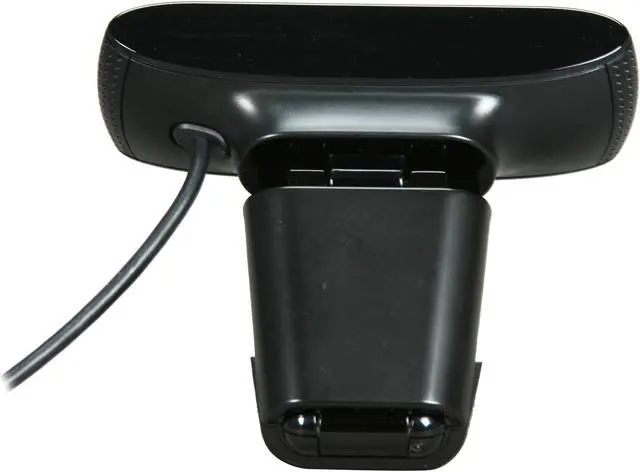
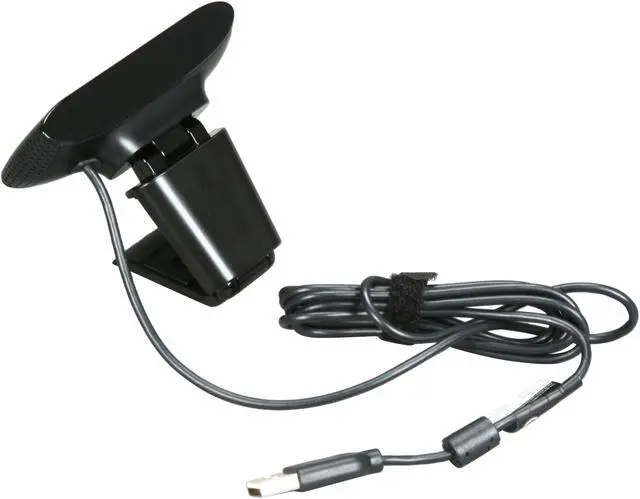
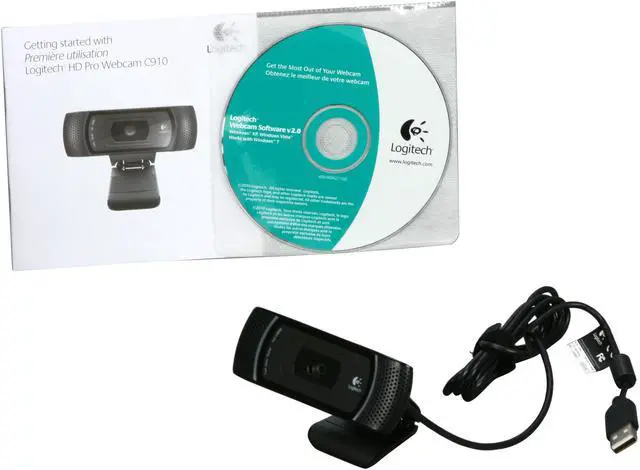



Any questions? Ask CelesteSM will help you find out quickly.
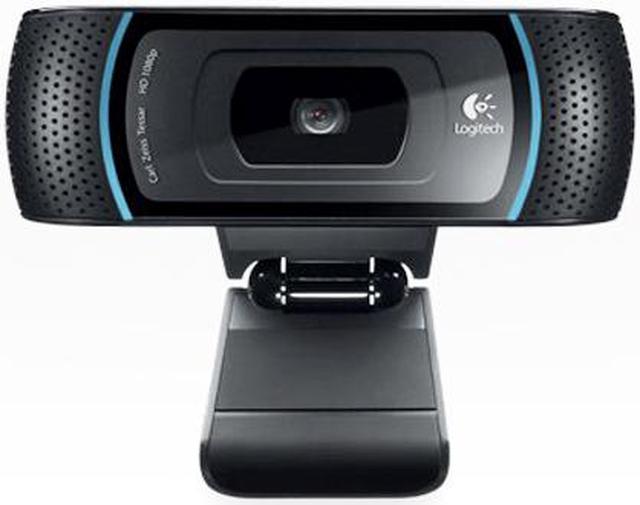
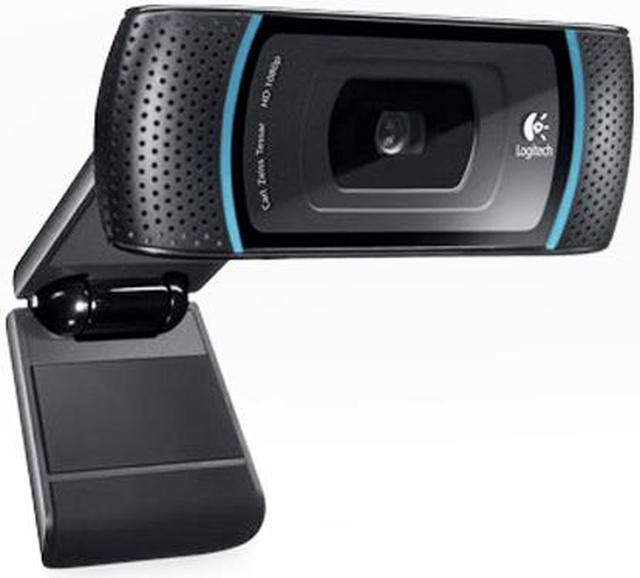
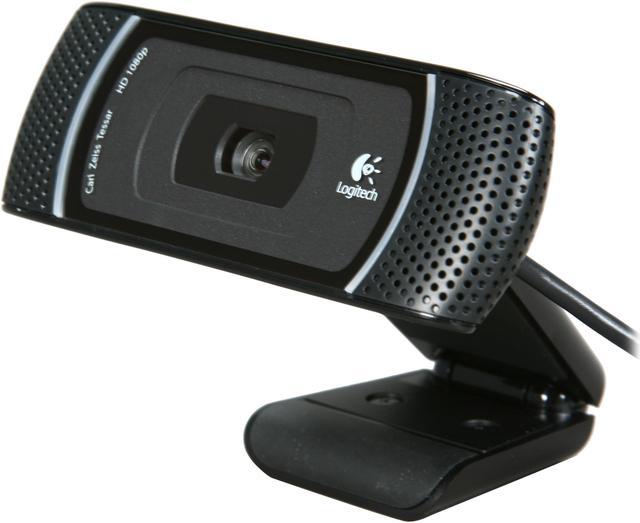
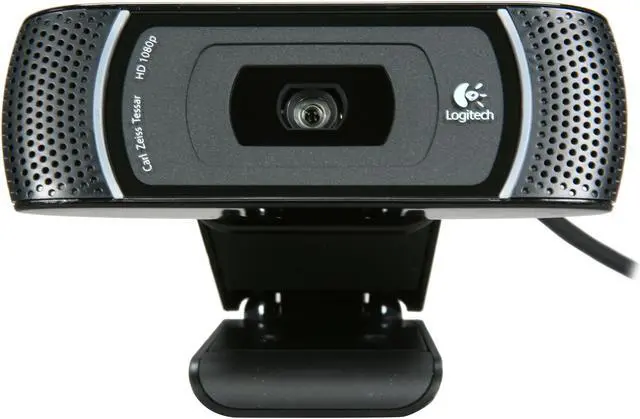
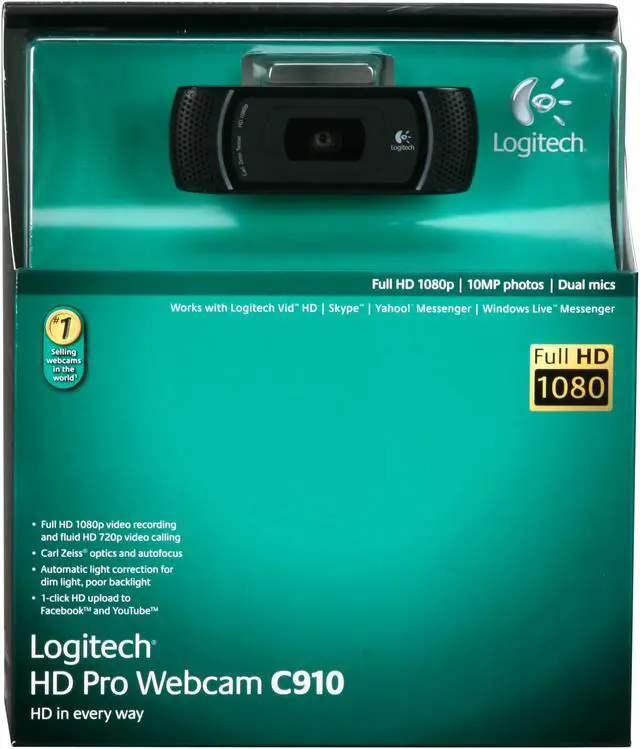
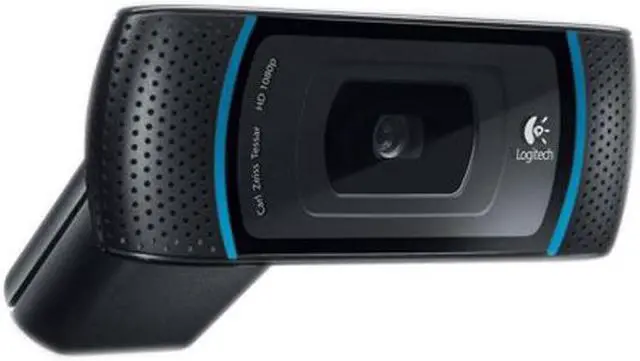
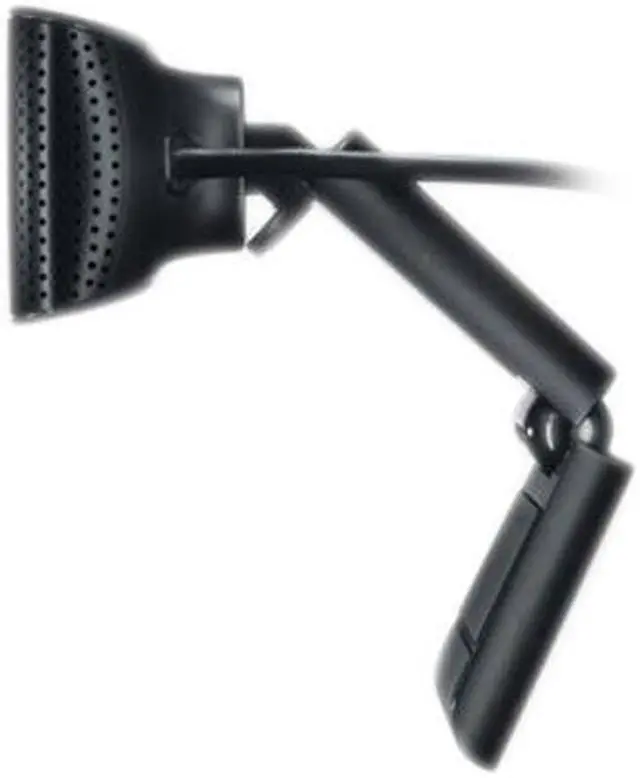
There’s nothing like face to face interaction when you’re conducting business or chatting with an old friend. Now you can add a personal touch to all of your online relationships with the Logitech C910. This webcam can record in Full HD 1080p and enables HD 720p fluid, true-to-life video calls and up to 10 megapixels snapshots (software enhanced). Record and upload your videos or images to Facebook or YouTube with just one click!
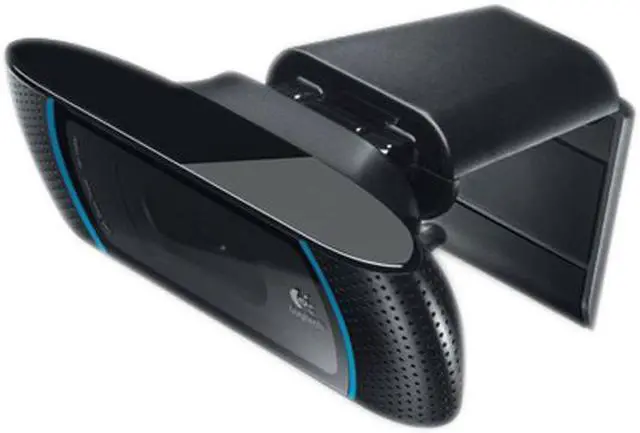
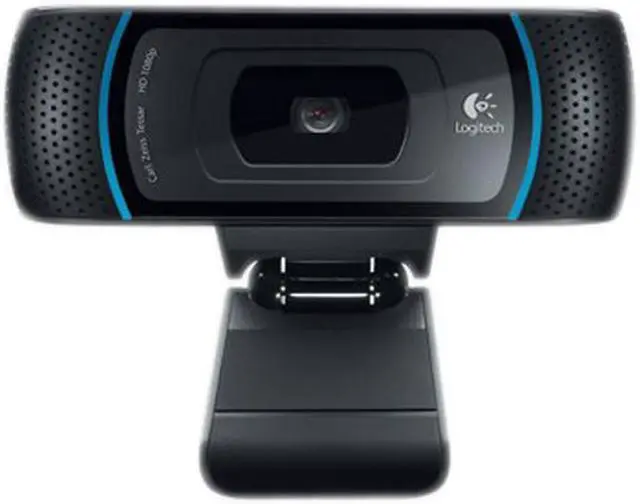
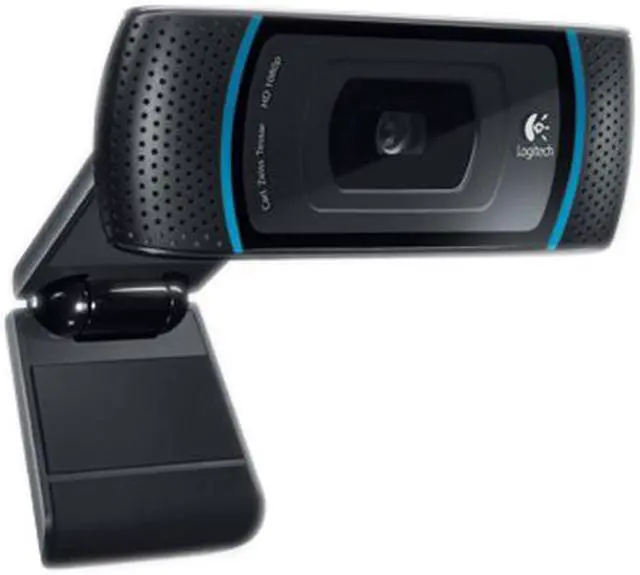
The excellent design of the C910 features a built-in dual stereo mics. Your voice will sound clear and bright during video chats. The webcam also gives you enhanced performance in low-lit environment with RightLight 2 technology. With Logitech Vid HD software, video calling is free, fast and easy. And you’re ready to make a call right away. Compatibility with popular instant messenger programs means you can use the camera with AIM, Skype and more. Now with Logitech C910 you can share your HD world - anywhere, anytime.
 Full HD 1080p recordingYou can record in breathtaking widescreen Full HD 1080p.
 HD 720p video callsYou’ll get 720p video calling on most major instant messaging services and Logitech Vid HD.
 One-click upload to FacebookYou can easily capture HD video (1080p) and upload it to Facebook or YouTube with just one click.
 Logitech More HDYou and your loved ones can enjoy better HD video calling on more computers thanks to Logitech More HD technology.
 Face-recognition loginLog in to your computer and your favorite sites with the included face-recognition software. It’ll save you time and impress your friends.
 RightLight 2 technologyEven if you make a video call in dim or poorly backlit settings, the camera will intelligently adjust to produce the best possible image.


