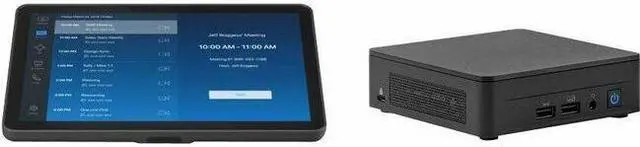
Add a USB conference camera to this pre-configured bundle with an ASUS® NUC mini PC and Logitech Tap to deploy Zoom Rooms throughout the workplace.
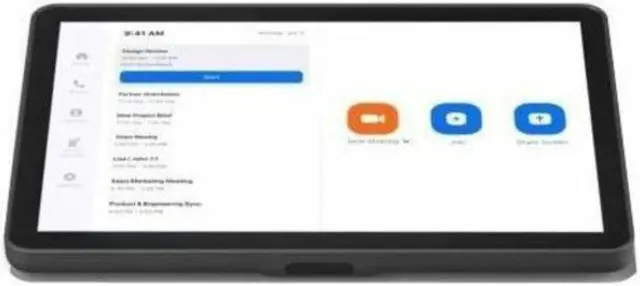
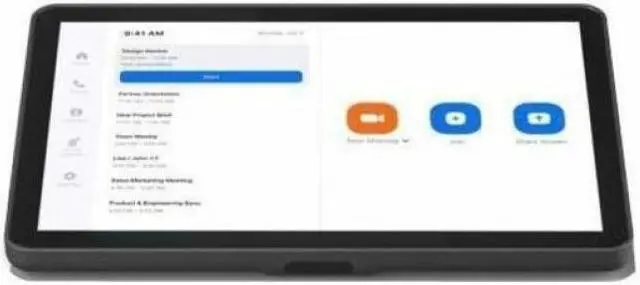
Logitech Tap offers touch control that's always ready for the next Zoom meeting, featuring a generous 10.1" touch screen, a range of optional mounts, and commercial-grade cabling with robust cable retention.
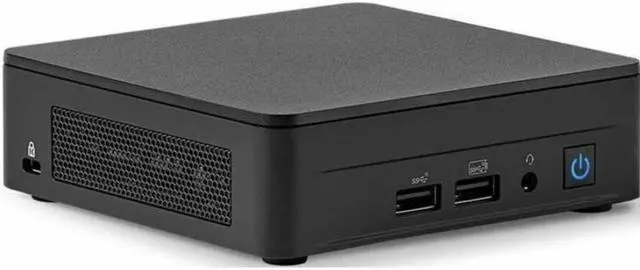
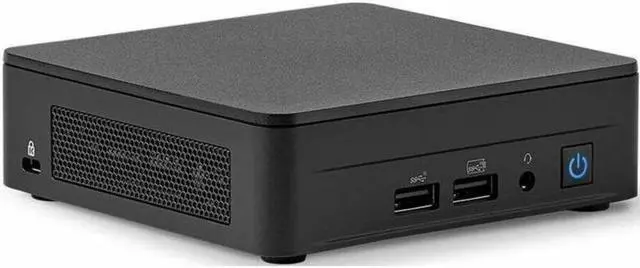
Pre-configured for quick deployment, the ASUS NUC mini PC provides outstanding performance in a compact form factor.
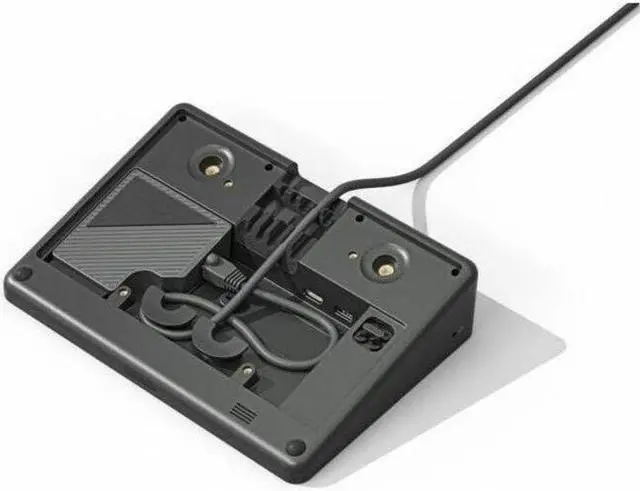
To keep connections tight, Tap features a comprehensive strain relief and retention system, hidden entirely within its enclosure.
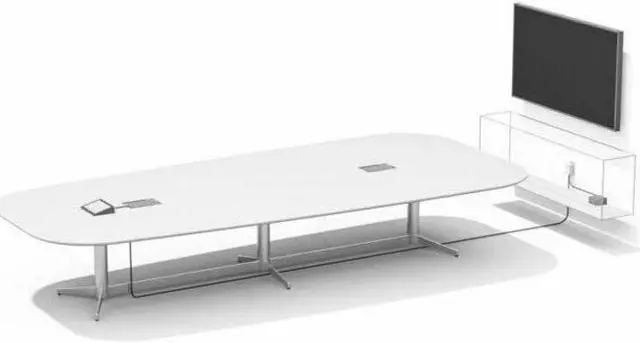
The included Cat5e Kit with 10 meters of cable offers the flexibility to locate Tap nearly anywhere in meeting rooms and allows customers to supply their own cabling for runs of up to 40 meters in total length.
Logitech Compute Mount makes it easy to install a mini PC under a table, in a credenza, or behind a display. A robust cable retention bracket to keep connections tight.
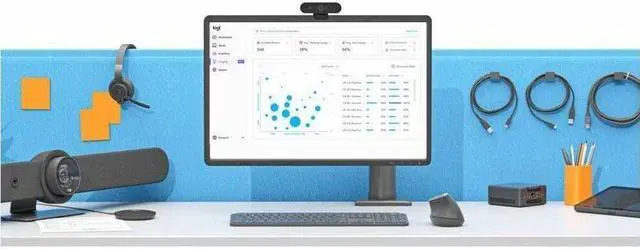
Monitor and manage your meeting room devices from the Zoom Dashboard. Plus, get business insights into how your rooms are being used with Logitech Sync.
Add Logitech Swytch (not included) to use the Zoom Room's AV equipment with any video application: just launch the software on a laptop and connect via USB.
+
+
Overview
Specs
Reviews
Any questions? Our AI beta will help you find out quickly.
Try me now
Logitech BASE Zoom Room (no AV) with Tap + ASUS® NUC
For Video Conferencing, Meeting Room - 2 x HDMI Out - USB
Package Contents:-
Logitech Tap with Cat5e Kit
ASUS® NUC ZOOM-LOG13L3KV5
Logitech Compute Mount
Documentation
Learn more about the Logitech TAPZOMBASEASU
General
Brand
Logitech
Model
TAPZOMBASEASU
Model
Part Number
TAPZOMBASEASU
General
Type
Video Conference Device
Additional Information
First Listed on Newegg
December 19, 2024
Customer Reviews of the Logitech TAPZOMBASEASU
There are no reviews yet.
Do you own this product?
Warranty & Returns
Warranty, Returns, And Additional Information
Warranty
Please contact the Seller directly for warranty information. Warranty information may also be found on the Manufacturer's website.


 Top Rated



