






LOKUKA USB-C to 3.5mm Headset Y adapter
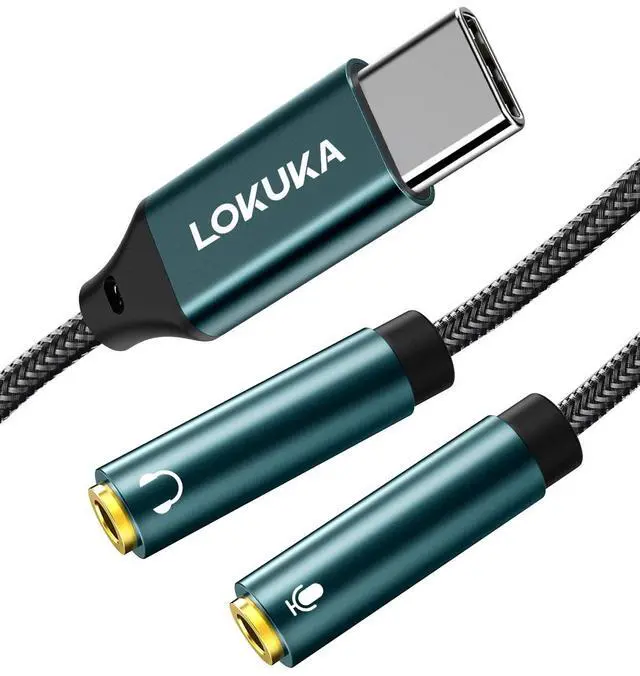
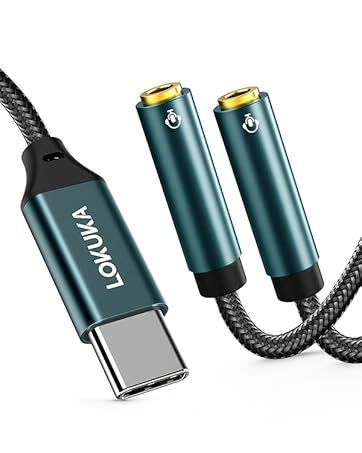
- USB-C male to two TRS 3.5mm female ports (one TRS mic jack, one TRS audio jack)
- Great for connecting your dual-plug headset to USB-C laptop/cell phone/Pad.
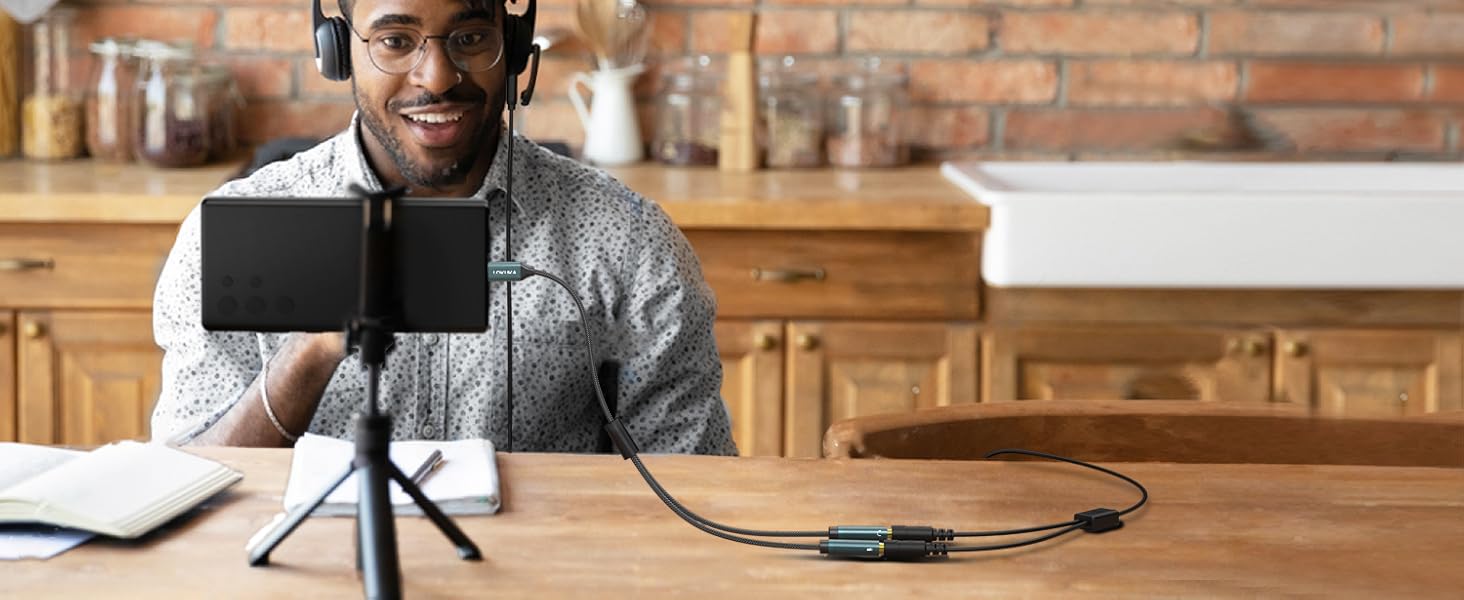
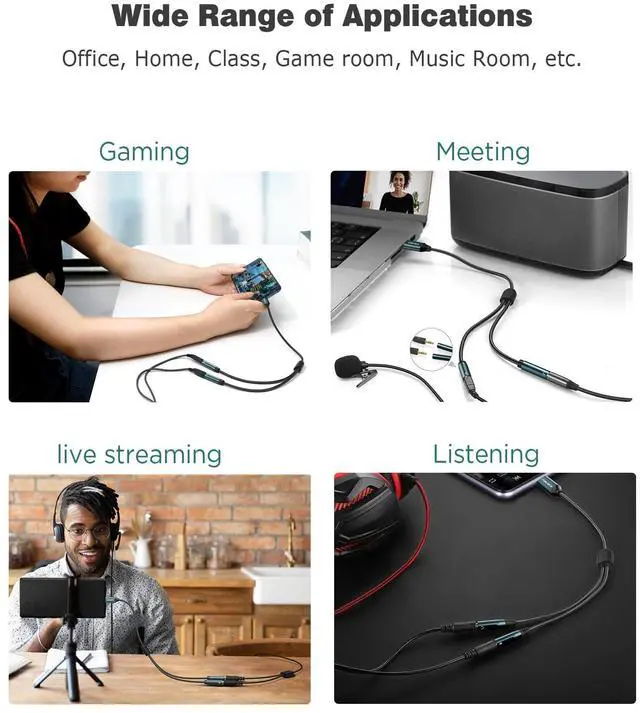
for Livestreams
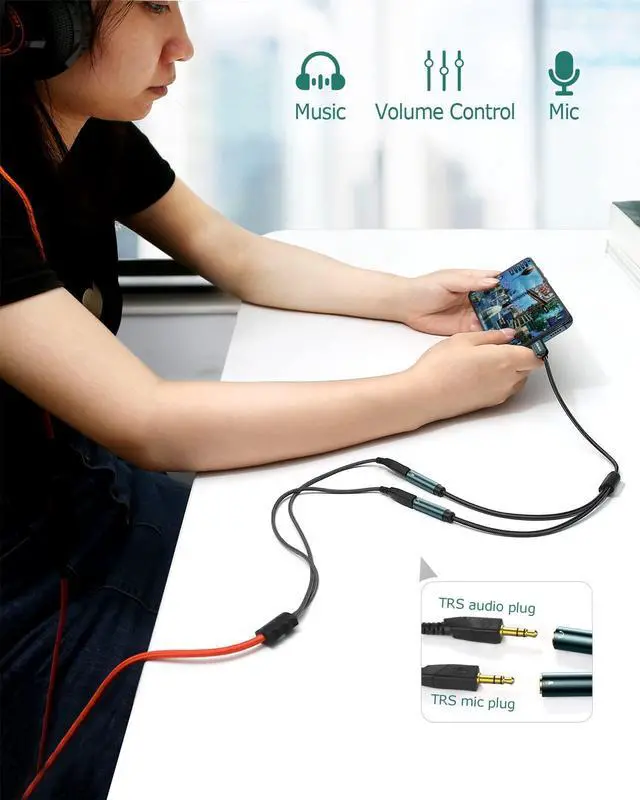
- For dual-plug headset to a smartphone, supports both speaking and listening.
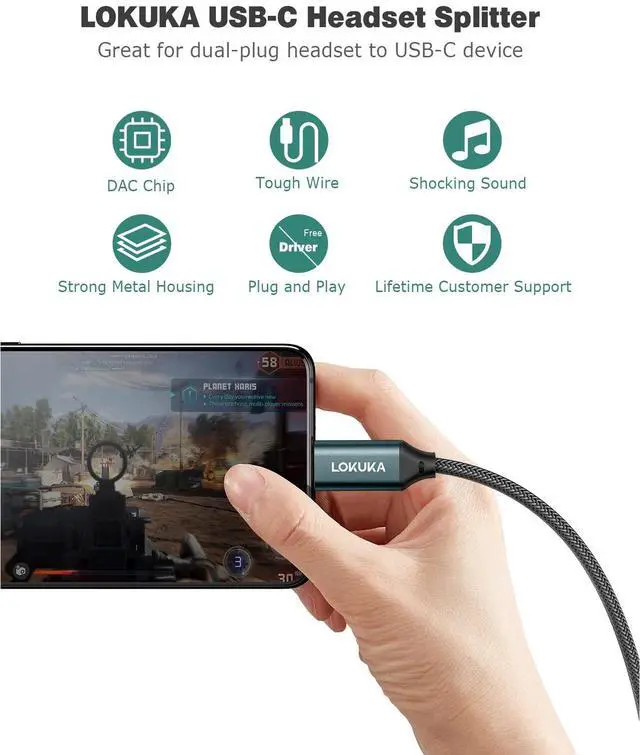
- Built-in high integration and low consumption chip, your live streams or online classes will be smoother!
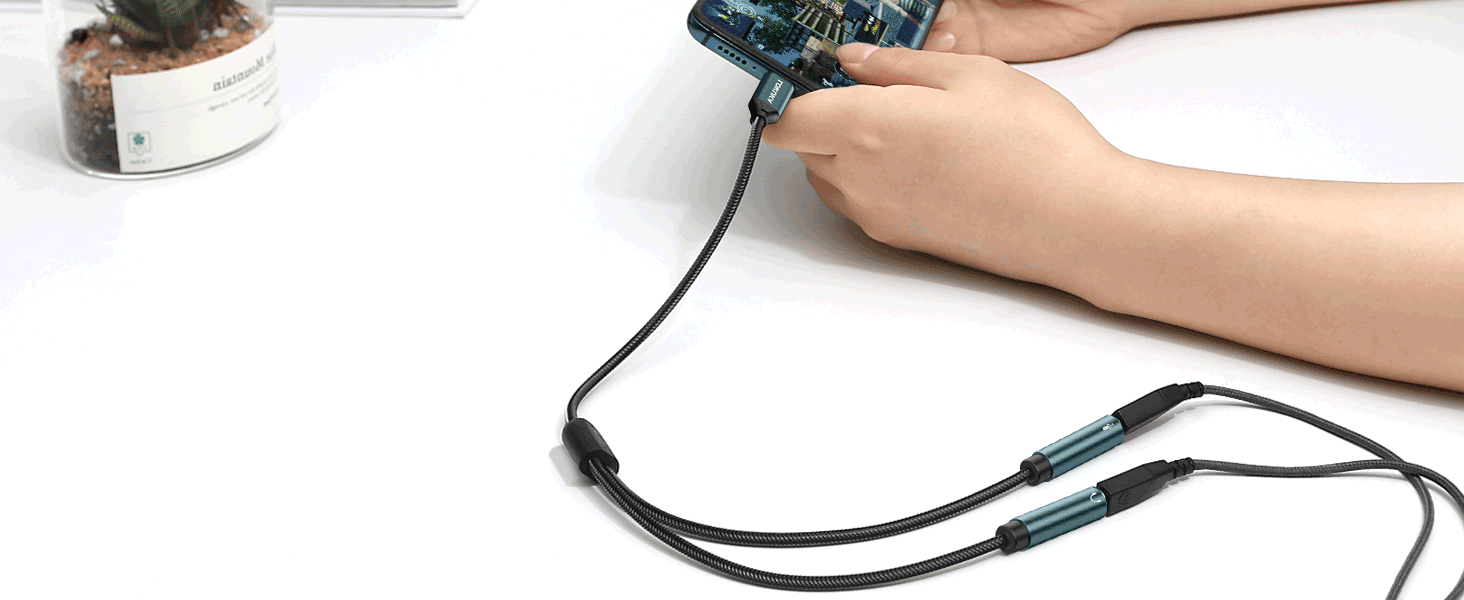
For Playing Games
- An amplifier code was added to improve the audio output, all sound details will be vividly transferred during fighting in your game, with powerful bass, smooth mids, and crisp highs!
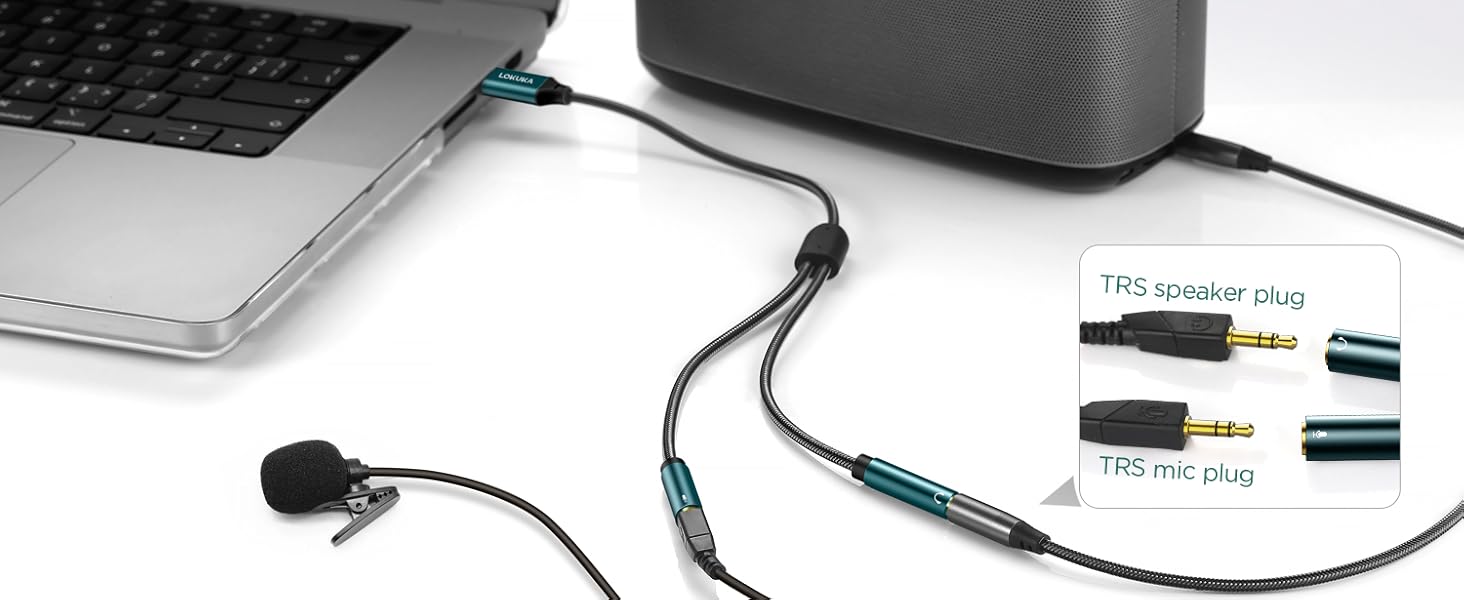
For Online Meetings
- Please make sure both the lav mic and speaker cable plugs are 3.5mm TRS standard (TRS cable plug has 2 black rings).
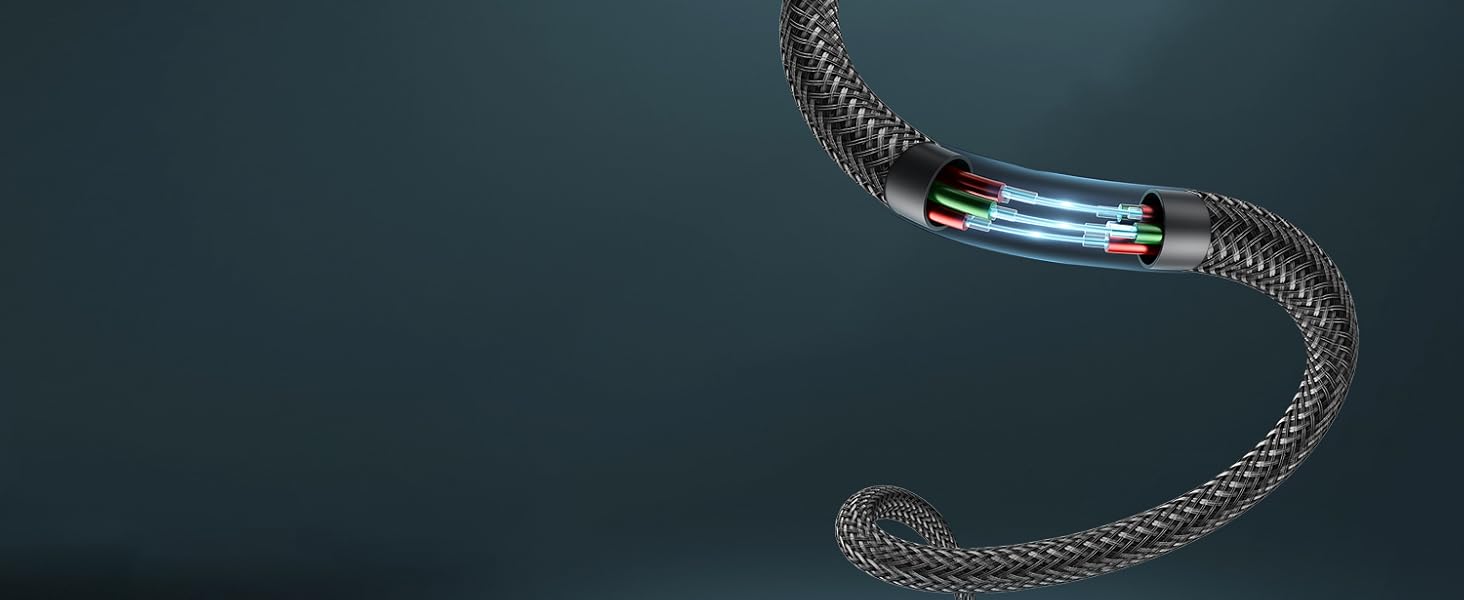
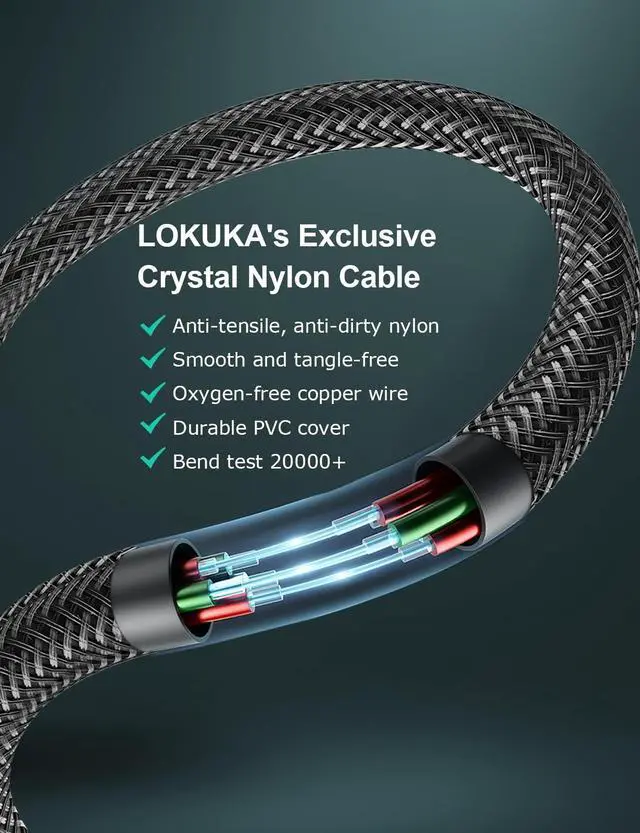
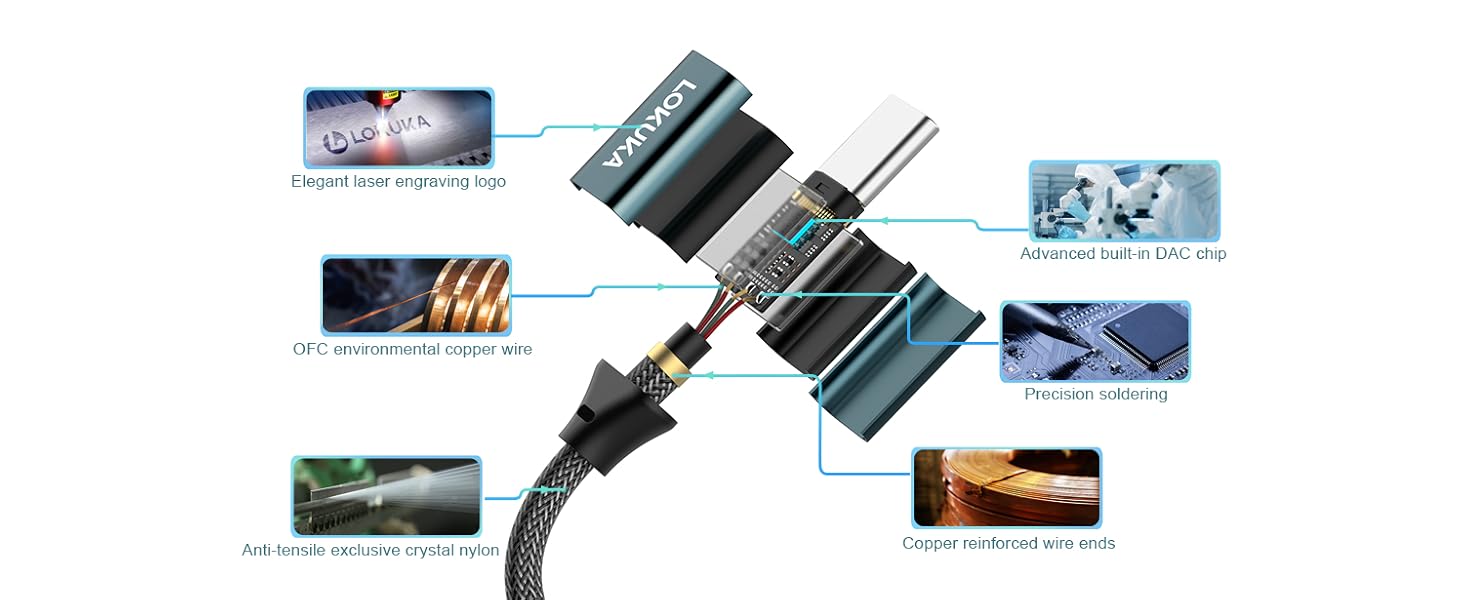
LOKUKA's Exclusive Crystal Nylon Braided Cable
- Anti-tensile, anti-dirty nylon
- Smooth and tangle-free
- Oxygen-free copper wire
- Bend test 20000+

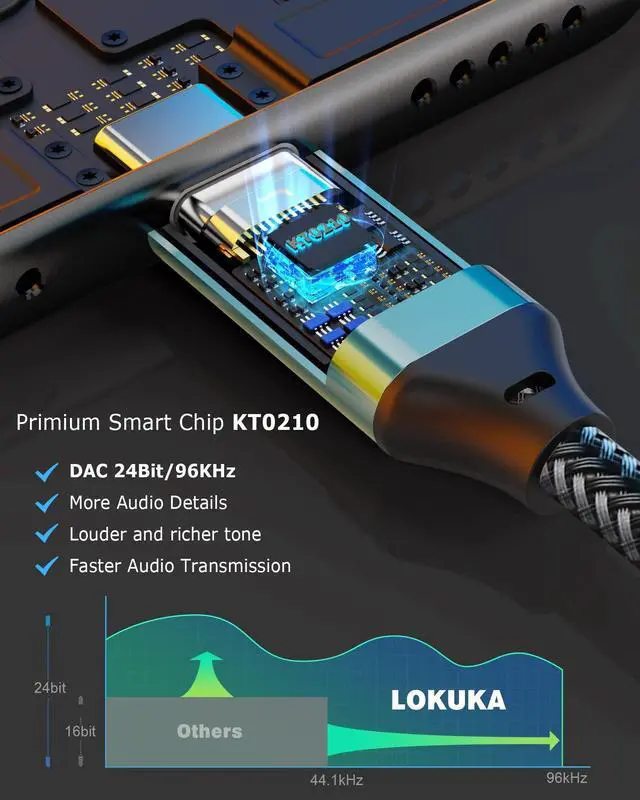
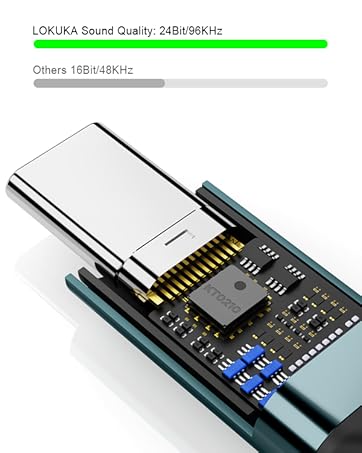
Strong DAC Chip - KT0210
- 24Bit/96KHz
- Louder and Richer Sound
- More Audio Details
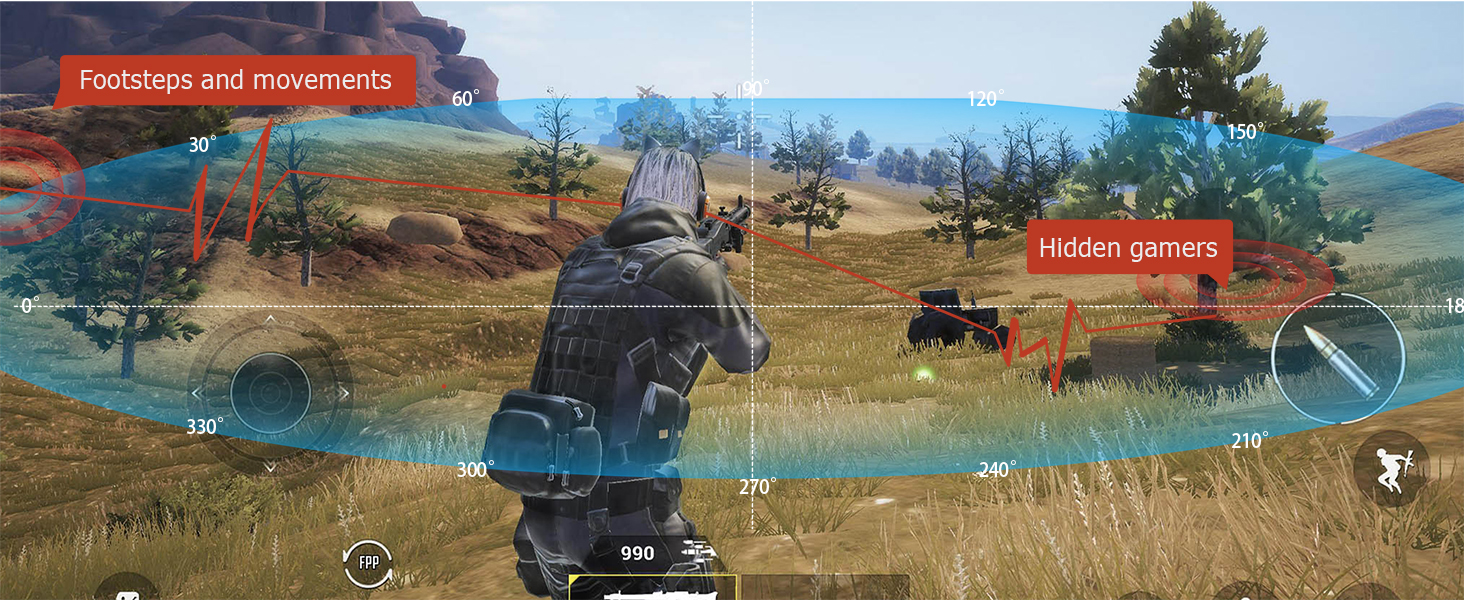
Faster and clearer audio transmission
Track footsteps and move ahead of other players with great accuracy in your game.
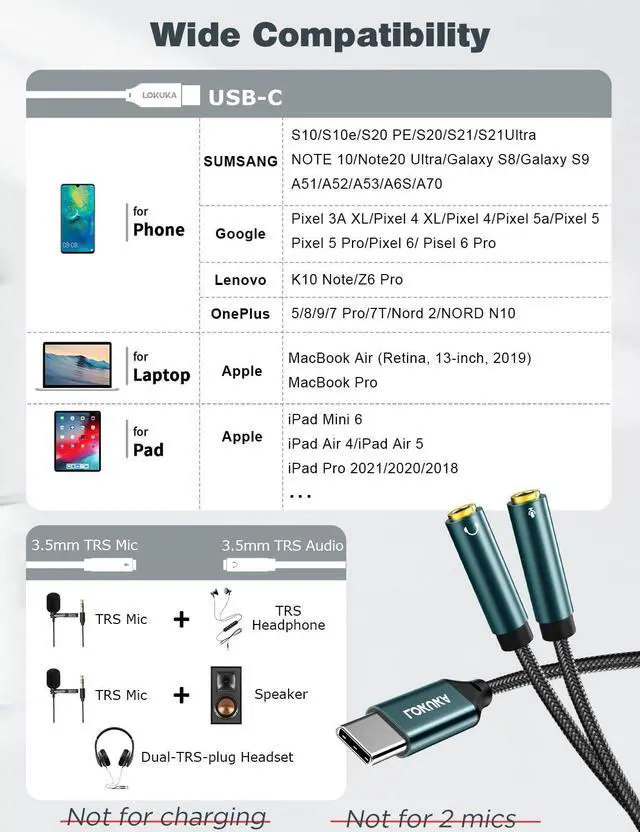
Compatible USB C Devices (updating)
NOTICE:
- This is an audio and microphone splitter, NOT for charging.
- This type c to 3.5mm mic splitter only works for a dual-TRS-plug headset, NOT for two mics or headphones.
- When using the mic, both two headphone/ mic cable plugs should be TRS (TRS cable plug has 2 black rings). NOT work for TRRS mic.
- If your USB-C device has a 3.5mm audio port, it won't support mic and wire control, eg: Galaxy S9/S8/Note 9/Note 8/S10, iPad Pro 11, iPad Pro 2018.
- Our sound range is wide and the volume may be loud, in order to protect your ears, please turn down the volume before playing.
- The correct way to use it: First connect the headphone to the adapter, then connect it to the phone, which can avoid noise when the headset is connected.
- Remove debris and lint from the phone port first, otherwise, audio may cut in and out.
- Need help? Contact LOKUKA's 24-hour friendly support team anytime!
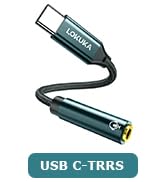
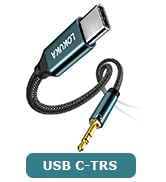
LOKUKA USB-C to 3.5mm Audio Adapters [Comparison]
 USB-C headset Y adapter |  USB-C to 3.5mm Adapter |  USB-C to TRS 3.5mm Aux Cord |
|---|---|---|
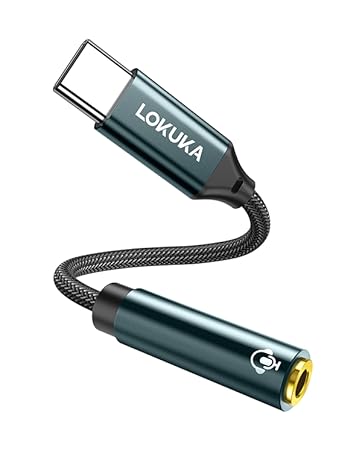
Connector Gender USB-C male to two TRS 3.5mm female ports (one TRS mic jack, one TRS audio jack) | Connector Gender USB-C male to one TRRS 3.5mm female port | Connector Gender USB-C male to TRS 3.5mm male |
Length 12 inch / 30cm | Length 8 inch / 20cm | Length 3.3 feet / 100cm |
Function Audio + Microphone | Function Audio + Microphone | Function Audio Only |
Compatible Devices Double-plugs headsets to one USB-C laptop/cell phone/Pad. | Compatible Devices 3.5mm headphone/speaker/TRRS microphones to USB-C laptop/cell phone/Pad/switch. | Compatible Devices 3.5mm wireless headphone/speaker/car "aux-in" to USB-C laptop/cell phone/Pad. |


About us
- Founded a decade ago as a small audio retailer, we have grown into a specialized brand committed to high-performance connectivity solutions.
- Since establishing our brand in 2021, we’ve built a comprehensive AUX product line supported by advanced materials research and precise engineering.
- We focus on quality, design, and functionality to deliver reliable audio solutions and an exceptional user experience.
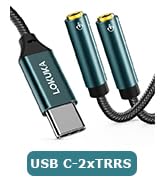
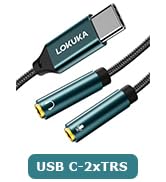
LOKUKA USB-C Audio Adapter
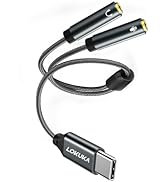
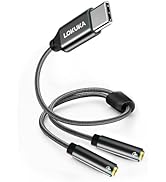
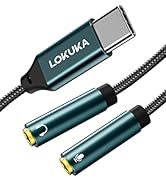
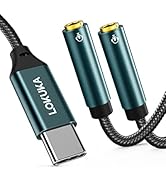
LOKUKA USBC Headphone Splitter
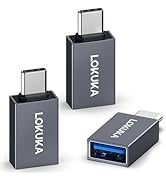
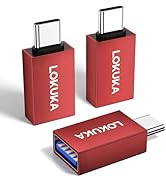
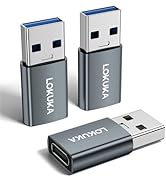

LOKUKA USB-C to USB-A Adapters

LOKUKA USB-C to 3.5mm Headset Y adapter
- USB-C male to two TRS 3.5mm female ports (one TRS mic jack, one TRS audio jack)
- Great for connecting your dual-plug headset to USB-C laptop/cell phone/Pad.
for Livestreams
For Playing Games
For Online Meetings


- For dual-plug headset to a smartphone, supports both speaking and listening.
- Built-in high integration and low consumption chip, your live streams or online classes will be smoother!
- An amplifier code was added to improve the audio output, all sound details will be vividly transferred during fighting in your game, with powerful bass, smooth mids, and crisp highs!
- Please make sure both the lav mic and speaker cable plugs are 3.5mm TRS standard (TRS cable plug has 2 black rings).
LOKUKA's Exclusive Crystal Nylon Braided Cable
- Anti-tensile, anti-dirty nylon
- Smooth and tangle-free
- Oxygen-free copper wire
- Bend test 20000+
Strong DAC Chip - KT0210
- 24Bit/96KHz
- Louder and Richer Sound
- More Audio Details
Faster and clearer audio transmission
Track footsteps and move ahead of other players with great accuracy in your game.


Compatible USB C Devices (updating)
| SUMSANG | S10/S10e/S20 PE/S20/S21/S21/S22 Ultra NOTE 10/Note20 Ultra/Galaxy S8/Galaxy S9 A51/A52/A53/A6S/A70 |
|---|---|
| Pixel 3A XL/Pixel 4 XL/Pixel 4/Pixel 5a/Pixel 5 Pixel 5 Pro/Pixel 6/ Pisel 6 Pro | |
| OnePlus | 5/8/9/7 Pro/7T/Nord 2/NORD N10 |
| SONY | 10Plus/XPERIA 1/XPERIA 8/XPERIA5 |
| Laptop | MacBook Air 2021/2020/2019, MacBook Pro 2022/2021/2020/2019 |
| Pad | iPad Mini 6 iPad Air 4/iPad Air 5 iPad Pro 2021/2020/2018 |
| HUAWEI | Mate 10/Mate 10/Mate 20/Mate 30/P20/P20 Pro/P30 |
| Lenovo | K10 Note/Z6 Pro |
NOTICE:
- This is an audio and microphone splitter, NOT for charging.
- This type c to 3.5mm mic splitter only works for a dual-TRS-plug headset, NOT for two mics or headphones.
- When using the mic, both two headphone/ mic cable plugs should be TRS (TRS cable plug has 2 black rings). NOT work for TRRS mic.
- If your USB-C device has a 3.5mm audio port, it won't support mic and wire control, eg: Galaxy S9/S8/Note 9/Note 8/S10, iPad Pro 11, iPad Pro 2018.
- Our sound range is wide and the volume may be loud, in order to protect your ears, please turn down the volume before playing.
- The correct way to use it: First connect the headphone to the adapter, then connect it to the phone, which can avoid noise when the headset is connected.
- Remove debris and lint from the phone port first, otherwise, audio may cut in and out.
- Need help? Contact LOKUKA's 24-hour friendly support team anytime!
LOKUKA USB-C to 3.5mm Audio Adapters [Comparison]
About us
- Founded a decade ago as a small audio retailer, we have grown into a specialized brand committed to high-performance connectivity solutions.
- Since establishing our brand in 2021, we’ve built a comprehensive AUX product line supported by advanced materials research and precise engineering.
- We focus on quality, design, and functionality to deliver reliable audio solutions and an exceptional user experience.
LOKUKA USB-C Audio Adapter
LOKUKA USBC Headphone Splitter
LOKUKA USB-C to USB-A Adapters