






Is the MU5000 microphone compatible with Xbox systems?
No,The MU5000 microphone does not compatible with Xbox systems.It is compatible with Windows & Mac & Laptop & PS4 & PS5 systems.Android device(Please enable the OTG function from the settings)
How do I adjust the 8 RGB lighting modes of the MU5000 microphone?
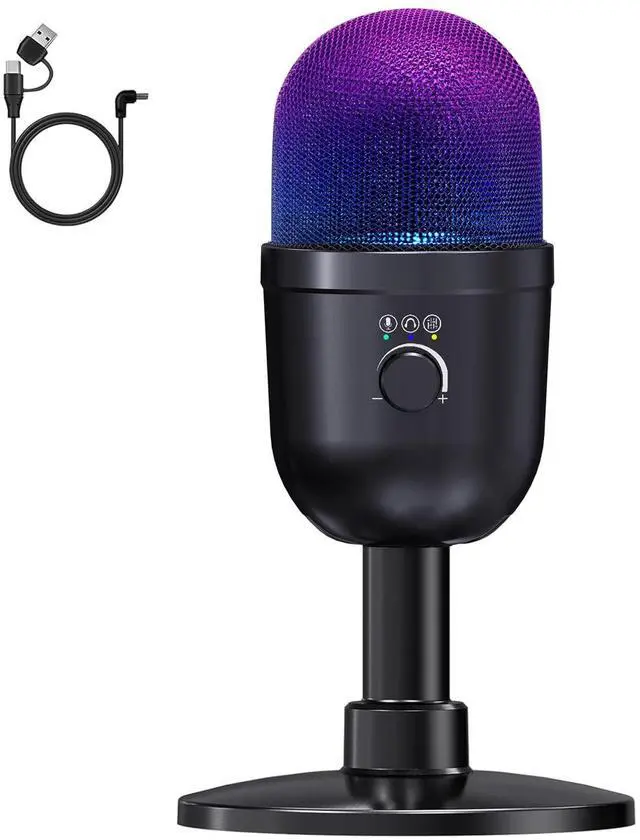
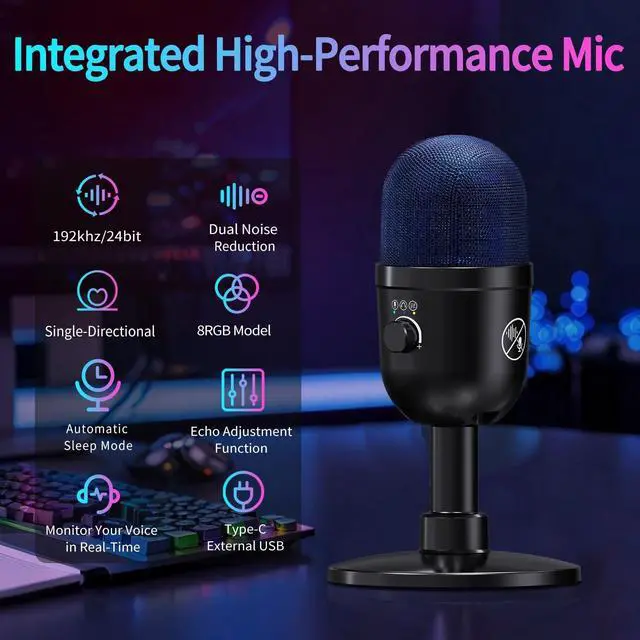
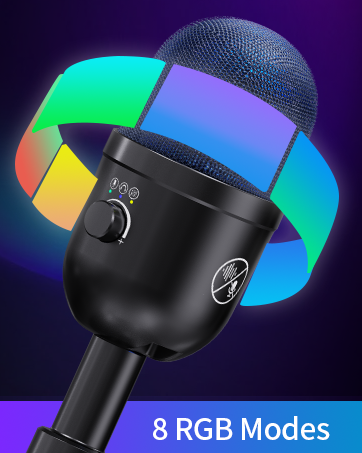
The MU5000 microphone equipment with 8 RGB lighting modes.Double-click the volume button to switch the RGB light mode,by drip sound prompts.
How to quickly enter the mute mode and activate the system of the MU5000 microphone?
Simply touch the mute button with to One-click to mute, press any button to unmute and return to the state before entering hibernation.
How do I adjust the noise reduction function of MU5000 microphone?
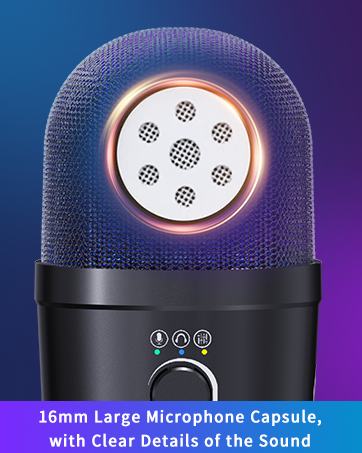
Long press the noise reduction button,by RGB lighting and drip sound prompts.Switch between normal noise reduction(Green),deep noise reduction(Blue),disabling noise reduction(Yellow).
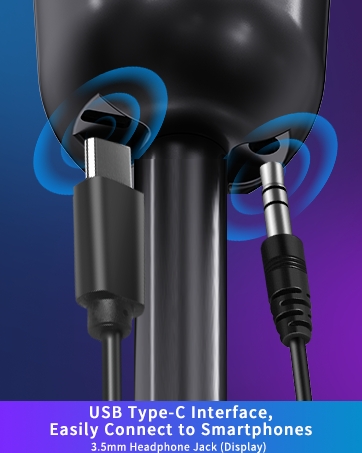
What is the purpose of the USB Type-C port and 3.5mm headphone jack at the bottom of MU5000 microphone?
The USB Type-C interface at the bottom enables a quick connection for smartphones and also serves as an audio interface for 3.5mm headphones,Implement no-delayed listening.


LRUFOB believes true tone begins with craft
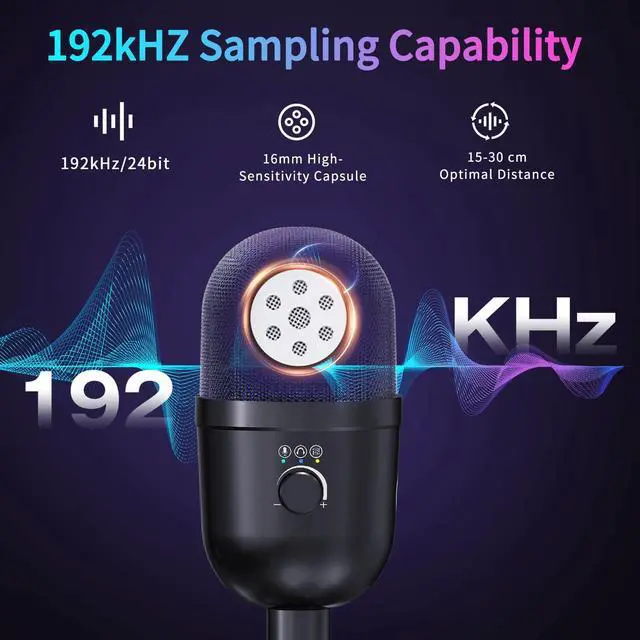
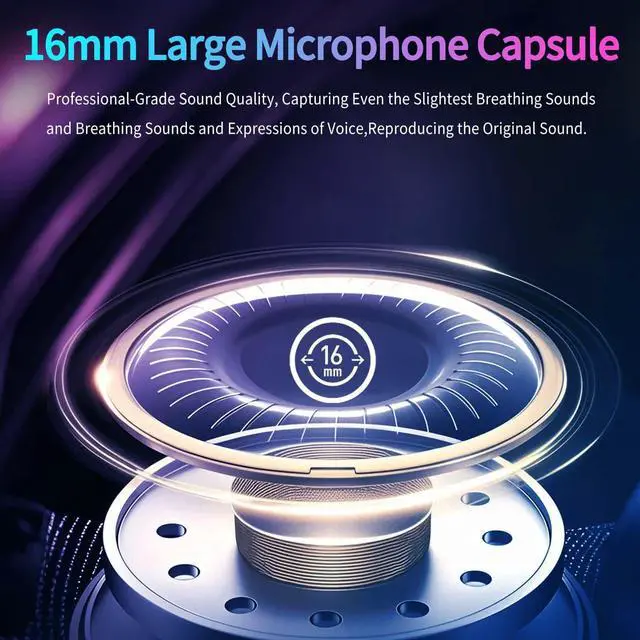
Decades of pro audio engineering. Our microphone feature 192KHz Hi-Fi and pro mixers, crafted to make your voice more captivating and crystal clear.
We are committed to earning your trust by putting the power of clear,dependable audio in your hands.



USB microphone


Is the MU5000 microphone compatible with Xbox systems?
No,The MU5000 microphone does not compatible with Xbox systems.It is compatible with Windows & Mac & Laptop & PS4 & PS5 systems.Android device(Please enable the OTG function from the settings)
How do I adjust the 8 RGB lighting modes of the MU5000 microphone?
The MU5000 microphone equipment with 8 RGB lighting modes.Double-click the volume button to switch the RGB light mode,by drip sound prompts.
How to quickly enter the mute mode and activate the system of the MU5000 microphone?
Simply touch the mute button with to One-click to mute, press any button to unmute and return to the state before entering hibernation.
How do I adjust the noise reduction function of MU5000 microphone?
Long press the noise reduction button,by RGB lighting and drip sound prompts.Switch between normal noise reduction(Green),deep noise reduction(Blue),disabling noise reduction(Yellow).
What is the purpose of the USB Type-C port and 3.5mm headphone jack at the bottom of MU5000 microphone?
The USB Type-C interface at the bottom enables a quick connection for smartphones and also serves as an audio interface for 3.5mm headphones,Implement no-delayed listening.
LRUFOB believes true tone begins with craft
Decades of pro audio engineering. Our microphone feature 192KHz Hi-Fi and pro mixers, crafted to make your voice more captivating and crystal clear.
We are committed to earning your trust by putting the power of clear,dependable audio in your hands.
USB microphone