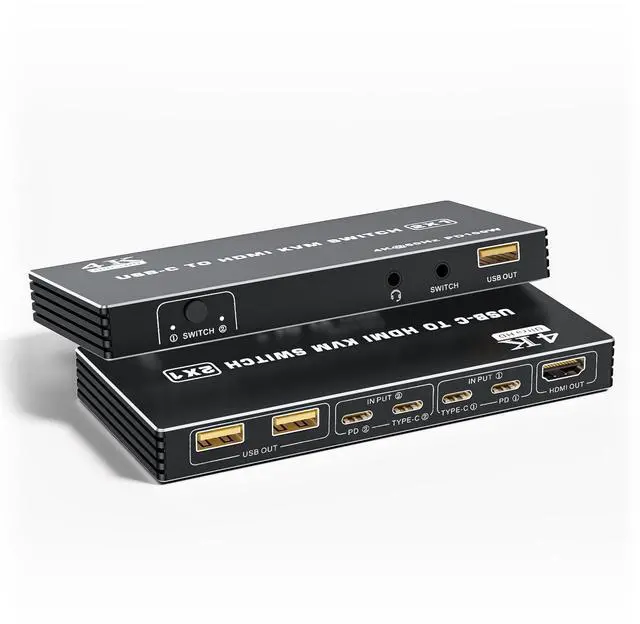
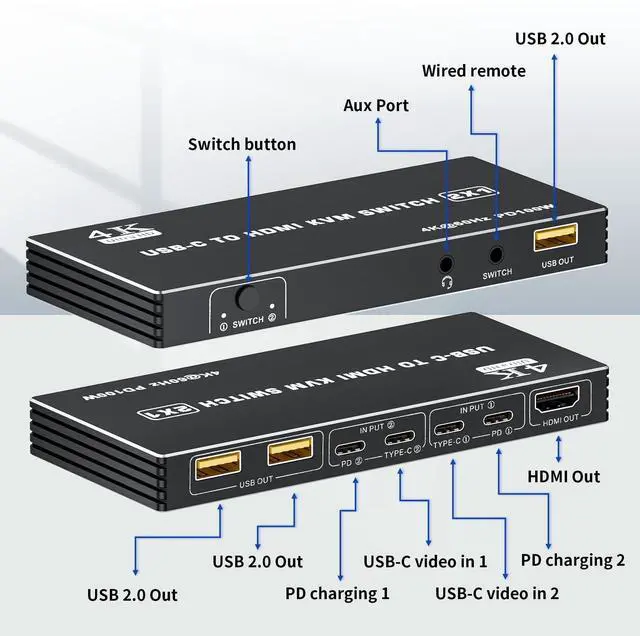
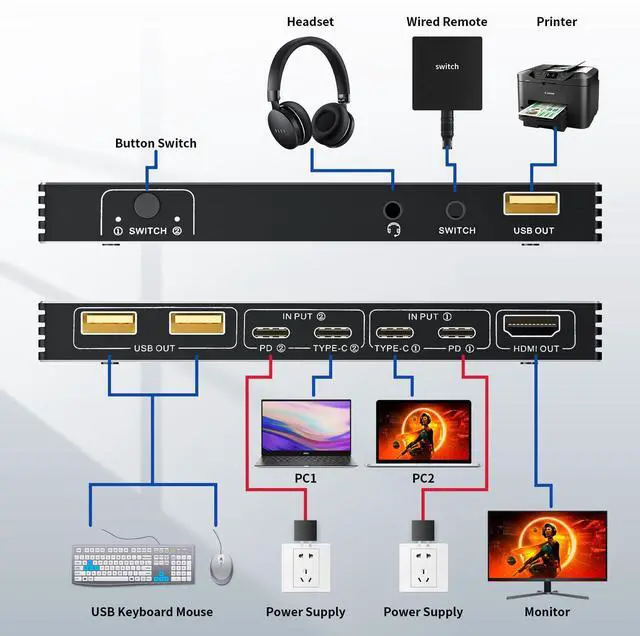
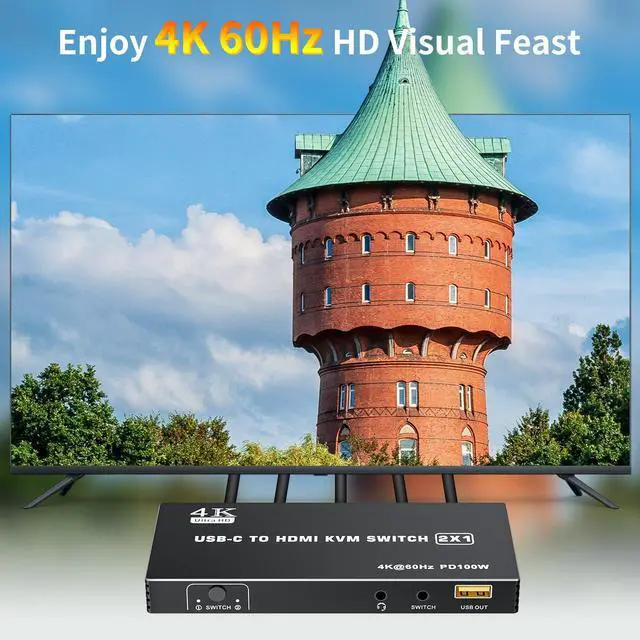
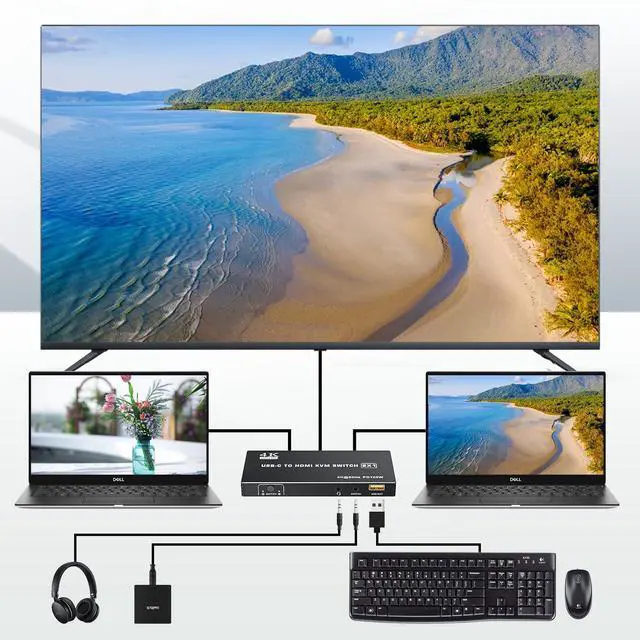
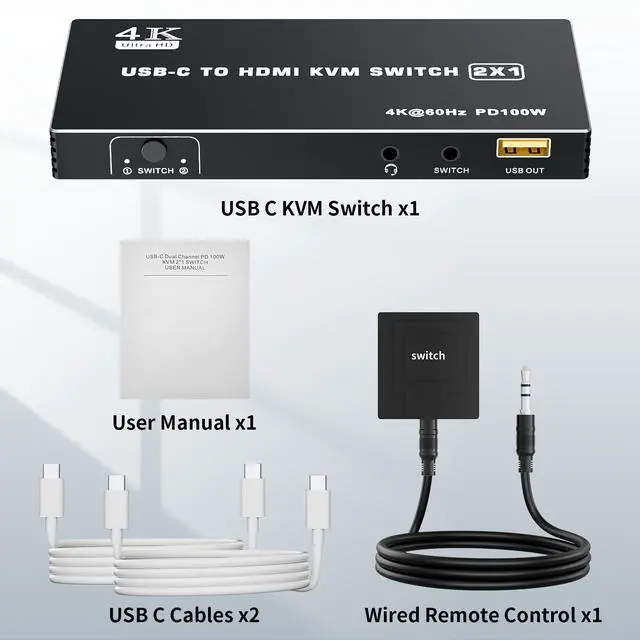
The Dual Port Type C KVM Switch allows you to connect up to 2 PCs or laptops to a single HDMI monitor and control them via a set of keyboard and mouse
Product information
| Color | Black |
| Connector Type | Plug In |
| Brand | Vszerda |
| Manufacturer | Vszerda |
| Product Dimensions | 3.1 x 1.5 x 0.47 inches; 15.84 ounces |
| Item model number | BO14 |
| Date First Available | April 1, 2025 |
| Country of Origin | China |
Additional Features
- Connection Step: Step 1: Connect the power adapter to ensure stable operation; Step 2: Seperately connect the USB-C cable to the IN PUT1 and IN PUT2 IN port ( Note: The PD port is only to power the host PC ); Step 3: Connect the HDMI OUT to the display device; Step 4: Connect the mouse, keyboard, and flash disk to the USB OUT; Step 5: Connect desk wired contoller for quick switching; Step 6: Optionally connect with 3.5mm aux deivces, like headphone, for a more stunning audio experience
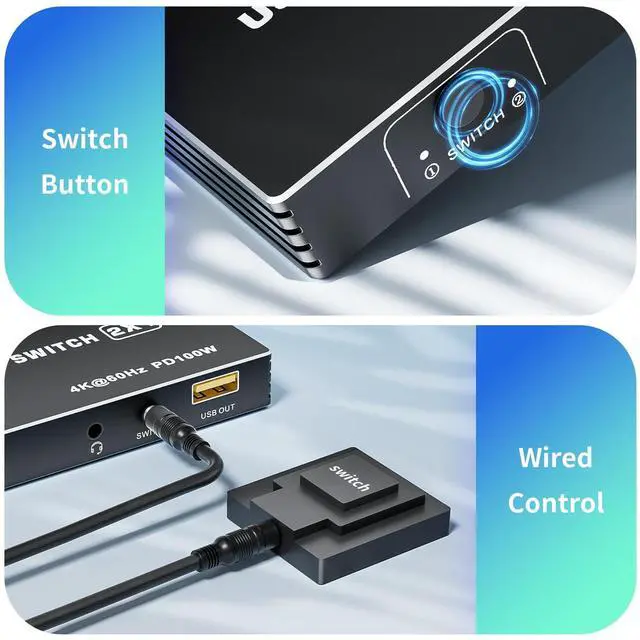
- 2-Methods Switching: By One-Botton switch or desktop controller (included in package) freely switch between 2 USB-C computers, saving space on your desk and sharing your display. The LED indicate the active computer
- Important Note: 1. Wireless mouse and keyboards are not supported; 2. Mechanical keyboards and mice are not supported; The short key switch above the keyboard is not supported; Please make sure that your laptop or tablet supports PD charging and has an additional port for video





 here!
here!