Out of stock
This item is currently out of stock and it may or may not be restocked.
Ships from China.
Most customers receive within 10-17 days.
Shop it at NeweggBusiness.

DisplayPort 1.4 Bi-Directional Splitter, 8K DP 1x2 / 2x1 Switch 8K@30Hz 4K@144Hz Converter for Multiple Source and displays

Limited time offer, ends 03/06 By Luom Electronics Store

  • Features:
  • 1. 8K DP 1.4 Switch: Support 8K@30Hz,4K@120Hz,1080P@240Hz resolution, provide you with transfer rates up to 32.4Gbps and backward compatible with all previous DP standards.
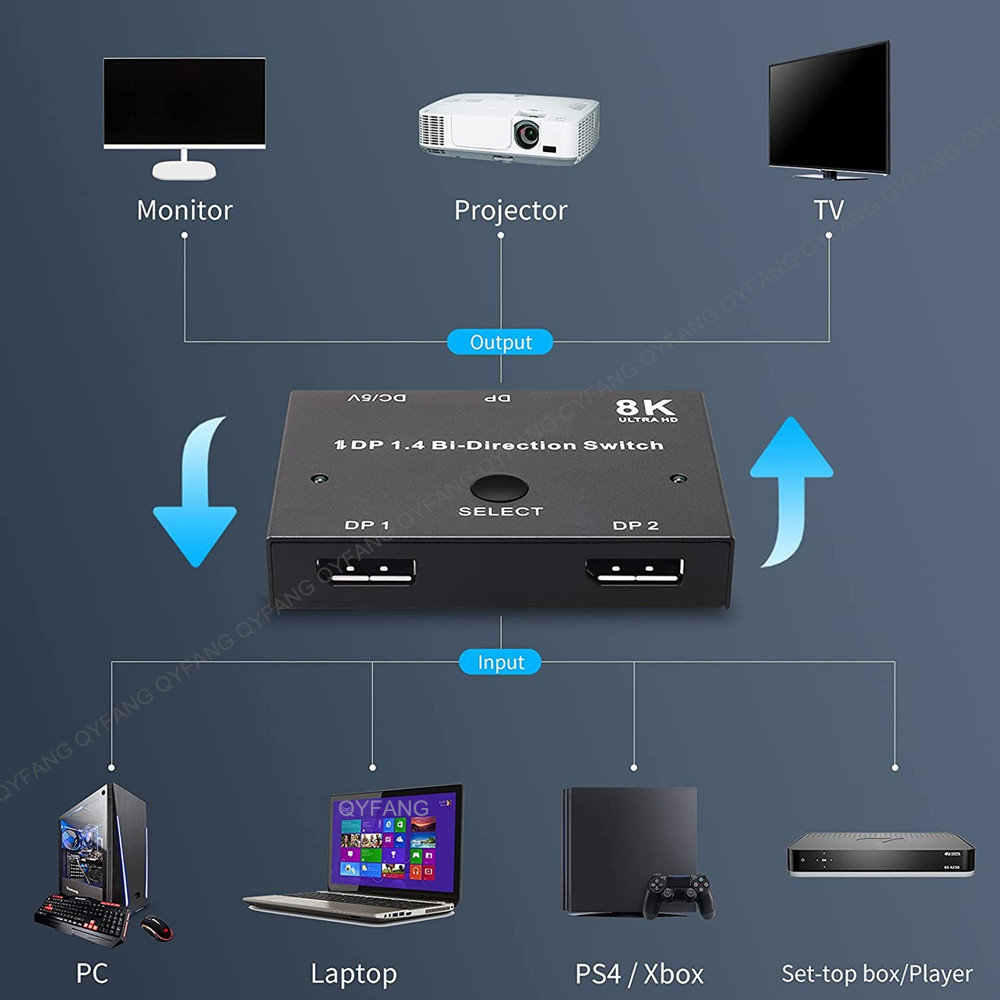
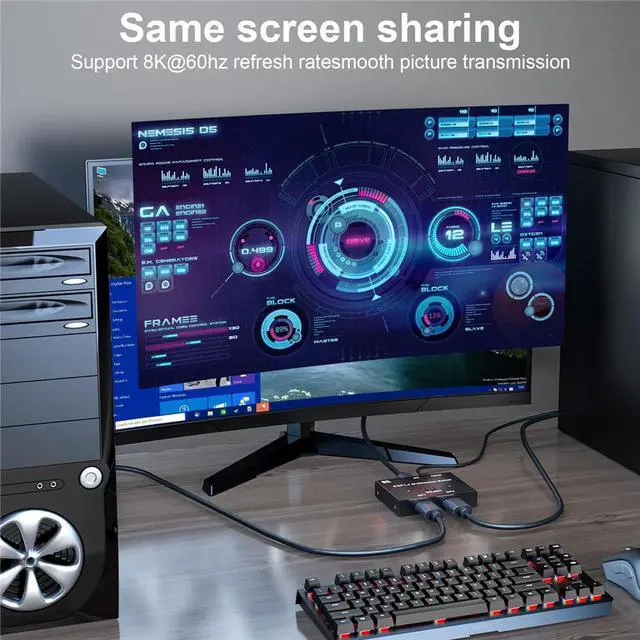
  • 2: The DisplayPort switcher allow you to connect two DP source to one DP display or connect one DisplayPort source to toggle between two displays.
  • 3. External power required, the DP selector box is easy to setup and operate. Note: While using, press "select"Button to switch signal between two sources or displays, the indicator lights show the working status, two displays CANNOT display simultaneously.
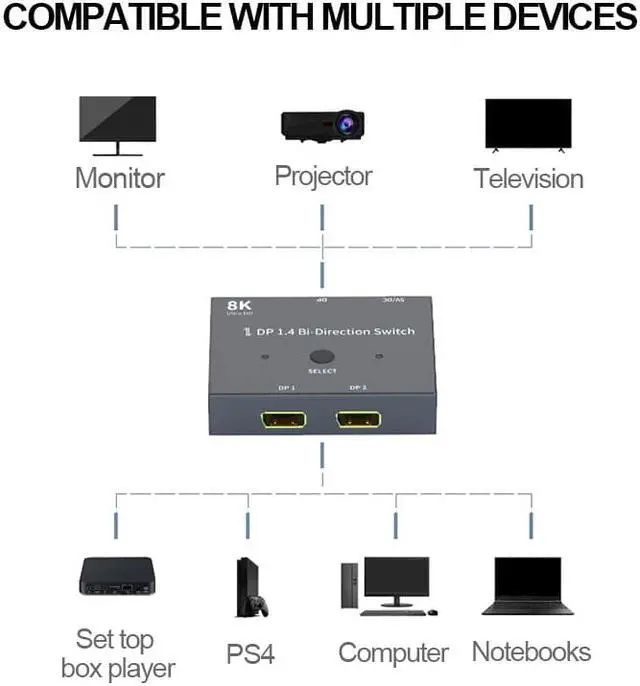
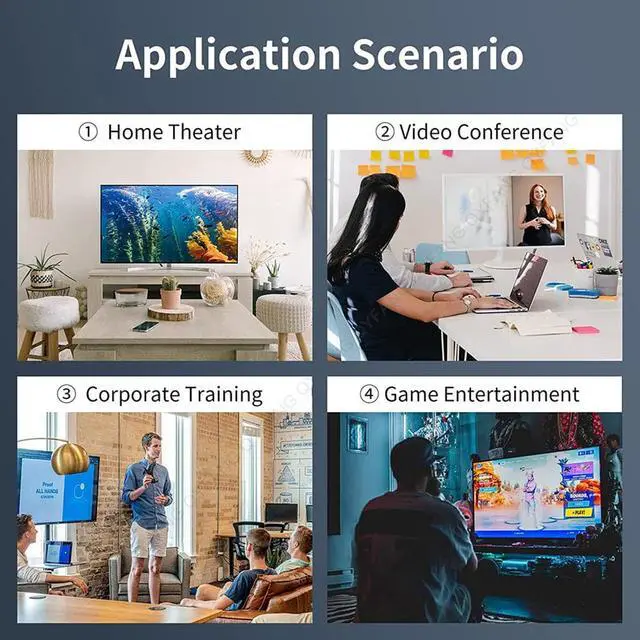
  • 4. This display port switch dual monitor selector box can suitable for DP ports devices, such as PC, Laptop, monitor etc.
  • Bi-direction DP Switch Note:
  • 1.Switch one PC, display shows one PC content
  • 2.Switch other PC, display shows the other PC content
  • 3.One PC is 8K and the other is 4K, then the display is only 4K, means the display depends on the lower one.
  • 4.Two displays CANNOT display simultaneously
Overview
Specs
Reviews
avatar

Any questions? Our AI beta will help you find out quickly.

image for this item

Features:

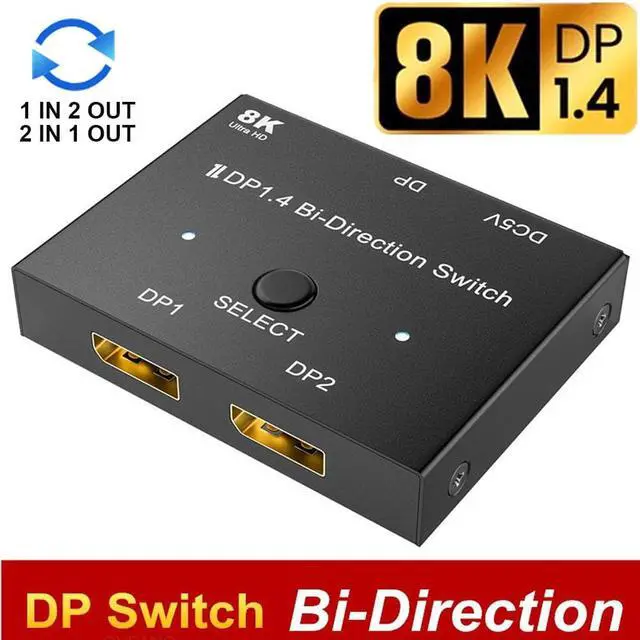
  1. Bi-direction DP Switch: The DisplayPort switcher allow you to connect two DP source to one DP display or connect one DisplayPort source to toggle between two displays.(IMPORTANT NOTE: Two displays CANNOT display simultaneously)
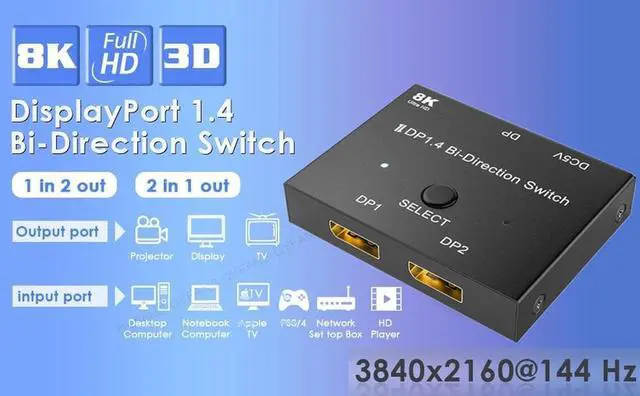
  2. 8K DP 1.4 Splitter: Support 8K@30Hz, 4K@144Hz, 1080P@240Hz resolution, provide you with transfer rates up to 32.4Gbps and backward compatible with all previous DP standards. (You need connect standard DP 1.4 cable to enjoy visual effects)
  3. Plug and Play: External power required, the DP selector box is easy to setup and operate. Simply press the button to swap signal within one second and the indicator lights show the working status.
  4. While connecting to source or display, you must use the usb cable to power the splitter, if you do not power the splitter, your source or display can not show anything.
image for this item

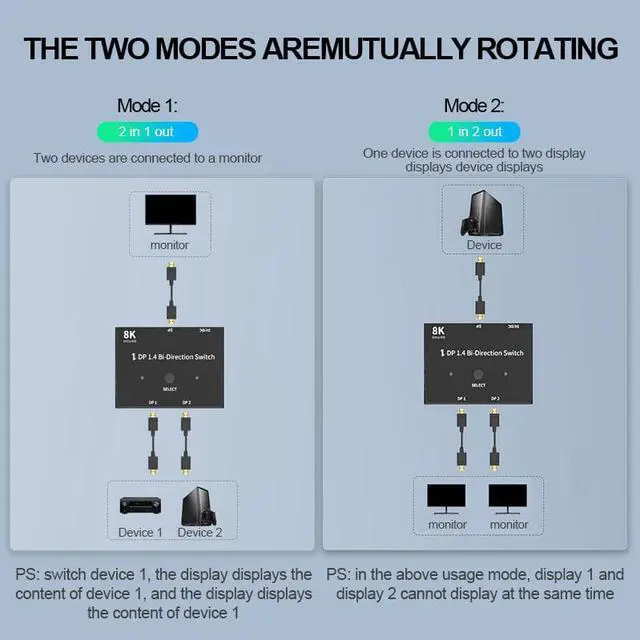
Two Modes:

Mode one(Splitter)
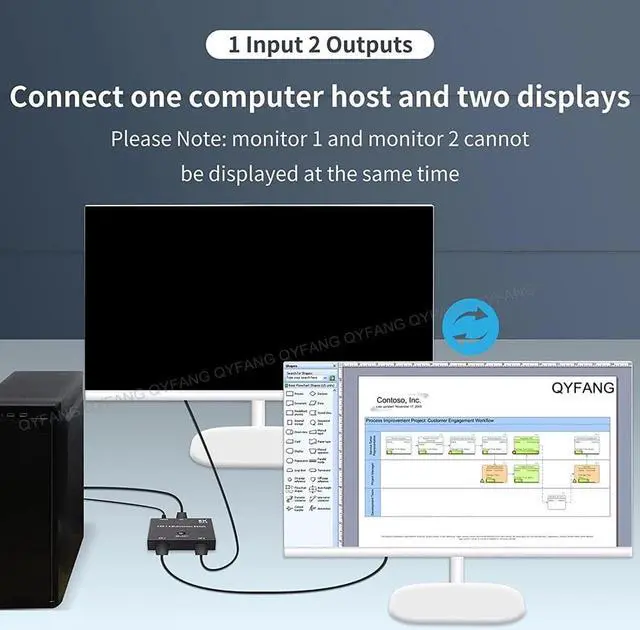
One PC connects two displays

Mode two(Switch)
Two PC connects to a single display

Note: 2 displays can not be displayed at the same time.

Note:

  1. Switch one PC, display shows one PC content.
  2. Switch other PC, display shows the other PC content.
  3. One PC is 8K and the other is 4K, then the display is only 4K, means the display depends on the lower one.
  4. Do not use too long cable(total 3m) for connection between the switcher and your devices, press "Select" button to switch between two displays.
image for this item
image for this item
image for this item
image for this item
image for this item
image for this item
image for this item
image for this item
Features:
1. 8K DP 1.4
Switch: Support 8K@30Hz, 4K@120Hz, 1080P@240Hz resolution, provide you with transfer rates up to 32.4G bps and backward compatible with all previous DP standards.

2: The DisplayPort switcher allow you to connect two DP source to one DP display or connect one DisplayPort source to toggle between two displays.

3. External power required, the DP selector box is easy to setup and operate.
Note: While using, press "select"Button to switch signal between two sources or displays, the indicator lights show the working status, two displays CANNOT display simultaneously.

4. This display port switch dual monitor selector box can suitable for DP ports devices, such as PC, Laptop, monitor etc.


Bi-direction DP Switch Note:
1. Switch one PC, display shows one PC content
2. Switch other PC, display shows the other PC content
3. One PC is 8K and the other is 4K, then the display is only 4K, means the display depends on the lower one.
4. Two displays CANNOT display simultaneously

Warranty & Returns

Warranty, Returns, And Additional Information

Warranty

  • Please contact the Seller directly for warranty information. Warranty information may also be found on the Manufacturer's website.
  • CONTACT

Return Policies

Manufacturer Contact Info

LOADING...