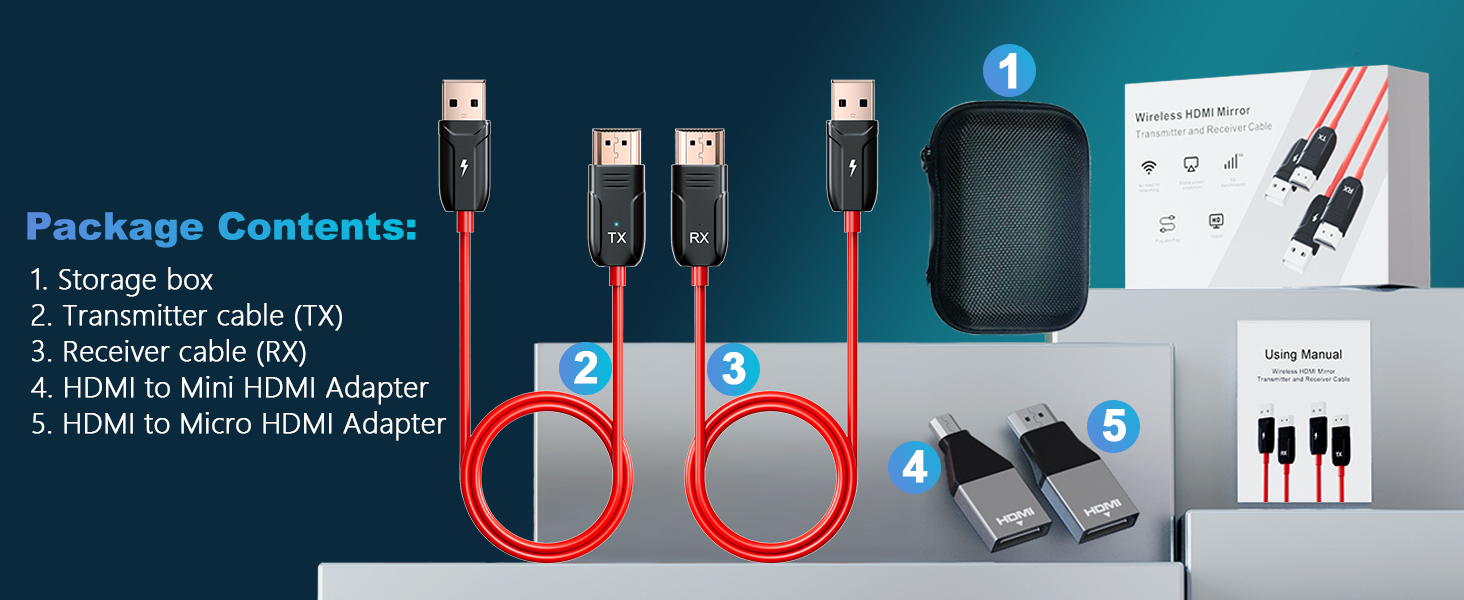
here!
here!
I’m your shopping assistant for PC builds, upgrades, and everything tech.
Got questions? Ask away!
Start a conversation
here!
I’m your shopping assistant for PC builds, upgrades, and everything tech.
Got questions? Ask away!
Start a conversation




Any questions? Ask CelesteSM will help you find out quickly.
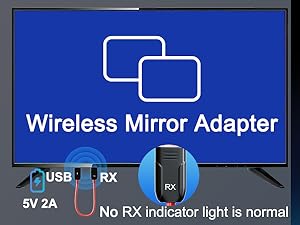
Connect the RX cable to the HDMI input and use a 5V 2A power adapter (Note: The RX device has no indicator light, which is normal).
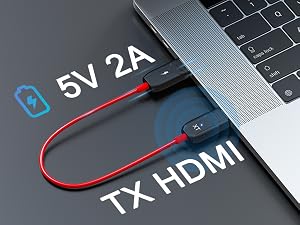
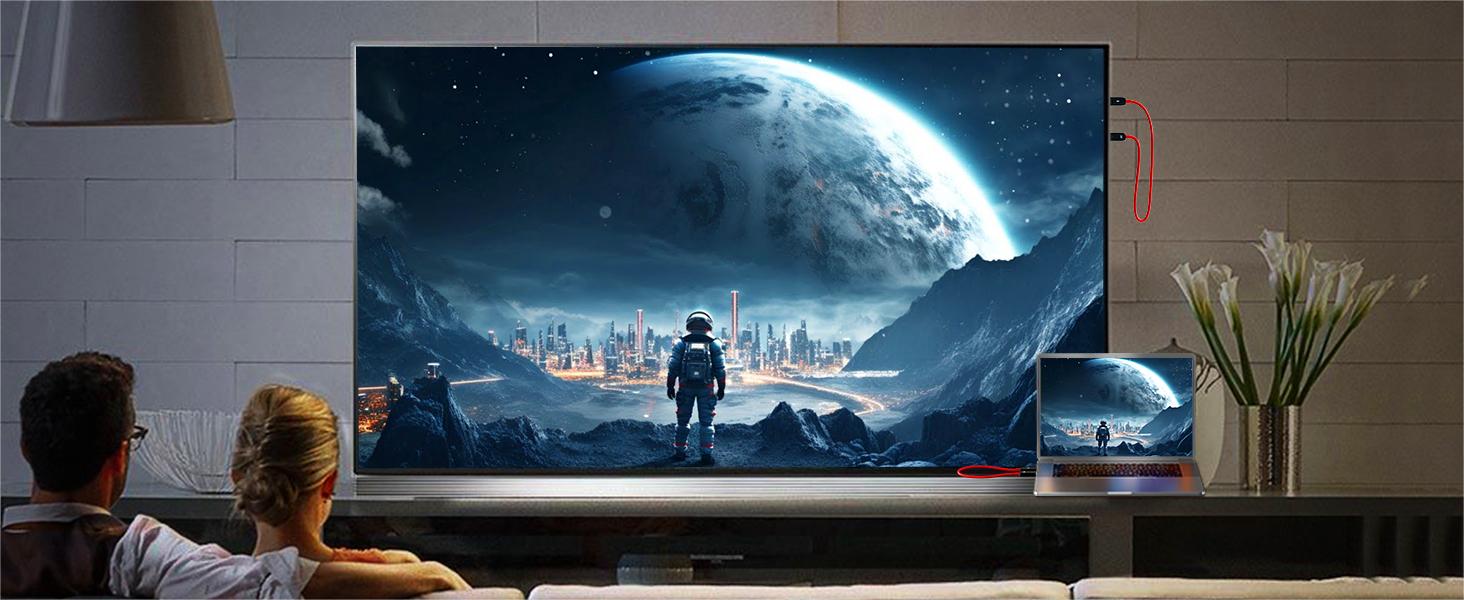
Connect the RX to your TV or other display device. (Note: if the display device has no USB port, connect an additional power adapter for power supply)
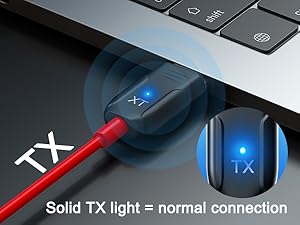
During pairing, the TX LED blinks and stays solid once connected. If "No Signal" appears with a blinking LED, re-pair the devices.
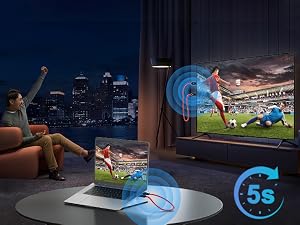
Wait for the automatic streaming to begin after 5 seconds. You can then enjoy clear images and sound.
Does this wireless HDMI extender require power?
Yes, power needs to be supplied from the USB side. If your device does not have a USB port for power supply, an additional power connection is required.
Does this Wireless HDMI Extender Kit support multiple monitors?
No, this Wireless HDMI Extender Kit can only be used one-to-one for now.
What should I do if "No signal..." is displayed on the screen?
1. Make sure there is power on the USB end.
2. Download the "Wireless HDMI re-pairing method.pdf" document from the Product guides and documents on the details page and perform the reset.
My Mac Book doesn't have an HDMI port. Can I use this device?
Yes, you can use this HDMI transmitter with a device that has an HDMI port converter.
Does the product require WiFi to work?
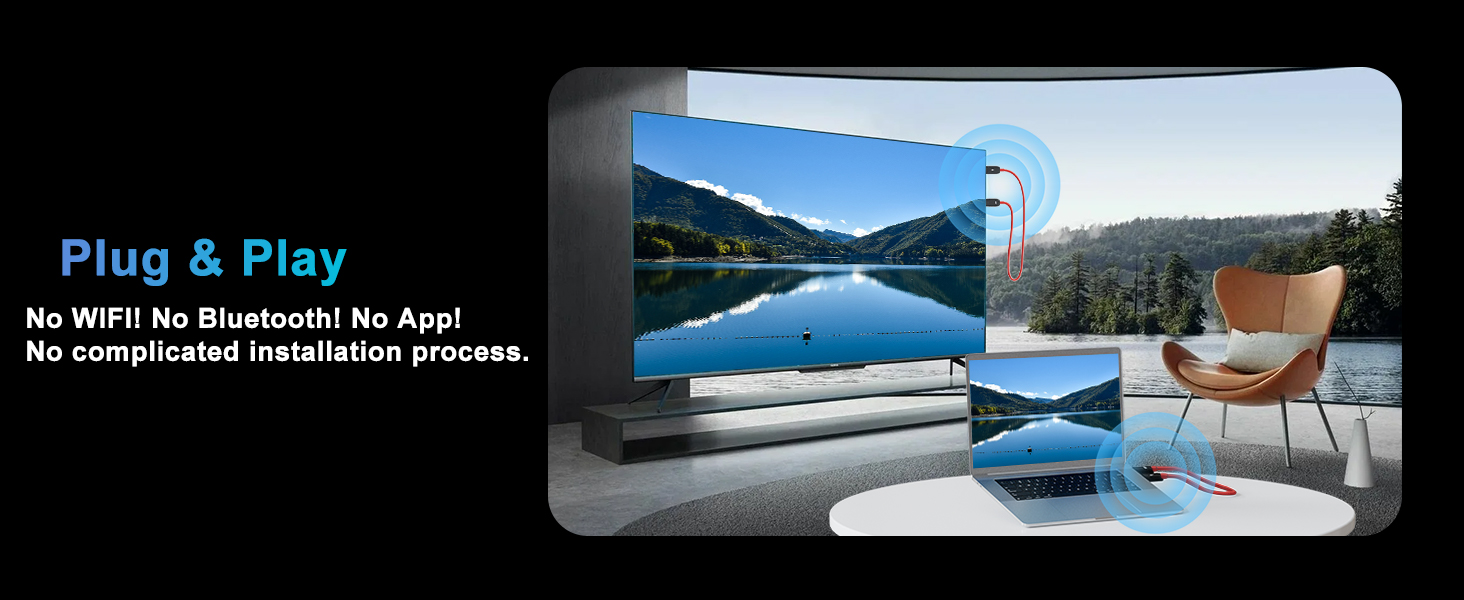
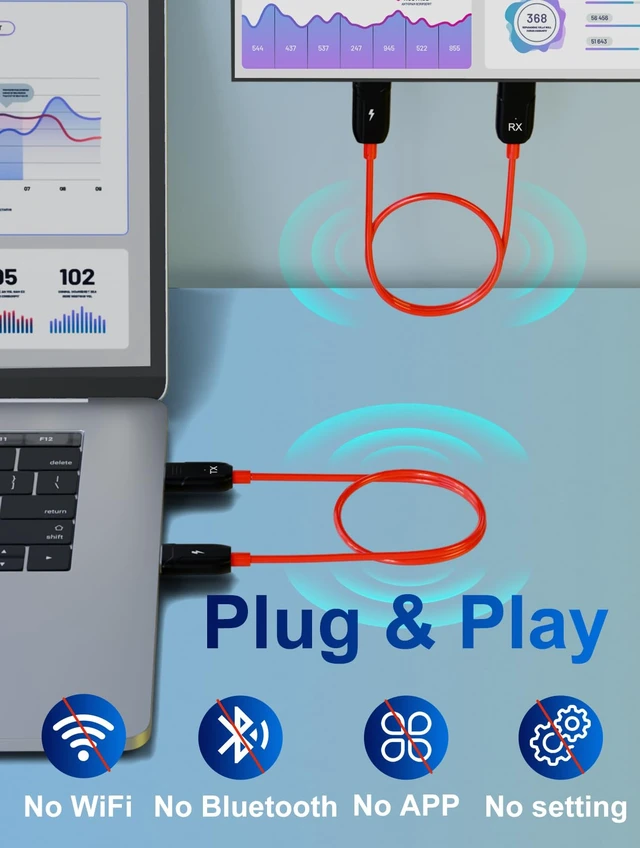
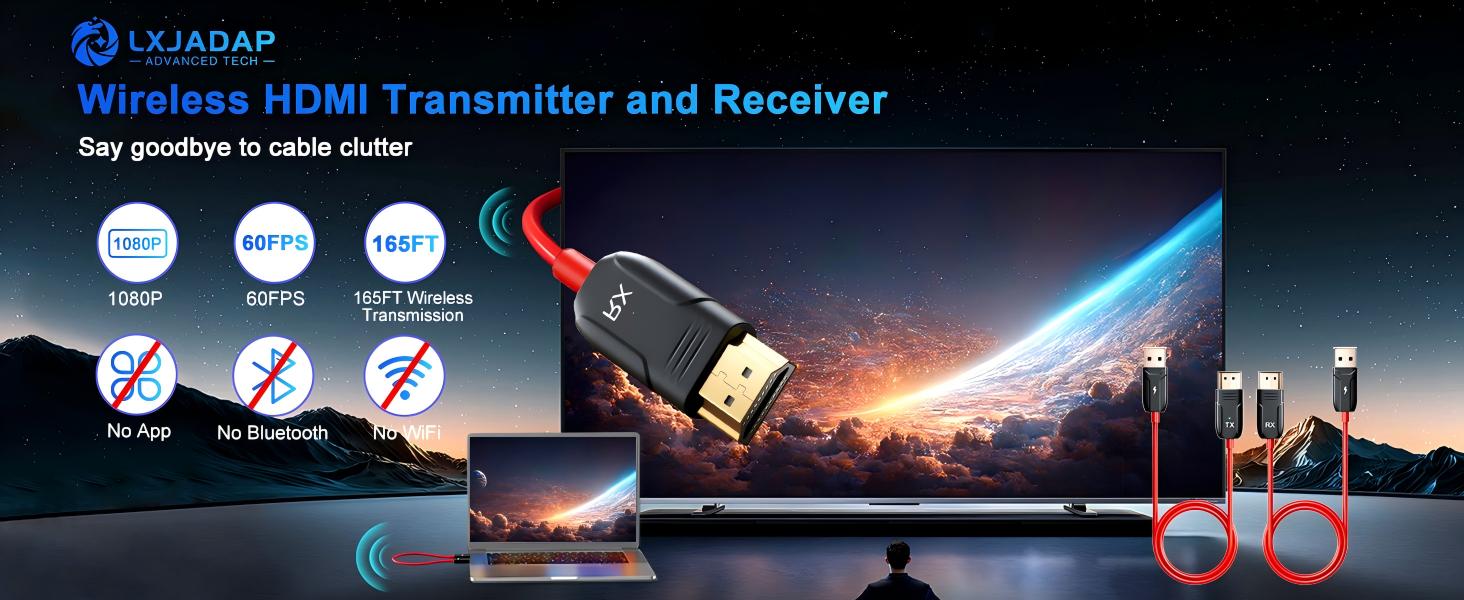
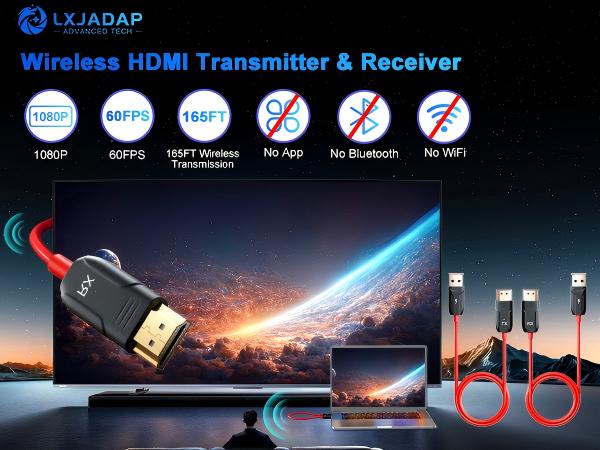
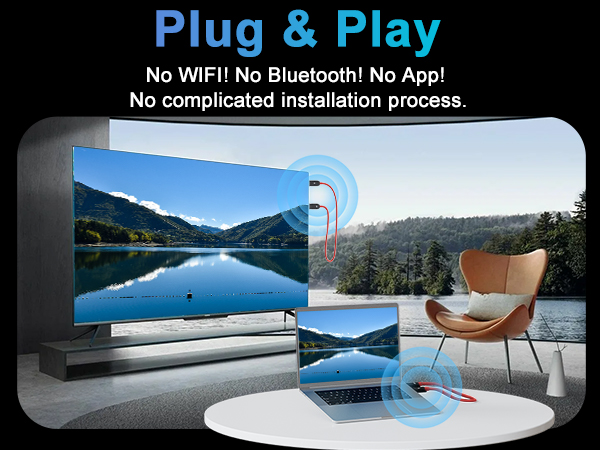
This wireless HDMI transmitter and receiver operate without WiFi. They function through a wireless plug-and-play mechanism. No Bluetooth! No WiFi! No App!

Connect the RX cable to the HDMI input and use a 5V 2A power adapter (Note: The RX device has no indicator light, which is normal).
Connect the RX to your TV or other display device. (Note: if the display device has no USB port, connect an additional power adapter for power supply)
During pairing, the TX LED blinks and stays solid once connected. If "No Signal" appears with a blinking LED, re-pair the devices.
Wait for the automatic streaming to begin after 5 seconds. You can then enjoy clear images and sound.
Does this wireless HDMI extender require power?
Yes, power needs to be supplied from the USB side. If your device does not have a USB port for power supply, an additional power connection is required.
Does this Wireless HDMI Extender Kit support multiple monitors?
No, this Wireless HDMI Extender Kit can only be used one-to-one for now.
What should I do if "No signal..." is displayed on the screen?
1. Make sure there is power on the USB end.
2. Download the "Wireless HDMI re-pairing method.pdf" document from the Product guides and documents on the details page and perform the reset.
My Mac Book doesn't have an HDMI port. Can I use this device?
Yes, you can use this HDMI transmitter with a device that has an HDMI port converter.
Does the product require WiFi to work?
This wireless HDMI transmitter and receiver operate without WiFi. They function through a wireless plug-and-play mechanism. No Bluetooth! No WiFi! No App!
| Color | Red and black |
|---|---|
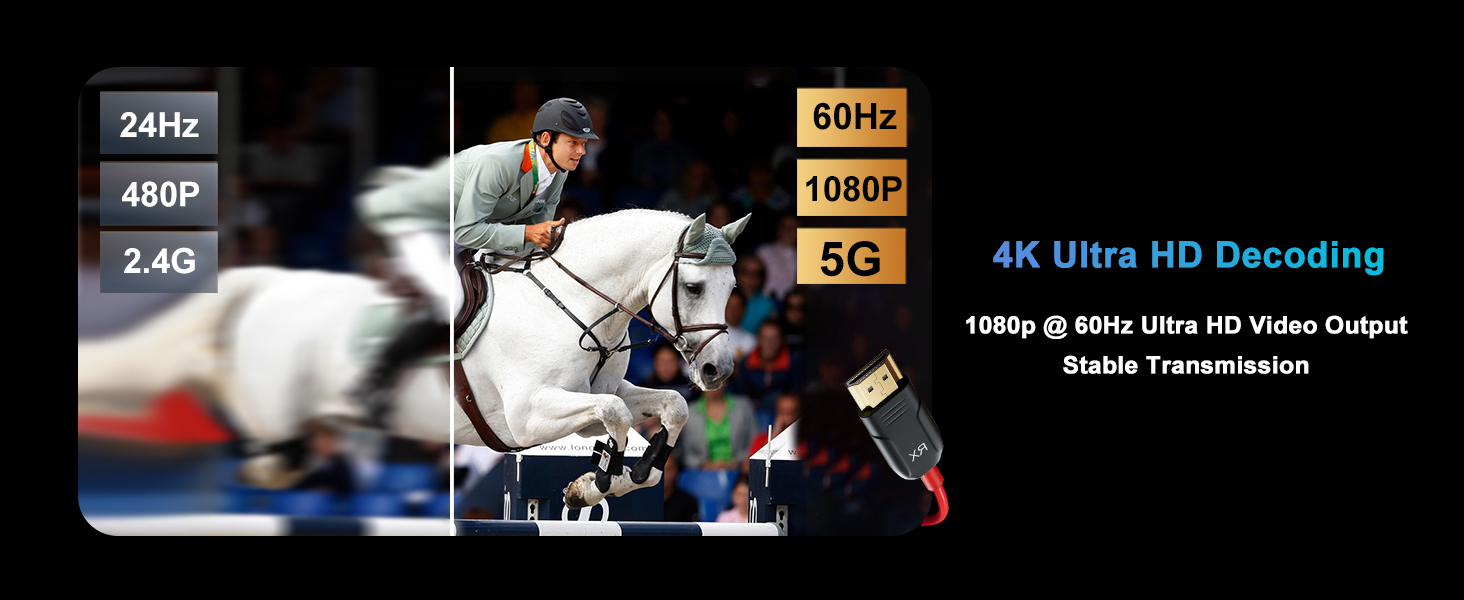
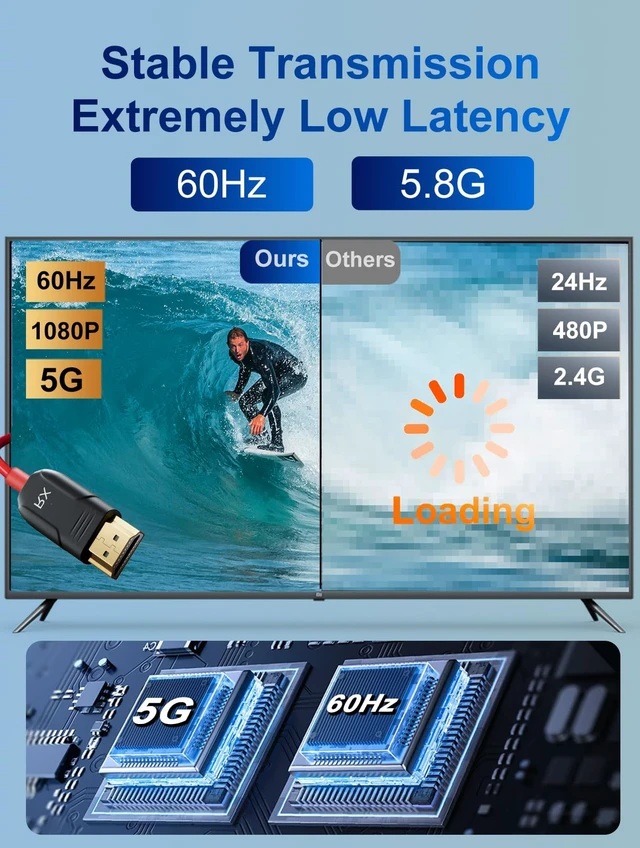
| Resolusion | 1080P@36-60hz |
| Wire length | 25 inches |
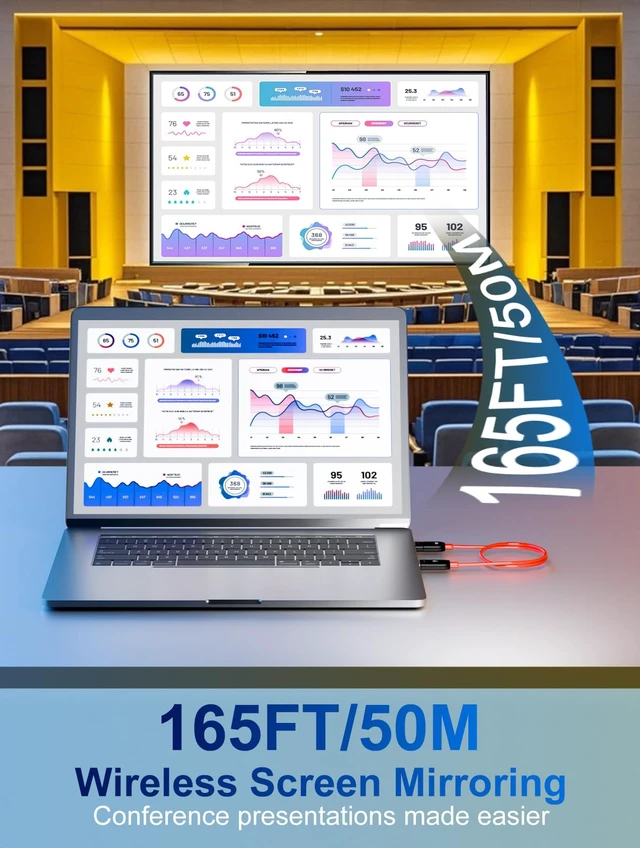
| Transmit distance | 50M / 165FT |
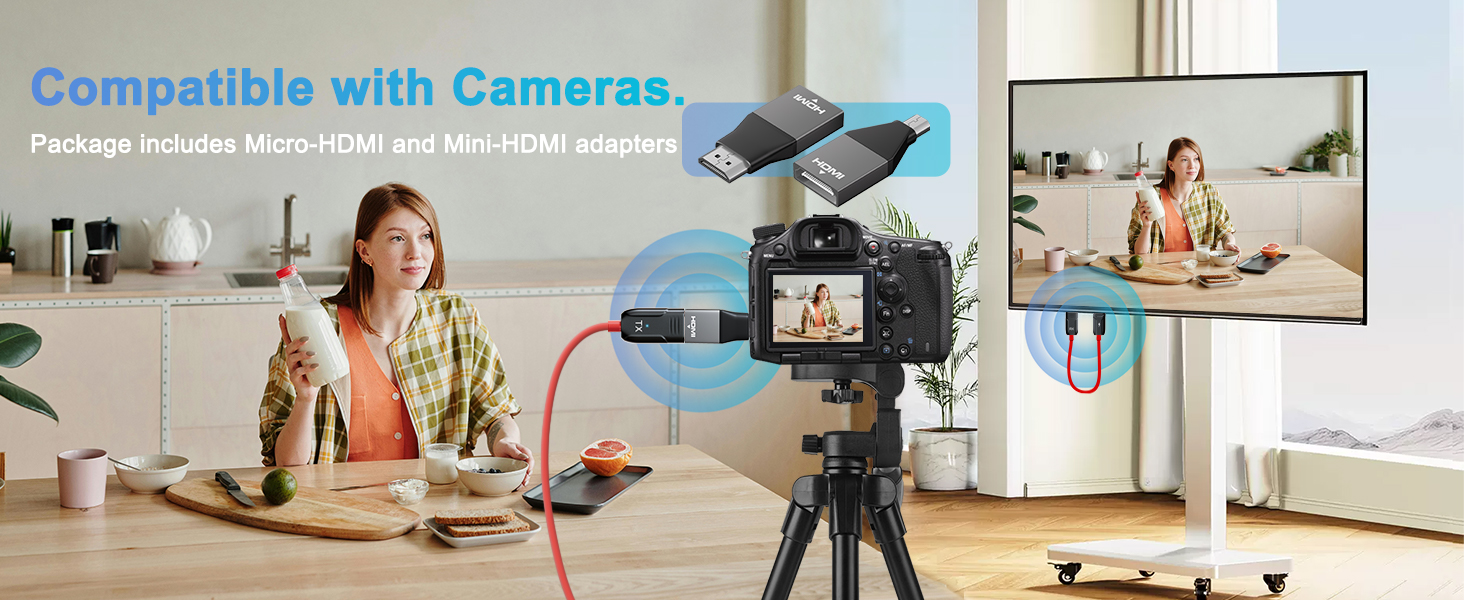
| Port type | HDMI , Mini HDMI , Micro HDMI , USB |
| Support modes | Mirror mode; Extend mode |
| Signal | 5G Wifi |
| Material | Plastic / Rubber |
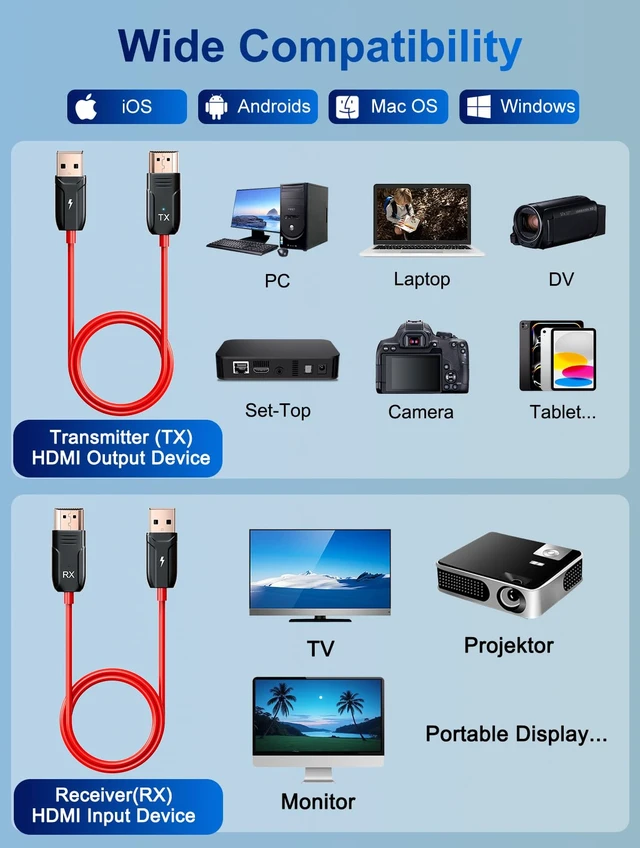
| Input devices | PC, laptop, PS 3/4/5, Xbox, TV box; camera; blue-ray player; DVD; VCD... |
| Output devices | HD TV; monitor; VR, projector... |
| Operating system | Windows; Mac OS; linux... |
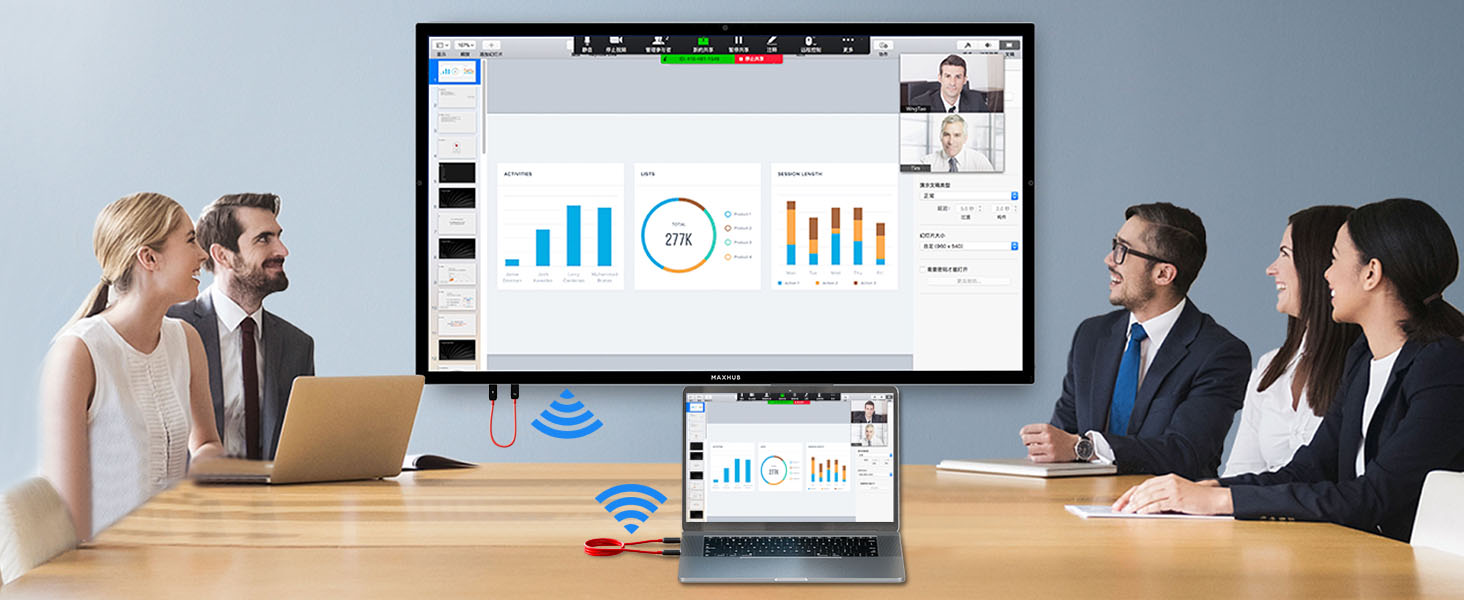
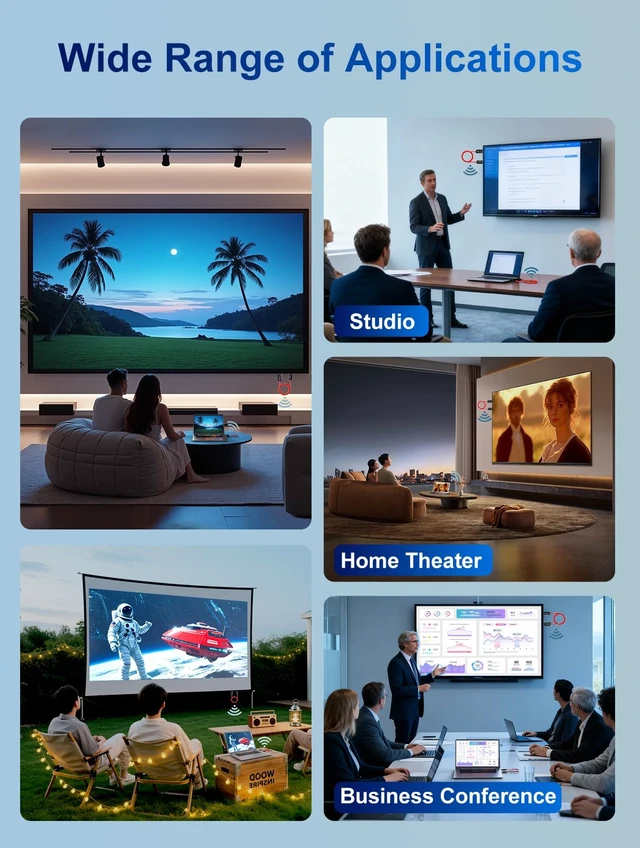
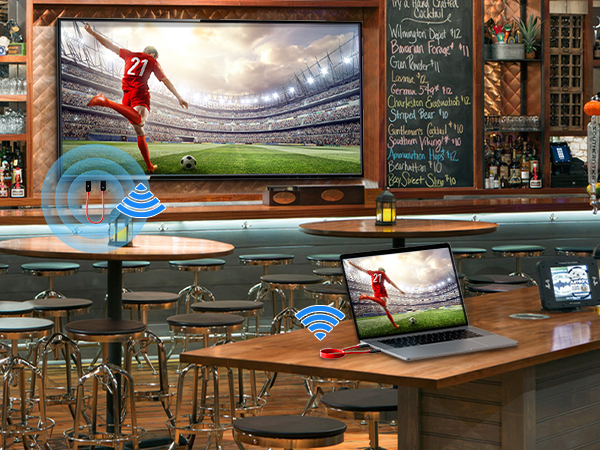
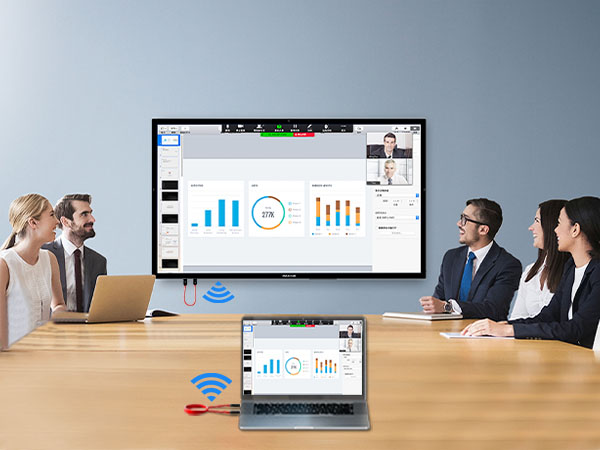
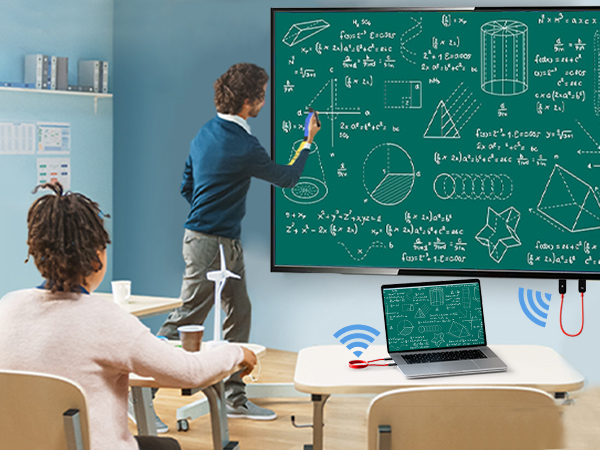
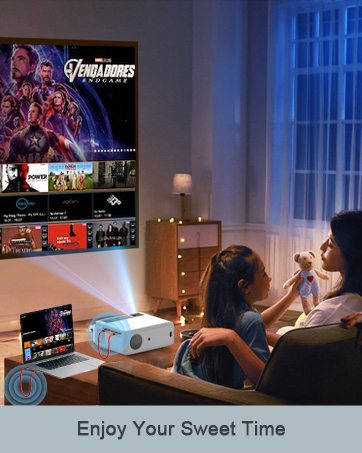
| Applicable scene | Home theater; office; conference room; sports bar; classroom... |


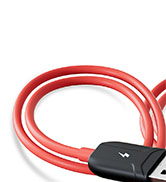
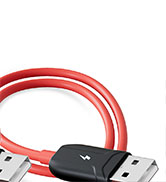
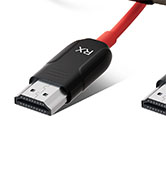
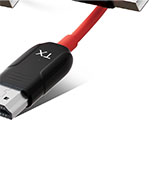
Thank you for purchasing our product.For optimum Summary performance and safty,please Read these instruction With the Wireless HDMI transmitter and receiver carefully before operating the product.Please keep cable ,Support mirroring of what is display on your Laptop/this manual.
For future reference.
Summary
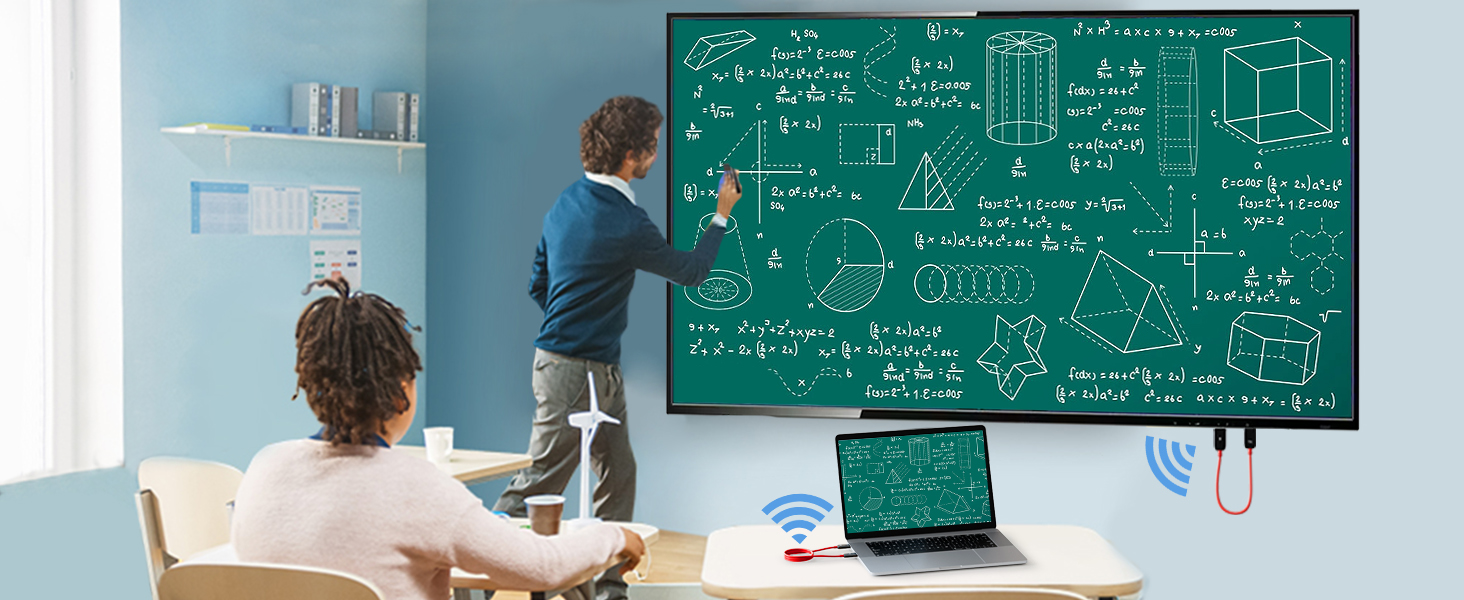
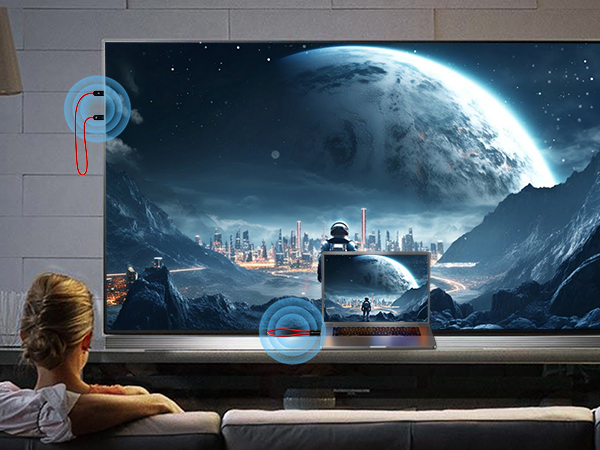
With the Wireless HDMI Mirror transmitter and receiver cable ,Support mirroring of what is display on your Laptop/Carmera/Smartphone to TV/Projector/Monitor. Through the point to point connection between transmitter and receivere by WIFI 5G.
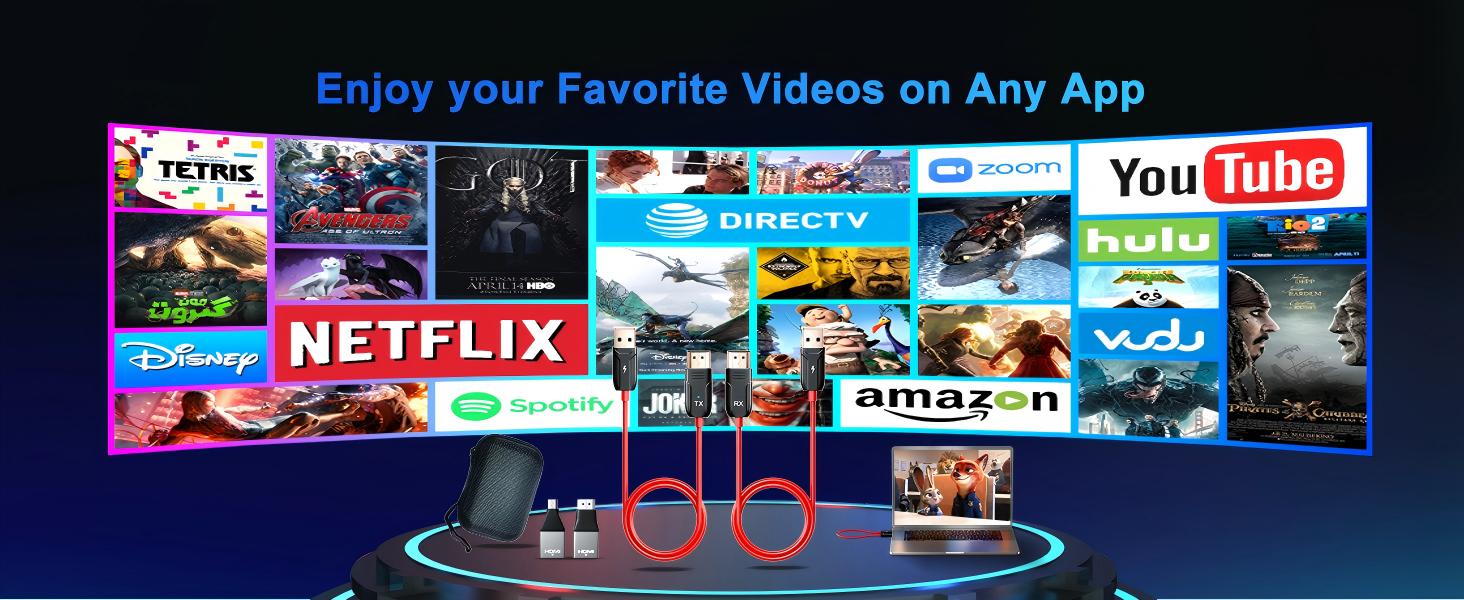
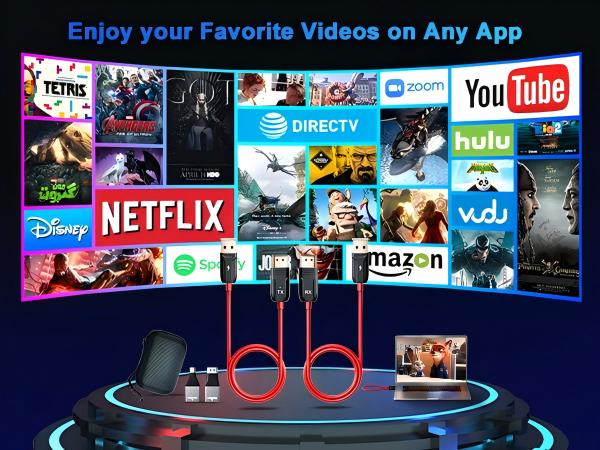
Support YouTube/Netflix/Amazon /Hulu/Dirctv Prime videos/Twitter/Instagram/Pinterest from small screen to big screen.
Support Windows/Mac OS/Android Systerm
No Need APP,Just Plug and Play
How to use
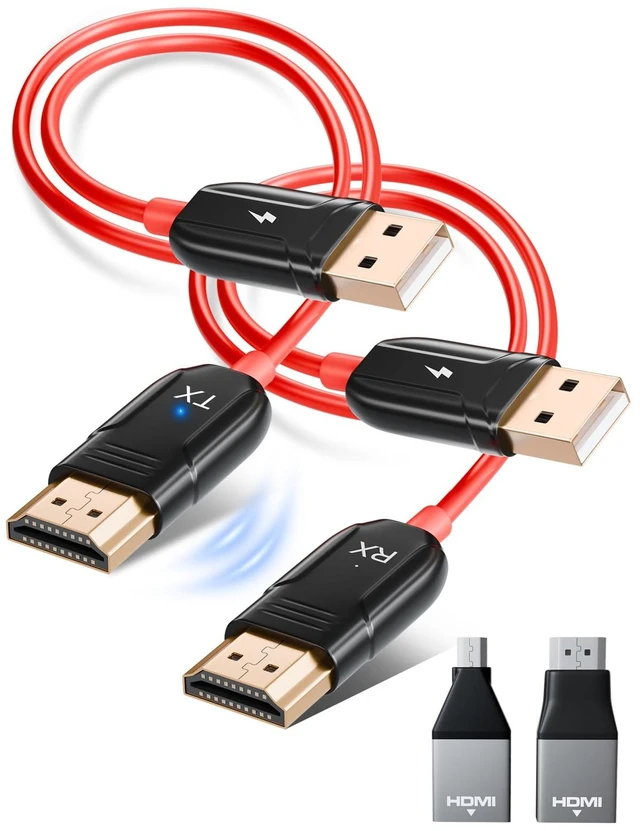
1. Connect the wireless mirror cable (RX) HDMI port to TV/Projector/Monitor hdmi port and USB male port to TV/Projector/Monitor USB Female power port or by one independent 5V 2A power adapter.
2. Connect the wireless mirror cable (TX) HDMI port to Laptop/Carmera/Smartphone hdmi port and USB male port to Laptop/Carmera/Smartphone USB Female power port or by one independent 5V 2A power adapter until flashing light stop flash.
3. When correct to connect RX and TX to the equipment, waiting for around 5 to 10 seconds,It will automatically go full screen from TX device to RX device, then you can start to enjoy the big screen.