here!
here!
I’m your shopping assistant for PC builds, upgrades, and everything tech.
Got questions? Ask away!
Start a conversation
here!
I’m your shopping assistant for PC builds, upgrades, and everything tech.
Got questions? Ask away!
Start a conversation



Any questions? Ask CelesteSM will help you find out quickly.
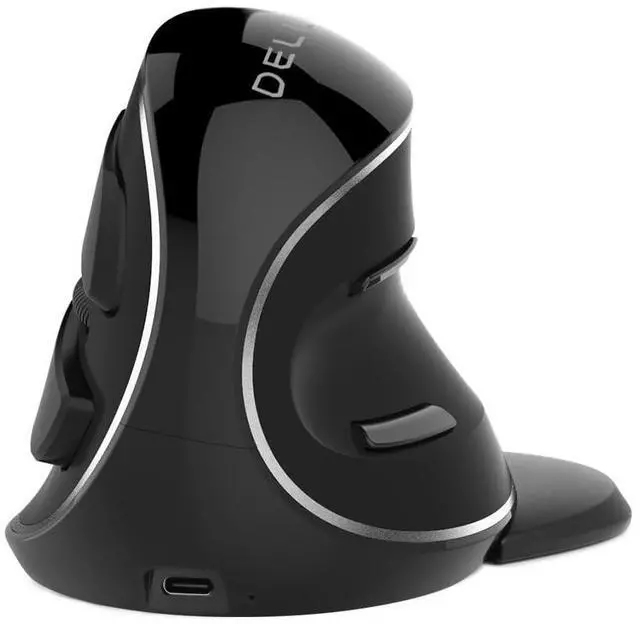
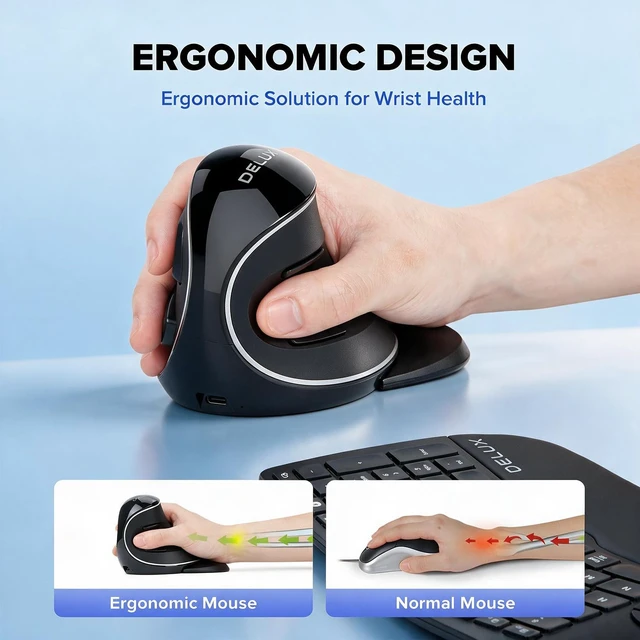
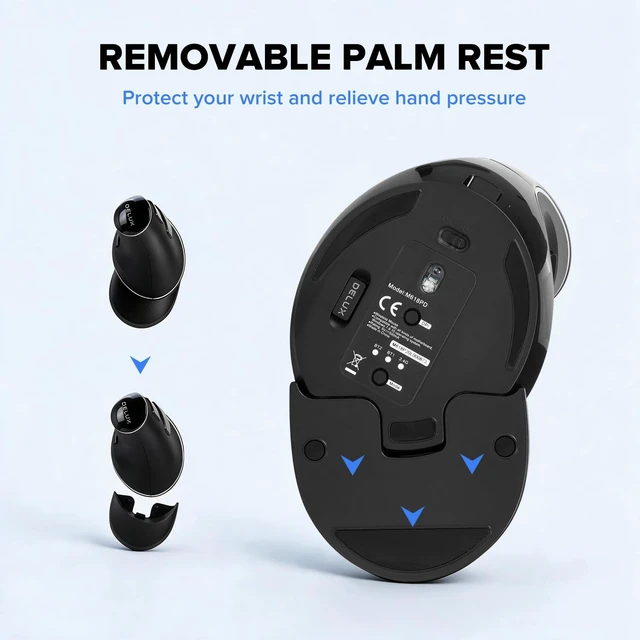
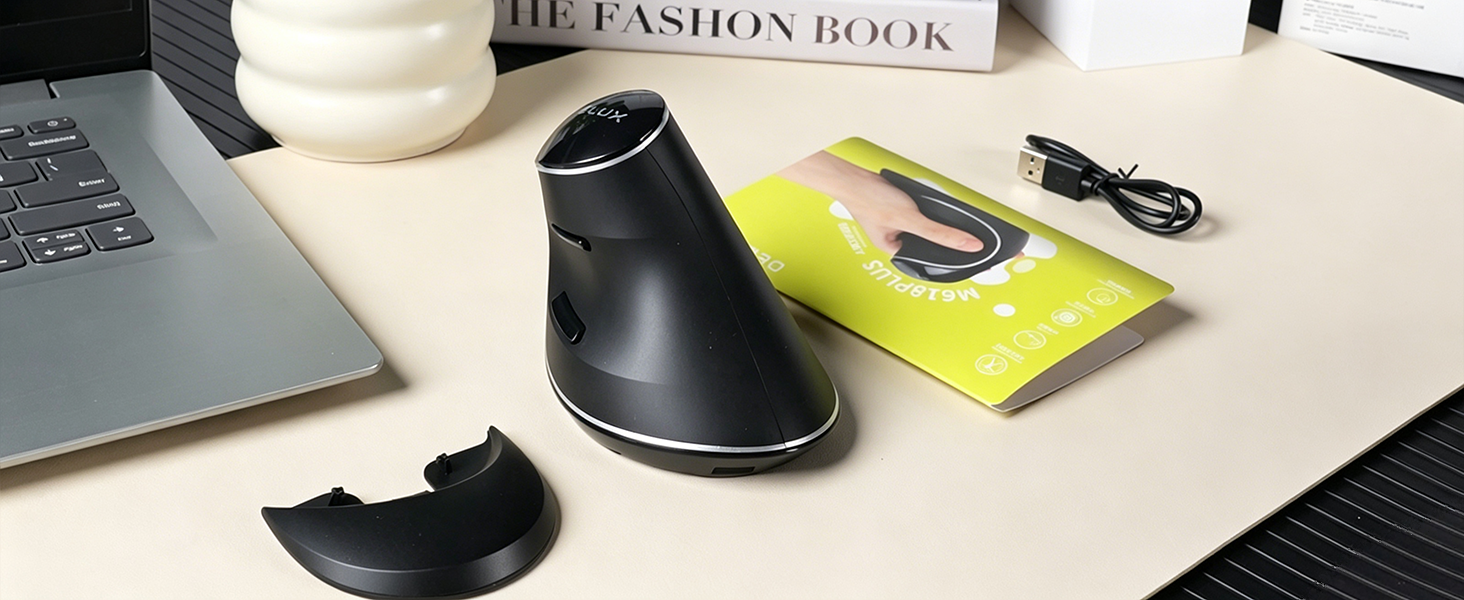
The wireless mouse is ergonomically designed to provide a more comfortable and natural hand posture, eliminating fatigue during long periods of use.

Warm tips: Since it takes a learning curve to get used to the shape when using our ergonomic mouse for the first time, it may cause inconvenience to your mouse grip, but our ergonomic design will help reduce the pressure and pain on your wrist caused by long-term use of the mouse.

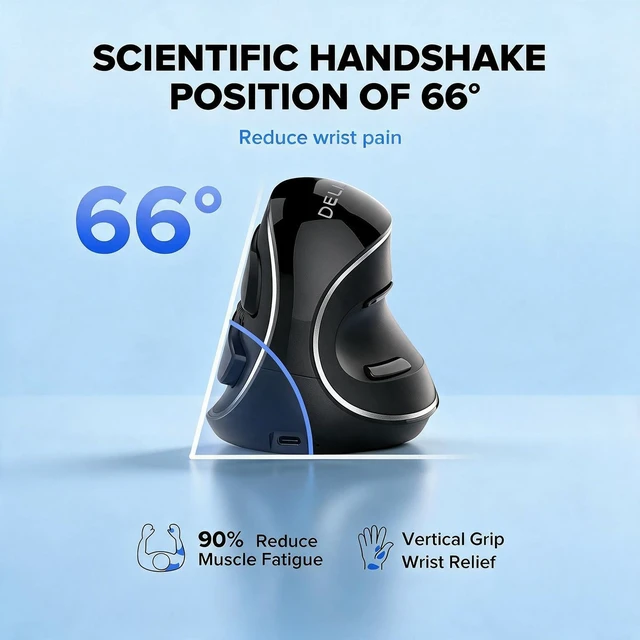
66° is where it’s at. This unique angle elevates your wrist to relieve pressure and align your forearm comfortably - making all the difference during and after a day at the desk.
Better ergonomic mouse provides a more natural handheld experience.

Designed around the natural movement of the hand for greater comfort and control throughout the day.
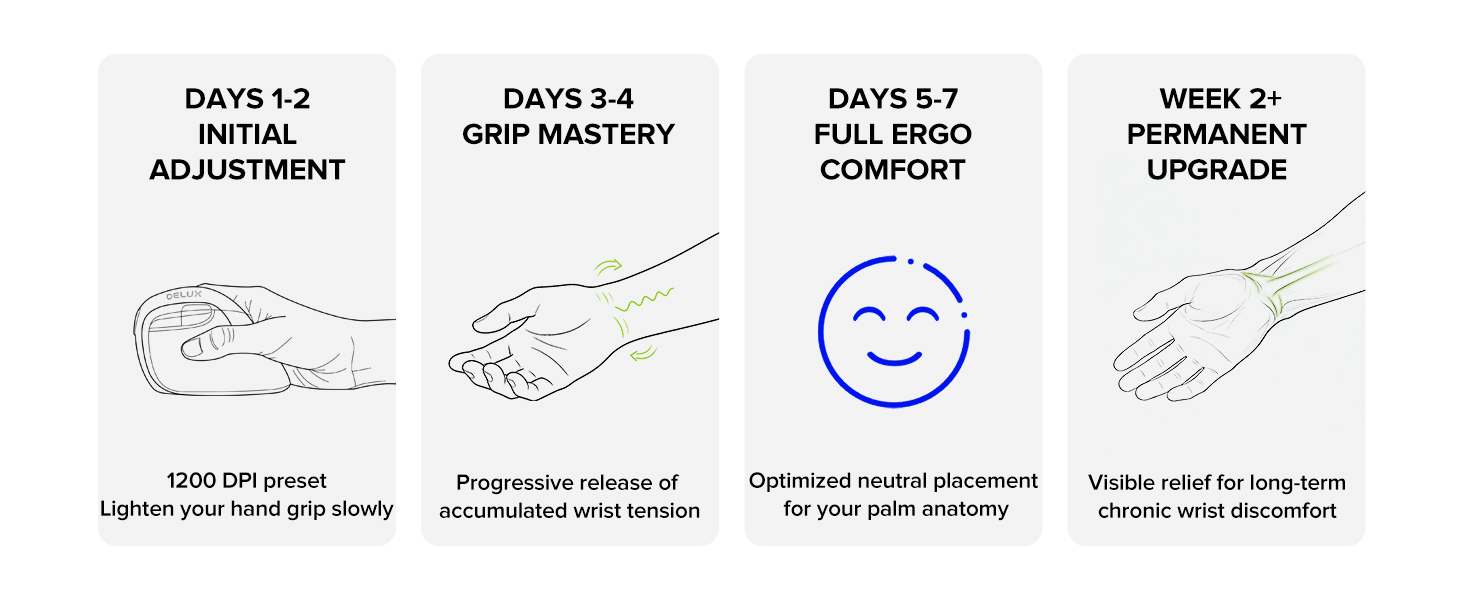
1. Switching from a traditional to an ergonomic mouse may require 1-2 weeks of adjustment.
2. Please adjust your grip to allow your palm to naturally fit the curve of the mouse to reduce hand fatigue.
Why is my wireless mouse not working?
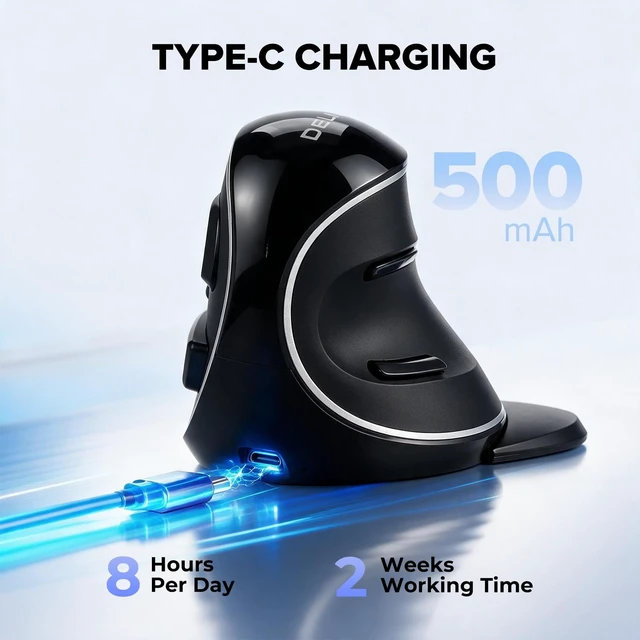
1. Ensure the mouse is fully charged.
2. Make sure the power switch at the bottom of the mouse is turned on.
3. Ensure the USB receiver is properly connected to your PC.
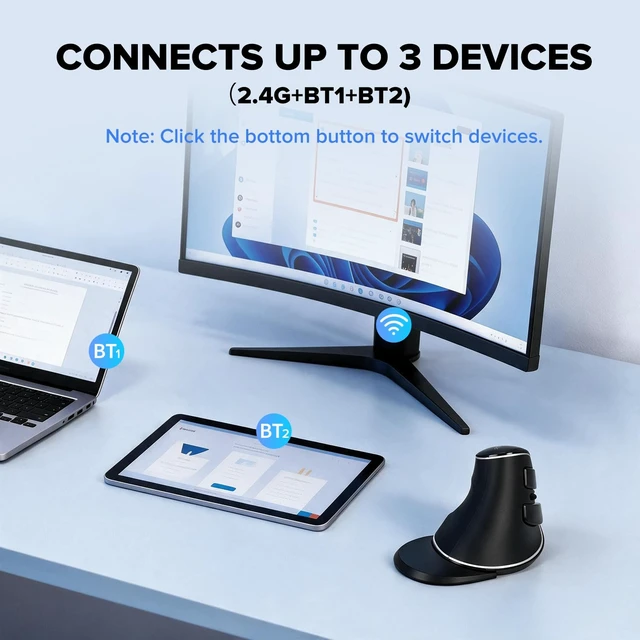
4. Keep the mouse within 10 meters of your computer for optimal performance.
Why does the ergonomic mouse feel uncomfortable?
1. Switching from a traditional to an ergonomic mouse may require 1-2 weeks of adjustment.
2. Please adjust your grip to allow your palm to naturally fit the curve of the mouse to reduce hand fatigue.
Why does my wireless mouse occasionally disconnect?
1. Low battery power.
2. The mouse is too far from the PC.
3. There is significant wireless interference around, leading to an unstable signal.
4. Long press the Left & Right Buttons and Scroll Wheel, plug in the USB receiver and re-match the code.
Can I use this ergonomic mouse for gaming?
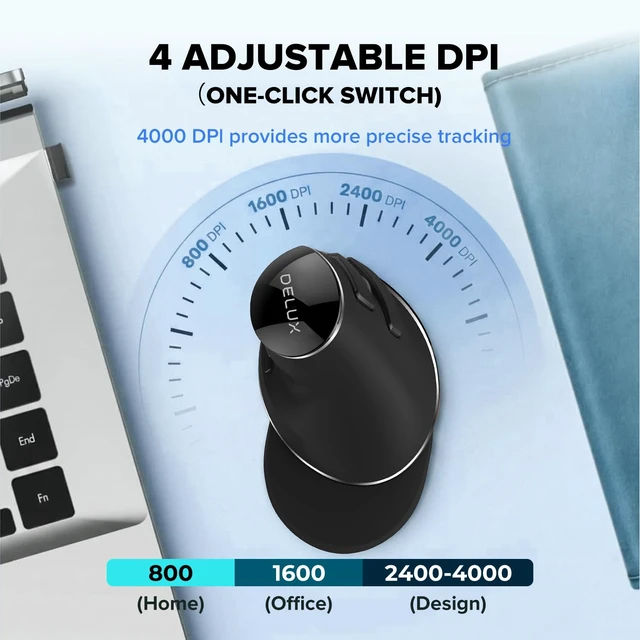
Yes, with some caveats. For casual gaming, MOBA, RTS, and single-player titles, the M618PD mouse works well — long sessions cause far less wrist fatigue, and the 4,000 DPI sensor handles most gaming scenarios comfortably.
Is this mouse suitable for all hand sizes?
This mouse prefer large sized hands users. This mouse is L 5.7 inches, W 3.5 inches, H 3.9 inches.


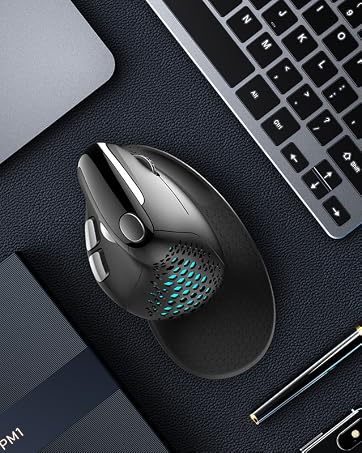




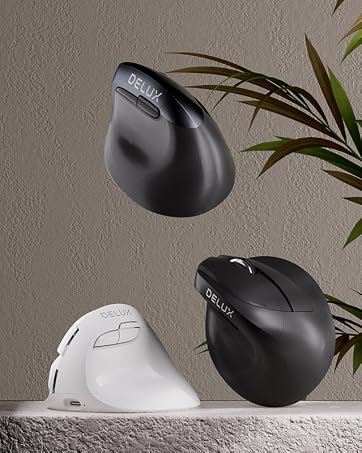


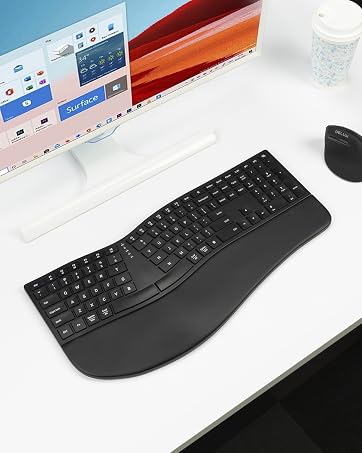
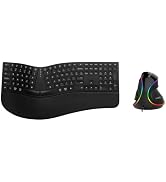
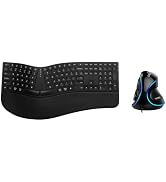
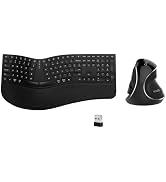
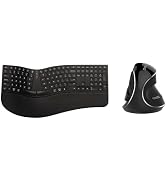
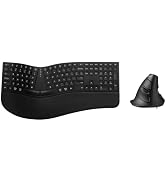
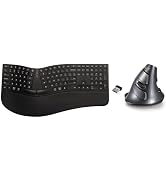
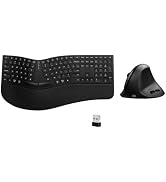
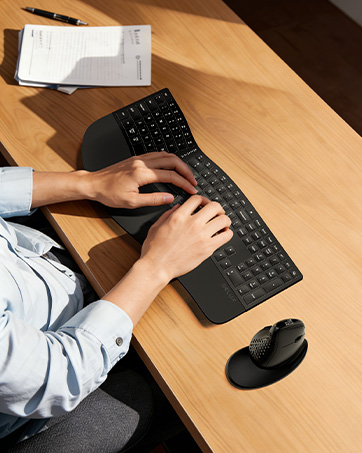
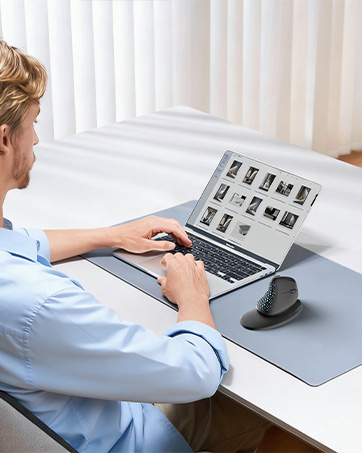
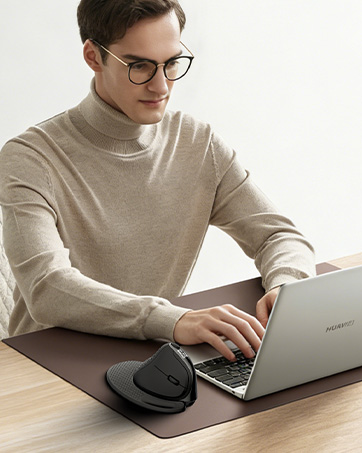

The wireless mouse is ergonomically designed to provide a more comfortable and natural hand posture, eliminating fatigue during long periods of use.

Warm tips: Since it takes a learning curve to get used to the shape when using our ergonomic mouse for the first time, it may cause inconvenience to your mouse grip, but our ergonomic design will help reduce the pressure and pain on your wrist caused by long-term use of the mouse.

66° is where it’s at. This unique angle elevates your wrist to relieve pressure and align your forearm comfortably - making all the difference during and after a day at the desk.


DELUX M618PD mouse is a great fit for large-sized hands. Try this ergonomic mouse if your hands are larger.
DELUX M618PD mouse has been designed, crafted, and tested for large-sized hands.
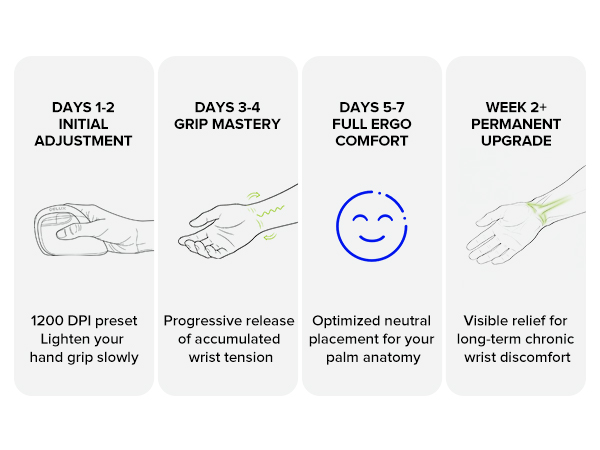

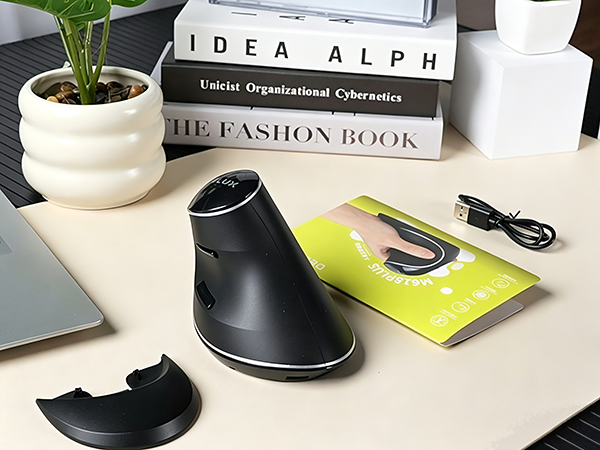
Better ergonomic mouse provides a more natural handheld experience.
Designed around the natural movement of the hand for greater comfort and control throughout the day.
1. Switching from a traditional to an ergonomic mouse may require 1-2 weeks of adjustment.
2. Please adjust your grip to allow your palm to naturally fit the curve of the mouse to reduce hand fatigue.
Why is my wireless mouse not working?
1. Ensure the mouse is fully charged.
2. Make sure the power switch at the bottom of the mouse is turned on.
3. Ensure the USB receiver is properly connected to your PC.
4. Keep the mouse within 10 meters of your computer for optimal performance.
Why does the ergonomic mouse feel uncomfortable?
1. Switching from a traditional to an ergonomic mouse may require 1-2 weeks of adjustment.
2. Please adjust your grip to allow your palm to naturally fit the curve of the mouse to reduce hand fatigue.
Why does my wireless mouse occasionally disconnect?
1. Low battery power.
2. The mouse is too far from the PC.
3. There is significant wireless interference around, leading to an unstable signal.
4. Long press the Left & Right Buttons and Scroll Wheel, plug in the USB receiver and re-match the code.
Can I use this ergonomic mouse for gaming?
Yes, with some caveats. For casual gaming, MOBA, RTS, and single-player titles, the M618PD mouse works well — long sessions cause far less wrist fatigue, and the 4,000 DPI sensor handles most gaming scenarios comfortably.
Is this mouse suitable for all hand sizes?
This mouse prefer large sized hands users. This mouse is L 5.7 inches, W 3.5 inches, H 3.9 inches.