here!
here!
I’m your shopping assistant for PC builds, upgrades, and everything tech.
Got questions? Ask away!
Start a conversation
here!
I’m your shopping assistant for PC builds, upgrades, and everything tech.
Got questions? Ask away!
Start a conversation
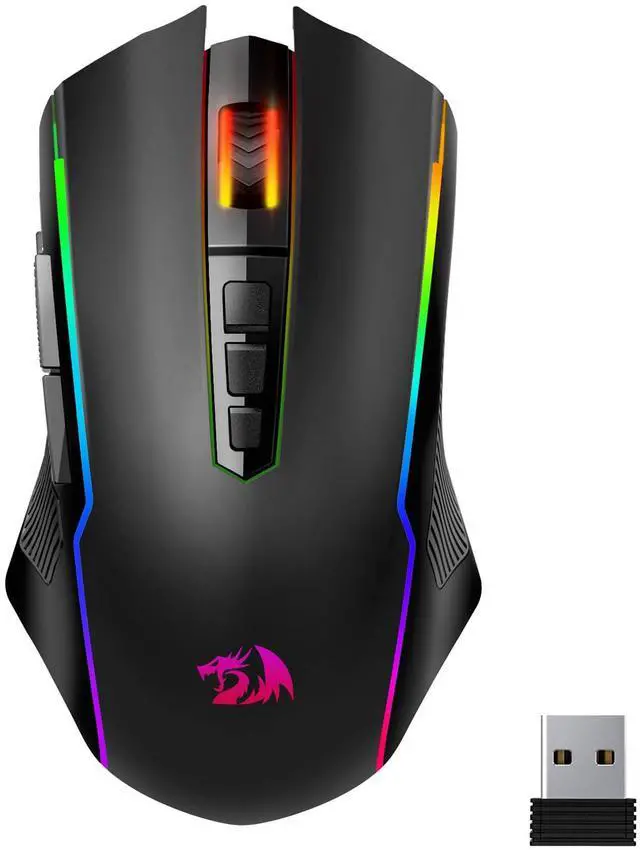
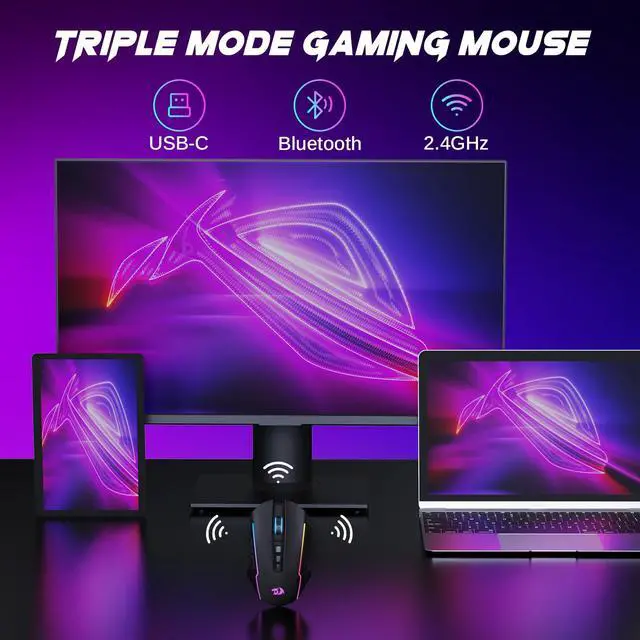
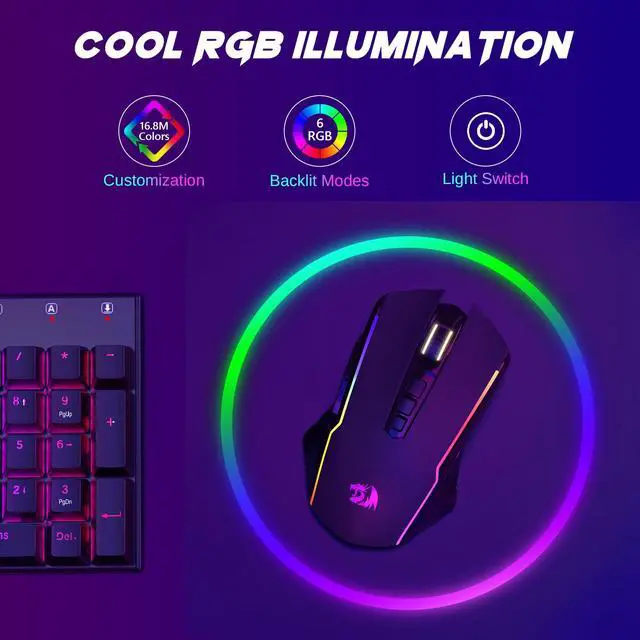
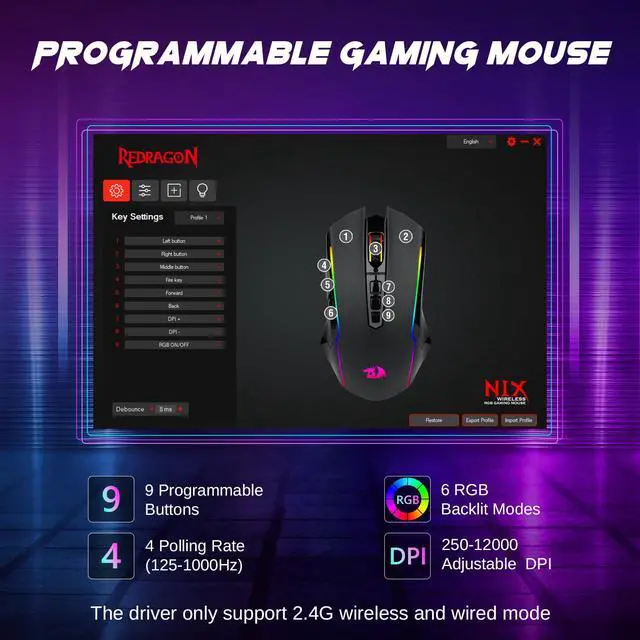



Any questions? Ask CelesteSM will help you find out quickly.
| Brand | Redragon |
| Color | Black |
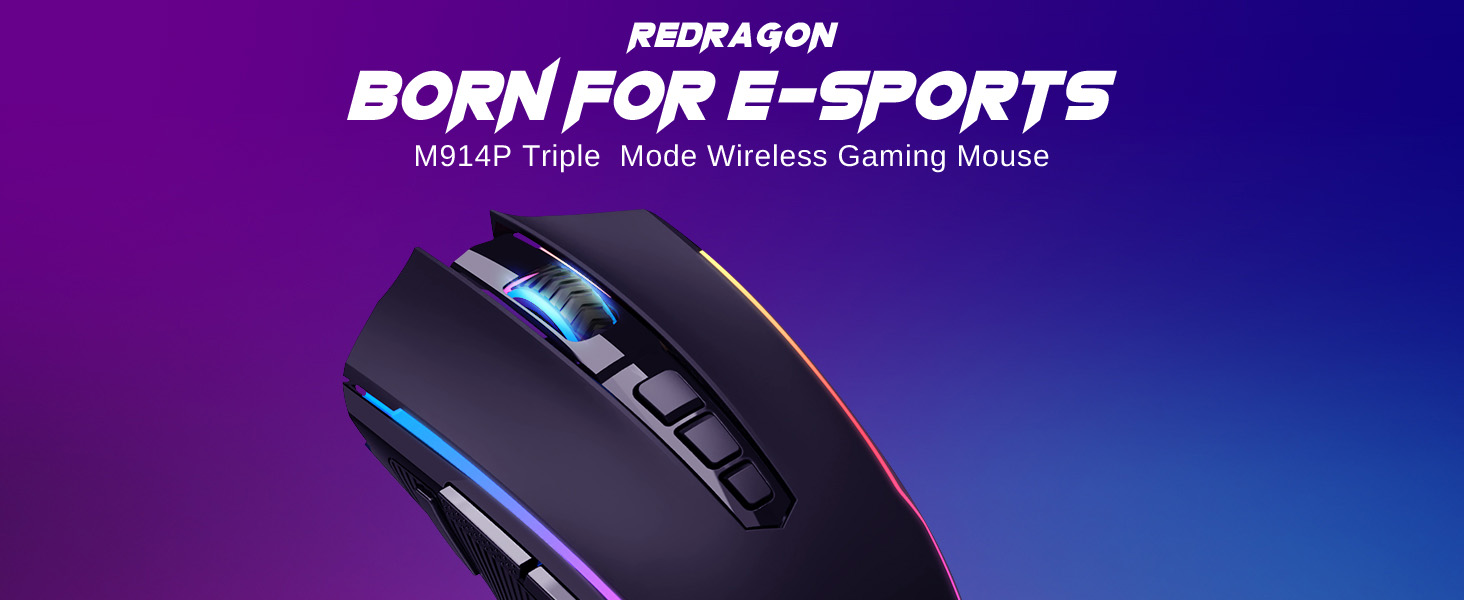
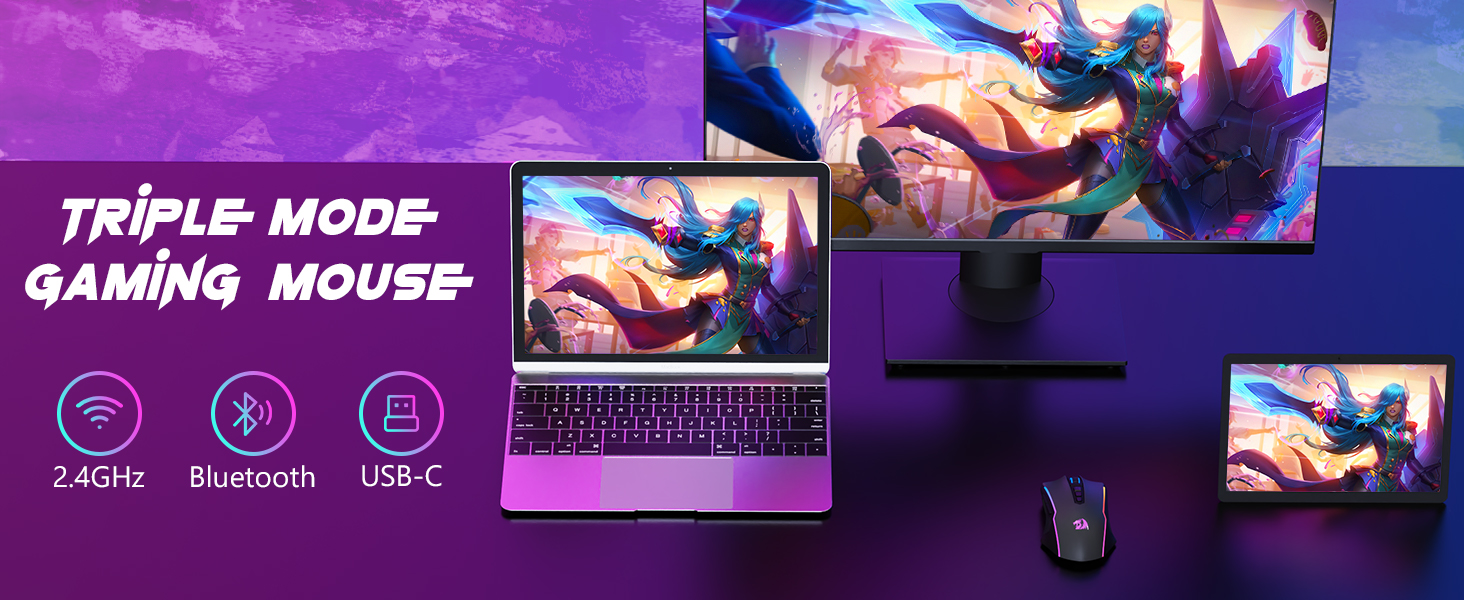
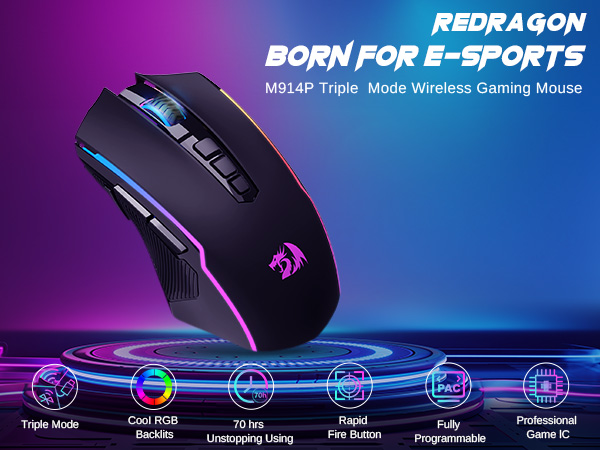
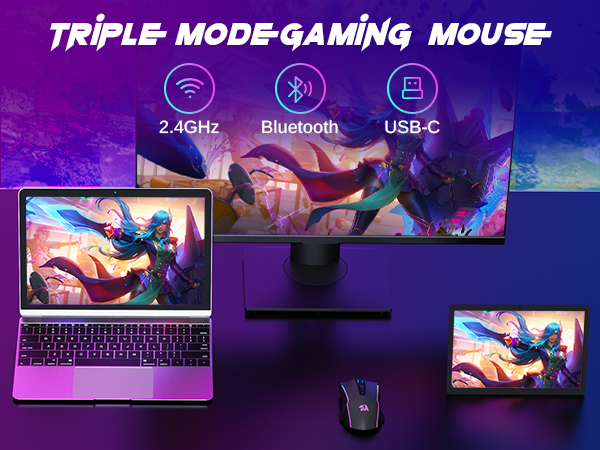
| Connectivity Technology | Bluetooth/ 2.4G/ Wired |
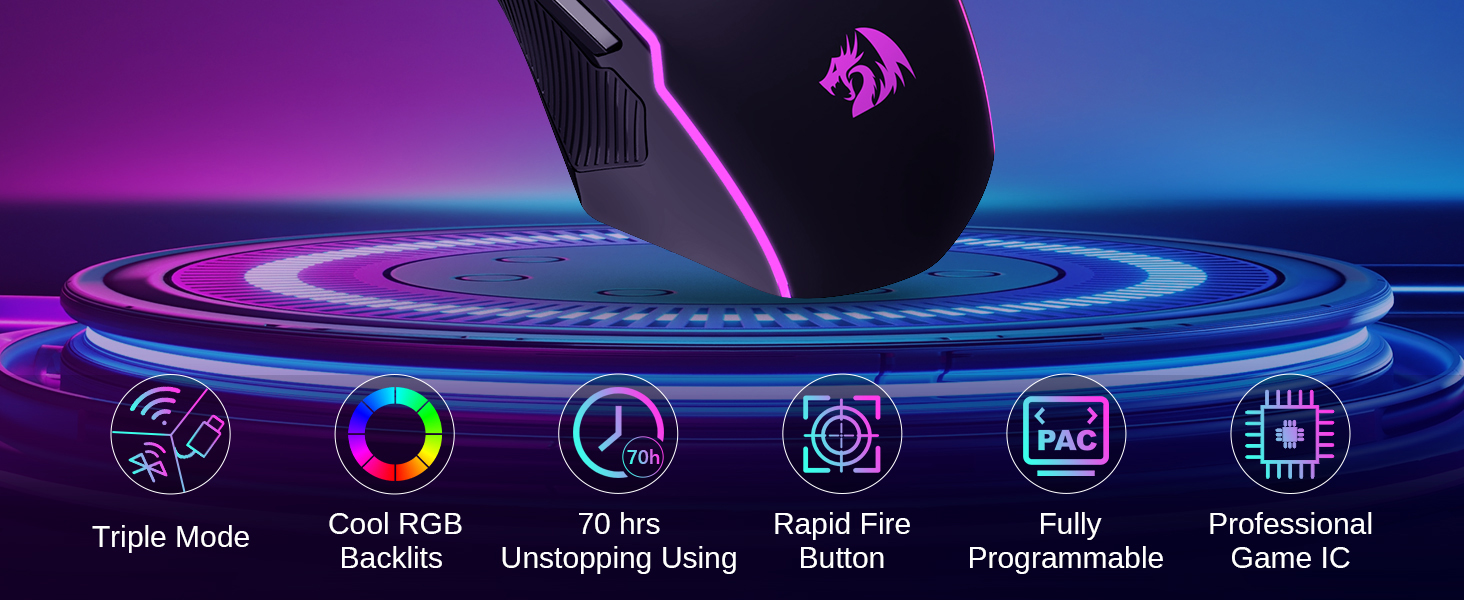
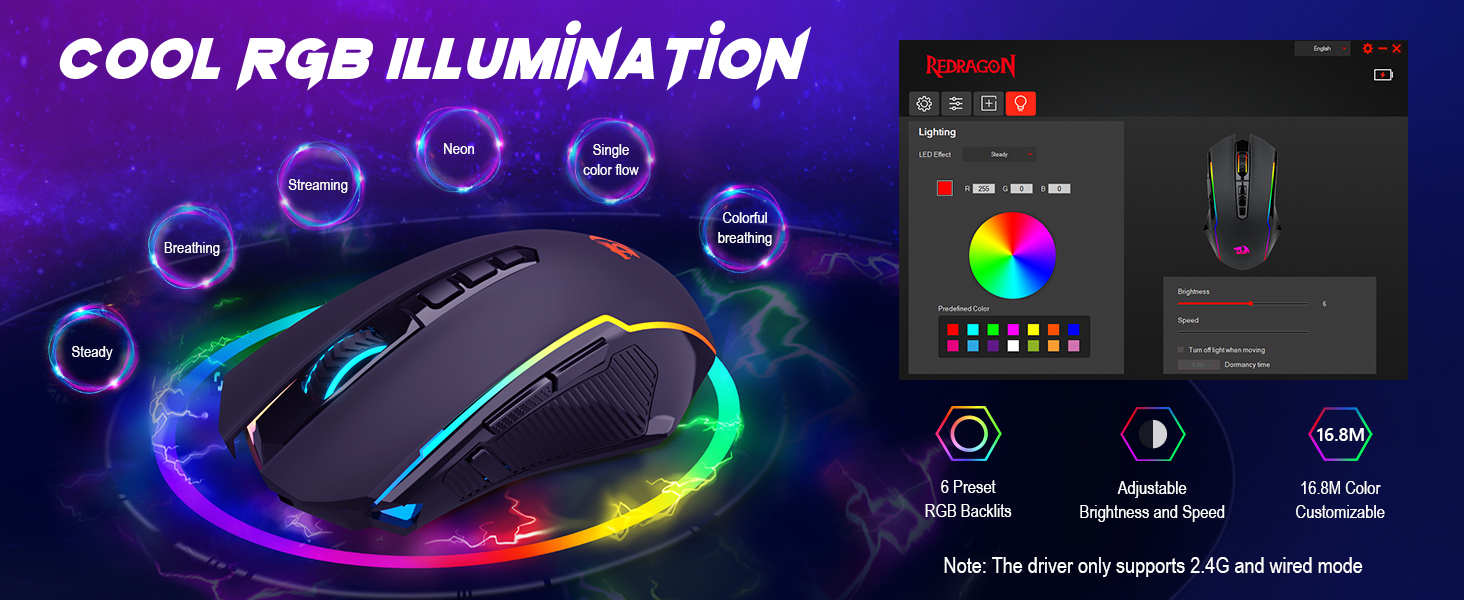
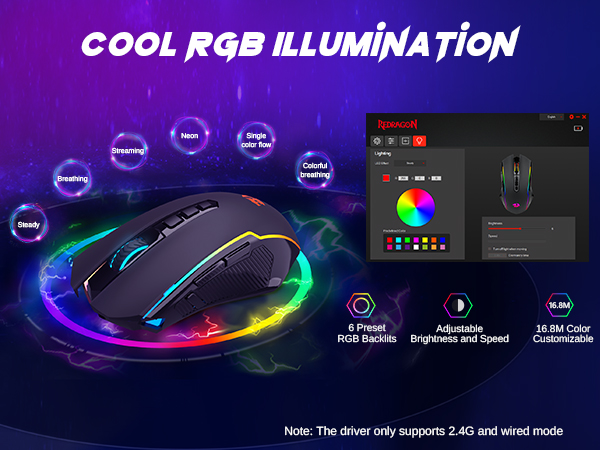
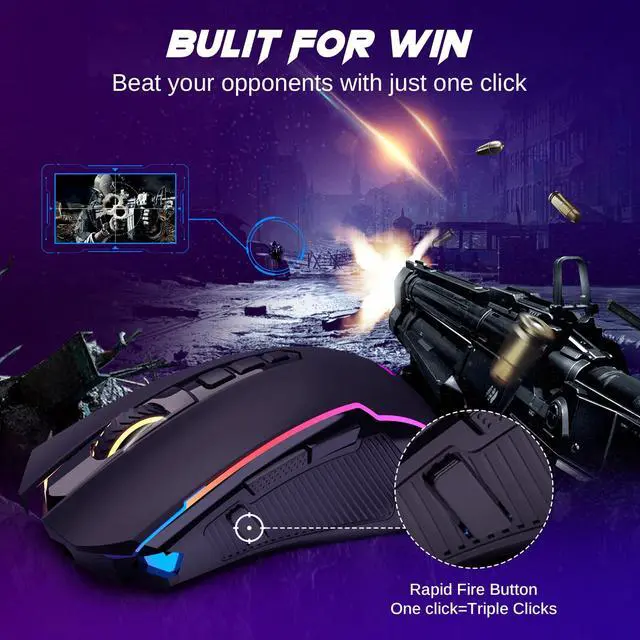
| Special Feature | Tri-ModeRapid Fire8000DPIRGBMacroCustomize key |
| Movement Detection Technology | Optical |
| Additional Features | Tri-ModeRapid Fire8000DPIRGBMacroCustomize key |
| Movement Detection | Optical |
| Button Quantity | 9 |
| Hand Orientation | Right |
| Compatible Devices | PCLaptopTablet |
| Operating System | Windows, macOS |
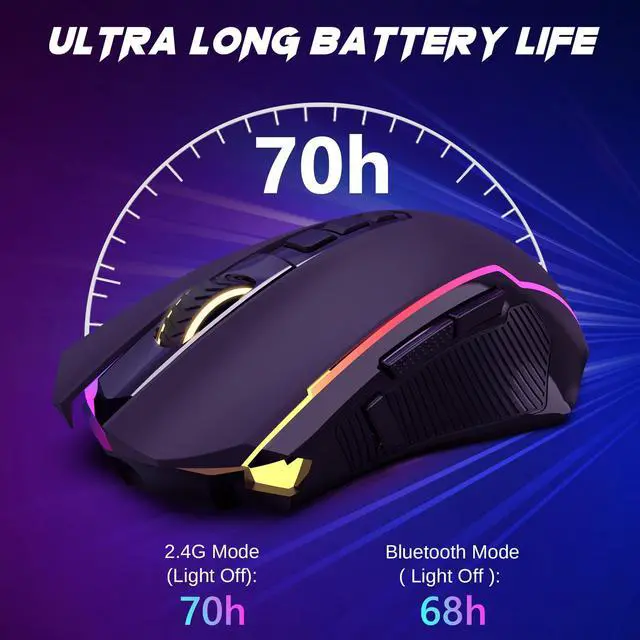
| Battery Average Life | 70 hours |
| Number of Batteries | 1 Lithium Polymer batteries required. (included) |
| Hardware Platform | PC,Mac |
| Power Source | Battery Powered |
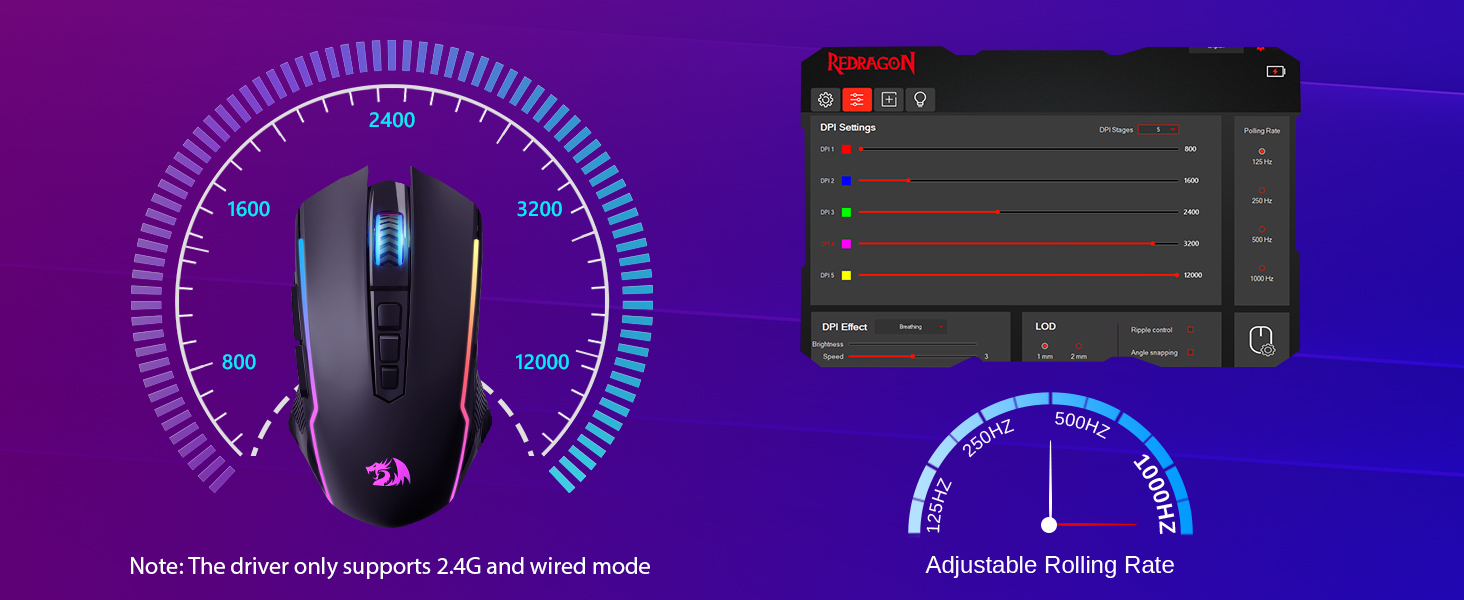
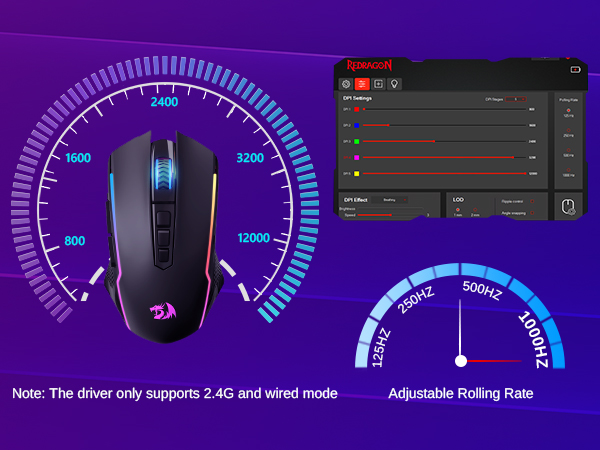
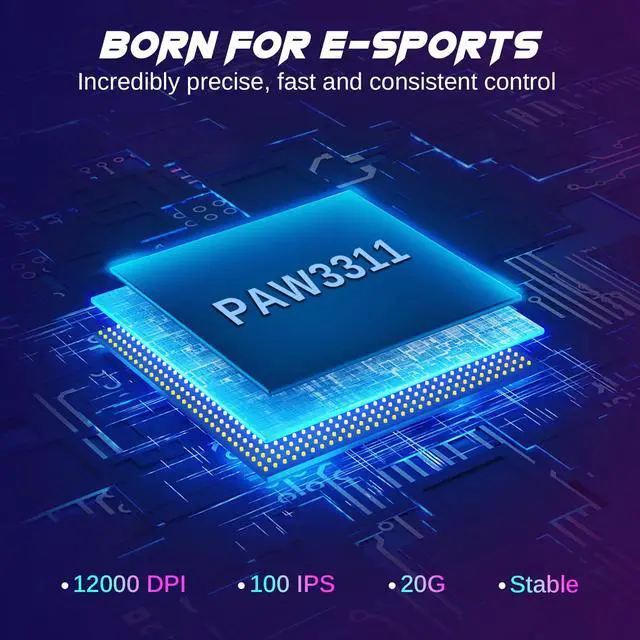
| Mouse Maximum Sensitivity | 12000 dots_per_inch |
| Minimum Required Operating System Version | Mac OS 14 Sonoma, Windows 11 |
| Embellishment Feature | LED |
| Range | 10.0 meters |
| Item Weight | 127 g |
| Item Dimensions L x W | 4.9"L x 2.9"W |
| Unit Count | 1 Count |
| Model Name | M914P-RGB-KS |
| Antenna Location | Indoor/Outdoor |
| Model Number | M914 |
| Manufacturer | Redragon |
| Mfr Part Number | M914 |
| Warranty Description | 2 year |
| Style Name | Bluetooth/ 2.4G/ Wired |
| Theme | Gaming |
| Enclosure Material | Plastic |