





Machenike G3V2 PE UG
Model Comparison
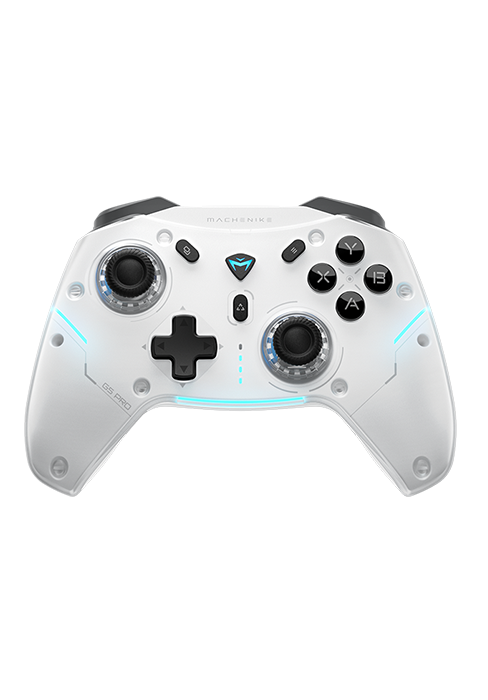
Pink | COLORWAY | White |
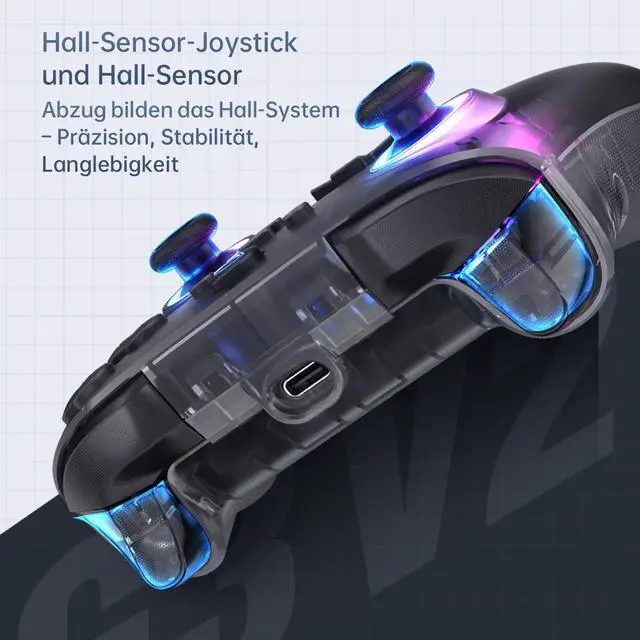
Forceadj Hall Effect | STICKS | Hall Effect |
Membrane | D-PAD | Membrane |
1000Hz | Polling Rate | 1000Hz |
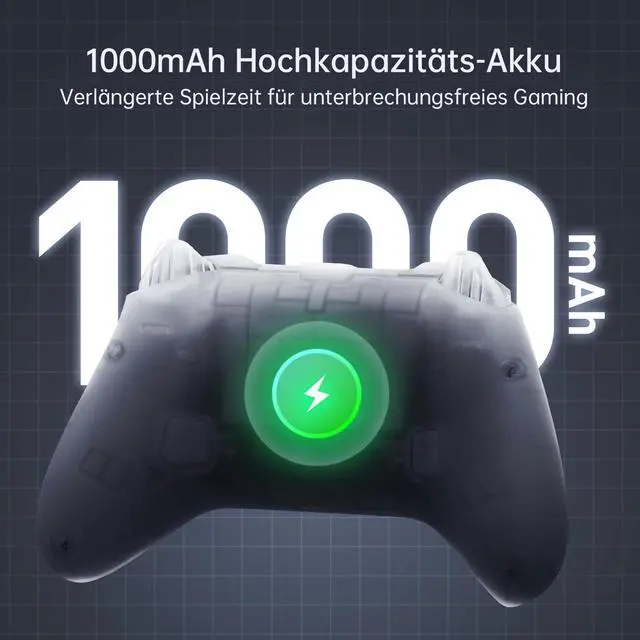
1000mAh | Battery | 1000mAh |
Gyroscope | ||
Charging Dock |
Pink | COLORWAY | Black |
Forceadj Hall Effect | STICKS | Hall Effect |
Membrane | D-PAD | Micro Switch |
1000Hz | Polling Rate | 500Hz |
1000mAh | Battery | 600mAh |
Gyroscope | ||
Charging Dock |
Pink | COLORWAY | White |
Forceadj Hall Effect | STICKS | Hall Effect |
Membrane | D-PAD | Membrane |
1000Hz | Polling Rate | 500Hz |
1000mAh | Battery | 600mAh |
Gyroscope | ||
Charging Dock |


Is this controller compatible with Xbox or PlayStation?
Designed for PC/Switch/Switch 2/iOS/Android TV. Not Xbox/PlayStation compatible.
Why does it disconnect randomly?
Ensure correct mode: B+HOME (2.4G), X+HOME (PC/Phone), Y+HOME (Switch). Reset: Hold HOME 10s.
How to adjust vibration/LEDs?
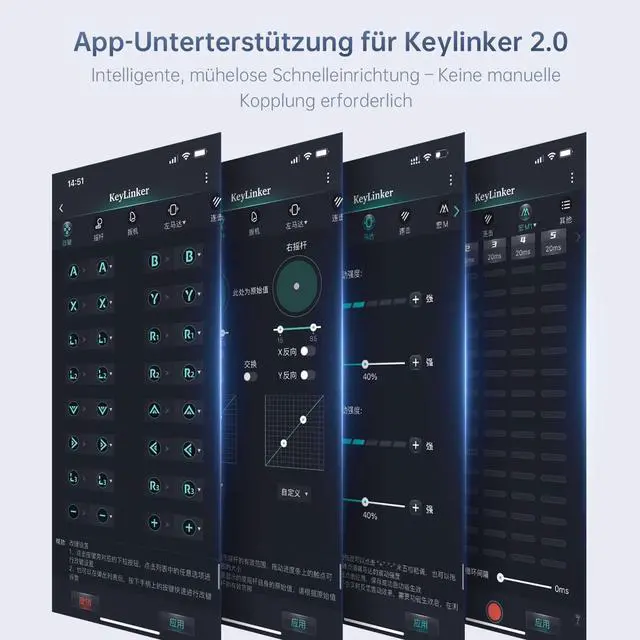
Vibration: FN + D-pad Up/Down.
LEDs: FN + Left (brightness), Right (modes).
How to adjust stick tension?
Remove thumbstick cap ? Insert tool ? Rotate dial. No force needed!
Is Turbo easy to toggle?
Press FN+A/B/X/Y to enable/disable. Flashing light = active.


Model Comparison
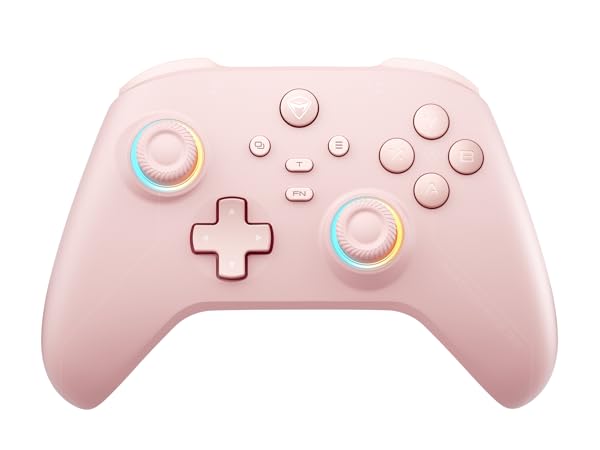
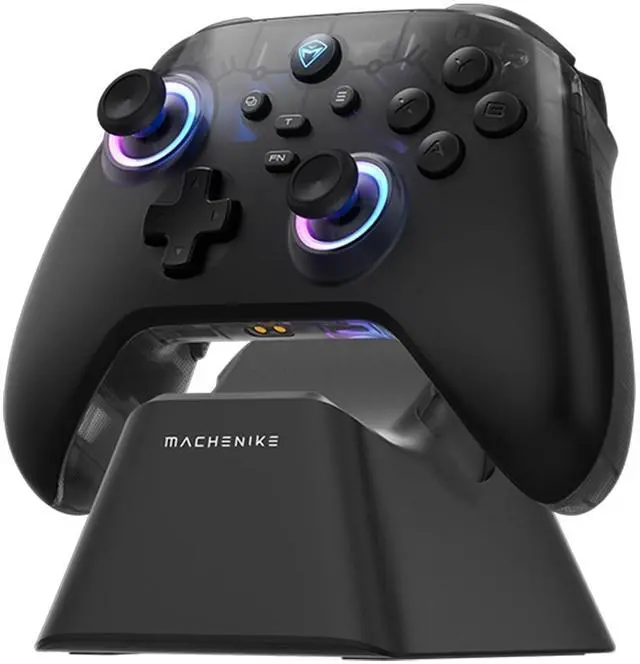
Machenike G3V2 PE UG
COLORWAY
Pink
STICKS
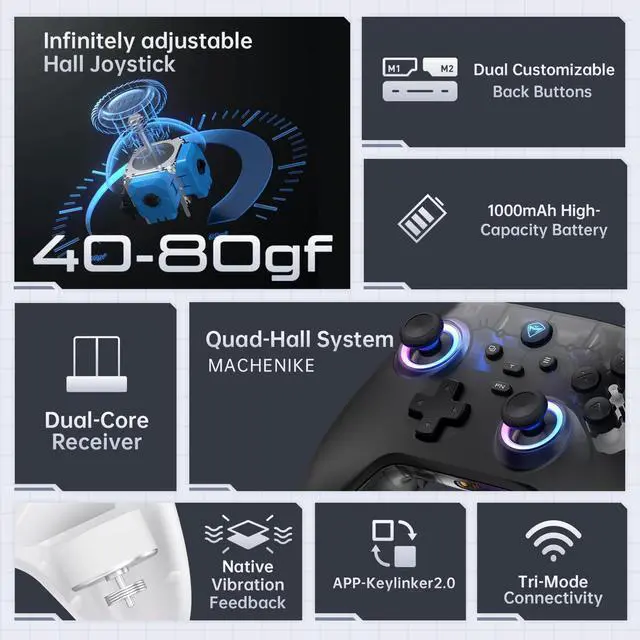
Forceadj Hall Effect
D-PAD
Membrane
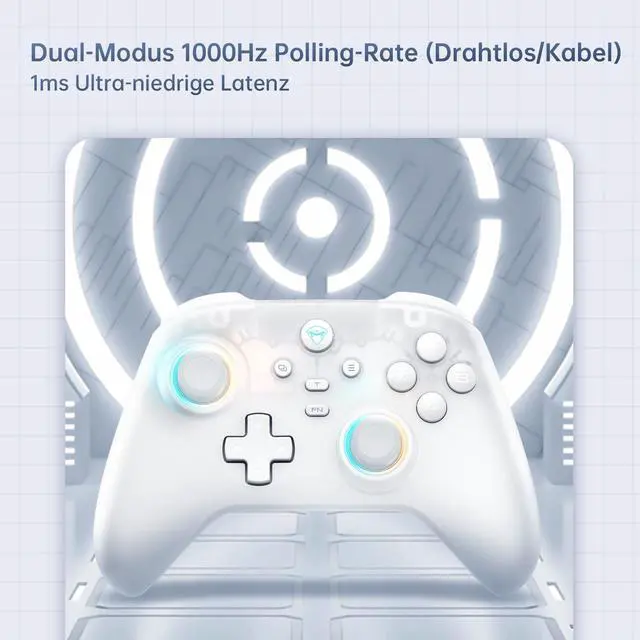
Polling Rate
1000Hz
Battery
1000mAh
Gyroscope
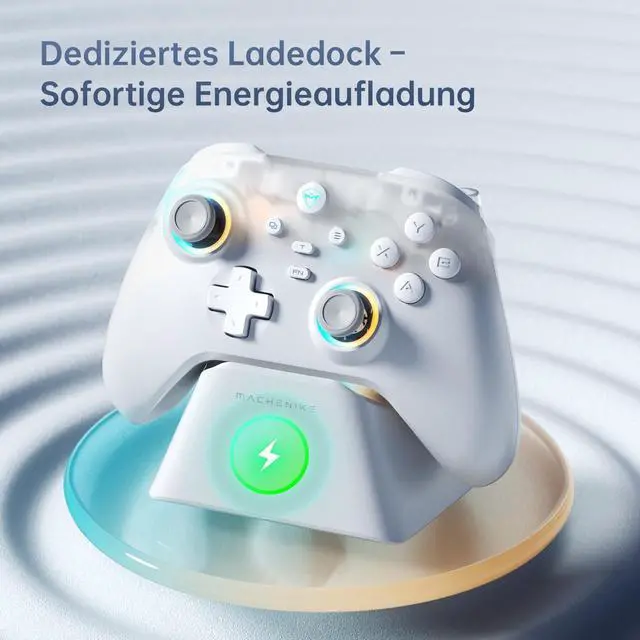
Charging Dock
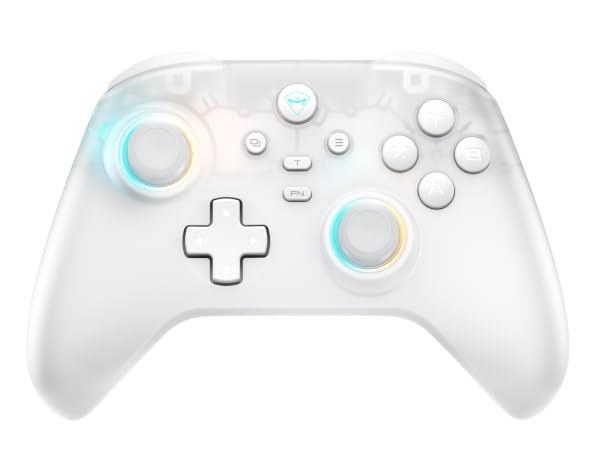
Machenike G3V2 PE
COLORWAY
White
STICKS
Hall Effect
D-PAD
Membrane
Polling Rate
1000Hz
Battery
1000mAh
Gyroscope
Charging Dock
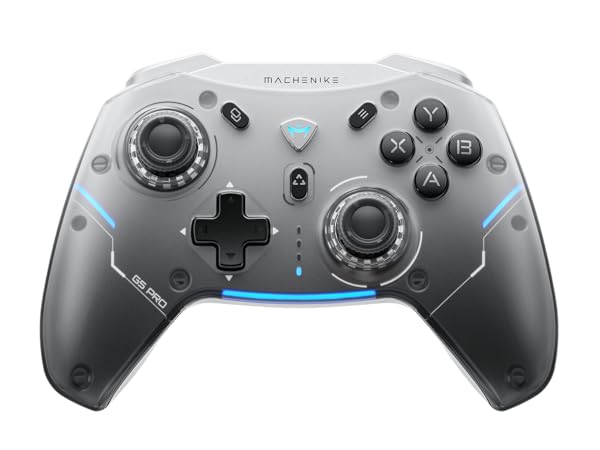
Machenike G5 PRO
COLORWAY
Black
STICKS
Hall Effect
D-PAD
Micro Switch
Polling Rate
500Hz
Battery
600mAh
Gyroscope
Charging Dock
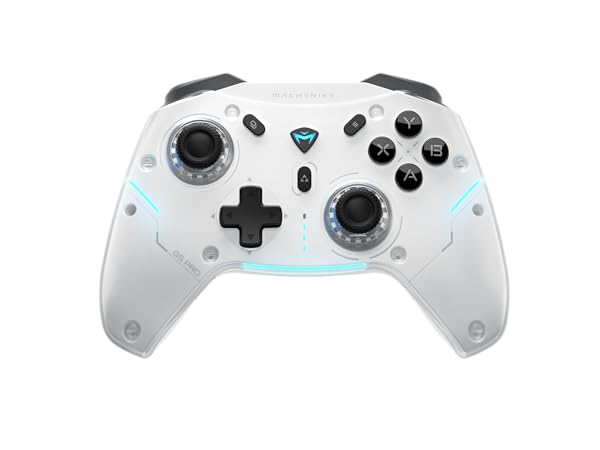
Machenike G5 PROMAXSE
COLORWAY
White
STICKS
Hall Effect
D-PAD
Membrane
Polling Rate
500Hz
Battery
600mAh
Gyroscope
Charging Dock

Is this controller compatible with Xbox or PlayStation?
Designed for PC/Switch/Switch 2/iOS/Android TV. Not Xbox/PlayStation compatible.
Why does it disconnect randomly?
Ensure correct mode: B+HOME (2.4G), X+HOME (PC/Phone), Y+HOME (Switch). Reset: Hold HOME 10s.
How to adjust vibration/LEDs?
Vibration: FN + D-pad Up/Down.
LEDs: FN + Left (brightness), Right (modes).
How to adjust stick tension?
Remove thumbstick cap ? Insert tool ? Rotate dial. No force needed!
Is Turbo easy to toggle?
Press FN+A/B/X/Y to enable/disable. Flashing light = active.