
Your Browsing History
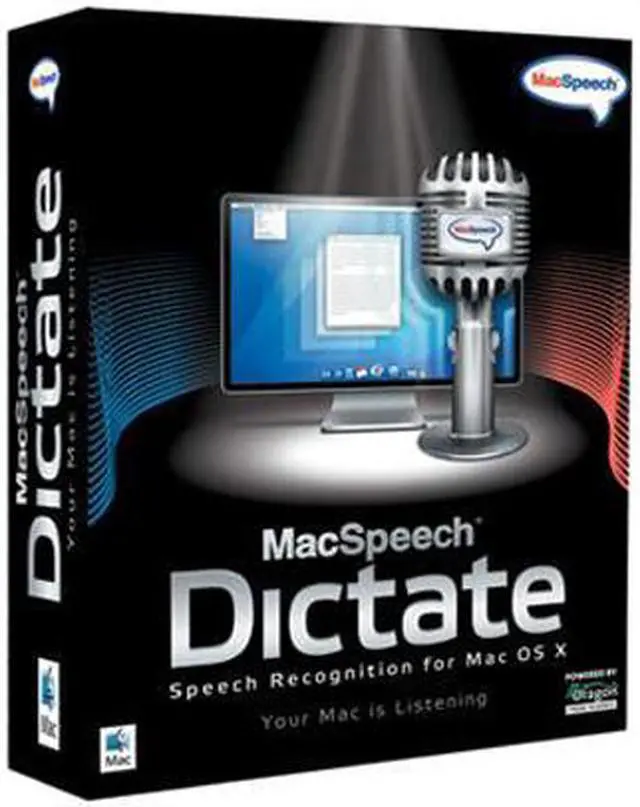


| Brand | MacSpeech |
|---|---|
| Model | MSDICTATE |
| Feature | Amazing Accuracy MacSpeech Dictate will astonish you with its accuracy. You simply talk and leave the recognition to MacSpeech Dictate. Essential Command Capabilities Instead of using your mouse to select menu commands or your keyboard to type shortcuts, just speak a command. MacSpeech Dictate executes it for you. What could be easier? Works With The Apps You Already Have Microsoft Word, Adobe Photoshop, QuarkXPress, and more. And MacSpeech Dictate works great with Apple’s applications as well, including iChat, Mail, iPhoto, Keynote, and more. Built Especially For The Mac Mac users expect only the best from the applications they use on their Macs. MacSpeech Dictate was built from the ground up to ensure the ultimate experience for Mac users. Minimal Training Required MacSpeech Dictate provides astounding accuracy and productivity. With just five minutes or less of training, you'll be using MacSpeech Dictate's superior capabilities. Uses the Legendary Dragon Speech Recognition Engine by Nuance At the core of MacSpeech Dictate is the world-renowned Dragon speech recognition engine by Nuance. It's the brains and brawn behind MacSpeech Dictate's phenomenal accuracy capabilities. Comes With Everything You Need, Including Headphones There are no hidden costs. MacSpeech Dictate includes everything you need to be instantly productive as soon as start using it, including a high quality headphone/microphone unit. |
|---|
| Name | Dictate with USB Headset / Microphone (Old Version) |
|---|---|
| Version | Standard |
| Operating Systems Supported | Mac OS |
| System Requirements | ntel-based Mac with Mac OS X 10.5.6 (Leopard) through Mac OS X 10.6 (Snow Leopard). Internet connection required for product registration. MacSpeech-certified noise-canceling microphone (included with new purchase). |
| Packaging | Retail |
| First Listed on Newegg | March 28, 2008 |
|---|