
Your Browsing History



Any questions? Our AI beta will help you find out quickly.
| Brand | Macware |
|---|---|
| Model | 00092 |
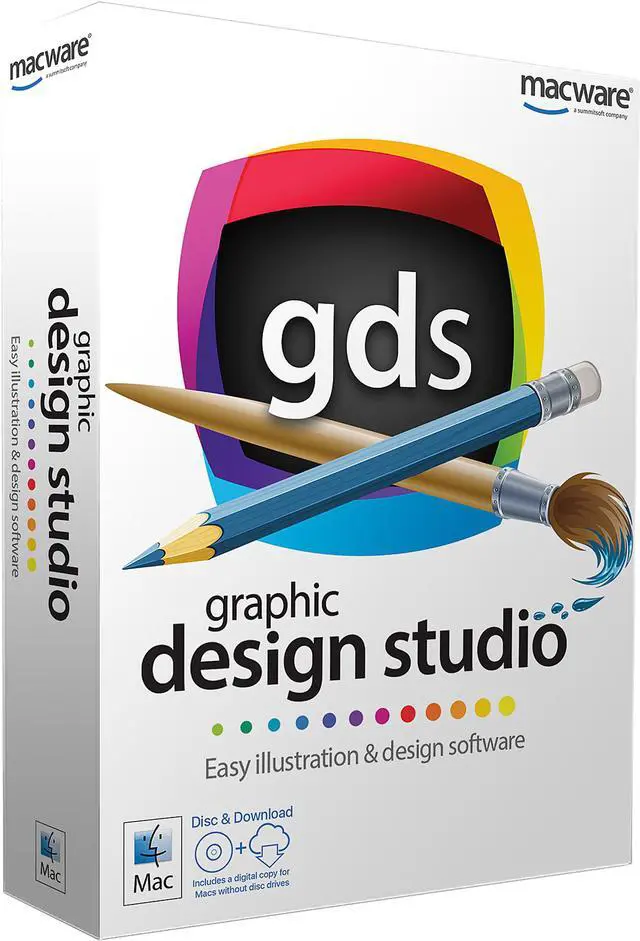
| Name | Mac Graphic Design Studio - Download |
|---|---|
| Operating Systems Supported | Mac OS X - 10.8 and higher |
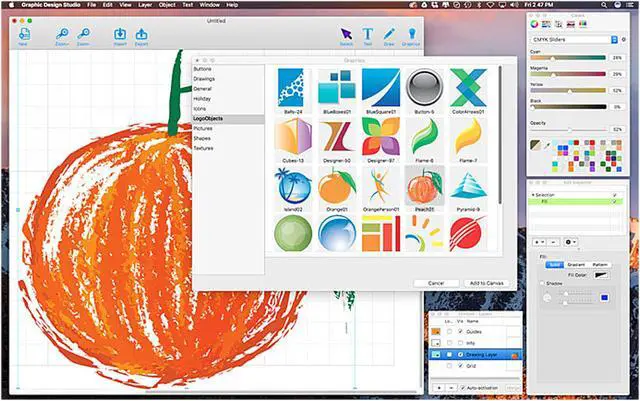
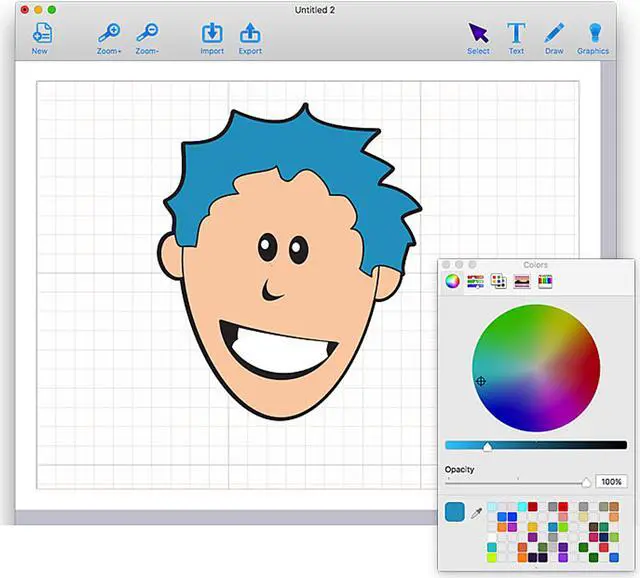
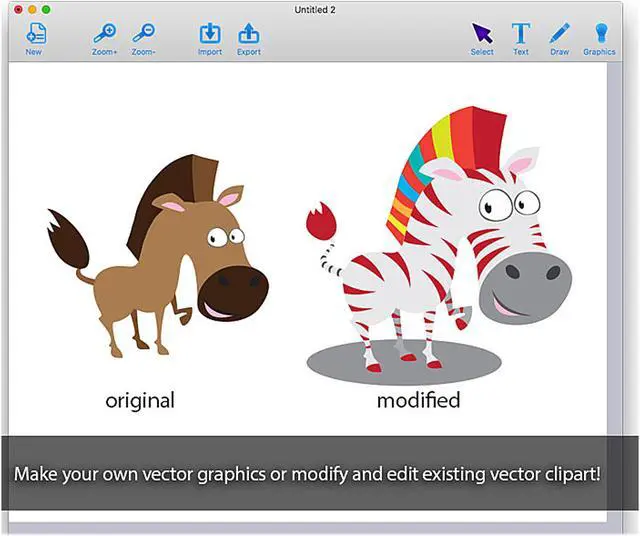
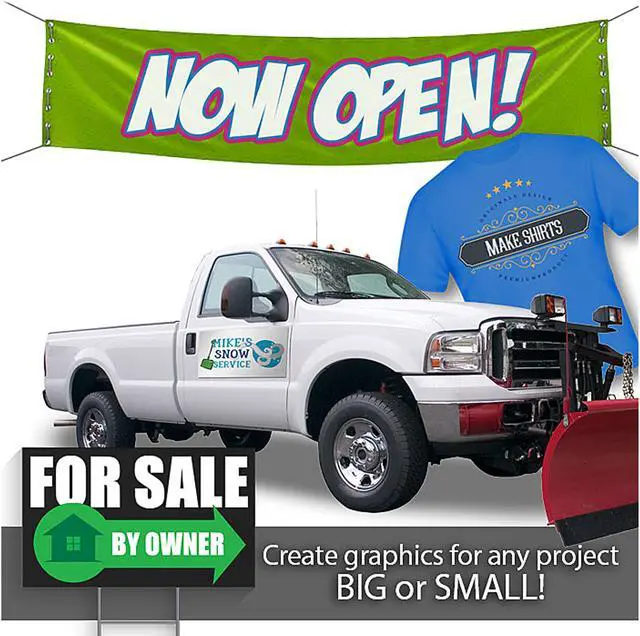
| Feature | The power of vector - Imagine creating shapes and drawings without size restrictions. No more pixels! The NEW Graphic Design Studio supports full vector graphics including SVG import and export. Vector images are great for printing projects as it produces sharp images at any size. Hyper color control - Our universe is filled with an infinite amount of colors. Now, they are available at your fingertips. Take any graphic, text, and object and edit it with your preferred color pallet. Make it solid, add a gradient or paste an image pattern. An infinite amount of color is an actual option with the NEW Graphic Design Studio. Unleash your creation - Share your brilliance with the world. Your imagination will pay off. Save your creation on any supported file format and take it to your printer and/or local print shop to have your finish product. Get inspired - Inspirations to get you started! Even if you have no starting point, the NEW Graphic Design Studio provides over 250 pre-designed vector images and graphics to give you a starting point. All boxed Macware products include CD or DVD disc and Download Authorization for computers with no disc drive. |
|---|---|
| Feature 2 | 250+ pre-designed vector graphics and royalty free images 100+ image filters and effects Royalty free fonts* Royalty free photos and images* Creative background and fill textures Artistic strokes for added style Artistic color palettes and gradients Instant alignment tools Detailed help guide Includes tools the pros use: Powerful Bézier editing tools Boolean operations to create new shapes Create text art and add text to any path Full support for SVG files, including import and export Add strokes (regular, arrowed, rough, zigzag) Add an image to text Easily align multiple items on your canvas Import SVG graphics and edit their vector paths Export in fully editable SVG or vector PDF format Export as an image (JPEG, TIFF, PNG, BMP, GIF) Rulers and guides Supports transparent backgrounds Component Library to save and reuse new graphics you create Vectorized images to turn any photo into an editable graphic Full layer support * Royalty free: Licensed for commercial free use with no royalties. |
| First Listed on Newegg | March 14, 2017 |
|---|