




 here!
here!
I’m your shopping assistant for PC builds, upgrades, and everything tech.
Got questions? Ask away!
Start a conversation
here!
I’m your shopping assistant for PC builds, upgrades, and everything tech.
Got questions? Ask away!
Start a conversation



Any questions? Ask CelesteSM will help you find out quickly.
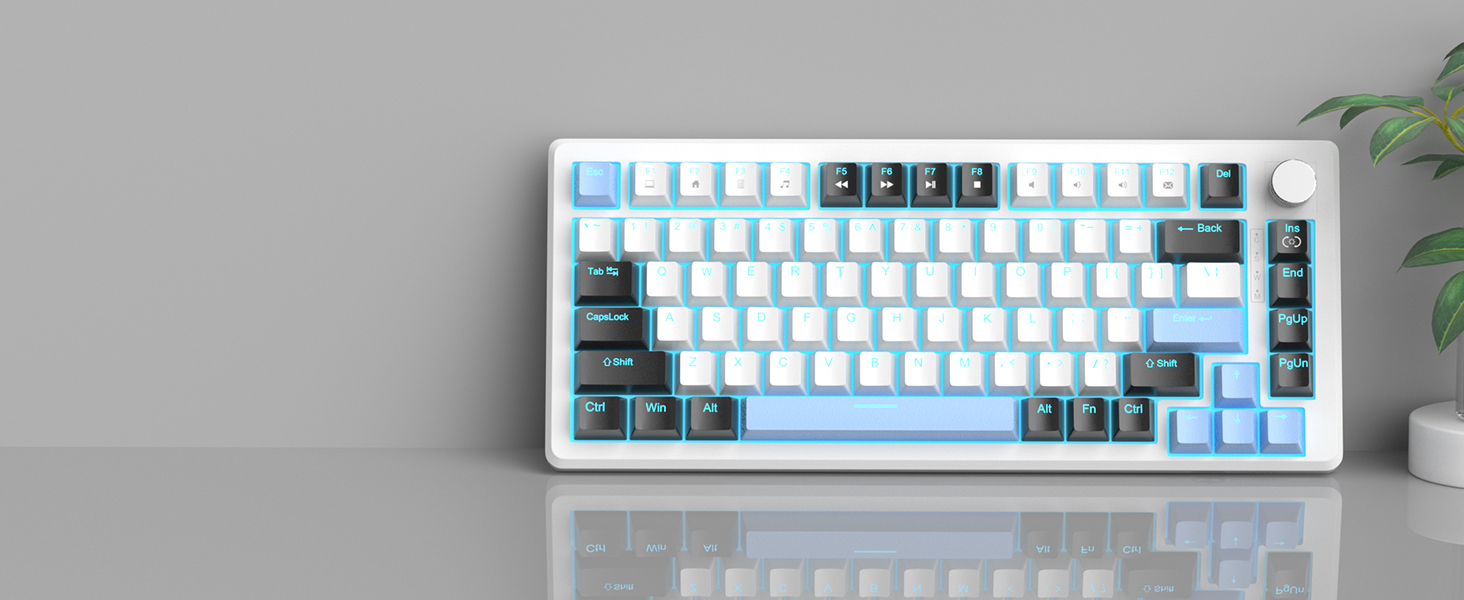
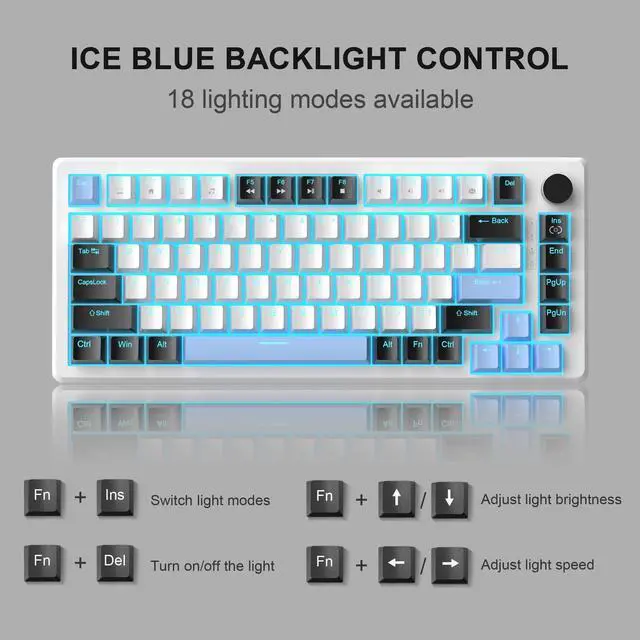
You can switch the lighting modes (static/dynamic effects) by pressing FN+INS or turn the light off by pressing FN+DEL. There are also several levels of light brightness and speed to choose from. Personalize your backlight to match your mood.

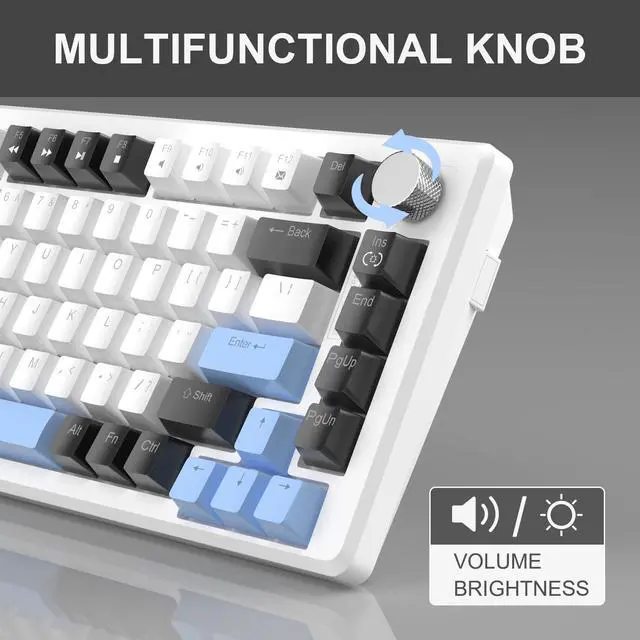
83 Keys with Knob Control
It retains necessary function keys and shortcuts. Easy to carry and perfect for limited spaces.

Play games uninterrupted
No matter how many keys are pressed simultaneously, they can execute commands without conflicts.

Ergonomic Non-Slip Pads
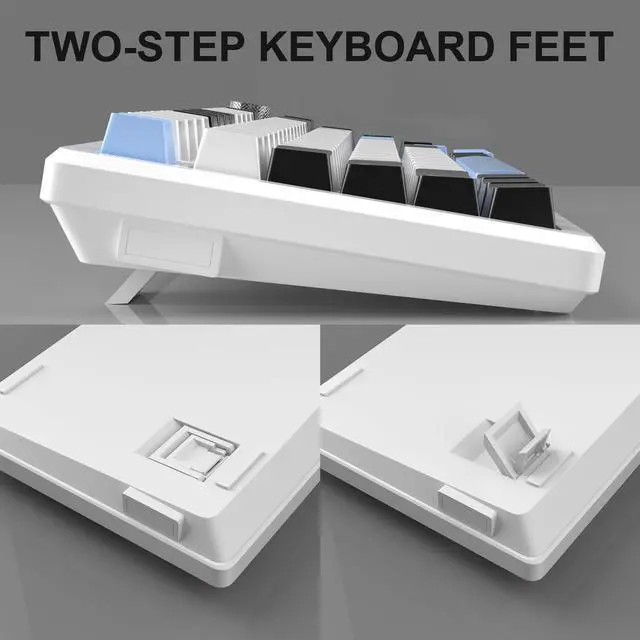
You can raise and tilt it up to 3 levels of height to make your wrist more comfortable.

Easier to Operate
These clearly show the status of the keyboard and remind you of the next step.
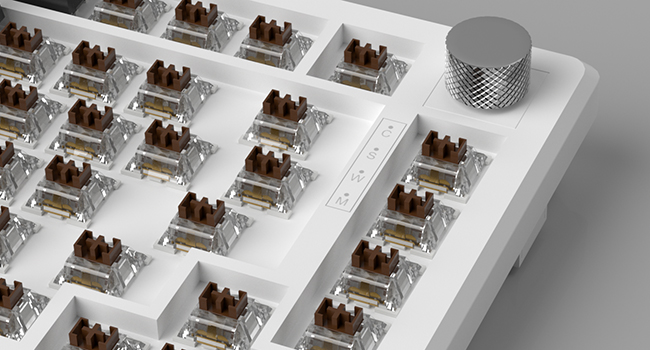
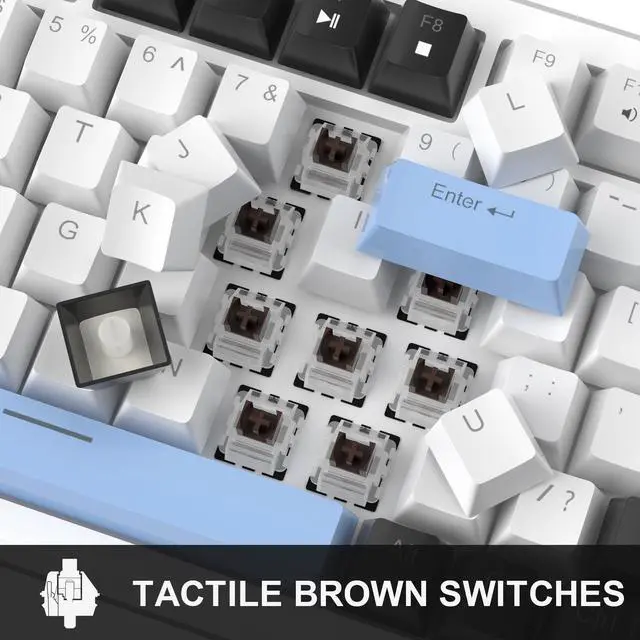
The brown switch has moderate pressure grams, and the sound and touch are softer than the blue switch, making it suitable for both typing and gaming.
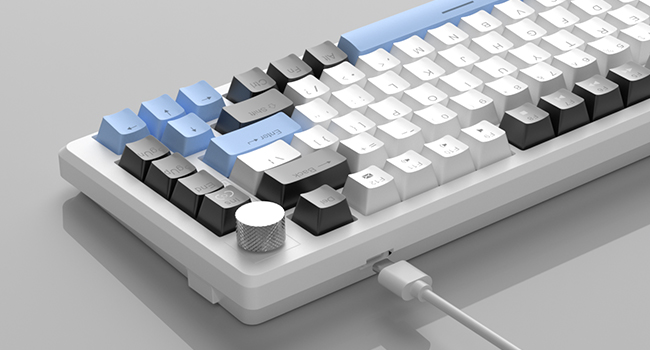
The wired connection ensures faster and more stable data transmission. The removable design makes the keyboard easy to carry and also facilitates cable replacement. Just plug and play, no drivers or software required.
How do I disable the windows key while gaming?
Press FN + Win to lock the Win key.
Do the key caps have windows for the backlit LEDs?
Yes, they allow backlight to shine through, making it easier to type in the dark.
How do I restore the keyboard to factory settings?
Long press the FN + ESC for 3 seconds to reset.
What's in the package?
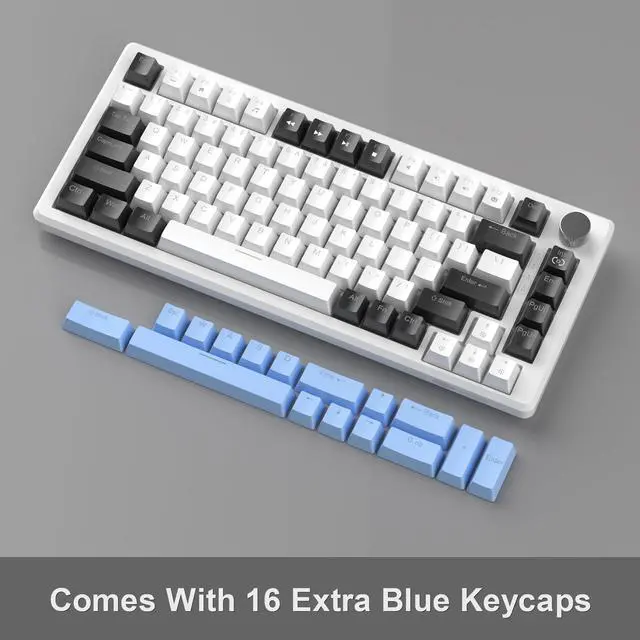
1 x Mechanical Keyboard, 1 x Type-C Cable, 1 x Keycap Puller, 1 x User Manual, 16 x Blue Keycaps
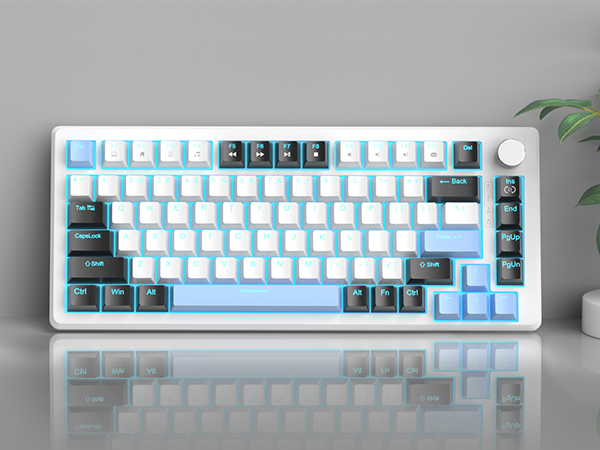
You can switch the lighting modes (static/dynamic effects) by pressing FN+INS or turn the light off by pressing FN+DEL. There are also several levels of light brightness and speed to choose from. Personalize your backlight to match your mood.
It retains necessary function keys and shortcuts. Easy to carry and perfect for limited spaces.
No matter how many keys are pressed simultaneously, they can execute commands without conflicts.
You can raise and tilt it up to 3 levels of height to make your wrist more comfortable.
These clearly show the status of the keyboard and remind you of the next step.


The brown switch has moderate pressure grams, and the sound and touch are softer than the blue switch, making it suitable for both typing and gaming.
The wired connection ensures faster and more stable data transmission. The removable design makes the keyboard easy to carry and also facilitates cable replacement. Just plug and play, no drivers or software required.
How do I disable the windows key while gaming?
Press FN + Win to lock the Win key.
Do the key caps have windows for the backlit LEDs?
Yes, they allow backlight to shine through, making it easier to type in the dark.
How do I restore the keyboard to factory settings?
Long press the FN + ESC for 3 seconds to reset.
What's in the package?
1 x Mechanical Keyboard, 1 x Type-C Cable, 1 x Keycap Puller, 1 x User Manual, 16 x Blue Keycaps


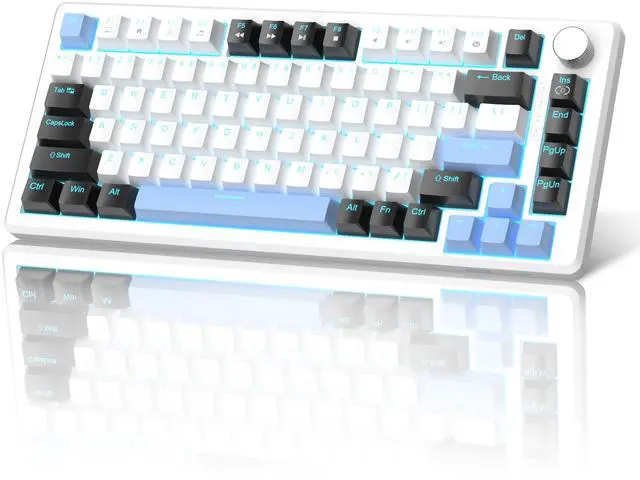
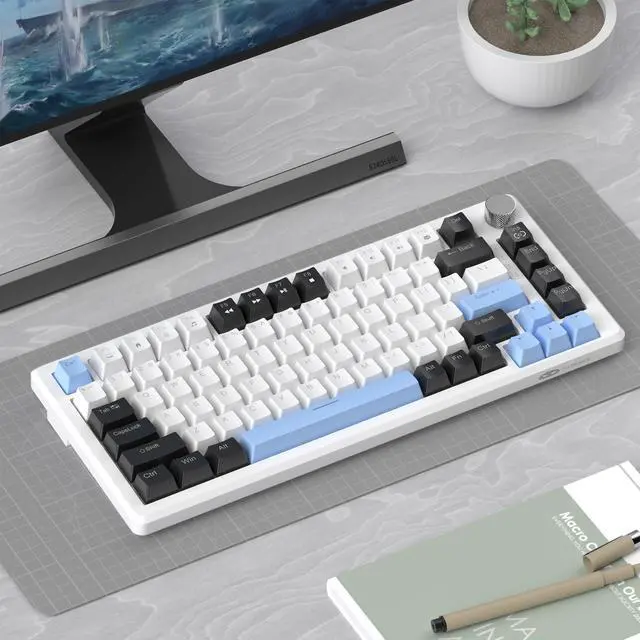
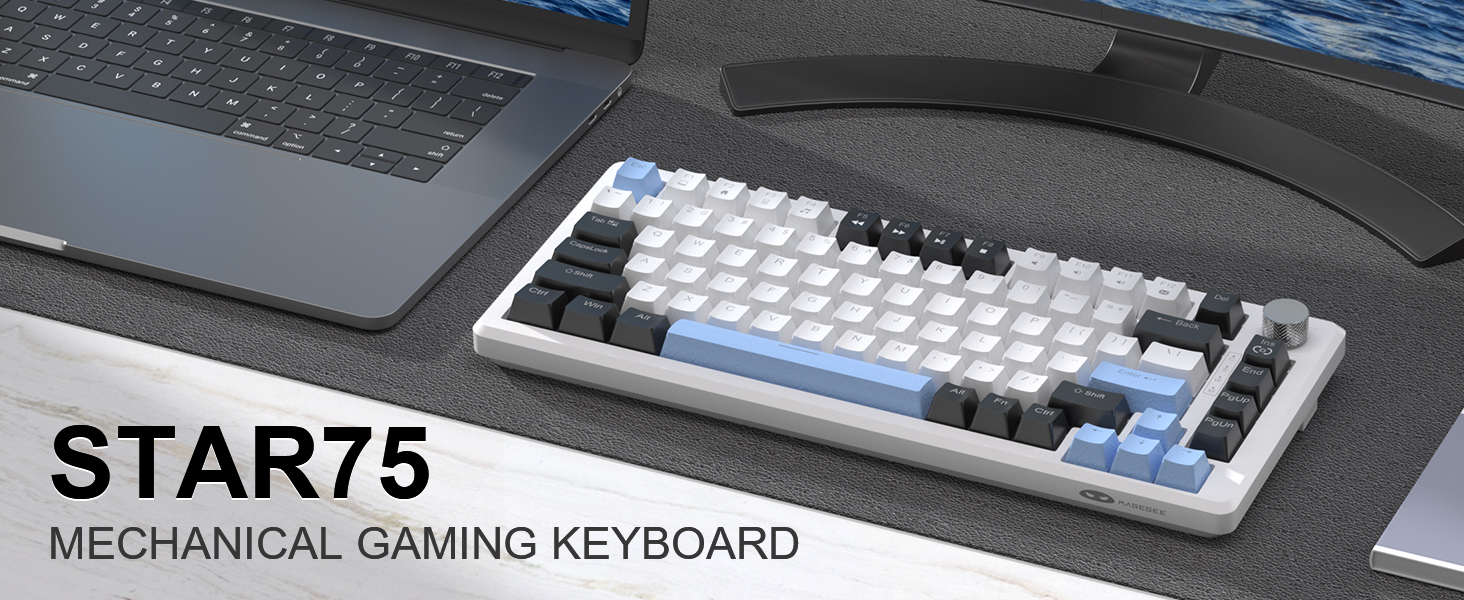
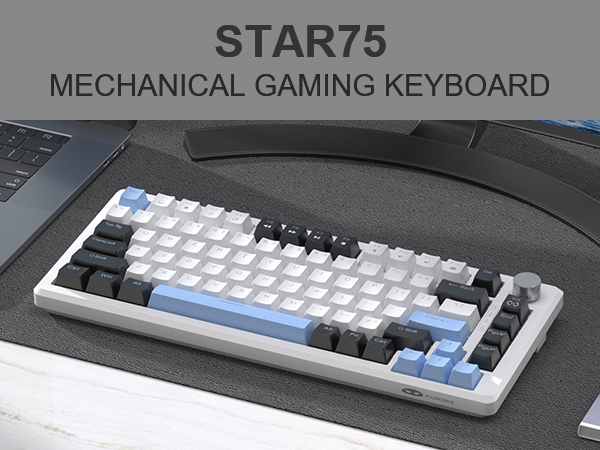
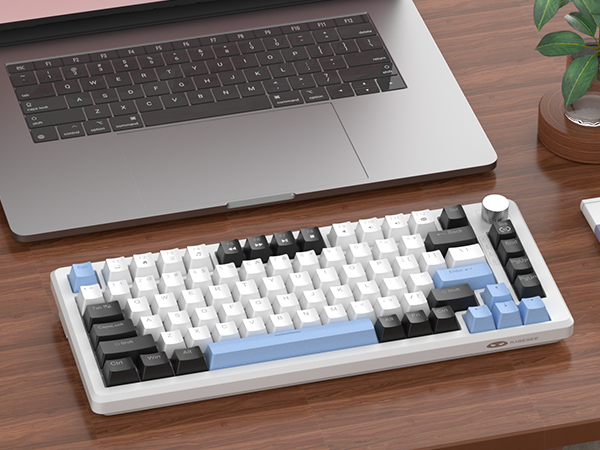
MageGee 75% Mechanical Gaming Keyboard, Compact Blue Backlit Wired Gaming Keyboard with Brown Switches, EVA Foam, Knob Control, STAR75 Portable NKRO PC Gaming Keyboard - White & Blue
| Brand | MageGee |
| Compatible Devices | Laptop, PC |
| Connectivity Technology | Wired |
| Keyboard Description | Mechanical |
| Special Feature | Backlit, Ergonomic, Hotkeys and Media Keys, Volume Roller |
| Color | White & Blue - Brown Switch |
| Keyboard backlighting color support | Single Color |
| Style | Modern |
| Material | Ethylene Vinyl Acetate |
| Model Name | STAR75 |
| Package Dimensions | 14.29 x 6.81 x 2.28 inches |
| Item Weight | 1.79 pounds |
| Manufacturer | MageGee |
| Item model number | STAR75 |
| Date First Available | May 5, 2024 |


