


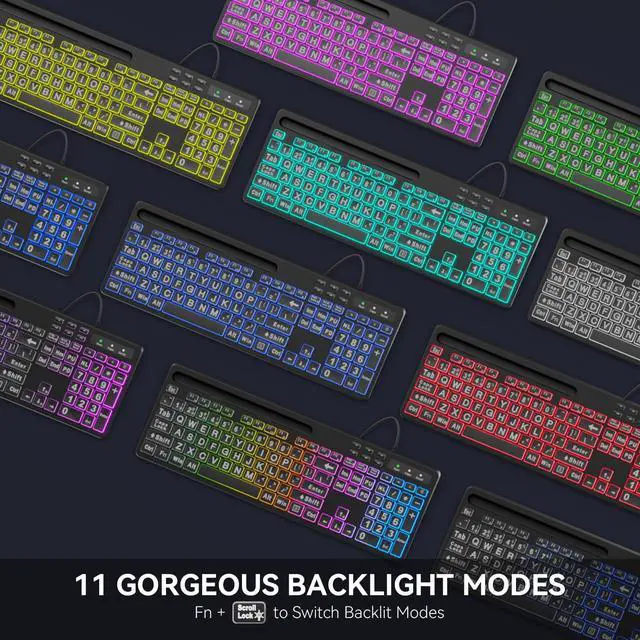


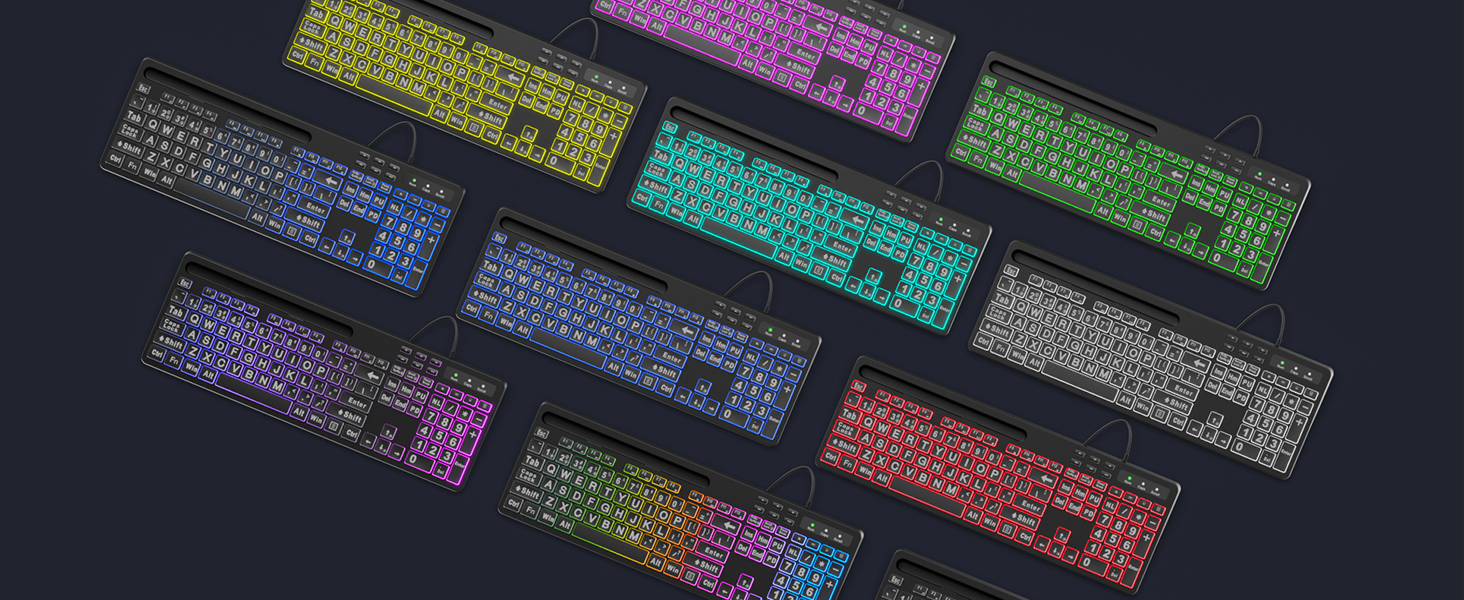
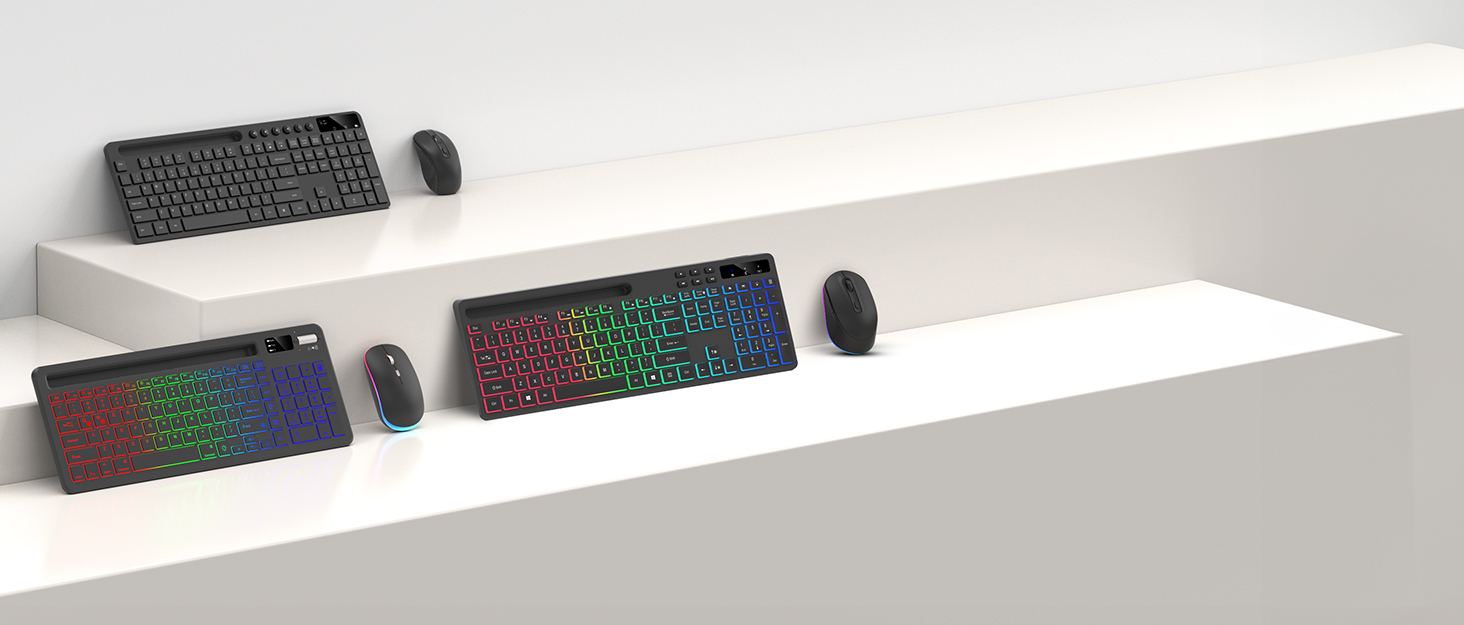
11 FANCY BACKLIT EFFECTS
Bring more fun to your daily typing and reduce fatigue from heavy work.
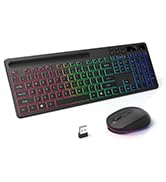
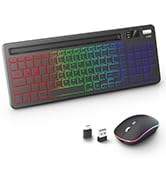
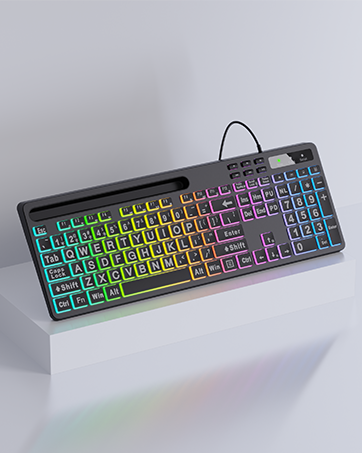
Colorful Flow?Comet Trail?Monochrome Flow?Cloud Flow?Flicker?Monochromatic Wave?Rainbow?Breathing?7-Color Monochrome?Strobe?Neon
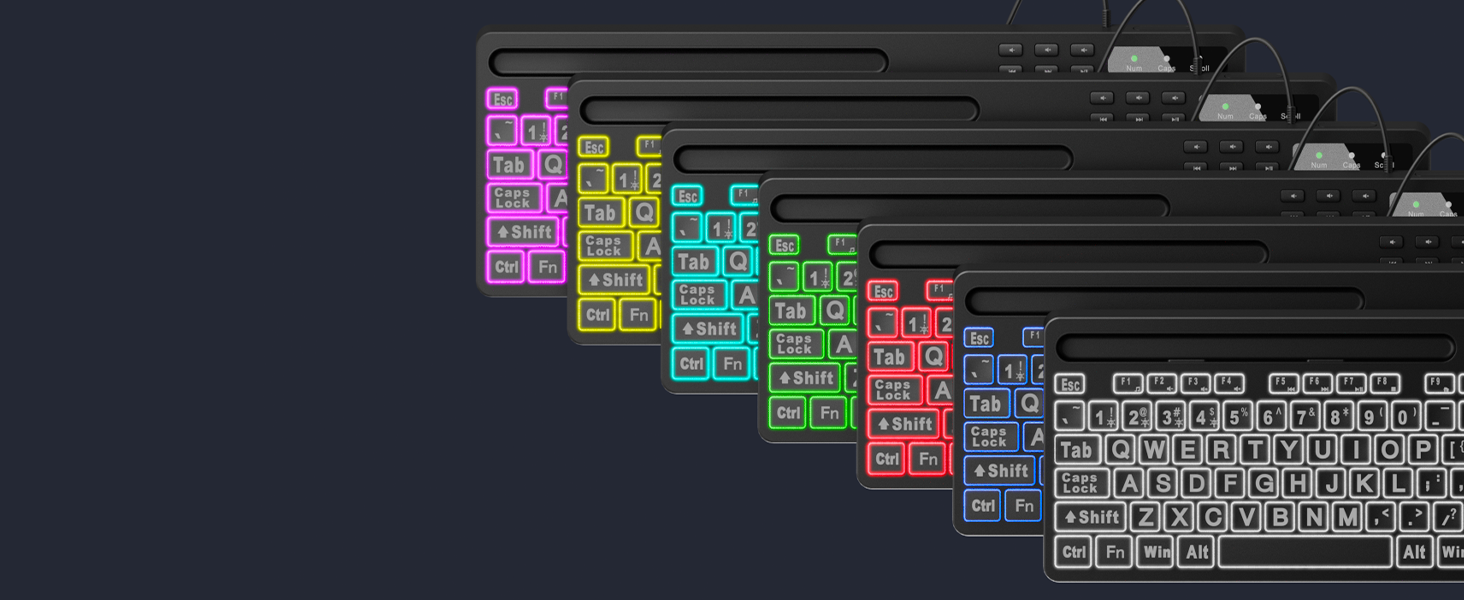
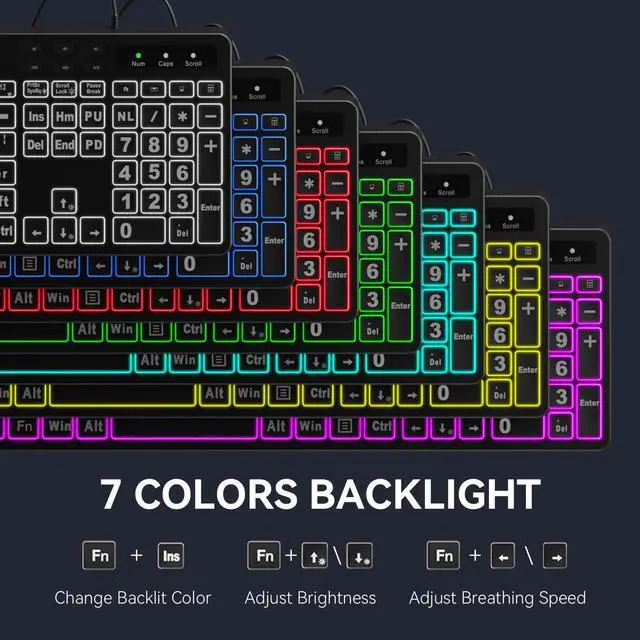
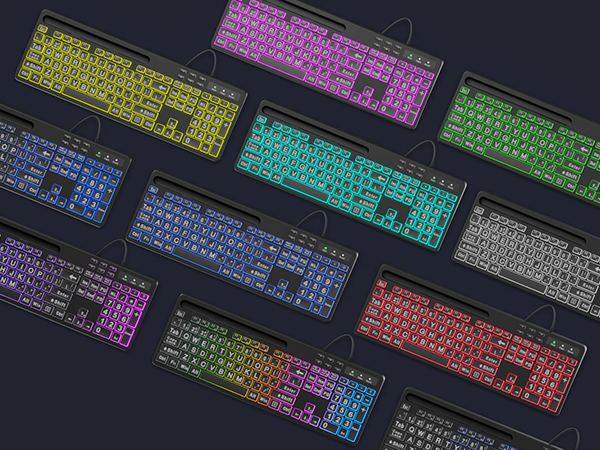
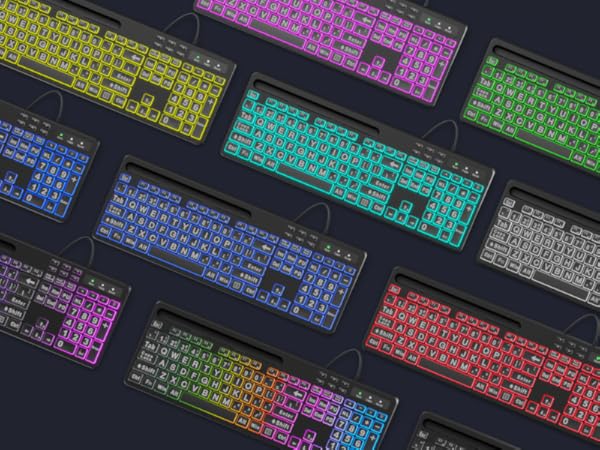
7 MONOCHROME BACKLIGHT COLORS
Free to change the backlit color (7 colors optional) and brightness (8 levels optional), choose your favorite one.
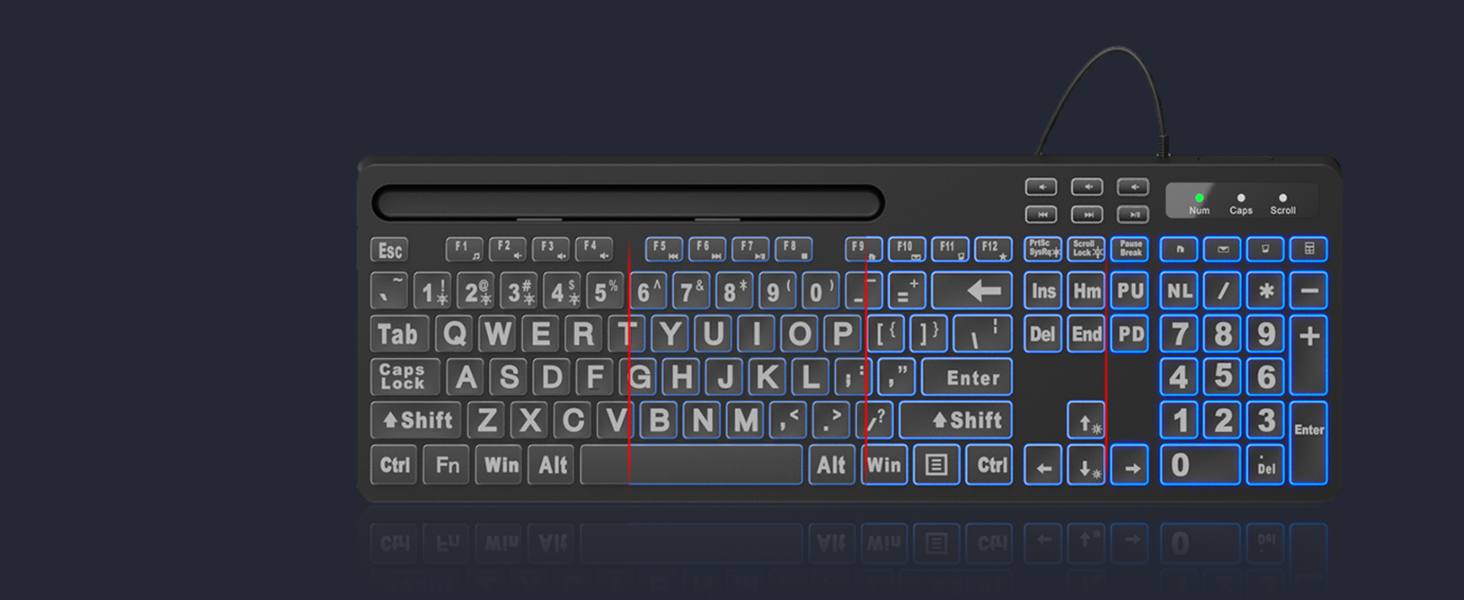
8-LEVEL ADJUSTABLE BRIGHTNESS
Allow you to type easily even in a dark environment with 8-level brightness.
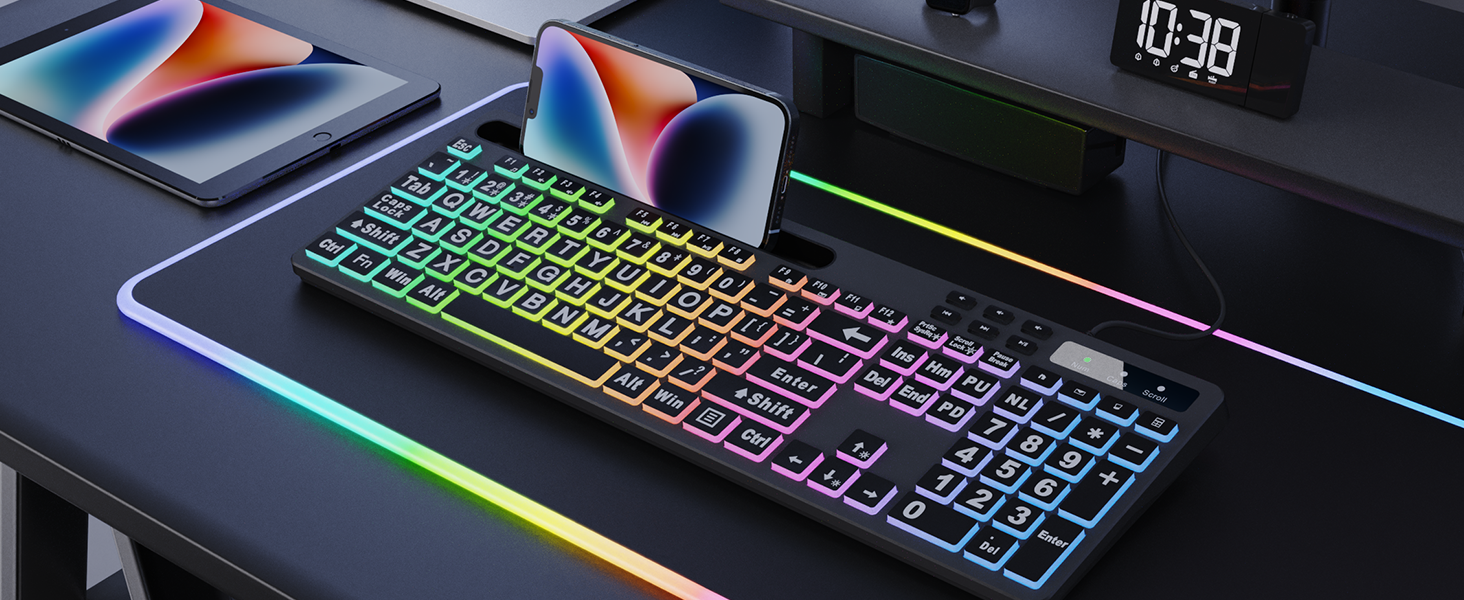
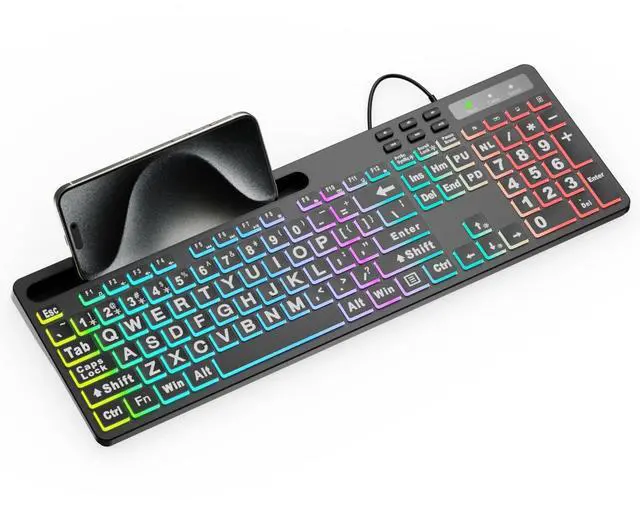
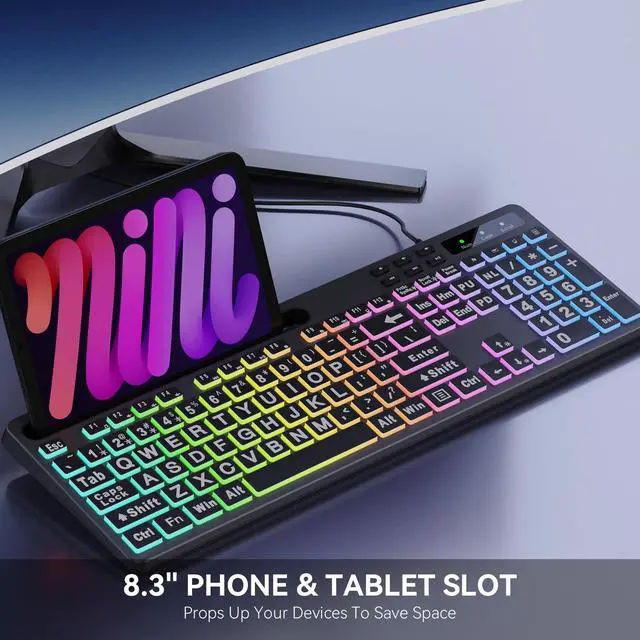
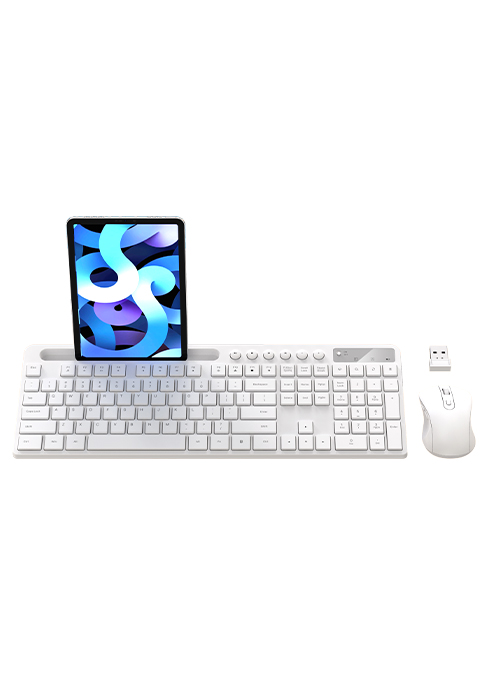
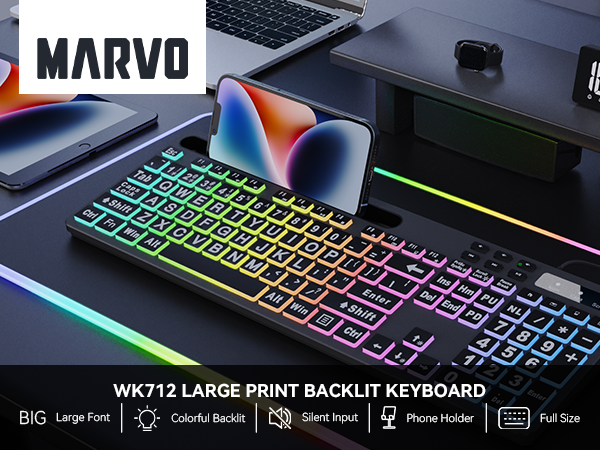
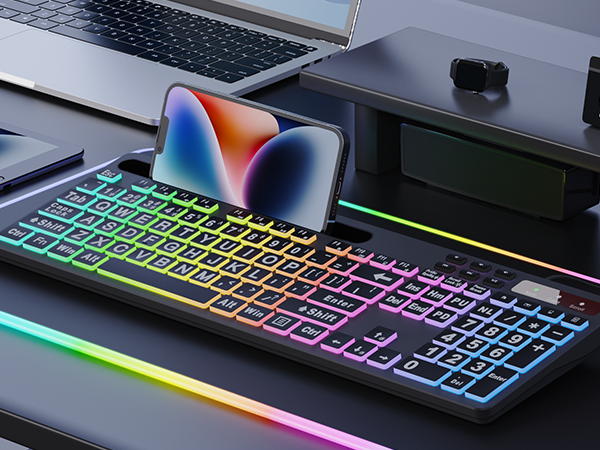
PHONE / TABLET HOLDER
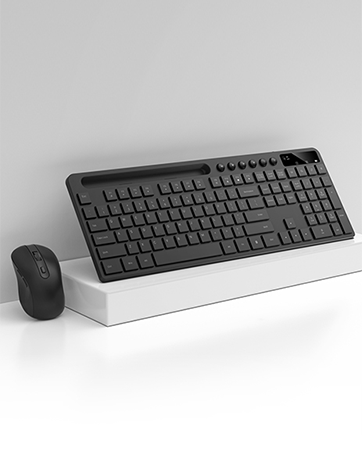
You can put your tablet or phone on the stand to multitask on other device while working. Keep your desk clean and tidy.
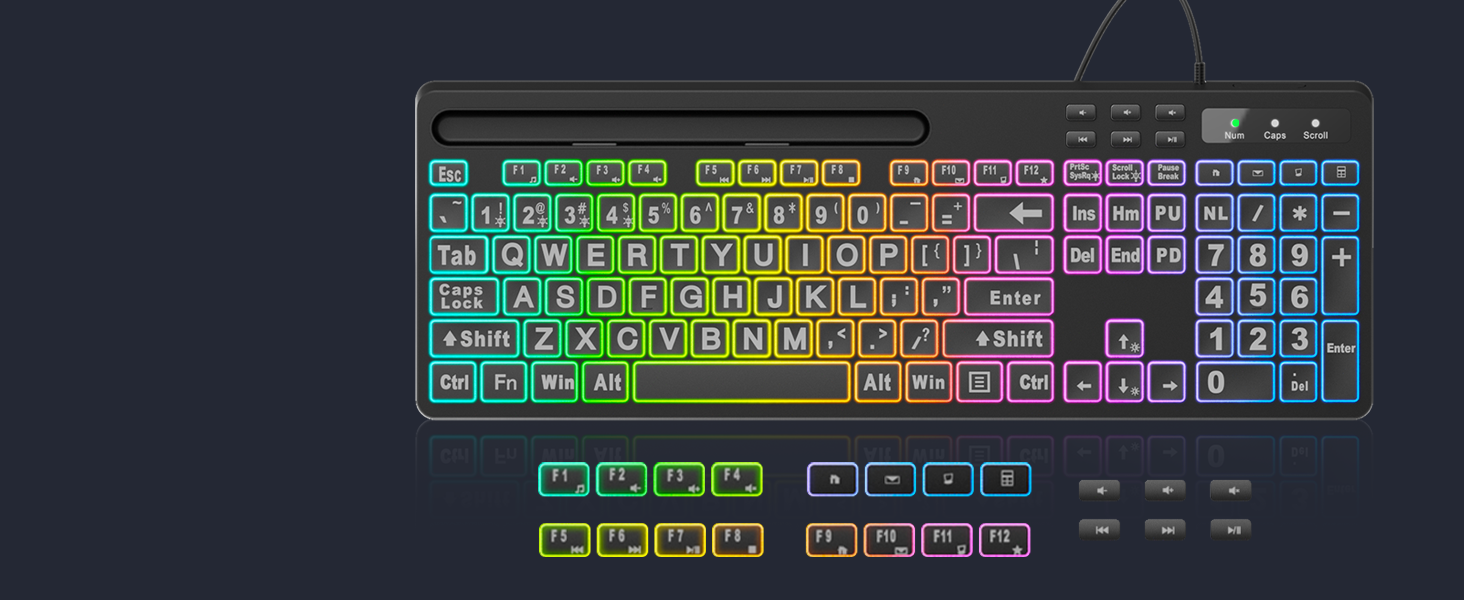
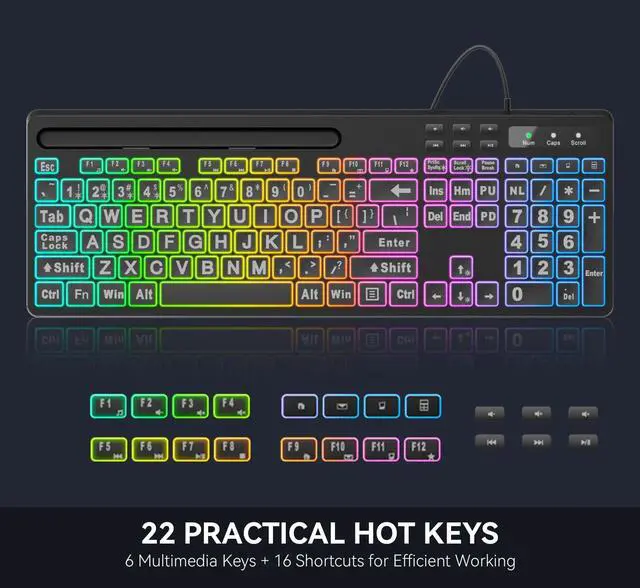
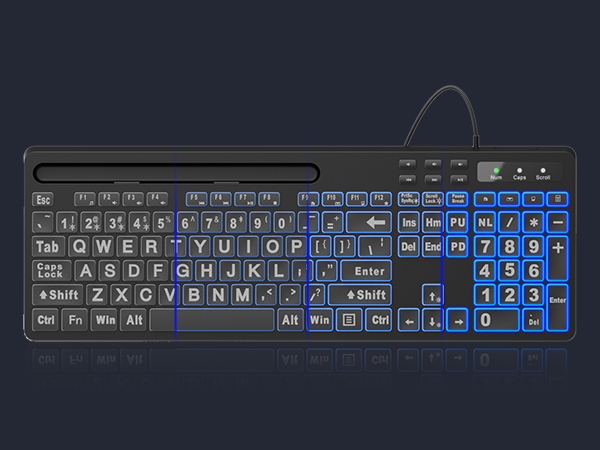
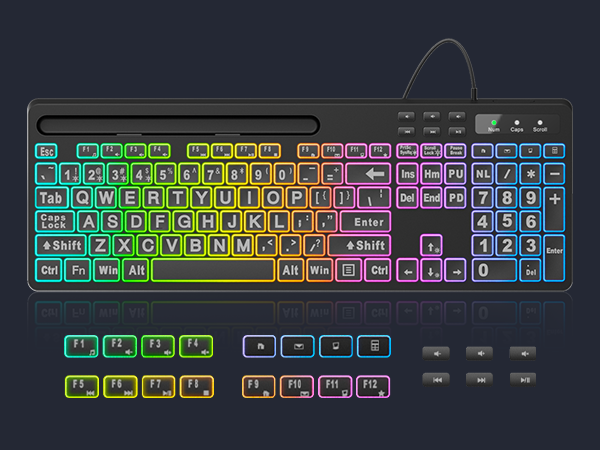
22 EFFICIENT SHORTCUT KEYS
16 combined keys, and 6 independent multimedia keys for higher efficient with less effort.
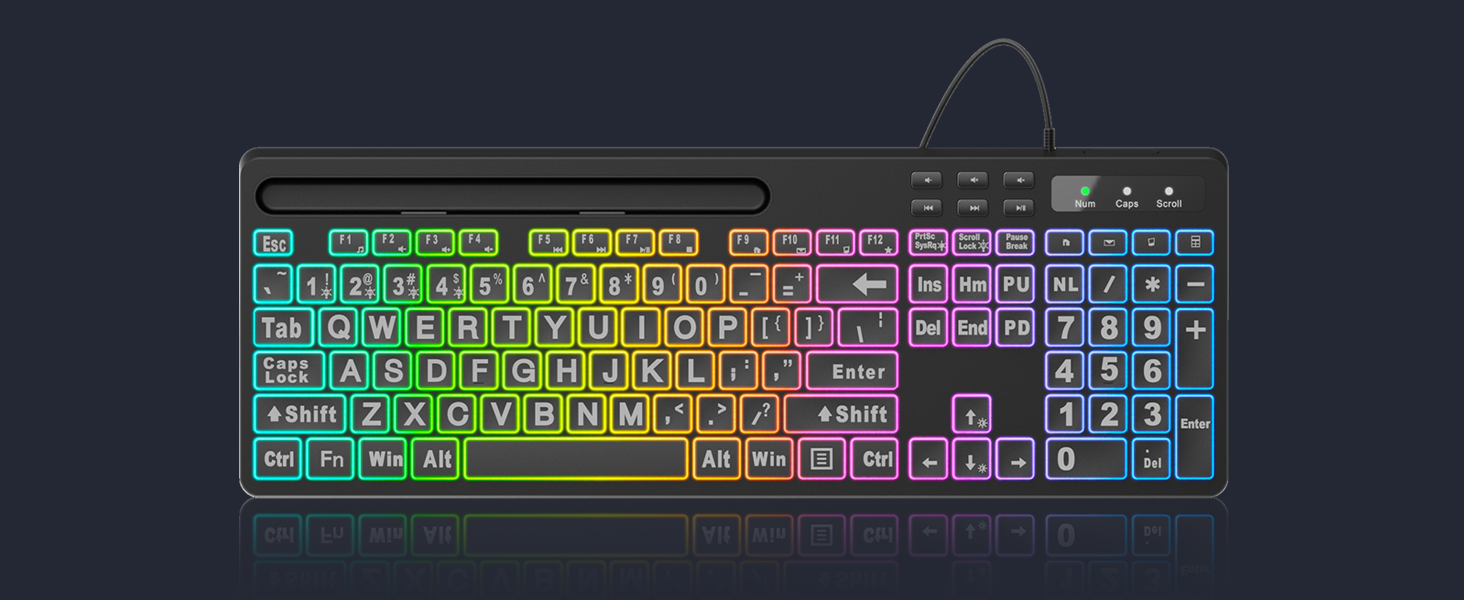
How to change the backlit color and brightness?
Press "Fn + Mode key of M1~M9" or "Fn + Ins" to select the colors or modes, press arrow keys (up/down) to adjust brightness and (left/right) to adjust backlight breathing speed.
Does this keyboard have function keys?
Yes, there are 16 shortcut keys (Fn+F1~F12, Home/Email/Computer/Calculator) and 6 independent media keys.
Will it lagging when typing?
Simply plug the USB connector into your computer or laptop, and you can start typing immediately, there is no delay issue with cable connection.
Does this wireless keyboard works with Windows and Mac OS?
Compatible with Windows and Mac. You can switch between Windows and Mac simply and it works great on both.
What if my keyboard don't work?
Please contact the seller for further assistance firstly. We will be 100% responsible for each of our products and customers.

11 FANCY BACKLIT EFFECTS
7 MONOCHROME BACKLIGHT COLORS
8-LEVEL ADJUSTABLE BRIGHTNESS
PHONE / TABLET HOLDER
22 EFFICIENT SHORTCUT KEYS
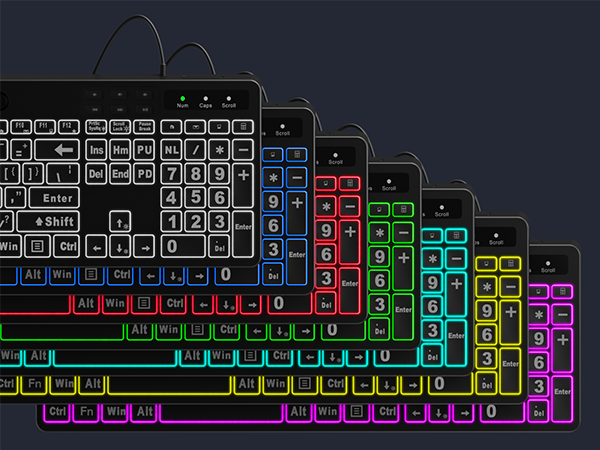
Bring more fun to your daily typing and reduce fatigue from heavy work.
Colorful Flow?Comet Trail?Monochrome Flow?Cloud Flow?Flicker?Monochromatic Wave?Rainbow?Breathing?7-Color Monochrome?Strobe?Neon
Free to change the backlit color (7 colors optional) and brightness (8 levels optional), choose your favorite one.
Allow you to type easily even in a dark environment with 8-level brightness.
You can put your tablet or phone on the stand to multitask on other device while working. Keep your desk clean and tidy.
16 combined keys, and 6 independent multimedia keys for higher efficient with less effort.
Phone/Tablet Holder
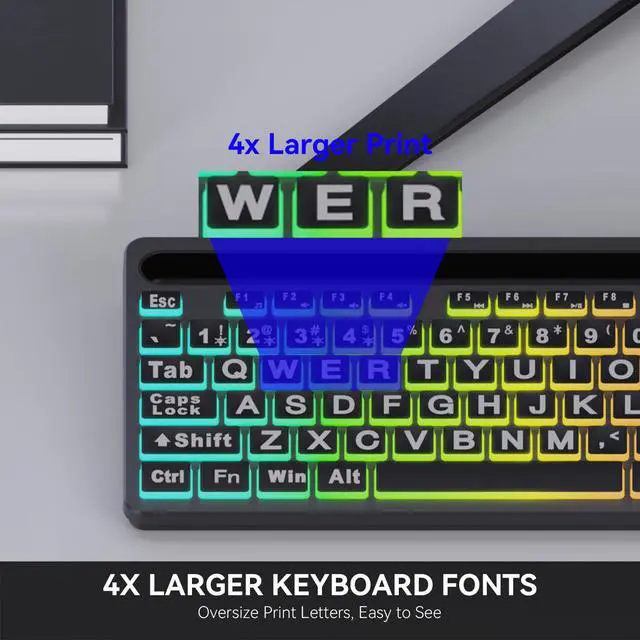
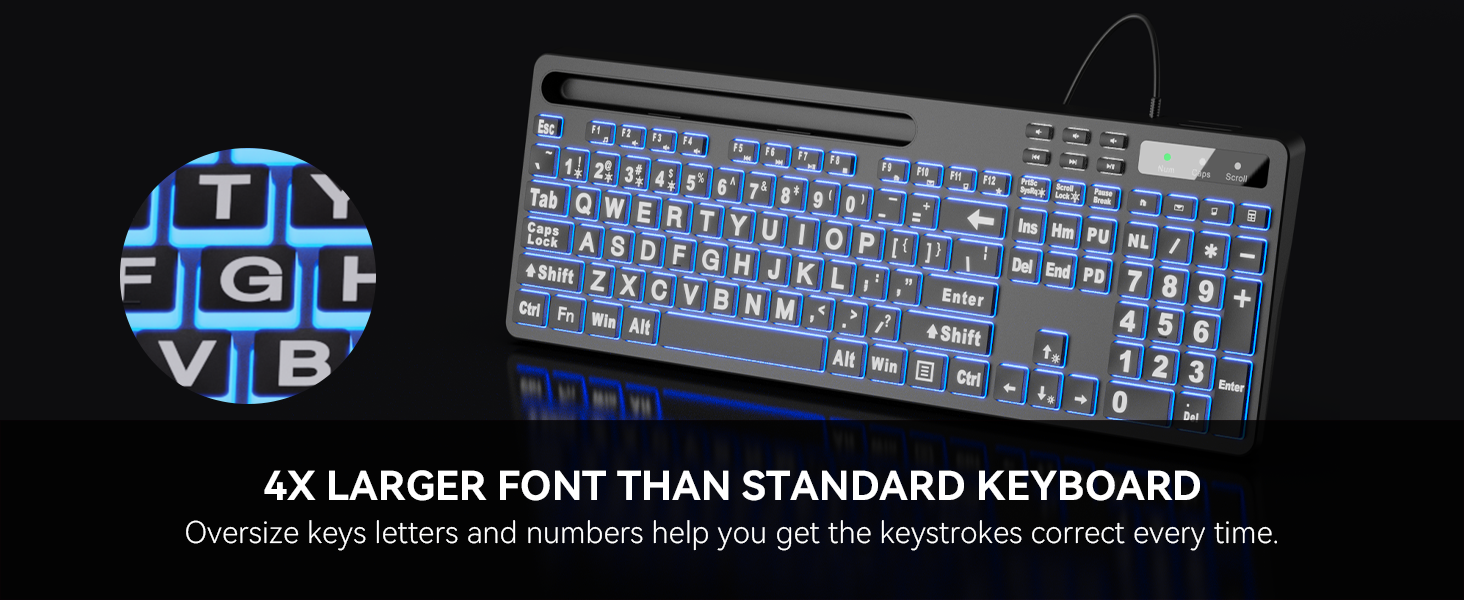
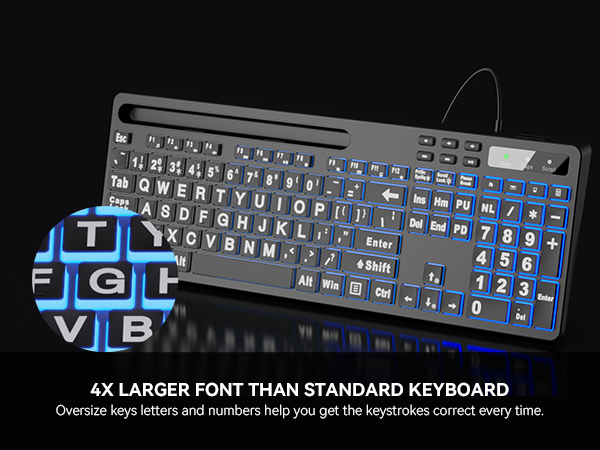
4X Larger Font
Multimedia Shortcut Keys
Full Size With Numeric Keypad
Adjustable RGB Backlight
MARVO Model Comparison
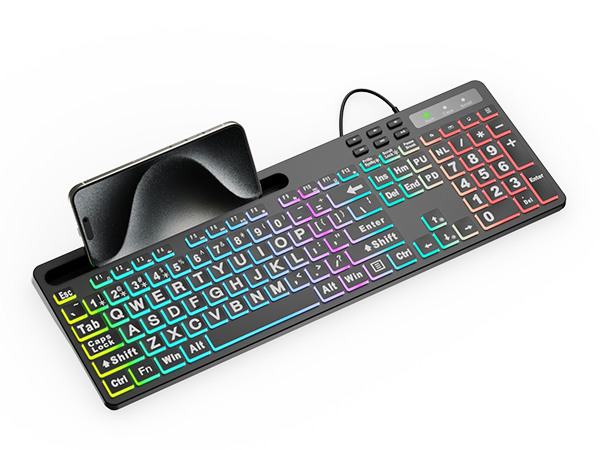
WK712
Phone/Tablet Holder
RGB Backlight
Multimedia Shortcut
Numeric Keypad
With Mouse
Wireless Or Wired
Wired
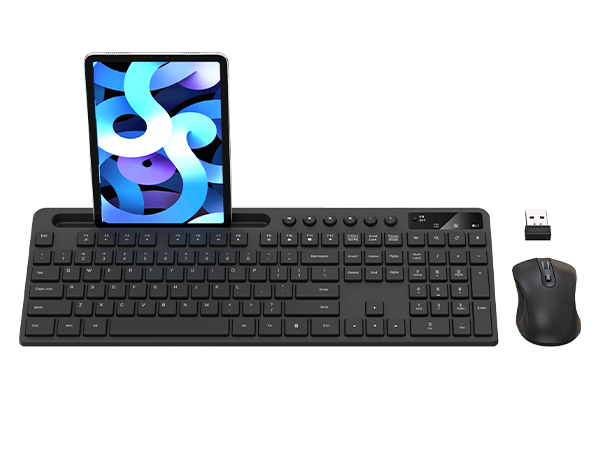
KC411
Phone/Tablet Holder
RGB Backlight
Multimedia Shortcut
Numeric Keypad
With Mouse
Wireless Or Wired
Wireless
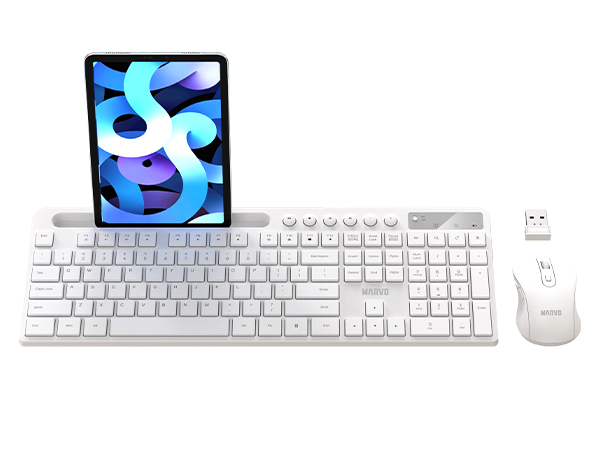
KC411
Phone/Tablet Holder
RGB Backlight
Multimedia Shortcut
Numeric Keypad
With Mouse
Wireless Or Wired
Wireless
How to change the backlit color and brightness?
Press "Fn + Mode key of M1~M9" or "Fn + Ins" to select the colors or modes, press arrow keys (up/down) to adjust brightness and (left/right) to adjust backlight breathing speed.
Does this keyboard have function keys?
Yes, there are 16 shortcut keys (Fn+F1~F12, Home/Email/Computer/Calculator) and 6 independent media keys.
Will it lagging when typing?
Simply plug the USB connector into your computer or laptop, and you can start typing immediately, there is no delay issue with cable connection.
Does this wireless keyboard works with Windows and Mac OS?
Compatible with Windows and Mac. You can switch between Windows and Mac simply and it works great on both.
What if my keyboard don't work?
Please contact the seller for further assistance firstly. We will be 100% responsible for each of our products and customers.
MARVO
BRTTER THAN YOU EXPECT!!!
MARVO
- MARVO Mice, Keyboards, Combos for Business;
- The most comfortable office experience;
- We are committed to providing excellent products to make your office life more perfect and elegant.
Enjoy your office life!
MARVO
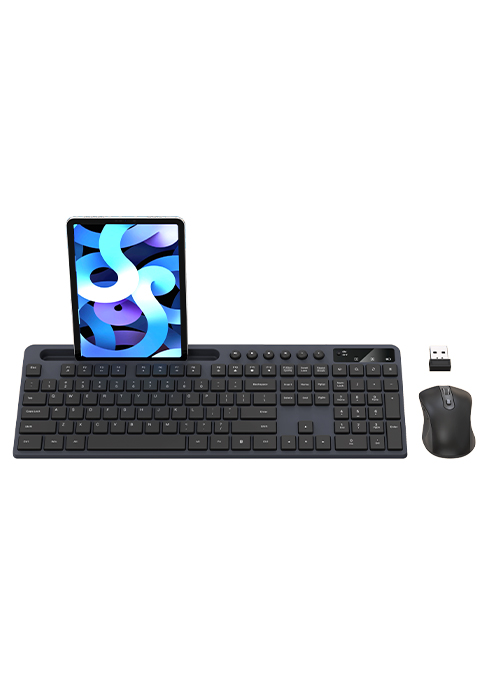
KC411W
MARVO
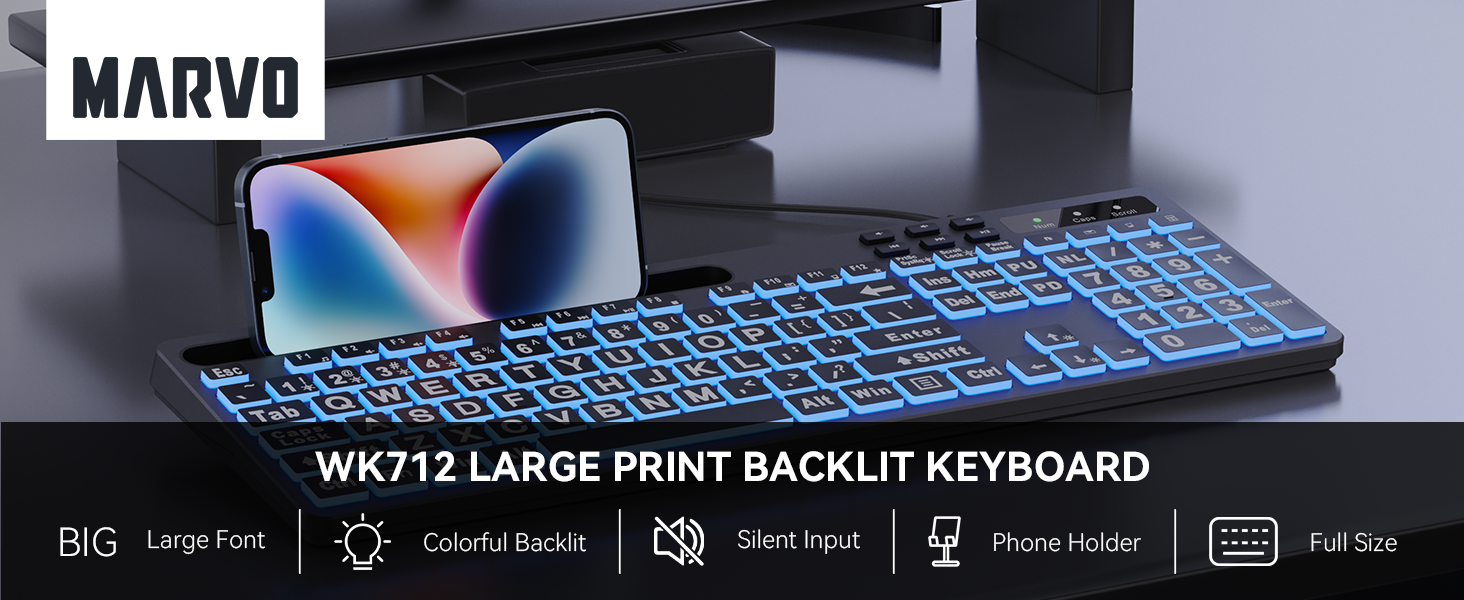
WK712 Wired Keyboard