







Matrixcamp was founded by a group of passionate DIY enthusiasts. Our mission is to provide ourselves and fellow DIY hobbyists with the simplest, most user-friendly, and top-quality tools.
Having a team of over a hundred designers and engineers, collaborating with first class factory, matrixcamp is a leader in endoscope with products sold all over the world.
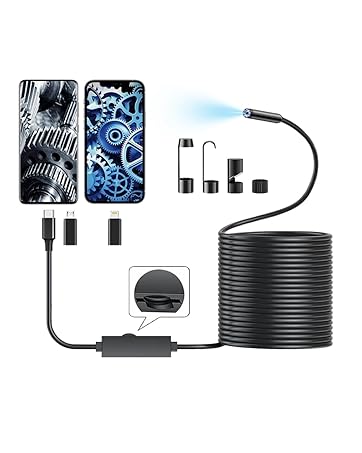
Single Lens
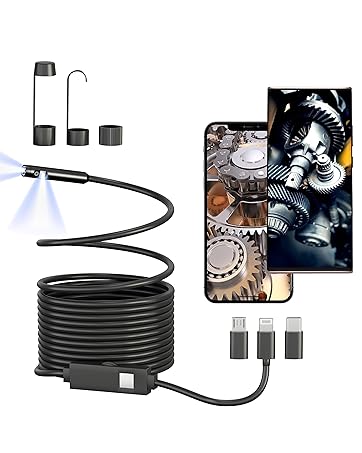
Dual Lens
About product service
MatrixCamp promises to provide free returns and exchanges for any issues encountered within three years.
About product not working
? For iPhone: Please try unplugging and reinserting the Lightning adapter
? For Android: Ensure that your phone supports OTG functionality and that it is already enabled.
About side camera not working
Press and hold the physical button to switch cameras.
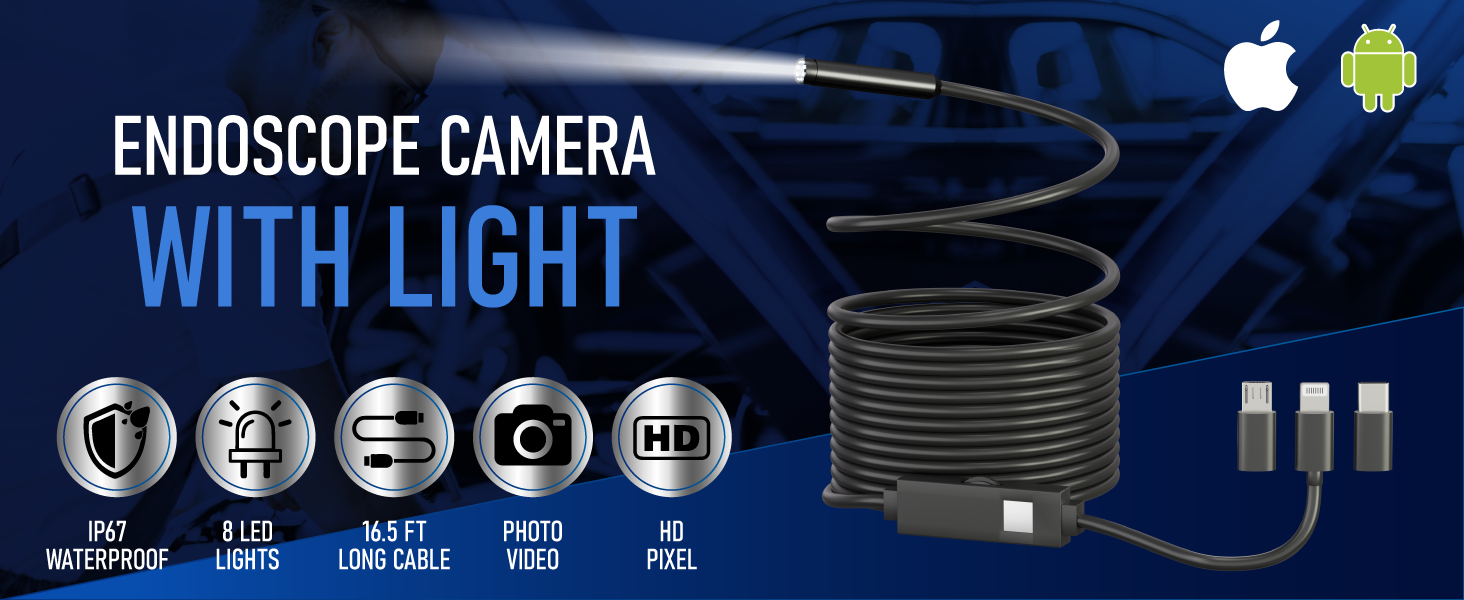
Which devices are supported?
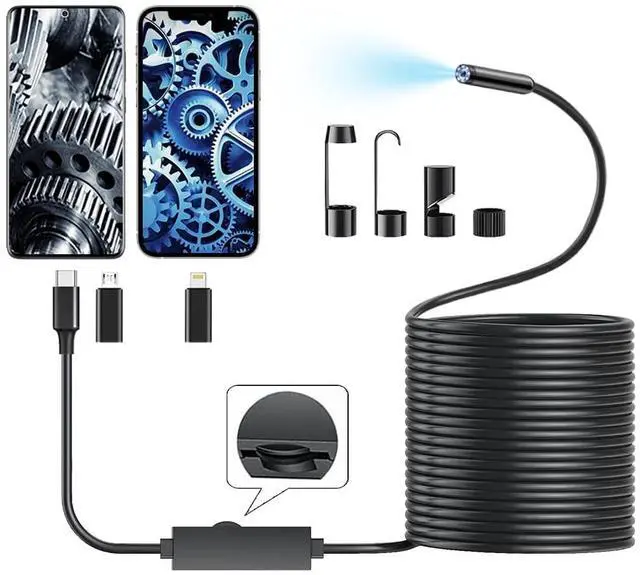
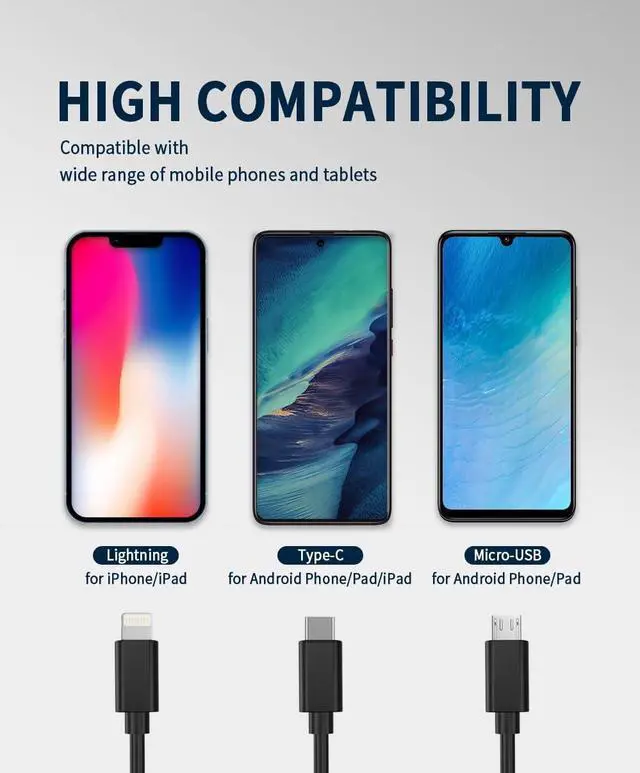
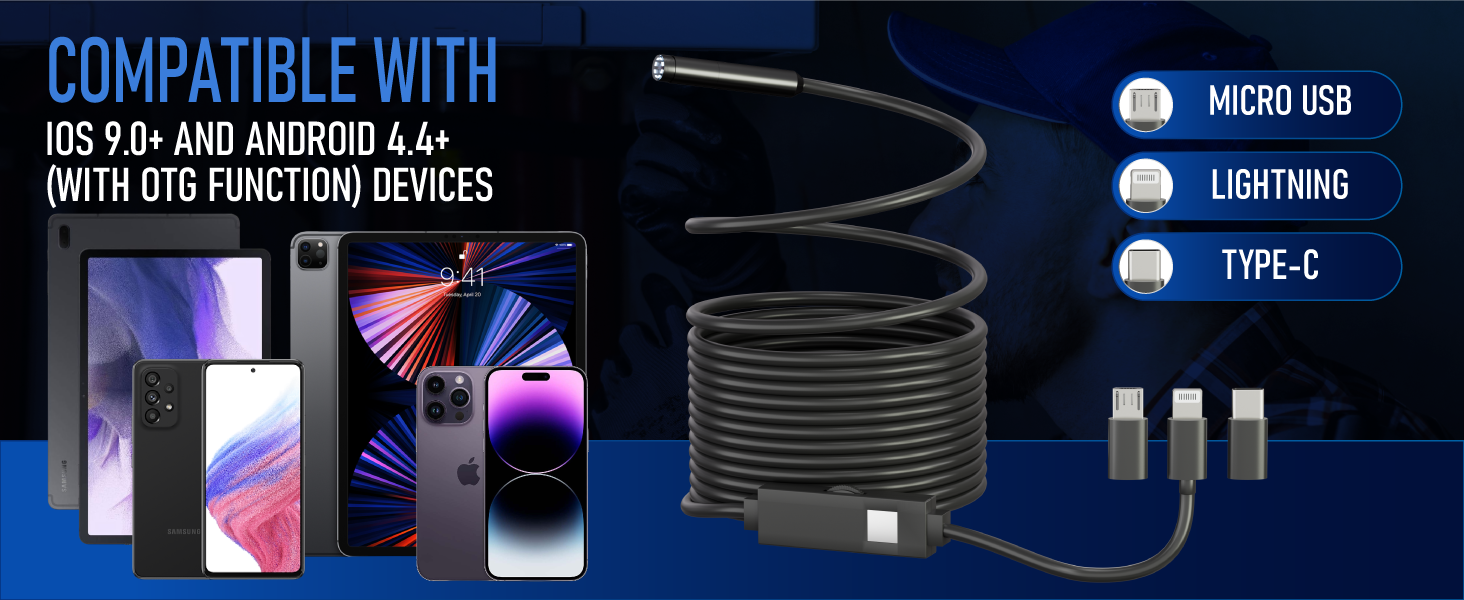
(1) iPhone and iPad (iOS 9+).
(2) Android phone and tablet (android 4.4+, with OTG function).
Why is the picture not clear?
(1) Clean the camera with a clean alcohol cloth.
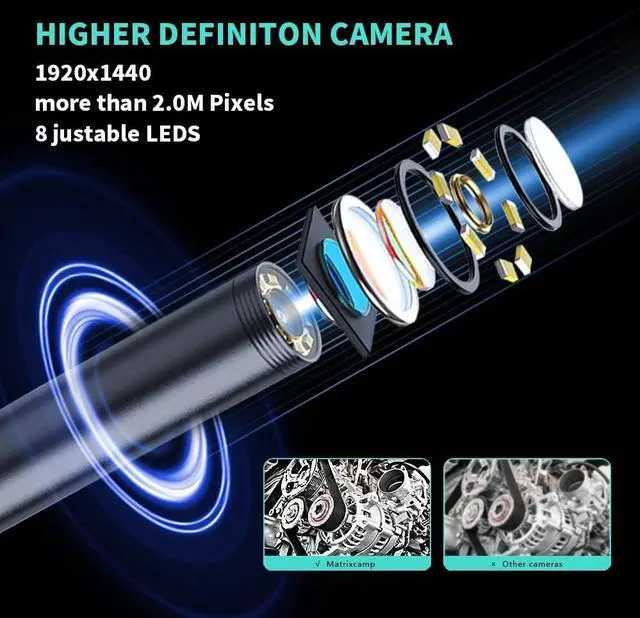
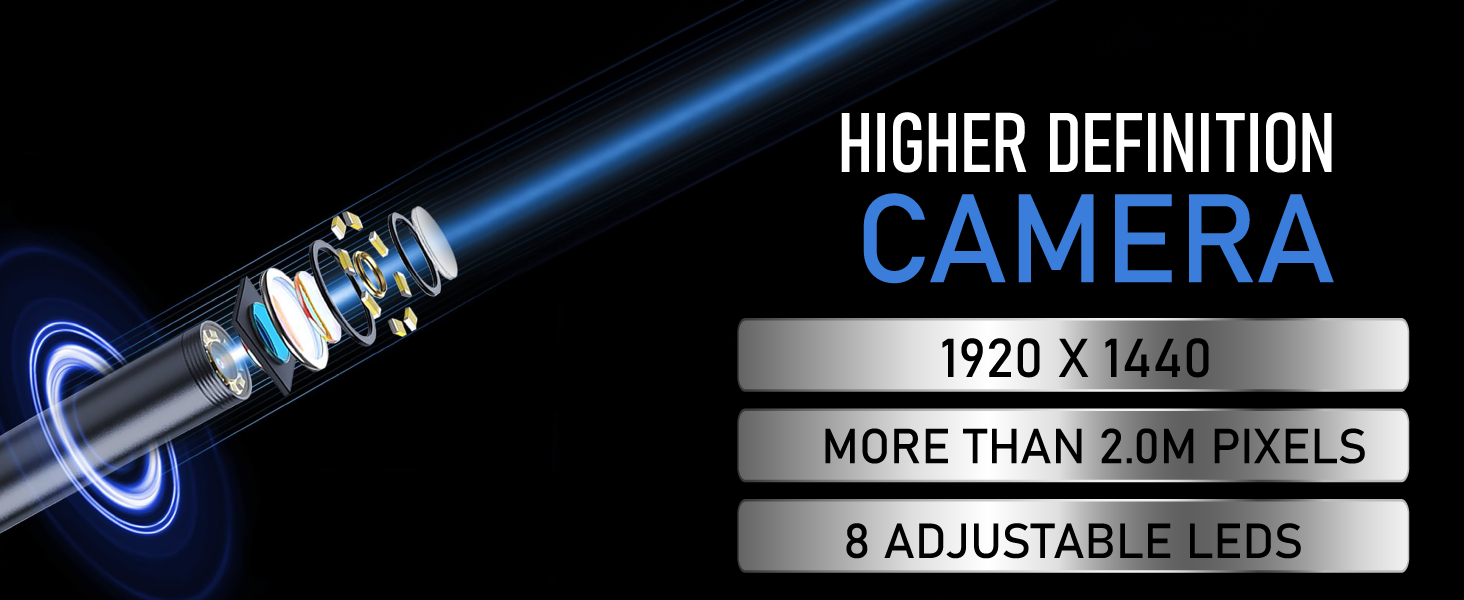
(2) Keep the distance between the camera and the object at 2-10 cm, because it's the best imaging focal length of the camera.
(3) If in the dark environment, please turn on the LED lights.
Why dose the app not show pictures?
(1) Wipe the interface and re-plug it to connect the phone.
(2) The power of the mobile phone is less than 20%, please charge it.
(3) The OTG function is not turned on, search OTG in the phone settings, and turn on the switch.
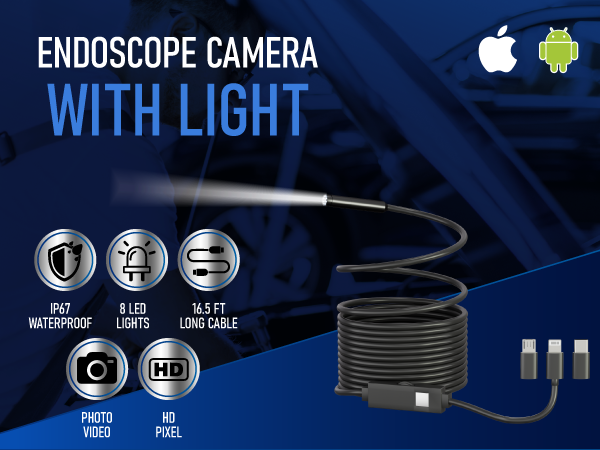
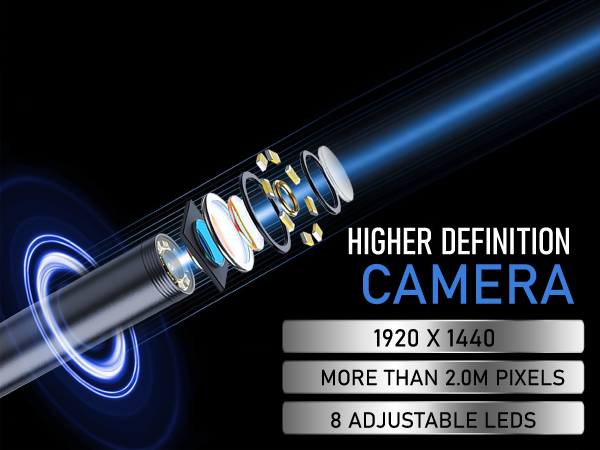
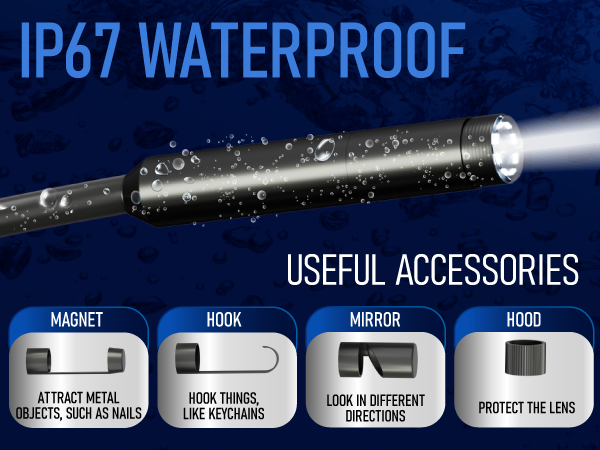
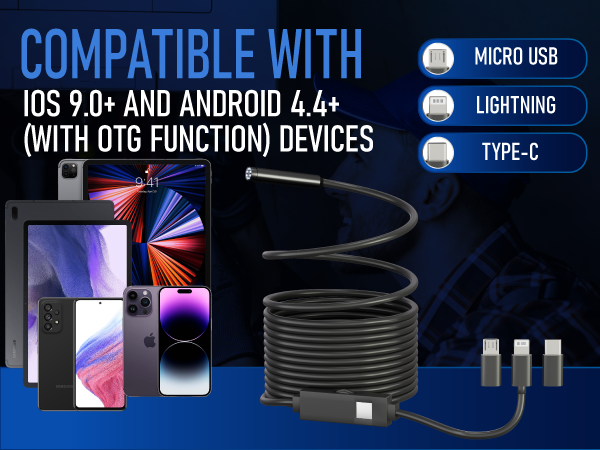
Which devices are supported?
(1) iPhone and iPad (iOS 9+).
(2) Android phone and tablet (android 4.4+, with OTG function).
Why is the picture not clear?
(1) Clean the camera with a clean alcohol cloth.
(2) Keep the distance between the camera and the object at 2-10 cm, because it's the best imaging focal length of the camera.
(3) If in the dark environment, please turn on the LED lights.
Why dose the app not show pictures?
(1) Wipe the interface and re-plug it to connect the phone.
(2) The power of the mobile phone is less than 20%, please charge it.
(3) The OTG function is not turned on, search OTG in the phone settings, and turn on the switch.
Matrixcamp was founded by a group of passionate DIY enthusiasts. Our mission is to provide ourselves and fellow DIY hobbyists with the simplest, most user-friendly, and top-quality tools.
Having a team of over a hundred designers and engineers, collaborating with first class factory, matrixcamp is a leader in endoscope with products sold all over the world.
Single Lens
Dual Lens
About product service
MatrixCamp promises to provide free returns and exchanges for any issues encountered within three years.
About product not working
? For iPhone: Please try unplugging and reinserting the Lightning adapter
? For Android: Ensure that your phone supports OTG functionality and that it is already enabled.
About side camera not working
Press and hold the physical button to switch cameras.