• $116.98
  • Free 30-day Returns
  • Sold by Temonick shop

    Shipped by Temonick shop

    Price alert
    Shop it at NeweggBusiness.

    Meet Your Seller

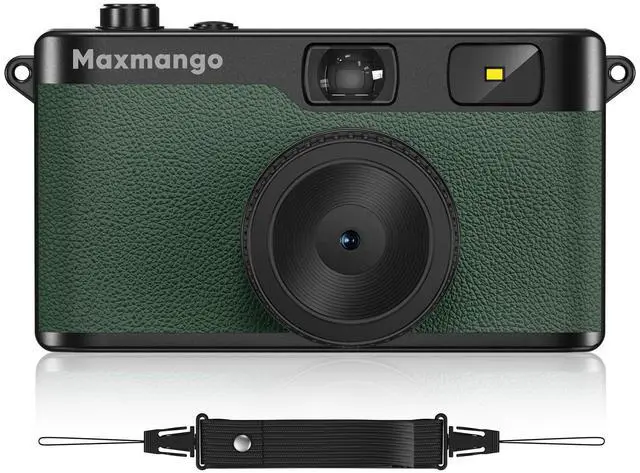
    Maxmango D53 Vintage Digital Camera - Retro Digital Camera 12MP Screenless Vintage Camera Disposable Camera Replacement Includes 8GB SD Card Green

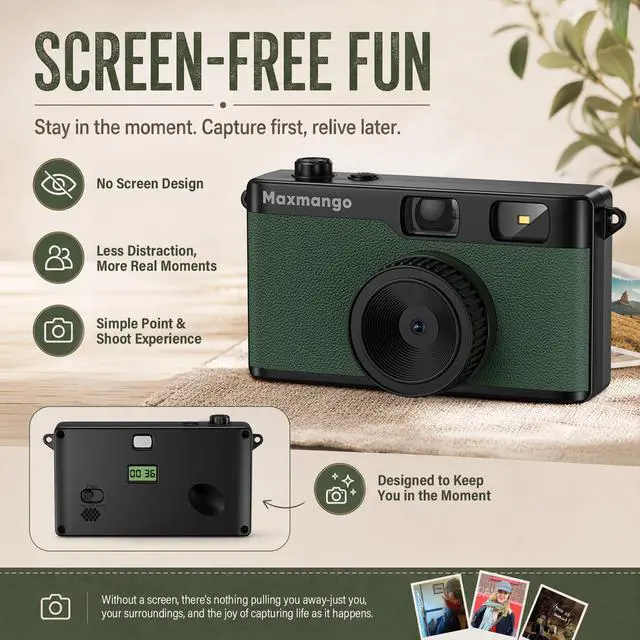
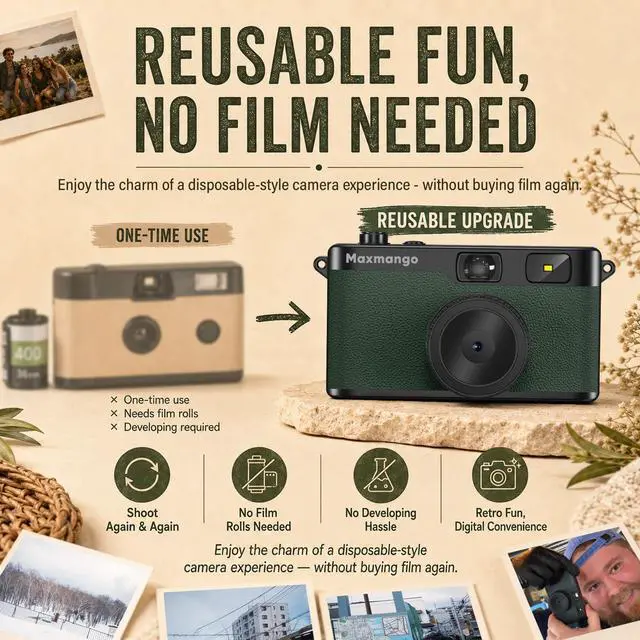
    • Retro Screenless Design: Say goodbye to shooting anxiety. With no screen and a retro aesthetic, you can focus on the moment, avoid the mental drain of constantly reviewing and editing your photos, and effortlessly capture natural momentsreturning to the essence of photography.
    • Ultra-light and portable: Travel light with this ultra-lightweight design, perfect for trips, gatherings, and everyday moments; with 8GB of built-in storage, youll never have to worry about battery life or storage space.
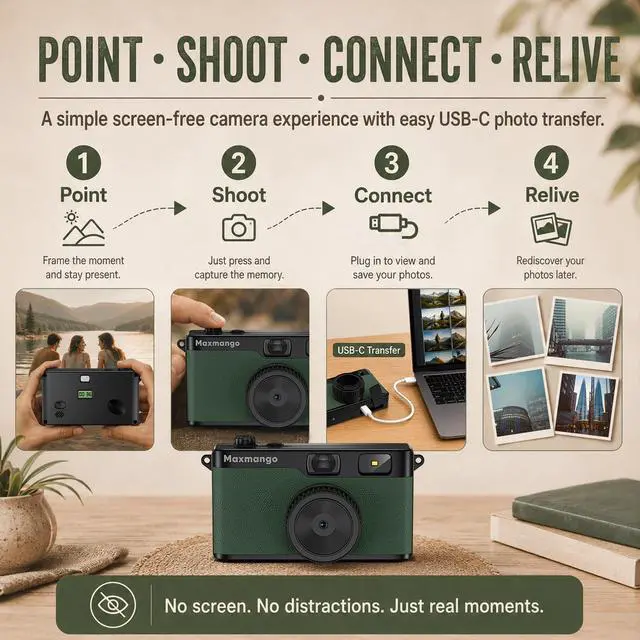
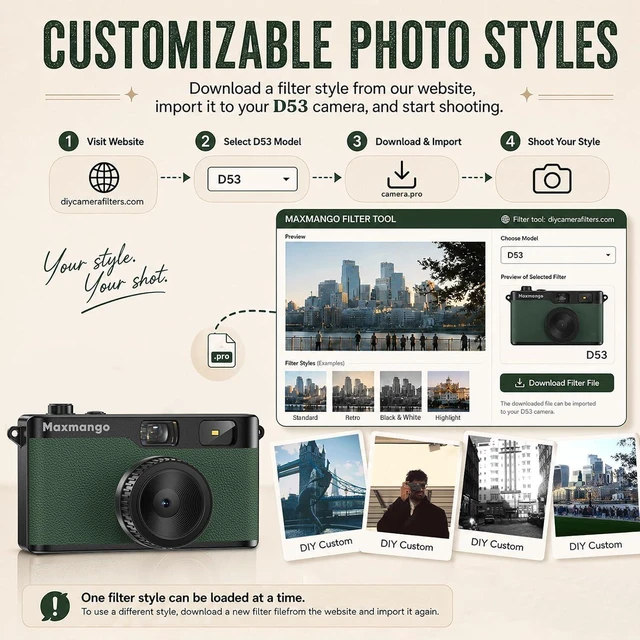
    • Filter User Guide How to DIY Your Camera Filters? Download custom filters from the official website to your cameras TF card, or directly connect the camera to your phone or computer using the included USB-C cable. The TF card must be inserted into the camera to shoot. Instantly capture photos with your chosen filter. Only one filter can be applied while shooting; to change the filter, simply download a new filter from the website and install it to the cameras root directory.Note: Supports one filter at a time.
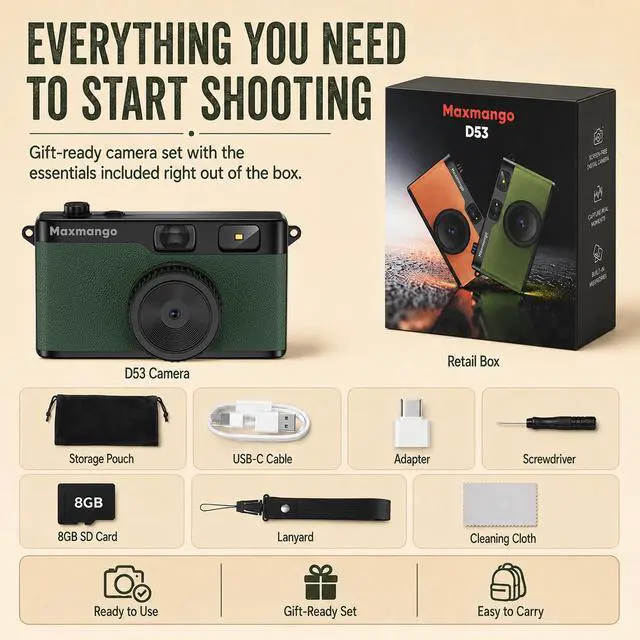
    • Complete Kit, Ready to Shoot: The camera comes with a full set of accessories, including the body, an 8GB SD card, a wrist strap, and a USB-C cableready to use immediately, with no need for additional purchases. Its intuitive interface is suitable for all users, from beginners to vintage camera enthusiasts.
    +
    +
    Overview
    Specs
    Reviews
    avatar

    Any questions? Our AI mode will help you find out quickly.

    Download custom filters from the official website to your cameras TF card, or directly connect the camera to your phone or computer using the included USB-C cable. The TF card must be inserted into the camera to shoot. Instantly capture photos with your chosen filter. Only one filter can be applied while shooting; to change the filter, simply download a new filter from the website and install it to the cameras root directory.Note: Supports one filter at a time.

    Warranty & Returns

    Warranty, Returns, And Additional Information

    Warranty

    • Please contact the Seller directly for warranty information. Warranty information may also be found on the Manufacturer's website.
    • CONTACT

    Return Policies

    Manufacturer Contact Info

    LOADING...