


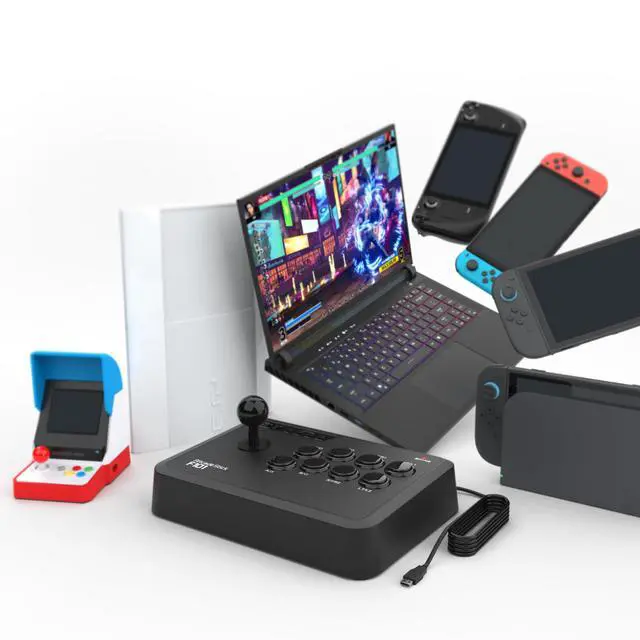


System Compatibility: Switch, Switch 2, PC Windows, PS3, Android, NeoGeo Mini, SEGA MEGA DRIVE, SEGA GENESIS mini.
More Supports
- Supports the XINPUT and DINPUT when being used on PC.
- Supports the Turbo functions with different speed settings.
- The D-Pad and X/Y Analog Axis mode can be exchanged.
- Compatible with Sanwa Denshi buttons that is perfect for customization.
- Please update to the latest firmware at MAYFLASH.COM.
Package
1 x MAYFLASH Arcade Stick F101
1 x Manual
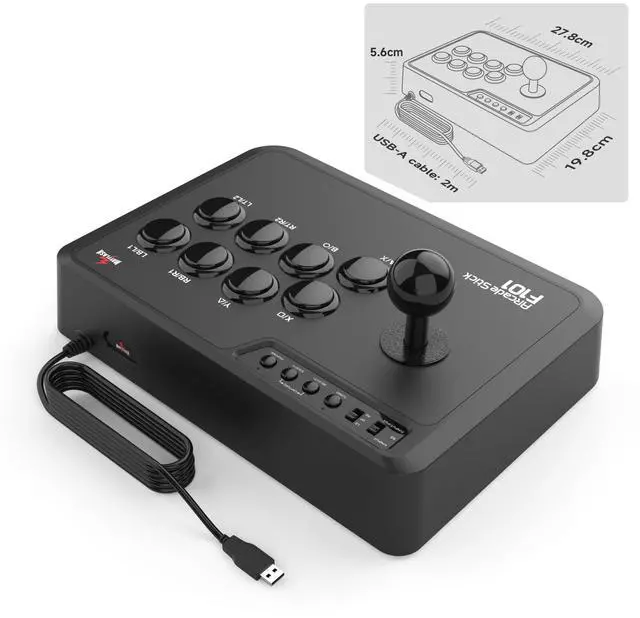
1 x Type-C Cable
1 x Octagonal gate

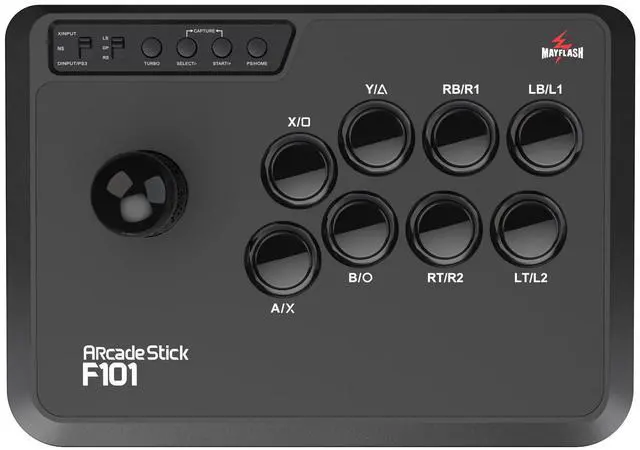
1.XINPUT, NS and DINPUT/PS3
- XINPUT: Supports PC Xinput.
- NS: Switch to “NS” when being used on Switch, Switch 2 or Android system.
- DINPUT/PS3: Supports PC Dinput and PS3.
2.LS, DP and RS
If the switch is set to the “LS”, the stick works as the “Left Joystick”. If setting the switch to “DP”, the stick works as “Directional Buttons”. If the switch is set to the “RS”, the stick works as the “Right Joystick”.
3. TURBO
- The 8 function buttons (A/X,B/O,X/ ,Y/ , RB/R1, RT/R2, LB/L1, LT/L2)can be set for TURBO.
- See the user manual to get more details about Turbo function.
Arcade Stick F101

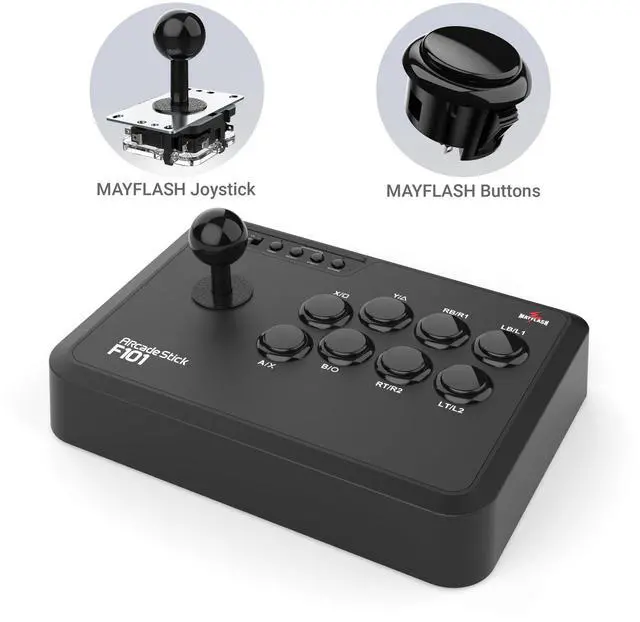
MAYFLASH Joystick
Compatible with Sanwa Stick Model TP-8YT

MAYFLASH Buttons
8 black buttons are compatible with Sanwa Buttons Model OBSF-30.

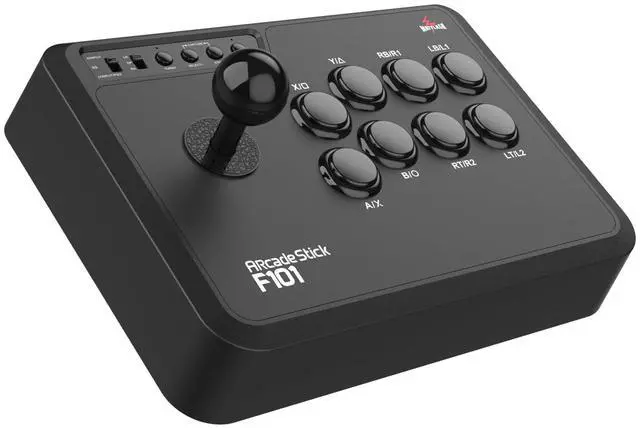
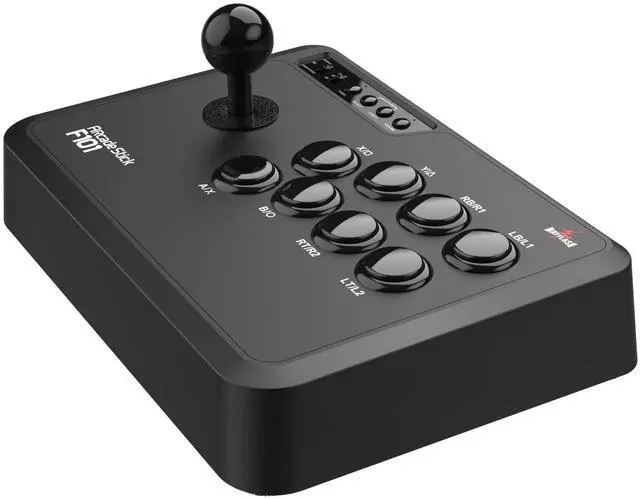
Compact Design
High quality plastic ending. Easy to DIY


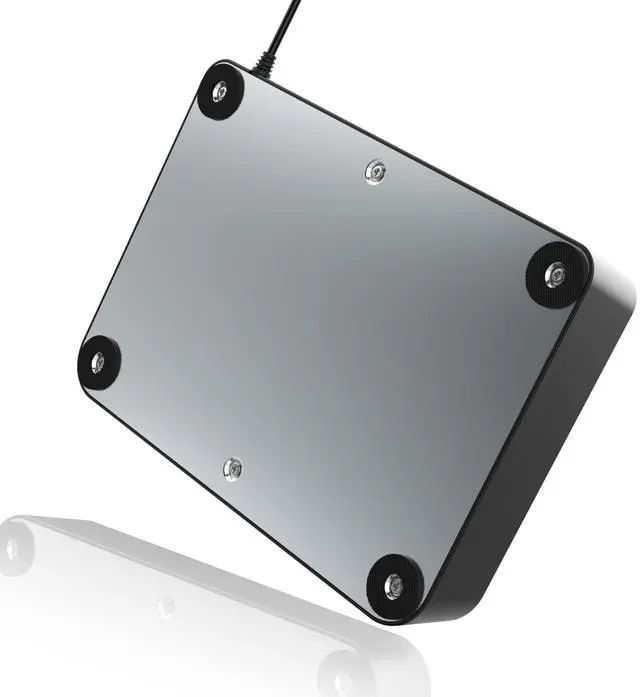
Metal Panel

- The high quality metal panel increases the fighting stick’s weight for a solid and secure feel.
- The big size rubber feet can hold the arcade stick firmly in place on hard or flat surfaces.
System Compatibility: Switch, Switch 2, PC Windows, PS3, Android, NeoGeo Mini, SEGA MEGA DRIVE, SEGA GENESIS mini.
More Supports
- Supports the XINPUT and DINPUT when being used on PC.
- Supports the Turbo functions with different speed settings.
- The D-Pad and X/Y Analog Axis mode can be exchanged.
- Compatible with Sanwa Denshi buttons that is perfect for customization.
- Please update to the latest firmware at MAYFLASH.COM.
Package
1 x MAYFLASH Arcade Stick F101
1 x Manual
1 x Type-C Cable
1 x Octagonal gate
1.XINPUT, NS and DINPUT/PS3
- XINPUT: Supports PC Xinput.
- NS: Switch to “NS” when being used on Switch, Switch 2 or Android system.
- DINPUT/PS3: Supports PC Dinput and PS3.
2.LS, DP and RS
If the switch is set to the “LS”, the stick works as the “Left Joystick”. If setting the switch to “DP”, the stick works as “Directional Buttons”. If the switch is set to the “RS”, the stick works as the “Right Joystick”.
3. TURBO
- The 8 function buttons (A/X,B/O,X/ ,Y/ , RB/R1, RT/R2, LB/L1, LT/L2)can be set for TURBO.
- See the user manual to get more details about Turbo function.
Arcade Stick F101
MAYFLASH Joystick
Compatible with Sanwa Stick Model TP-8YT
MAYFLASH Buttons
8 black buttons are compatible with Sanwa Buttons Model OBSF-30.
Compact Design
High quality plastic ending. Easy to DIY
Metal Panel
- The high quality metal panel increases the fighting stick’s weight for a solid and secure feel.
- The big size rubber feet can hold the arcade stick firmly in place on hard or flat surfaces.