here!
here!
I’m your shopping assistant for PC builds, upgrades, and everything tech.
Got questions? Ask away!
Start a conversation
here!
I’m your shopping assistant for PC builds, upgrades, and everything tech.
Got questions? Ask away!
Start a conversation



Any questions? Ask CelesteSM will help you find out quickly.
Does it use a Type-C plug or a USB 3.0 plug?
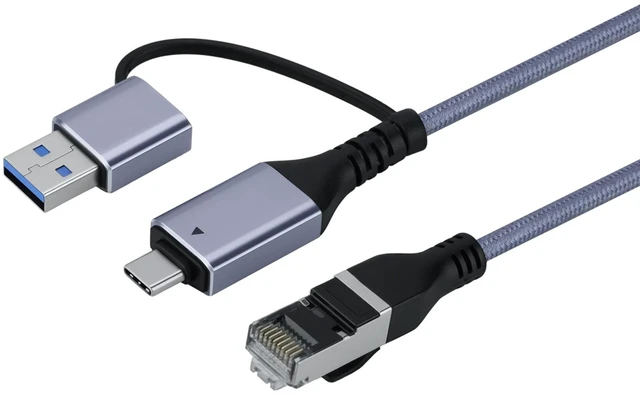
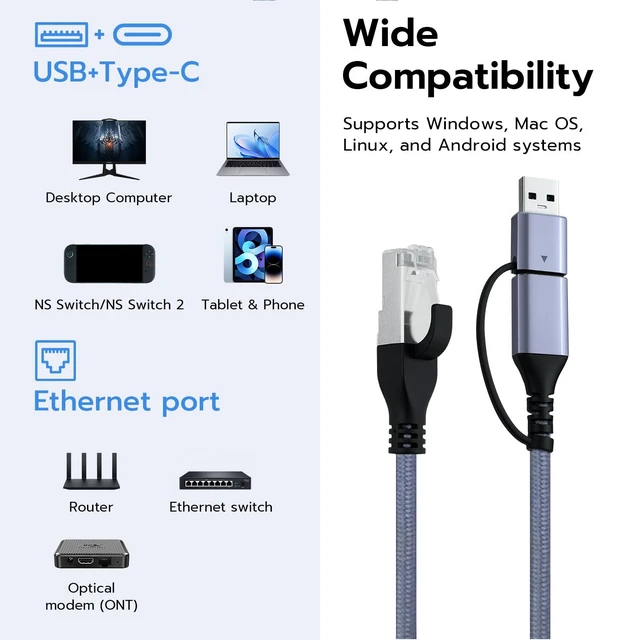
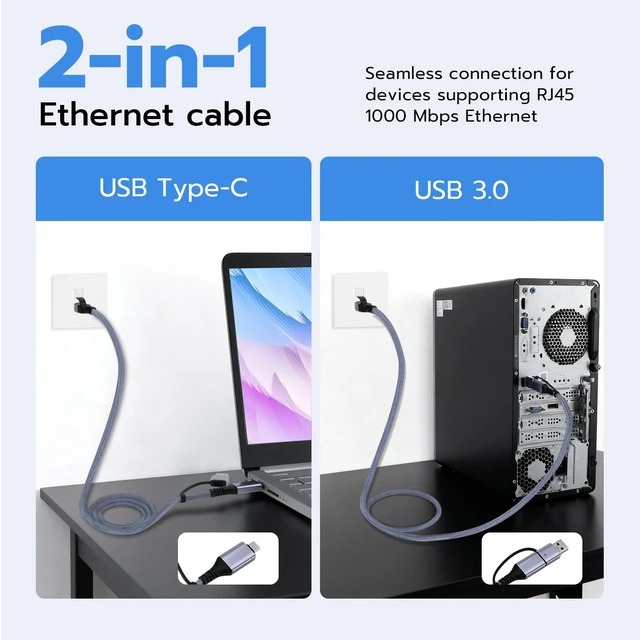
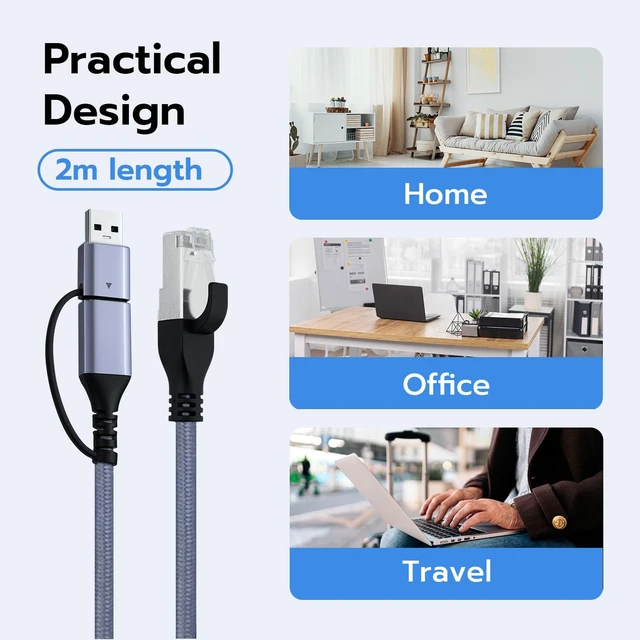
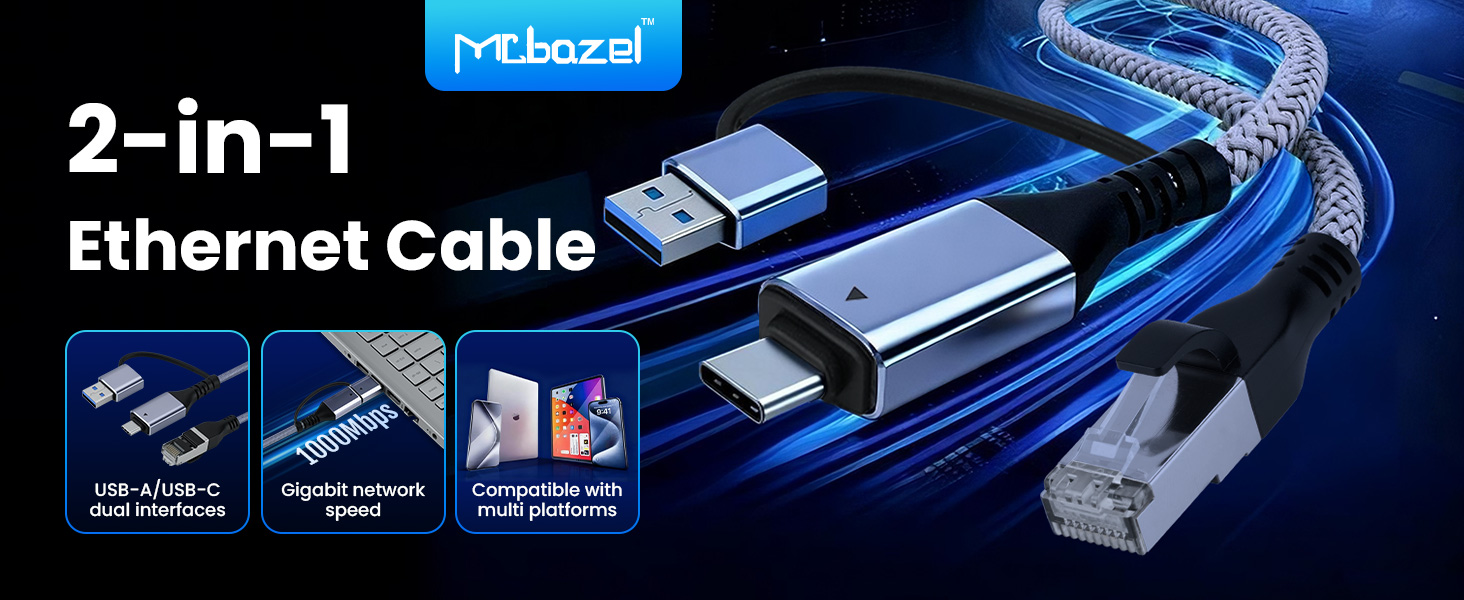
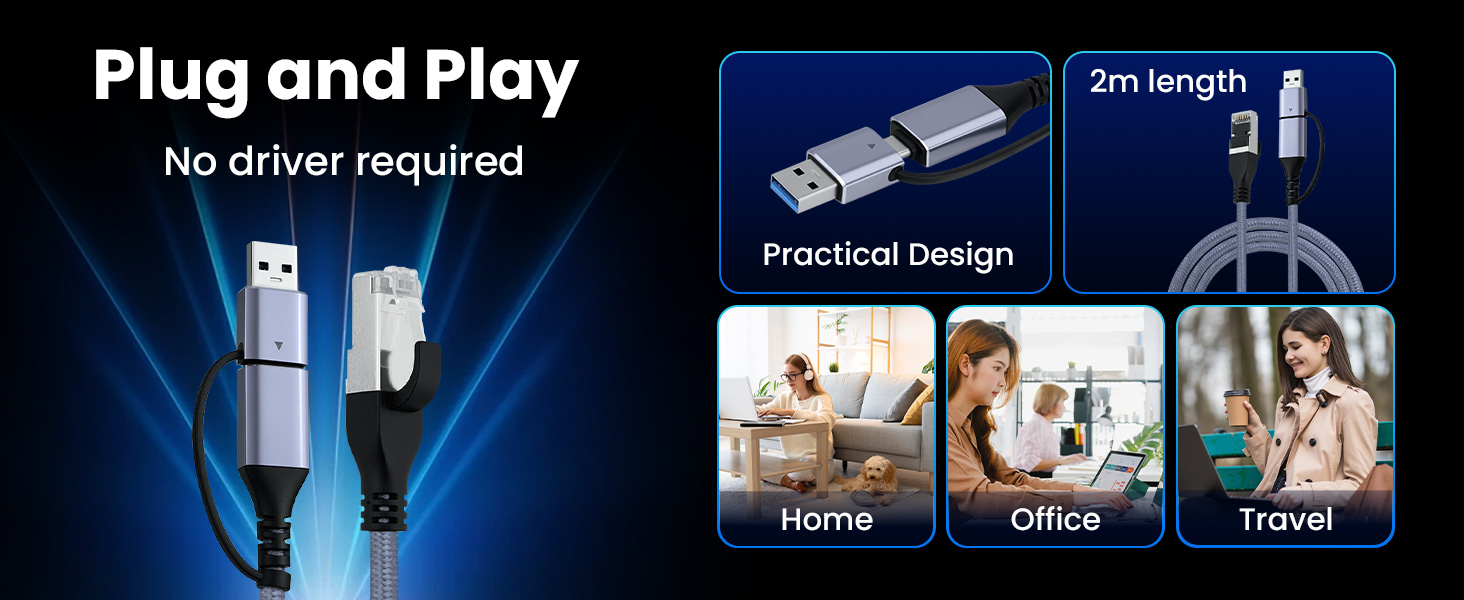
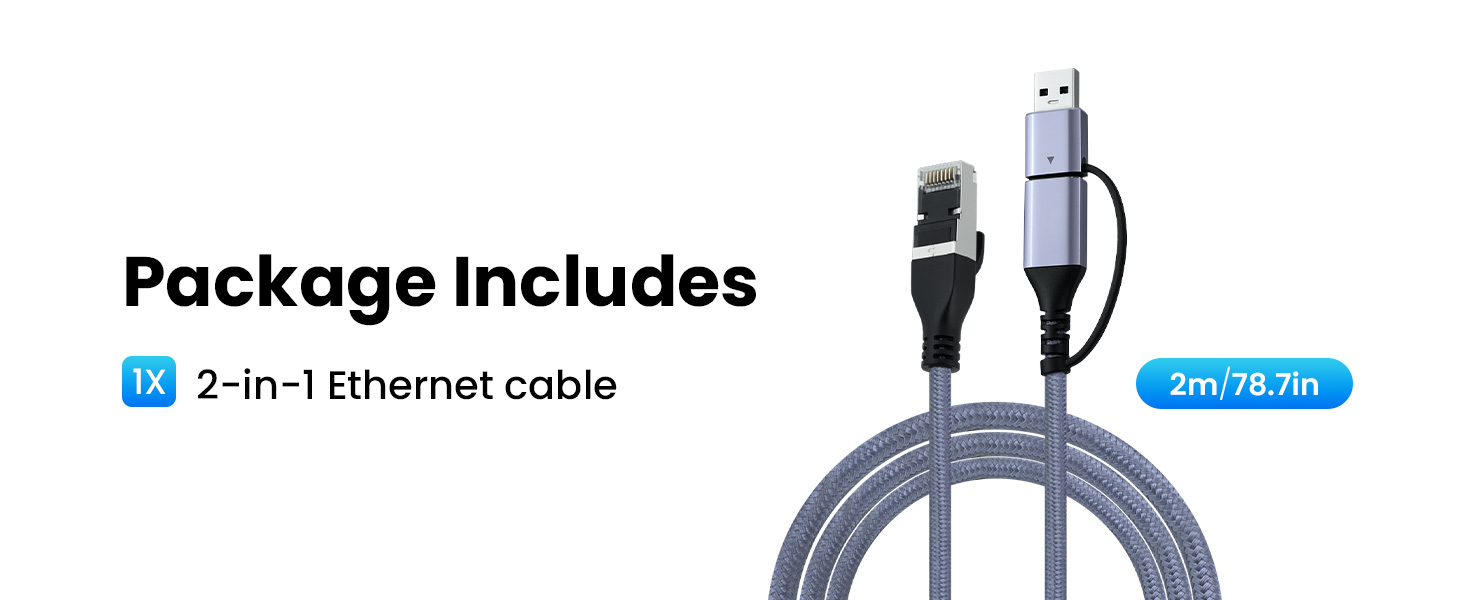
Both. The device end splits into a Type-C plug and a USB 3.0 plug, so one cable covers a laptop, a desktop, a console or a phone without a separate adapter. The far end is a standard RJ45 for a router or a modem.
What network speed does it support?
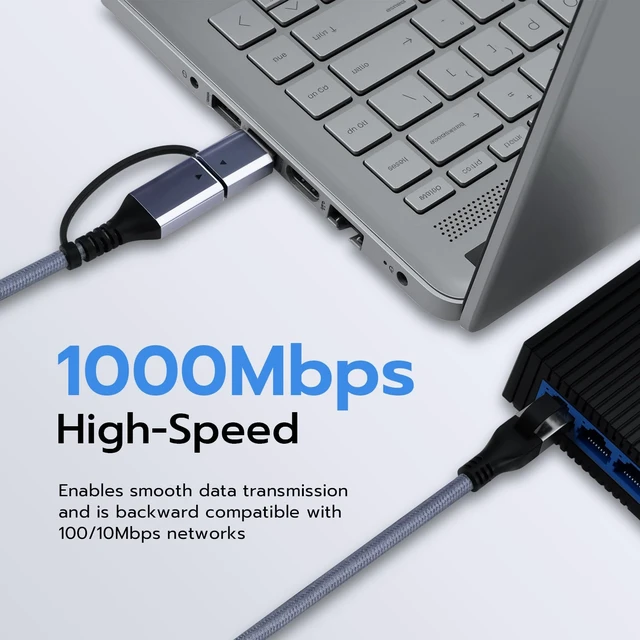
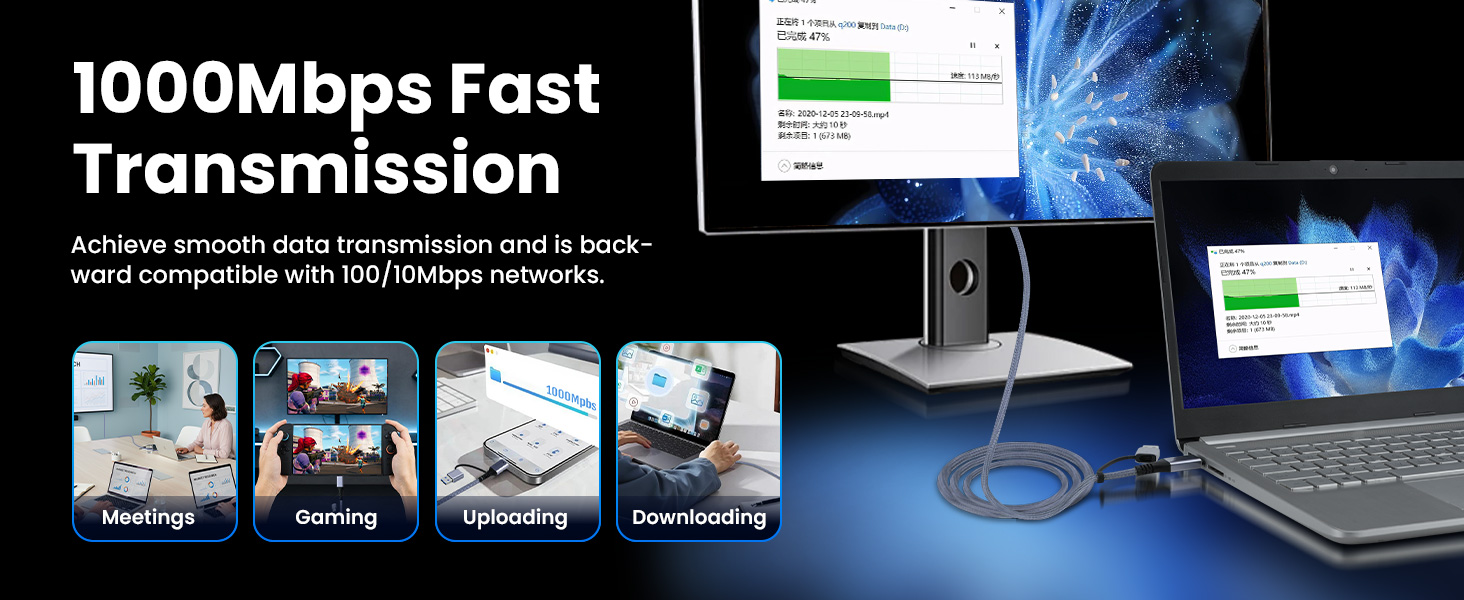
Up to 1000Mbps, and it drops back cleanly to 100Mbps and 10Mbps networks. It is built to the IEEE 802.3, 802.3u and 802.3ab standards, so the speed you actually see depends on your router and the line coming into it.
Will it charge my phone or tablet while it is connected?
No. This cable is for network data only and carries no power. A phone or tablet stays on its own battery while plugged in, so on a long session you will want a separate charging cord alongside it.
Do I need to install any drivers?
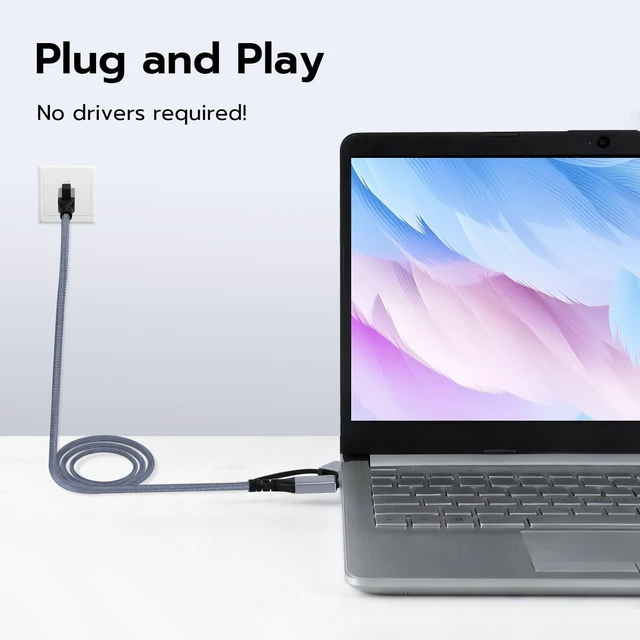
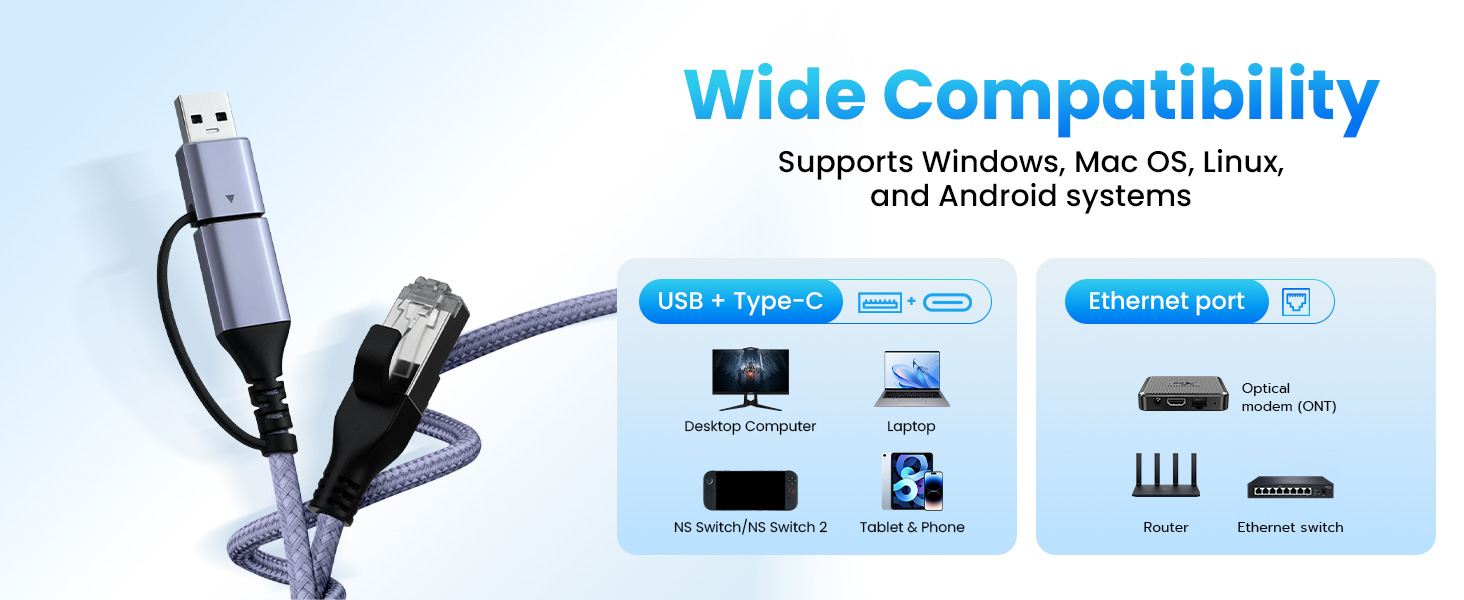
No. Plug it in and the connection comes up on Windows, on Mac OS, on Linux and on Android, and on consoles for Nintendo Switch and Switch 2. It is also a way back online when a machine's built-in RJ45 socket has failed.
Can I use it to reach my printer?
Only if the printer is a network model that joins your router on its own. A plain USB printer will not appear over this connection, because the cable carries network data rather than a direct device link.
Does it use a Type-C plug or a USB 3.0 plug?
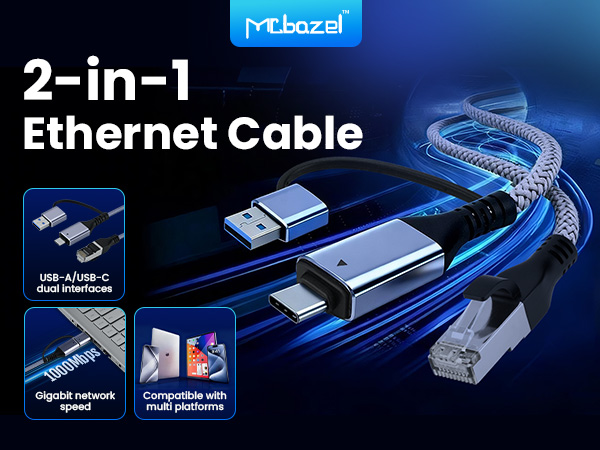
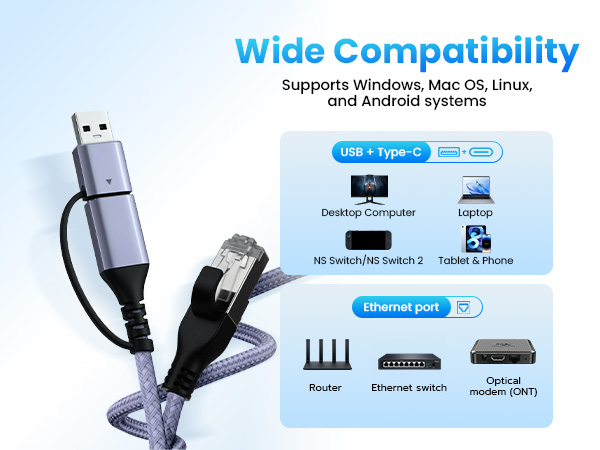
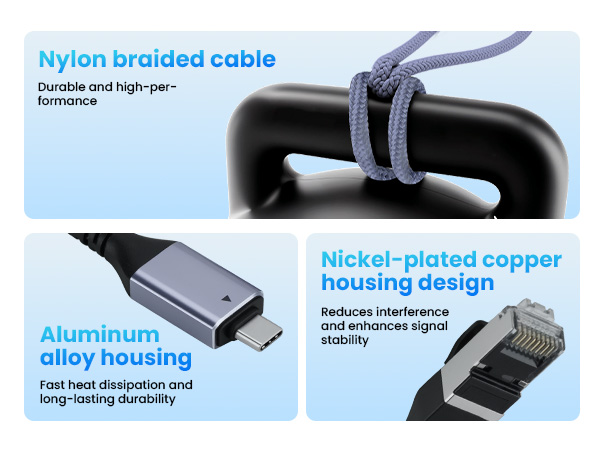
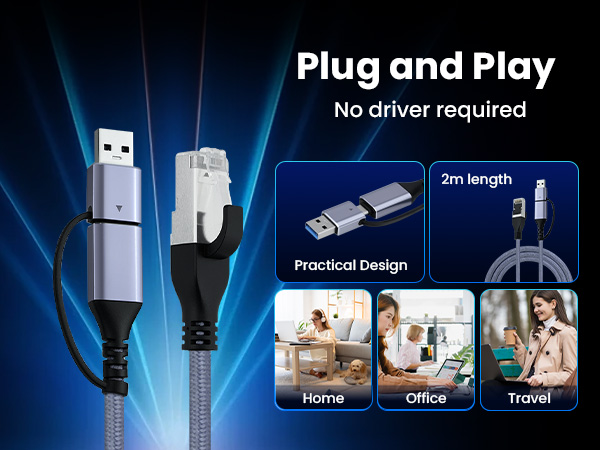
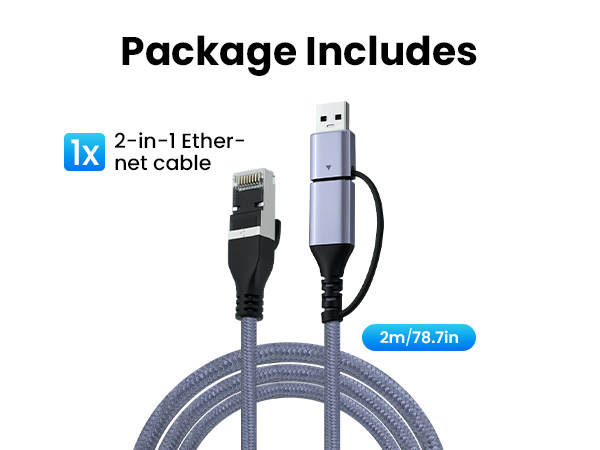
Both. The device end splits into a Type-C plug and a USB 3.0 plug, so one cable covers a laptop, a desktop, a console or a phone without a separate adapter. The far end is a standard RJ45 for a router or a modem.
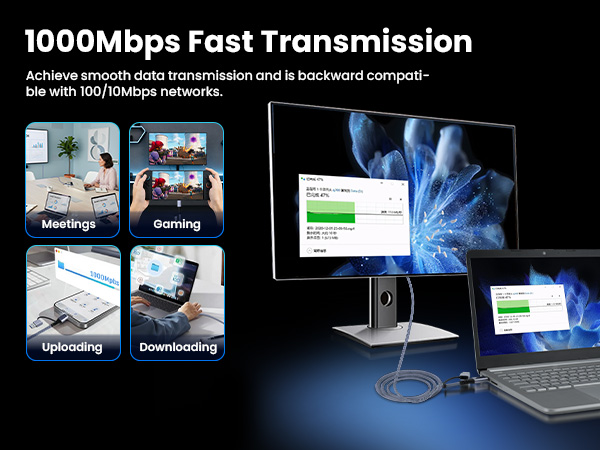
What network speed does it support?
Up to 1000Mbps, and it drops back cleanly to 100Mbps and 10Mbps networks. It is built to the IEEE 802.3, 802.3u and 802.3ab standards, so the speed you actually see depends on your router and the line coming into it.
Will it charge my phone or tablet while it is connected?
No. This cable is for network data only and carries no power. A phone or tablet stays on its own battery while plugged in, so on a long session you will want a separate charging cord alongside it.
Do I need to install any drivers?
No. Plug it in and the connection comes up on Windows, on Mac OS, on Linux and on Android, and on consoles for Nintendo Switch and Switch 2. It is also a way back online when a machine's built-in RJ45 socket has failed.
Can I use it to reach my printer?
Only if the printer is a network model that joins your router on its own. A plain USB printer will not appear over this connection, because the cable carries network data rather than a direct device link.