




 here!
here!
I’m your shopping assistant for PC builds, upgrades, and everything tech.
Got questions? Ask away!
Start a conversation
here!
I’m your shopping assistant for PC builds, upgrades, and everything tech.
Got questions? Ask away!
Start a conversation



Any questions? Ask CelesteSM will help you find out quickly.


My Joy-Con keeps drifting — will replacing the joystick with this kit completely fix drift?
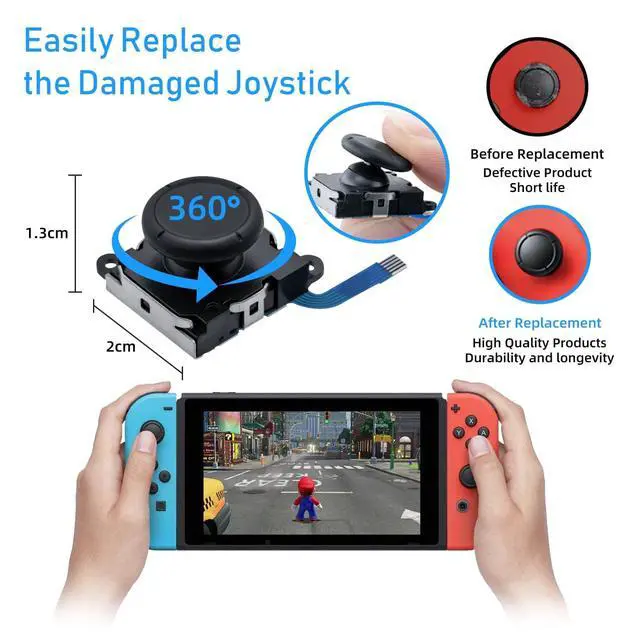
Yes, Joy-Con drift is most commonly caused by a worn joystick module. Replacing it with a new module restores accurate stick input and eliminates drift. No soldering is required for this repair.
Is this joystick kit compatible with Nintendo Switch 2 Joy-Con controllers?
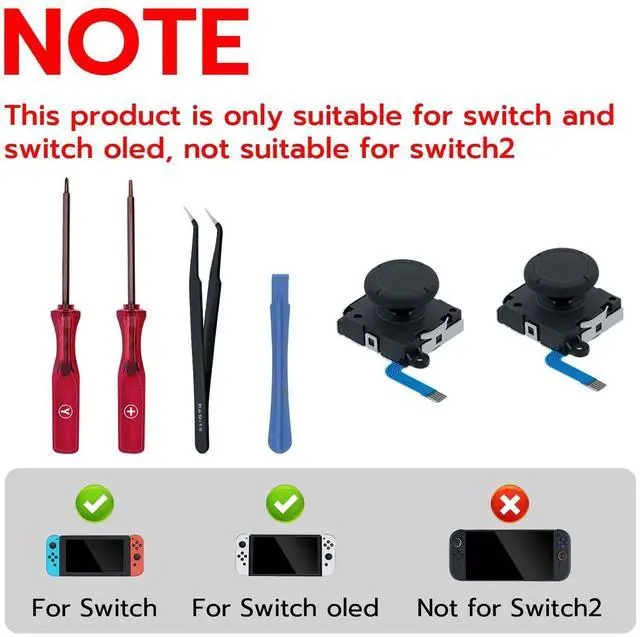
This kit is compatible with Nintendo Switch, Switch OLED, and Switch Lite Joy-Con only. It is NOT compatible with Nintendo Switch 2 Joy-Con controllers, which use a different internal design.
Does the kit include all the tools needed to open the Joy-Con and install the joystick?
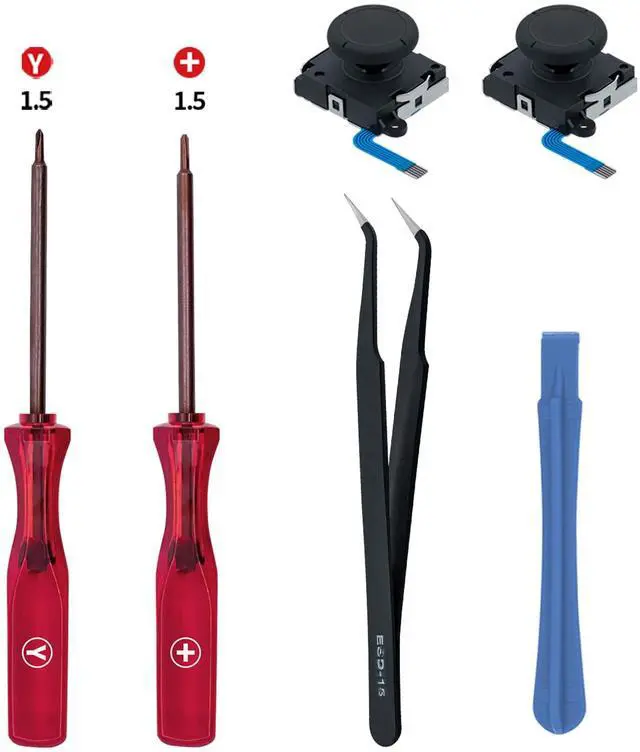
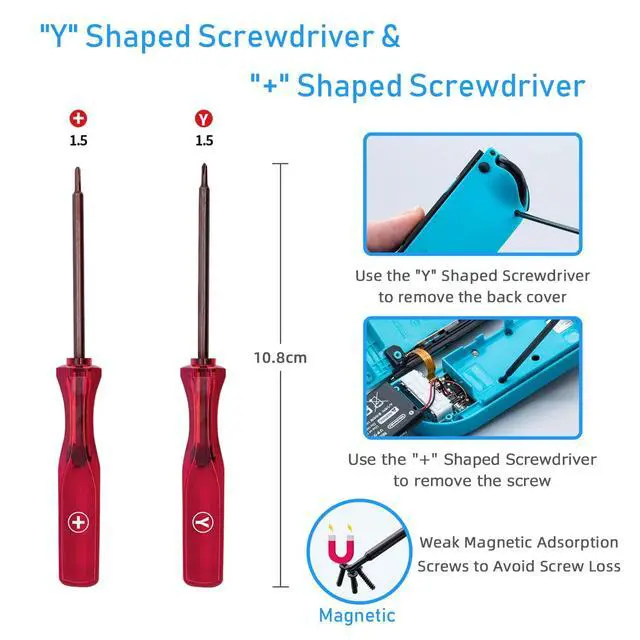
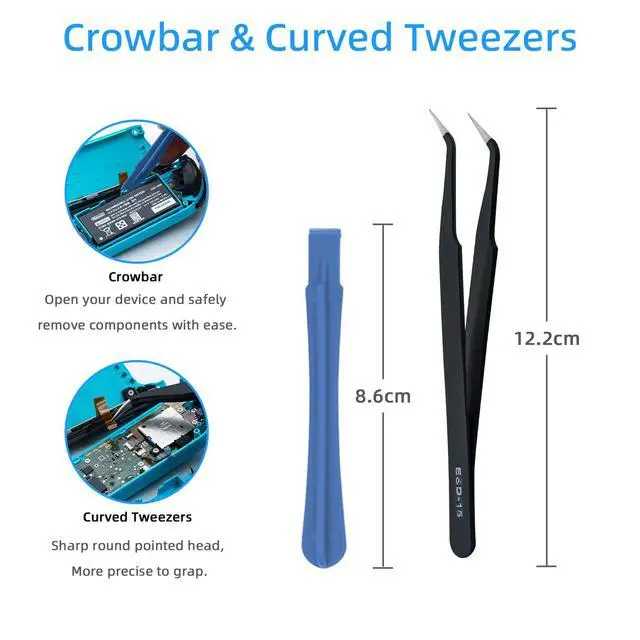
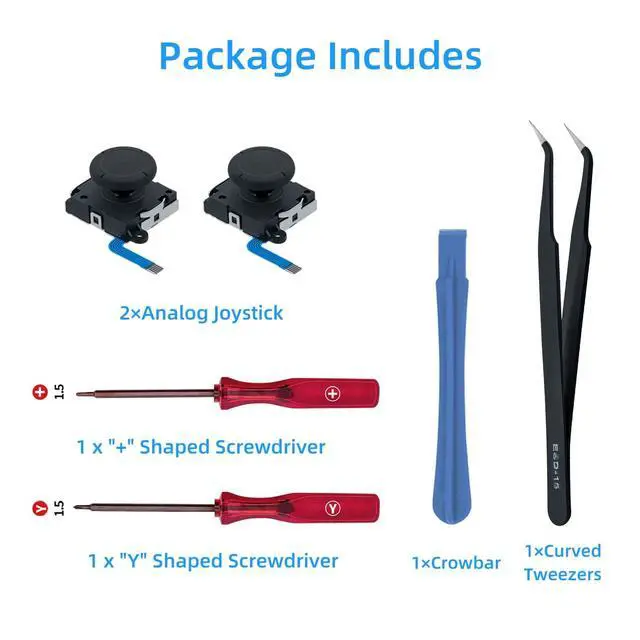
Yes, the kit includes a Y-type triwing screwdriver, Phillips screwdriver, prying tool, and tweezers — all tools needed to open the Joy-Con and install the replacement joystick without purchasing additional tools.
After installing, should I calibrate the new joystick before using it?
Yes, after installation the joystick should be calibrated through the Nintendo Switch system settings (Controllers > Calibrate Control Sticks) to ensure accurate stick registration and eliminate any offset from the default center position.
My new joystick feels slightly stiffer than the old one — is this normal?
A new joystick module will feel stiffer than a worn original due to fresh internal components. This stiffness reduces naturally after a few hours of normal use as the mechanism breaks in.


My Joy-Con keeps drifting — will replacing the joystick with this kit completely fix drift?
Yes, Joy-Con drift is most commonly caused by a worn joystick module. Replacing it with a new module restores accurate stick input and eliminates drift. No soldering is required for this repair.
Is this joystick kit compatible with Nintendo Switch 2 Joy-Con controllers?
This kit is compatible with Nintendo Switch, Switch OLED, and Switch Lite Joy-Con only. It is NOT compatible with Nintendo Switch 2 Joy-Con controllers, which use a different internal design.
Does the kit include all the tools needed to open the Joy-Con and install the joystick?
Yes, the kit includes a Y-type triwing screwdriver, Phillips screwdriver, prying tool, and tweezers — all tools needed to open the Joy-Con and install the replacement joystick without purchasing additional tools.
After installing, should I calibrate the new joystick before using it?
Yes, after installation the joystick should be calibrated through the Nintendo Switch system settings (Controllers > Calibrate Control Sticks) to ensure accurate stick registration and eliminate any offset from the default center position.
My new joystick feels slightly stiffer than the old one — is this normal?
A new joystick module will feel stiffer than a worn original due to fresh internal components. This stiffness reduces naturally after a few hours of normal use as the mechanism breaks in.


