







Ozvavzk rooted in the electronics industry for many years, with rich experience. We have always strived to provide the highest quality audio and video solutions that reflect our sense of innovation, passion and reliability.
We own strong R&D, supply chain and manufacturing capability, which ensure our products are of consistently high-level quality and at competitive prices.
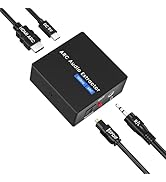
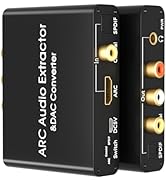
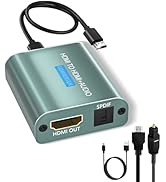
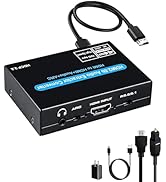
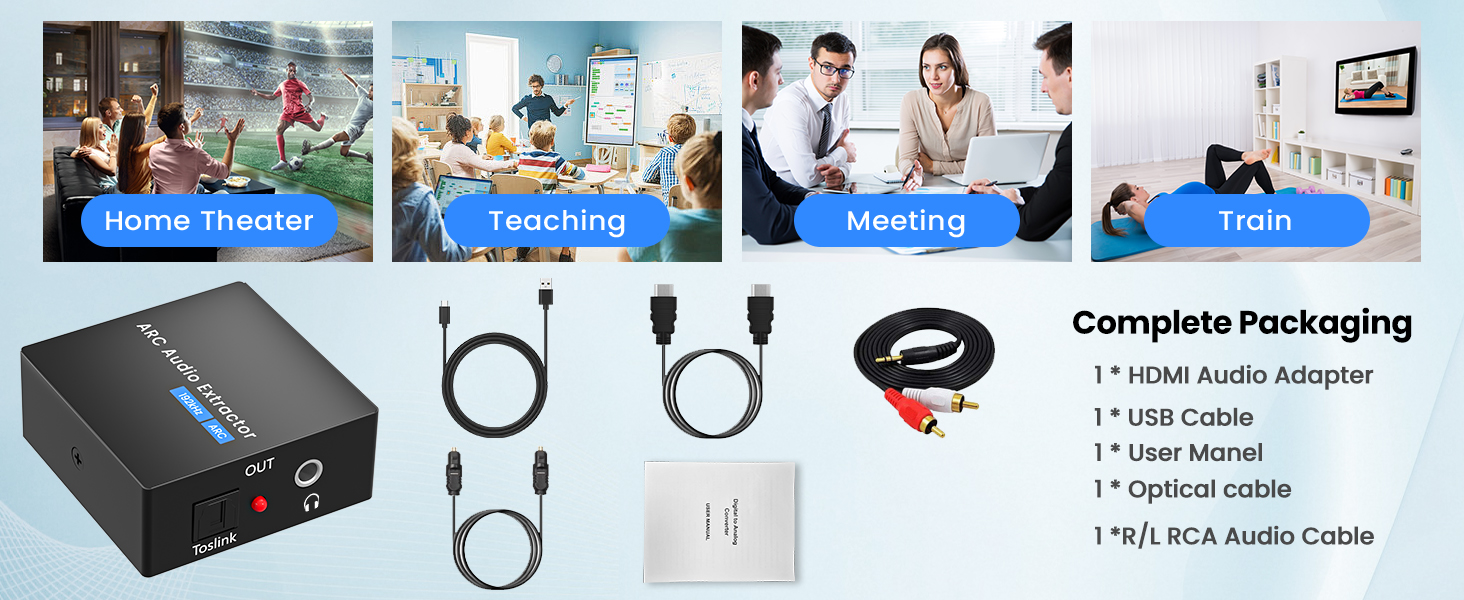
HDMI ARC Audio Converter
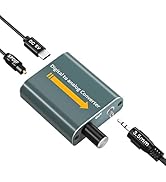
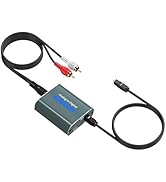
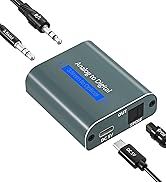
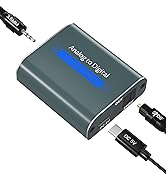
Analog Digital Converter
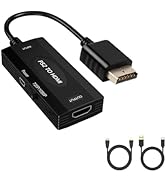
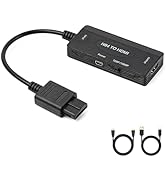
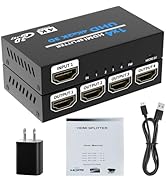
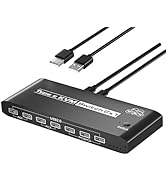
HDMI Adapter
HDMI ARC to Optical Converter
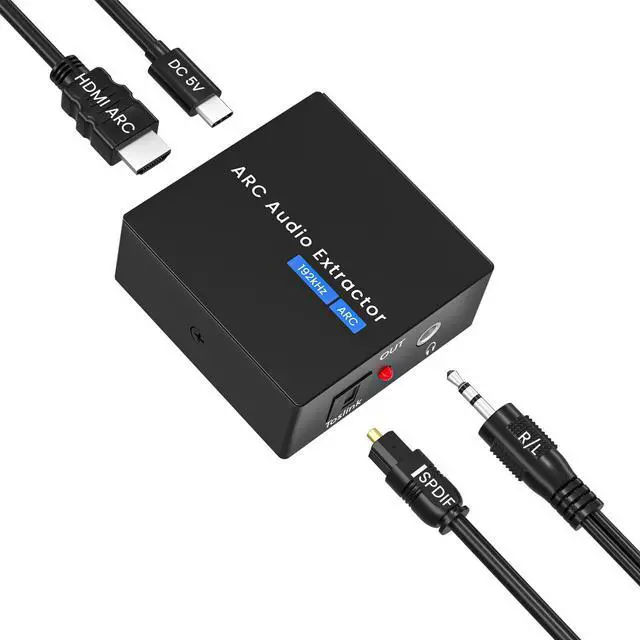
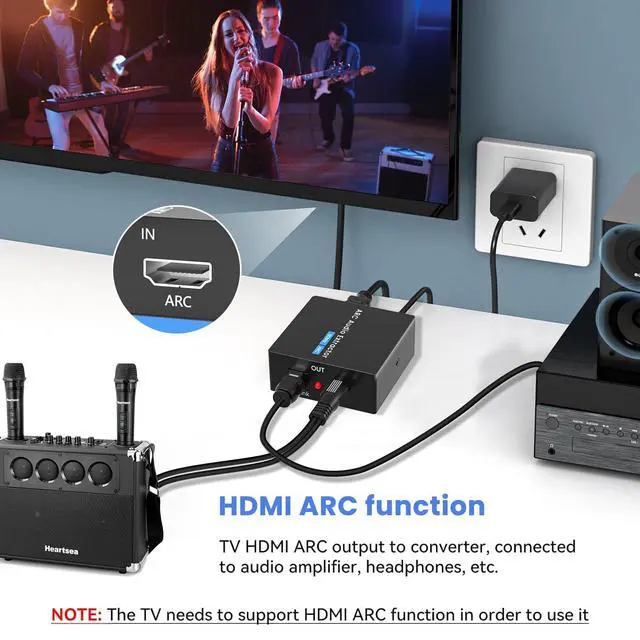
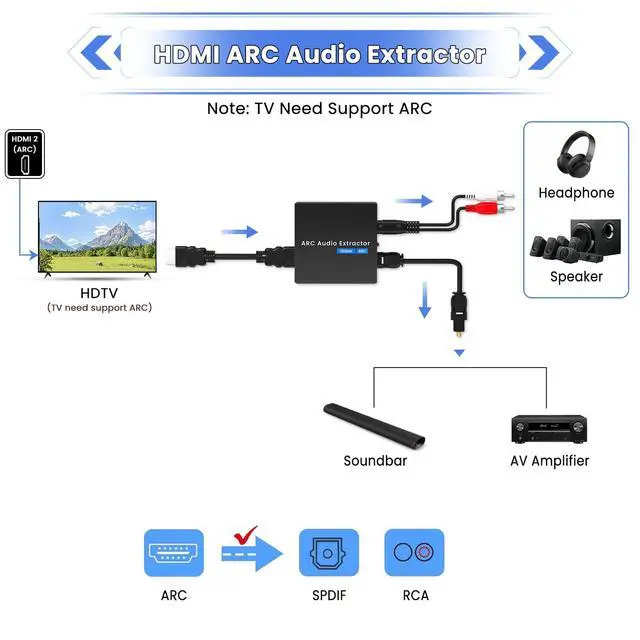
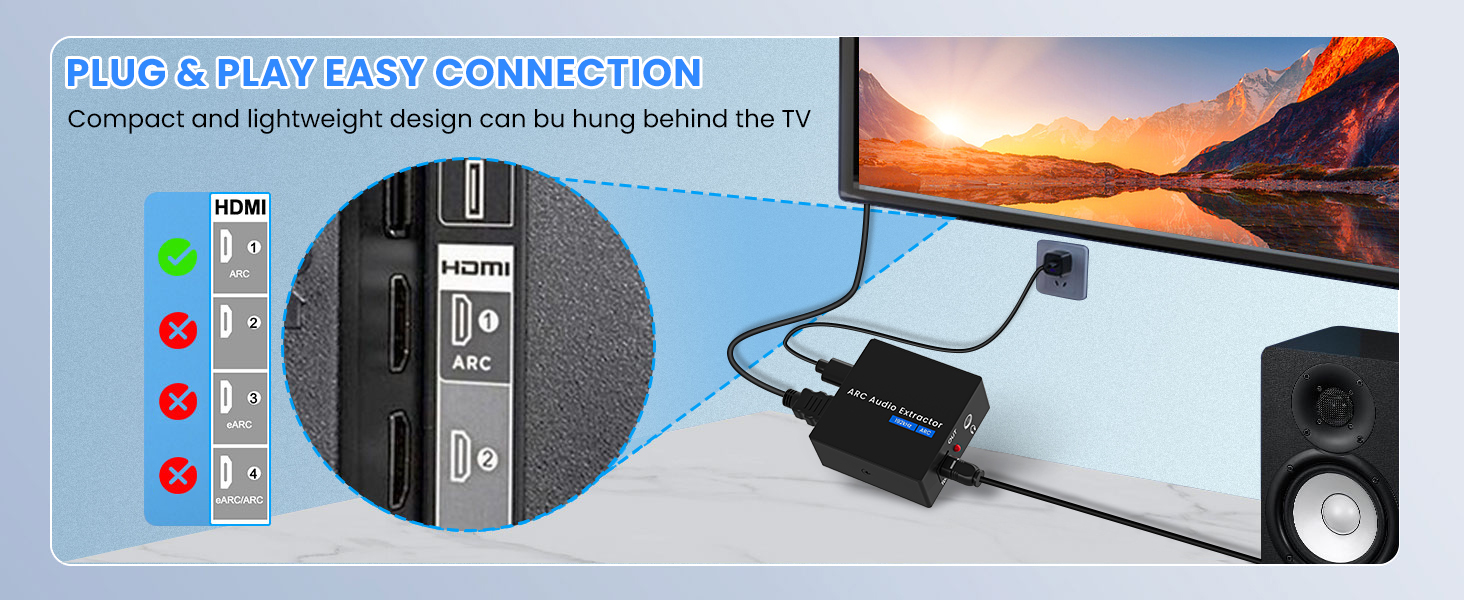
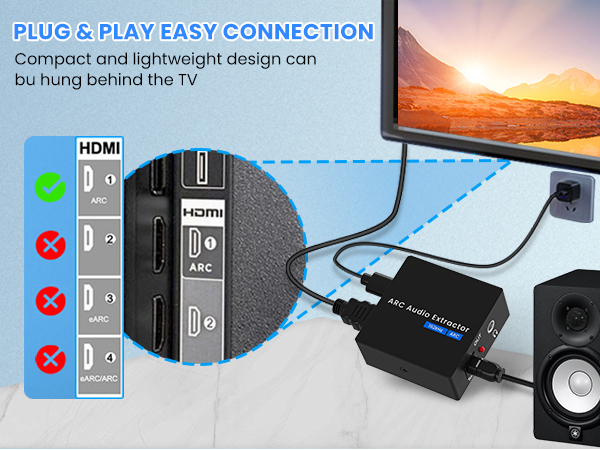
Merchant VideoThe HDMI ARC Extractor can extractor the audio from TV to Soundbar or Amplifier. Only for TV with “ARC” interface,Not for “HDMI eARC”or "HDMI " interface of new version TVs, and not compatible with 5.1 Audio.
Please set the audio output to PCM or LPCM format on your TV, Otherwise it will not work.
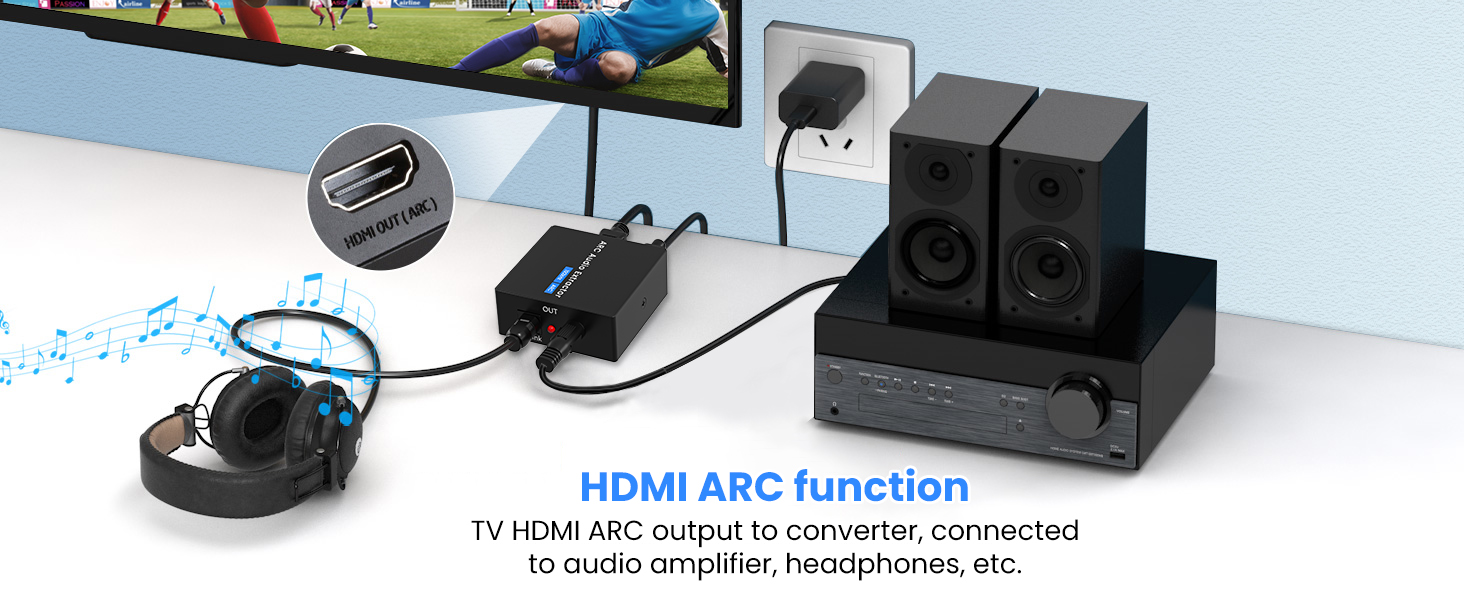
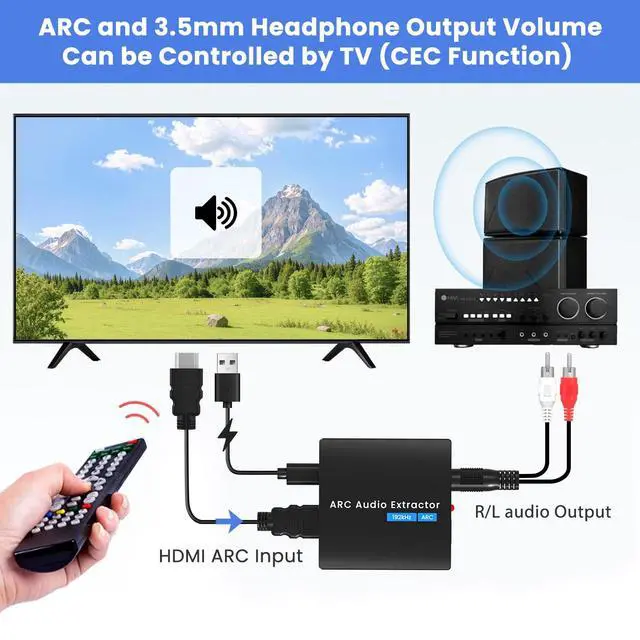
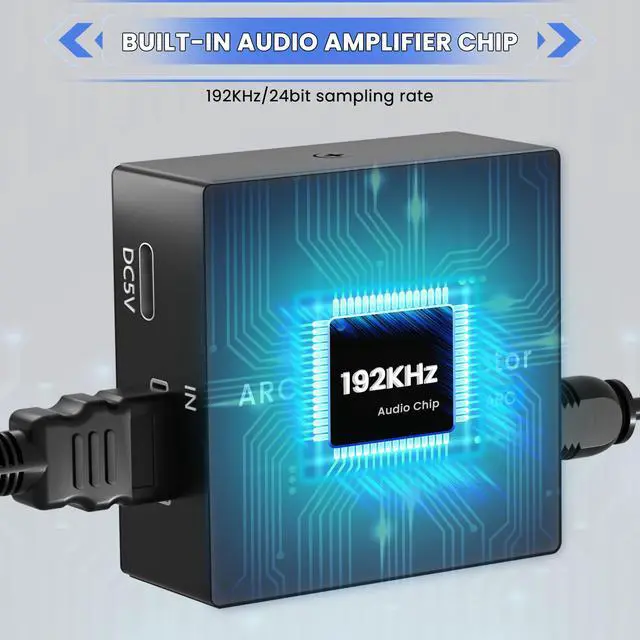
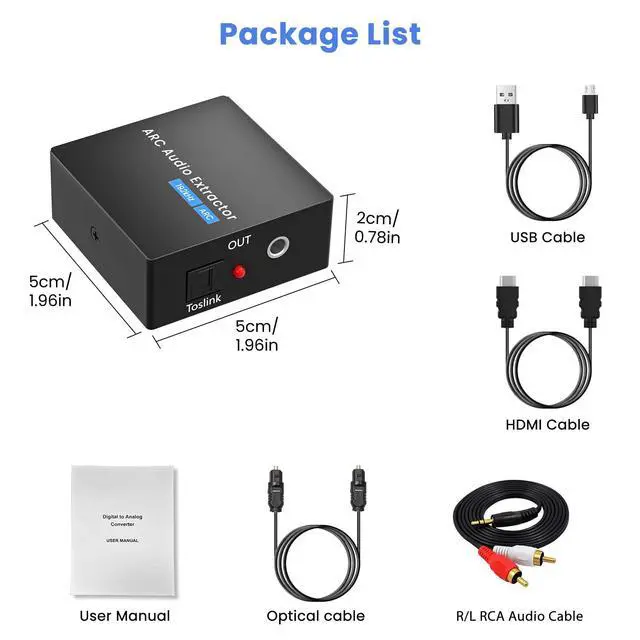
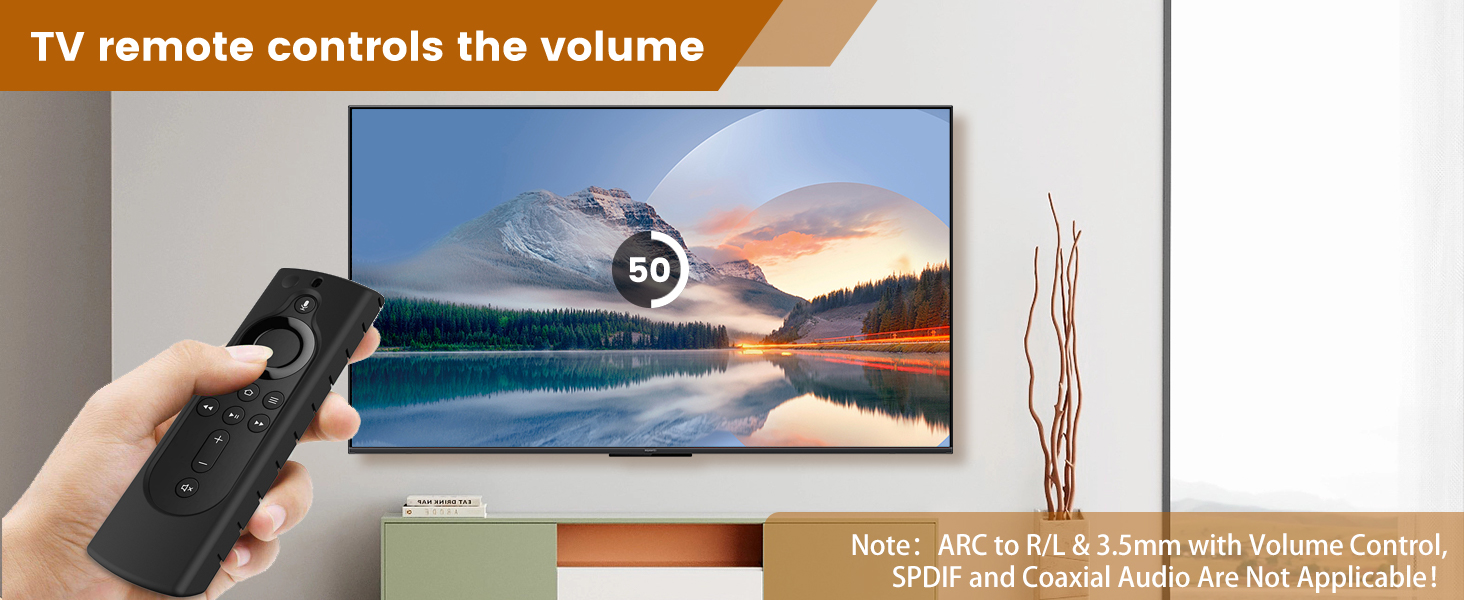
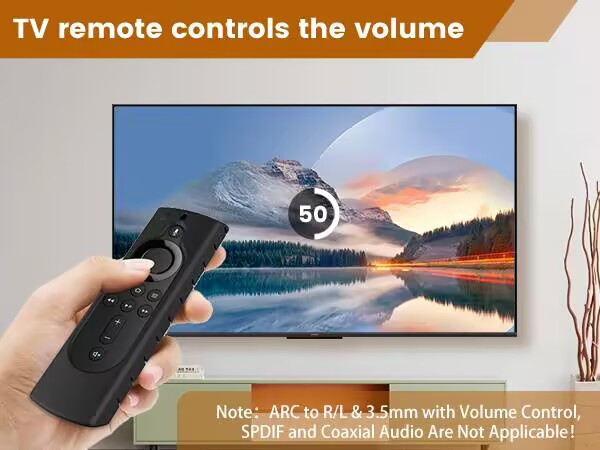
Support SPDIF and 3.5mm stereo headphone output. ARC and 3.5mm headphone output volume can becontrolled by TV (CEC).
Note: Volume Control(CEC) does not apply to Optical SPDlF audio output!
The optical cable has a plastic protective cover, please remove it before use.
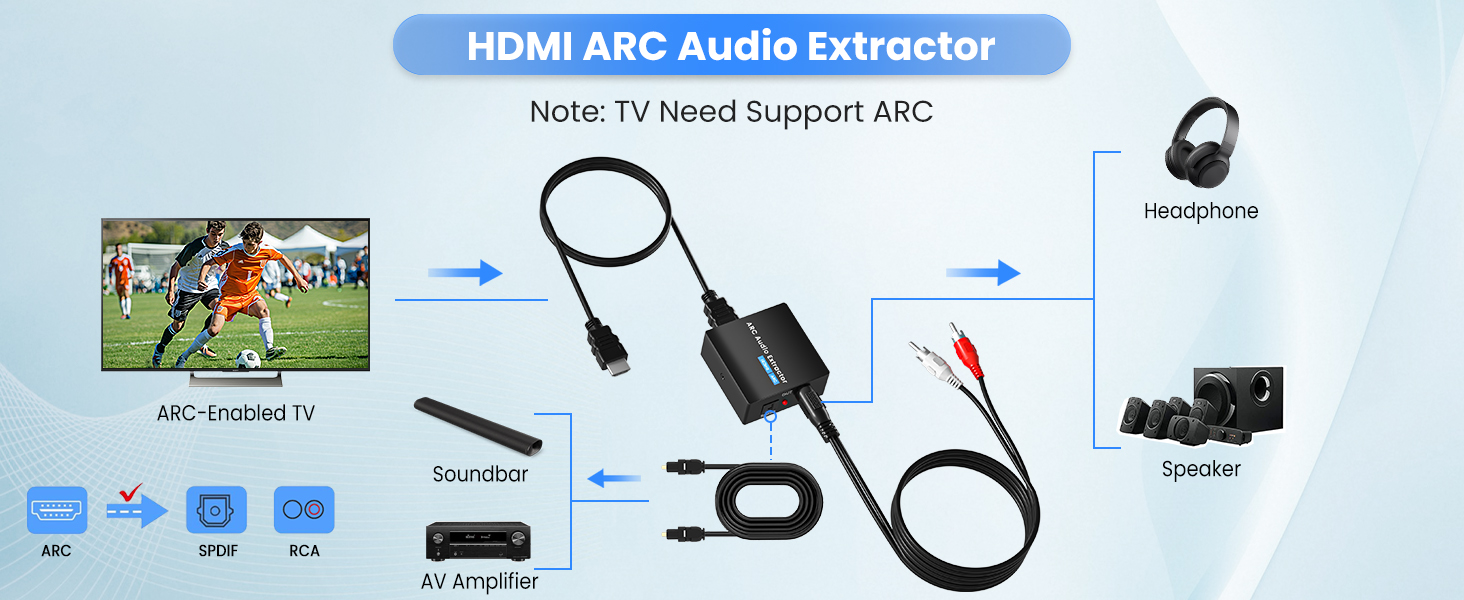
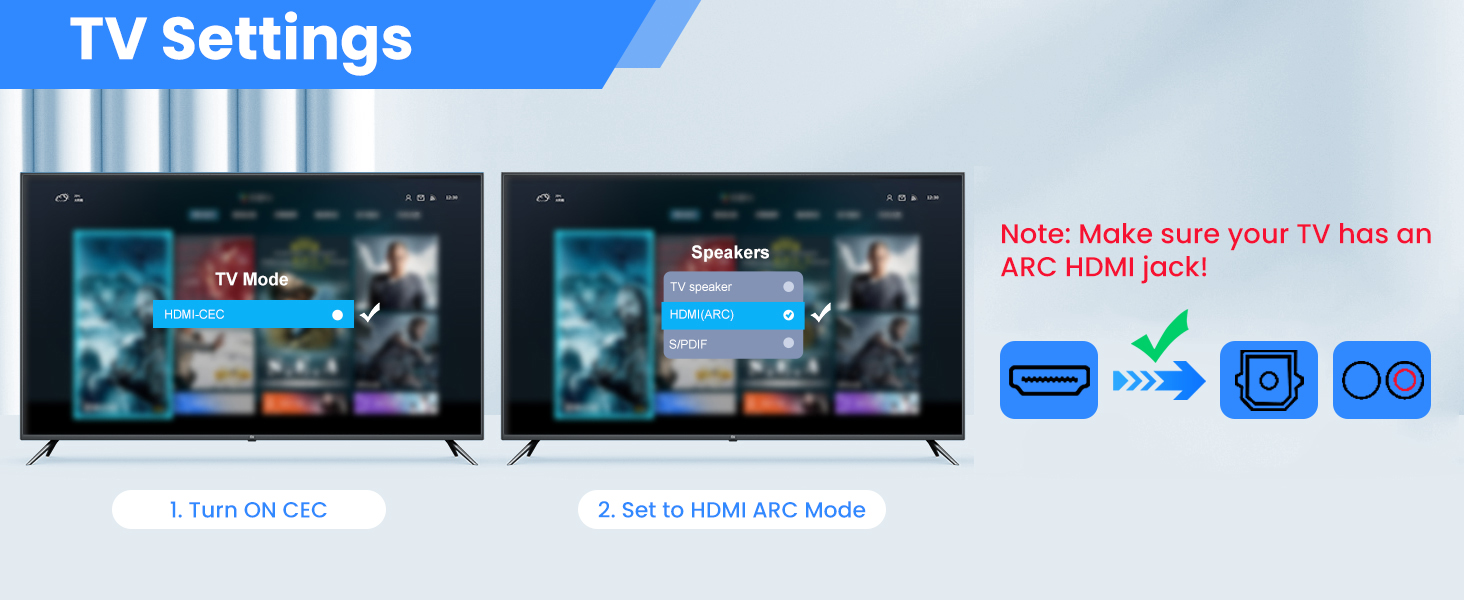
Samsung TV path settings:
External speakers: Settings-Sound -Select Speaker - HDMI ARC
LG TV path settings:
External speakers: Menu-All Settings -Sound - Sound Out - HDMI ARC
Non Power Connected
A.Check whether the power light is on.lf the light is off,check whether the power supply or the power cable is properly connected to the power connector.
B.Check Whether the power supply is DC 5V and whether the current reaches 1000mA.
Why is the audio converter not compatible with my TV?
1. Please note that if the TV does not support ARC, it will not work properly(Connect the TV's "ARC" port).
2. This ARC Audio Extractor is incompatible with 5.1 channel signal such as Dolby AC3, please adjust the audio output to PCM/LPCM before use.
Does this product have HDMI output? Can't the volume be adjusted?
1, Kindly note that this ARC Audio Extractor only has HDMI-ARC INPUT, Optical+3.5mm AUX Output. NO HDMI ARC OUTPUT!
2, The 3.5mm Jack volume can be adjusted via the TV's remote(CEC)!
3. The optical output does not support the CEC function.
Why does the sound quality deteriorate and make a humming noise when I connect my TV to this adapter?
1. Our converter itself does not affect the sound quality, about making a humming sound, you can check the audio device and HDMI jacks for looseness.
2. Use a 5V/1A power adapter to power it instead of the TV's USB port.
Non-Audio
A. Check whether the TV supports ARC function.
B. Check whether the HDMl cable is connected to the HDMl port of the TV that supports ARC.
C. Check whether the TV is turned on the ARC function.
D. Whether it is AGW26 standard HDMI 1.4HD cable (19+1)
ARC to Optical 3.5mm
More Choice
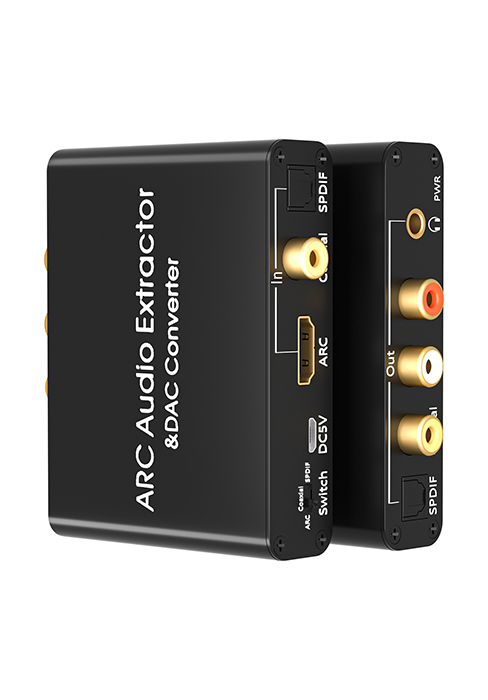
HDMI ARC | Input | ARC/SPDIF/Coaxial |
Optical + 3.5mm Jack | Output | Optical/L/R/3.5mm |
PCM/LPCM | Audio Format | PCM/LPCM |
ARC Function |
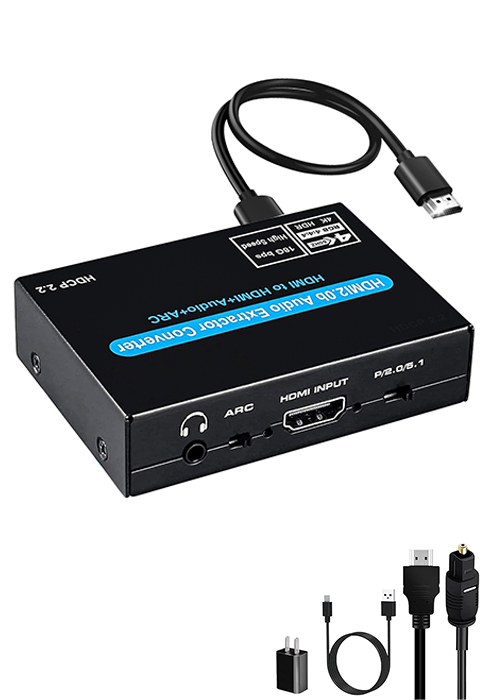
HDMI ARC | Input | HDMI/HDMI ARC |
Optical + 3.5mm Jack | Output | HDMI/Optical/Analog |
PCM/LPCM | Audio Format | PCM&Dolby/DTS 5.1 |
ARC Function |
HDMI ARC | Input | HDMI ARC |
Optical + 3.5mm Jack | Output | Optical/L/R/3.5mm |
PCM/LPCM | Audio Format | PCM&Dolby/DTS 5.1 |
ARC Function |
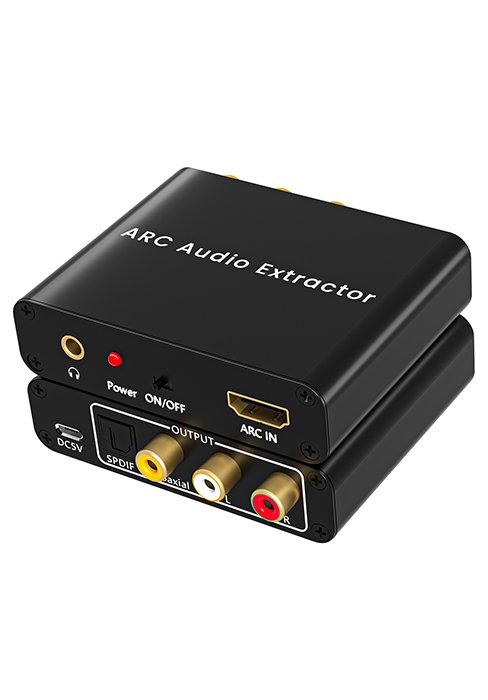
HDMI ARC to Optical Converter
Merchant VideoThe HDMI ARC Extractor can extractor the audio from TV to Soundbar or Amplifier. Only for TV with “ARC” interface,Not for “HDMI eARC”or "HDMI " interface of new version TVs, and not compatible with 5.1 Audio.
Please set the audio output to PCM or LPCM format on your TV, Otherwise it will not work.
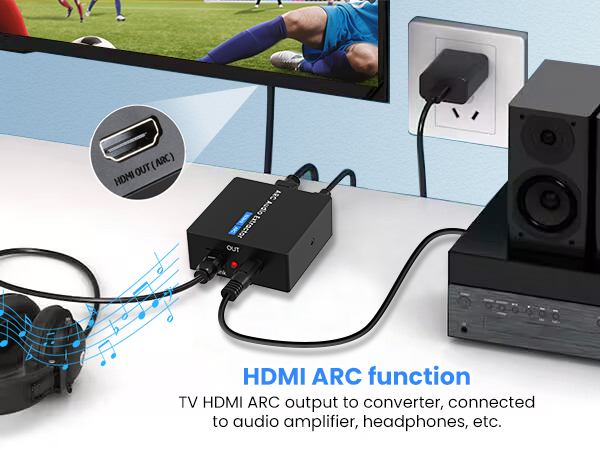
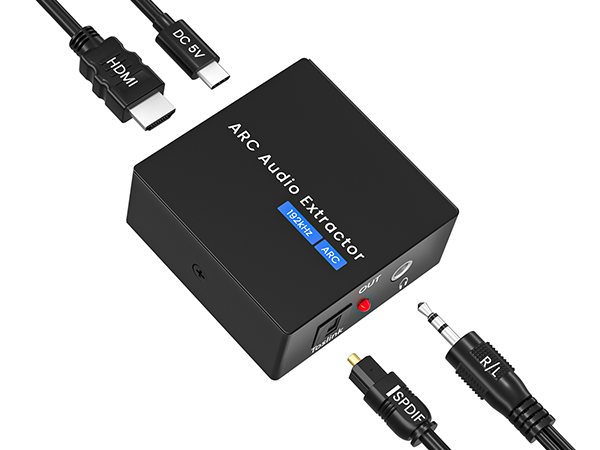
Support SPDIF and 3.5mm stereo headphone output. ARC and 3.5mm headphone output volume can becontrolled by TV (CEC).
Note: Volume Control(CEC) does not apply to Optical SPDlF audio output!
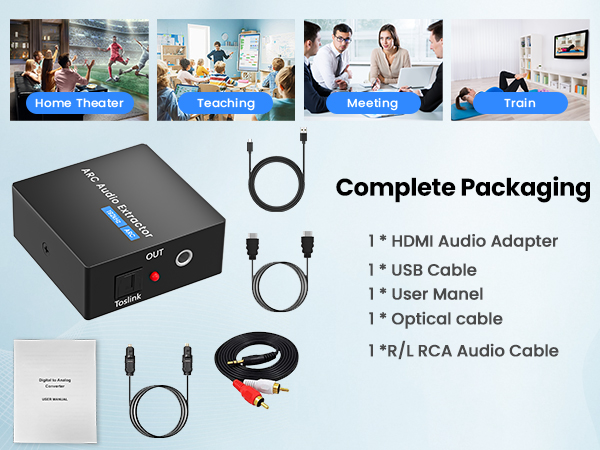
The optical cable has a plastic protective cover, please remove it before use.
Note: ARC to 3.5mm Jack Support Volume control; SPDlF Output Audio Are Not Support CEC Function!
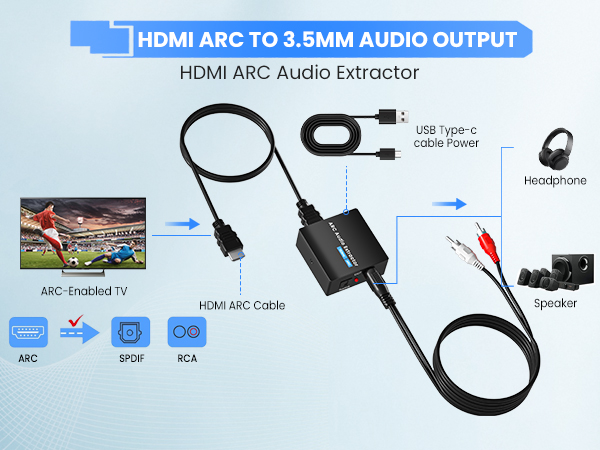
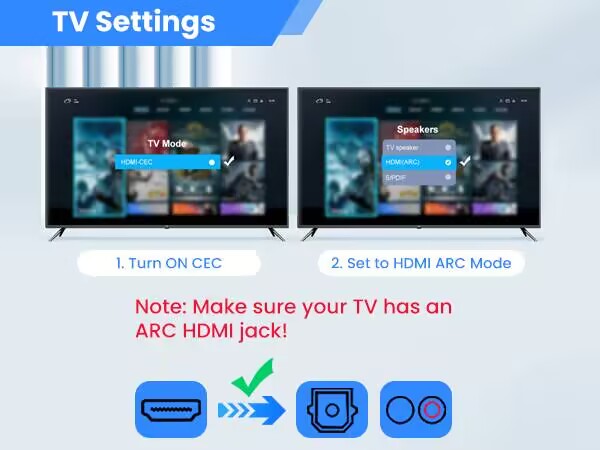
Samsung TV path settings:
External speakers: Settings-Sound -Select Speaker - HDMI ARC
LG TV path settings:
External speakers: Menu-All Settings -Sound - Sound Out - HDMI ARC
Non Power Connected
A.Check whether the power light is on.lf the light is off,check whether the power supply or the power cable is properly connected to the power connector.
B.Check Whether the power supply is DC 5V and whether the current reaches 1000mA.
Why is the audio converter not compatible with my TV?
1. Please note that if the TV does not support ARC, it will not work properly(Connect the TV's "ARC" port).
2. This ARC Audio Extractor is incompatible with 5.1 channel signal such as Dolby AC3, please adjust the audio output to PCM/LPCM before use.
Does this product have HDMI output? Can't the volume be adjusted?
1, Kindly note that this ARC Audio Extractor only has HDMI-ARC INPUT, Optical+3.5mm AUX Output. NO HDMI ARC OUTPUT!
2, The 3.5mm Jack volume can be adjusted via the TV's remote(CEC)!
3. The optical output does not support the CEC function.
Why does the sound quality deteriorate and make a humming noise when I connect my TV to this adapter?
1. Our converter itself does not affect the sound quality, about making a humming sound, you can check the audio device and HDMI jacks for looseness.
2. Use a 5V/1A power adapter to power it instead of the TV's USB port.
Non-Audio
A. Check whether the TV supports ARC function.
B. Check whether the HDMl cable is connected to the HDMl port of the TV that supports ARC.
C. Check whether the TV is turned on the ARC function.
D. Whether it is AGW26 standard HDMI 1.4HD cable (19+1)
More Choice
ARC to Optical 3.5mm
Input
HDMI ARC
Output
Optical + 3.5mm Jack
Audio Format
PCM/LPCM
ARC Function
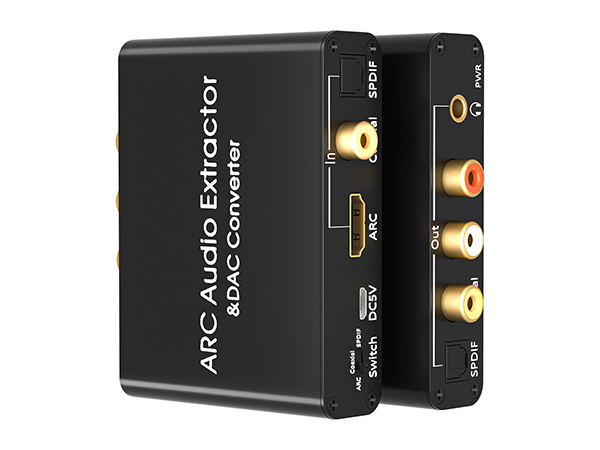
ARC Optical to Analog
Input
ARC/SPDIF/Coaxial
Output
Optical/L/R/3.5mm
Audio Format
PCM/LPCM
ARC Function
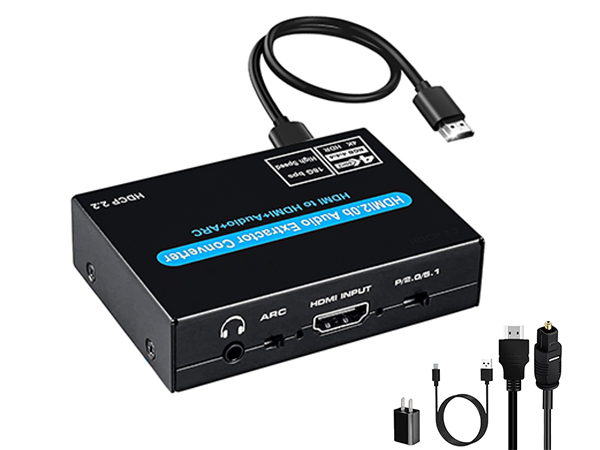
2 in 1 Audio Extractor
Input
HDMI/HDMI ARC
Output
HDMI/Optical/Analog
Audio Format
PCM&Dolby/DTS 5.1
ARC Function
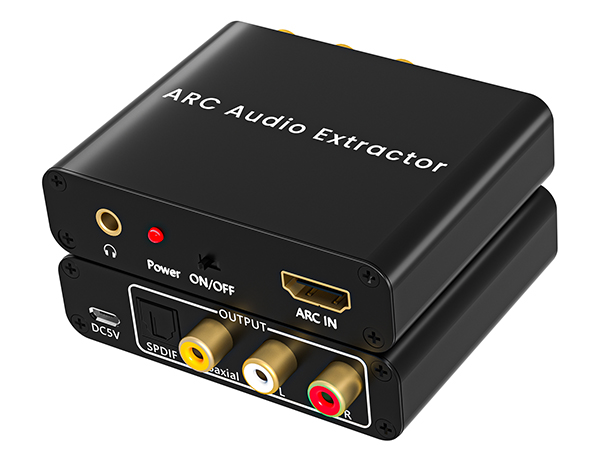
ARC to Optical Analog
Input
HDMI ARC
Output
Optical/L/R/3.5mm
Audio Format
PCM&Dolby/DTS 5.1
ARC Function
Ozvavzk rooted in the electronics industry for many years, with rich experience. We have always strived to provide the highest quality audio and video solutions that reflect our sense of innovation, passion and reliability.
We own strong R&D, supply chain and manufacturing capability, which ensure our products are of consistently high-level quality and at competitive prices.
HDMI ARC Audio Converter
Analog Digital Converter
HDMI Adapter