




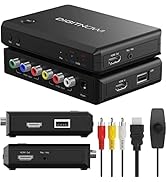
VHS/VCR/Hi8/DVD TO Digital Converter

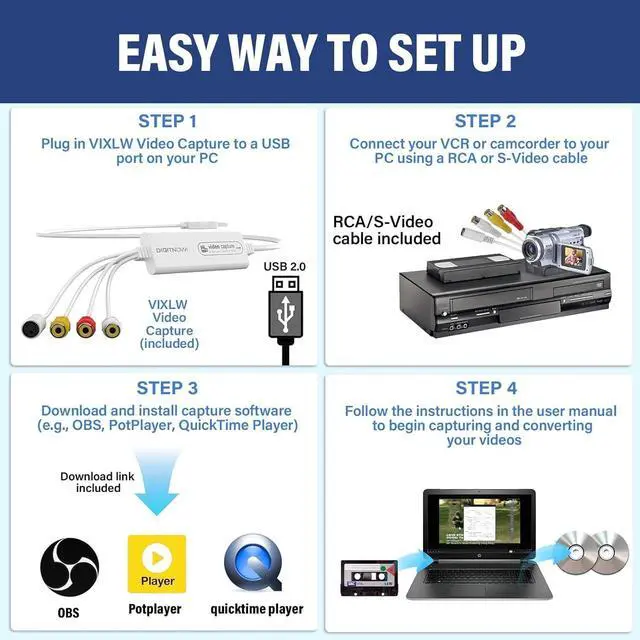
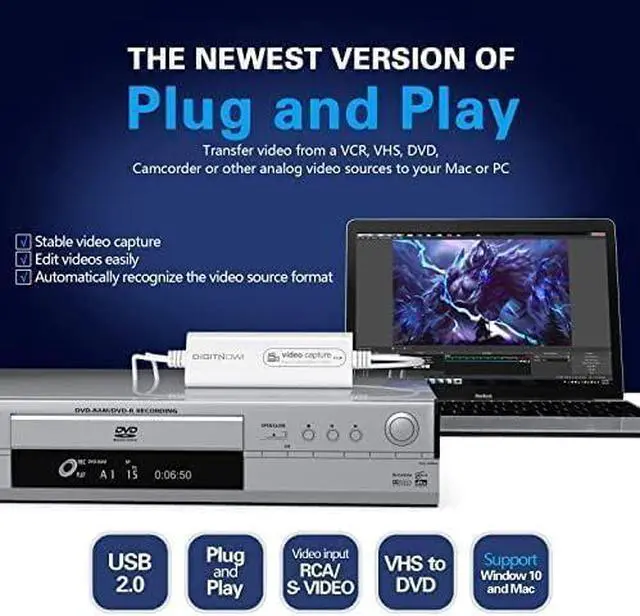
Plug and Play, Easy to Set up
Step 1: Plug in VIXLW Video Capture to a USB port on your MCA or PC. Your computer will install it automatically
Step 2: Download and install OBS, Potplayer or QuickTime Player software (download links are provided in the manual).
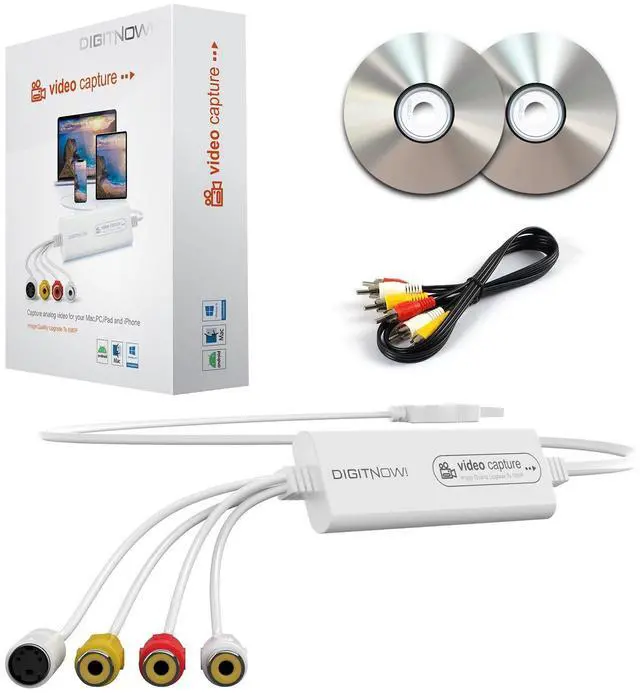
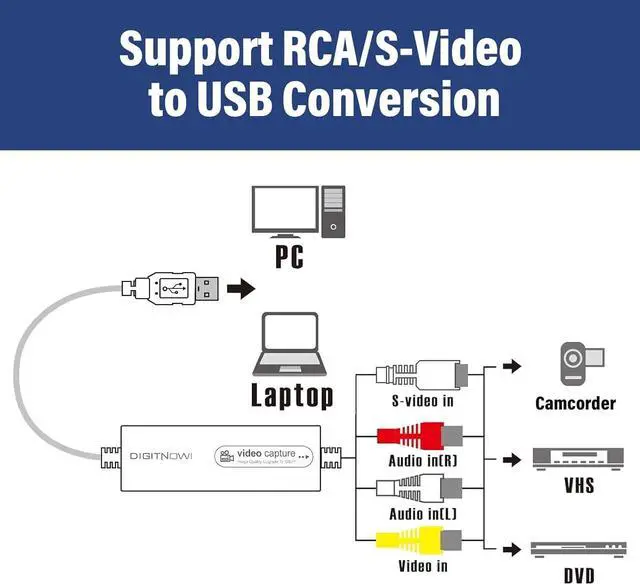
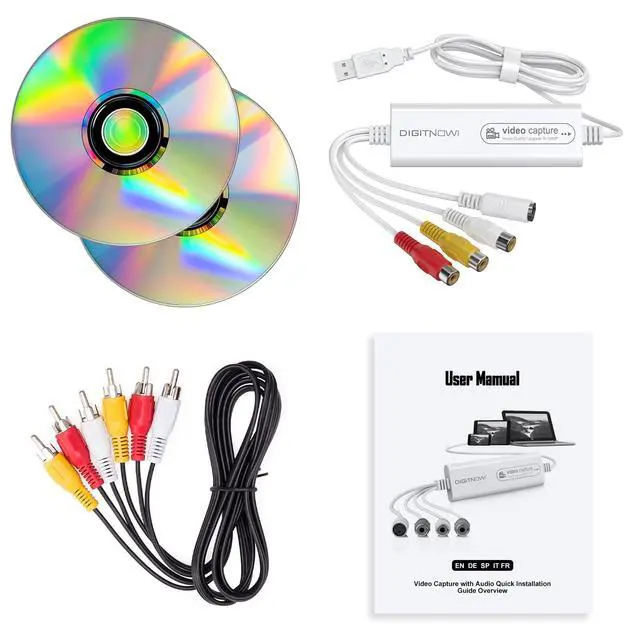
Step 3: Connect VIXLW Video Capture to VHS player or analogue camcorder using the included RCA cable.
Step 4: Follow the instructions in the user manual to begin capturing/converting your videos.

Video resolution: 1920*1080, 1280*720, 800*600, 720*480, 720*586, 640*480, 480*320, 320*240

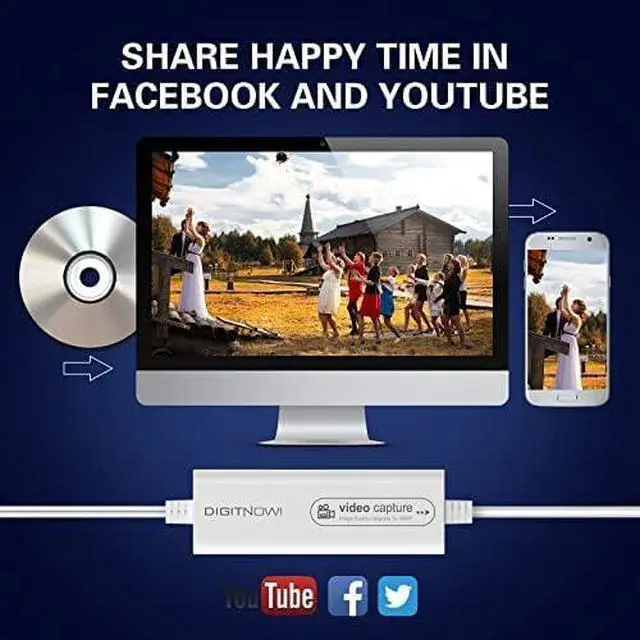
You can share with your friends and family on Facebook, YouTube, Twitter and other social media.

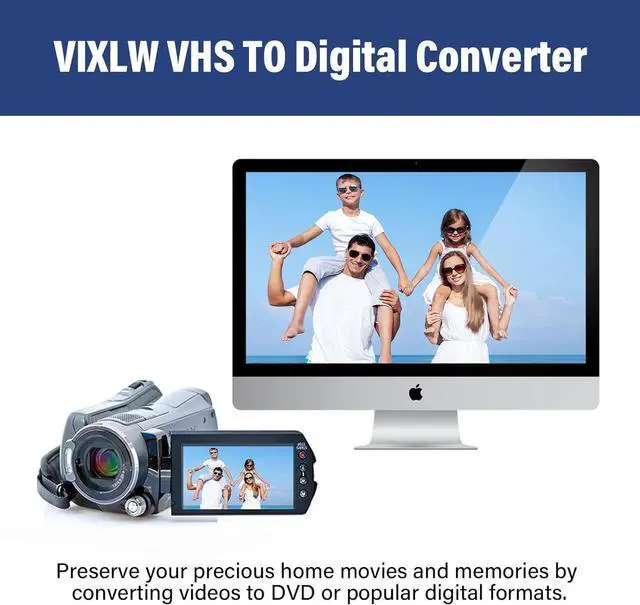
VIXLW VHS TO Digital Converter gives you a way to transfer your old videos for playback on your computer. Save your good memories and don't worry your video tapes deteriorating or losing any more.

Why choose VIXLW Video Capture?
High value for money: same quality at a lower price. Easily convert 8mm/Hi8, VHS, VCR, Mini DV, camcorders and other analog videos to digital on Mac or PC. Supports multiple formats for editing. Outputs up to 1080p, higher than most converters.
How can I get audio?
Test your video source on a TV with an RCA cable before connecting to the VIXLW capture device to ensure audio and video work properly. After confirming your computer and source are working, follow the manual to set up and capture video and audio.
About the driver?
The driver is auto-detected when the VIXLW capture device is plugged in. In your capture software (e.g., OBS), select “USB Digital Audio” for audio and “USB Video” for video to ensure proper recording.
About capture software?
For Windows, we recommend OBS or PotPlayer (download via the link in the manual). For Mac, use QuickTime Player, available from the Mac App Store.
The product is not compatible with my computer, what should I do?
If it shows that the product is not compatible with the computer, it may be the cause of the computer system, you can try to reinstall the computer system or replace the computer


VIXLW: Connecting Infinite Possibilities
Users usually encounter problems such as image delays and impaired image quality during video transmission and conversion. To solve these problems, VIXLW was born with a passion for video technology, determined to create the ultimate experience of video capture cards and converters.
Choosing VIXLW means choosing quality and professionalism to start a wonderful video journey together.
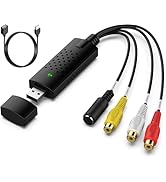
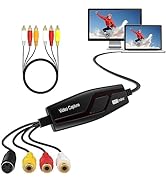
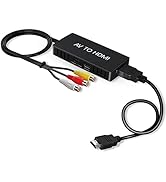
Video Converter
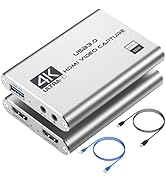
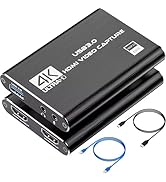
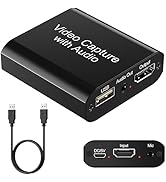
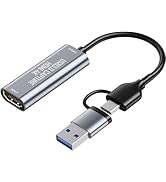
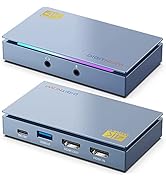
Capture Card
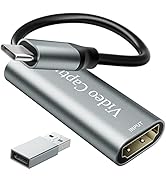
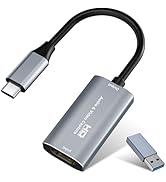
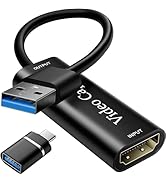
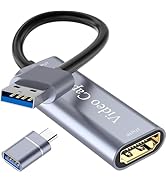
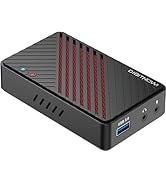
Video Capture Card
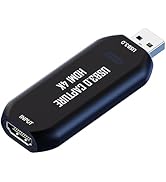
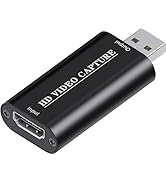
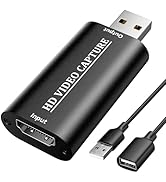
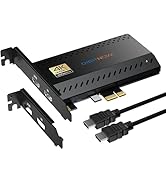
Cam Link 4K
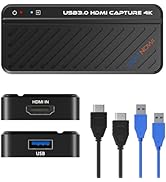
HDMI Capture Card
VHS/VCR/Hi8/DVD TO Digital Converter

Plug and Play, Easy to Set up
Step 1: Plug in VIXLW Video Capture to a USB port on your MCA or PC. Your computer will install it automatically
Step 2: Download and install OBS, Potplayer or QuickTime Player software (download links are provided in the manual).
Step 3: Connect VIXLW Video Capture to VHS player or analogue camcorder using the included RCA cable.
Step 4: Follow the instructions in the user manual to begin capturing/converting your videos.

Video resolution: 1920*1080, 1280*720, 800*600, 720*480, 720*586, 640*480, 480*320, 320*240

You can share with your friends and family on Facebook, YouTube, Twitter and other social media.

VIXLW VHS TO Digital Converter gives you a way to transfer your old videos for playback on your computer. Save your good memories and don't worry your video tapes deteriorating or losing any more.

Why choose VIXLW Video Capture?
High value for money: same quality at a lower price. Easily convert 8mm/Hi8, VHS, VCR, Mini DV, camcorders and other analog videos to digital on Mac or PC. Supports multiple formats for editing. Outputs up to 1080p, higher than most converters.
How can I get audio?
Test your video source on a TV with an RCA cable before connecting to the VIXLW capture device to ensure audio and video work properly. After confirming your computer and source are working, follow the manual to set up and capture video and audio.
About the driver?
The driver is auto-detected when the VIXLW capture device is plugged in. In your capture software (e.g., OBS), select “USB Digital Audio” for audio and “USB Video” for video to ensure proper recording.
About capture software?
For Windows, we recommend OBS or PotPlayer (download via the link in the manual). For Mac, use QuickTime Player, available from the Mac App Store.
The product is not compatible with my computer, what should I do?
If it shows that the product is not compatible with the computer, it may be the cause of the computer system, you can try to reinstall the computer system or replace the computer
VIXLW: Connecting Infinite Possibilities
Users usually encounter problems such as image delays and impaired image quality during video transmission and conversion. To solve these problems, VIXLW was born with a passion for video technology, determined to create the ultimate experience of video capture cards and converters.
Choosing VIXLW means choosing quality and professionalism to start a wonderful video journey together.
Video Converter
Capture Card
Video Capture Card
Cam Link 4K
HDMI Capture Card