




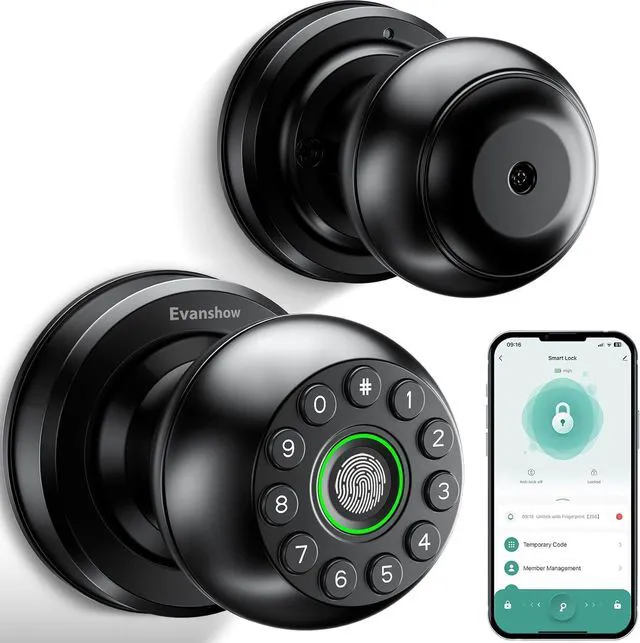
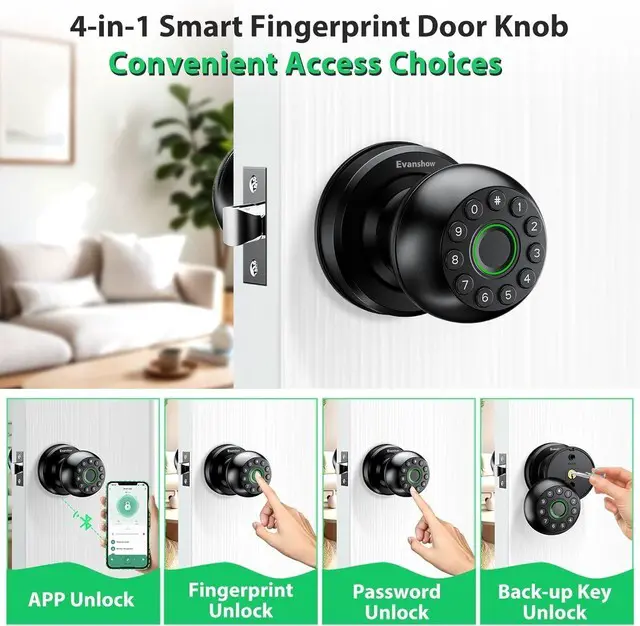
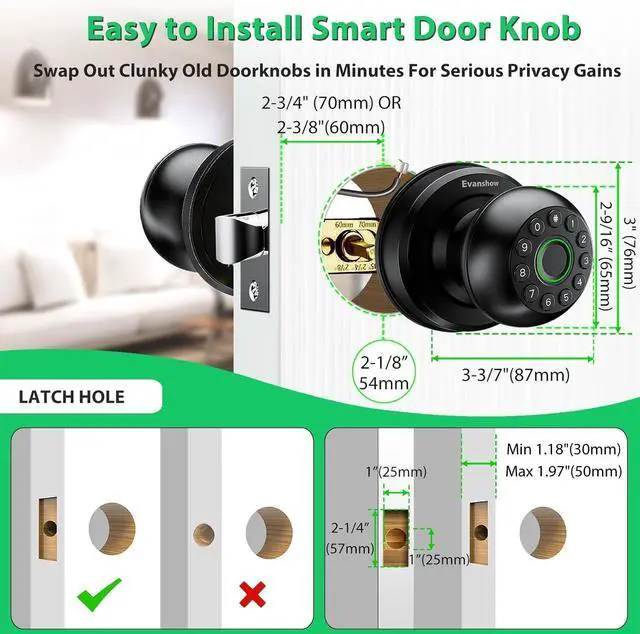


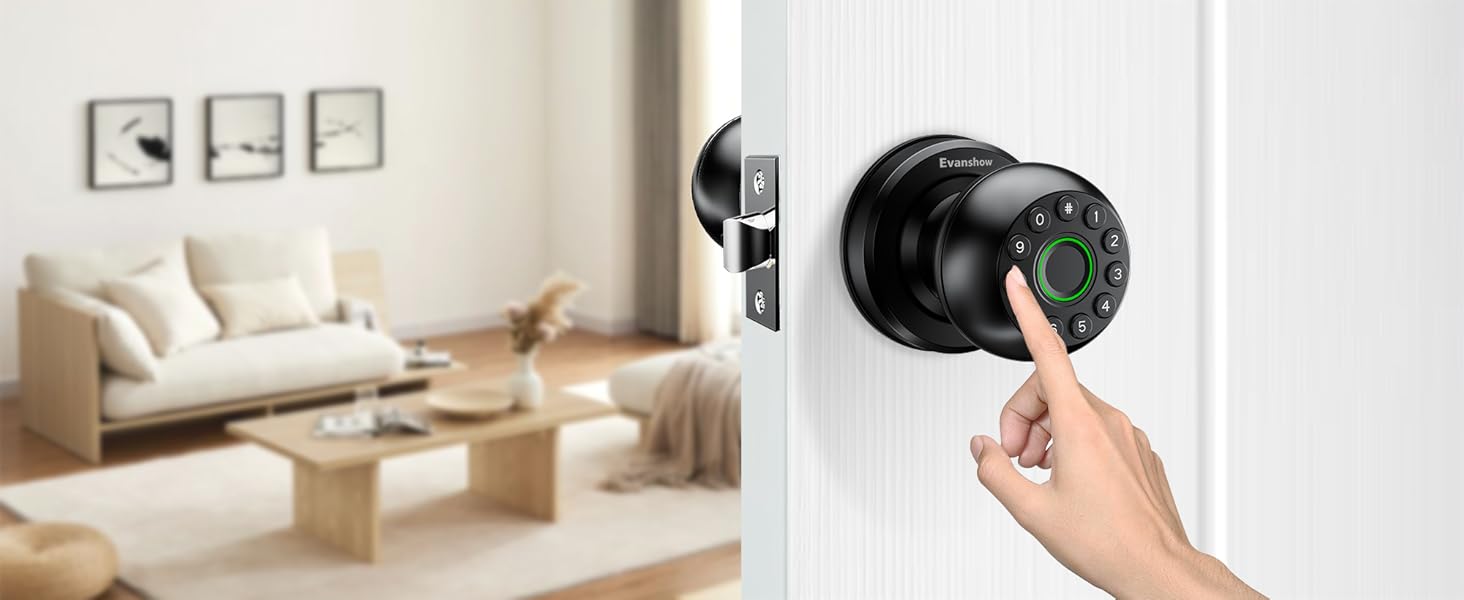
Fingerprint
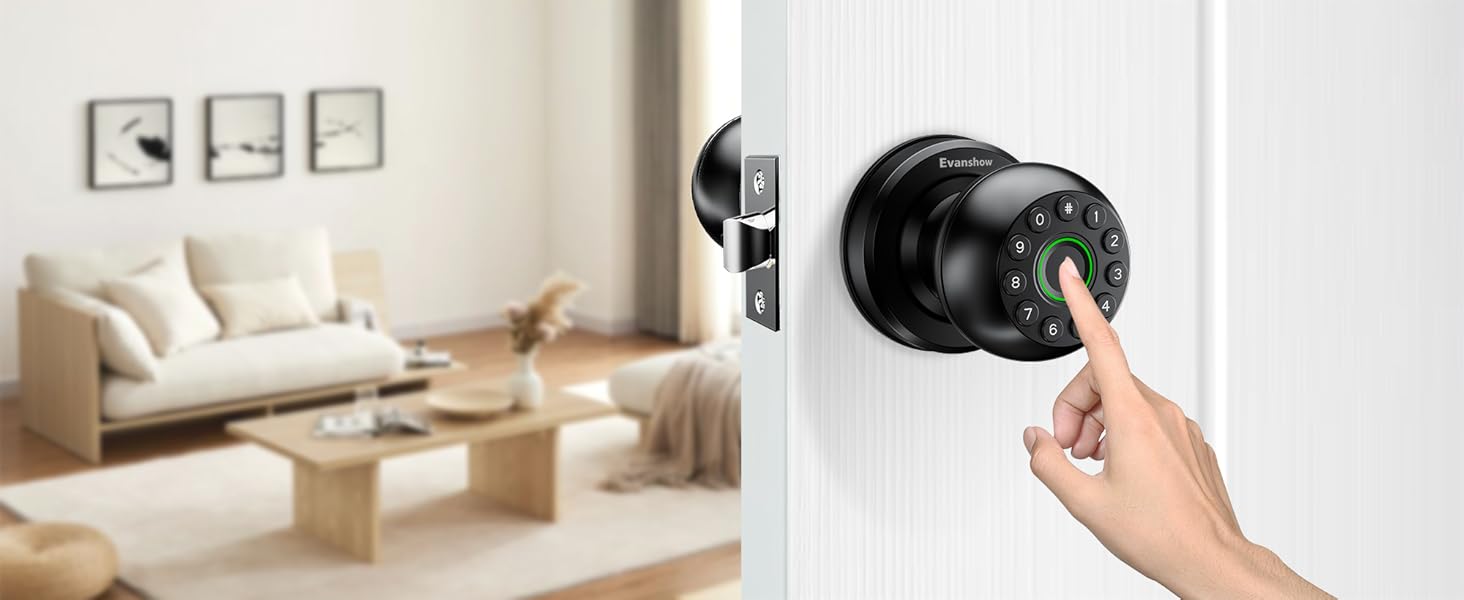
- Store up to 100 fingerprints
- 0.3-second identification speed
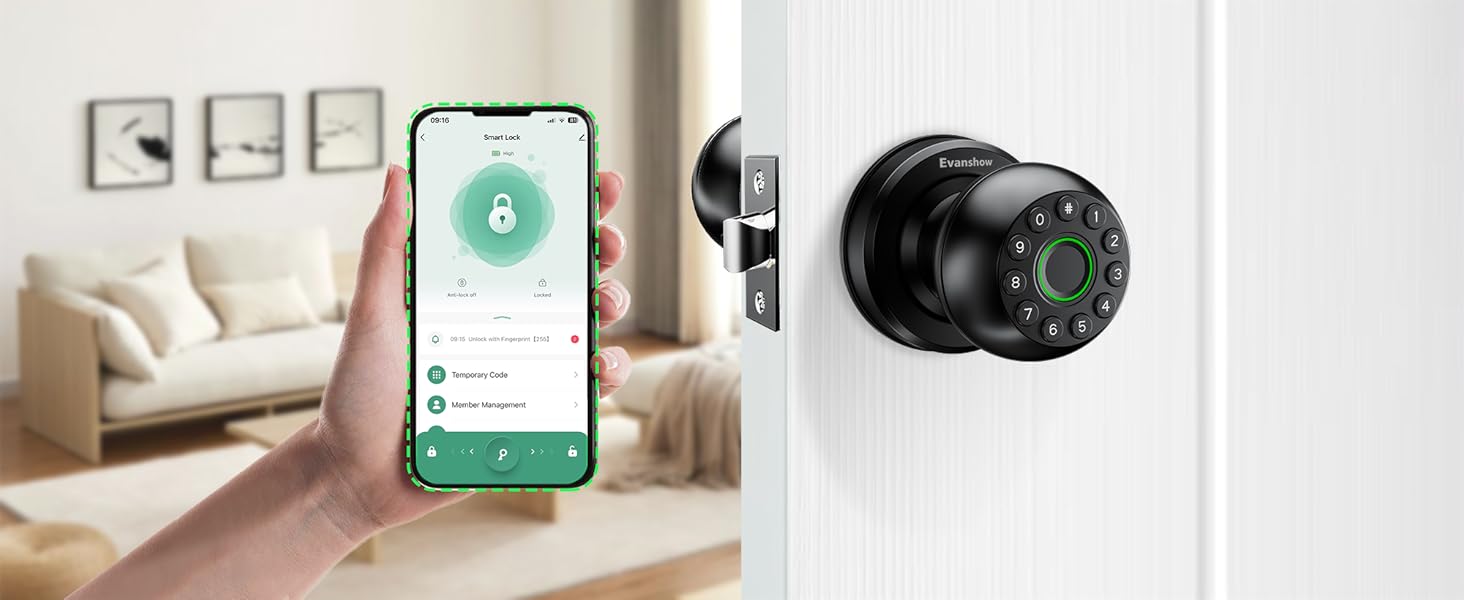
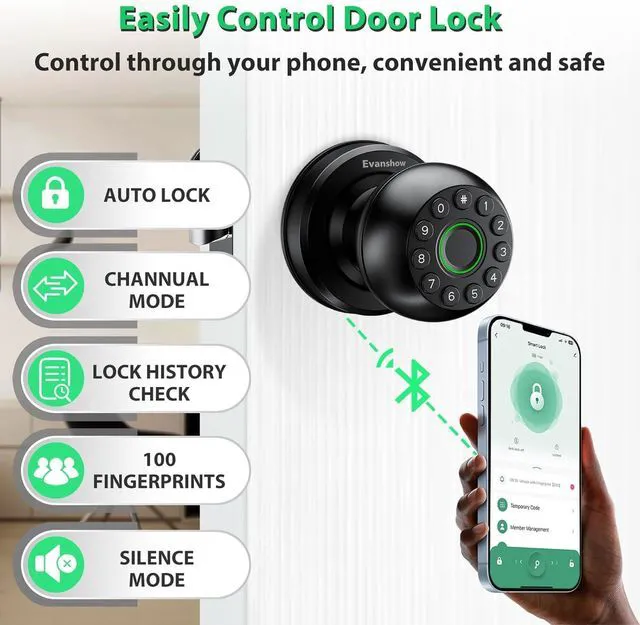
APP Control
- User management
- Access log monitoring
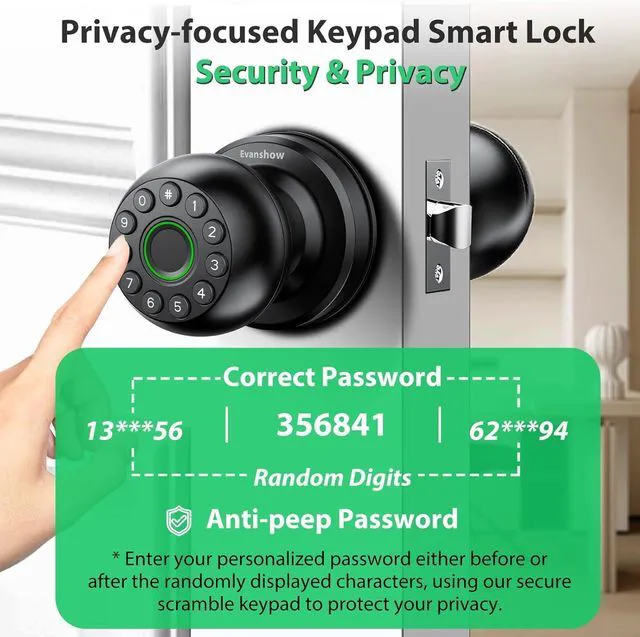
Password
- Secure access with customizable
- Store up to 100 passwords
- Anti-peeping feature for added security
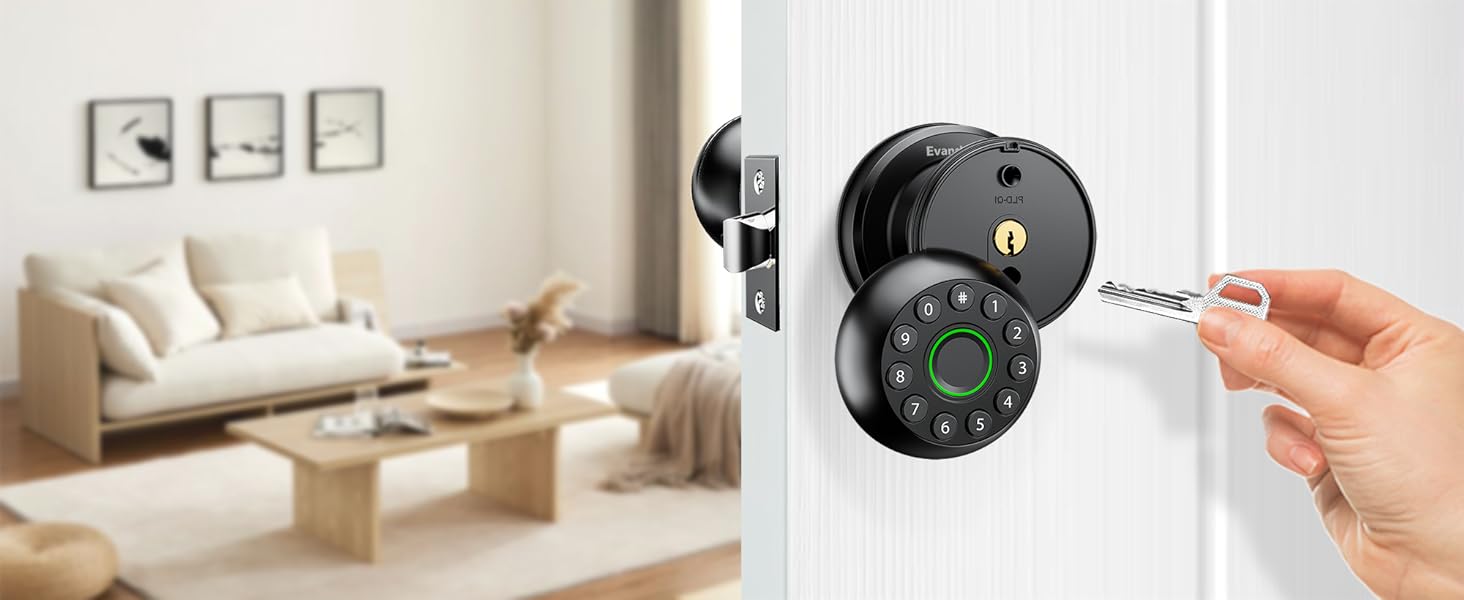
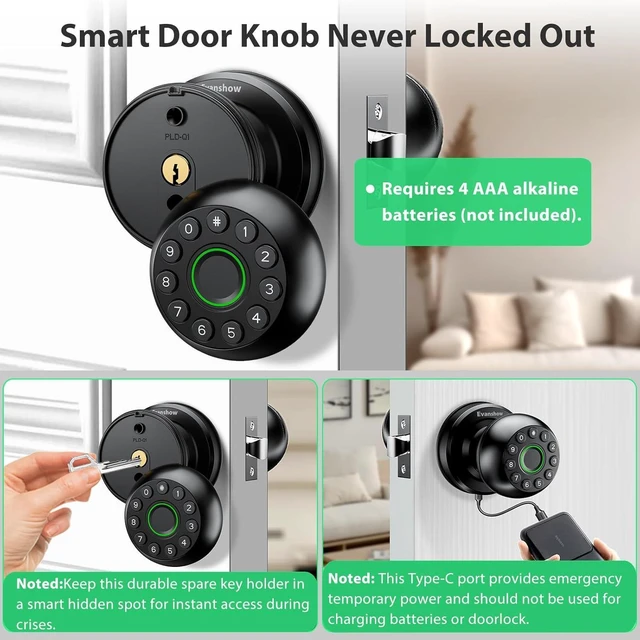
Machine Key Unlock
- Ensures you have a reliable alternative access method
- Always keep a backup key in accessible places
4in1 Smart Door Lock
Comprehensive Security Suite Elevate Your Remote Experience
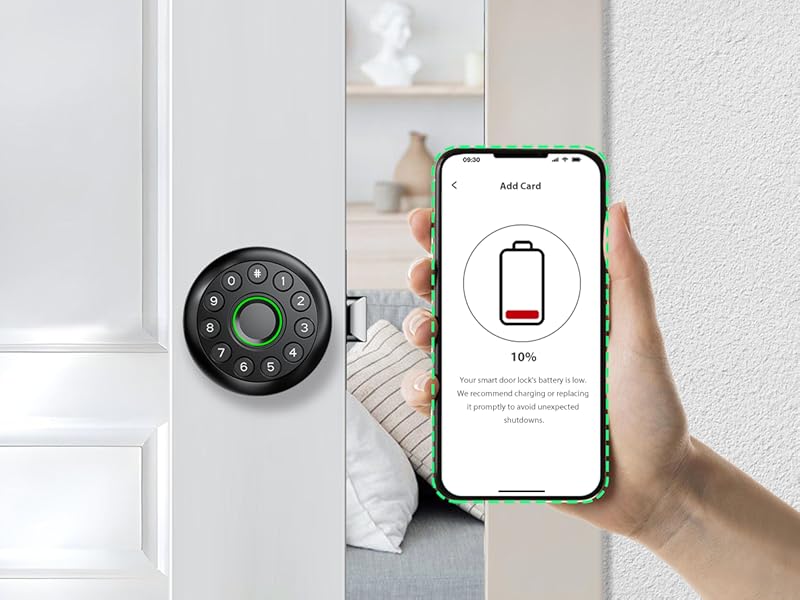
Battery Level Monitor on App
Monitor and Manage Battery Status through APP
Allows you to actively monitor the battery level of your smart lock, ensuring that it's always in optimal working condition.
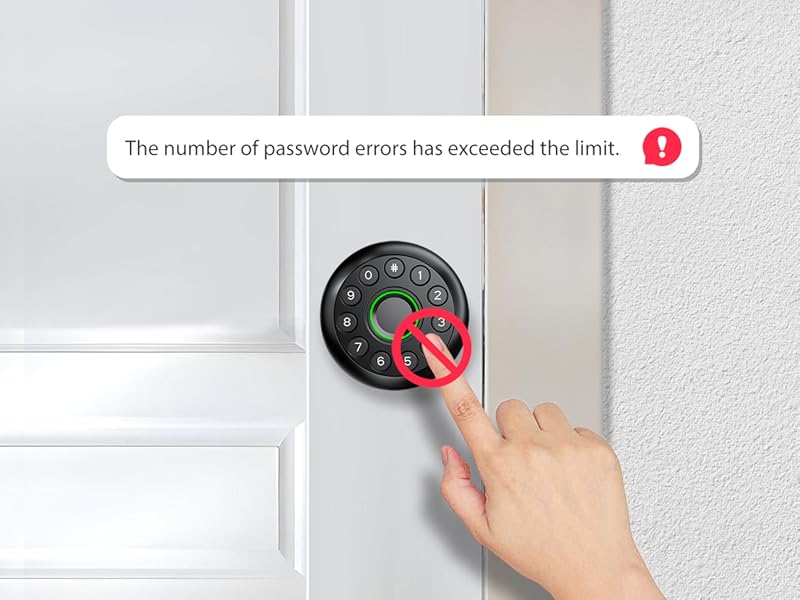
Security Lockout Protection
Automatic Keypad Lockout After Multiple Incorrect Password Entries
As a security measure, the keypad will automatically lock for three minutes after eight consecutive unsuccessful password attempts.
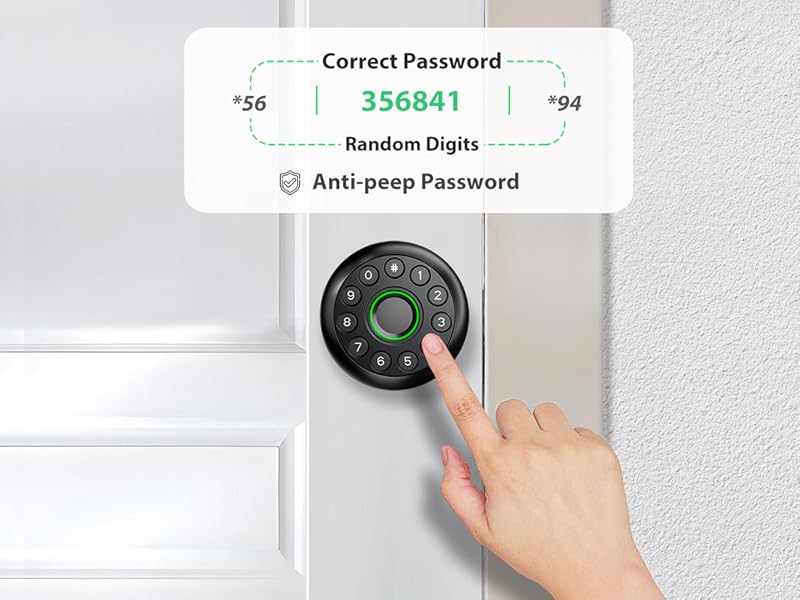
Anti-peep Touchscreen Keypad
Enhanced Privacy with Secure Password Entry
Randomized digit sequences shield your passcode from prying eyes, while the backlight enables effortless nighttime operation.
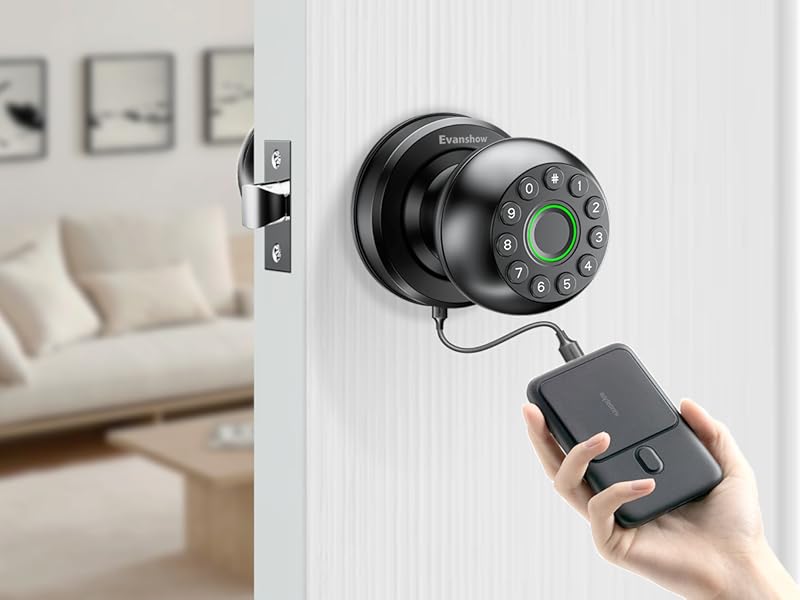
Emergency Unlock w/External Power Bank
External Power Bank(Not Included)
Note: Type-C port is for unlock only; do not use for charging as it may damage the circuit board!
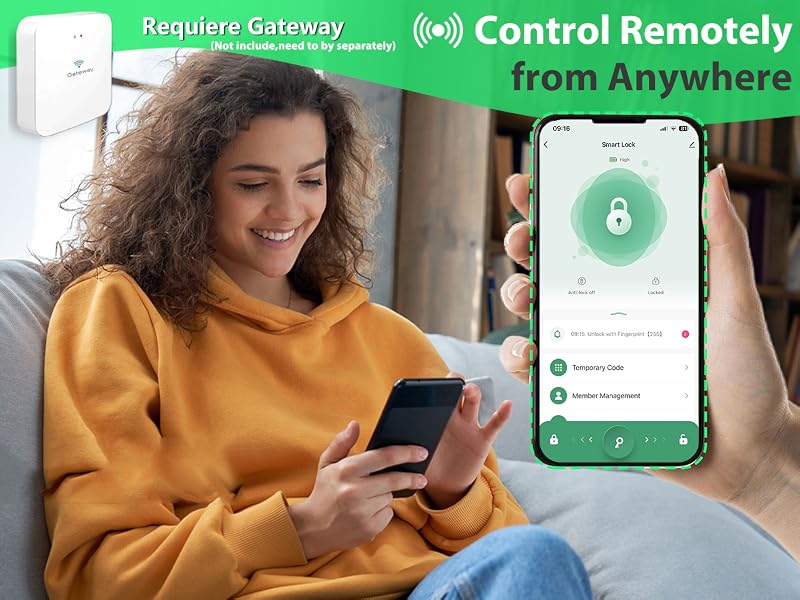
Control Remotely from Anywhere
Paired with Tuya Gateway(Need to Buy Separately)
Control Remotely from Anywhere
Paired with Tuya Gateway(Need to Buy Separately)
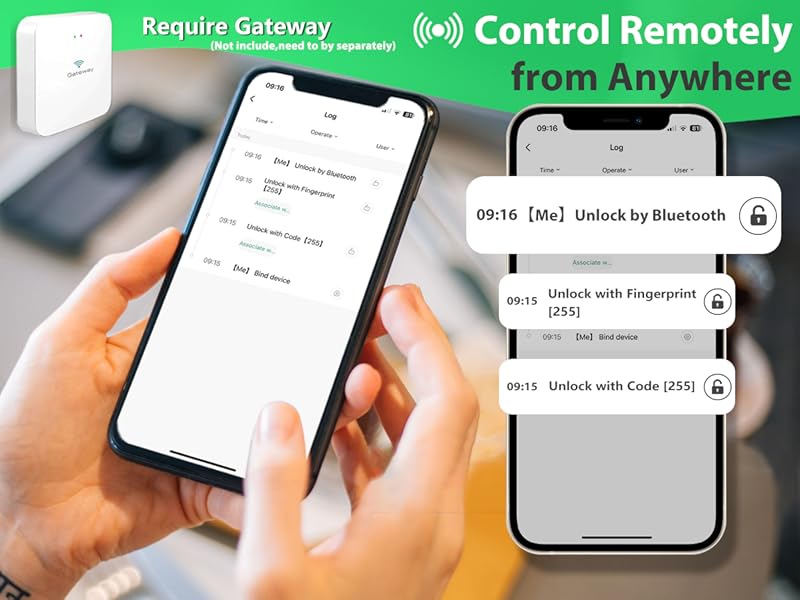
Control Remotely from Anywhere
Paired with Tuya Gateway(Need to Buy Separately)
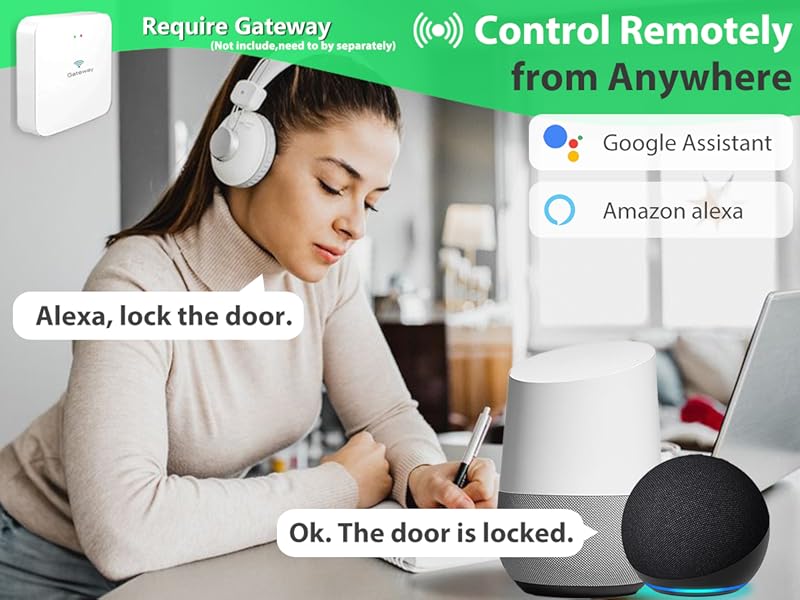
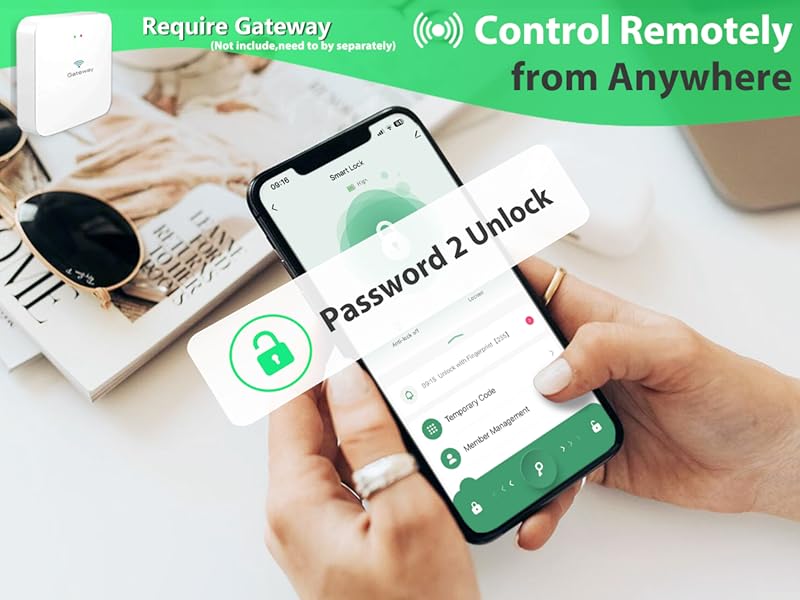
Control Remotely from Anywhere
Paired with Tuya Gateway(Need to Buy Separately)


Why everyone fingerprint can open the door?
The smart door knob s initaly set to unlock with any fingerprnt.It needs to set up the adminstroer if not When no user information is entered, any fingerprint or card orpassword "12345" can be unlocked.
What Is the Type-C Port Used For?
This Type-C port is only for emergency use, like when the battery’s completely dead can connect a power bank to power it open the door. Don’t use it for regular charging , it could damage the inside of the lock or fry the motherboard.
How is the third-party ecosystem support for our lcok ?
It needs use with the gateway(needs to buy sparetely) then it supports Alexa and Google Voice Assistant forvoice lock/unlock commands, as well as remoteoperation via the mobile app.
What App is Used with this Fingerprint Door Lock?
It's Tuya app.


4in1 Smart Door Lock
Fingerprint
- Store up to 100 fingerprints
- 0.3-second identification speed
APP Control
- User management
- Access log monitoring
Password
- Secure access with customizable
- Store up to 100 passwords
- Anti-peeping feature for added security
Machine Key Unlock
- Ensures you have a reliable alternative access method
- Always keep a backup key in accessible places
Comprehensive Security Suite Elevate Your Remote Experience


Battery Level Monitor on App
Monitor and Manage Battery Status through APP
Allows you to actively monitor the battery level of your smart lock, ensuring that it's always in optimal working condition.
Security Lockout Protection
Automatic Keypad Lockout After Multiple Incorrect Password Entries
As a security measure, the keypad will automatically lock for three minutes after eight consecutive unsuccessful password attempts.
Anti-peep Touchscreen Keypad
Enhanced Privacy with Secure Password Entry
Randomized digit sequences shield your passcode from prying eyes, while the backlight enables effortless nighttime operation.
Emergency Unlock w/External Power Bank
External Power Bank(Not Included)
Note: Type-C port is for unlock only; do not use for charging as it may damage the circuit board!


Control Remotely from Anywhere
Paired with Tuya Gateway(Need to Buy Separately)
Control Remotely from Anywhere
Paired with Tuya Gateway(Need to Buy Separately)
Control Remotely from Anywhere
Paired with Tuya Gateway(Need to Buy Separately)
Control Remotely from Anywhere
Paired with Tuya Gateway(Need to Buy Separately)


Why everyone fingerprint can open the door?
The smart door knob s initaly set to unlock with any fingerprnt.It needs to set up the adminstroer if not When no user information is entered, any fingerprint or card orpassword "12345" can be unlocked.
What Is the Type-C Port Used For?
This Type-C port is only for emergency use, like when the battery’s completely dead can connect a power bank to power it open the door. Don’t use it for regular charging , it could damage the inside of the lock or fry the motherboard.
How is the third-party ecosystem support for our lcok ?
It needs use with the gateway(needs to buy sparetely) then it supports Alexa and Google Voice Assistant forvoice lock/unlock commands, as well as remoteoperation via the mobile app.
What App is Used with this Fingerprint Door Lock?
It's Tuya app.