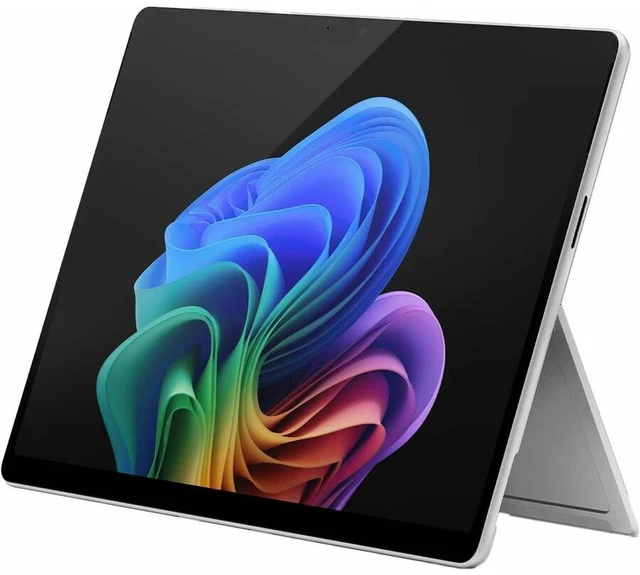
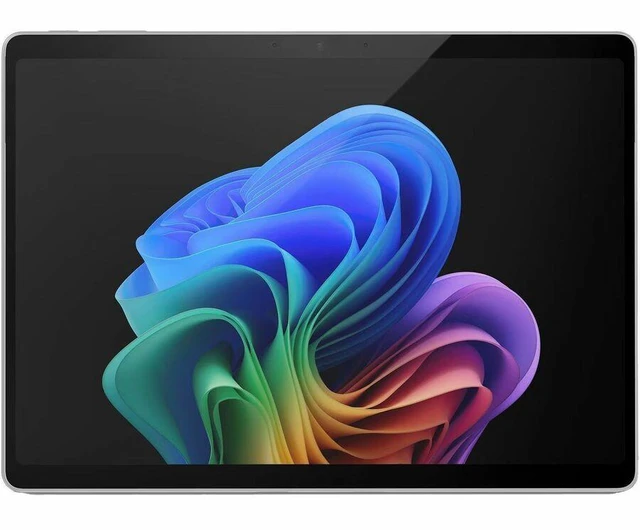
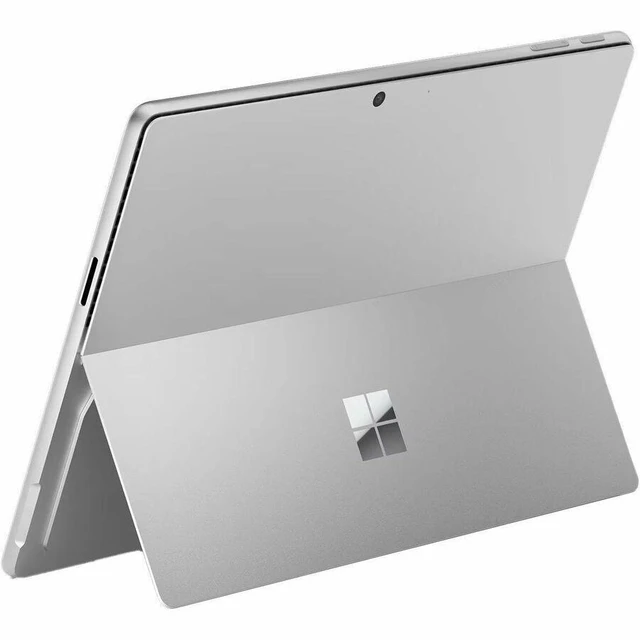
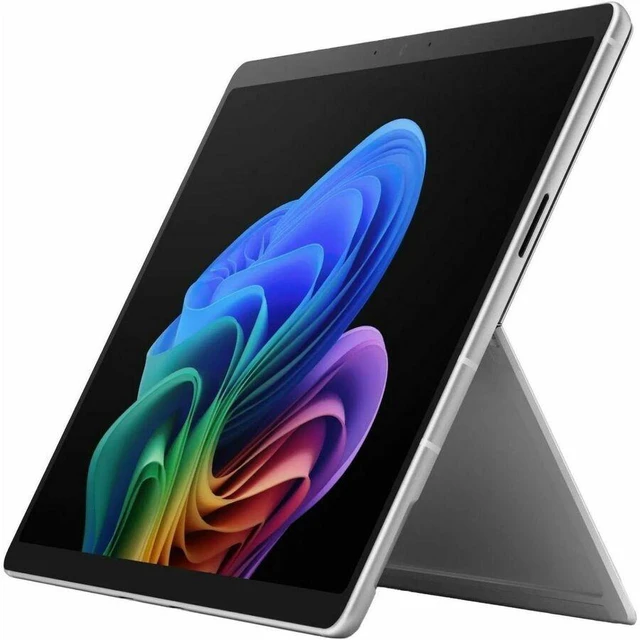
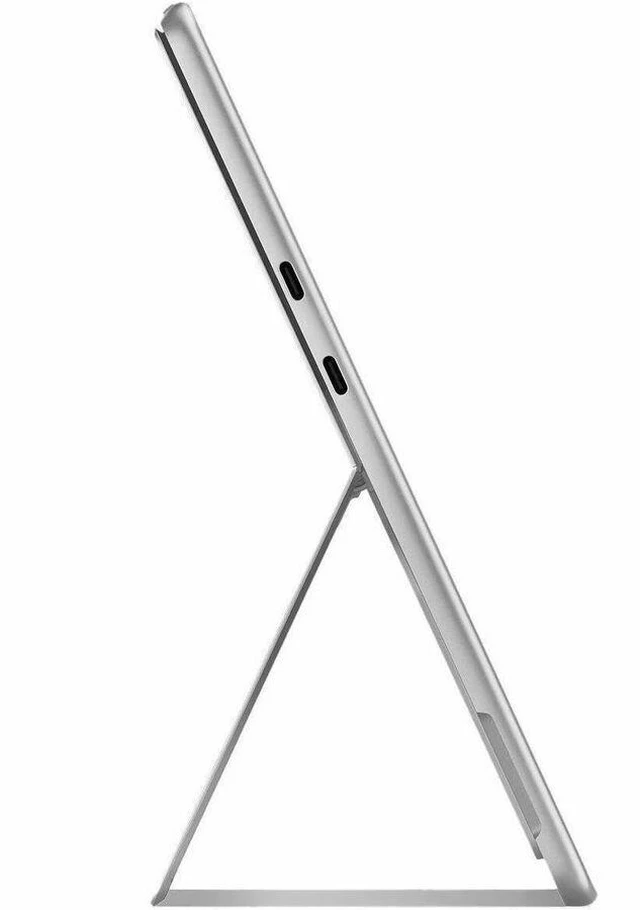
The Microsoft Surface Pro 13-inch 12th Edition is a Windows 11 Pro 2-in-1 tablet with an Intel Core Ultra 7 366H processor, 32GB of memory, and a 256GB SSD, suited to business users who need a capable device for everyday work and multitasking.
Recommended For
- Windows business users who rely on Intel-compatible desktop software, peripherals, or older line-of-business apps and want a detachable device for travel or client visits.
- Mobile professionals who switch between laptop-style work and tablet use for meetings, document review, email, or signing and annotating files; the keyboard and pen are sold separately.
- People who need a compact Windows work device for multitasking across Office files, browser tabs, and business apps, and value the listed 32GB of memory over a large built-in drive.
- Note-takers and light creative workers who want a touchscreen Windows device for handwriting, sketching, or marking up documents, and are prepared to buy a compatible Surface Slim Pen separately.
Real-World Use Scenarios
- For a workday split between browser tabs, office apps, and video meetings, the Surface Pro can keep those tasks moving on one device; a hands-on test found the Intel 12th Edition handled many browser windows and multiple video meetings, though its fan became more noticeable under heavier load.
- For office setups that need a larger workspace, connect the Surface Pro to external displays and use it for split-screen tasks such as documents, email, and spreadsheets; Microsoft says compatible docks or daisy chains can support up to three 4K monitors.
- For teams using Windows software or peripherals that require an Intel-based system, this model provides a business-focused 2-in-1 option without switching to an ARM processor; confirm compatibility for any specialized apps, drivers, or accessories your organization depends on.
- For reviewing or marking up photos and documents, use the touchscreen as a tablet and add a compatible Surface pen; a hands-on reviewer used Photoshop for photo editing and described the pen as useful for markup, annotation, and sketching. The pen is an add-on, not listed as included with this configuration.
- For moving between a desk, meeting room, and shared workspace, use the built-in kickstand for tablet viewing or pair the device with a compatible keyboard for laptop-style typing; the keyboard is sold separately.
Spec Summary
| Attribute | Value |
|---|
| Best For | Business users looking for a portable 13-inch tablet for productivity, with 32 GB of memory and a 256 GB SSD |
|---|
| Processor And Core Count | Intel Core Ultra 7 processor |
|---|
| Display Spec | 13.0-inch display |
|---|
| Memory Configuration | 32 GB memory |
|---|
| Storage And Expansion | 256 GB SSD |
|---|
| Portability | 3.10 lb |
|---|
| Model Identifiers | Microsoft Surface Pro, 13-inch 12th Edition; part number EP2-55471 |
|---|
| Color | Platinum |
|---|





 here!
here!