• $3,049.99
  • Free 83-day Returns
  • Login to Make an Offer
    Sold by Newegg

    Shipped by Newegg

    Price alert

    Best Sellers

    Hot Seller
    3.2 (2,130 total ratings)
    • $3,323.82
    • + $12.99 Shipping
    Hot Seller
    4.5 (9,027 total ratings)
    • $3,212.98
    Shop it at NeweggBusiness.

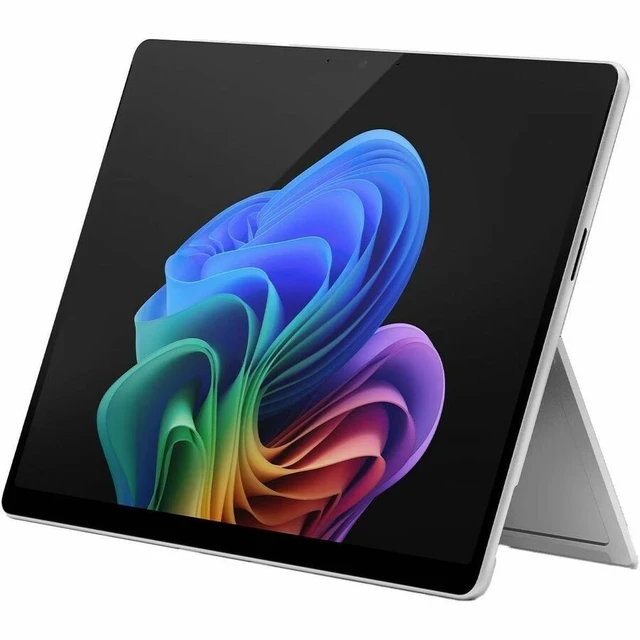
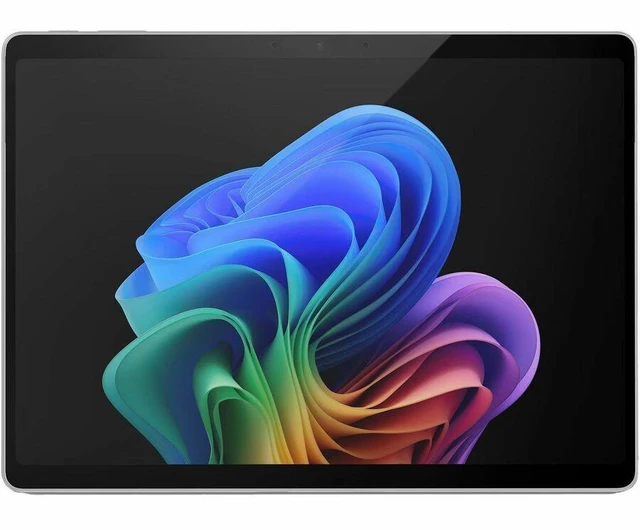
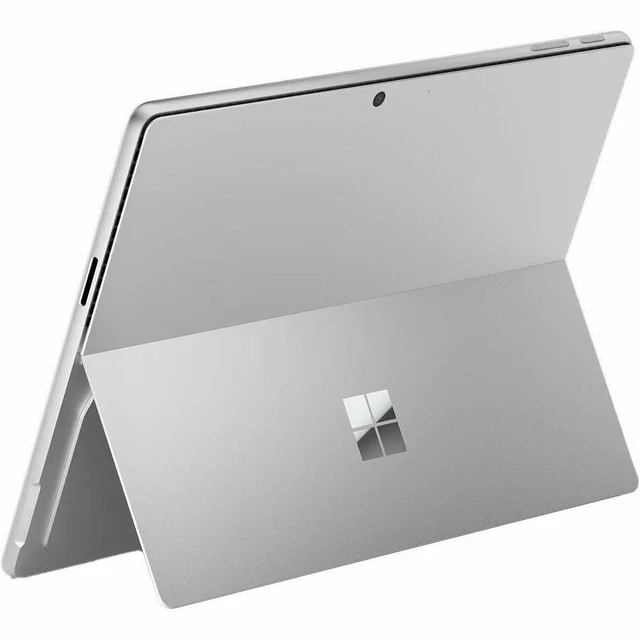
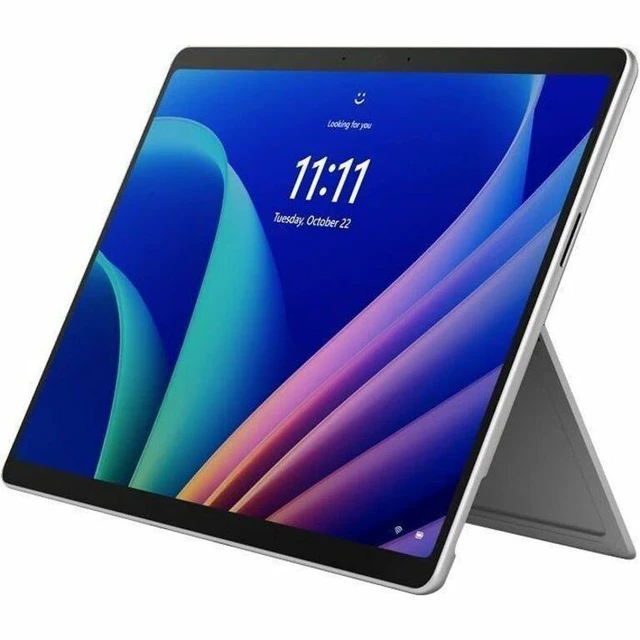
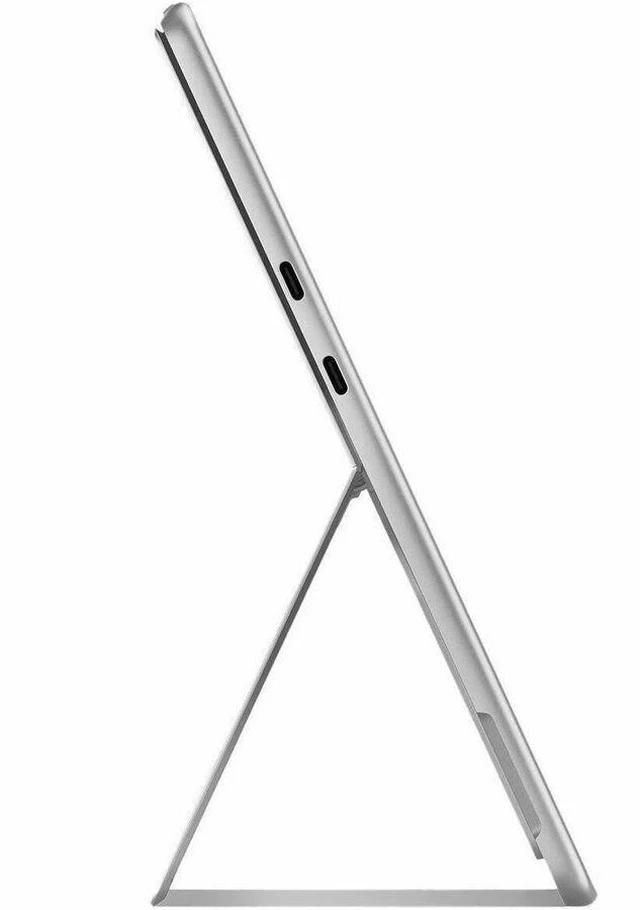
    Microsoft Surface Pro (12th Edition) Copilot+ PC Tablet - 13" PixelSense Display - Intel Core Ultra 5 335 - 32 GB - 512 GB SSD - Windows 11 Pro - Platinum - Wi-Fi 7 - 12 Megapixel Front Camera - EP2-55466

    • Preloaded Microsoft 365 Apps
    • Microsoft 365 Business Standard
    • Microsoft 365 Business Premium
    • Microsoft 365 Apps 30-day trial
    • Surface Pro for Business, 13-inch (12th Edition) | Intel
    • Quick Start Guide
    • Safety and Warranty Documents
    +
    +
    Overview
    Specs
    Reviews
    See all Q & A

    Any questions? Ask CelesteSM will help you find out quickly.

    SURFACE PRO13IN ITCU5/32/512 CM TA SCPLATINUM

    Warranty & Returns

    Warranty, Returns, And Additional Information

    Warranty

    • Limited Warranty period (parts): 1 year
    • Limited Warranty period (labor): 1 year
    • Read full details

    Return Policies

      We want to ensure your holiday shopping this year is hassle-free. That’s why we’re automatically extending our return policies on almost every product! For purchases placed between November 1st, 2026 and December 31, 2026 you will have until January 31, 2027 to return your product.

    • Return for refund until: January 31, 2027
    • Return for replacement until: January 31, 2027
    • This item is covered by Newegg.com's Extended Holiday Return Policy.
    • Read full return policy for details.

    Manufacturer Contact Info

    LOADING...
    LOADING...

    The Microsoft Surface Pro (12th Edition) is a 13-inch Windows 11 Pro tablet with an Intel Core Ultra 5 335, 32 GB of memory, and a 512 GB SSD, suited to business users who want a high-spec device for everyday work, multitasking, and AI-enabled workflows.

    Recommended For

    • Mobile professionals who move between meetings and desk work and need Windows applications with Intel compatibility, plus a detachable tablet form for carrying between locations.
    • Business users who regularly work across browser tabs, office tools, video meetings, and occasional photo editing; a TechRadar hands-on found the Core Ultra 5 handled that mixed workday.
    • People who annotate documents, sketch, or take handwritten notes on the go and want a touchscreen tablet that can become a laptop with a separate keyboard and pen.
    • Traveling workers who want a high-resolution 13-inch touchscreen in a tablet-style device and expect to use it for a full mixed workday; TechRadar measured about 12 hours in its battery test with the keyboard attached.

    Real-World Use Scenarios

    • For a workday moving between email, browser tabs, documents, and video meetings, use it as a portable Windows work device; a hands-on reviewer ran a similar mix of apps, noting a brief slowdown during one call and louder fan noise as the workload built.
    • For reviewing or marking up documents at a desk or in a meeting, use the touchscreen in tablet mode and add a compatible Surface pen; the reviewer describes pen-based markup and annotation as a practical use, but the pen is an accessory rather than an included item in the listed bundle.
    • For remote meetings, use the built-in front camera and Windows Hello to join calls and sign in; a reviewer used the device for multiple video meetings during a busy workday, with one brief slowdown reported.
    • For photo touch-ups between work tasks, use desktop editing software such as Photoshop; a reviewer edited photos on a similar Core Ultra 5 model, while noting that heavier multitasking can make the fan more noticeable.
    • At a desk, connect an external monitor or storage over USB-C to extend a work setup or move files; the reviewer tested both uses, making the tablet easier to use as a compact workstation when you return to a desk.

    Spec Summary

    AttributeValue
    Best ForWindows 11 Pro users seeking a 13-inch touchscreen device with 32 GB memory and 512 GB SSD storage
    Processor And Core CountIntel Core Ultra 5 335 with 8 cores and an Intel AI Boost NPU rated at 47 TOPS
    Display Spec13-inch PixelSense touchscreen with 2880 × 1920 resolution
    Memory Configuration32 GB LPDDR5X memory
    Storage And Expansion512 GB SSD
    Wired And Wireless NetworkingWi-Fi 7 wireless connectivity
    Operating SystemWindows 11 Pro
    Color And FinishPlatinum
    Model IdentifiersMicrosoft Surface Pro (12th Edition), model and part number EP2-55466

    Reference Q&A

    Q: Surface Pro 12th Edition Core Ultra 5 or Core Ultra 7—which configuration should I choose?

    A: Choose this Core Ultra 5 configuration if you want 32 GB of memory and a 512 GB SSD with the Intel Core Ultra 5 335. Choose a Core Ultra 7 366H configuration if selecting Microsoft’s higher processor tier is your priority; both are available in the 13-inch Surface Pro for Business 12th Edition lineup.

    Q: Should I get this Surface Pro 12th Edition or the 16 GB / 256 GB configuration?

    A: Choose this model for 32 GB of memory and 512 GB of storage. The 16 GB / 256 GB configuration provides the same Core Ultra 5 335 processor with lower listed memory and storage capacities; the choice depends on how much room you want for multitasking and files.

    Q: Surface Pro 12th Edition Intel or Surface Pro 11th Edition Intel?

    A: Choose the 12th Edition for its Intel Core Ultra Series 3 processor generation and this SKU’s 32 GB of memory and 512 GB SSD. The 11th Edition for Business uses Intel Core Ultra Series 2 processors, and Microsoft lists configurations with up to 32 GB of memory and 1 TB of storage.

    Q: Surface Pro 12th Edition Intel or Surface Pro 11 with Snapdragon—which fits my Windows setup?

    A: Choose this Surface Pro 12th Edition if you want an Intel-based Surface Pro running Windows 11 Pro. The Surface Pro 11 is available with Snapdragon processors, so it is the alternative when you specifically want that platform. Both lines offer the 13-inch Surface Pro form factor.