




 here!
I’m your shopping assistant for PC builds, upgrades, and everything tech.
Got questions? Ask away!
Start a conversation
here!
I’m your shopping assistant for PC builds, upgrades, and everything tech.
Got questions? Ask away!
Start a conversation Hot Seller





Any questions? Ask CelesteSM will help you find out quickly.
We want to ensure your holiday shopping this year is hassle-free. That’s why we’re automatically extending our return policies on almost every product! For purchases placed between November 1st, 2026 and December 31, 2026 you will have until January 31, 2027 to return your product.
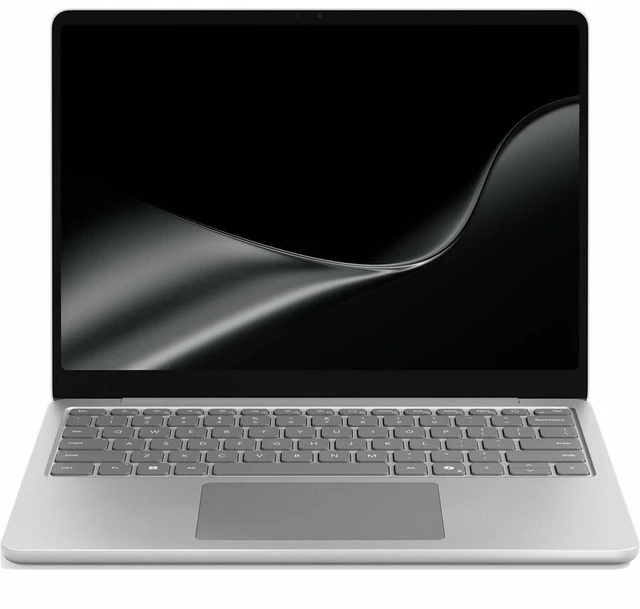
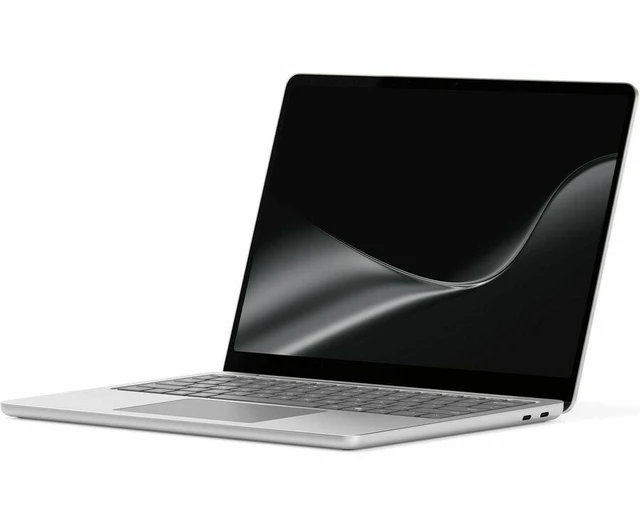
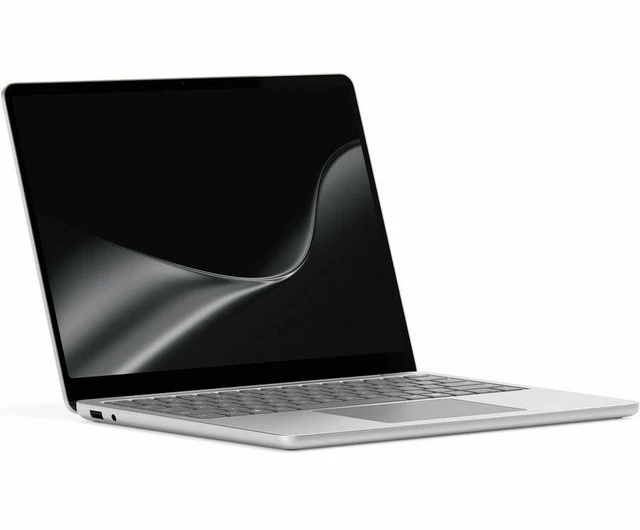
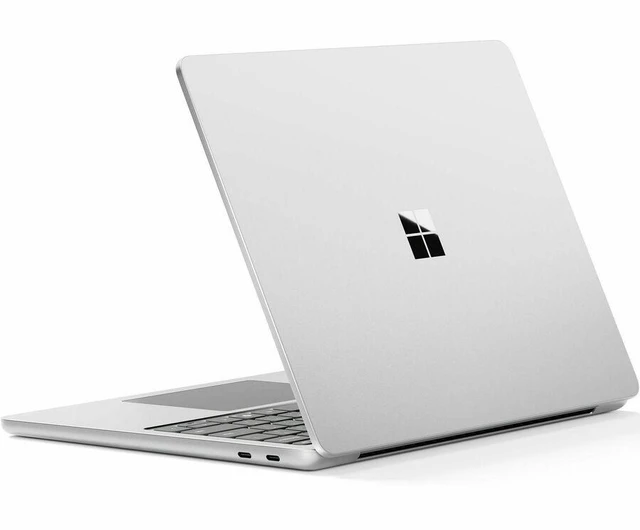
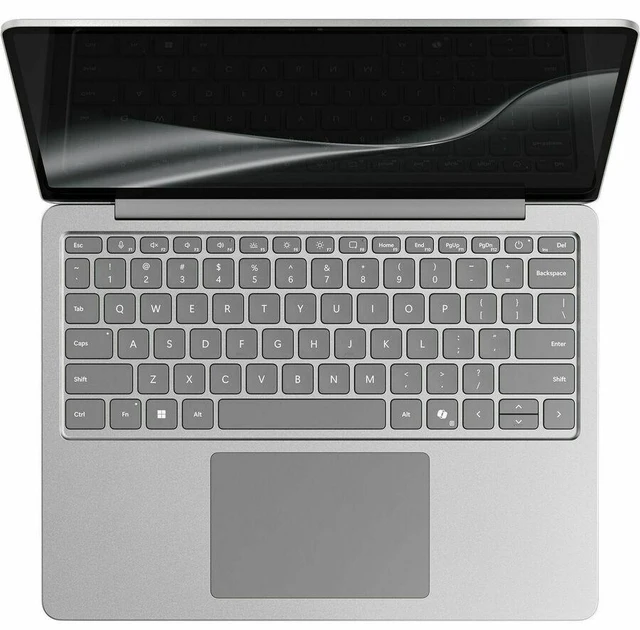
The Microsoft Surface Laptop 13-inch is a Windows 11 Pro touchscreen notebook with a Snapdragon X2 Plus processor, 24GB memory, and 1TB SSD, suited to professionals and students who want a compact computer for everyday work, multitasking, and storing files locally.
| Attribute | Value |
|---|---|
| Best For | Portable productivity and multitasking with 24 GB of memory and 1 TB of local storage |
| Display | 13-inch screen |
| Memory Configuration | 24 GB memory |
| Storage And Expansion | 1 TB SSD |
| Design And Color | Platinum |
| Model Identifiers | Microsoft Surface Laptop, part number EP2-77258 |
Q: Surface Laptop 13-inch 2nd Edition vs. 13.8-inch 8th Edition: which should I choose?
A: Choose this 13-inch model for a lighter, more compact laptop with 24GB memory and 1TB SSD storage. Choose the 13.8-inch 8th Edition for its larger 120Hz touchscreen and higher-tier processor options, including 10-core Snapdragon X2 Plus and 12-core Snapdragon X2 Elite. In Notebookcheck testing, the 13.8-inch X2 Plus model scored higher in some multicore and graphics benchmarks, while single-core results were close.
Q: Is the 24GB/1TB Surface Laptop 13-inch worth choosing over a 16GB/512GB configuration?
A: Choose this 24GB/1TB configuration if you want more memory for working across apps and more built-in storage for files and software. The 16GB/512GB configuration offers the same 13-inch, Snapdragon X2 Plus platform with less memory and storage; the main decision is how much capacity you want included.
Q: Surface Laptop 13-inch 2nd Edition vs. the previous 13-inch Surface Laptop: is the newer model a meaningful upgrade?
A: Choose the 2nd Edition if you want the newer Snapdragon X2 Plus platform alongside this configuration’s 24GB memory and 1TB SSD. In Notebookcheck’s graphics testing, the 2026 X2 Plus model scored higher than the earlier 13-inch Snapdragon X Plus model in several tested benchmarks; the previous model remains a similar-size option with an earlier processor generation.


