




 here!
here!
I’m your shopping assistant for PC builds, upgrades, and everything tech.
Got questions? Ask away!
Start a conversation
here!
I’m your shopping assistant for PC builds, upgrades, and everything tech.
Got questions? Ask away!
Start a conversation




Any questions? Ask CelesteSM will help you find out quickly.
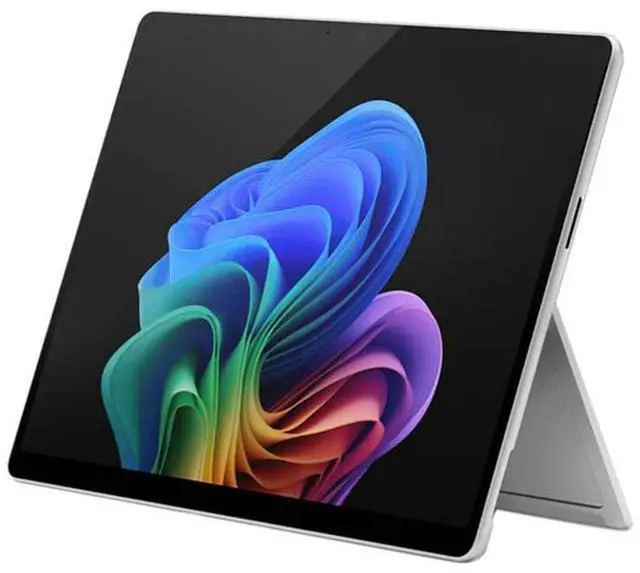
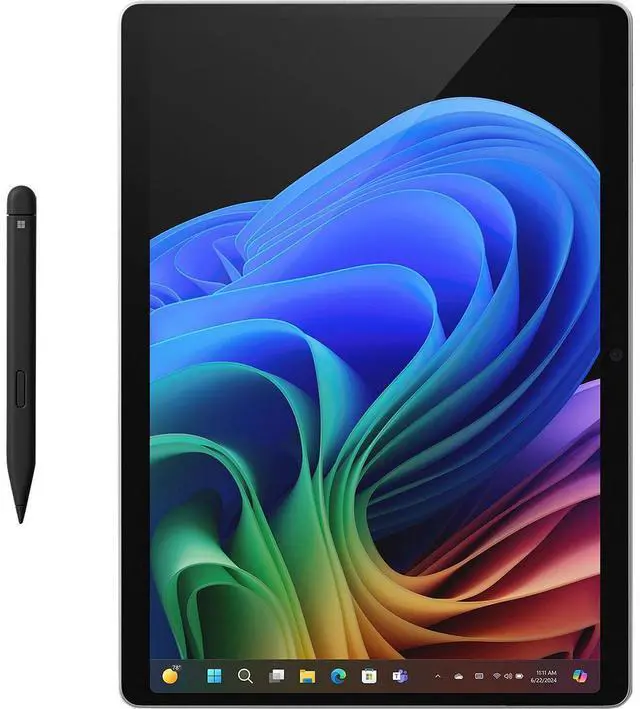
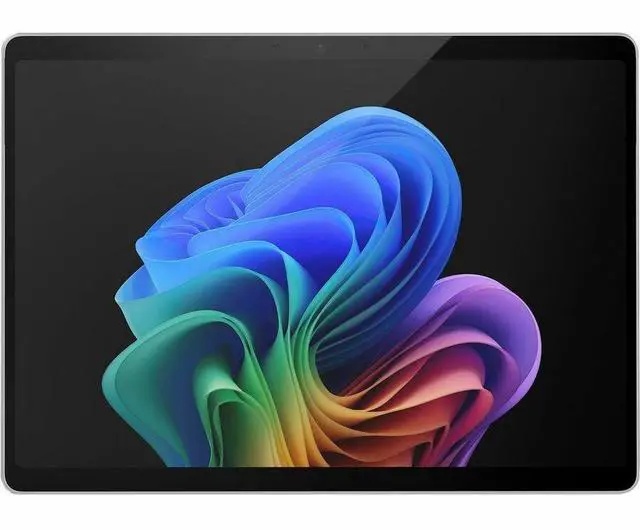
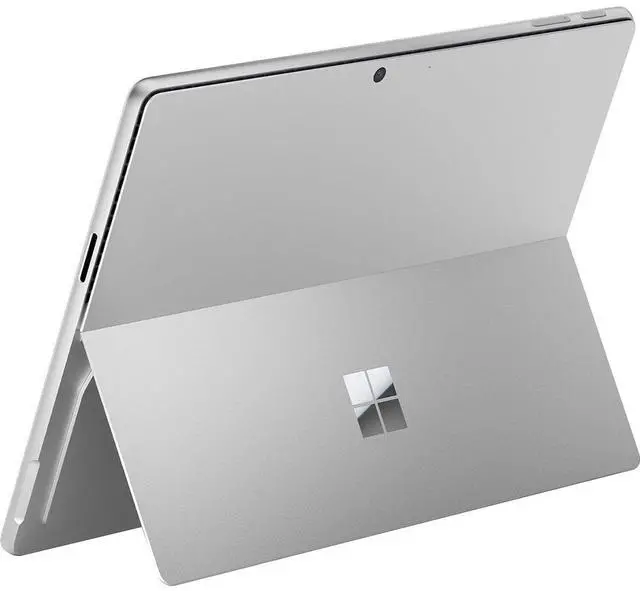
The Microsoft Surface Pro 11th Edition is a 13-inch premium 2-in-1 tablet PC with an Intel Core Ultra 7 processor, 16GB RAM, and 1TB SSD, making it a strong fit for business users, mobile professionals, and students who want a lightweight Windows 11 Pro device for productivity, multitasking, video calls, and everyday creative work.
| Attribute | Value |
|---|---|
| Best For | 13.0" PixelSense tablet (Slate) users who need a Windows 11 Pro device with an Intel Core Ultra 7 CPU, 16 GB RAM and 1 TB SSD for on-the-go productivity and multitasking |
| Processor And Core Count | Intel Core Ultra 7 (Series 2) processor for sustained productivity and multitasking workloads |
| GPU And VRAM | Integrated graphics (uses system memory) |
| Display Spec | 13.0" PixelSense touchscreen with 2880 x 1920 resolution |
| Memory Configuration | 16 GB LPDDR5X system memory |
| Storage And Expansion | 1 TB internal SSD |
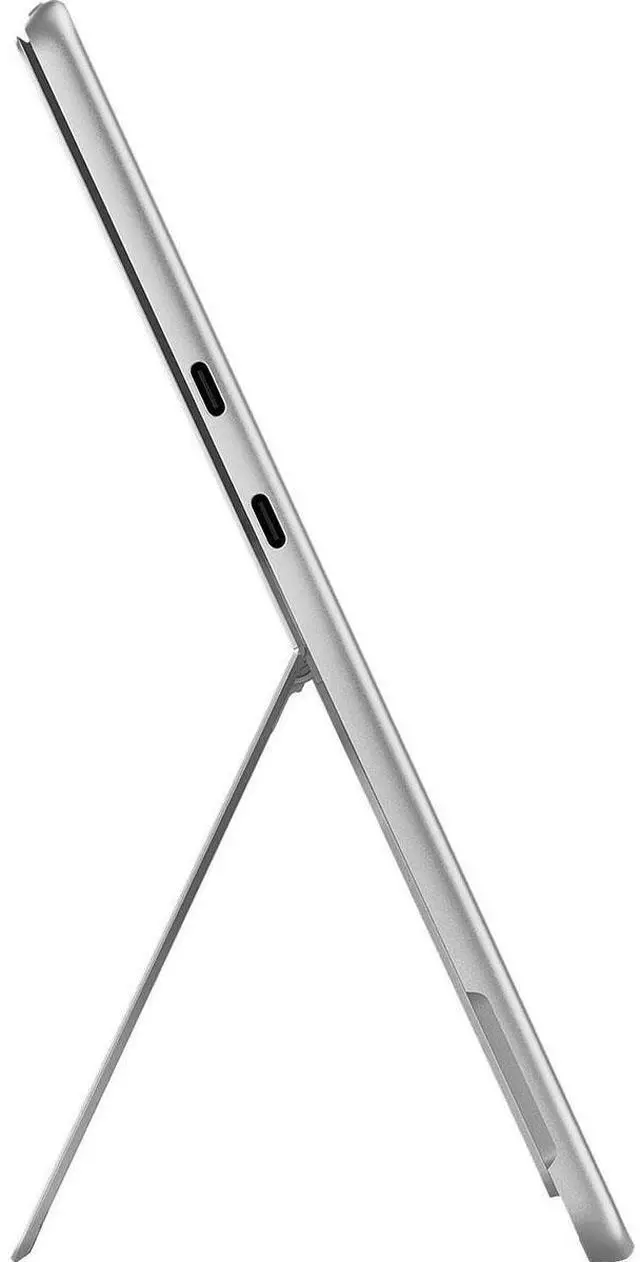
| High Speed I O | 2 × USB-C ports supporting USB4 / Thunderbolt 4 with DisplayPort support |
| Battery And Power | Up to 14 hours local video playback or 10 hours web browsing; internal lithium‑ion battery with 39 Wh energy content, 3 cells; includes 39W power supply |
| Wired And Wireless Networking | Wi‑Fi 7 (802.11be) wireless LAN and Bluetooth 5.4; no cellular technology listed |
| Webcam And Privacy | Front-facing webcam plus rear camera (rear camera resolution 10 Megapixel) |
| Keyboard And Control | Touchscreen input (Slate style) |
| Portability | Lightweight tablet form — 1.92 lb and a slim profile (H 0.4" × W 8.2" × D 11.3") |
| External Display And Docking Fit | Supports external displays and docking via USB‑C (USB4/Thunderbolt 4) with DisplayPort signaling |
| Model Identifiers | Microsoft Surface Pro 11th Edition — Model EP2-20883 (Microsoft Pro 11); Platinum/Slate styling; Windows 11 Pro |
| Package Content | Surface Pro for Business (Copilot+ PC), 39W power supply, quick start guide, safety and warranty documents |
Q: Should I buy the Intel Surface Pro 11 for Business or the Snapdragon Surface Pro 11?
A: Choose the Intel Surface Pro 11 for Business if you want the broadest Windows app and peripheral compatibility, Windows 11 Pro out of the box, and a configuration aimed at managed business deployments. Choose the Snapdragon Surface Pro 11 if longer battery life and quieter, highly efficient everyday performance matter more than legacy x86 compatibility. Across reviews and community comparisons, the main trade-off is compatibility-first Intel versus battery-first Snapdragon rather than a simple overall winner.
Q: Is the 16GB/1TB Core Ultra 7 model worth it over a lower-tier Surface Pro 11 configuration?
A: Buy this Core Ultra 7, 16GB RAM, 1TB SSD configuration if you expect heavier multitasking, large local files, or want more headroom for a longer refresh cycle. A lower-tier Surface Pro 11 is the better fit for web, Office, meetings, and lighter travel use where storage and memory demands stay modest. The practical upgrade here is less about basic responsiveness and more about capacity, workspace for larger apps, and avoiding external storage sooner.
Q: How does Surface Pro 11 for Business compare with Surface Pro 10 for Business?
A: Surface Pro 11 for Business is the better choice if you want a more current platform with Copilot+ positioning, newer connectivity such as Wi‑Fi 7 on Intel configurations like this one, and updated AI-focused hardware. Surface Pro 10 for Business still makes sense if you prefer an older generation Intel business Surface and your priority is staying close to an established deployment standard. The upgrade decision is usually about moving to the newer platform and feature set rather than a major design change.
Q: Should I get Surface Pro 11 or a heavier performance-focused laptop like Surface Laptop Studio 2?
A: Choose Surface Pro 11 if portability, tablet use, note-taking, travel, and desk-to-couch flexibility matter more than sustained high-power workloads. Choose a performance-first laptop such as Surface Laptop Studio 2 if your work benefits from stronger sustained graphics or a more traditional laptop form factor for long desktop sessions. The trade-off is simple: Surface Pro 11 prioritizes mobility and 2-in-1 versatility, while larger performance laptops prioritize thermal headroom and workstation-style use.
Q: Is this Surface Pro 11 a better fit than an iPad Pro for work?
A: Choose this Surface Pro 11 if you want a full Windows PC that can replace a laptop for desktop apps, file management, and external display workflows. Choose an iPad Pro if your priority is tablet-first simplicity, iPadOS apps, and touch-first media or creative use. For most buyers comparing these two, the decision comes down to laptop replacement with Windows versus premium tablet experience with iPadOS.
Q: Is this a good travel work device for office use and meetings?
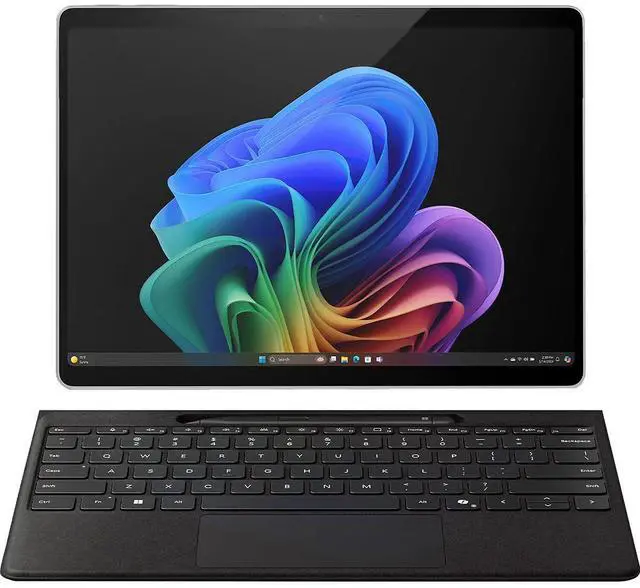
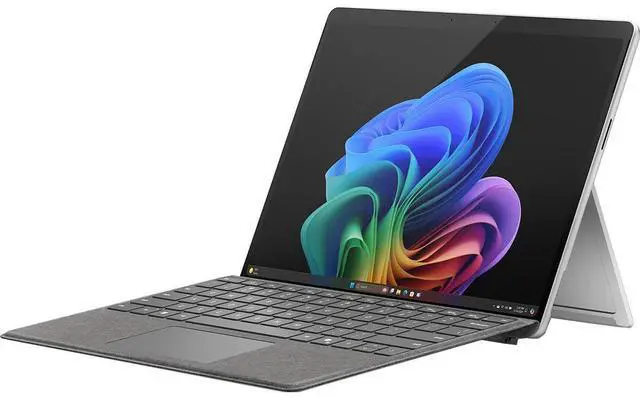
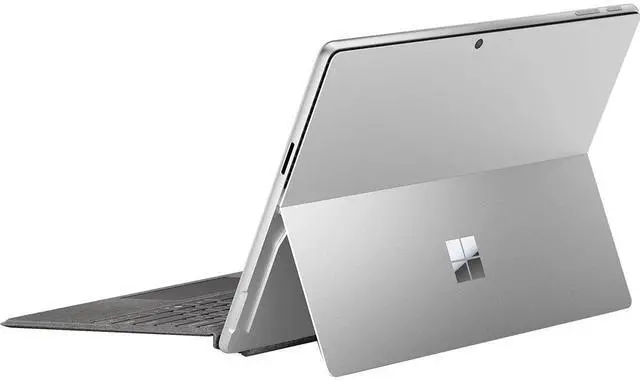
A: Yes, it is a strong fit for travel-focused office work if you value low weight, a high-resolution touchscreen, and all-day-light battery expectations. At 1.92 lb with a 13-inch display, 16GB RAM, 1TB SSD, Windows 11 Pro, Wi-Fi 7, cameras, and built-in microphones, it covers the core needs for email, documents, video calls, browser-based work, and note-taking. The main trade-off is that this listing is device-only, so most buyers who want a laptop-style travel setup should budget separately for a keyboard, and possibly a pen.
Q: Does it come with the keyboard, or do I need to buy it separately?
A: You should assume the keyboard is not included with this product. The provided product data lists the package contents as the Surface Pro device, 39W power supply, Quick Start Guide, and safety/warranty documents, with no keyboard mentioned. That matches repeated retail Q&A patterns on Surface Pro listings, where buyers often ask whether 'device only' includes the keyboard and the answer is no unless the listing is specifically a bundle.
Q: Is it good for note-taking, web work, and video calls?
A: Yes. This Surface Pro configuration is well suited to note-taking, browser-based work, meetings, and general productivity. The 13-inch 2880 x 1920 touchscreen with up to 120Hz refresh rate supports pen-style workflows, and the included front camera, rear camera, and built-in microphones make it practical for remote meetings. The main decision point is accessory setup: for handwriting and laptop-style typing, many buyers will still want a pen and keyboard sold separately.
Q: Who is this model best suited for?
A: This model is best for business users who want a premium Windows 2-in-1 for mobile productivity, meetings, and light-to-moderate multitasking, while also needing large built-in storage and Windows 11 Pro. It is a better fit for users who prioritize portability, touch input, and tablet flexibility than for buyers who want the most desk-bound value per dollar. If you mainly want a conventional clamshell laptop and do not need tablet use, pen input, or detachable design, a traditional laptop may be the simpler choice.
Q: What are the main trade-offs versus a traditional laptop or a bundle alternative?
A: The main advantage is flexibility: you get a lighter detachable 2-in-1 with touchscreen and tablet use, plus strong business specs such as Windows 11 Pro, 16GB RAM, and 1TB SSD. The main trade-offs are cost and completeness. Device-only Surface Pro listings commonly require separate keyboard and pen purchases, so the real working price can be higher than it first appears. Buyers comparing it with a bundled Surface or a standard laptop should weigh whether they will actually use tablet mode, pen input, and the detachable form factor.
Q: Is the Intel Surface Pro 11 a better choice than the ARM version if I need broad Windows app compatibility?
A: Yes, if app compatibility is the main concern. Reddit discussions repeatedly frame the Intel Surface Pro 11 as the safer choice for users who rely on older, specialized, or x86 Windows software. The trade-off is that the ARM version is often preferred when battery life and efficiency matter more than maximum compatibility.
Q: Is this Surface Pro 11 a good fit for work, travel, and everyday productivity?
A: Yes. For portable work, this configuration fits well: it is a 13-inch 2-in-1 that weighs 1.92 lb, runs Windows 11 Pro, includes 16GB RAM and a 1TB SSD, and has two USB-C / USB4 / Thunderbolt 4 ports. Community discussion around the Intel business model commonly centers on office work, web use, meetings, and travel-friendly portability rather than heavy creative or gaming use.
Q: Is the battery life good enough for a full workday?
A: Usually yes for mainstream productivity, but not if you expect all-day endurance under heavier use. The listed battery claims are up to 14 hours of local video playback and up to 10 hours of active web use. Reddit discussions about the Intel edition generally treat battery life as workable for office tasks and browsing, but not as the main reason to choose it over the ARM model.
Q: Can this Surface Pro 11 replace a laptop for most users?
A: It can replace a laptop for users focused on productivity, note-taking, web apps, meetings, and light multitasking. It is less ideal if your workflow depends on sustained heavy performance, many built-in ports, or gaming. The device gives you a high-resolution 13-inch touchscreen, Windows 11 Pro, and full PC software support, but the tablet form factor still involves trade-offs in ergonomics and expansion.
Q: What are the main trade-offs of buying this Intel Surface Pro 11?
A: The main trade-offs are price, limited port variety, and weaker suitability for gaming or sustained heavy workloads compared with larger laptops. Reddit discussion also suggests that some buyers choose Intel mainly to avoid ARM software concerns, not because it is the most battery-efficient option. This model is strongest when portability, touchscreen use, and Windows compatibility matter more than raw value or graphics performance.


