
Your Browsing History




Any questions? Our AI beta will help you find out quickly.
| Brand | Microsoft |
|---|---|
| Model | 125-00570 |
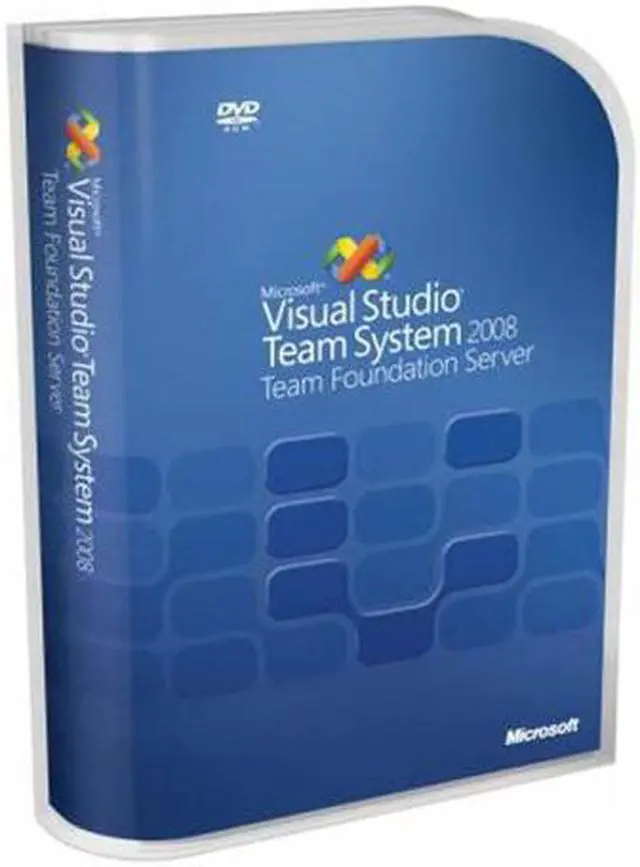
| Name | Visual Studio Team Foundation Server 2008 |
|---|---|
| Type | Programming |
| Operating Systems Supported | Windows |
| System Requirements | Visual Studio Team System Team Foundation Server consists of two logical tiers: a Team Foundation application tier, made up primarily of Web services, and a Team Foundation data tier, made up primarily of a SQL Server 2005 database. You can deploy these logical tiers on one physical server or across multiple physical servers. This depends on how you install and configure your deployment. Your hardware and software requirements will depend on how many users you want to support, how many projects you want to support, and how you want to deploy the Team Foundation logical tiers across the physical servers in your infrastructure. Operating System Requirements All components of Team Foundation Server are fully supported on 32-bit server operating systems from Microsoft. Microsoft also provides 64-bit versions of Windows Server 2003. You can install some, but not all, Team Foundation components on these 64-bit operating systems. The following sections describe what components are appropriate for each operating system. Installation on 32-bit Server Operating Systems The following 32-bit server operating systems are supported for installing Team Foundation Server: Windows Server 2003, Standard Edition, operating system with Service Pack 1 (SP1) installed Windows Server 2003, Enterprise Edition, with SP1 installed Windows Server 2003, Datacenter Edition, with SP1 installed Windows Server 2003 R2, Standard Edition Windows Server 2003 R2, Enterprise Edition Windows Server 2003 R2, Datacenter Edition Windows Server 2008 Installation on 64-bit Server Operating Systems Microsoft provides 64-bit versions of Windows for both workstation and server computers. A 64-bit system requires special design considerations that differ from the 32-bit operating system design. These considerations relate to firmware, hard disk partitions, device drivers, and other issues. |
| Packaging | Retail |
| Features | Microsoft Visual Studio Team System 2008 Team Foundation Server helps your software development teams work together better, while being more effective at delivering solutions aligned with your business needs. Team Foundation version control Visual Studio Team System 2008 Team Foundation Server provides highly scalable source-code version control functionality and software configuration management. Team Foundation work item tracking Designed to assist enterprise software development teams, Visual Studio Team System 2008 Team Foundation Server manages work and software defect tracking. Team Foundation build Visual Studio Team System 2008 Team Foundation Server synchronizes sources, compiles the application, runs unit tests, performs code analysis, releases builds on a file server, and publishes build reports. Team Projects Team Projects are collections of work items, such as code, tests, work products, and metrics, which are used by a defined team to track a common set of related work. Team Foundation Process Guidance Process Guidance is a collection of HTML Web pages that are stored on the project portal for a team project. Because the content is stored on the project portal, each team project can potentially use a different process and have different process guidance. |
|---|
| First Listed on Newegg | April 17, 2008 |
|---|