| Feature | Search once. Go anywhere.
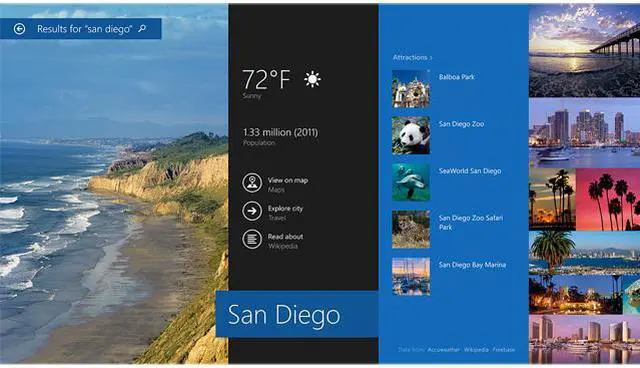
A single search now brings you results from your PC, your apps, and the web. See results in a clean, graphic view that lets you take immediate action and launch apps. Search, click, do. Find a song and start playing it, or find a video and watch it right away. Powered by Bing.
More apps to love
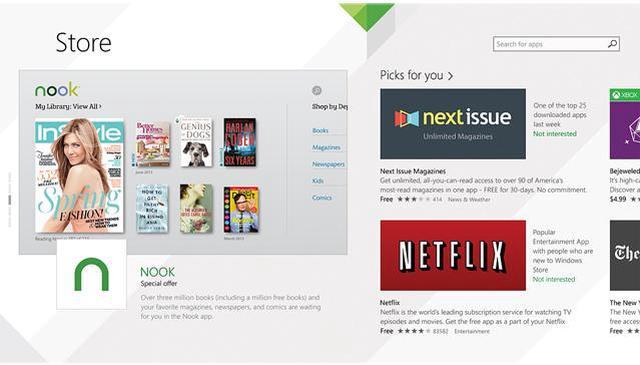
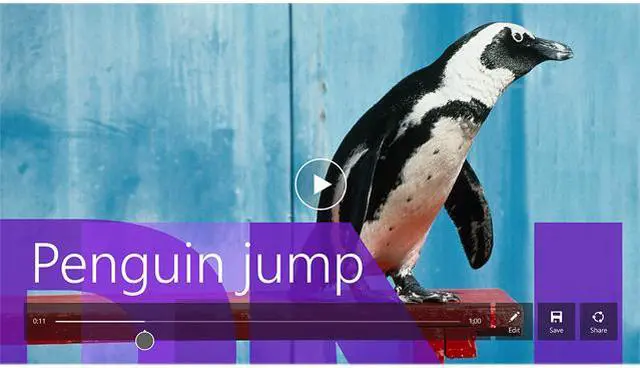
You'll notice that the Windows Store has a new look which makes it easier to discover and download new apps. And the apps that are included with Windows 8.1 Preview let you do a bunch of cool things. For example, with Reading List you can save articles and stories across apps and devices, and the updated Photos app gives you fast and fun editing.
Make it yours
Set up a slide show on your lock screen by picking your favorite pictures. Arrange the stuff on your Start screen so it's just the way you want it. Choose from more tile sizes, more colors, and more backgrounds - including animated backgrounds.
Built-in cloud storage
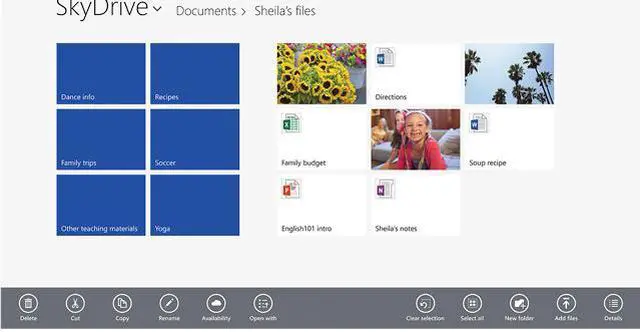
SkyDrive is now the default location for saving documents. So you always have your files wherever you go, even when you're offline. And with the included SkyDrive app, you can manage both local files and SkyDrive files in one place.
Fast, full-screen browsing
When you get Windows 8.1 Preview, you also get to check out the new Internet Explorer. Internet Explorer 11 Preview is built for touch, with faster load times, a full-screen experience that includes side-by-side browsing of your sites, and real-time info delivered on your Start screen through live tiles for your favorite sites. |
|---|





 here!
here!