




 here!
here!
I’m your shopping assistant for PC builds, upgrades, and everything tech.
Got questions? Ask away!
Start a conversation
here!
I’m your shopping assistant for PC builds, upgrades, and everything tech.
Got questions? Ask away!
Start a conversation
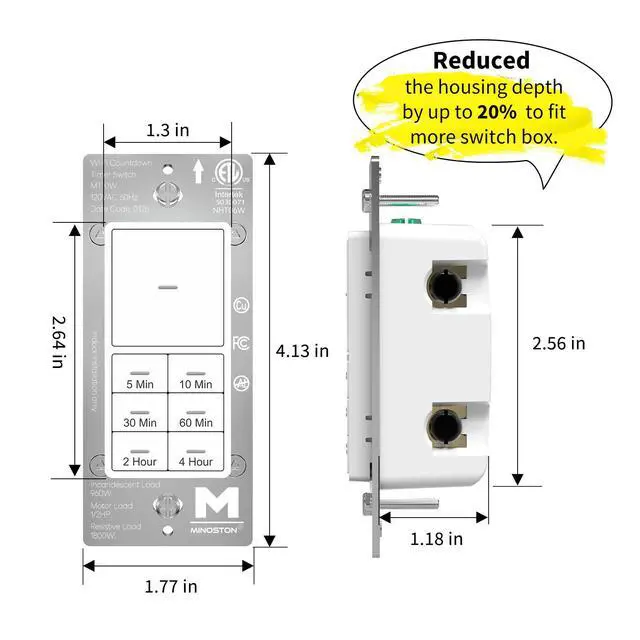
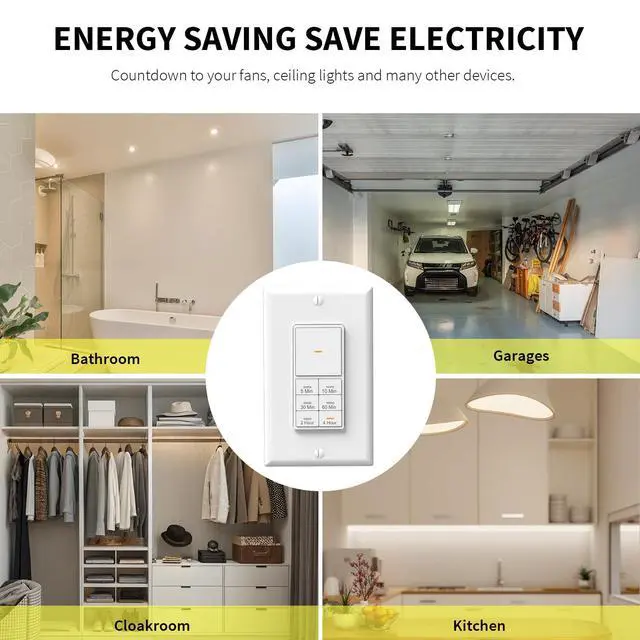
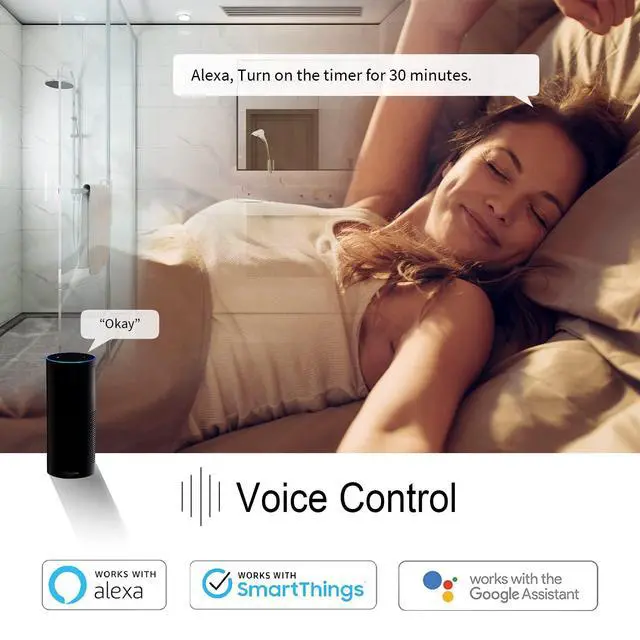



Any questions? Ask CelesteSM will help you find out quickly.

Swipe right to see more.

Minoston Smart Life is a dynamic and innovative brand dedicated to transforming the home into an intelligent and connected living space.
Minoston is committed to user experience-centered design and offers a range of smart home solutions aimed at enhancing comfort, safety and energy efficiency. We envision the seamless integration of future homes with intelligent technologies, making daily life simpler, safer and more enjoyable.


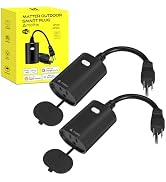


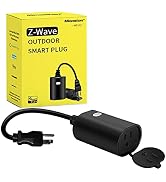


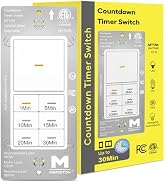


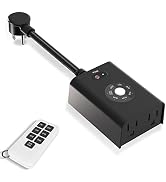


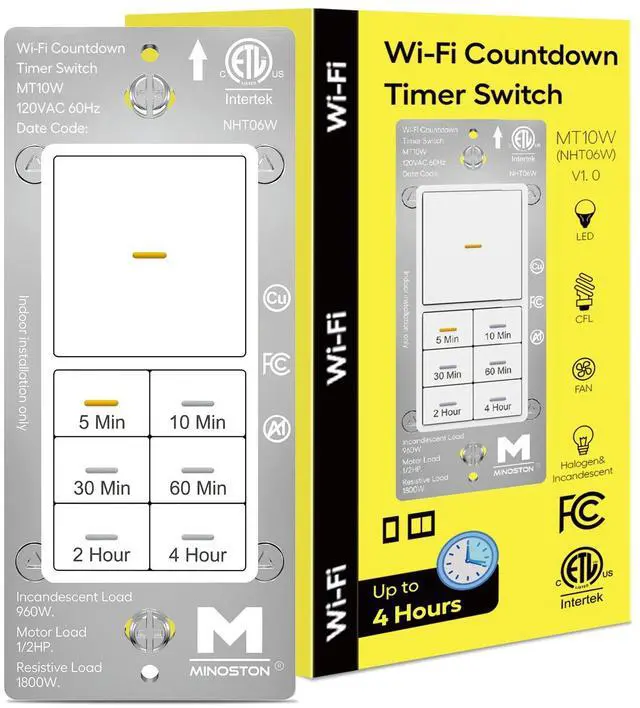
Easy to set up, no hub required. Just a few simple steps, turn on Bluetooth, connect the Wi-Fi timer switch to 2.4GHz Wi-Fi and add it to your phone or tablet.
Sets Any Countdown Timing for the Device
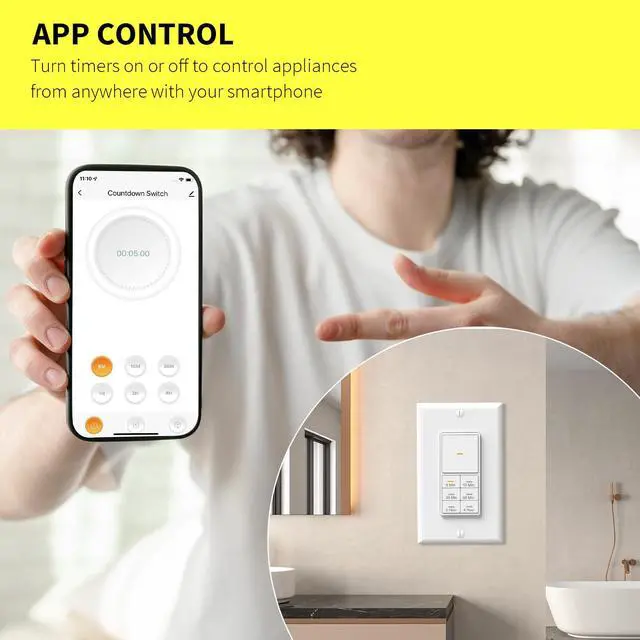
The smart timer switch allows you to set any countdown timer to shut down your device via the APP remote.

Not Only 4 Hours
Wi-Fi smart timer switch can be connected to Smart Life or Minoston APP and control from anywhere!

Scene Settings
With the Smart Life App, can connect 2 WiFi time switches to control two devices at the same time.

Free Your Hands!
This Wi-Fi smart timer switch is compatible with Alexa, Google Assistant and SmartThings

App - Scene - Schedule
Set the schedule and any countdown via app, the smart timer switch will turn on at the preset time.


Wiring for Timer Switch
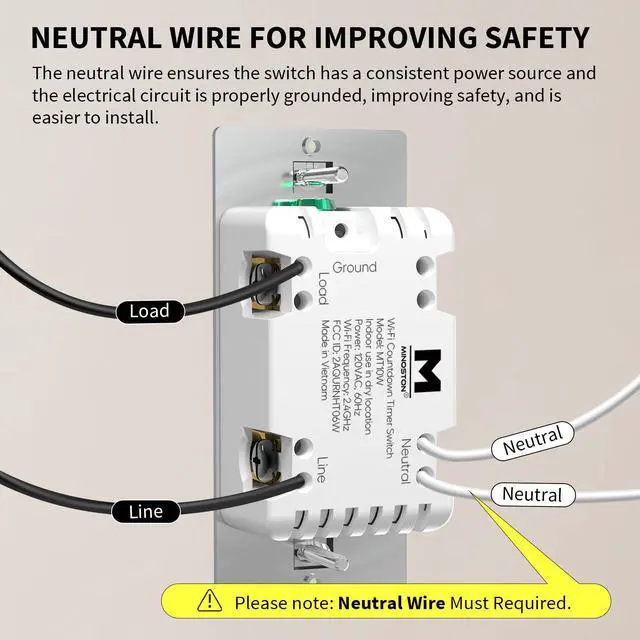
Equipped with a flexible neutral wire for connecting the neutral point and the white timer switch.

Locate Switch in The Dark
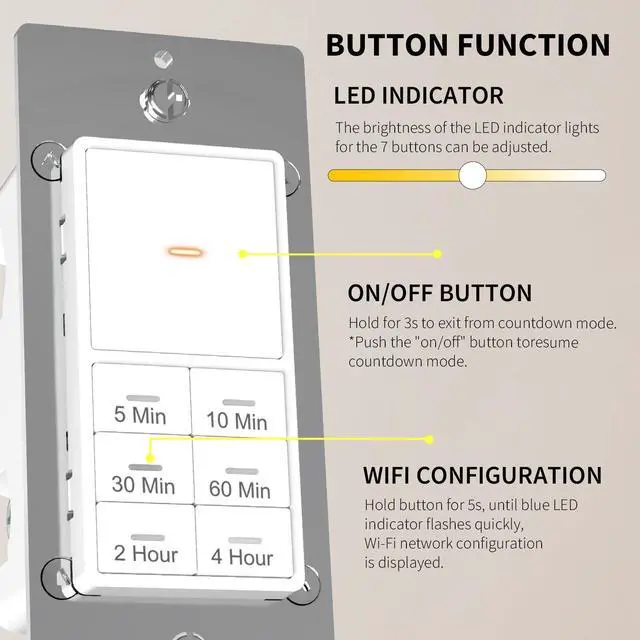
The LED indicator lights of timer switch are set for each button, and the brightness is adjustable.

Automatically Off Device
The wall timer switch automatically turns off lights, bathroom fans and heaters to save energy.
How to Pair Wi-Fi Network?
Hold the "30 Min" button for 5s, until blue LED indicator flashes quickly, Wi-Fi network configuration is displayed.
(If the APP cann't find the device when enter the pairing mode, please check whether the Bluetooth is turned on.)
What network frequency is required for WiFi timer switch?
The timer light switch required the 2.4GHz Wi-Fi frequency.
Does the WiFi timer switch need neutral wire?
Yes, the smart timer switch required neutral wire.
Can I set a countdown timer long than 4 hours?
Yes, you can set any countdown timer via the app.
How to set ON/OFF mode?
Hold the "ON/OFF" button until the LED indicator flashes, it will exit countdown mode and always ON (the LED indicator is solid).
(When the timer switch is off, then push the “ON/OFF” button, the timer switch will default to the last timing.)
 WiFi 4 Hour Timer Switch |  30 Min Timer Switch |  1 Hour Timer Switch |  4 Hour Timer Switch |  30 Min Timer Switch*2 |  1 Hour Timer Switch*2 |  4 Hour Timer Switch*2 | |
|---|---|---|---|---|---|---|---|
Model Number | MT10W | MT13N | MT11N | MT10N | MT13N | MT11N | MT10N |
Countdown Timer | 5m-10m-30m-60m-2hr-4hr | 1m-5m-10m-15m-20m-30m | 1m-5m-10m-20m-30m-1hr | 5m-10m-30m-60m-2hr-4hr | 1m-5m-10m-15m-20m-30m | 1m-5m-10m-20m-30m-1hr | 5m-10m-30m-60m-2hr-4hr |
Neutral Required | ? | ? | ? | ? | ? | ? | ? |
Dimmable LED Indicators | ? | ? | ? | ? | ? | ? | ? |
Single Ploe | ? | ? | ? | ? | ? | ? | ? |
Power | 120VAC, 60Hz, 15A | 120VAC, 60Hz, 15A | 120VAC, 60Hz, 15A | 120VAC, 60Hz, 15A | 120VAC, 60Hz, 15A | 120VAC, 60Hz, 15A | 120VAC, 60Hz, 15A |
Temperature Range | 32° to 131° F (0° to 55° C) | 32° F-104° F(0°C-40°C) | 32° F-104° F(0°C-40°C) | 32° F-104° F(0°C-40°C) | 32° F-104° F(0°C-40°C) | 32° F-104° F(0°C-40°C) | 32° F-104° F(0°C-40°C) |
Wi-Fi Frequency | 2.4GHz | - | - | - | - | - | - |
Motor Load | 1/2HP | 1/2HP | 1/2HP | 1/2HP | 1/2HP | 1/2HP | 1/2HP |
Incandescent Load | 960W | 960W | 960W | 960W | 960W | 960W | 960W |
Tungsten | 1200W | 1200W | 1200W | 1200W | 1200W | 1200W | 1200W |
Resistive | 1800W | 1800W | 1800W | 1800W | 1800W | 1800W | 1800W |

Easy to set up, no hub required. Just a few simple steps, turn on Bluetooth, connect the Wi-Fi timer switch to 2.4GHz Wi-Fi and add it to your phone or tablet.
Sets Any Countdown Timing for the Device
The smart timer switch allows you to set any countdown timer to shut down your device via the APP remote.
Wi-Fi smart timer switch can be connected to Smart Life or Minoston APP and control from anywhere!
With the Smart Life App, can connect 2 WiFi time switches to control two devices at the same time.
This Wi-Fi smart timer switch is compatible with Alexa, Google Assistant and SmartThings


Set the schedule and any countdown via app, the smart timer switch will turn on at the preset time.
Equipped with a flexible neutral wire for connecting the neutral point and the white timer switch.
The LED indicator lights of timer switch are set for each button, and the brightness is adjustable.
The wall timer switch automatically turns off lights, bathroom fans and heaters to save energy.


How to Pair Wi-Fi Network?
Hold the "30 Min" button for 5s, until blue LED indicator flashes quickly, Wi-Fi network configuration is displayed.
(If the APP cann't find the device when enter the pairing mode, please check whether the Bluetooth is turned on.)
What network frequency is required for WiFi timer switch?
The timer light switch required the 2.4GHz Wi-Fi frequency.
Does the WiFi timer switch need neutral wire?
Yes, the smart timer switch required neutral wire.
Can I set a countdown timer long than 4 hours?
Yes, you can set any countdown timer via the app.
How to set ON/OFF mode?
Hold the "ON/OFF" button until the LED indicator flashes, it will exit countdown mode and always ON (the LED indicator is solid).
(When the timer switch is off, then push the “ON/OFF” button, the timer switch will default to the last timing.)
WiFi 4 Hour Timer Switch | 30 Min Timer Switch | 1 Hour Timer Switch | 4 Hour Timer Switch | 30 Min Timer Switch*2 | 1 Hour Timer Switch*2 | 4 Hour Timer Switch*2 |
|---|---|---|---|---|---|---|
| Model Number | ||||||
| MT10W | MT13N | MT11N | MT10N | MT13N | MT11N | MT10N |
| Countdown Timer | ||||||
| 5m-10m-30m-60m-2hr-4hr | 1m-5m-10m-15m-20m-30m | 1m-5m-10m-20m-30m-1hr | 5m-10m-30m-60m-2hr-4hr | 1m-5m-10m-15m-20m-30m | 1m-5m-10m-20m-30m-1hr | 5m-10m-30m-60m-2hr-4hr |
| Neutral Required | ||||||
| ? | ? | ? | ? | ? | ? | ? |
| Dimmable LED Indicators | ||||||
| ? | ? | ? | ? | ? | ? | ? |
| Single Ploe | ||||||
| ? | ? | ? | ? | ? | ? | ? |
| Power | ||||||
| 120VAC, 60Hz, 15A | 120VAC, 60Hz, 15A | 120VAC, 60Hz, 15A | 120VAC, 60Hz, 15A | 120VAC, 60Hz, 15A | 120VAC, 60Hz, 15A | 120VAC, 60Hz, 15A |
| Temperature Range | ||||||
| 32° to 131° F (0° to 55° C) | 32° F-104° F(0°C-40°C) | 32° F-104° F(0°C-40°C) | 32° F-104° F(0°C-40°C) | 32° F-104° F(0°C-40°C) | 32° F-104° F(0°C-40°C) | 32° F-104° F(0°C-40°C) |
| Wi-Fi Frequency | ||||||
| 2.4GHz | - | - | - | - | - | - |
| Motor Load | ||||||
| 1/2HP | 1/2HP | 1/2HP | 1/2HP | 1/2HP | 1/2HP | 1/2HP |
| Incandescent Load | ||||||
| 960W | 960W | 960W | 960W | 960W | 960W | 960W |
| Tungsten | ||||||
| 1200W | 1200W | 1200W | 1200W | 1200W | 1200W | 1200W |
| Resistive | ||||||
| 1800W | 1800W | 1800W | 1800W | 1800W | 1800W | 1800W |
Swipe right to see more.
Minoston Smart Life is a dynamic and innovative brand dedicated to transforming the home into an intelligent and connected living space.
Minoston is committed to user experience-centered design and offers a range of smart home solutions aimed at enhancing comfort, safety and energy efficiency. We envision the seamless integration of future homes with intelligent technologies, making daily life simpler, safer and more enjoyable.


