




TeachPro Pops Out — A Must Have for Teachers and Business Professionals

Compatibility Specifications
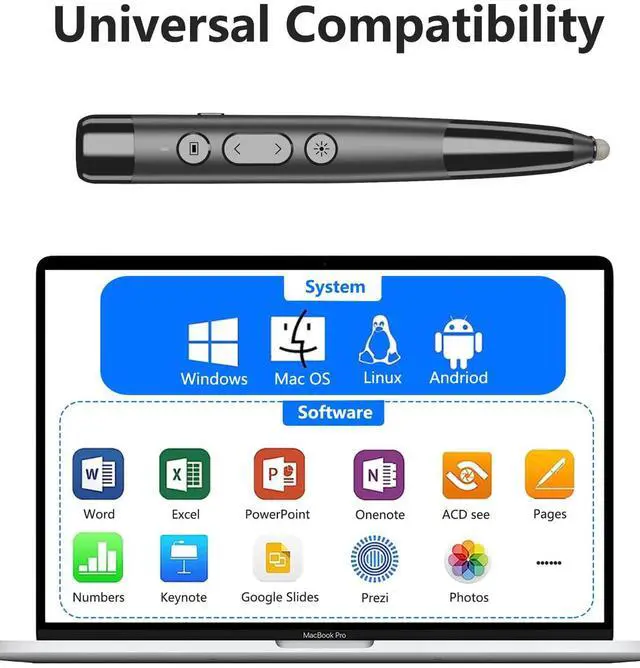
Compatible Systems —— Mac OS, Windows, Linux, Android Systems
Compatible Software —— Microsoft, Google, Apple, Adobe, OpenOffice, and other related software, including PowerPoint, PDF, Slides, etc.
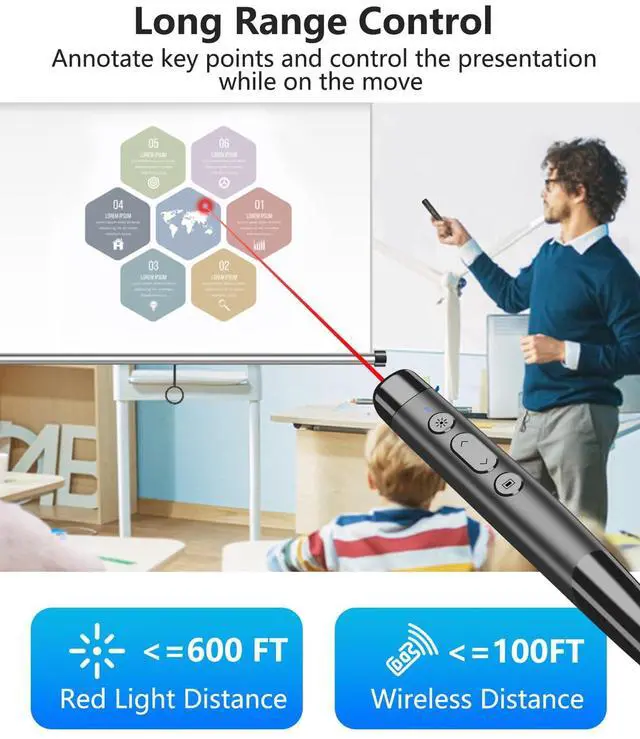
Note: The red light pointer provides a clear display on projection screens, whiteboards, blackboards, etc., but may not be as clear on electronic screens.

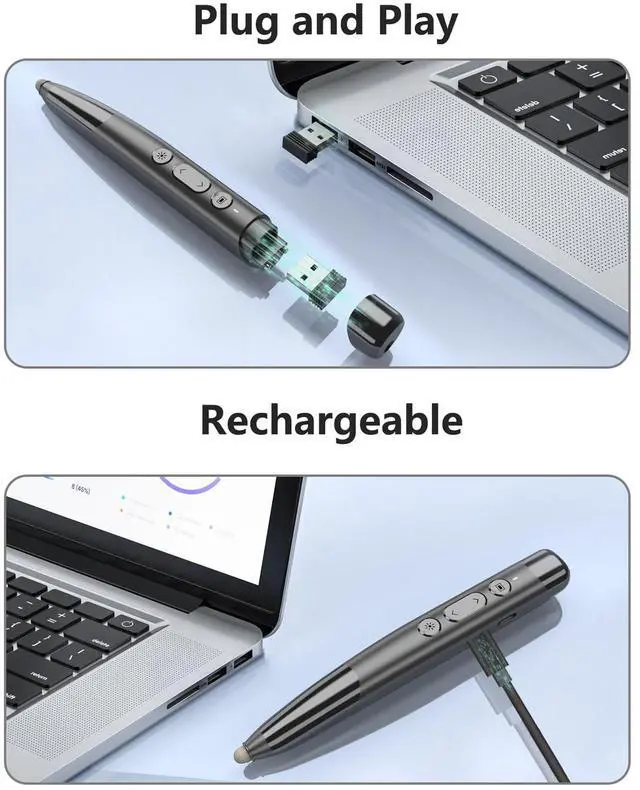
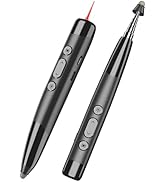
To activate the wireless presentation function, simply remove the magnetic cap from the top and insert the USB receiver into your device. No driver installation is required. With a built-in rechargeable battery, it can last up to a week of normal usage.

Note: The red light pointer provides a clear display on projection screens, whiteboards, blackboards, etc., but may not be as clear on electronic screens.


Button Instructions
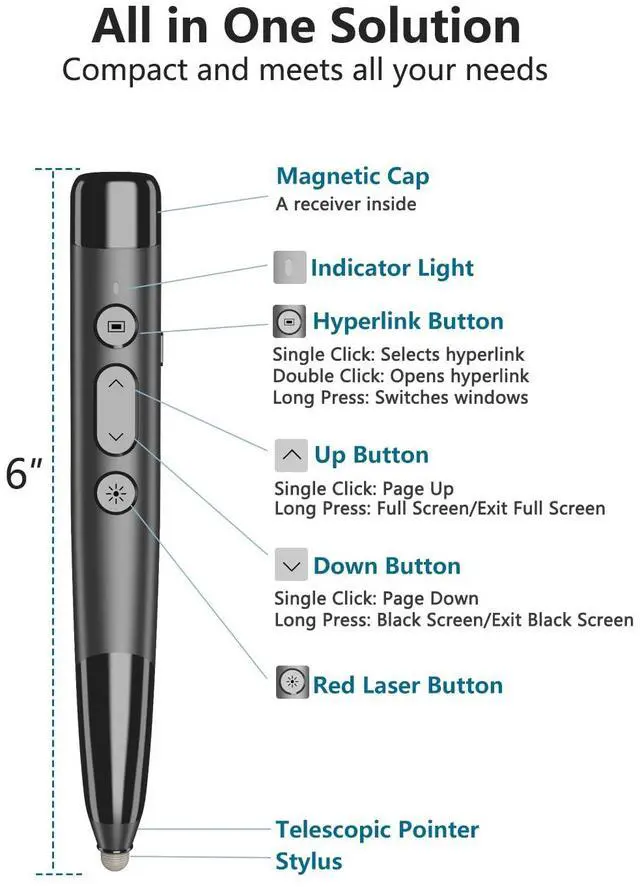
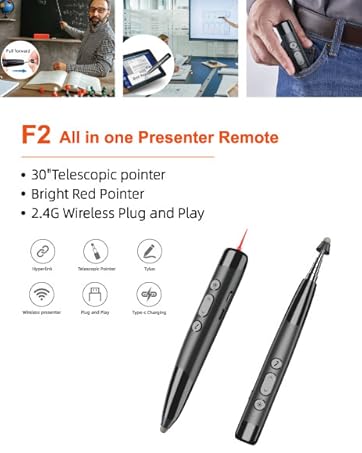
Hyperlink Button —— Single Click: Select hyperlink / Double Click: Open hyperlink / Long Press: Switches windows
Up Button —— Single Click: Page Up / Long Press: Full Screen or Exit Full Screen
Down Button —— Single Click: Page Down / Long Press: Black Screen or Exit Black Screen
Light Button —— Long press to turn on the red pointer, and release to turn it off. (For certain smart screens, single-click the Light Button to activate the pen tool and double-click to clear annotations.)


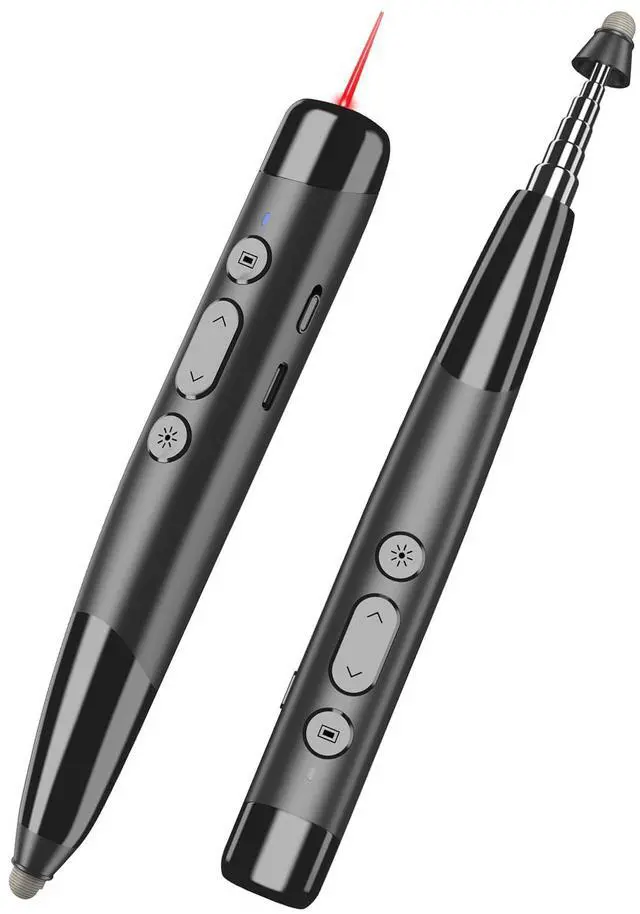
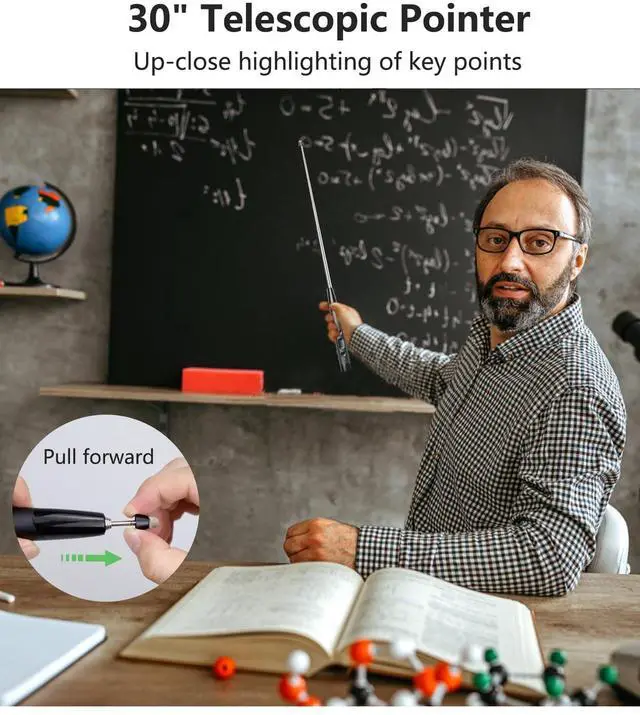
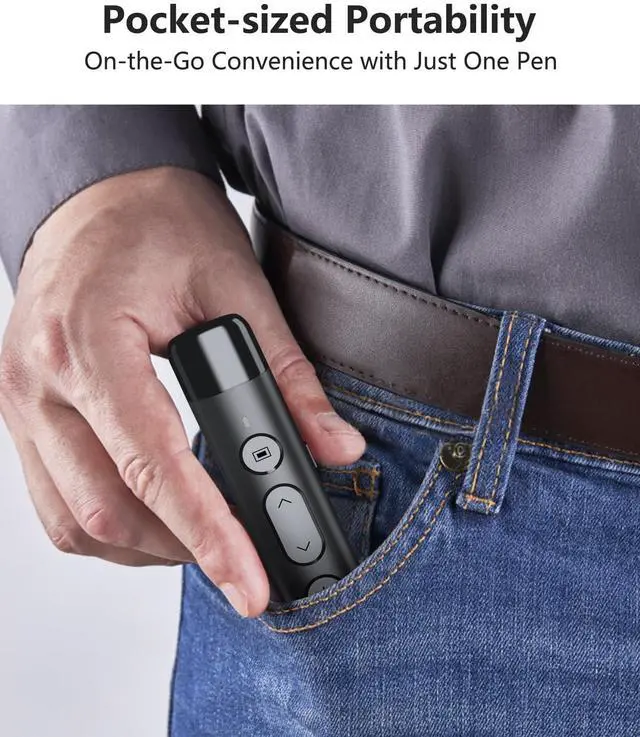
Sleek engineering design, 6-inch length for easy grip or pocket placement. Meet all your presentation needs with engaging, highlighting, and annotating capabilities.

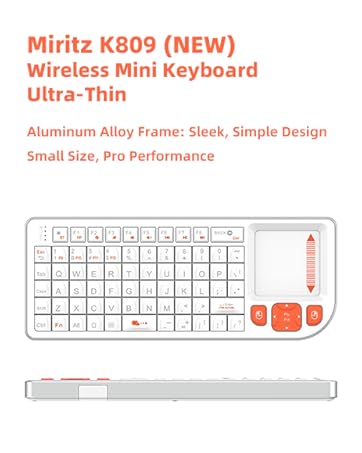
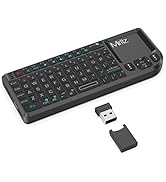
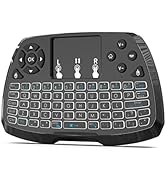
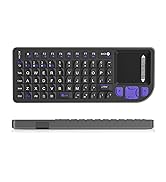
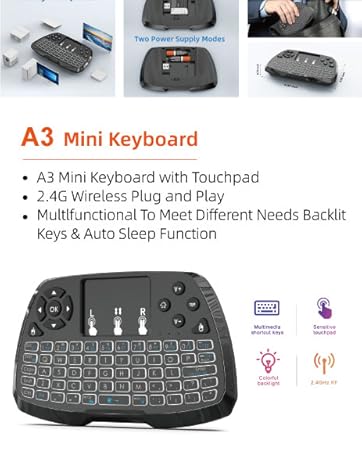
MINI KEYBOARD
Portable, wireless keyboard with touchpad.
Café, Train, Airport--Unleash Creativity, anywhere

Miritz was founded in 2010 as a creative wireless product company committed to product innovation and developing better solutions to meet the ever-changing needs of our customers.
Over the past decade, we have manufactured remote control products for numerous well-known brands.
Our eternal pursuit is to help our customers enjoy the ultimate in technology.
PRODUCT DISPLAY
TeachPro Pops Out — A Must Have for Teachers and Business Professionals
Compatibility Specifications
Compatible Systems —— Mac OS, Windows, Linux, Android Systems
Compatible Software —— Microsoft, Google, Apple, Adobe, OpenOffice, and other related software, including PowerPoint, PDF, Slides, etc.
Note: The red light pointer provides a clear display on projection screens, whiteboards, blackboards, etc., but may not be as clear on electronic screens.
To activate the wireless presentation function, simply remove the magnetic cap from the top and insert the USB receiver into your device. No driver installation is required. With a built-in rechargeable battery, it can last up to a week of normal usage.
Note: The red light pointer provides a clear display on projection screens, whiteboards, blackboards, etc., but may not be as clear on electronic screens.
Button Instructions
Hyperlink Button —— Single Click: Select hyperlink / Double Click: Open hyperlink / Long Press: Switches windows
Up Button —— Single Click: Page Up / Long Press: Full Screen or Exit Full Screen
Down Button —— Single Click: Page Down / Long Press: Black Screen or Exit Black Screen
Light Button —— Long press to turn on the red pointer, and release to turn it off. (For certain smart screens, single-click the Light Button to activate the pen tool and double-click to clear annotations.)
Sleek engineering design, 6-inch length for easy grip or pocket placement. Meet all your presentation needs with engaging, highlighting, and annotating capabilities.
MINI KEYBOARD
Portable, wireless keyboard with touchpad.
Café, Train, Airport--Unleash Creativity, anywhere
Miritz was founded in 2010 as a creative wireless product company committed to product innovation and developing better solutions to meet the ever-changing needs of our customers.
Over the past decade, we have manufactured remote control products for numerous well-known brands.
Our eternal pursuit is to help our customers enjoy the ultimate in technology.
PRODUCT DISPLAY