here!
here!
I’m your shopping assistant for PC builds, upgrades, and everything tech.
Got questions? Ask away!
Start a conversation
here!
I’m your shopping assistant for PC builds, upgrades, and everything tech.
Got questions? Ask away!
Start a conversation







Any questions? Ask CelesteSM will help you find out quickly.
How many languages can it translate?
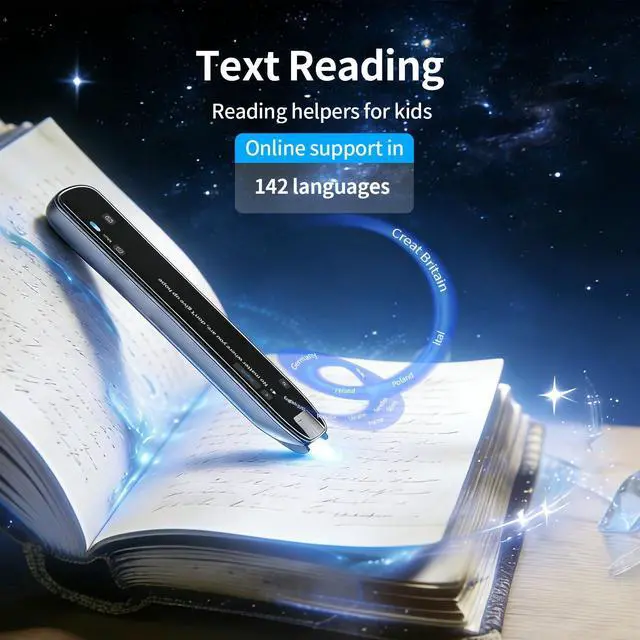
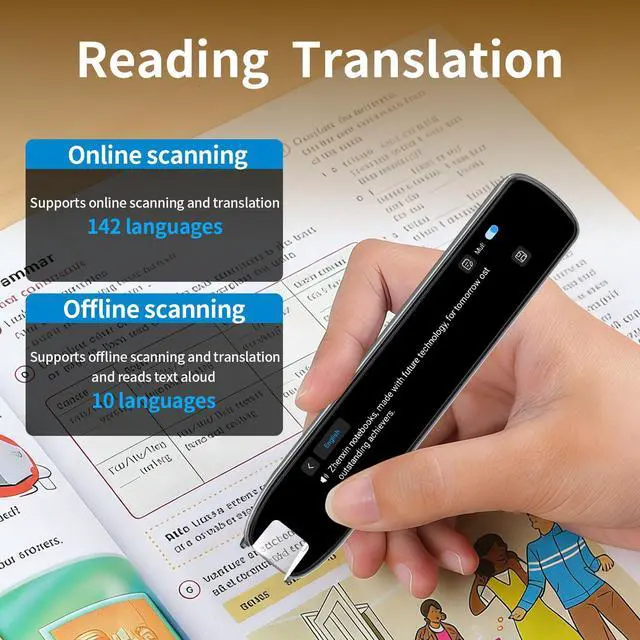
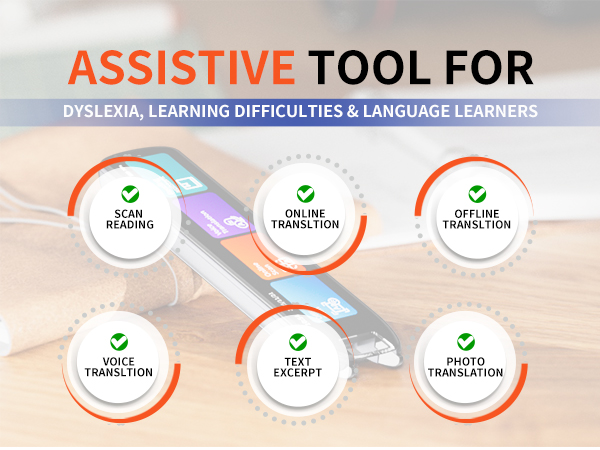
Online: 142 languages
Offline: 10 languages, Chinese, Japanese, Korean, Cantonese, Traditional Chinese, French, German, Russian, Spanish, English.
How to use the scanning pen correctly for better recognition?
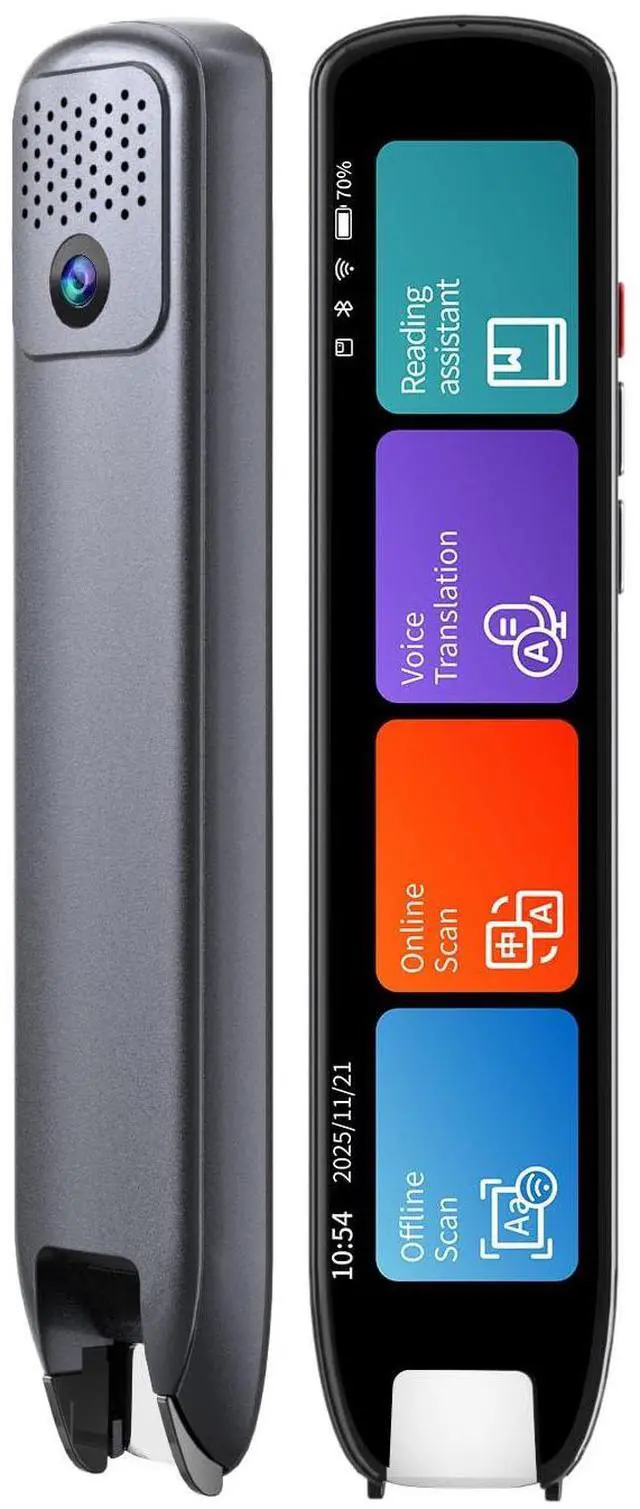
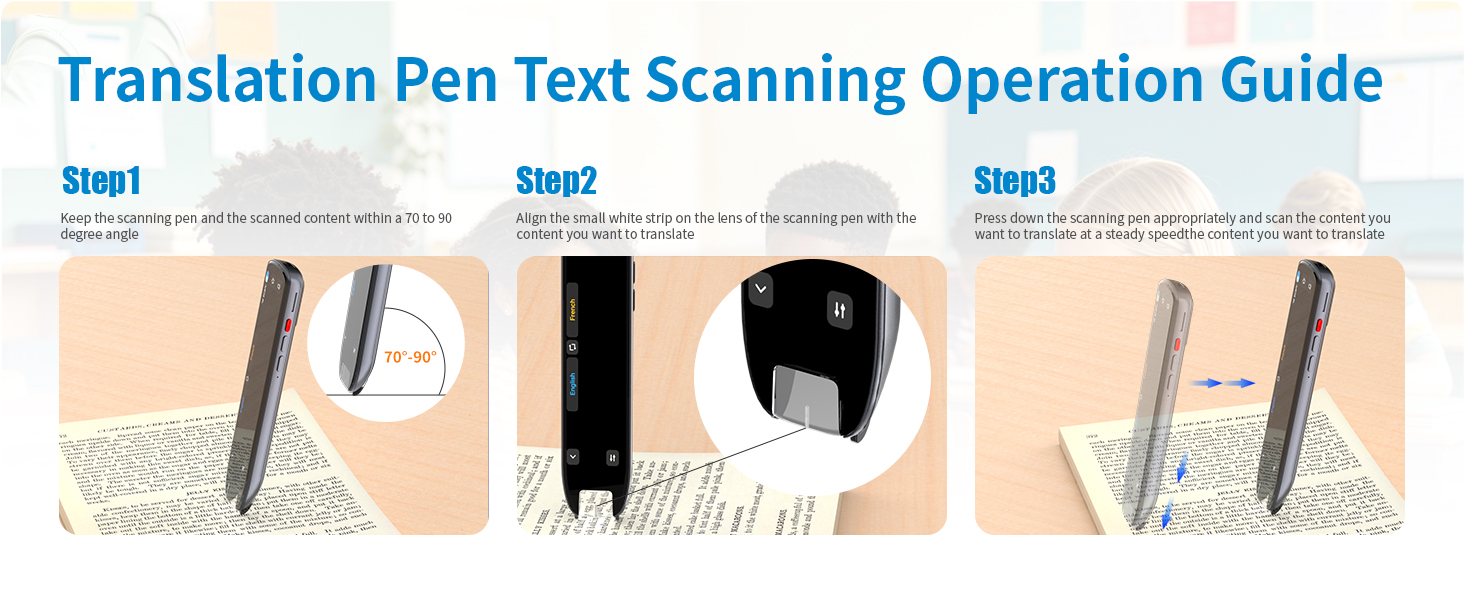
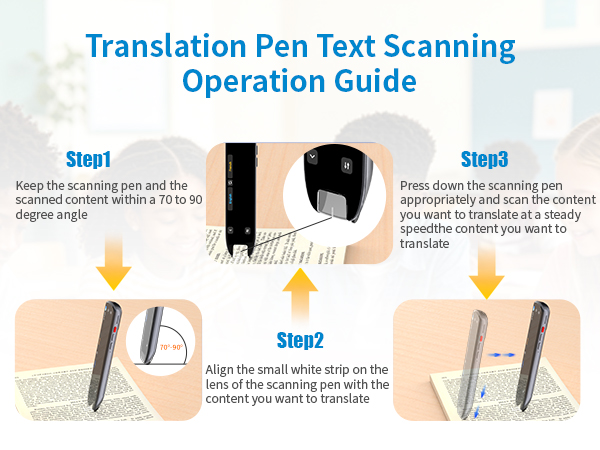
Position the scan pen at 70°-90° to the paper. A vertical angle ensures better recognition. Line up the white line on the pen tip with target text, press the tip to turn on the light, and scan steadily at a constant speed.
Is it suitable for kids and students?
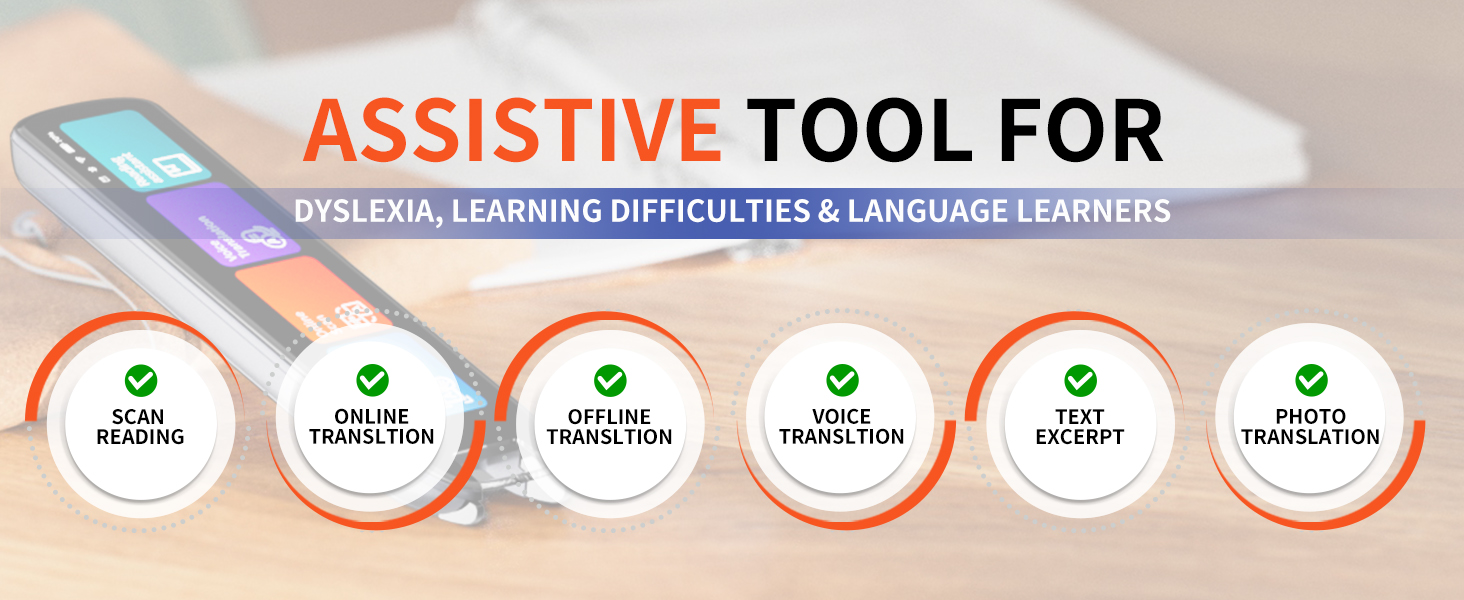
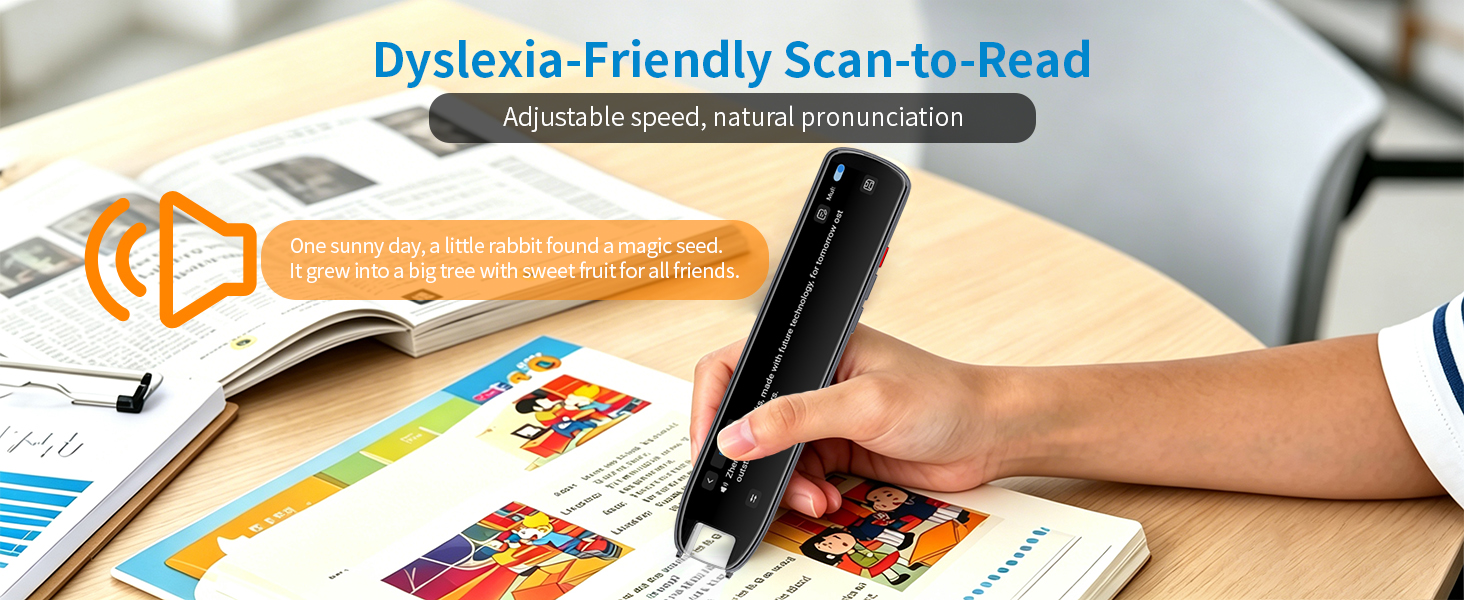
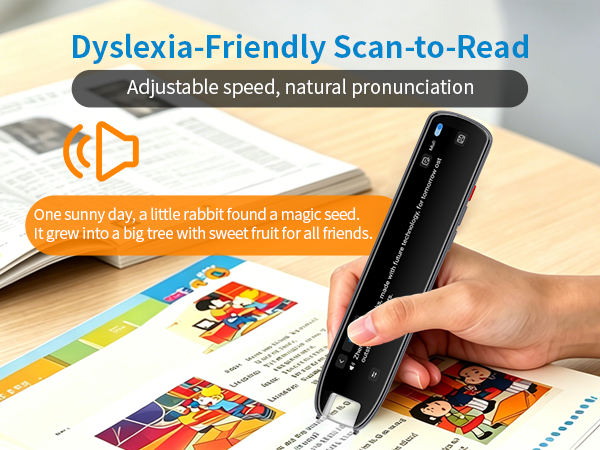
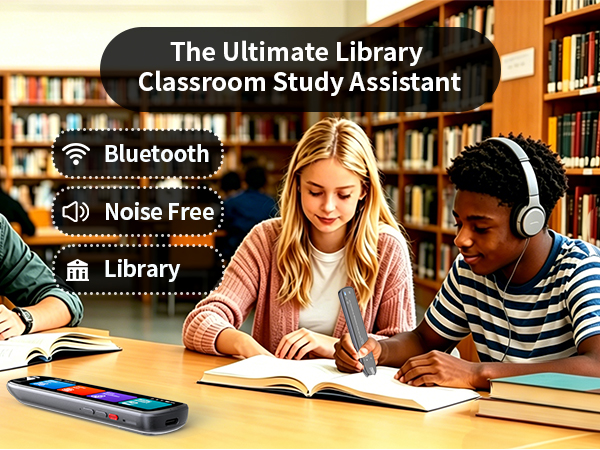
Designed for dyslexia users, kids, and ESL students, making it an ideal reading pen for classrooms, homework, and independent learning.
?
How to use the text extraction function?
First, please click on "Scan and Simultaneous Translation," Complete device pairing via the exclusive access code. Next, initiate the scanning function and create a new document to capture text content, then you can check the result on your phone.
What language does the text excerpt function support?
Supports text scanning in 52 languages and syncing to mobile phone for editing excerpting.


How many languages can it translate?
Online: 142 languages
Offline: 10 languages, Chinese, Japanese, Korean, Cantonese, Traditional Chinese, French, German, Russian, Spanish, English.
How to use the scanning pen correctly for better recognition?
Position the scan pen at 70°-90° to the paper. A vertical angle ensures better recognition. Line up the white line on the pen tip with target text, press the tip to turn on the light, and scan steadily at a constant speed.
Is it suitable for kids and students?
Designed for dyslexia users, kids, and ESL students, making it an ideal reading pen for classrooms, homework, and independent learning.
?
How to use the text extraction function?
First, please click on "Scan and Simultaneous Translation," Complete device pairing via the exclusive access code. Next, initiate the scanning function and create a new document to capture text content, then you can check the result on your phone.
What language does the text excerpt function support?
Supports text scanning in 52 languages and syncing to mobile phone for editing excerpting.