




 here!
I’m your shopping assistant for PC builds, upgrades, and everything tech.
Got questions? Ask away!
Start a conversation
here!
I’m your shopping assistant for PC builds, upgrades, and everything tech.
Got questions? Ask away!
Start a conversation




Any questions? Ask CelesteSM will help you find out quickly.


This adapter is not suitable for wearing a protective case.
And this adapter won't support Apple USB Super Drive.

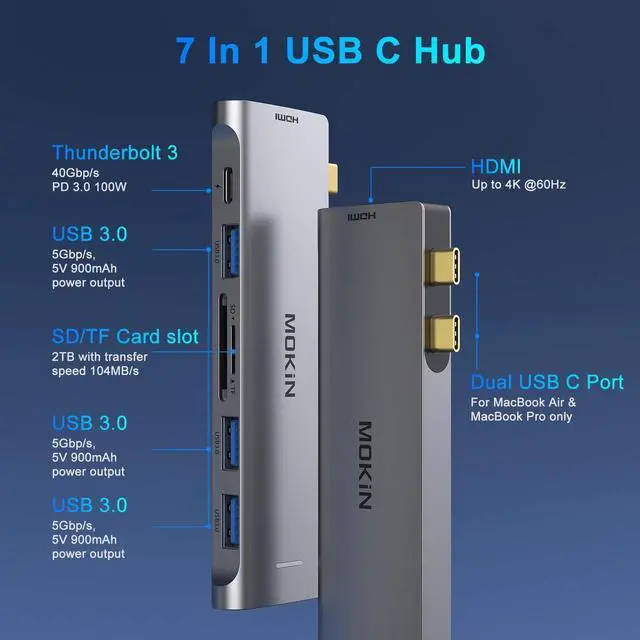
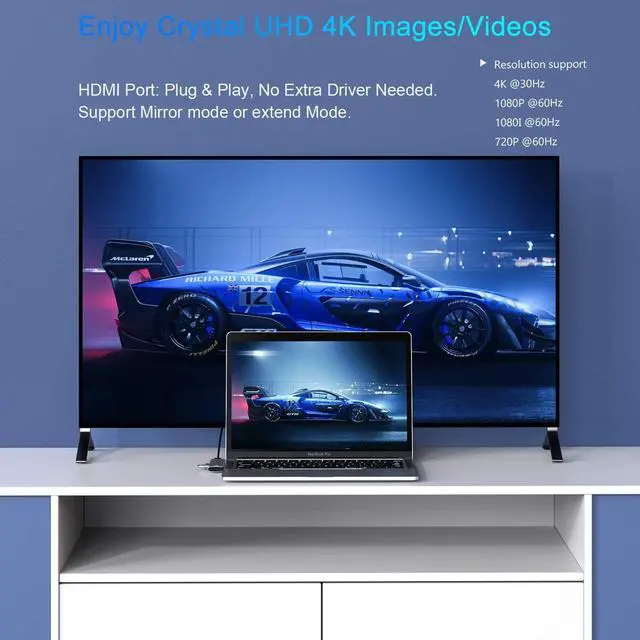
Resolution support 4K@60hz,down compatible with 2K,1080p,1080i,720p,480p. Support Mirror mode and Extended mode for your laptop.
It allows you to connect hdtvs, monitors, projectors.

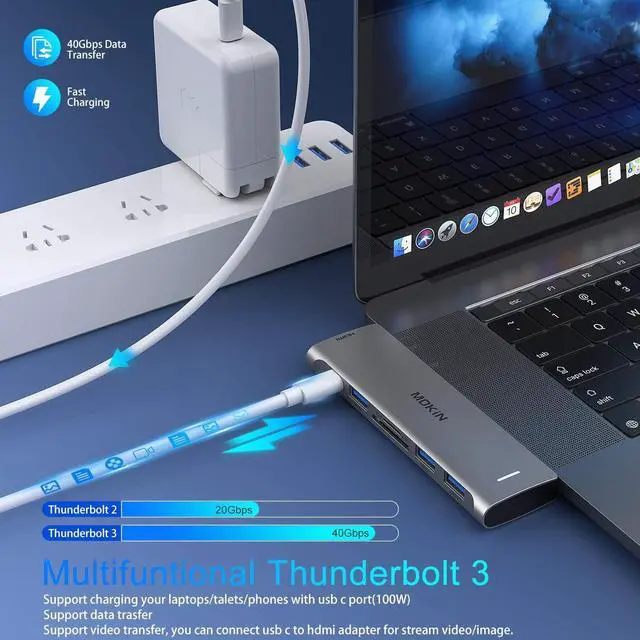
Allows you to charge your macbook quickly, same as the original charger and data transfer up to 40Gbp/s. And you can use a usb c to hdmi adapter to mirror or extend your display. Max resolution up to 5K. Same as the original thunderbolt 3 of macbook pro.

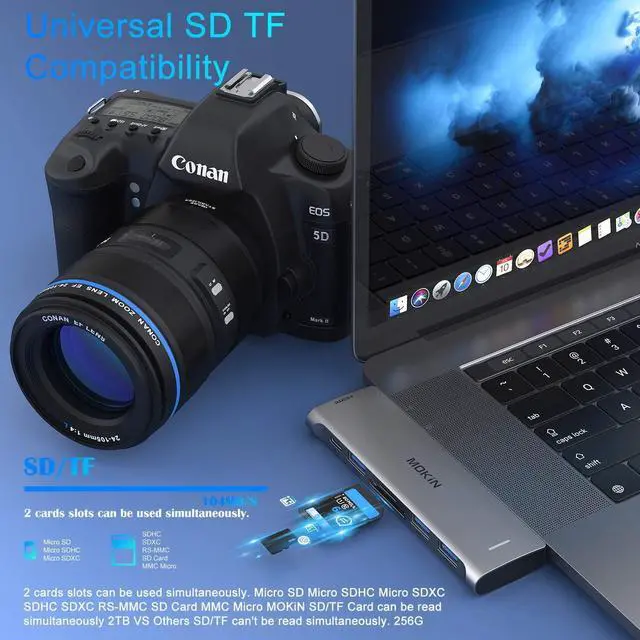
Convinient USB-C To 3.0 Card reader For Your MacBook(Speed up to 104 Mbp/s) for USB-C/Type-C/Thunderbolt 3 devices to access files from SD/TF card reader, quickly view your photos or videos, perfect for Photographer or Designer or Video editor,etc. And you can use sd/ tf card reader AT THE SAME TIME.

This Adapter allows you to connect keyboard, mouse, hard drive,etc to MacBook Pro,Up to 5Gbps data transmission speed, down compatible with USB A 2.0 and below.

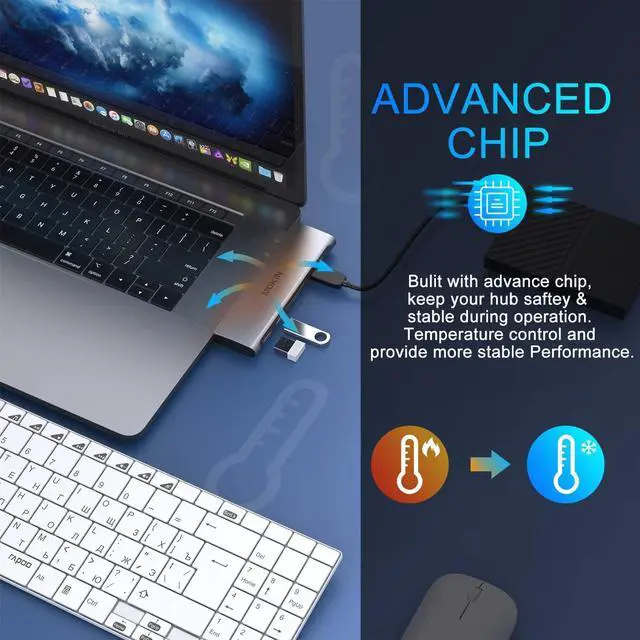
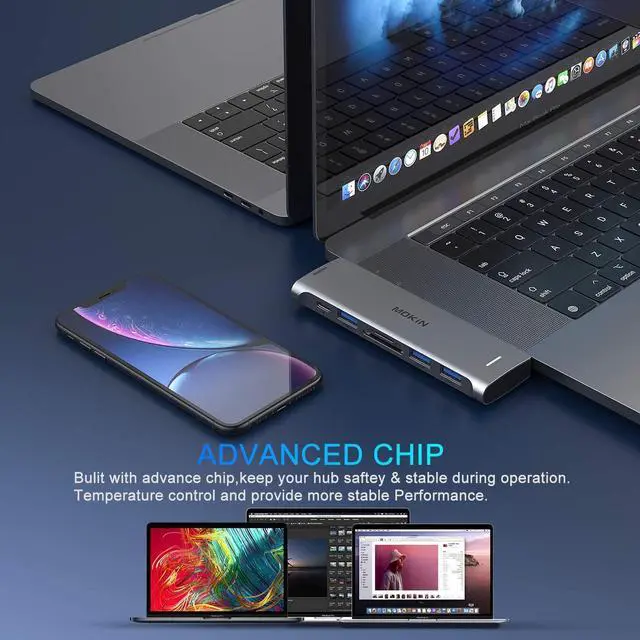
Built with advance chip, keep your hub safty@ stable during operation.
Tamperature control and provide more stable performance.

This hub's temperature will atumatically be lower if you don't use it. With Aluminium Case & ultra-slim sleek, specially designed for apple macbook pro/air.
| Brand | MOKiN |
|---|---|
| Compatible Devices | MacBook Pro/Air |
| Total USB Ports | 7 |
| Product Dimensions | 5.51"L x 2.4"W x 0.67"H |
| Item Weight | 1.76 ounces |
| Special Feature | Slim |
The MOKiN UC2208 is a 7-in-2 USB-C hub for compatible MacBook Pro and MacBook Air models, combining 4K@60Hz HDMI, Thunderbolt 3, three USB 3.0 ports, and simultaneous SD/TF card readers. It suits users who need expanded display, peripheral, storage, and memory-card connectivity from one compact adapter.
| Attribute | Value |
|---|---|
| Best For | MacBook users needing a hub for USB 3.0 peripherals, HDMI display connectivity, Thunderbolt 3, and SD/TF card access |
| Ports And Connectivity | Provides 3 USB 3.0 ports, HDMI, Thunderbolt 3, and an SD/TF card reader |
| Model And Finish | MOKiN UC2208 hub in gray |
| Package Contents | Includes the hub |
Q: Is the MOKiN 7-in-2 hub better than a basic 5-in-1 USB-C hub for a MacBook?
A: Choose the MOKiN if you need three USB-A ports, SD and microSD card readers, 4K at 60Hz HDMI output, and up to 100W USB-C pass-through charging. A basic 5-in-1 hub such as the Anker 332 is more compact and includes USB-C data, but its HDMI output is limited to 4K at 30Hz and it has fewer expansion ports. The basic hub is sufficient for occasional display, keyboard, mouse, and storage use; the MOKiN is better for a desk setup with several USB-A accessories or a 60Hz 4K monitor.
Q: MOKiN USB-C hub vs Anker 555: which is better for external storage and wired internet?
A: Choose the Anker 555 for faster storage workflows and wired networking. It provides 10Gbps USB-A and USB-C data ports plus 1Gbps Ethernet, while the MOKiN listing specifies USB 3.0 data speeds up to 5Gbps and does not list Ethernet. Choose the MOKiN instead when three USB-A ports and its listed Thunderbolt 3/USB-C expansion port are more useful than higher storage throughput and Ethernet.
Q: Should I buy the MOKiN hub or a Thunderbolt dock for performance-first MacBook use?
A: Choose the MOKiN for everyday 4K monitor output, card transfers, keyboards, mice, and other USB-A peripherals. Choose a true Thunderbolt dock when you need substantially higher host bandwidth, multiple high-speed storage devices, several displays, or workstation-style expansion. The MOKiN's listed USB 3.0 ports are rated up to 5Gbps, so it is positioned as a multiport hub rather than a full high-bandwidth Thunderbolt workstation dock. Actual display support also depends on the MacBook model; Apple specifies different external-display limits by Mac model.
Q: Is the MOKiN hub a good choice for travel compared with a smaller USB-C adapter?
A: Choose the MOKiN when you want one adapter to handle a 4K 60Hz monitor, three USB-A devices, SD and microSD cards, and laptop charging. Choose a smaller adapter when portability and minimal cable clutter matter more than port count. The MOKiN provides broader connectivity, but a compact 5-in-1 model is easier to carry and is adequate for a single display, basic peripherals, and occasional file transfers.
Q: Is this USB-C hub suitable for travel, meetings, and everyday office work?
A: Yes, it is suitable for MacBook users who need one compact hub for an external HDMI display, keyboard, mouse, printer, flash drive, SD card, microSD card, and pass-through charging. It is best for users with the listed 2016–2020 MacBook Pro or 2017–2020 MacBook Air models. The main trade-off is that it does not list Ethernet, audio, or a separate power supply, and the package includes the hub only.
Q: Can this hub connect a MacBook to a 4K monitor, TV, or projector?
A: Yes. Its HDMI port supports video output up to 4K at 60Hz. The product information also states that the HDMI port and Thunderbolt 3 port can be used simultaneously for mirroring or extending a laptop display. The exact number of independent external displays and supported display combinations is not specified.
Q: Can I charge my MacBook while using the hub's USB, HDMI, and card-reader ports?
A: Yes. The Thunderbolt 3 USB-C port supports up to 100W pass-through charging while the hub is connected. A compatible USB-C power adapter is required, and the product package is listed as including the hub only. Actual charging delivered to the MacBook may be lower than 100W because of the computer and charger requirements.
Q: Can the hub read an SD card and a microSD card at the same time?
A: Yes. The hub includes separate SD and TF, or microSD, card readers and is specified to access both card types simultaneously. The available product information does not state the readers' maximum transfer speed or whether they support higher-speed UHS-II operation.
Q: Are the three USB ports fast enough for office peripherals and external storage?
A: Yes. The three USB-A ports use USB 3.0 and support data transfer speeds up to 5Gbps according to the product description. They are suitable for keyboards, mice, printers, flash drives, and compatible external hard drives. Performance can vary by the connected device, cable, and the MacBook's available USB-C bandwidth.
Q: Who is the MOKiN UC2208 USB-C hub suitable for?
A: It is suitable for MacBook Pro and MacBook Air users who need one HDMI display connection, three USB-A peripherals, and simultaneous SD and microSD card access in a compact hub. It is a practical fit for office work, photography, and travel, but it is not a full desktop dock because it has no Ethernet, audio, or multiple HDMI outputs.
Q: Is this hub a good choice for a single external monitor?
A: Yes, if the MacBook and display support the required USB-C video mode and the HDMI cable and monitor support 4K at 60Hz. The product provides one HDMI output rated up to 4K at 60Hz. Community discussions indicate that actual resolution and refresh rate can depend on the host device, cable, display input, and hub bandwidth, so buyers should not treat 4K at 60Hz as guaranteed in every setup.
Q: Can it replace a dual-monitor docking station?
A: Not for most dual-monitor setups. The UC2208 has one HDMI port; its Thunderbolt 3 port may support an additional compatible display, but the product is not a dual-HDMI dock and MacBook display support varies by model. Buyers who specifically need two independently connected HDMI monitors should choose a dock designed and tested for that configuration.
Q: What are the main trade-offs of using this MOKiN hub?
A: The main trade-off is port density versus possible heat and connection limitations. It adds useful USB-A, HDMI, SD, and microSD connectivity without a separate dock, but community discussions about MOKiN hubs report that some units become warm during heavy use, and isolated users have reported card-reader, charging, or connection problems. It is better suited to moderate everyday use than to a mission-critical workstation without a return or replacement option.


