




 here!
here!
I’m your shopping assistant for PC builds, upgrades, and everything tech.
Got questions? Ask away!
Start a conversation
here!
I’m your shopping assistant for PC builds, upgrades, and everything tech.
Got questions? Ask away!
Start a conversation

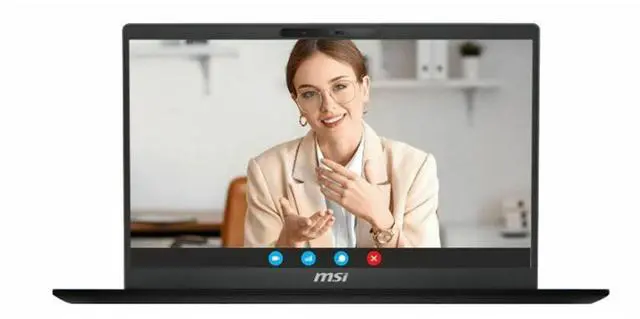
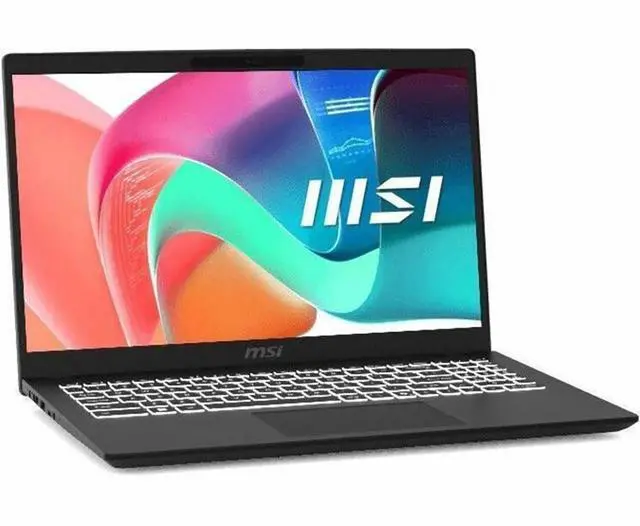
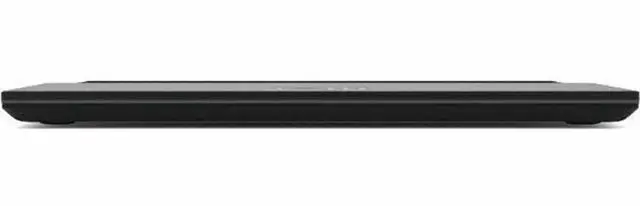
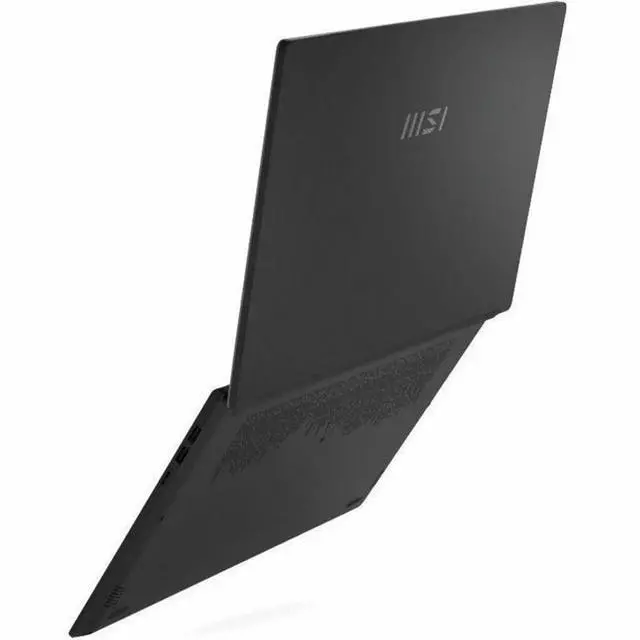



Any questions? Ask CelesteSM will help you find out quickly.
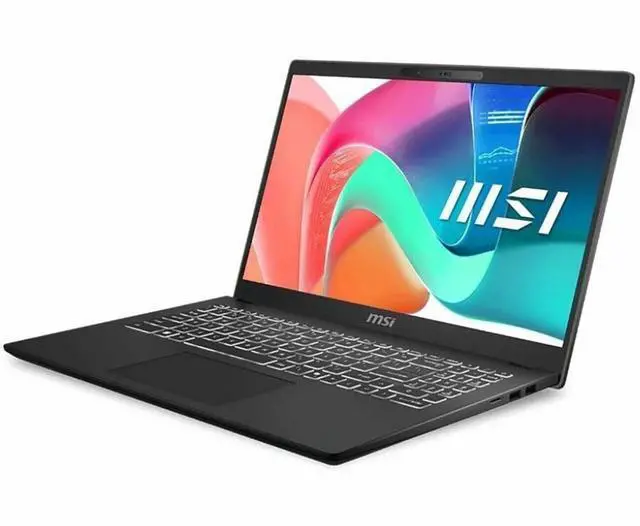
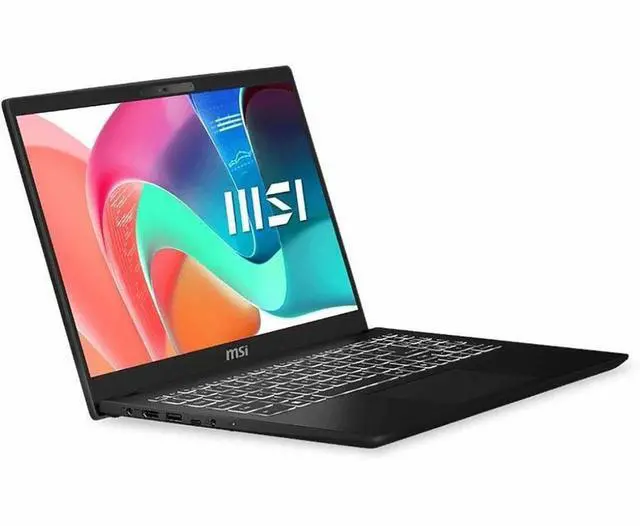
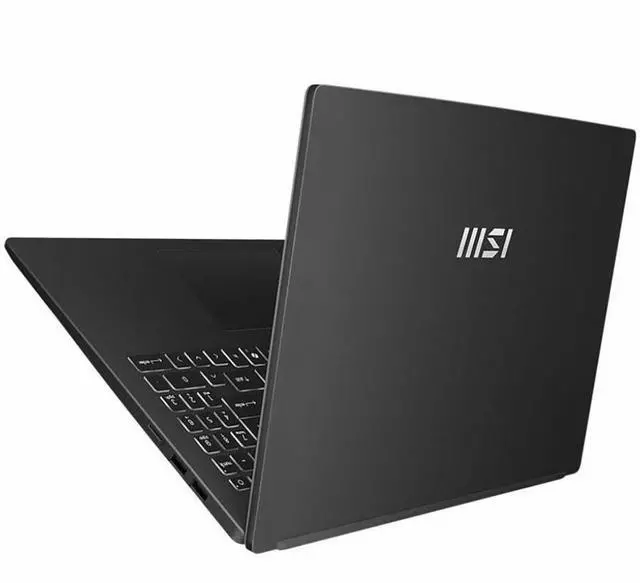
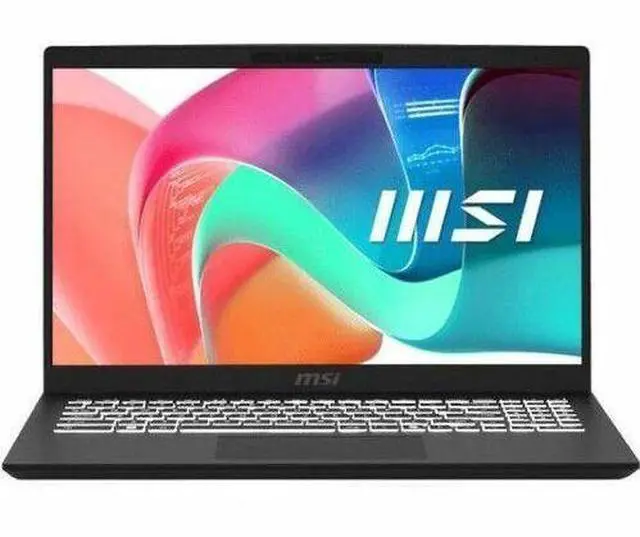
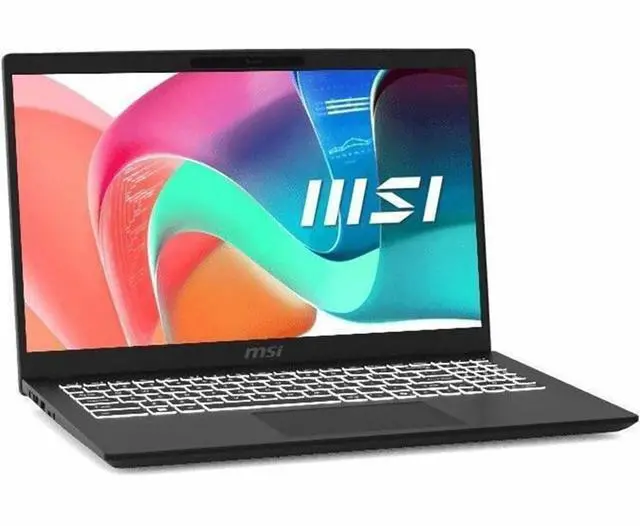
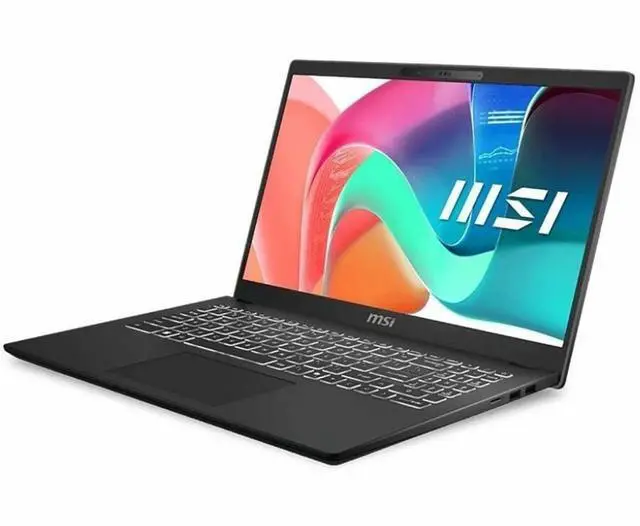
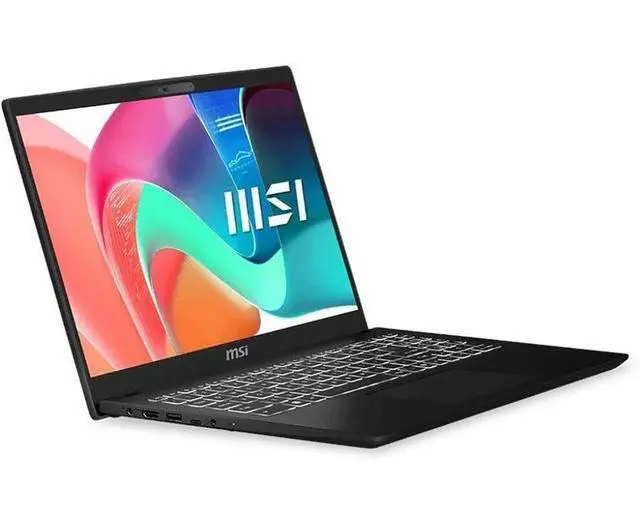
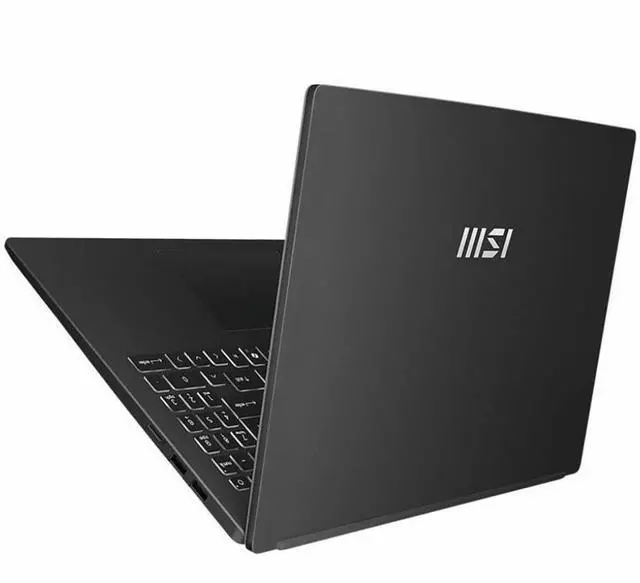
The MSI Modern 15 H C2RMTG-406US is a 15.6-inch touchscreen Windows 11 laptop with an Intel Core 9 270H, 32GB RAM, and 1TB SSD, making it a strong fit for students, professionals, and home users who want fast multitasking, large memory, and everyday productivity in a portable design.
| Attribute | Value |
|---|---|
| Best For | Everyday productivity, multitasking and touchscreen-enabled media or creative tasks on a 15.6" Full HD laptop with large memory (32 GB) and 1 TB SSD storage |
| Processor And Core Count | Intel Core 9 270H processor (2.70 GHz base, up to 5.80 GHz turbo) from the Intel Core 9 series; external attribute lists a processor count of 14 |
| GPU And VRAM | Integrated Intel Graphics (no discrete GPU specified in the internal catalog) |
| Display Spec | 15.6" Full HD (1920 x 1080) IPS touchscreen, 16:9 aspect ratio, 60 Hz refresh rate |
| Memory Configuration | 32 GB DDR4 memory running at 3200 MHz (32 GB installed; maximum reported 32 GB) |
| Storage And Expansion | 1 TB solid-state storage in M.2 form factor (1 TB M.2 SSD reported) |
| High Speed I O | 4 total USB ports — 3 x USB 3.2 Gen 2 Type-A and 1 x USB 3.2 Gen 2 Type-C; 1 x HDMI output; external Video Output listing also reports DisplayPort-capable output |
| External Display And Docking Fit | Supports external displays via HDMI (1) and reports DisplayPort output compatibility; listed as compatible with external HDMI/DisplayPort displays and Bluetooth accessories |
| Battery And Power | 3-cell lithium polymer battery included in package (number of batteries reported as 1) |
| Wired And Wireless Networking | Wi‑Fi 6E (802.11ax) wireless LAN and Bluetooth support |
| Keyboard And Control | Full-size keyboard with numeric keypad plus 15.6" touchscreen input; stylus support reported |
| Webcam And Privacy | Built-in webcam present |
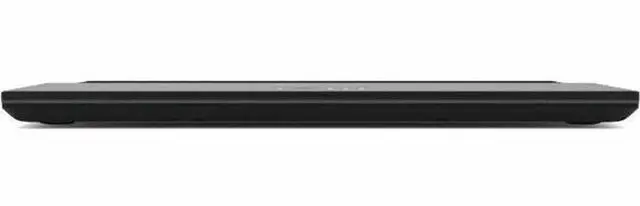
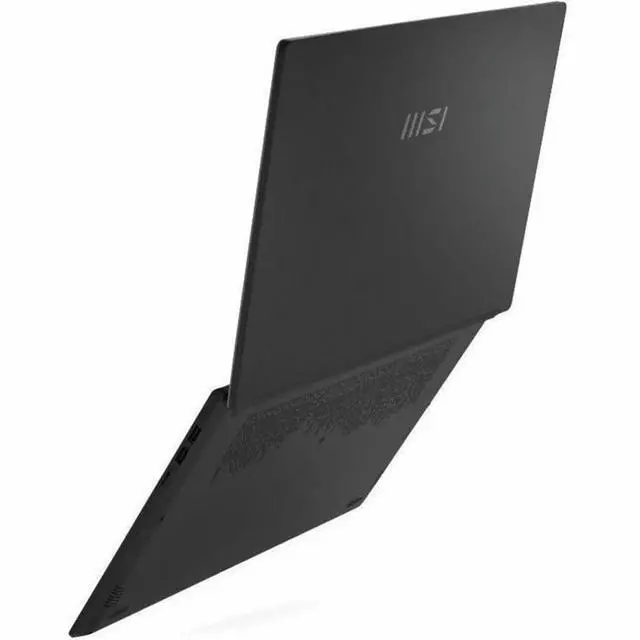
| Portability | Dimensions approximately 14.1 x 9.5 x 0.78 inches and weight 4.19 lb |
| Operating System And Software | Windows 11 Home operating system; office/productivity assistance software 'Copilot' is listed |
| Package Contents | Modern 15 H C2RMTG-406US notebook, lithium polymer battery and AC adapter included in the package |
| Model Identifiers | MSI Modern 15 H C2RMTG-406US (Model: C2RMTG-406US, Part Number: MOD15HC2406) from the Modern 15 series |
Q: Should I choose the MSI Modern 15 H C2RMTG-406US or a typical 16GB / 512GB mainstream 15-inch laptop?
A: Choose the MSI Modern 15 H C2RMTG-406US if you want more headroom for heavy multitasking, larger local files, and longer-term everyday use without upgrading right away. Its 32GB RAM, 1TB SSD, and Intel Core 9 270H place it above the common 16GB / 512GB configuration for browser-heavy work, office multitasking, coding, and light creative tasks. A mainstream 16GB model is the better fit if lower cost, lighter workloads, and simpler office or school use matter more than extra memory and storage.
Q: Is the MSI Modern 15 H a better buy than an OLED-focused ASUS Vivobook 15?
A: Choose the MSI Modern 15 H if CPU headroom, 32GB memory, and 1TB storage are more important than display quality. Choose an OLED-based Vivobook 15 if screen quality is the priority for media use, visual work, or users who care more about contrast and color than extra RAM and storage. Across reviews and community discussions, this comparison usually comes down to performance-and-capacity versus display-first value, not one model being universally better.
Q: Should I buy this MSI Modern 15 H or step up to a laptop with dedicated NVIDIA graphics?
A: Choose the MSI Modern 15 H if your priority is productivity, office work, web use, coding, and light content creation in a simpler, non-gaming configuration. Step up to a laptop with dedicated NVIDIA graphics if you plan to do GPU-accelerated creative work, 3D tasks, heavier video workflows, or modern gaming. The MSI model uses Intel integrated graphics, so the main upgrade case is graphics capability rather than everyday CPU responsiveness.
Q: Is the MSI Modern 15 H a better choice than a thinner, battery-first laptop for travel?
A: Choose the MSI Modern 15 H if you want a 15.6-inch touchscreen laptop with stronger CPU class hardware and more built-in memory and storage than many thin-and-light travel systems. Choose a thinner, battery-first model if lower weight, longer unplugged use, and quieter mobile use matter more than maximum multitasking headroom. Reviews and user discussions around the Modern 15 line commonly position it as a productivity-focused 15-inch system with some portability trade-offs rather than a battery-first ultraportable.
Q: Is this a good laptop for office work, meetings, and everyday multitasking?
A: Yes. This configuration is well-suited for office work, video meetings, web apps, note-taking, and heavy multitasking because it combines a current Intel Core 9 270H processor, 32GB RAM, a 1TB SSD, a webcam, Wi-Fi 6E, and a 15.6-inch touchscreen. The main limitation is graphics: it uses Intel integrated graphics, so it is better for productivity than for GPU-heavy creative or gaming workloads.
Q: Is it worth buying as a travel work laptop?
A: It can work well as a travel productivity laptop if you want a full-size 15.6-inch touchscreen and strong memory/storage, but it is not especially light. At 4.19 lb, it is more portable desk-to-meeting laptop than ultra-light travel machine. It makes more sense for users who value screen size, ports, and multitasking headroom over maximum mobility.
Q: Can it handle light creative work, and is it a gaming laptop?
A: It should handle light photo editing, content work, and general media tasks, but it is not a gaming-focused laptop. The processor and 32GB RAM are strong for multitasking and lighter creative apps, while the Intel integrated graphics are the trade-off. For modern games or GPU-accelerated creative workflows, a laptop with dedicated graphics is the better choice.
Q: What are the main trade-offs versus a similar Dell or mainstream 15-inch touchscreen laptop?
A: The MSI's main advantages are its unusually high 32GB RAM and 1TB SSD at this size, which make it a better fit for heavier multitasking than many mainstream 15-inch touchscreen models that ship with 16GB and 512GB. The trade-offs are the typical ones for this class: integrated graphics instead of dedicated GPU, a standard 60Hz display, and a chassis size that prioritizes screen space over compactness.
Q: Who is this laptop most suitable for?
A: It is best for students, remote workers, small-business users, and home users who want a large screen, touchscreen input, fast everyday performance, and enough memory/storage to avoid early upgrades. It is less suitable for buyers who prioritize serious gaming, advanced 3D work, or the lightest possible travel laptop.
Q: Is the MSI Modern 15 H a good fit for everyday work, school, and multitasking?
A: Yes for general productivity. This configuration has 32GB RAM, a 1TB SSD, a 15.6-inch FHD touchscreen, and integrated Intel graphics, so it is better suited to office work, browsing, video calls, note-taking, and running many apps at once than to demanding gaming or GPU-heavy creative work.
Q: Is it worth buying if battery life matters?
A: Only if battery life is not your top priority. Repeated Reddit discussion around the Modern 15 line describes battery life as average to below average, and this model only lists a 3-cell battery. It makes more sense as a mostly desk-based laptop than as an all-day unplugged machine.
Q: Can this laptop handle gaming or heavier creative workloads?
A: It can handle light games and general content work, but it is not a gaming-focused machine. The main limit is the integrated Intel graphics and 60Hz FHD display. The strong RAM and storage help with multitasking, but buyers who need sustained graphics performance for modern games, 3D work, or heavier video editing should look for a model with dedicated graphics.
Q: What are the main trade-offs of choosing the MSI Modern 15 H?
A: The main advantages are memory, storage, touchscreen support, and a large 15.6-inch display for productivity. The main trade-offs mentioned repeatedly in community discussion are battery life, display quality being good enough rather than premium, and mixed long-term quality perceptions across the broader Modern 15 line.


