Out of stock
This item is currently out of stock and it may or may not be restocked.
Sold by Newegg

Shipped by Newegg

Newegg Trade-In loading
Shop it at NeweggBusiness.

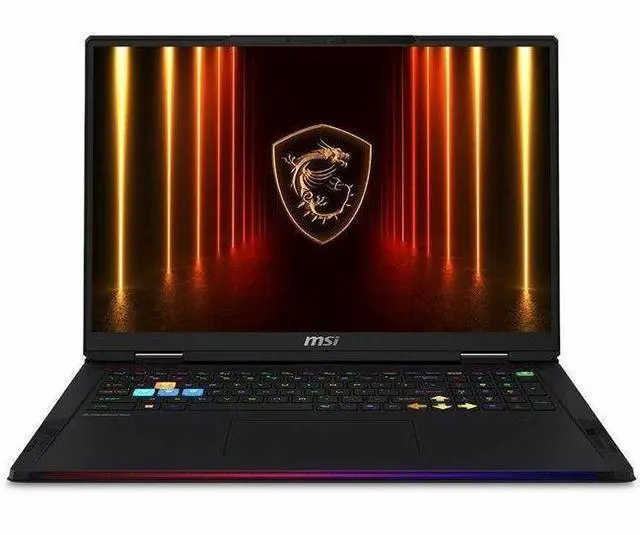
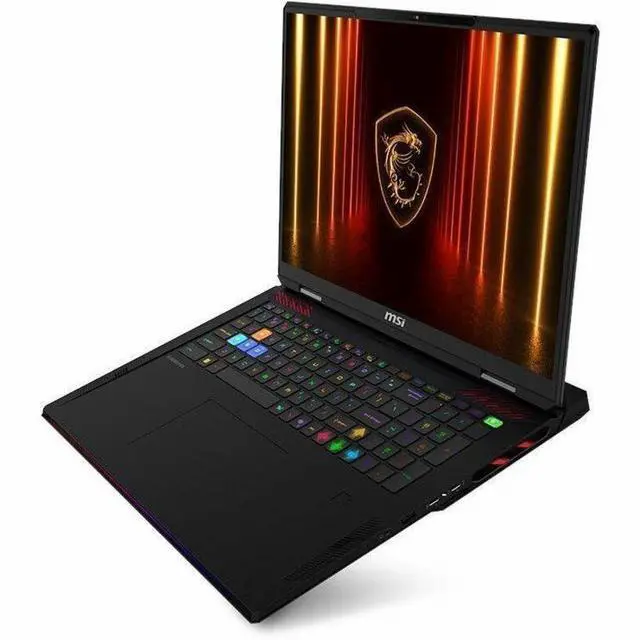
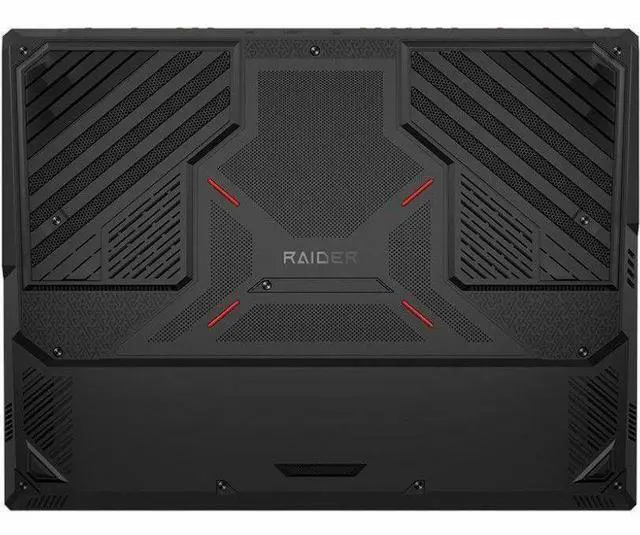
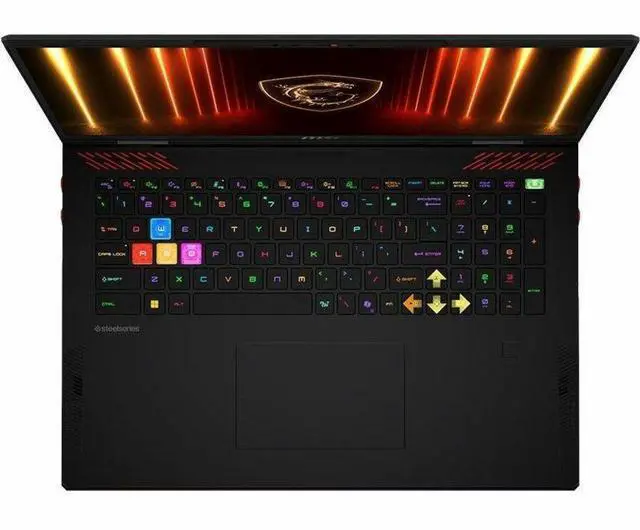
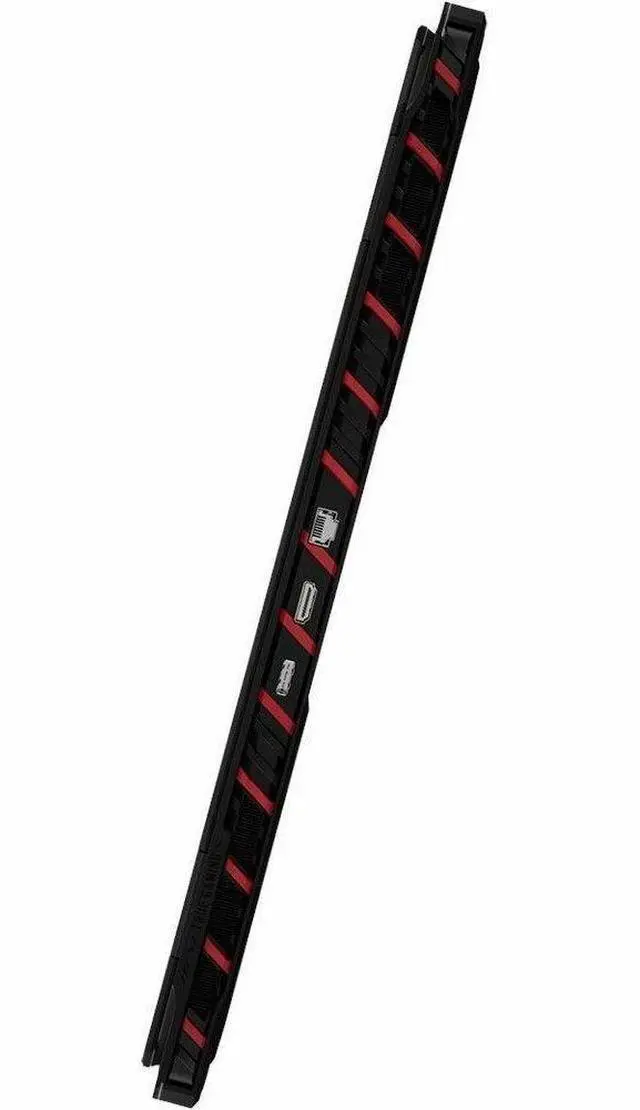
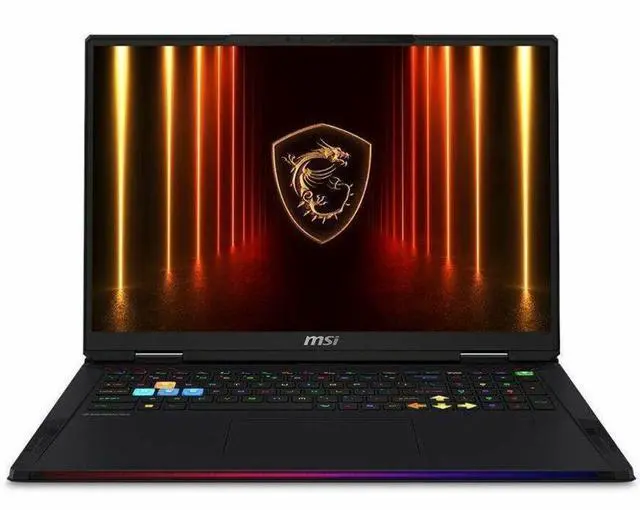
MSI Raider 18 HX AI A2XW Raider 18 HX AI A2XWJG-841US 18" Gaming Notebook - Core Ultra 9 285HX (2.1GHz) - 32GB - 1TB SSD - NVIDIA GeForce RTX 5090 - Windows 11 Home (RAIDER18HXA2841)

Free Intel AI Software w/ purchase, limited offer

  • UHD+
  • 120 Hz
  • Intel Core Ultra 9 285HX
  • 32 GB
  • 1 TB SSD
  • Core Black
  • Intel HM870 Chip
  • 3840 x 2400
  • Windows 11 Home
  • NVIDIA GeForce RTX 5090 with 24 GB
  • True Color Technology, Mini LED
Overview
Specs
Reviews
See all Q & A
avatar

Any questions? Our AI mode will help you find out quickly.

RAIDER 18 HX AI A2XWJG-841US

Warranty & Returns

Warranty, Returns, And Additional Information

Warranty

  • Limited Warranty period (parts): 1 year
  • Limited Warranty period (labor): 1 year
  • Read full details

Return Policies

Manufacturer Contact Info

LOADING...

Learn about this product

The MSI Raider 18 HX AI A2XW is an 18-inch premium gaming laptop with an Intel Core Ultra 9 285HX, GeForce RTX 5090 24GB, 32GB DDR5 memory, and a 4K-class 120Hz Mini LED display, making it a strong fit for gamers and creators who want desktop-level performance and a large, high-resolution screen.

Recommended For

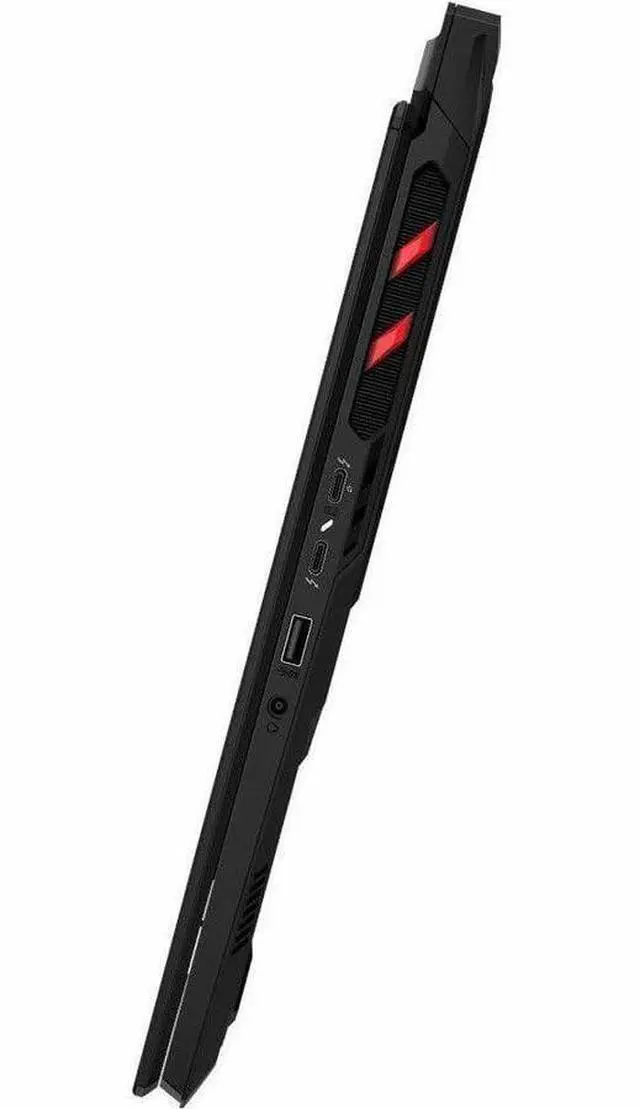
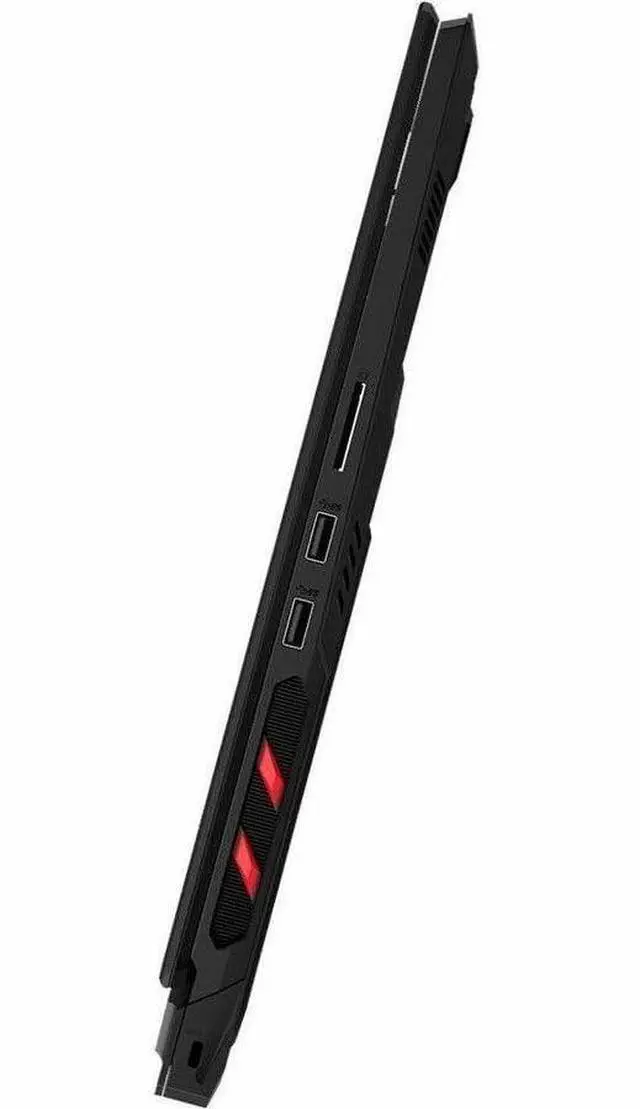
  • Desktop-replacement gamers who mostly play at a desk and want an 18-inch system with flagship GPU headroom, a 4K-class Mini LED display, and lots of rear/side I/O for external monitors and peripherals.
  • Single-machine users who want one laptop to handle high-end gaming plus heavy local creative or technical workloads, especially where the 24GB laptop GPU class, fast CPU, and upgradeable memory/storage matter more than carrying comfort.
  • Buyers who specifically prefer a large, bright, high-resolution panel for immersive single-player games, video work, or multi-window use, and are comfortable trading faster esports refresh rates for 3840×2400 detail on a 120Hz Mini LED screen.
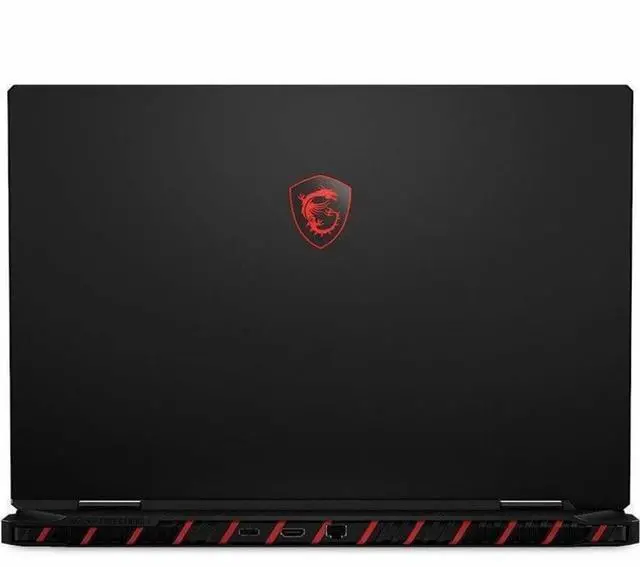
  • Home users replacing both a gaming desktop and docking setup, since the Raider line is positioned around full-size connectivity, Ethernet, dual Thunderbolt 5, HDMI 2.1, and roomier 18-inch ergonomics rather than compact travel use.

Real-World Use Scenarios

  • Playing recent AAA games at the laptop’s native 3840 x 2400 resolution usually means relying on DLSS and frame generation to stay smooth; in practice, owners buying this class of Raider are using it as a plug-in desktop replacement rather than expecting ultra settings at native 4K in every game.
  • Using it as a stationary gaming and work machine with external monitors, wired Ethernet, and multiple peripherals is a common fit; the large 18-inch chassis, high-power components, and broad port selection make it more practical on a desk than as an everyday carry laptop.
  • For video editing, 3D creation, and GPU-heavy AI workflows, this configuration is typically used when the buyer wants one machine for gaming plus production work; the likely experience is fast exports, strong viewport performance, and better headroom for large projects than mainstream gaming laptops.
  • Playing visually rich single-player games on the built-in Mini LED display is one of the clearest real-world strengths; users can expect a sharper, more cinematic experience than typical QHD gaming laptops, especially in HDR-friendly content, while trading off portability and battery life.
  • Long gaming sessions are best treated as a headset-and-charger scenario: community reports suggest strong gaming performance, but some owners have reported audio corruption under extended load, so buyers who want trouble-free marathon sessions may want to validate current firmware and driver status first.

Spec Summary

AttributeValue
Best ForHigh-end gaming and demanding content creation on a desktop-replacement 18" laptop with a flagship NVIDIA RTX 5090 GPU, Intel Core Ultra 9 285HX CPU, high-resolution 3840×2400 Mini‑LED IPS display and large battery capacity
Processor And Core CountIntel Core Ultra 9 285HX (Intel Core Ultra 9 Series 2) — single processor, nominal 2.1 GHz with up to 5.5 GHz turbo
GPU And VRAMNVIDIA GeForce RTX 5090 discrete GPU with 24 GB GDDR7 video memory; includes DLSS 4.0 support
Display Spec18.0" Mini‑LED UHD+ 3840×2400 True Color IPS (LCD) panel, 120 Hz refresh rate and up to 1000 nit maximum brightness
Memory Configuration32 GB DDR5-5600 installed (2 SODIMM slots) with up to 96 GB supported
Storage And Expansion1 TB solid-state drive in M.2 form factor (M.2 interface)
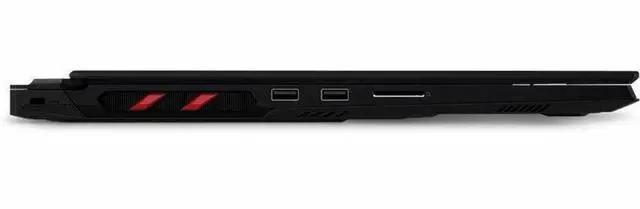
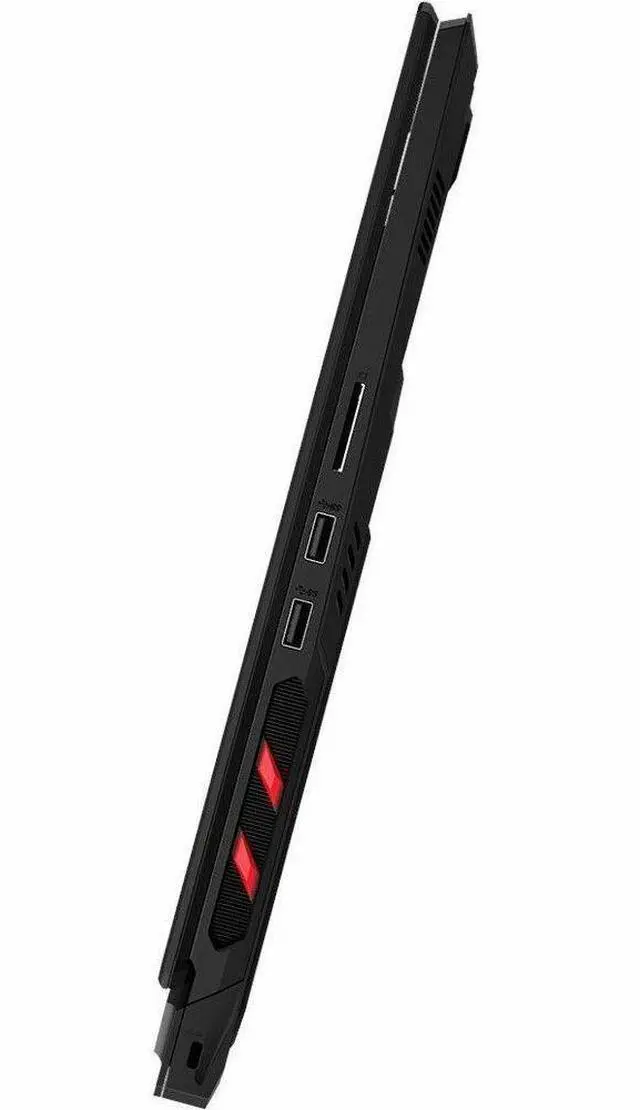
High Speed I O3 total USB ports, 1 HDMI output, Gigabit Ethernet LAN; no Thunderbolt ports reported; hardware interfaces include USB, HDMI, Ethernet and Bluetooth
Battery And Power99 WHr lithium-ion battery (4-cell), battery included and installed
Wired And Wireless NetworkingGigabit Ethernet wired LAN plus Wi‑Fi and Bluetooth wireless connectivity
Webcam And PrivacyFront-facing webcam (built-in)
Keyboard And ControlIncludes touch pad as primary human-interface input
PortabilityApproximate dimensions 12.1 × 15.9 × 1.26 inches and item weight 11.33 pounds
External Display And Docking FitSupports external displays via the single HDMI output; no Thunderbolt ports for Thunderbolt docking; GPU connects via PCI Express
Operating SystemWindows 11 Home
ChipsetIntel HM870 chipset
Additional FeaturesTrue Color IPS display technology and DLSS 4.0 support noted among product features
Model IdentifiersMSI Raider 18 series — model RAIDER18HXA2841 / Raider 18 HX AI A2XWJG-841US (edition A2XW), Manufacturer MSI, Model Year 2026

Reference Q&A

Q: Should I buy the MSI Raider 18 HX AI RTX 5090 or an RTX 5080 gaming laptop?

A: Choose the MSI Raider 18 HX AI RTX 5090 if you want a no-compromise 18-inch desktop-replacement with a 4K-class Mini LED display and you plan to play demanding games at very high settings or use the GPU for heavier creator and AI workloads. Choose an RTX 5080 laptop if you want a similar high-end gaming experience with better value, because multiple review and community comparisons show the jump from RTX 5080 Laptop to RTX 5090 Laptop is usually meaningful but not proportional to the price increase. This MSI configuration makes the most sense when maximum GPU headroom matters more than budget efficiency.

Q: Is the MSI Raider 18 HX AI a better fit than the MSI Titan 18 HX AI?

A: Buy the Raider 18 HX AI if you want flagship-class MSI performance and a 4K 120Hz Mini LED 18-inch panel without stepping up to MSI's most premium chassis and pricing. Buy the Titan 18 HX AI if you specifically want the more extreme halo configuration, which official MSI positioning and professional reviews place above the Raider with more aggressive top-end hardware options and a more luxury-focused feature set. In practical buying terms, the Raider is the more balanced choice for users who want very high performance, while the Titan is the step-up for buyers prioritizing MSI's highest-tier configuration and extras.

Q: Should I choose the MSI Raider 18 HX AI or the ASUS ROG Strix Scar 18?

A: Choose the MSI Raider 18 HX AI if you prefer an 18-inch 3840 x 2400 Mini LED display and your priority is a 4K-class panel for single-player gaming, visual quality, or mixed gaming-and-creator use. Choose the ROG Strix Scar 18 if you prefer a faster-refresh panel and want a configuration that reviews often position around competitive gaming and maximum frame-rate focus. The decision is less about one being universally better and more about display preference: the Raider leans toward higher resolution, while Scar 18 configurations are commonly paired with higher-refresh options.

Q: Is the MSI Raider 18 HX AI worth upgrading to from the previous Raider 18 HX generation?

A: Upgrade if your goal is to move into Nvidia's newer RTX 50-series class and you want more GPU headroom for modern AAA games, ray tracing, or AI-accelerated workloads. Stay with the previous Raider 18 HX generation if you already own an RTX 4090-class model and your current system still meets your performance targets, because the newer Raider keeps a very similar large-format desktop-replacement concept with the same 18-inch 3840 x 2400 120Hz Mini LED direction. The stronger reason to upgrade is GPU generation and platform refresh, not a major change in the overall use case.

Q: Should I get the MSI Raider 18 HX AI for travel and everyday portability?

A: Choose the Raider 18 HX AI if you want transportable desktop-class gaming performance and you mostly move it between desks, rooms, or locations rather than carrying it all day. Look at thinner 16-inch or lighter 18-inch alternatives if portability is the main priority, because MSI lists the Raider 18 HX AI at about 3.6 kg and its feature set is clearly designed around maximum performance, large-screen immersion, and extensive I/O rather than lightweight mobility. It is a strong fit for performance-first buyers, not for users shopping primarily for easy daily carry.

Q: Is the MSI Raider 18 HX AI a good choice if I want a desktop replacement instead of a travel laptop?

A: Yes. It fits best as a high-end desktop replacement. The 18-inch 3840x2400 Mini LED display, Core Ultra 9 285HX, RTX 5090, and 32GB RAM make it well suited for demanding gaming and creator workloads. The trade-off is portability: closely comparable Raider 18 configurations are listed at about 7.94 lb, so it is usable for occasional transport but not ideal for frequent travel, commuting, or lap use.

Q: Is it good for office work, meetings, and general productivity, or is it overkill?

A: It can handle office work and video meetings easily, but it is overkill if that is your main use. The hardware is far beyond what typical productivity apps need, and the 18-inch chassis is large for everyday carry. It makes sense if you want one machine for both serious gaming and work; it is not the practical value choice for basic office use alone.

Q: Who is this laptop most suitable for?

A: It is best for buyers who specifically want top-tier mobile gaming or GPU-heavy creative work in a single machine. The RTX 5090, 4K-class 18-inch Mini LED display, and high-end Intel HX processor favor users who care more about maximum performance and screen quality than portability or price efficiency. It is less suitable for students, frequent flyers, or buyers who mainly browse, stream, and do document work.

Q: What are the main trade-offs versus a thinner premium alternative like the Razer Blade 18?

A: The Raider 18 HX AI is the better fit if you prioritize raw gaming performance, a very high-end GPU configuration, and a desktop-replacement style feature set. A thinner premium alternative like the Blade 18 is usually the better fit if you care more about design, easier portability, and a less bulky everyday experience. The trade-off is that the MSI approach is larger and more utilitarian, while the thinner alternative typically gives up some practicality or value per dollar to achieve its slimmer design.

Q: Is the 120Hz UHD+ display a good fit for gaming, or would a faster lower-resolution panel be better?

A: It is a strong fit if you want sharp image quality and a premium large-screen experience, but it is not the pure esports-first choice. The 3840x2400 120Hz Mini LED panel favors visual detail, HDR-style contrast, and immersive single-player use. If your priority is maximizing frame rates in competitive games, a lower-resolution panel with a higher refresh rate is usually the better trade-off.

Q: Is the MSI Raider 18 HX AI a good buy if I want a desktop-replacement gaming laptop?

A: Yes, if your priority is maximum laptop-class performance and you do not mind size, weight, fan noise, or high price. Reddit discussion around the Raider 18 HX AI repeatedly treats it as a desktop-replacement class machine for gaming, VR, and heavy workloads. Based on the product data, this configuration matches that use case with an 18-inch 3840x2400 Mini LED display, Core Ultra 9 285HX, RTX 5090, 32GB RAM, and a 99Wh battery. The main trade-off is portability: it is better suited to desk use than frequent mobile use.

Q: Who is the MSI Raider 18 HX AI best suited for?

A: It is best suited for buyers who want one machine for high-end gaming and demanding work such as software development, database work, local AI tasks, or creator workloads. That theme appears in Reddit posts comparing the Raider with other flagship 18-inch laptops. With an RTX 5090, 24GB VRAM, 4K-class 18-inch display, and high-end CPU, it fits users who need both GPU performance and a large-screen workspace. It is less suitable for buyers who mainly want a travel laptop, long battery life, or a lower-cost option.

Q: What are the main trade-offs of buying the MSI Raider 18 HX AI?

A: The main trade-offs are portability, noise, and display balance versus raw performance. Reddit discussion around MSI 18-inch Raider and Titan systems repeatedly raises fan noise under load and whether a 120Hz 4K-class panel is the best match for very high-end GPUs. For this Newegg configuration, the large 18-inch Mini LED panel gives high resolution and image quality, but 120Hz is less focused on maximum esports-style frame rates than QHD+ 240Hz alternatives. Buyers choosing this model should value screen size and resolution more than mobility or a lighter chassis.

Q: Is the RTX 5090 version worth it over a cheaper high-end alternative?

A: It is worth it mainly for buyers who specifically want top-tier mobile GPU performance, 24GB of VRAM, and fewer compromises in demanding games or GPU-heavy work. Reddit discussion around MSI 18-inch RTX 5090 systems shows that price-to-performance is a common concern, with some users questioning whether the premium over RTX 5080-class options is justified. A practical decision rule is: buy this model if you know you need flagship GPU headroom; otherwise, a lower-tier high-end model may offer better value.

Q: Is the MSI Raider 18 HX AI a safe choice if I care about stability and daily-use reliability?

A: It looks broadly suitable for daily high-performance use, but buyer discussion does include isolated reports of setup or driver-related issues. That means it is reasonable for power users, but not the most risk-free choice if you want an appliance-like experience with minimal troubleshooting. For this kind of flagship gaming laptop, it is sensible to expect occasional driver, firmware, or Windows tuning needs, especially early in ownership.