




 here!
I’m your shopping assistant for PC builds, upgrades, and everything tech.
Got questions? Ask away!
Start a conversation
here!
I’m your shopping assistant for PC builds, upgrades, and everything tech.
Got questions? Ask away!
Start a conversation
Make informed decisions with expert advice. Learn More




Any questions? Ask CelesteSM will help you find out quickly.
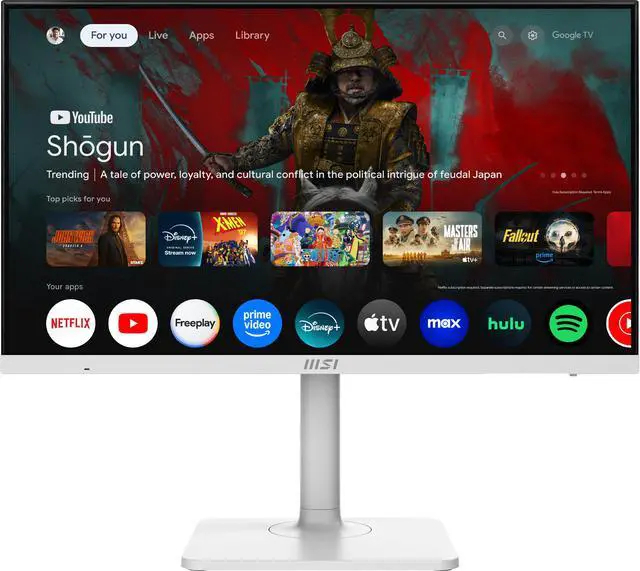
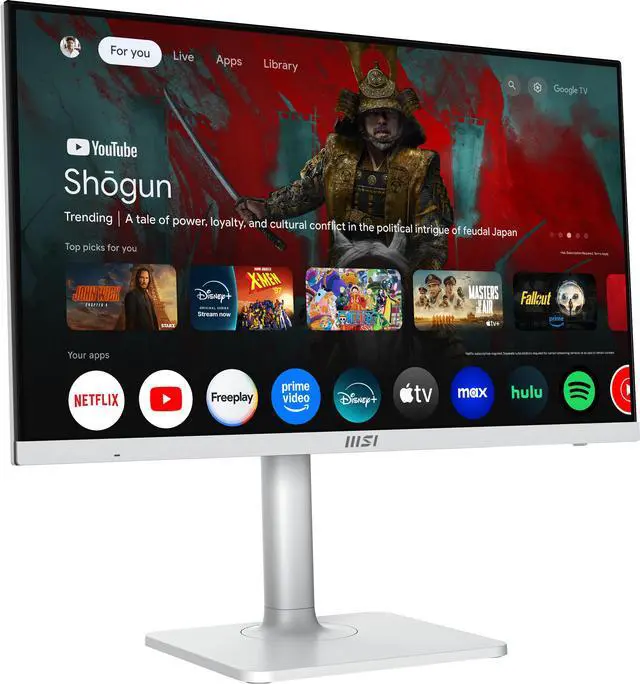
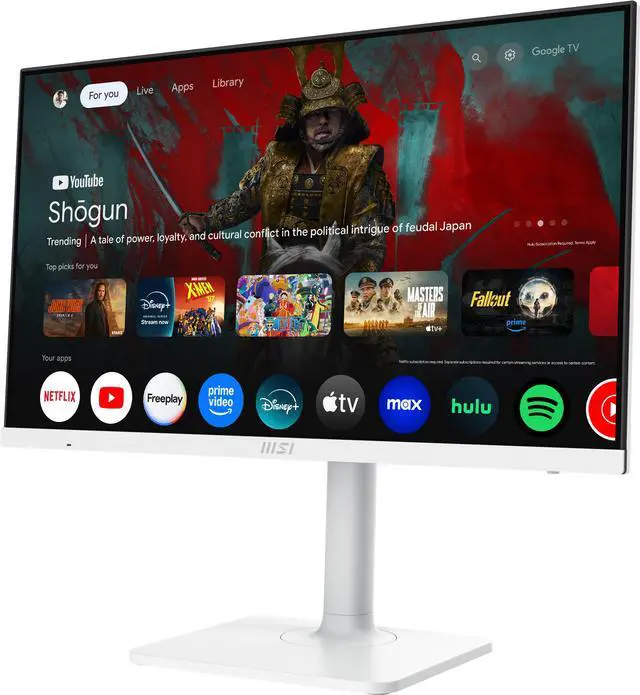
The MSI Modern MD272UPSW is a 27-inch 4K IPS smart monitor with Google TV, Google Assistant, built-in speakers, and 65W USB-C charging, suited to people who want a single display for desktop work and streaming entertainment.
| Attribute | Value |
|---|---|
| Best For | 4K desktop viewing, smart entertainment, and connecting or charging a compatible device over USB-C |
| Panel And Resolution | 27-inch flat IPS display with 3840 × 2160 UHD resolution, 16:9 aspect ratio, 178° horizontal and vertical viewing angles, and 0.1554 mm pixel pitch |
| Picture Quality | Matte, non-glare screen with 1.07 billion colors, 400 cd/m² brightness, 1,000:1 contrast, and 94% sRGB color gamut |
| Refresh Rate And Response | 60Hz refresh rate, 4ms GTG response time, FreeSync adaptive sync, and HDR Ready certification |
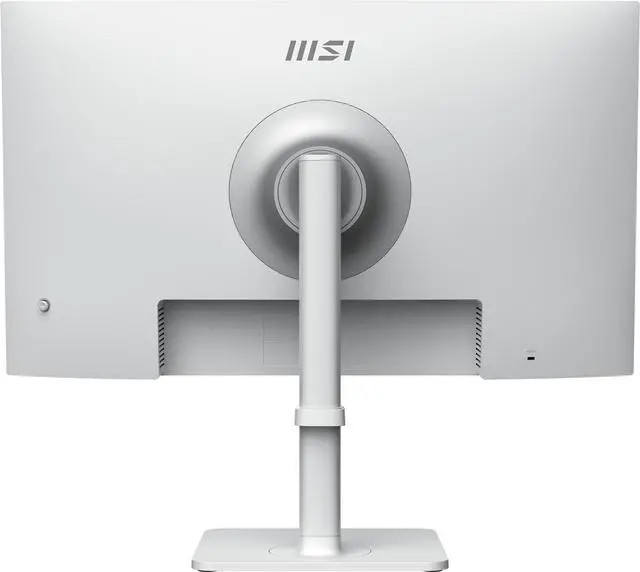
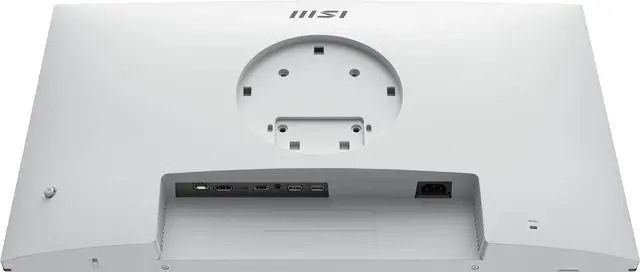
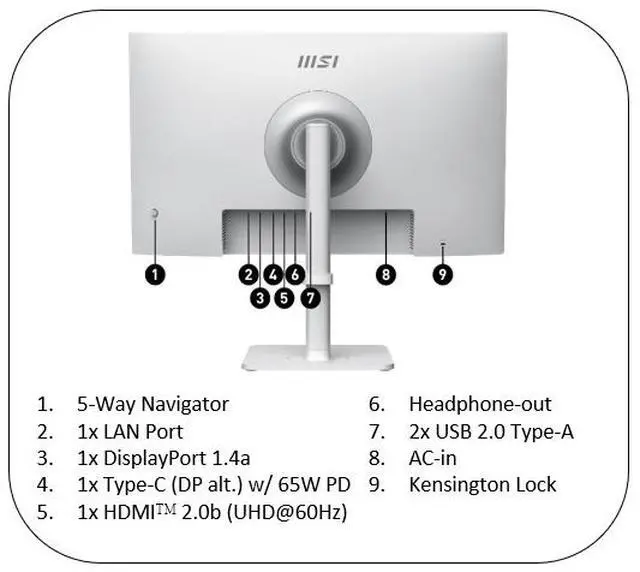
| Ports And Connectivity | HDMI, DisplayPort, and USB-C with DisplayPort Alt Mode and 65W power delivery; also includes two USB 2.0 Type-A ports, headphone output, Ethernet, Wi-Fi 5, and Bluetooth 5.0 |
| Smart Features And Audio | Smart monitor with two built-in 3W speakers |
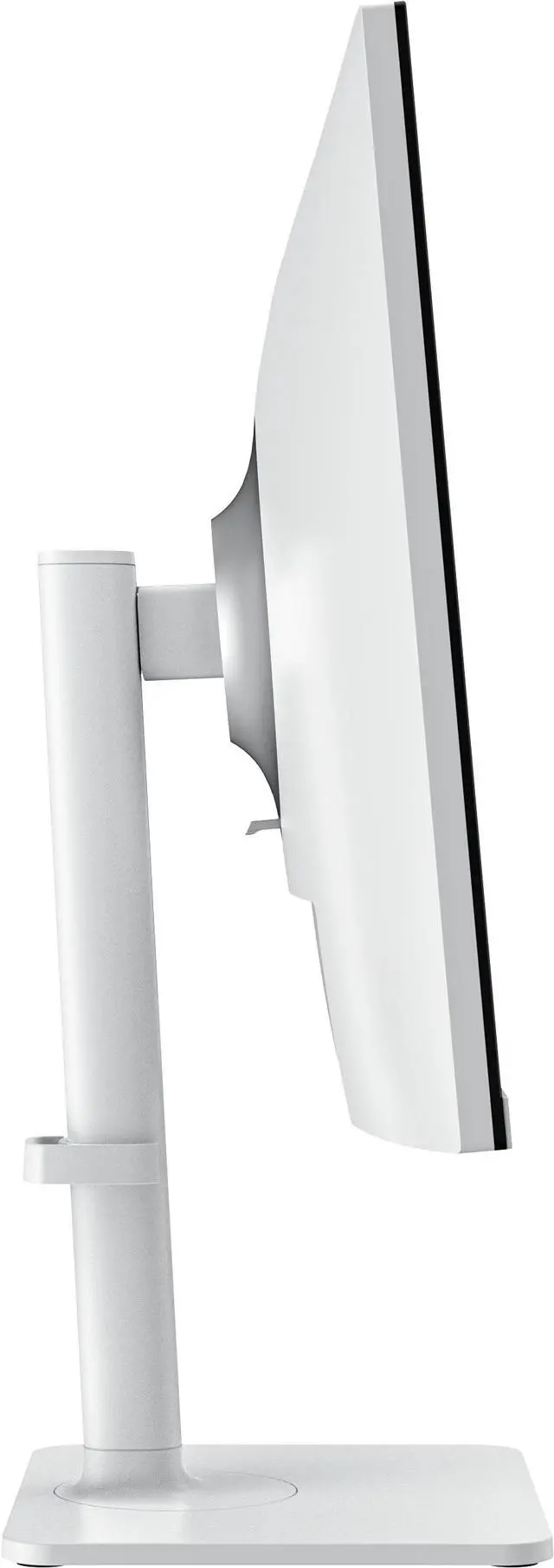
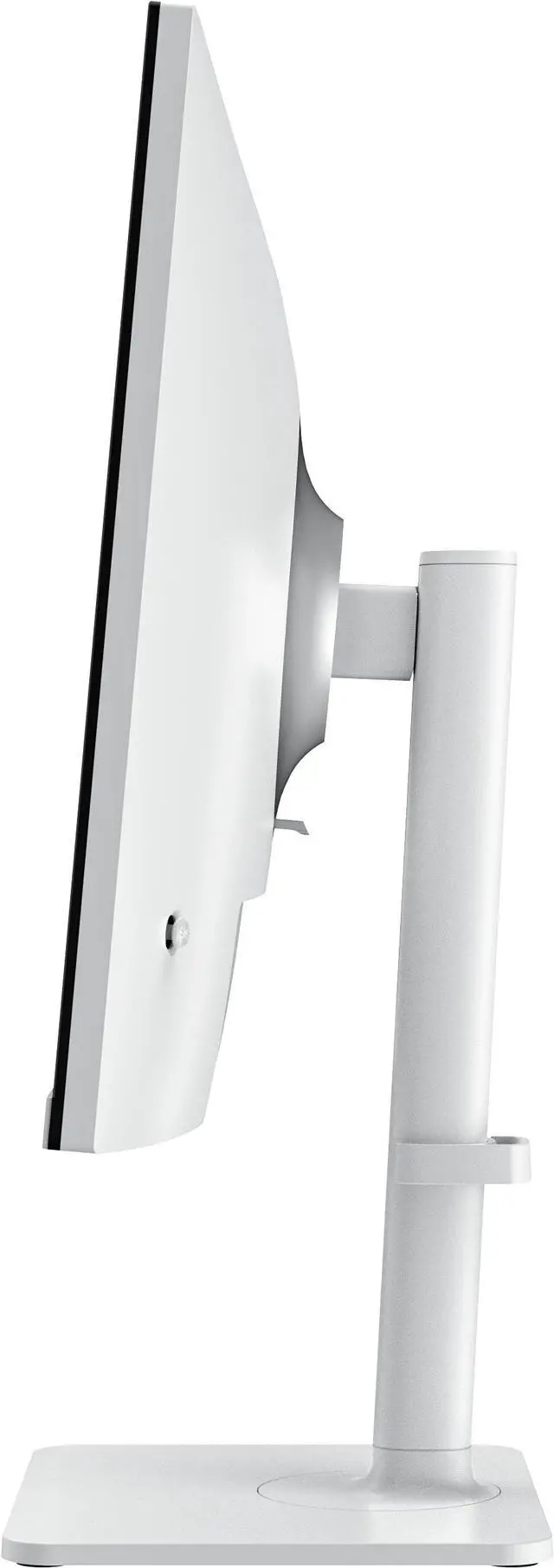
| Stand And Mounting | Height adjustment from 0–110 mm, tilt from −5° to 20°, swivel from −30° to 30°, and pivot from −90° to 90°; supports 75 × 75 mm VESA mounting and includes a Kensington lock |
| Power And Consumption | Internal power supply for 100–240V, 50/60Hz input; consumes 26W when on and less than 0.5W in power-saving or off mode |
| Dimensions And Weight | 24.15 × 7.94 × 16.28 in with stand and 24.15 × 2.51 × 14.26 in without stand; listed weight is 13.89 lb |
| Color | Matte white cabinet |
| Included In The Box | Monitor, HDMI 2.0b cable, USB-C cable, C13 power cord, quick guide, VESA wall-mount screws, remote control, and two AAA batteries |
| Model Identifiers | MSI Modern series, model MD272UPSW, part number 9S6-3PB19H-264 |
Q: MSI Modern MD272UPSW vs MD272UPHW: which is better for streaming and laptop work?
A: Choose the MD272UPSW if you want Google TV, Google Assistant, and casting built into a 27-inch 4K monitor, alongside USB-C charging up to 65W. The MD272UPHW is positioned more around desktop connectivity, with DisplayHDR 400, USB-C power delivery up to 98W, and a multi-port USB hub. Both are 27-inch 4K IPS monitors with adjustable stands; choose based on whether built-in smart-TV features or higher-power workstation connectivity matters more.
Q: MSI Modern MD272UPSW vs PRO MP273U: which should I choose for a home office?
A: Choose the MD272UPSW if you want a 4K work display that also streams directly through Google TV and supports casting, voice control, and USB-C charging up to 65W. The PRO MP273U is a 27-inch 4K IPS productivity monitor with MSI Eye-Q Check and picture-in-picture/picture-by-picture features. The key decision is whether built-in smart entertainment and casting or productivity-focused display tools better fit your setup.
Q: MSI Modern MD272UPSW vs MD272QXPW: is 4K or 100Hz the better fit?
A: Choose the MD272UPSW for 4K UHD detail and built-in Google TV streaming, voice control, and casting. The MD272QXPW pairs a 2560 × 1440 resolution with a 100Hz refresh rate and USB-C charging up to 65W, making it a different balance for everyday desktop use. Both are 27-inch MSI Modern IPS monitors with adjustable stands; prioritize 4K smart-monitor features with the MD272UPSW or 100Hz refresh with the MD272QXPW.
Q: Can I connect and charge my laptop through one USB-C cable?
A: Yes, the monitor’s USB-C port supports DisplayPort Alt Mode and up to 65W Power Delivery, so a compatible laptop can send video and receive power over one cable. Check that your laptop’s USB-C port supports video output and that 65W meets its charging needs.
Q: Does it have a built-in webcam and microphone for video calls?
A: No. The monitor has no built-in webcam or microphone, so video calls require a separate webcam and microphone or a computer with those devices built in.
Q: Is this monitor suitable for office work and streaming?
A: It’s well suited to desk-based work and streaming: it has a 27-inch 4K IPS screen, adjustable height, tilt, swivel and pivot, built-in speakers, and Google TV. Its 60Hz refresh rate is a trade-off for users who prioritize high-refresh gaming.
Q: Does it have built-in speakers, or do I need external speakers?
A: It has two built-in 3W speakers, so external speakers are not required for basic audio. You can connect separate audio equipment if you prefer, using the monitor’s headphone output.
Q: Is the MSI MD272UPSW a good monitor for a Mac mini or MacBook?
A: It is a reasonable fit for general work: it has a 27-inch 4K IPS display and USB-C with up to 65W power delivery, and Reddit discussions consider it for Mac mini and MacBook setups. Its 60Hz refresh rate is a trade-off if you also want a higher-refresh display for gaming.
Q: Is the MD272UPSW a good choice for gaming?
A: It supports 4K at up to 60Hz, so it is better suited to casual gaming than to play where higher refresh rates are a priority. Reddit comparisons specifically raise refresh rate as a trade-off when considering this monitor for gaming.
Q: Can the MD272UPSW replace both a computer monitor and a small TV?
A: It can serve both roles if a 27-inch screen suits your viewing distance: it combines a 4K monitor with Google TV streaming features. A YouTube review discusses it as a monitor-and-TV combination; its 60Hz refresh rate and compact screen size are worth considering if TV viewing is the main use.


