




 here!
I’m your shopping assistant for PC builds, upgrades, and everything tech.
Got questions? Ask away!
Start a conversation
here!
I’m your shopping assistant for PC builds, upgrades, and everything tech.
Got questions? Ask away!
Start a conversationShipped by Newegg
 Top Rated Top Rated

Make informed decisions with expert advice. Learn More




Any questions? Ask CelesteSM will help you find out quickly.

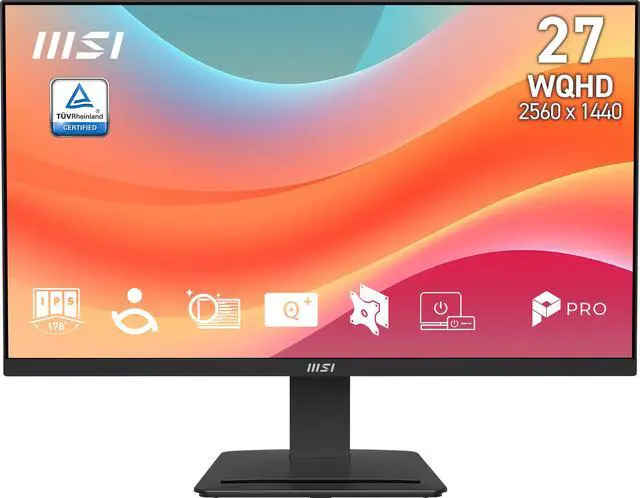
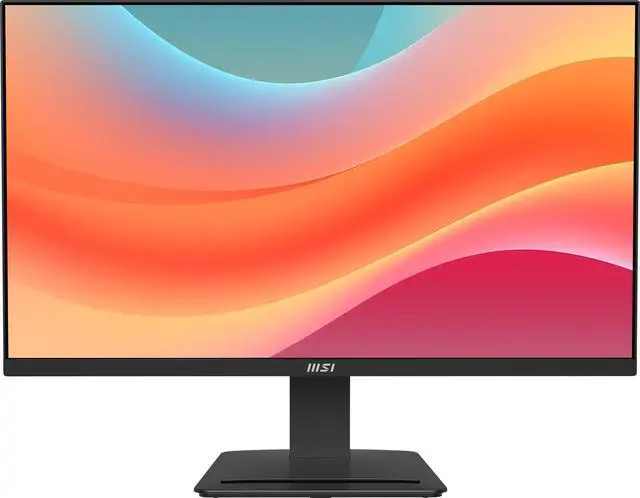
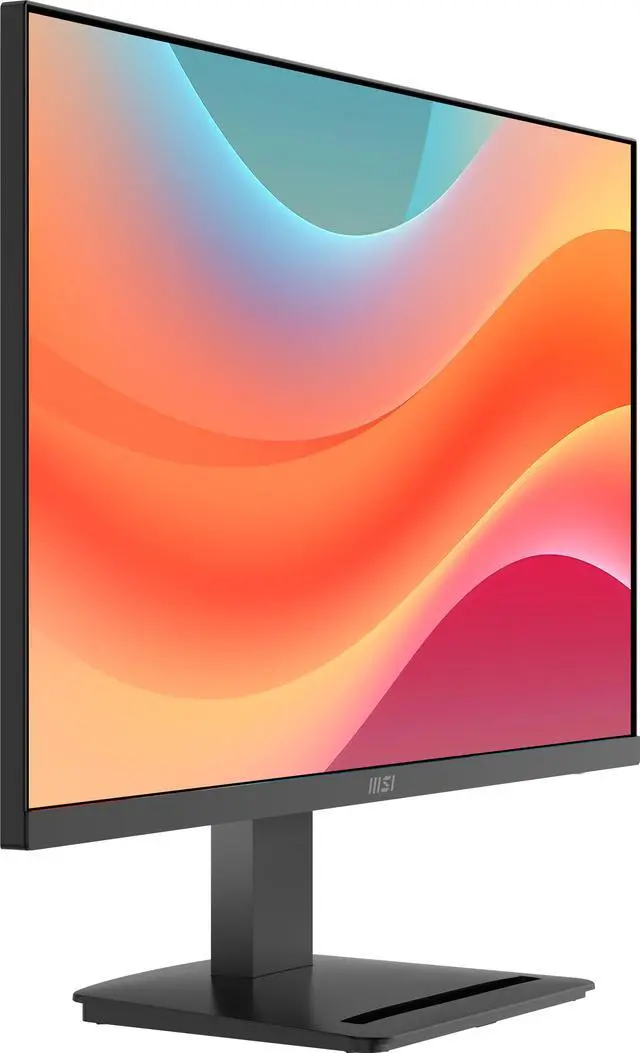
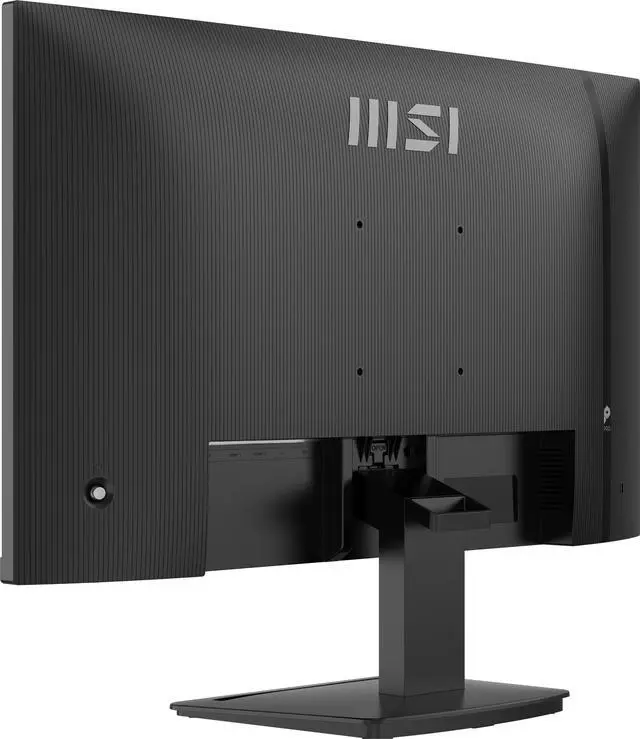
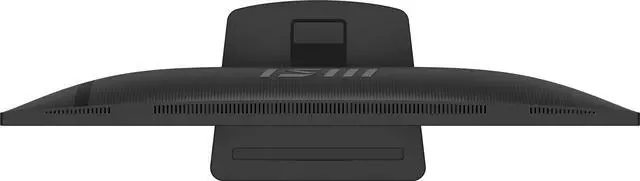
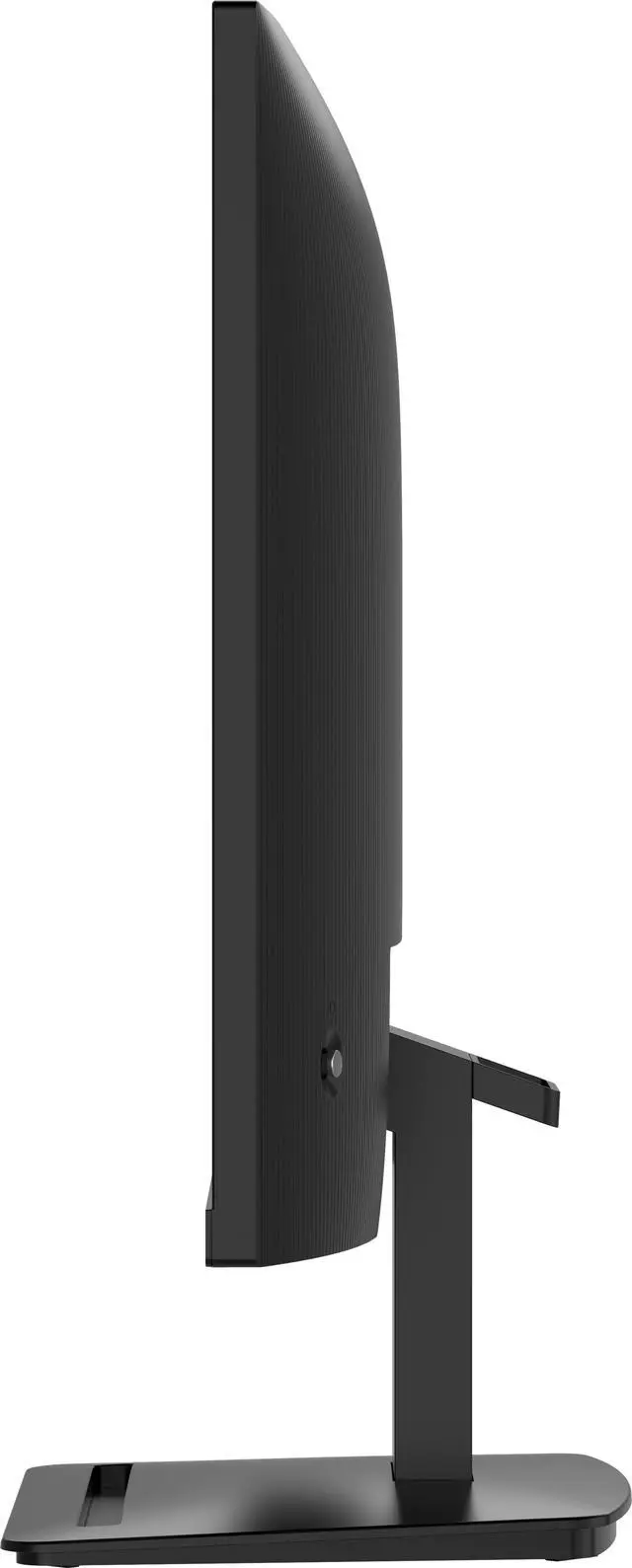
The MSI PRO MP273Q E7 PerfectEdge monitor features a frameless design and 75 Hz refresh rate to provide users with a smoother and more immersive viewing experience. Outfitted with a compact base stand, EyesErgo technology, and easy-to-use hardware such as MSI Power link, the PRO MP273Q E7 ushers in a new era of workplace monitors optimized for comfort & productivity.

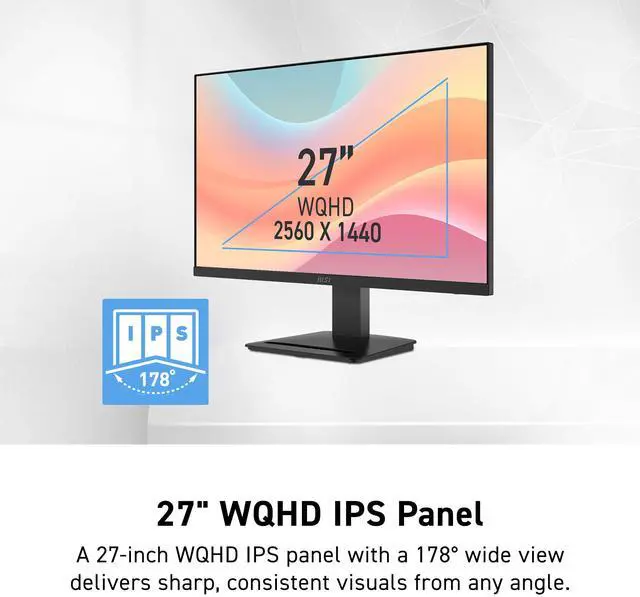
Features a large 27-inch WQHD (2560 x 1440) IPS panel suitable for home or commercial office environments.
Supports a 178° wide viewing angle, ensuring consistent detail & picture quality from almost any angle.

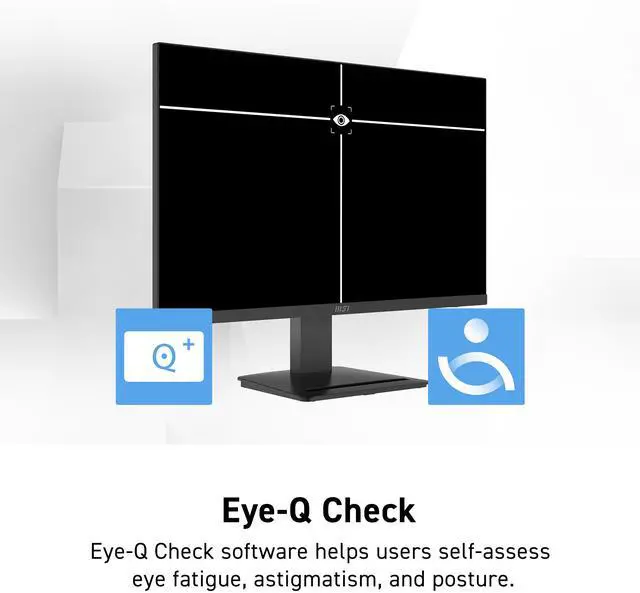
Eye-Q Check software can be enabled to help users self-assess eye fatigue & posture.

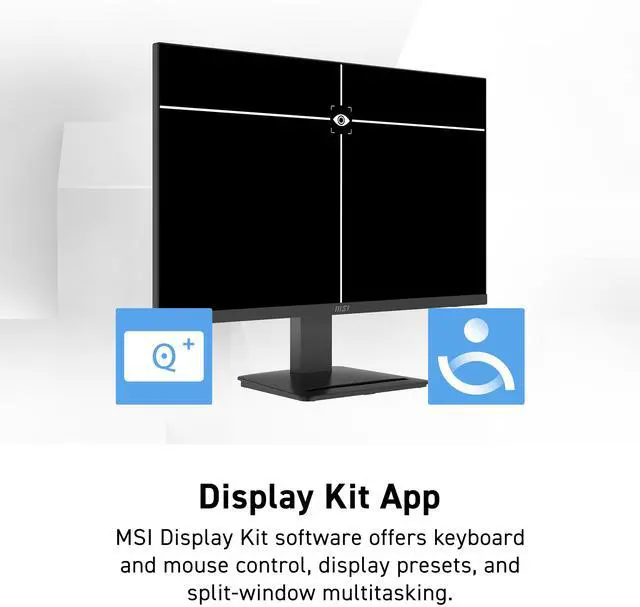
MSI Display Kit software supports a broad array of additional functionality, including:

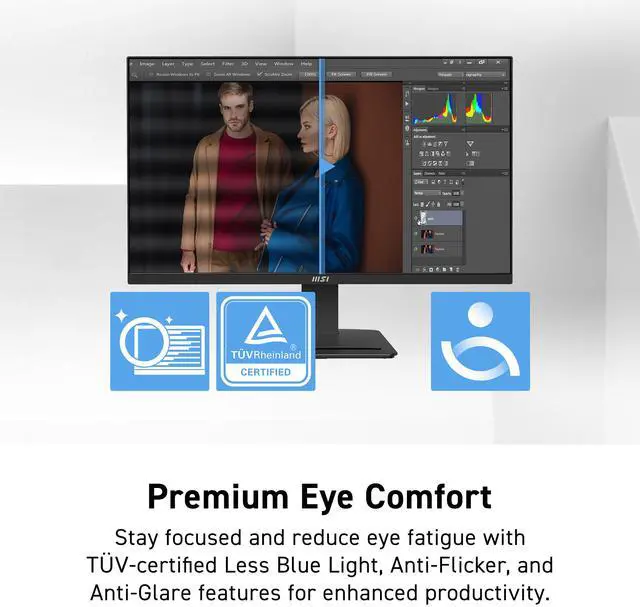
Stay focused and reduce eye fatigue with built-in features designed to help improve work productivity:
Less Blue Light employs software-based filter technology, while retaining a vivid colour palate with uncompromising detail.
Less Blue Light technology*
Anti-Flicker Panel**
Anti-Glare Surface
* TÜV Rheinland Low Blue Light (Software solution) Certificate Q 50679448, 2025-05-27
** TÜV Rheinland Flicker Free Certificate Q 50679448, 2025-05-27

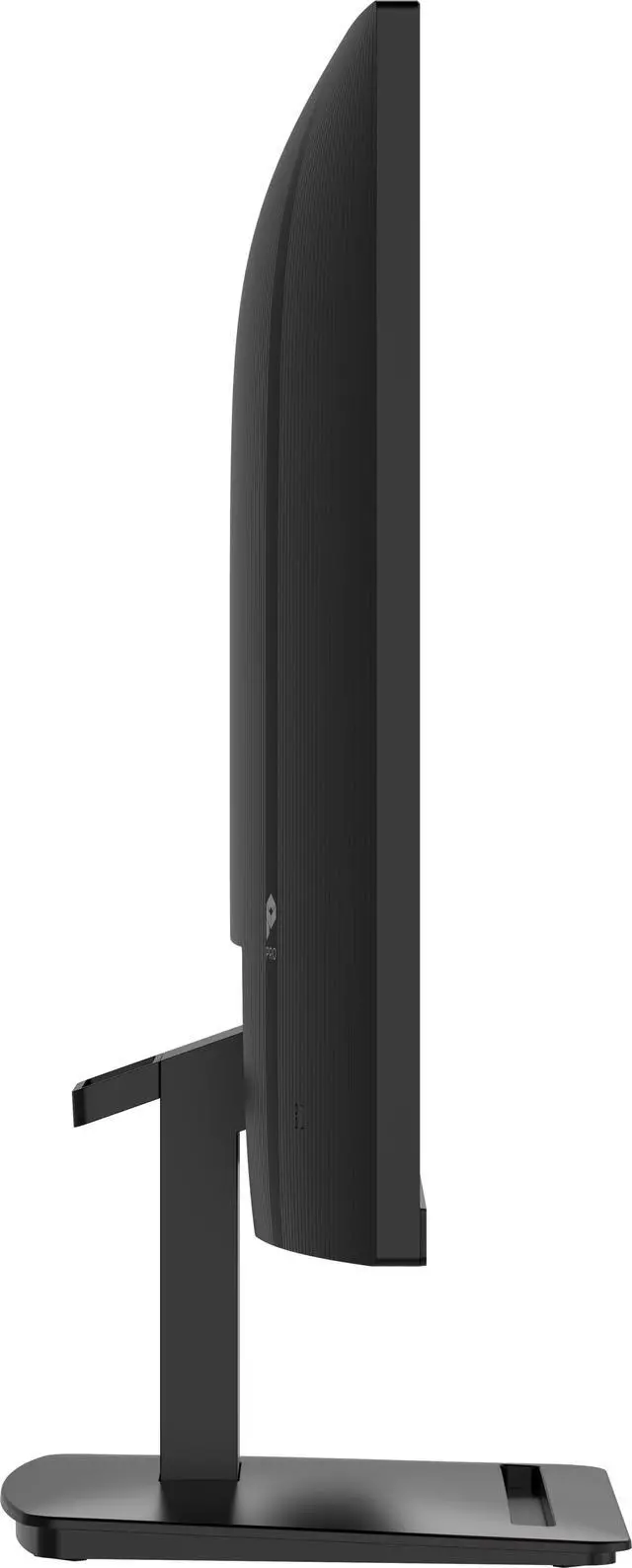
The front of the base features a convenient accessory slot for an MSI Pen stylus or use as a smartphone support.
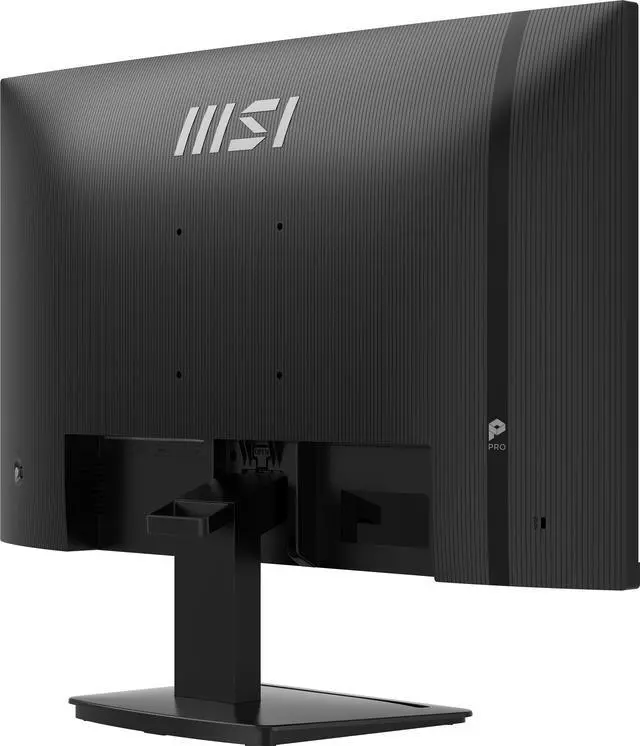
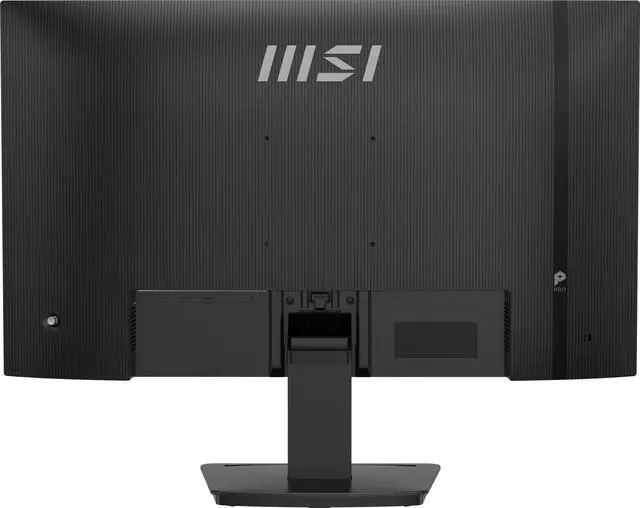
The stand and panel can be assembled or disassembled easily and in moments thanks to a no-fuss, tool-free design and includes a cable management clip.
The monitor is tilt-adjustable -5°~20° and includes a Kensington lock.

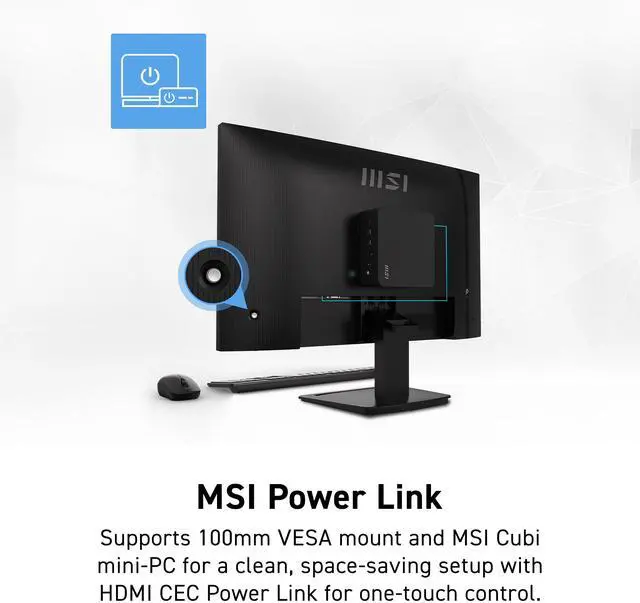
Mini-PC Mountable stand design makes the monitor compatible with the MSI Cubi Series mini-PC for an invisible desktop setup.

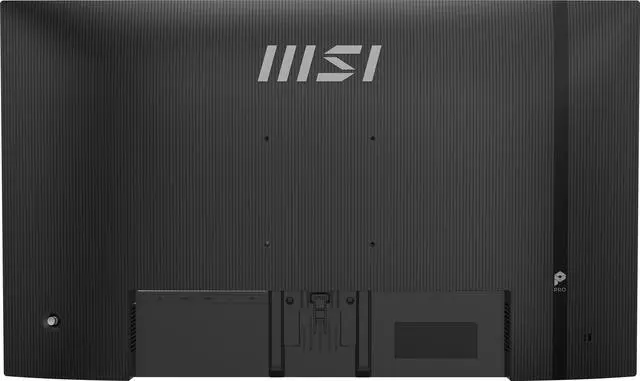
The MSI PRO MP273Q E7 supports a standard 100mm VESA mount* and is compatible with the MSI Cubi Series mini-PC for an invisible desktop setup.
MSI Power Link with HDMI CEC lets the MSI mini-PC be powered on by the monitor's button, enhancing efficiency and user experience.
* Enjoy a cleaner desktop and superior Cable Management with the MSI VESA Arm MT81 (not included).

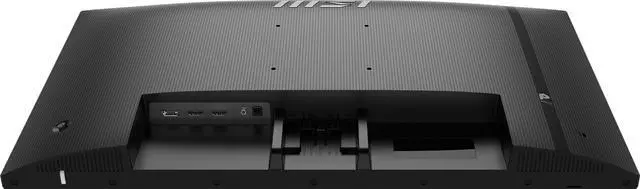
Our professional monitor is designed to keep you connected and enhance your productivity with a variety of input ports. Whether you're working or entertaining, the versatile connectivity options ensure seamless integration with all your devices.
HDMI™ 2.0 (2560x1440/75Hz, HDMI-CEC for consoles)
DisplayPort 1.2a (2560x1440/75Hz)
We want to ensure your holiday shopping this year is hassle-free. That’s why we’re automatically extending our return policies on almost every product! For purchases placed between November 1st, 2026 and December 31, 2026 you will have until January 31, 2027 to return your product.
The MSI PRO MP273Q E7 is a 27-inch QHD IPS monitor for programming, coding, and website design, with 2560 × 1440 resolution, a 75Hz refresh rate, and wide 178° viewing angles for a clear, spacious work area.
| Attribute | Value |
|---|---|
| Best For | Business and desktop use, including programming and design workspaces, with a 27-inch QHD IPS display |
| Panel And Resolution | 27-inch flat IPS display with a 2560 × 1440 QHD resolution, 16:9 aspect ratio, 0.2331 mm pixel pitch, and 178° horizontal and vertical viewing angles |
| Refresh Rate And Response | 75 Hz refresh rate, 1 ms response time, and Adaptive Sync with G-Sync compatibility |
| Image Quality | 250 cd/m² brightness, 1,000:1 contrast ratio, 16.7 million colors, 85% Adobe RGB, 90% DCI-P3, 128% sRGB, and HDR Ready |
| Ports And Connectivity | 1 DisplayPort 1.2a, 2 HDMI 2.0 ports, 1 headphone jack, and no USB ports |
| Stand And Ergonomics | Tilt-adjustable stand with 100 × 100 mm VESA mounting; includes Eye-Q and eye-care features, low blue light, flicker-free operation, cable management, and a Kensington lock |
| Power And Energy | 100–240 VAC, 50/60 Hz power supply; 17 W power consumption |
| Physical Design | Matte black finish with dimensions of 18.53 × 24.15 × 7.91 inches with stand and 14.35 × 24.15 × 2.34 inches without stand; weighs 9.04 lb |
| Built-In Audio And Webcam | No built-in speakers or webcam |
| Model Identifiers | MSI PRO MP273Q E7 |
Q: MSI PRO MP273Q E7 vs PRO MP275Q: which is better for work?
A: Both are 27-inch QHD IPS monitors for productivity. Choose the PRO MP273Q E7 for its 75Hz refresh rate, MSI Eye-Q Check, and accessory slot; choose the PRO MP275Q for its higher 100Hz refresh rate and 300-nit brightness. The E7 is a fit for a work setup that prioritizes its desk-convenience and eye-care features.
Q: Should I get the MSI PRO MP273Q E7 or PRO MP273Q E14 for gaming and work?
A: Both are 27-inch QHD IPS monitors with Adaptive-Sync. The PRO MP273Q E7 runs at 75Hz and includes an accessory slot and MSI Eye-Q Check, while the PRO MP273Q E14 runs at 144Hz and is positioned for smoother gaming as well as work. Choose the E7 for its work-focused convenience features; choose the E14 when a higher refresh rate is a priority.
Q: MSI PRO MP273Q E7 vs G272QPF E2: which should I choose for gaming?
A: Both offer a 27-inch 2560 × 1440 IPS display and Adaptive-Sync. The PRO MP273Q E7 has a 75Hz refresh rate and is positioned for work and home productivity; the G272QPF E2 is a gaming-focused model with a 180Hz refresh rate and Rapid IPS panel. Choose the E7 for a productivity-centered setup, or the G272QPF E2 when gaming motion and refresh rate are the priority.
Q: Is this monitor suitable for coding and everyday office work?
A: Yes. Its 27-inch 2560 × 1440 IPS screen is suited to coding, browsing, and office tasks that benefit from a larger workspace and wide viewing angles. The stand adjusts for tilt only, so it does not provide built-in height or pivot adjustment.
Q: Does it have built-in speakers or a webcam for video meetings?
A: No. This monitor has neither built-in speakers nor a webcam. Use separate speakers or headphones and an external webcam for meetings.
Q: Can I connect a laptop to this monitor?
A: Yes, if the laptop has HDMI or DisplayPort video output. The monitor has two HDMI 2.0 ports and one DisplayPort 1.2a port, but no USB-C video input; a compatible USB-C-to-HDMI or USB-C-to-DisplayPort adapter may be needed.
Q: Can I mount it on a monitor arm or wall mount?
A: Yes. It supports VESA 100 × 100 mm mounting, so it can be used with a compatible arm or mount. Check that the mount supports the monitor’s size and weight.
Q: Should I return the monitor if I see ghosting or color artifacts after waking it from sleep?
A: One owner reported a brief display issue that disappeared after reconnecting HDMI; the same discussion later reported no recurrence across multiple sleep-wake cycles. That single report does not establish a common defect. Try another cable or input and check whether the issue recurs; consider a return if it persists during the return window.
Q: Is this a reasonable 27-inch QHD monitor for a Mac mini and creative work?
A: It matches the 27-inch QHD IPS setup discussed in a Mac mini monitor thread, and its listed 2560 × 1440 resolution and wide color-gamut coverage may suit general creative work. The discussion does not verify its color accuracy or macOS scaling, so check those requirements before relying on it for color-critical work.


