




 here!
I’m your shopping assistant for PC builds, upgrades, and everything tech.
Got questions? Ask away!
Start a conversation
here!
I’m your shopping assistant for PC builds, upgrades, and everything tech.
Got questions? Ask away!
Start a conversationShipped by Newegg

Make informed decisions with expert advice. Learn More

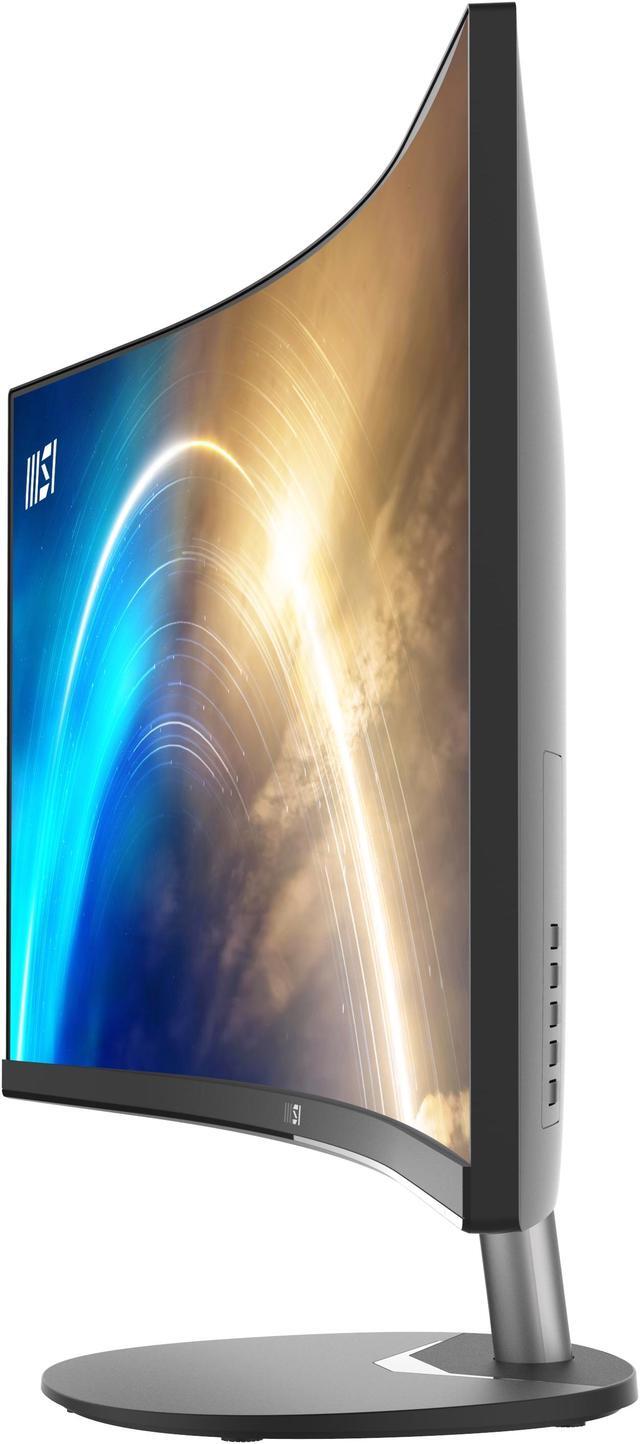
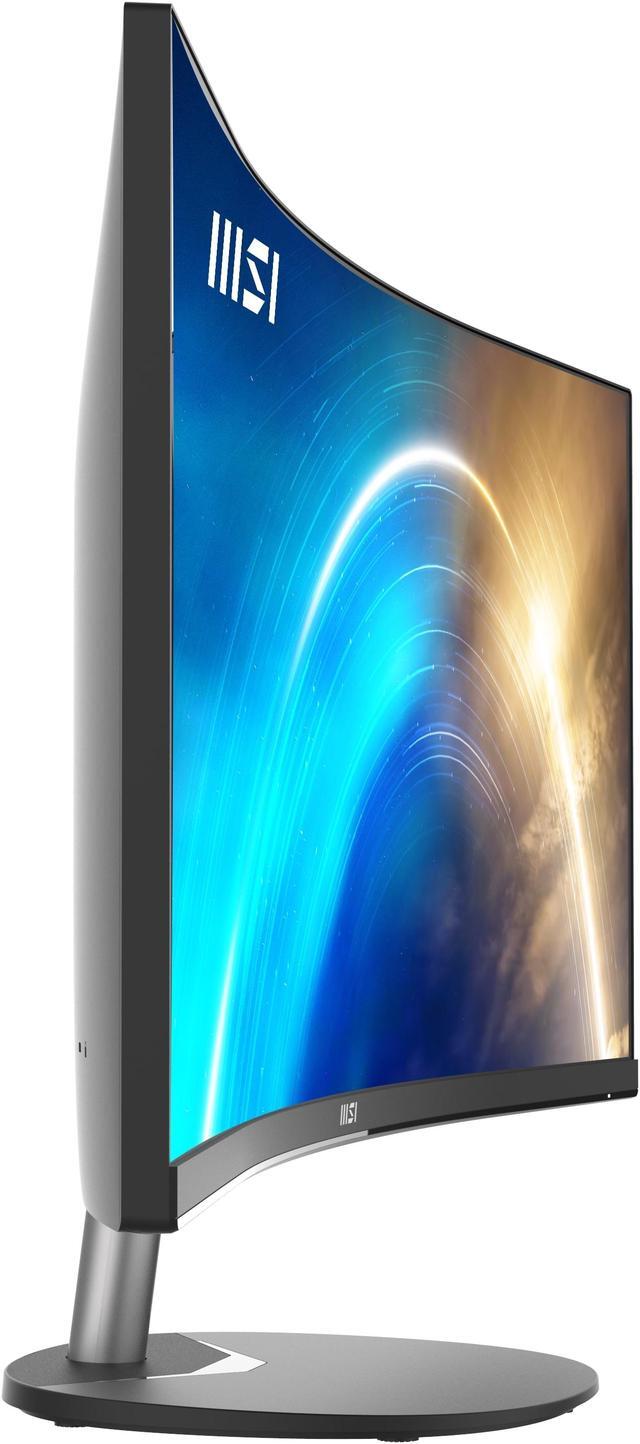
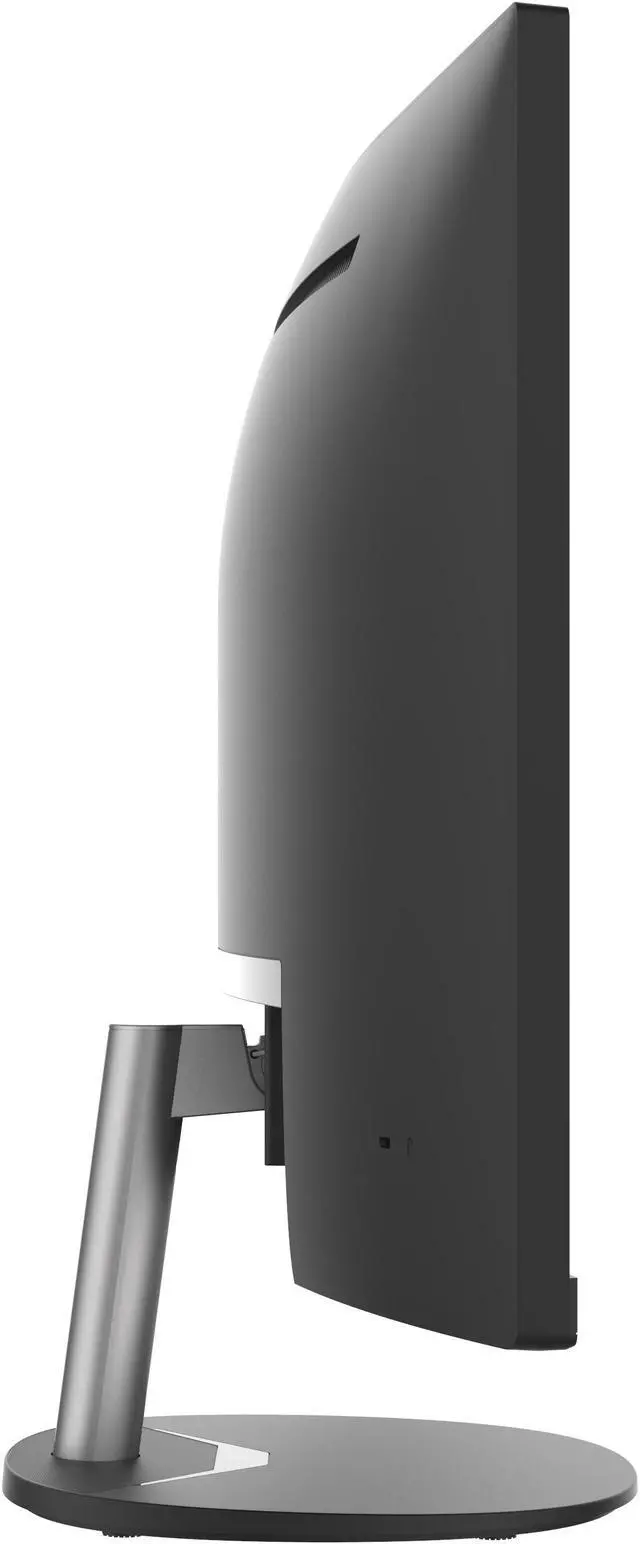
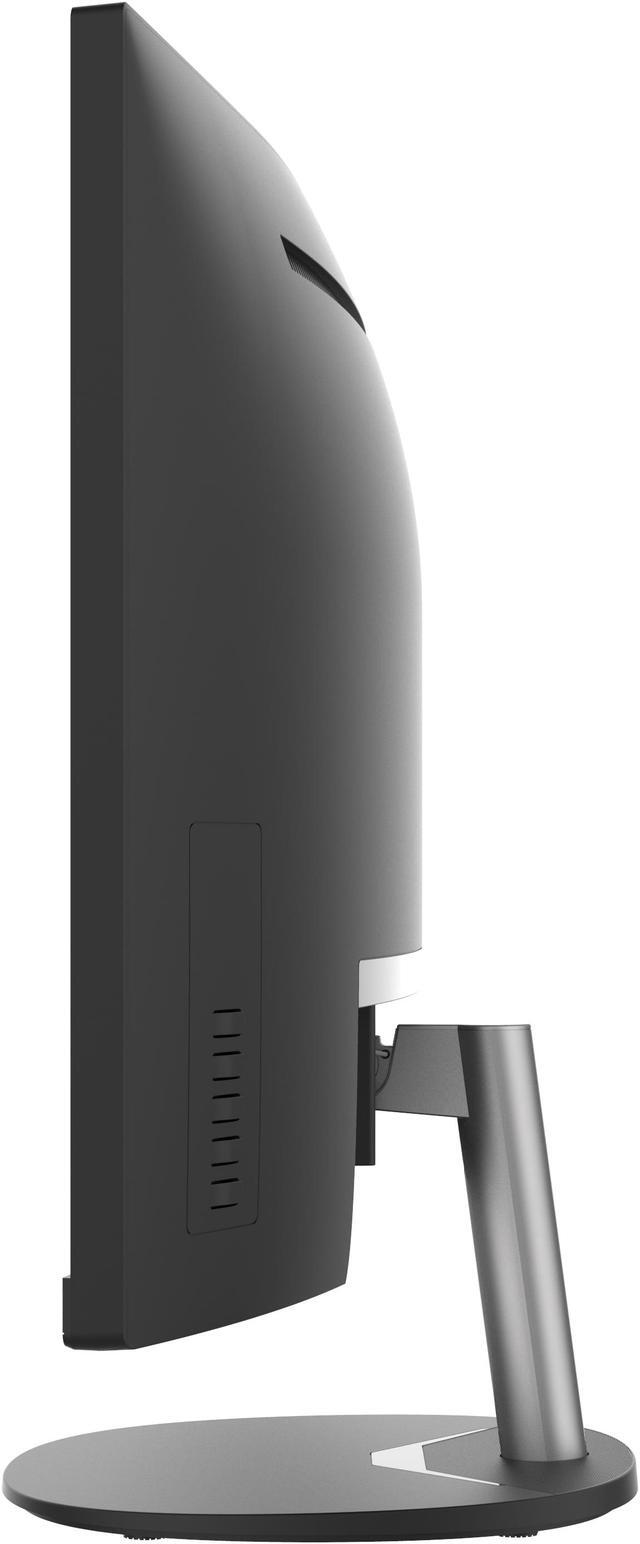
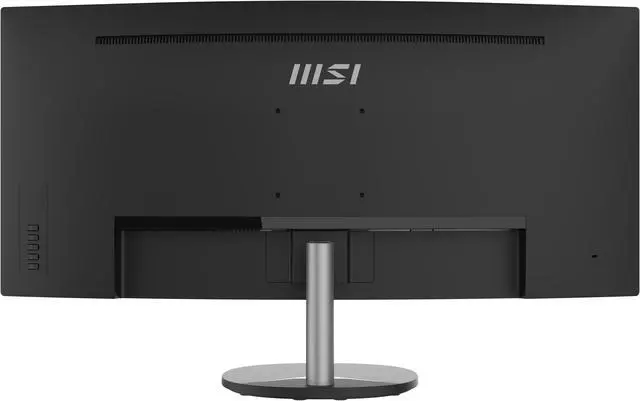
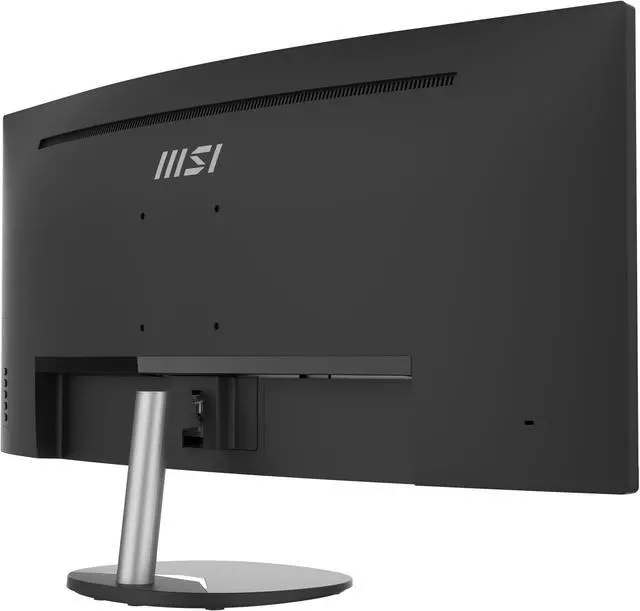
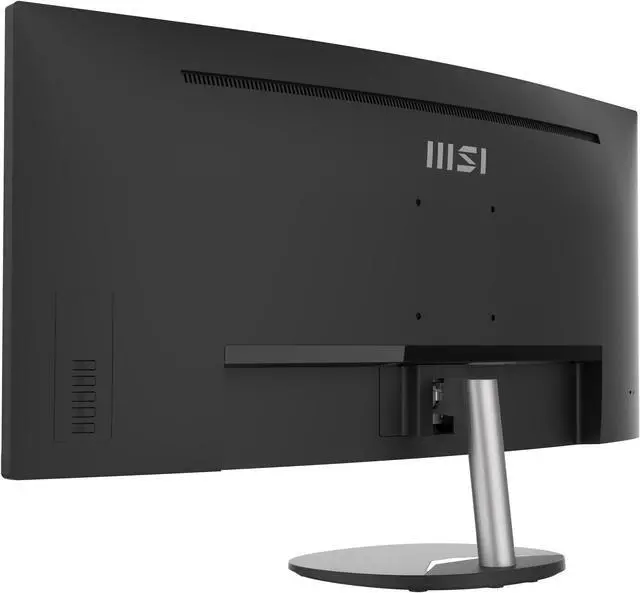



Any questions? Ask CelesteSM will help you find out quickly.


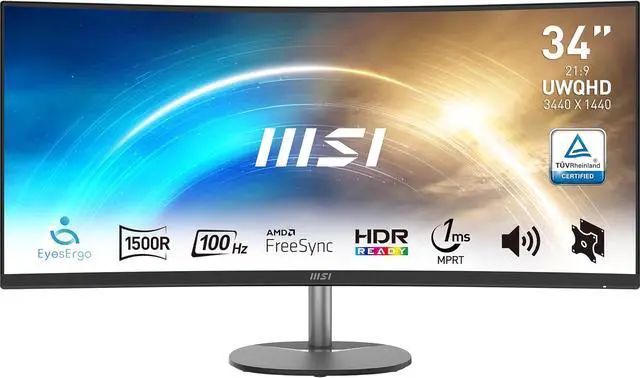
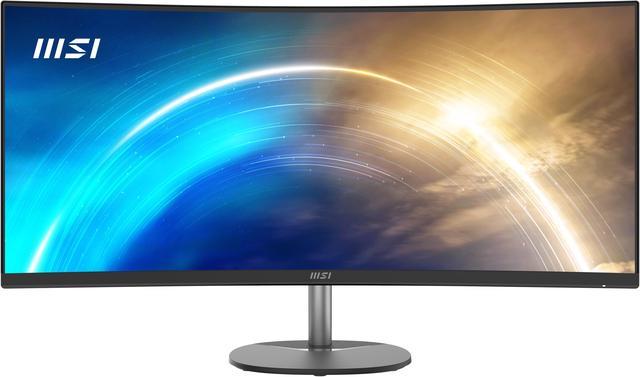
Broaden your horizons with the ultra-wide 21:9 PRO MP341CQ Series and enjoy every detail of your movie.

Use it as dual monitors and work with multiple windows at the same time or check your timeline and materials without adjusting or changing the using area.

A high refresh rate display provides a better viewing experience. Also, the more images shown at the same time, the less burden will impose on your eyes.


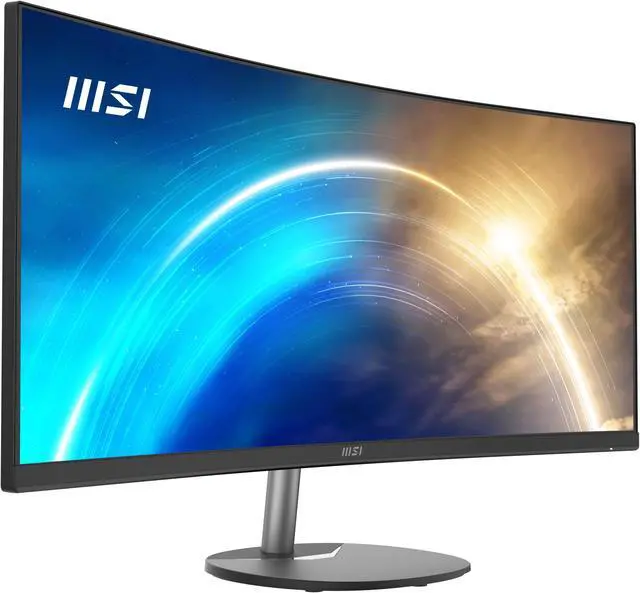
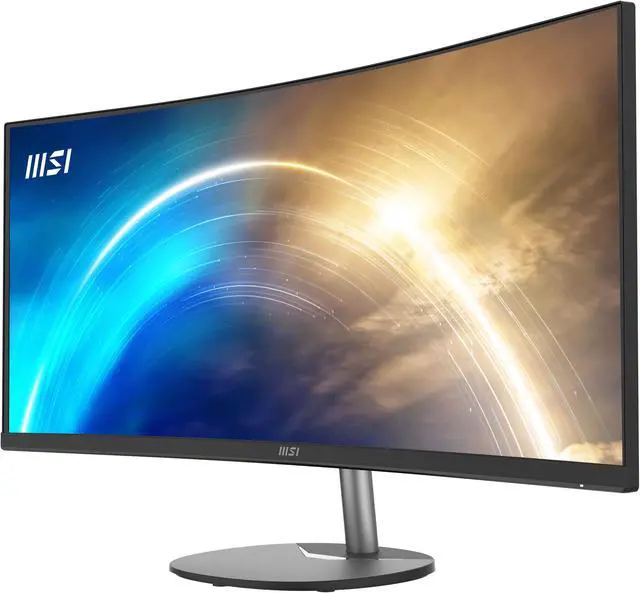
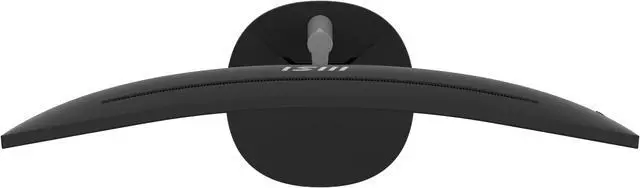
Enjoy the most immersive viewing experience with its 1500R curvature for your work & amusement.

Focus on what you are doing with a comprehensive and natural viewing angle.


A more uniform focal distance brings you a comfortable viewing experience.

Ideal for working and amusement with less eye fatigue zone and ultimate viewing comfort.

Thanks to MSI Anti-Flicker technology, a stable output current for the monitor is provided. It will help against dry eyes, eyestrain, and lower the chance to need reading glasses in the future.


The Less Blue Light Mode filters visual exposure to the blue spectrum light during daily use scenarios and bring the most comfortable viewing experience for users.

Experience a wider and immersive field of view without much ocular strain.

Enjoy a more natural viewing experience for you while focusing on your work & amusements.

Mount the Mini PC Cubi Series on the back or enjoy a clean cable management with the MSI VESA Arm MT81 which support the VESA standard to share any information or e-learning material with family at home or in the office.

Enhance your efficiency & productivity when you pre-view your E-commerce content & data at home or in the office.
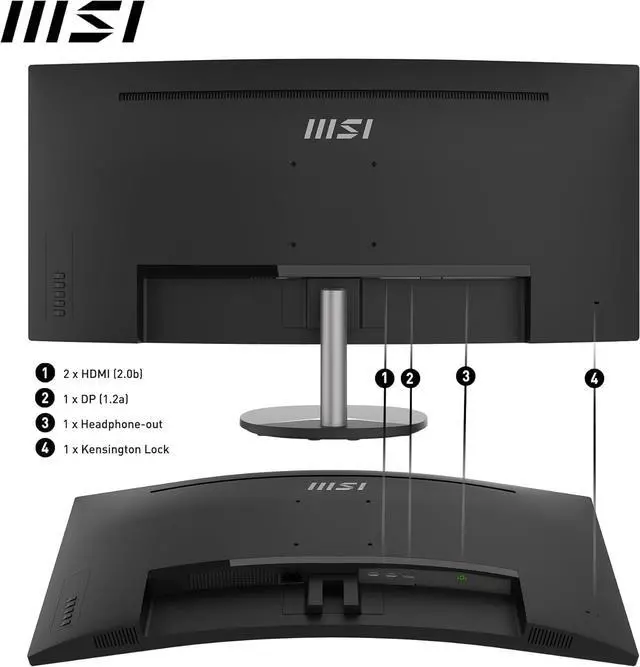
Multiple input design (2x HDMI™ & 1x DP) allows you to work or learn with multiple devices efficiently.

Display Modes
Featuring multiple display modes that are factory calibrated, you can enjoy every scene and detail to the fullest.


 Less Distortion

The MSI exclusive software Display Kit provides the most convenient tool, the proper display that allows you to read and enjoy the image at the same time & color mode to you while working or everyday.

With two built-in speakers, users were allowed to listen to audio files, to attend online conferences, or to edit videos at any time without carrying an external speaker or wearing a headphone.

We want to ensure your holiday shopping this year is hassle-free. That’s why we’re automatically extending our return policies on almost every product! For purchases placed between November 1st, 2026 and December 31, 2026 you will have until January 31, 2027 to return your product.
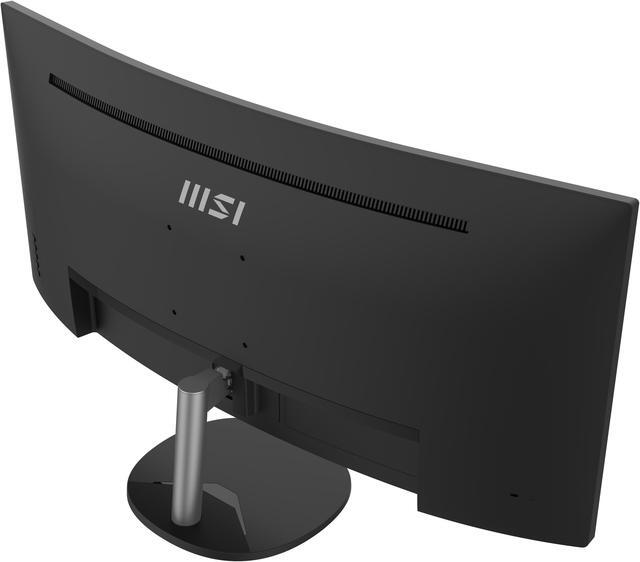
The MSI Pro MP341CQ is a 34-inch curved UWQHD monitor with a 21:9, 3440 × 1440 display, suited to multitaskers who want room for multiple windows or a wide workspace on one screen.
| Attribute | Value |
|---|---|
| Best For | Business multitasking and conference calls, with a 34-inch ultrawide display and built-in speakers |
| Panel And Resolution | 34-inch curved VA LCD with UWQHD resolution of 3440 × 1440, a 21:9 aspect ratio, 1500R curvature, and anti-glare screen |
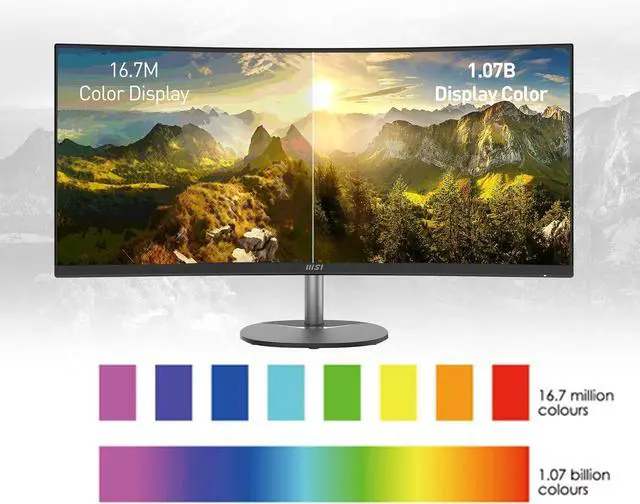
| Image Quality | 250 cd/m² brightness, 3000:1 contrast ratio, 178° horizontal and vertical viewing angles, 10-bit color (8-bit + FRC), and 0.23175 mm pixel pitch |
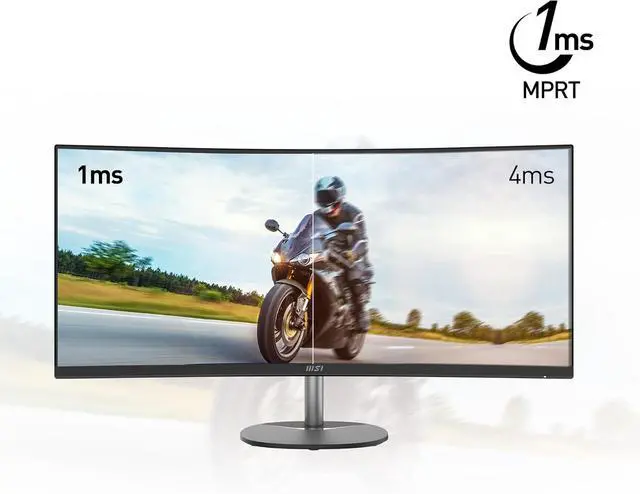
| Refresh Rate And Response | 100 Hz refresh rate and 1 ms response time; supports up to 3440 × 1440 at 100 Hz over HDMI or DisplayPort |
| Adaptive Sync | AMD FreeSync adaptive sync and G-Sync compatibility |
| Ports And Connectivity | Two HDMI 2.0b inputs, one DisplayPort input, and one headphone output; compatible with devices using HDMI or DisplayPort |
| Speakers And Audio | Two built-in 2 W speakers |
| Stand And Mounting | Tilt adjustment from -3.5° to 21.5°; supports 100 × 100 mm VESA mounting and arm mounting |
| Power | 29 W power consumption; 100–240 VAC, 50/60 Hz power supply |
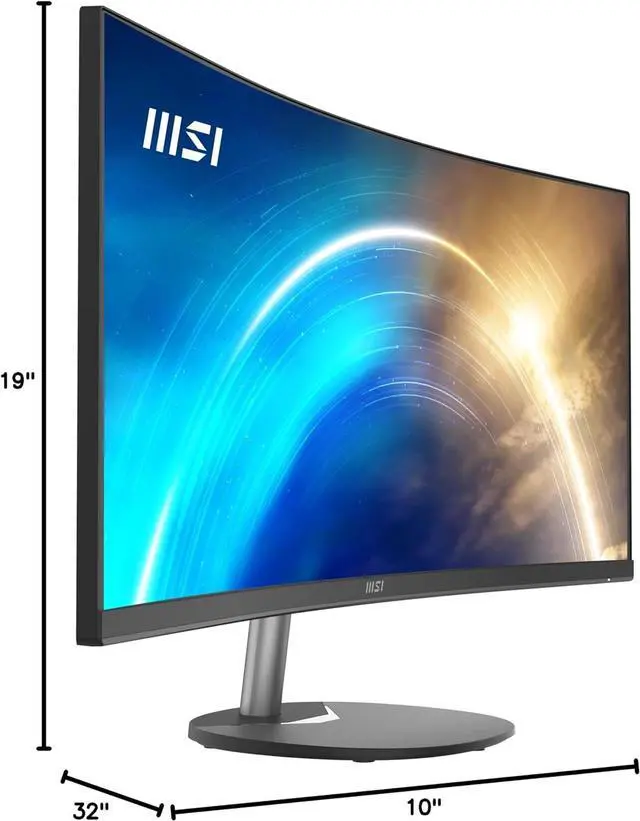
| Dimensions And Weight | With stand: 31.86 × 18.48 × 9.33 inches; without stand: 31.86 × 10.63 × 2.55 inches; weighs 16.98 lb |
| Included Accessories | Power cord and HDMI cable |
| Model Identifiers | MSI Pro MP341CQ; matte black cabinet |
Q: MSI PRO MP341CQ or Modern MD342CQPW for a work-from-home setup?
A: Both are 34-inch, 3440 × 1440 curved ultrawide monitors. Choose the PRO MP341CQ for a straightforward desktop setup with HDMI and DisplayPort connections, built-in speakers, and a 100Hz refresh rate. The Modern MD342CQPW is positioned for laptop-centered workflows, adding USB-C with up to 98W power delivery, KVM support, and a 120Hz refresh rate.
Q: MSI PRO MP341CQ or Optix MAG342CQR for gaming?
A: Both provide a 34-inch, 3440 × 1440 curved VA display. The PRO MP341CQ pairs its 100Hz refresh rate with a work-and-home focus and built-in speakers. Choose the Optix MAG342CQR if gaming is the priority and you want a 144Hz refresh rate over DisplayPort.
Q: MSI PRO MP341CQ or MPG 341CQPX QD-OLED for a 34-inch ultrawide?
A: Choose the PRO MP341CQ for a work-focused setup with a 100Hz LCD panel, HDMI and DisplayPort inputs, and built-in speakers. The MPG 341CQPX QD-OLED is the higher-refresh gaming-focused option, with a 240Hz QD-OLED panel, 0.03ms GtG response time, and USB-C connectivity with up to 98W power delivery.
Q: Can this monitor replace a two-monitor setup for office work?
A: It can provide a wide workspace for viewing documents or applications side by side: the 34-inch screen has a 21:9 aspect ratio and 3440 × 1440 resolution. Whether it replaces two monitors depends on how much screen space and separation your workflow needs; split-screen software may help organize windows.
Q: Can I mount this monitor on a monitor arm or wall mount?
A: Yes. It supports a 100 × 100 mm VESA mount. Check that your arm or wall mount supports this pattern and can hold the monitor’s weight.
Q: Are the built-in speakers enough for video calls?
A: The monitor has two built-in 2 W speakers for audio playback, but it has no built-in webcam. The listed specifications do not identify a microphone, so plan to use a separate webcam and microphone if your video-call setup needs them.
Q: Can the MSI PRO MP341CQ replace two monitors for office work?
A: It can suit workflows that place documents, spreadsheets, or browser windows side by side: its 34-inch, 3440 × 1440 ultrawide screen provides one continuous workspace. It is not a like-for-like replacement if you rely on two physically separate screens or need more vertical screen space.
Q: Is the MSI PRO MP341CQ suitable for productivity and occasional gaming?
A: It is a better fit for office work, multitasking, and casual gaming than for competitive gaming. The 100Hz refresh rate and FreeSync support gaming, but this is a VA ultrawide rather than a high-refresh-rate gaming-focused display.
Q: Will the MSI PRO MP341CQ work with a MacBook?
A: A Reddit user reports using the monitor at its native resolution with a MacBook Pro M1. The monitor has HDMI and DisplayPort inputs, not USB-C video input, so a MacBook may need a compatible cable, adapter, or dock; check that the laptop and connection support 3440 × 1440.
Q: Are the built-in speakers and stand enough, or will I need extras?
A: The two 2W speakers may be adequate for basic calls, but a YouTube review describes them as weak, so use external speakers or headphones if sound quality matters. The stand supports tilt adjustment; consider a VESA mount if you need different positioning.


