here!
I’m your shopping assistant for PC builds, upgrades, and everything tech.
Got questions? Ask away!
Start a conversation
here!
I’m your shopping assistant for PC builds, upgrades, and everything tech.
Got questions? Ask away!
Start a conversation


Any questions? Ask CelesteSM will help you find out quickly.
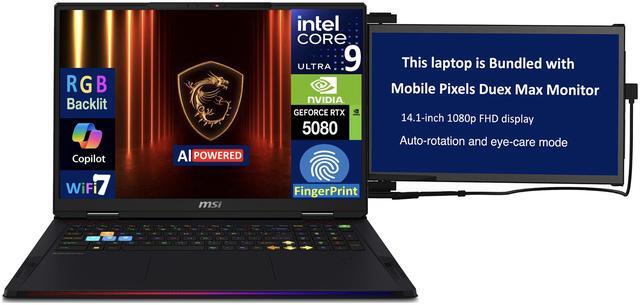
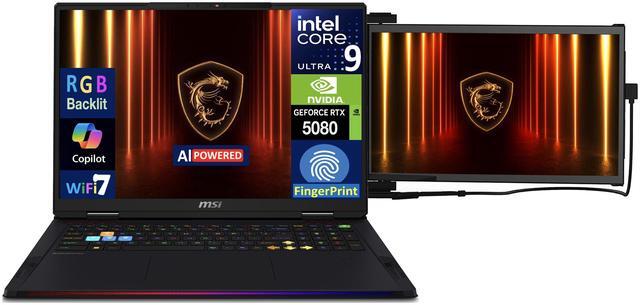
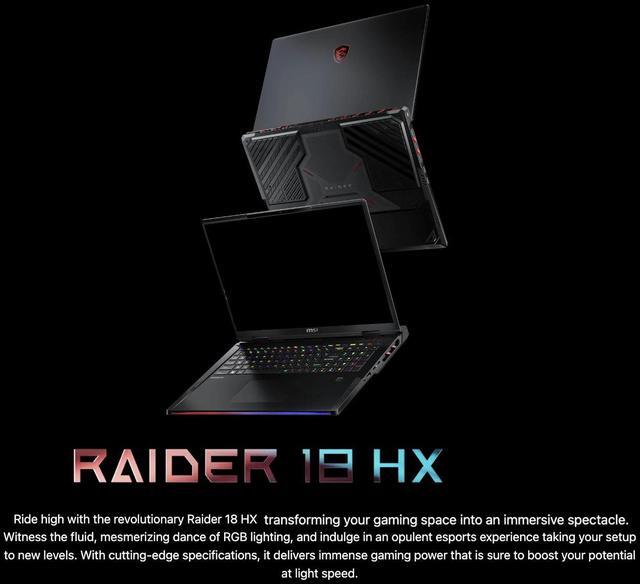
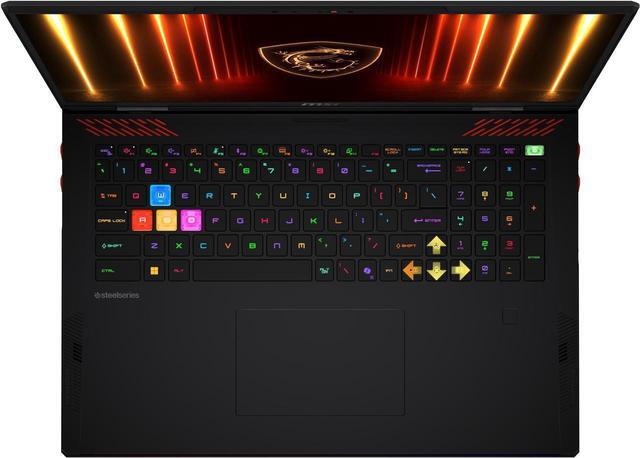
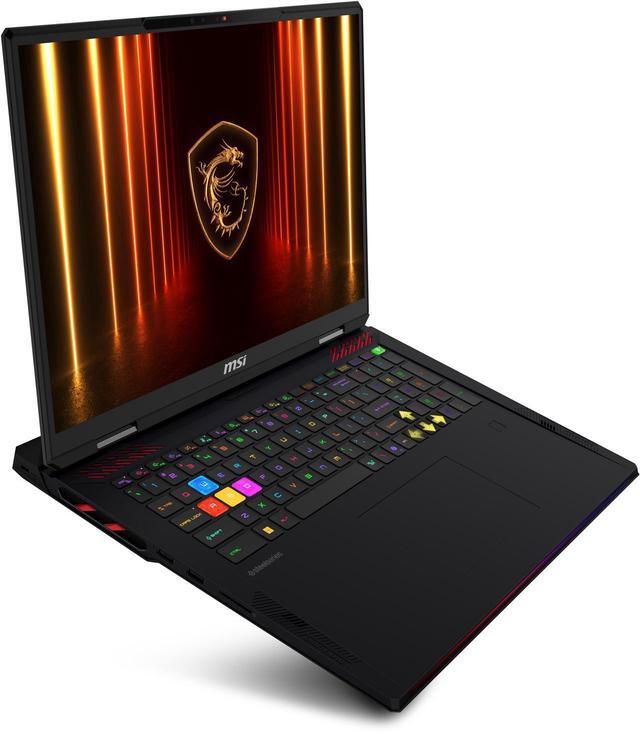
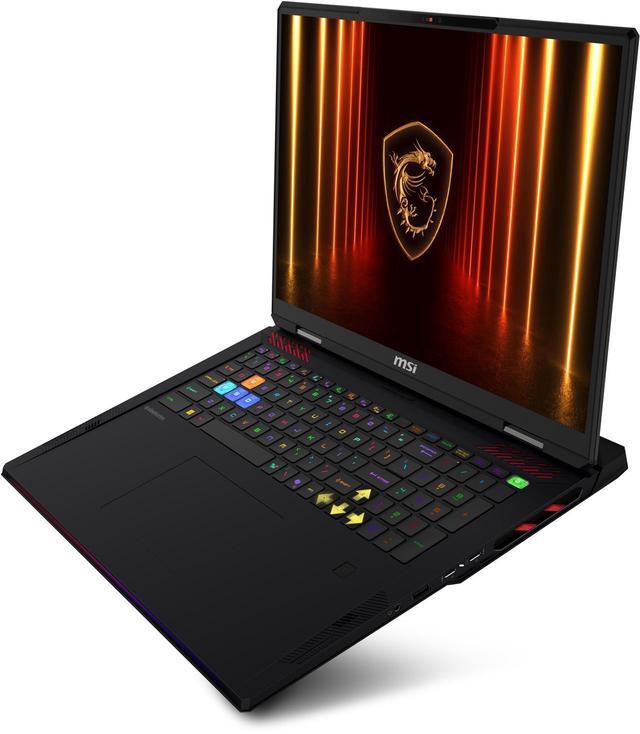
The MSI Raider is an 18-inch gaming laptop with an Intel Core Ultra 9 285HX, GeForce RTX 5080 16GB, 64GB DDR5 memory, and 4TB of SSD storage. It suits gamers and creators who need high-performance hardware for demanding games and workloads, with an included 14-inch Duex Max DS portable monitor.
| Attribute | Value |
|---|---|
| Best For | Gaming on a large, high-resolution display, with a dedicated NVIDIA GeForce RTX 5080 graphics card and Intel Core Ultra 9 processor |
| Processor And Performance | Intel Core Ultra 9 285HX with boost speeds up to 5.5 GHz and 36 MB of L3 cache |
| Graphics | Dedicated NVIDIA GeForce RTX 5080 graphics |
| Display | 18-inch display with 3840 × 2400 resolution and a 120 Hz refresh rate; non-touch |
| Memory | 64 GB DDR5 SO-DIMM memory |
| Storage | 4 TB total across two 2 TB PCIe SSDs; no HDD |
| Networking And Connectivity | Wi-Fi 7 (802.11be), Bluetooth 5.4, and HDMI, with one headphone/microphone combo jack |
| Webcam And Privacy | Webcam included |
| Keyboard And Controls | Backlit standard keyboard |
| Expansion And Optical Drive | Card reader included; no optical drive |
| Operating System | Windows 11 Pro |
| Design | Black finish |
| Model Identifiers | MSI Raider |
Q: Should I get the MSI Raider 18 HX AI with RTX 5080 or RTX 5090?
A: Choose this RTX 5080 configuration for a 16GB GPU paired with the Raider’s 18-inch 4K Mini LED display and high-end Intel processor. Choose the Raider RTX 5090 configuration if your priority is the higher GPU tier and its 24GB of graphics memory for GPU-intensive gaming or creative workloads.
Q: Is the Raider 18 HX AI RTX 5080 worth choosing over its RTX 5070 Ti version?
A: Choose this RTX 5080 version when you want the higher GPU tier alongside the 18-inch 4K Mini LED display, Core Ultra 9 285HX, 64GB RAM, and 4TB storage in this listing. The Raider 18 HX AI RTX 5070 Ti is the lower-GPU-tier option within the same series.
Q: MSI Raider 18 HX AI or Stealth 18 HX AI for gaming and carrying around?
A: Choose the Raider 18 HX AI for its 4K 120Hz Mini LED display and performance-focused configuration, including the RTX 5080 and Core Ultra 9 285HX in this listing. Choose the Stealth 18 HX AI when a lighter 18-inch MSI laptop is a priority; MSI lists it at 6.39 lb, compared with about 7.94 lb for the Raider.
Q: Is this laptop suitable for office work, schoolwork, and meetings?
A: Yes. Its 24-core processor, 64GB of memory, Windows 11 Pro, and built-in webcam are suitable for office apps, multitasking, and video calls. The 18-inch size is less convenient for carrying between locations, and the listing does not specify battery runtime.
Q: Is it a good laptop to take on trips?
A: It can be transported, but it is better suited to travel where you can bring its power adapter than to all-day mobile use. The 18-inch screen may be less convenient to carry, and the listing gives a 95Wh battery but no estimated runtime or laptop weight.
Q: Can I connect an external monitor to it?
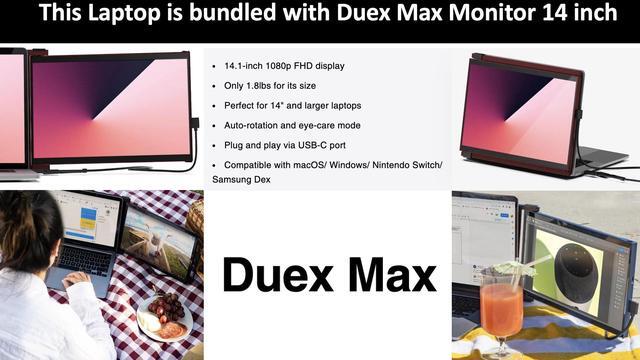
A: Yes. The listing specifies one HDMI port and two Thunderbolt 5 ports, and says a 14-inch Duex Max DS monitor is included. It does not specify the maximum number of external displays or the supported resolution and refresh-rate combinations for each port.
Q: Is the MSI Raider 18 HX AI worth buying for high-end gaming?
A: It is best suited to buyers who prioritize high-end gaming, a large 4K Mini LED screen, and desktop-replacement performance. The listed configuration has an RTX 5080, 64GB RAM, and 4TB of storage; a reviewer tested the 285HX/RTX 5080 model in multiple games but also characterized it as expensive. Whether it is worth the price depends on the current asking price and how much you value those features.
Q: Is it practical to take the Raider 18 HX AI on trips?
A: It is less suited to frequent travel than to desk-based use: the 18-inch system is described in a review as big and heavy. The same review measured about 5.5 hours for light productivity and about 2 hours while gaming, so battery life depends heavily on workload.
Q: Is the 4K Mini LED display suitable for gaming and color-critical editing?
A: It is a strong fit for gaming if you want a 4K, 120Hz display; a review describes the display as impressive for gaming. The same review cautions that local dimming and calibration make it less suitable for professional color-critical editing.
Q: Should I expect high CPU temperatures or loud fans?
A: One owner of a matching 285HX/RTX 5080 configuration reported occasional CPU-core peak readings above 100°C and found maximum fan speed noisy, while reported live readings were lower. This is an individual report, not evidence that every unit behaves the same way; it does indicate that fan noise and CPU temperature readings are worth checking under your own workload.