






The MsTental Story
About us
Born from the urgent need to keep the wheels of daily life turning smoothly, we are more than just a provider of parts; we are the custodians of seamless operation. For over 30 years, our journey has been fueled by a singular mission: to bridge the gap between malfunction and mastery, ensuring that every device, from washing machines to commercial HVAC systems, operates at its peak.

Our commitment to quality is woven into the fabric of our brand ethos, where surgical precision meets automated excellence. Each component we produce is a testament to our dedication to high standards, crafted from premium materials and designed with cutting-edge technology. With MsTental, you invest in parts that are “used for long, trusted for life.”
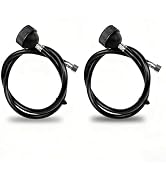
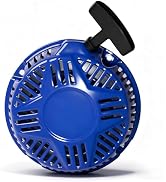
Brand Product
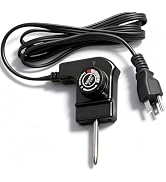
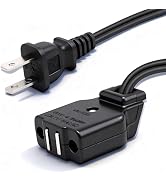
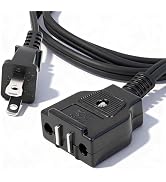
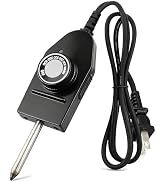
Brand Product
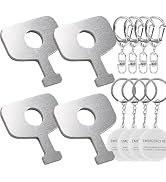
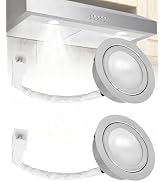
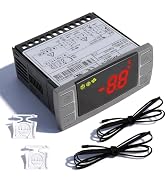
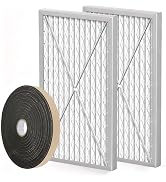
Brand Product
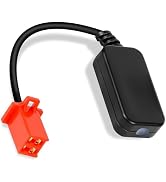
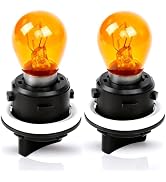
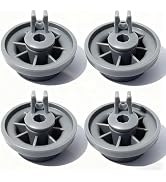
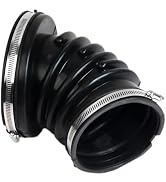
Brand Product
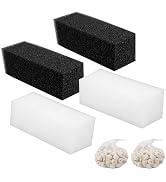
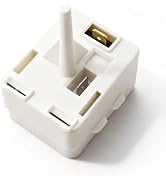
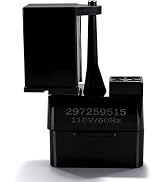
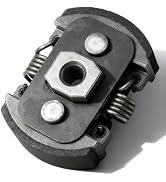
Brand Product
What makes our product unique?
Our story is not just about products; it's about
people. Our solutions cater to those who value
cost-effectiveness and sustainability.
Why do we enjoy working?
Behind every MsTental product is a team of
seasoned experts, whose passion for
innovation fuels our brand's heartbeat. This
dedication is our driving force, inspiring us to
continually push the boundaries of what's
possible in repair and maintenanc.
What about the future?
We aspire to be the cornerstone of your repair
needs, offering quality and reliability.


Advanced RGB Control
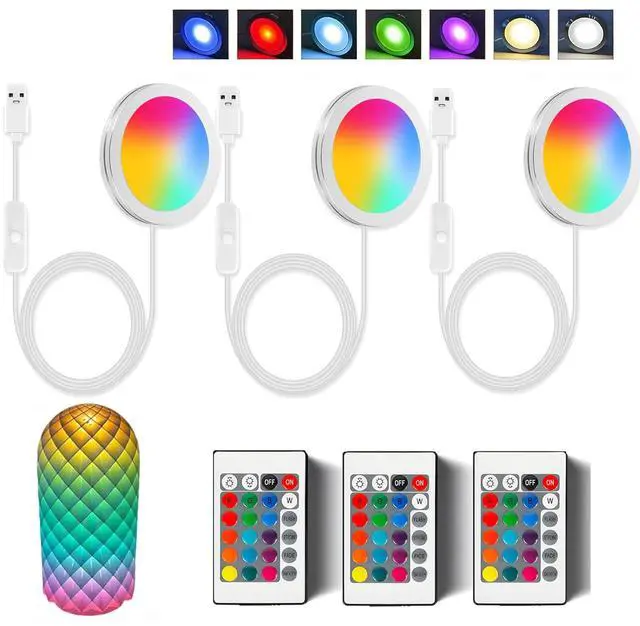
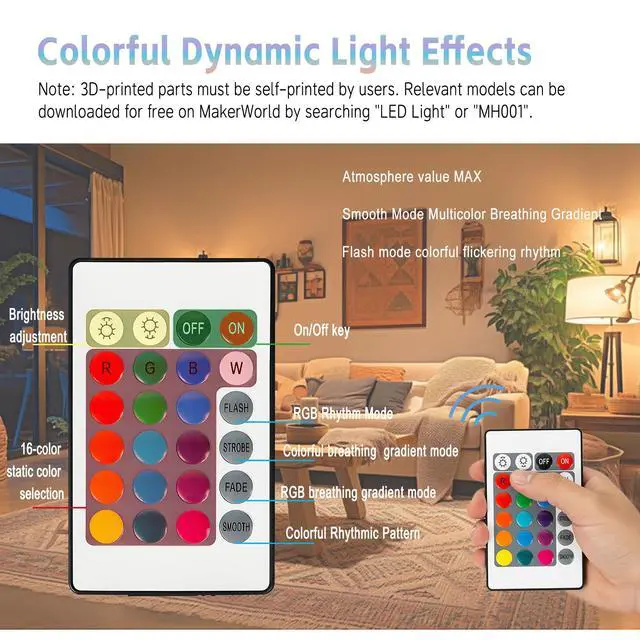
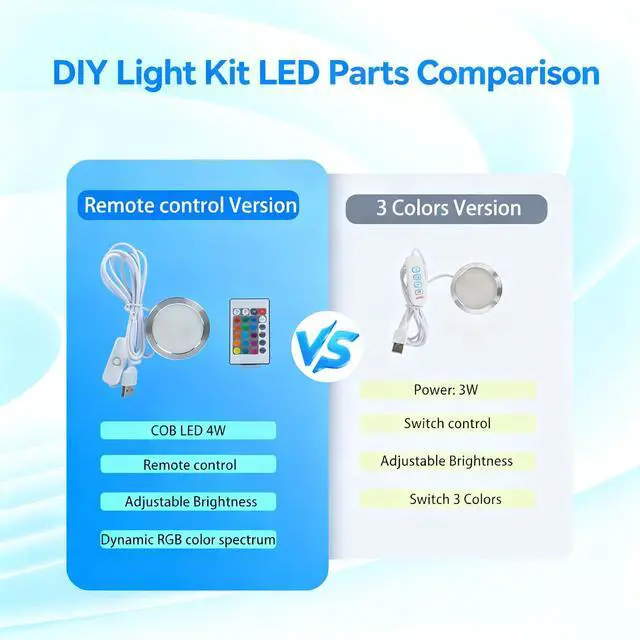
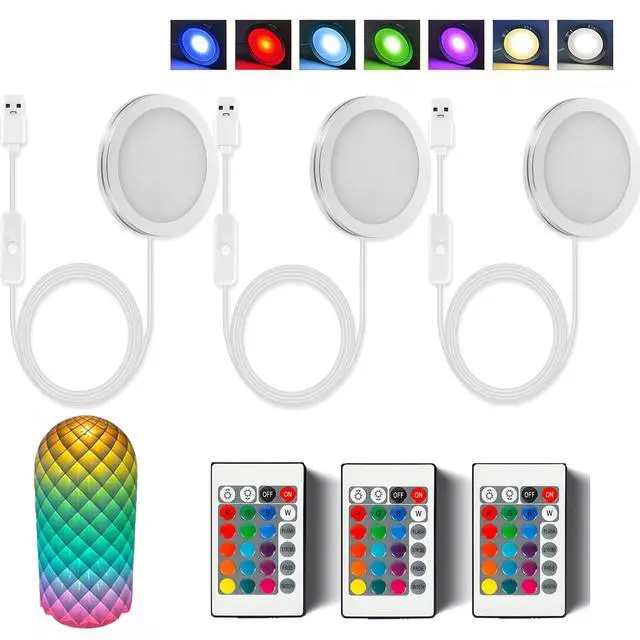
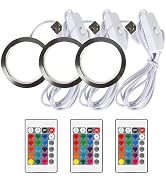
Effortlessly switch between 16 vibrant colors and dynamic RGB gradients using the included remote control or manual switch. Enjoy customizable brightness and speed settings to match any mood or occasion.

Versatile Application Scenarios
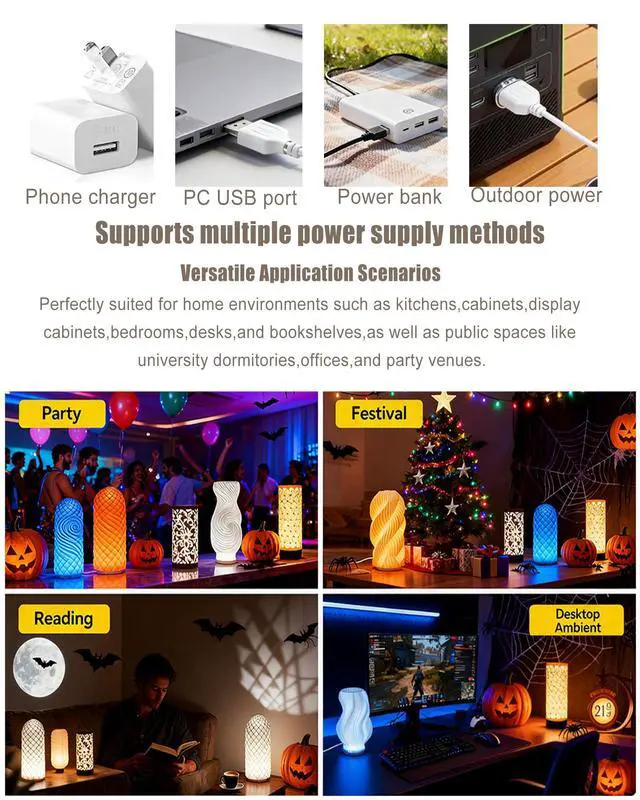
Perfectly suited for home environments such as kitchens,cabinets,display cabinets,bedrooms,desks,and bookshelves,as well as public spaces like university dormitories,offices,and party venues.

Supports multiple power supply methods
Powered by a 5V 1A USB connection, it works seamlessly with various power sources like chargers, computers, or power banks.
Product Details

DIY Creativity Unleashed
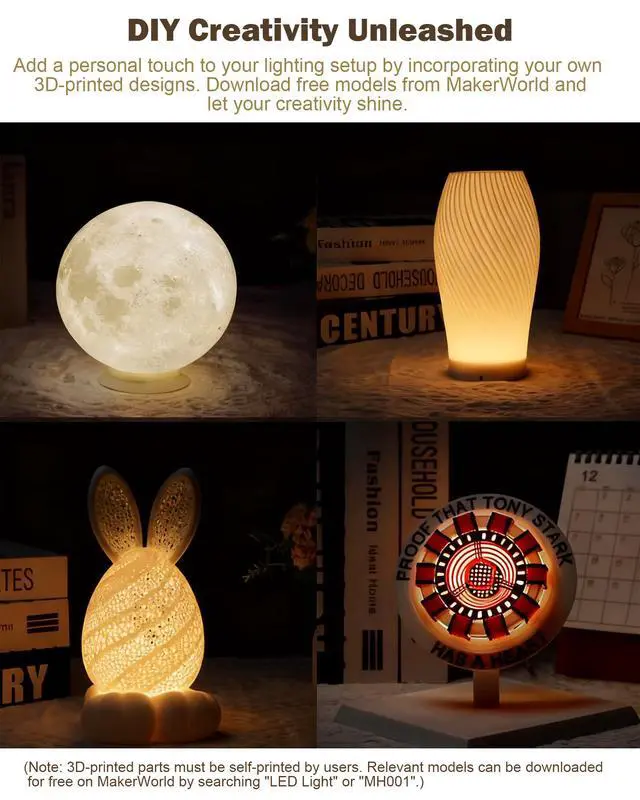
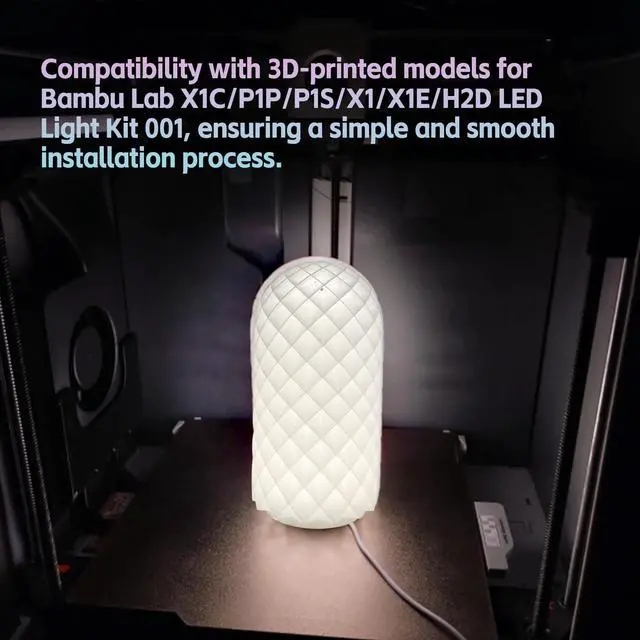
Add a personal touch to your lighting setup by incorporating your own 3D-printed designs. Download free models from MakerWorld and let your creativity shine. (Note:? 3D-printed parts must be self-printed by users. Relevant models can be downloaded for free on MakerWorld by searching "LED Light" or "MH001".)

DISASSEMBLE AND REORGANIZE FOR FUN
- Step1 Ftom top to bottom
- Step 2 Press in the light panel
- Step 3 Press in the channel
- Step 4 Rotate to a click


Advanced RGB Control
Effortlessly switch between 16 vibrant colors and dynamic RGB gradients using the included remote control or manual switch. Enjoy customizable brightness and speed settings to match any mood or occasion.
Versatile Application Scenarios
Perfectly suited for home environments such as kitchens,cabinets,display cabinets,bedrooms,desks,and bookshelves,as well as public spaces like university dormitories,offices,and party venues.
Supports multiple power supply methods
Powered by a 5V 1A USB connection, it works seamlessly with various power sources like chargers, computers, or power banks.
Product Details
DIY Creativity Unleashed
Add a personal touch to your lighting setup by incorporating your own 3D-printed designs. Download free models from MakerWorld and let your creativity shine. (Note:? 3D-printed parts must be self-printed by users. Relevant models can be downloaded for free on MakerWorld by searching "LED Light" or "MH001".)
DISASSEMBLE AND REORGANIZE FOR FUN
- Step1 Ftom top to bottom
- Step 2 Press in the light panel
- Step 3 Press in the channel
- Step 4 Rotate to a click
The MsTental Story
About us
Born from the urgent need to keep the wheels of daily life turning smoothly, we are more than just a provider of parts; we are the custodians of seamless operation. For over 30 years, our journey has been fueled by a singular mission: to bridge the gap between malfunction and mastery, ensuring that every device, from washing machines to commercial HVAC systems, operates at its peak.
Our commitment to quality is woven into the fabric of our brand ethos, where surgical precision meets automated excellence. Each component we produce is a testament to our dedication to high standards, crafted from premium materials and designed with cutting-edge technology. With MsTental, you invest in parts that are “used for long, trusted for life.”
Brand Product
Brand Product
Brand Product
Brand Product
Brand Product
What makes our product unique?
Our story is not just about products; it's about
people. Our solutions cater to those who value
cost-effectiveness and sustainability.
Why do we enjoy working?
Behind every MsTental product is a team of
seasoned experts, whose passion for
innovation fuels our brand's heartbeat. This
dedication is our driving force, inspiring us to
continually push the boundaries of what's
possible in repair and maintenanc.
What about the future?
We aspire to be the cornerstone of your repair
needs, offering quality and reliability.