






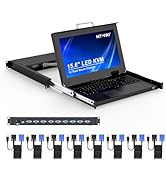
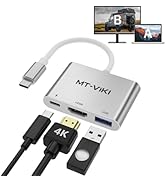
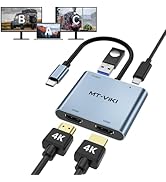
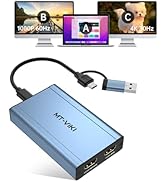
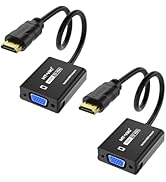
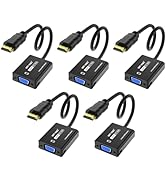
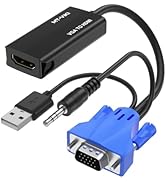
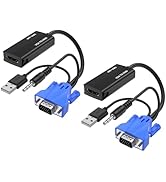
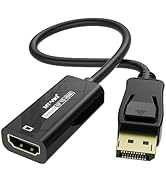
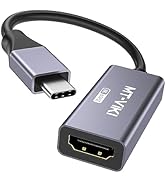
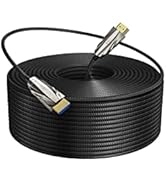
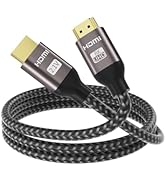
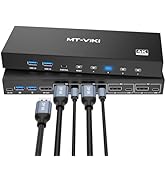
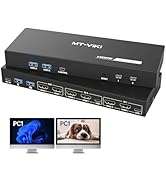
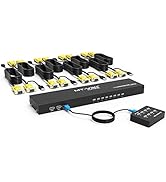
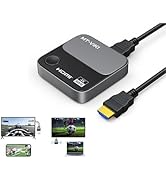
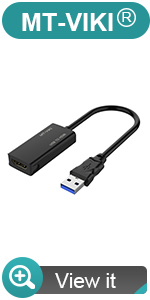
 usb 3.0 to hdmi adapter |  usb c to dual hdmi adapter |  USB C to HDMI Adapter |  DP to HDMI Adapter | 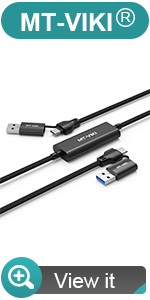 usb 3.0+usb c transfer cable |  hdmi to vga adapter | |
|---|---|---|---|---|---|---|
| Customer Reviews | — | — | — | — | — | — |
| Price | — | — no data | — no data | — no data | — no data | — no data |
| Source Interface | USB 3.0 Male | USB C Male | USB Type-C Male | USB Type-C Male | USB 3.0+USB C | HDMI Male |
| Display Interface | HDMI Female | HDMI*2+PD*1 | HDMI Female | HDMI Female | USB 3.0+USB C | VGA Female |
| Resolution | 1080p@60Hz | 4K@60Hz | 4K@60Hz/8K@60Hz | 4K@60Hz/8K@60Hz | 5Gbps | 1080P@60Hz |
| Plug & Play | X | ? | ? | ? | X | ? |
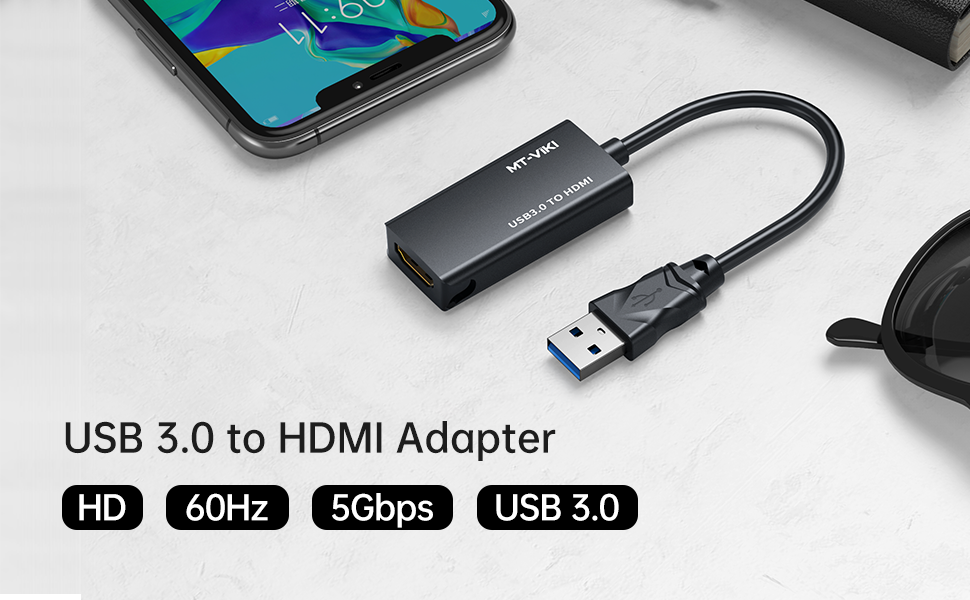
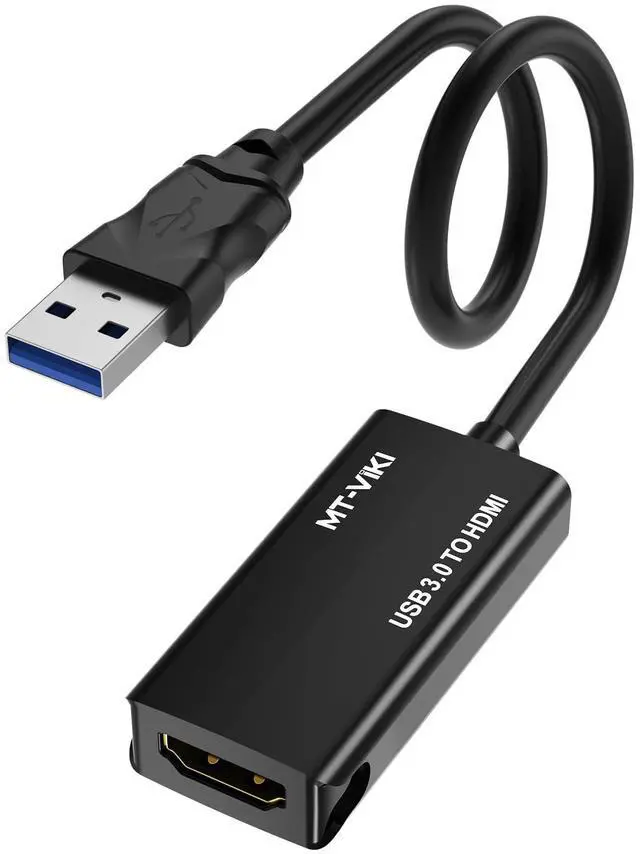
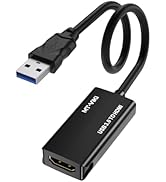
USB 3.0 to HDMI Adapter, MT-UH03
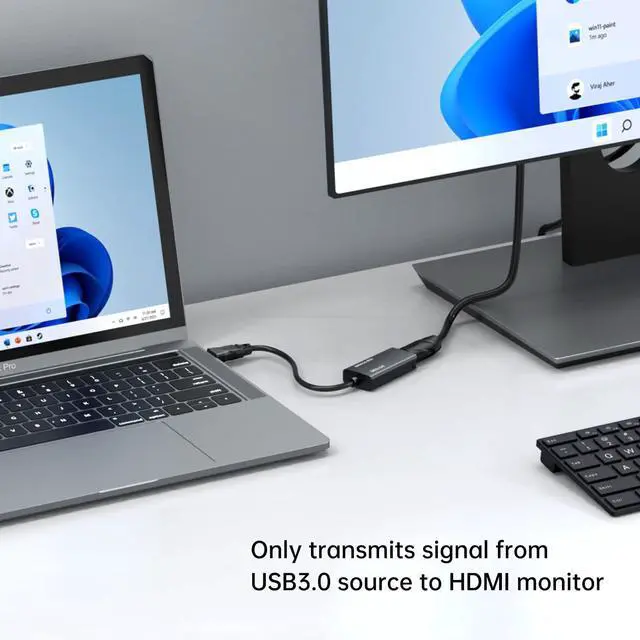
This USB 3.0 to HDMI Adapter provides a cost-effective and easy solution for connecting a desktop, laptop with USB 3.0 Port to a HDMI display such as monitor, projector or TV. Connect the USB 3.0 male end to the USB 3.0 port of your computer, And connect the HDMI female end to HDMI cable from the display.
*****
Specifications:
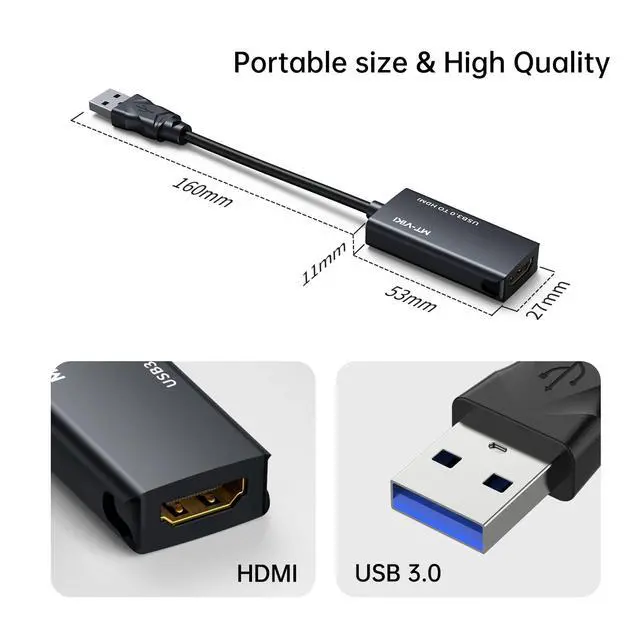
- - Input: USB 3.0 Male
- - Output: HDMI Female
- - Audio Support: YES
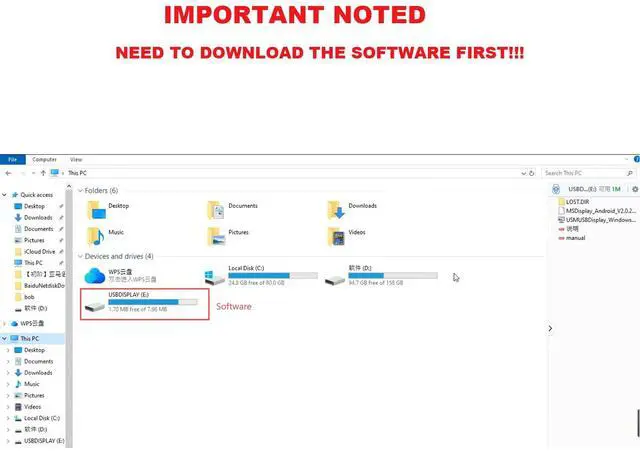
- - Installation: The driver installation disk will auto pop up, pls install it. NOTED: Mac system need to download the driver from MT-VIKI website. Pls c o n t a c t u s for the LINK.
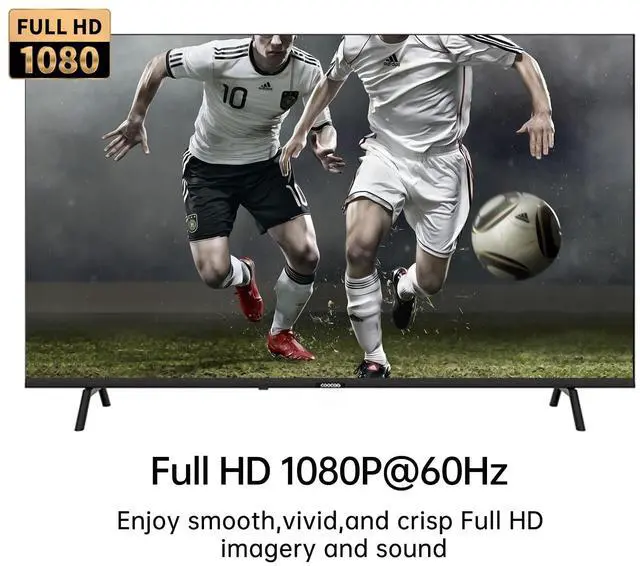
- - Maximal Resolution: USB 3.0: 1920* 1080@60Hz.
Not Plug and play, Require to install the driver! After install it for the first time, it will be plug and play for future use, very convenient! During installation, maybe it requires you to 'disable anti-virus' or select 'allow this software install' , Please rest assured that this software will not cause harm to your devices.
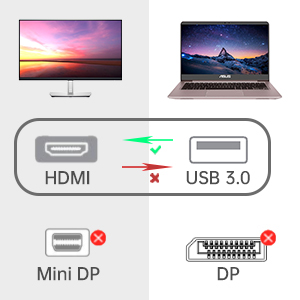
Non-bidirectional
- Only USB 3.0 to HDMI Adapter
- Not HDMI to USB Adapter
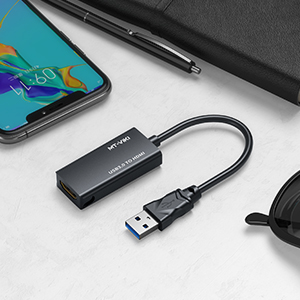
Compact design
- Lightweight
- Portable
- heat dissipation
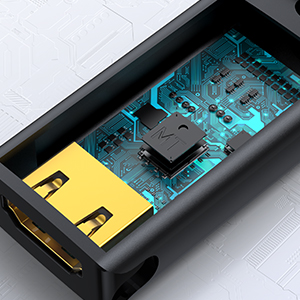
Advanced Chip
- More stable image
- no delay
- no splash screen
FQA
1.Q: Is the product plug and play?
A: Plug in the device, then open 'This PC'. You'll see a "USBDISPLAY". Double click on it, and install it. Last restart your Laptop/computer for the changes to take effect.
2. Q: Does it support Windows system?
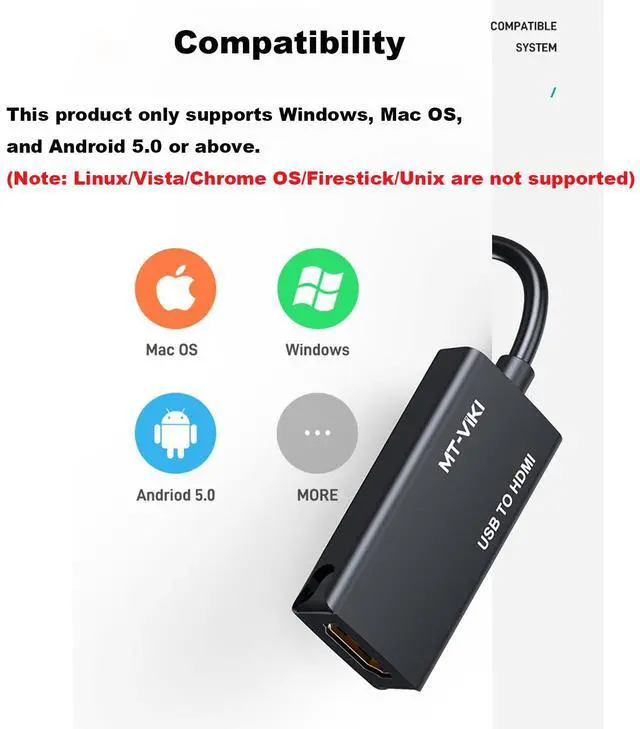
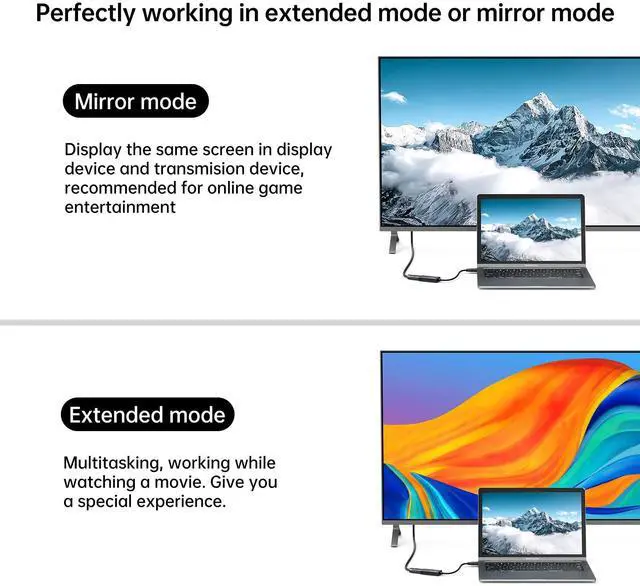
A: Yes, it can supports Win 7/8/10/11. Support Mirror and Extend Mode.
3. Q: Does it support MAC system?
A: Yes, but you need to download the driver from MT-VIKI website, Pls c o n t a c t u s for Website Link. Only support Mirror Mode.
4. Q: Does it support Android and Harmmony system?
A: Yes, it supports Android 5.0 and above systems, and supports the latest Harmony system. Only support Mirror Mode.
5. Q: Does it support Linux system?
A: Linux/Vista/Chrome/Firestick are not supported.
6.Q: Does the resolution support 1080p?
A: For USB 3.0 interface, the resolution can up to 1080p, but for USB 2.0, it only can reach 800x600 resolution.

usb 3.0 to hdmi adapter | usb c to dual hdmi adapter | USB C to HDMI Adapter | DP to HDMI Adapter | usb 3.0+usb c transfer cable | hdmi to vga adapter | |
|---|---|---|---|---|---|---|
| Customer Reviews | — | — | — | — | — | — |
| Price | — | — no data | — no data | — no data | — no data | — no data |
| Source Interface | USB 3.0 Male | USB C Male | USB Type-C Male | USB Type-C Male | USB 3.0+USB C | HDMI Male |
| Display Interface | HDMI Female | HDMI*2+PD*1 | HDMI Female | HDMI Female | USB 3.0+USB C | VGA Female |
| Resolution | 1080p@60Hz | 4K@60Hz | 4K@60Hz/8K@60Hz | 4K@60Hz/8K@60Hz | 5Gbps | 1080P@60Hz |
| Plug & Play | X | ? | ? | ? | X | ? |
USB 3.0 to HDMI Adapter, MT-UH03
This USB 3.0 to HDMI Adapter provides a cost-effective and easy solution for connecting a desktop, laptop with USB 3.0 Port to a HDMI display such as monitor, projector or TV. Connect the USB 3.0 male end to the USB 3.0 port of your computer, And connect the HDMI female end to HDMI cable from the display.
*****
Specifications:
- - Input: USB 3.0 Male
- - Output: HDMI Female
- - Audio Support: YES
- - Installation: The driver installation disk will auto pop up, pls install it. NOTED: Mac system need to download the driver from MT-VIKI website. Pls c o n t a c t u s for the LINK.
- - Maximal Resolution: USB 3.0: 1920* 1080@60Hz.
Not Plug and play, Require to install the driver! After install it for the first time, it will be plug and play for future use, very convenient! During installation, maybe it requires you to 'disable anti-virus' or select 'allow this software install' , Please rest assured that this software will not cause harm to your devices.
Non-bidirectional
- Only USB 3.0 to HDMI Adapter
- Not HDMI to USB Adapter
Compact design
- Lightweight
- Portable
- heat dissipation
Advanced Chip
- More stable image
- no delay
- no splash screen
FQA
1.Q: Is the product plug and play?
A: Plug in the device, then open 'This PC'. You'll see a "USBDISPLAY". Double click on it, and install it. Last restart your Laptop/computer for the changes to take effect.
2. Q: Does it support Windows system?
A: Yes, it can supports Win 7/8/10/11. Support Mirror and Extend Mode.
3. Q: Does it support MAC system?
A: Yes, but you need to download the driver from MT-VIKI website, Pls c o n t a c t u s for Website Link. Only support Mirror Mode.
4. Q: Does it support Android and Harmmony system?
A: Yes, it supports Android 5.0 and above systems, and supports the latest Harmony system. Only support Mirror Mode.
5. Q: Does it support Linux system?
A: Linux/Vista/Chrome/Firestick are not supported.
6.Q: Does the resolution support 1080p?
A: For USB 3.0 interface, the resolution can up to 1080p, but for USB 2.0, it only can reach 800x600 resolution.
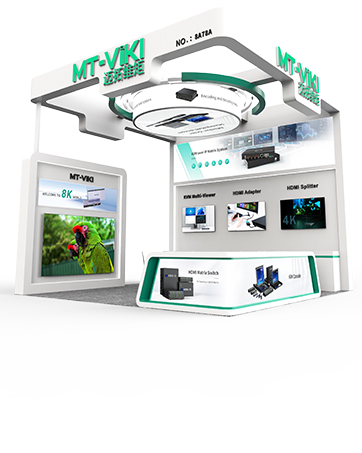
MT-VIKI Exhibiting in all around the world
Hot-sale in MT-VIKI
Adapter/Converter
HDMI to VGA/VGA to HDMI
4K/8K Adapter/Cable
2/4/8/16 Port HDMI/DP/VGA KVM
VGA/HDMI/CAT6/IP LCD KVM
HDMI Matrix & Video wall
HDMI Wireless TX & RX extender