Meet Your Seller
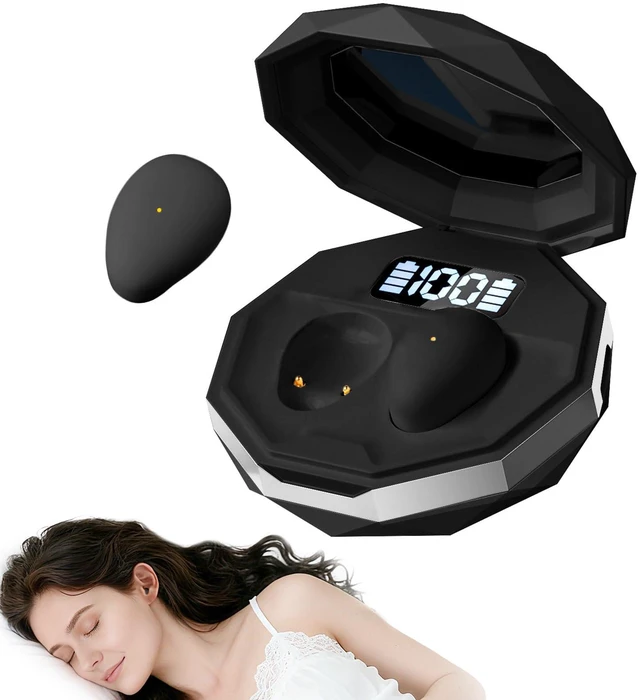
sunvito Sleep Earbuds for Side Sleepers, Invisible Wireless Bluetooth 6.2 | Sleep Headphones, Small Hidden Earbuds with LED Display for Small Ears Sleeping Working, Hiking(Black)
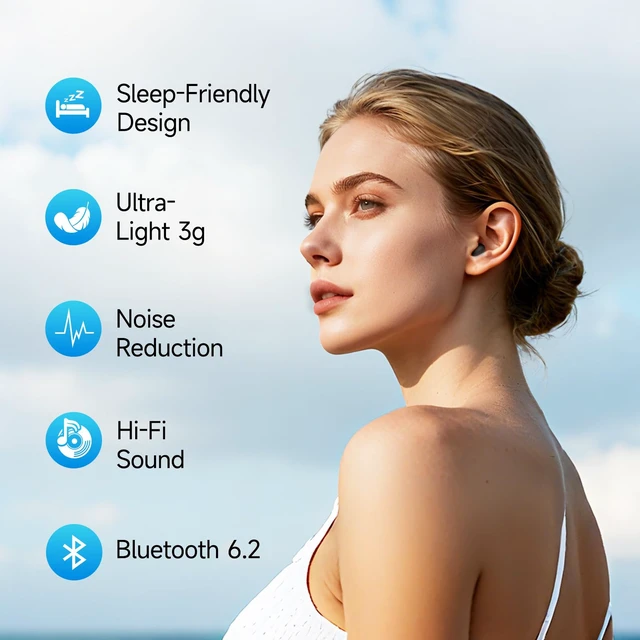
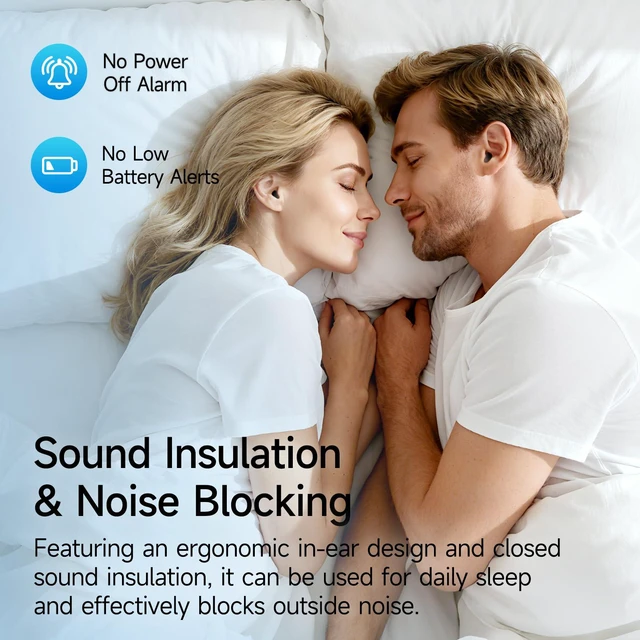
- Sleep Earbuds for Comfortable Sleep: These sleep earbuds feature an ergonomic ultra-mini in-ear design that fits comfortably inside the ear. The low-profile shape helps reduce pressure while lying on your side, making them ideal earbuds for sleeping, naps, travel, and everyday relaxation
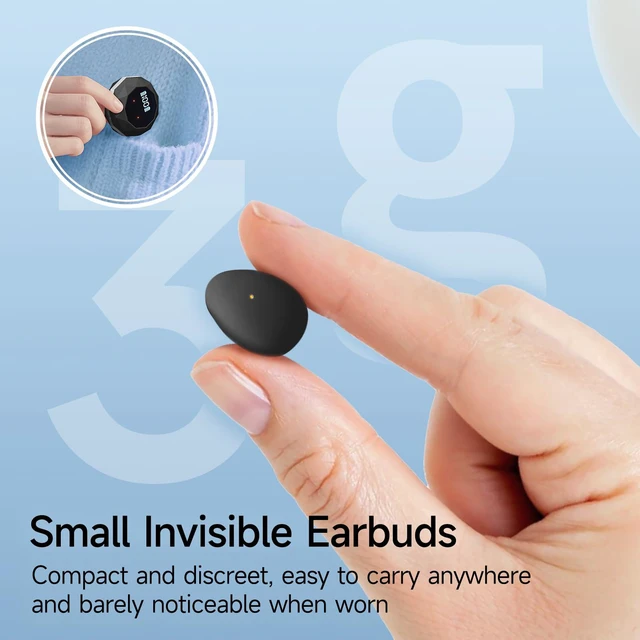
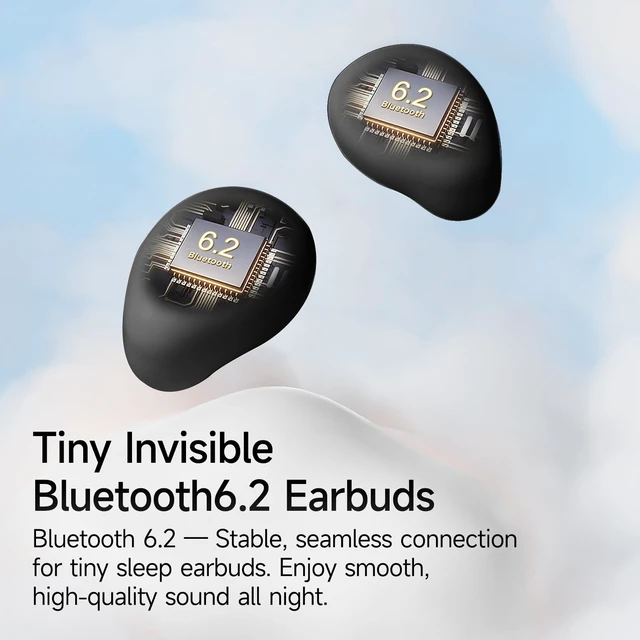
- Ultra-Lightweight & Invisible Mini EarbudsEach earbud weighs only 3g, offering a lightweight, secure fit that's barely noticeable. Made from durable premium ABS material, these mini invisible earbuds stay comfortably in place whether you're sleeping, working, or enjoying your favorite music
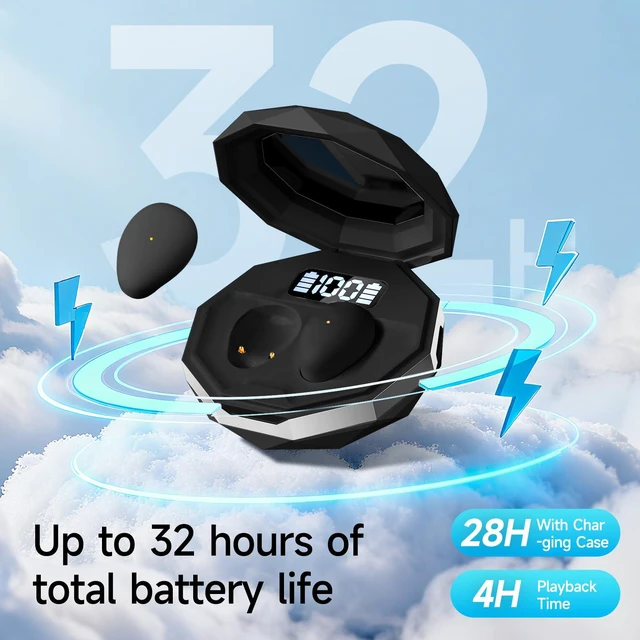
- All-Day Battery with Charging Case: Enjoy 4 hours of continuous playback per charge, plus 28 extra hours from the 200mAh portable charging case for 32 hours of total listening time. Perfect for overnight use, long trips, daily commutes, and everyday listening.
- Noise Isolating Design with HD Microphone: Blocks external distractions for a quieter sleep/relaxation experience; built-in HD mic supports clear hands-free calls, suitable for both rest and daily communication.
- Bluetooth 6.2 with LED Digital Display:Featuring the latest Bluetooth 6.2 technology, these wireless sleep earbuds provide a faster, more stable connection with low-latency audio. The charging case includes an LED digital battery display, allowing you to check the remaining power at a glance
Any questions? Ask CelesteSM will help you find out quickly.
Wireless Pairing Steps 1.Take out the earbuds Remove the earbuds from the charging case. Keep the phone within 1 meter of the earbuds. The earbuds will automatically power on and enter pairing mode. 2.Enable Bluetooth and connect Turn on Bluetooth on your phone, search for the device name S36, and tap to connect. A voice prompt will indicate successful pairing. 3.Fix single-ear sound issue If only one earbud has sound after full charge, reset as follows: 1Put both earbuds back into the charging case 2Wait for 23 seconds 3Take them out again and reconnect 4.Indicator light status 1Both earbuds flashing: earbuds are not paired with each other 2Only one earbud flashing: earbuds are successfully paired and ready to use
Warranty & Returns
Warranty, Returns, And Additional Information
Warranty
- Please contact the Seller directly for warranty information. Warranty information may also be found on the Manufacturer's website.
- CONTACT
Return Policies
- Return for refund within: 30 days
- Return for replacement within: 30 days
- This item is covered by Xtoienrlly Return Policy
Manufacturer Contact Info
- For a directory of all our manufacturers, please click below.
- Manufacturers Directory