



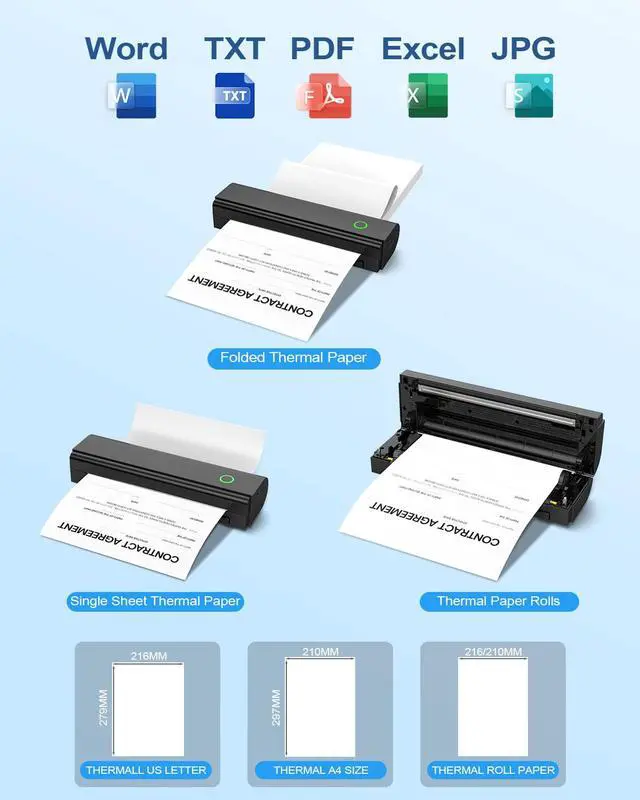



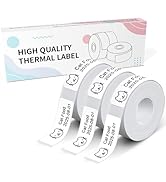
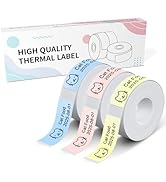


Can I use regular paper(copay paper)?
Only support thermal paper. Otherwise you will print blank
How to Print on Phone?
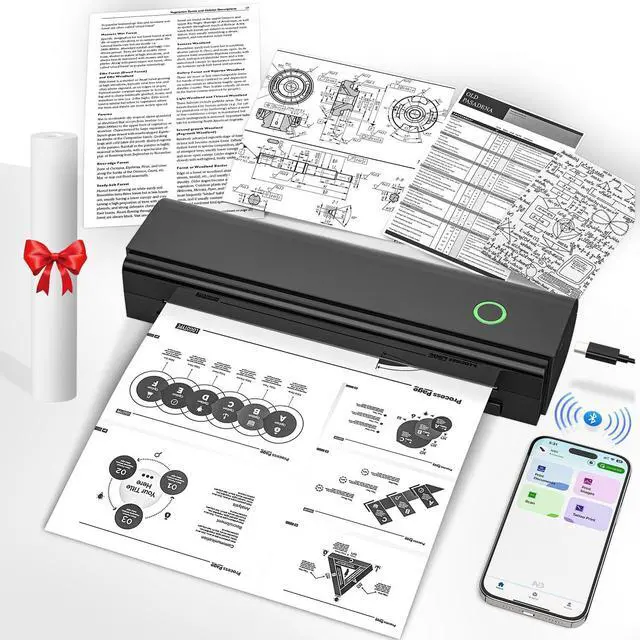
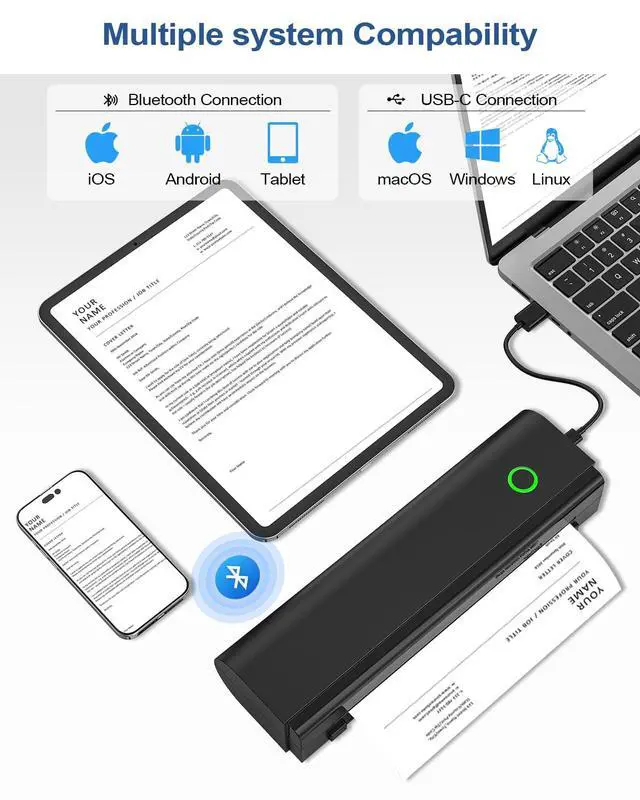
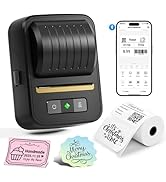
1. Download NADA Print APP. 2. Turn on the printer and Bluetooth, and then connect the N80 portable printer via Bluetooth. 4. Select N80 Printer and select the file to start printing
How to Print on Laptop or Computer?
1. Download and Install the driver for your computer system according to the user manual. 2. Turn on the printer and connect the printer to your laptop or Computer with USB-C Cable. 4. Select N80 Printer and select the file to start printing


Can I use regular paper(copay paper)?
Only support thermal paper. Otherwise you will print blank
How to Print on Phone?
1. Download NADA Print APP. 2. Turn on the printer and Bluetooth, and then connect the N80 portable printer via Bluetooth. 4. Select N80 Printer and select the file to start printing
How to Print on Laptop or Computer?
1. Download and Install the driver for your computer system according to the user manual. 2. Turn on the printer and connect the printer to your laptop or Computer with USB-C Cable. 4. Select N80 Printer and select the file to start printing
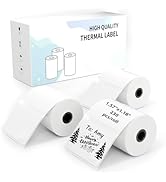
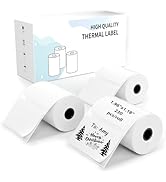
Portabel Printer Thermal Paper
2'' Label Maker & Label Tape
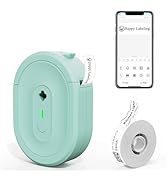
0.5'' Label Maker & Label Tape