


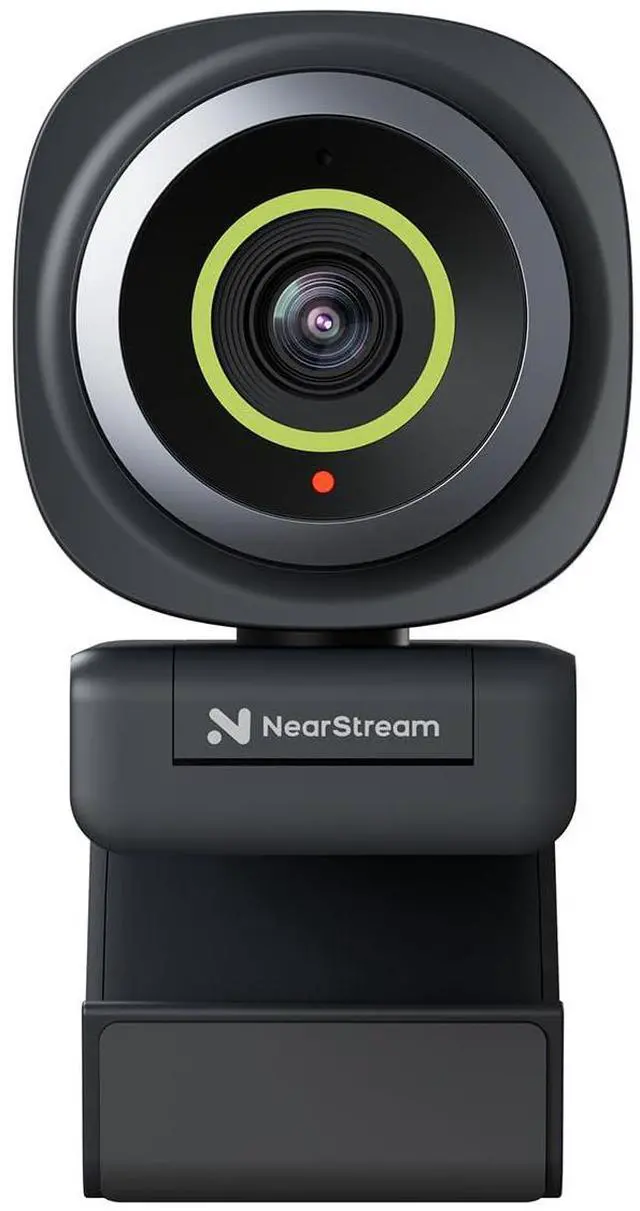







2K Webcam for PC
Merchant Video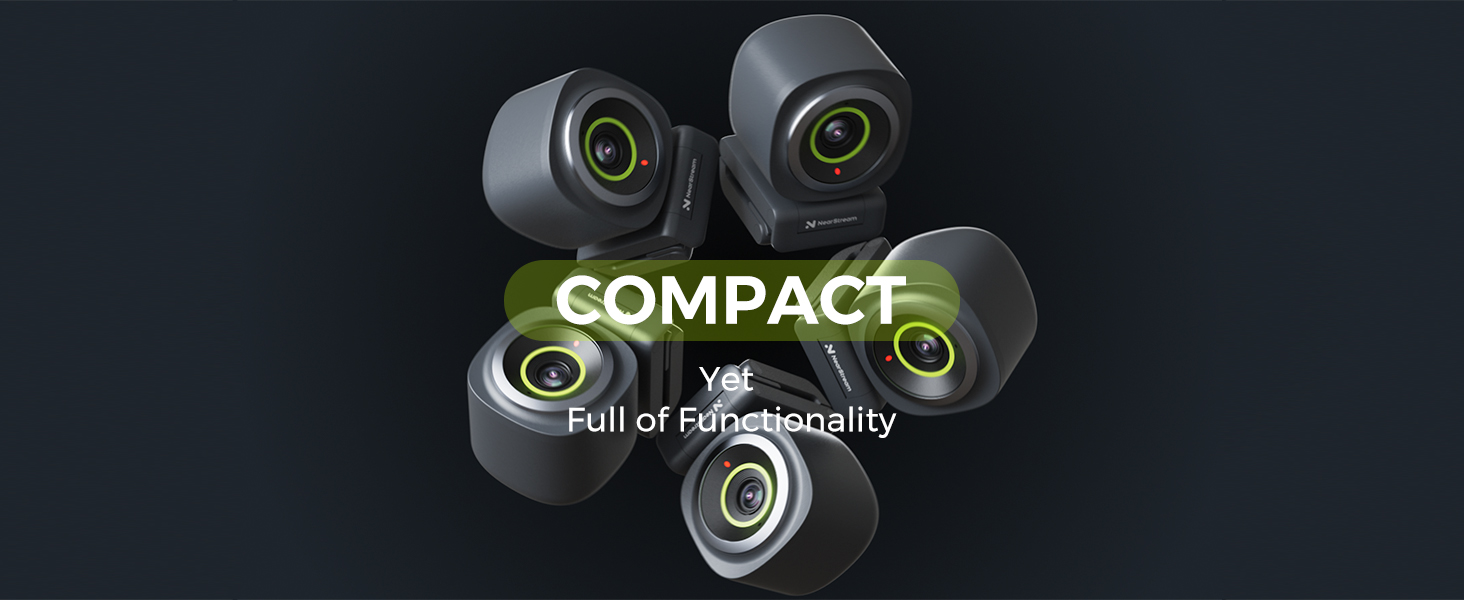
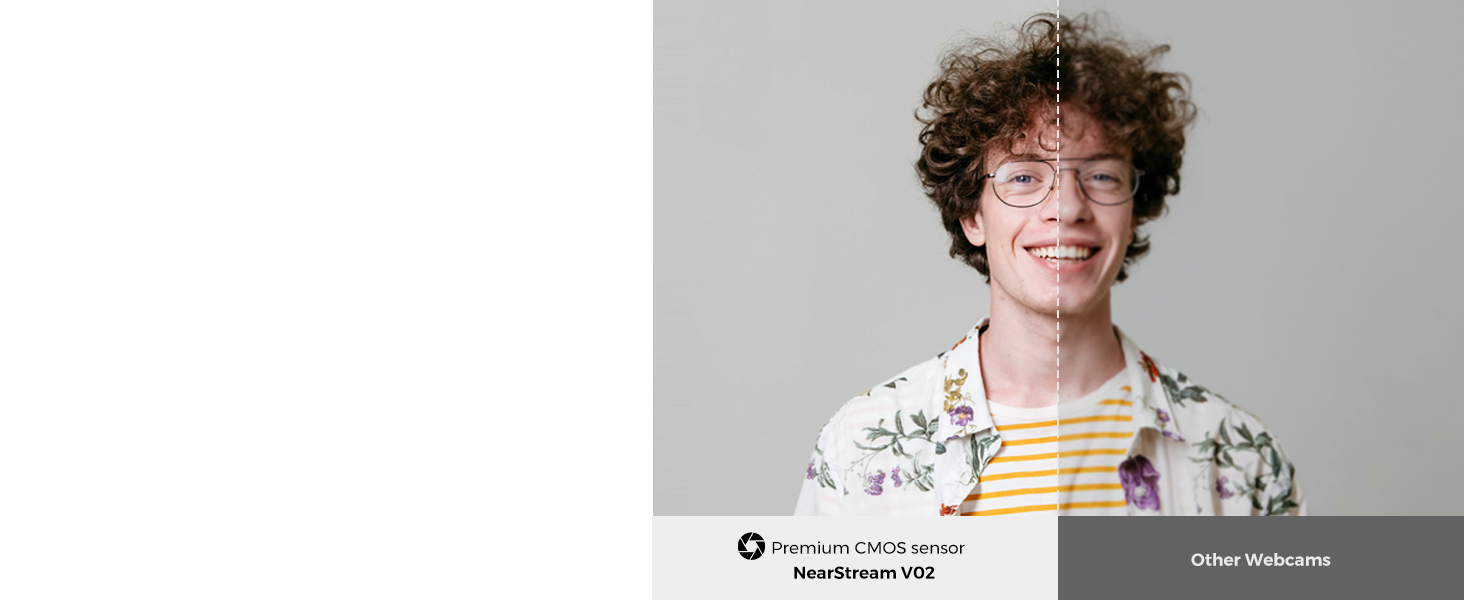
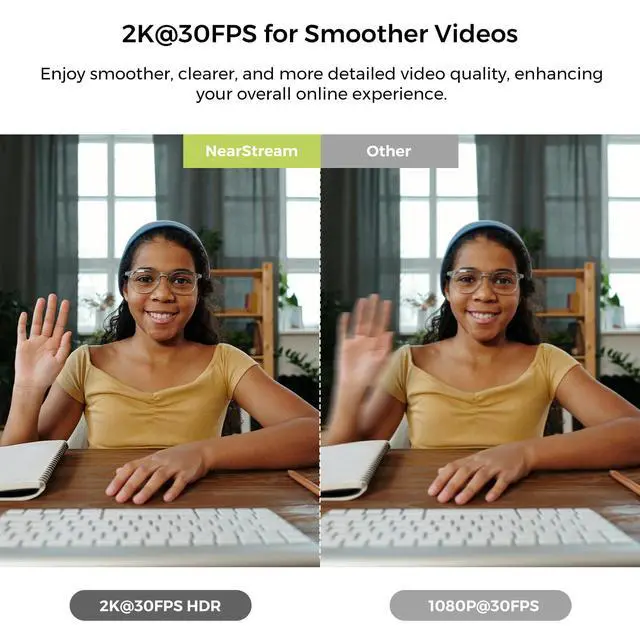
Seamless Clarity Video with 2K@30FPS, 1080P@60FPS
Display professional video quality that captures every detail with sharpness and lifelike clarity.

Webcam with True Autofocus for Clear Image
Your video calls or streaming always stays sharp & clear, even if you shift position frequently.
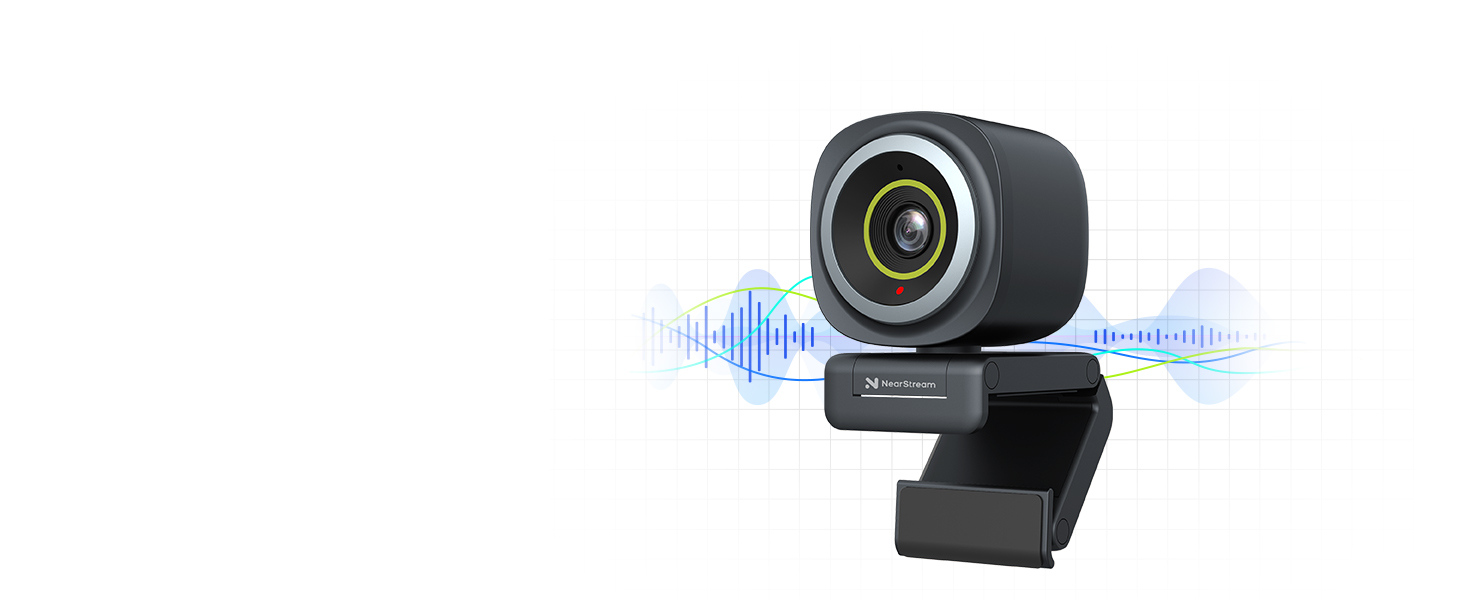
Built-in Noise Cancelling Mic for Clear Sound
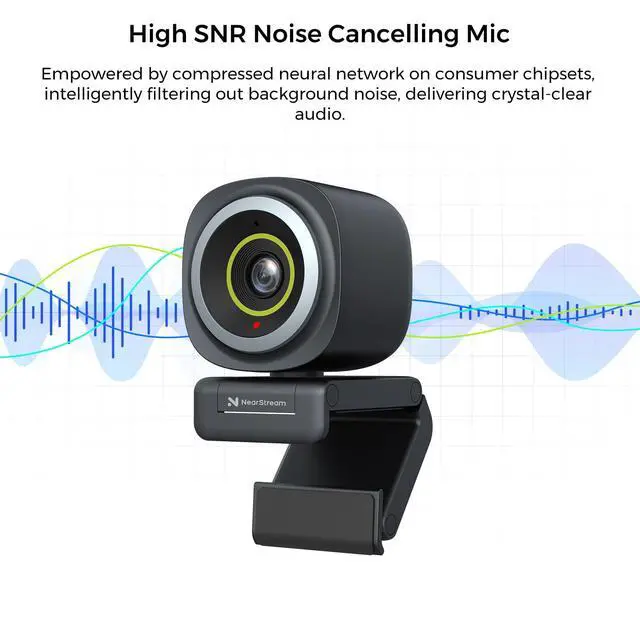
AI-powered mic picks up sound within a 10ft range and intelligently filters out environmental noise.
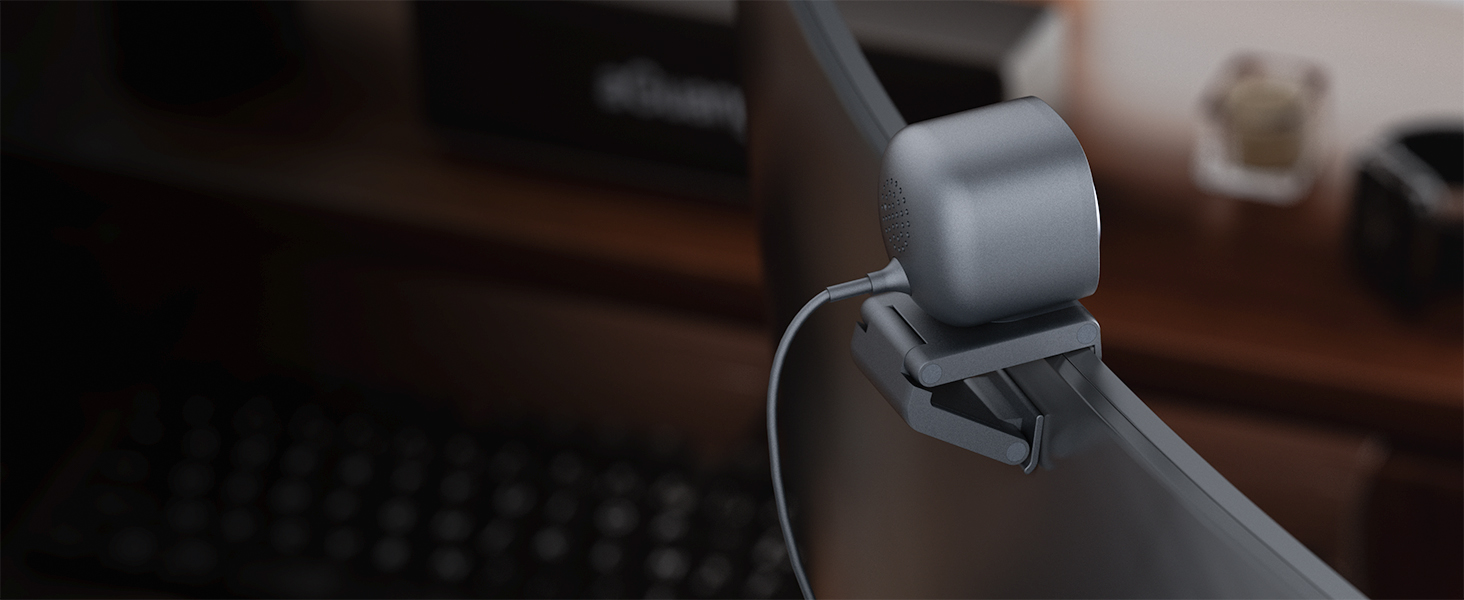
Flexible Mounting Options
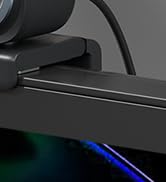
Securely attach to your monitor, desk, or PC with its flexible clamp design.


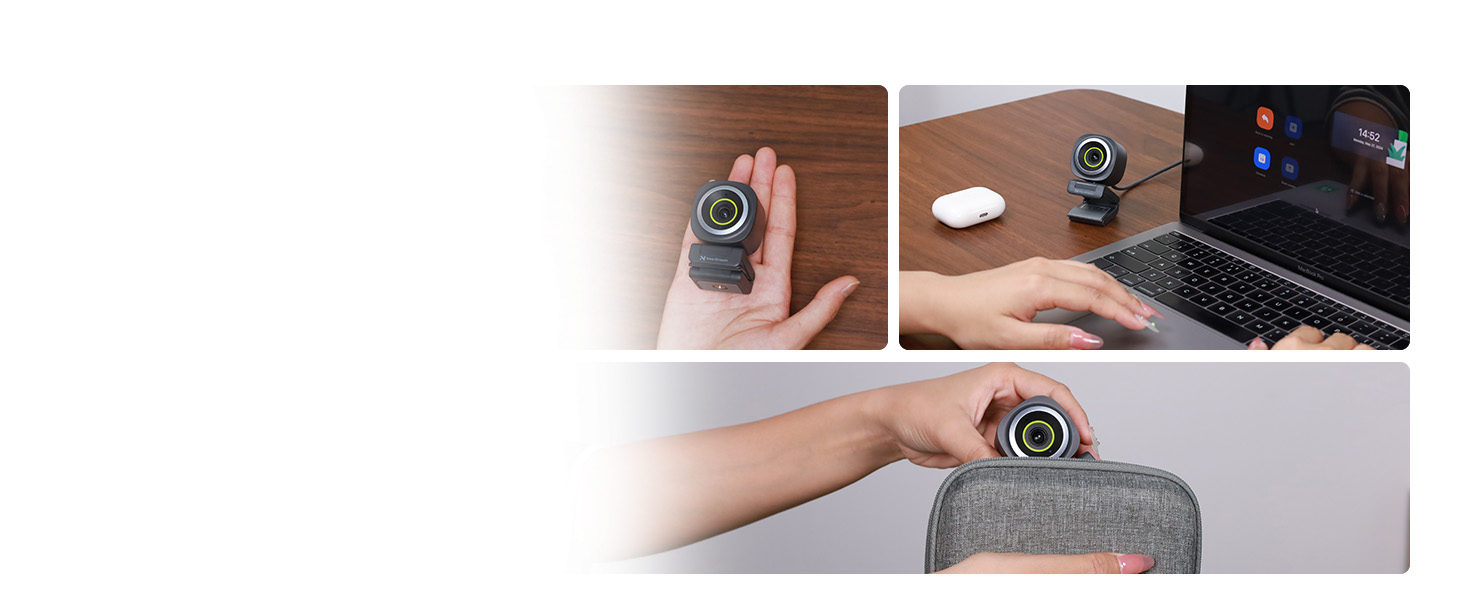
Easy to Carry with You Anywhere
Take it anywhere for on-the-go use, anytime, anywhere. Always present your best in online meetings.
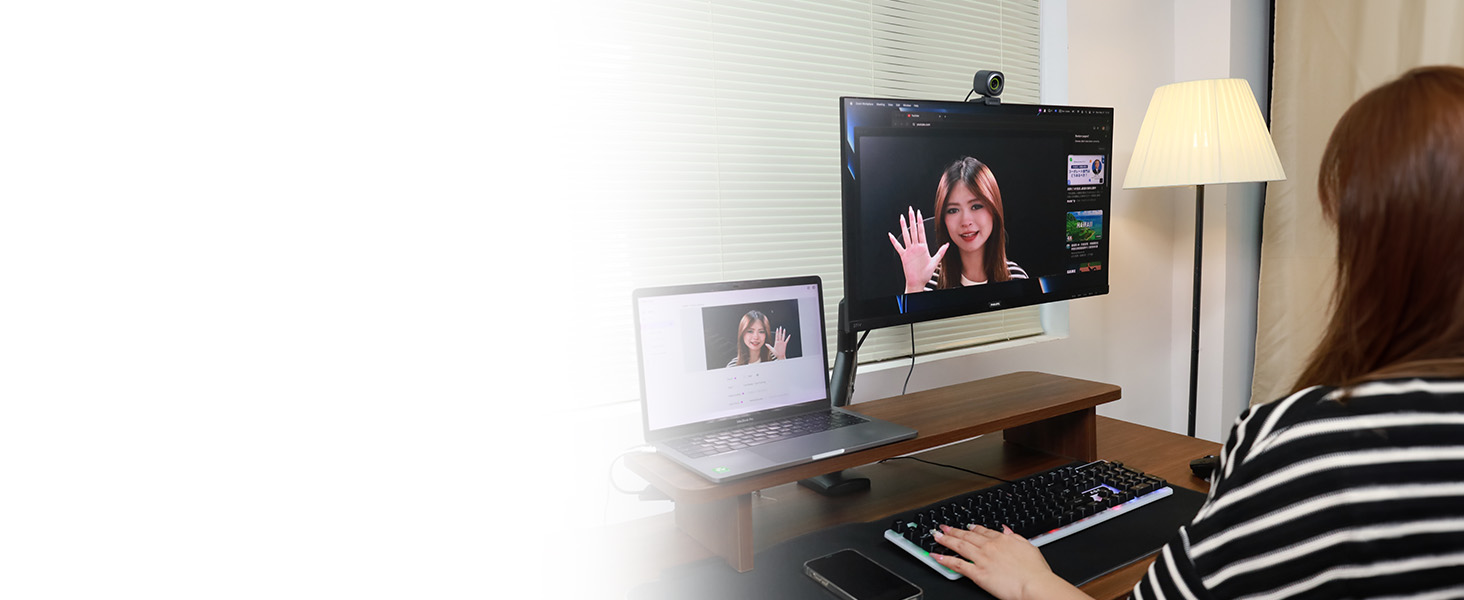
Elevate Your Online Meetings for Clear Image
Deliver crisp video and clear audio, and always present your best self in every call.
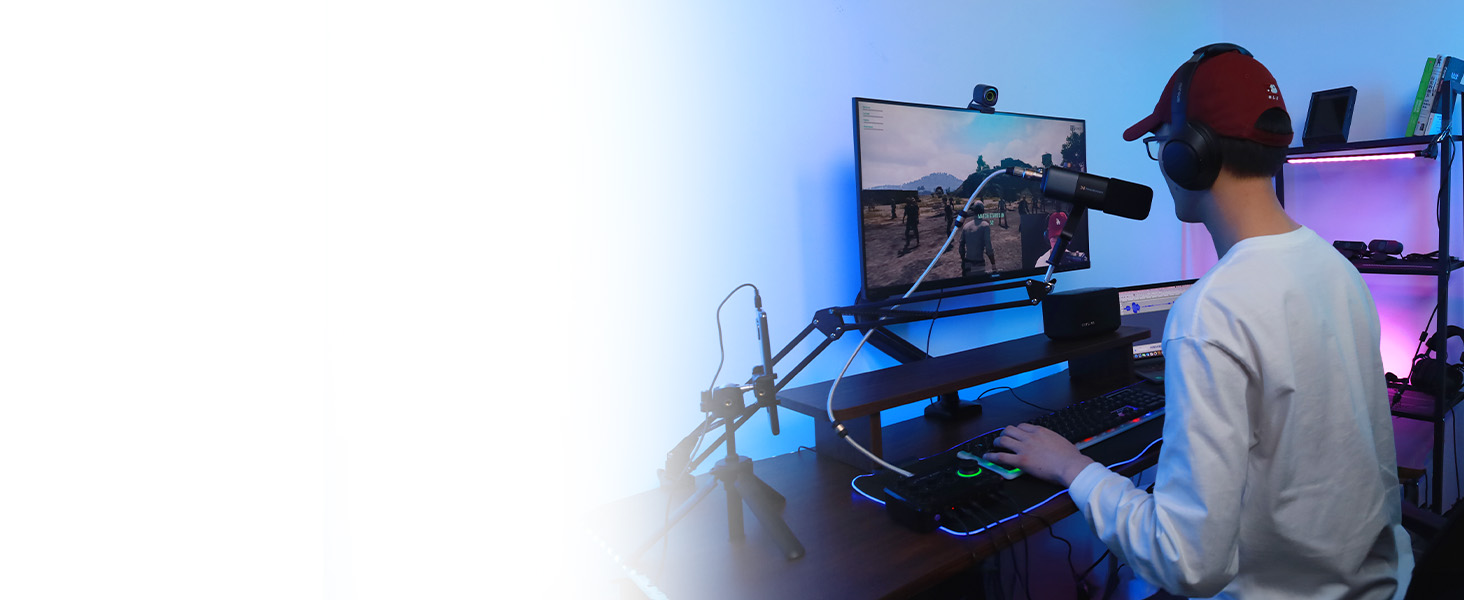
Elevate Your Livestreaming to the Next Level
Deliver crisp, clear video and audio, and your audience will get the best watching experience.
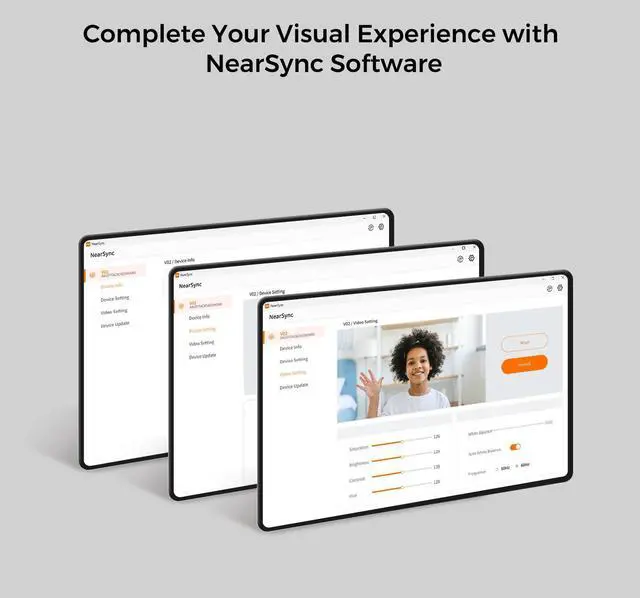
How can I download the software to get the complete visual experience?
You can download the Mac or Windows version of the NearSync software from our official website. After installing it on your computer, locate the V02AF in NearSync and select Update. This will ensure you have the latest firmware version.
Can the FOV (Field of View) be adjusted on the V02AF webcam?
Yes, the FOV of the V02AF webcam can be adjusted in Panorama Mode using the NearSync software. You can choose from four different settings: 45°, 60°, 75°, and 95°. However, in Auto Framing Mode, the FOV cannot be adjusted.
Is there a privacy cover for webcam?
No, there is no privacy cover, but its head can be manually rotated and tilted down to protect your privacy.
What is the resolution of this web camera?
The video resolution defaults to 2K@30FPS, 1080P@60FPS. Note: The webcam can be set to 1080p at 60FPS through the NearSync software.
NearStream Online Meeting Gear
 2K Autofocus Webcam |  4K Webcam |  Webcam Stand |  4K Wired Streaming Camera |  3 Pack Streaming Camera |  AM10X Dynamic Microphone |  Webcam Light | |
|---|---|---|---|---|---|---|---|
Customer Reviews | — | — | — | — | — | — | — |
Price | — | — | — | — | — | — | — |
HD Video Quality | 2K@30FPS; 1080P@60FPS | 4K@30FPS; 1080P@60FPS | — | 4K; 1080P | — | — | — |
Field of View | 60°, 75°, 95° | 45°, 60°, 75°, 95° | — | — | 80° | — | — |
Autofocus/Fixed Focus | autofocus | autofocus & fixed focus | — | — | — | — | — |
Noise Canceling Mic(s) | ? | ? | ? | ? | ? | ? | ? |
Tripod Compatible | ? | ? | ? | ? | ? | ? | ? |
Software Support | NearSync software | NearSync software | — | NearSync software | NearSync software | — | — |
Connection | USB-A | USB-A | 1/4'' screw | USB/HDMI/RJ45 | USB/Wifi/LTE | USB/XLR | — |
Auto-Framing | ? | ? | ? | ? | ? | ? | ? |
2K Webcam for PC
Merchant VideoSeamless Clarity Video with 2K@30FPS, 1080P@60FPS
Display professional video quality that captures every detail with sharpness and lifelike clarity.
Webcam with True Autofocus for Clear Image
Your video calls or streaming always stays sharp & clear, even if you shift position frequently.
Built-in Noise Cancelling Mic for Clear Sound
AI-powered mic picks up sound within a 10ft range and intelligently filters out environmental noise.
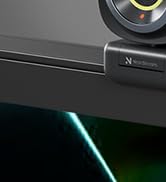
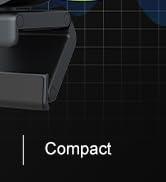
Flexible Mounting Options
Securely attach to your monitor, desk, or PC with its flexible clamp design.


Adjustable Field of View
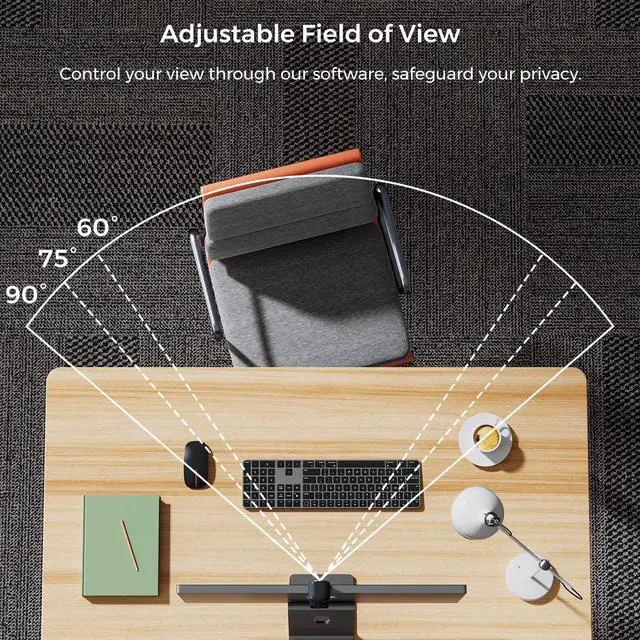
You can customize the FOV of the V02AF webcam to 60°, 75°, and up to max (95°) using the NearSync software. This flexibility allows you to capture the desired range of your surroundings, making it ideal for both team meetings and individual meetings.
How to Update the V02AF Webcam System on NearStream NearSync
Our engineers will irregularly release the V02AF webcam system updates on NearStream NearSync to enhance your user experience. You can upgrade your webcam system as needed to take advantage of the latest improvements and features.
Easy to Carry with You Anywhere
Take it anywhere for on-the-go use, anytime, anywhere. Always present your best in online meetings.
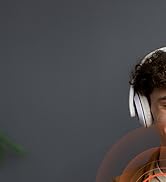
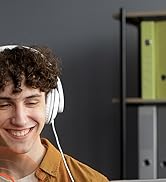
Elevate Your Online Meetings for Clear Image
Deliver crisp video and clear audio, and always present your best self in every call.
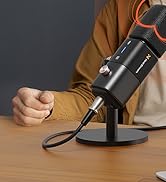
Elevate Your Livestreaming to the Next Level
Deliver crisp, clear video and audio, and your audience will get the best watching experience.


How can I download the software to get the complete visual experience?
You can download the Mac or Windows version of the NearSync software from our official website. After installing it on your computer, locate the V02AF in NearSync and select Update. This will ensure you have the latest firmware version.
Can the FOV (Field of View) be adjusted on the V02AF webcam?
Yes, the FOV of the V02AF webcam can be adjusted in Panorama Mode using the NearSync software. You can choose from four different settings: 45°, 60°, 75°, and 95°. However, in Auto Framing Mode, the FOV cannot be adjusted.
Is there a privacy cover for webcam?
No, there is no privacy cover, but its head can be manually rotated and tilted down to protect your privacy.
What is the resolution of this web camera?
The video resolution defaults to 2K@30FPS, 1080P@60FPS. Note: The webcam can be set to 1080p at 60FPS through the NearSync software.
NearStream Online Meeting Gear
2K Autofocus Webcam | 4K Webcam | Webcam Stand | 4K Wired Streaming Camera | 3 Pack Streaming Camera | AM10X Dynamic Microphone | Webcam Light |
|---|---|---|---|---|---|---|
| Customer Reviews | ||||||
| — | — | — | — | — | — | — |
| Price | ||||||
| — | — | — | — | — | — | — |
| HD Video Quality | ||||||
| 2K@30FPS; 1080P@60FPS | 4K@30FPS; 1080P@60FPS | — | 4K; 1080P | — | — | — |
| Field of View | ||||||
| 60°, 75°, 95° | 45°, 60°, 75°, 95° | — | — | 80° | — | — |
| Autofocus/Fixed Focus | ||||||
| autofocus | autofocus & fixed focus | — | — | — | — | — |
| Noise Canceling Mic(s) | ||||||
| ? | ? | ? | ? | ? | ? | ? |
| Tripod Compatible | ||||||
| ? | ? | ? | ? | ? | ? | ? |
| Software Support | ||||||
| NearSync software | NearSync software | — | NearSync software | NearSync software | — | — |
| Connection | ||||||
| USB-A | USB-A | 1/4'' screw | USB/HDMI/RJ45 | USB/Wifi/LTE | USB/XLR | — |
| Auto-Framing | ||||||
| ? | ? | ? | ? | ? | ? | ? |
Look Great on Webcam
Professional 4k Webcam
Webcam & Lighting Bundle
Online Meeting Microphone