



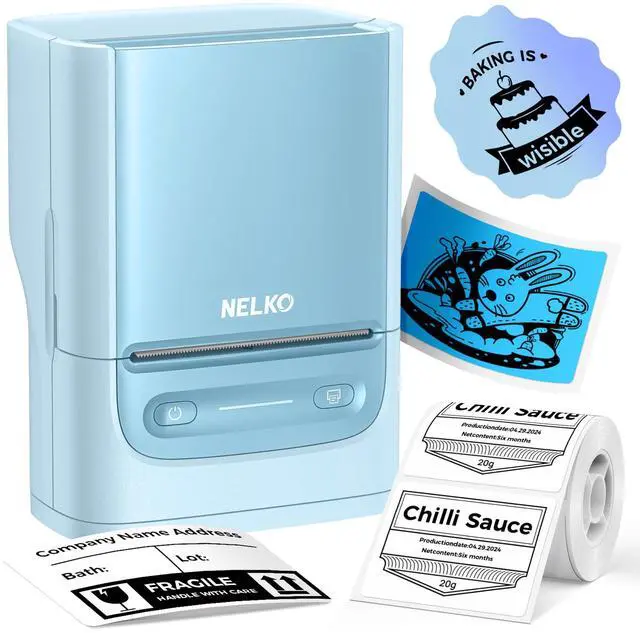
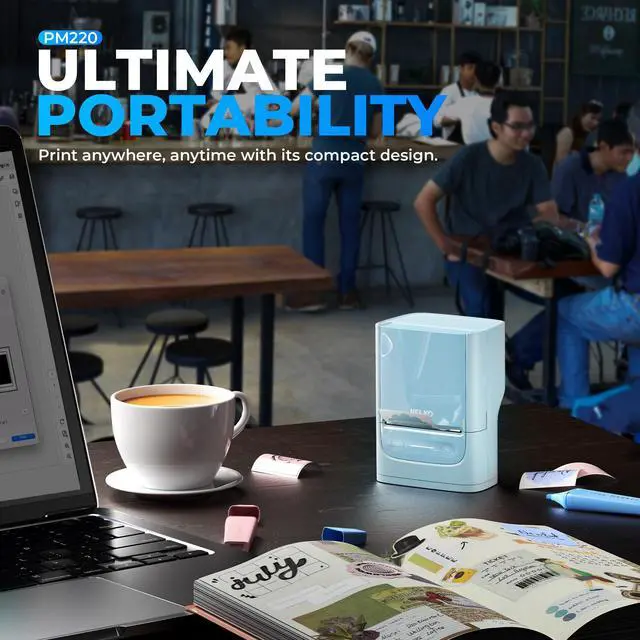
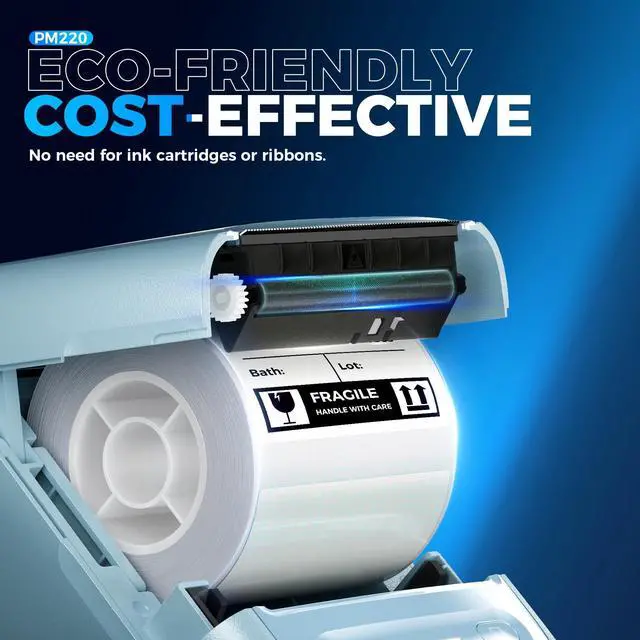
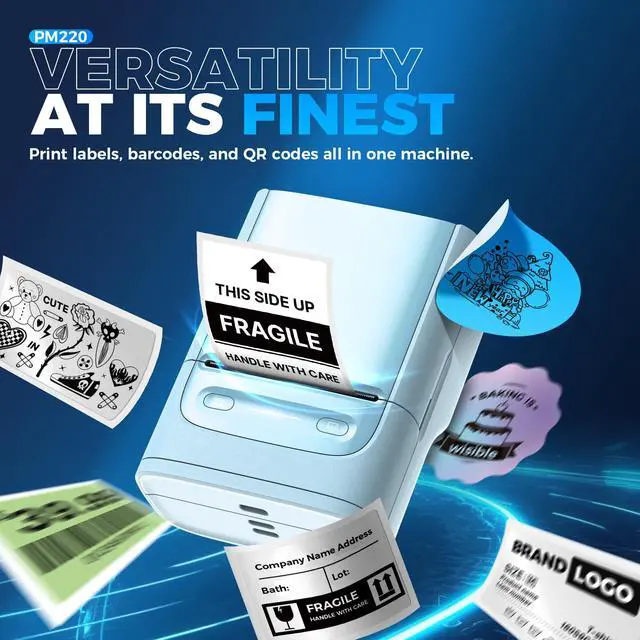
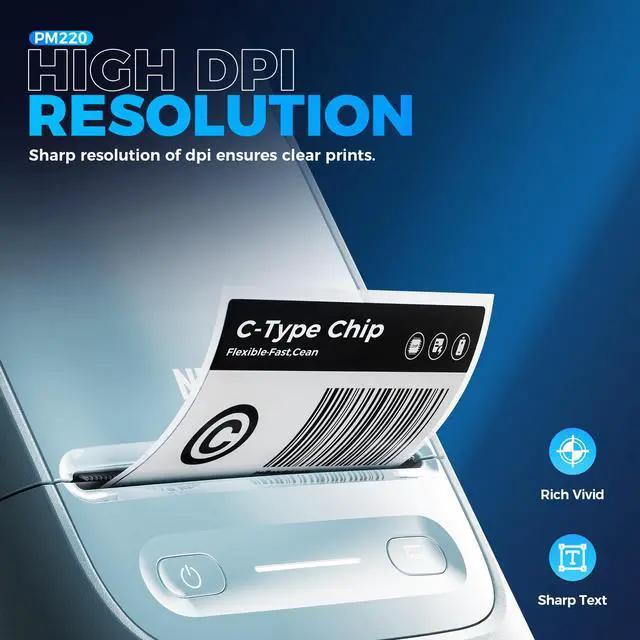


Work with Nelko PM220 Labal Maker Machine
 Nelko PM220 Label Maker |  40x30mm Clear Label Tape |  50x50mm White Label Tape |  50x30mm White Label Tape |  50x80mm White Label Tape |  50x50mm Clear Label Tape |  PM220 Travel Case | |
|---|---|---|---|---|---|---|---|
Customer Reviews | — | — | — | — | — | — | — |
Price | — | — | — | — | — | — | — |
Pack | / | 230 Labels | 150 Labels | 230 Labels | 100 Labels | 150 Labels | / |
Color | White | Transparent | White | White | White | Transparent | Black |
Size | 5.27"D x 3.15"W x 4.05"H | 1.57"x1.18"(40x30mm) | 2"(50mm) | 2"x1.18"(50x30mm) | 2"x3.15"(50x80mm) | 2"x2"(50x50mm) | 195x120x85mm |
Compatible with | Phone/Windows/Mac OS | Nelko PM220 Label Maker | Nelko PM220 Label Maker | Nelko PM220 Label Maker | Nelko PM220 Label Maker | Nelko PM220 Label Maker | Nelko PM220 Label Maker |
High Quality | ? | ? | ? | ? | ? | ? | ? |
What system does this label machine support?
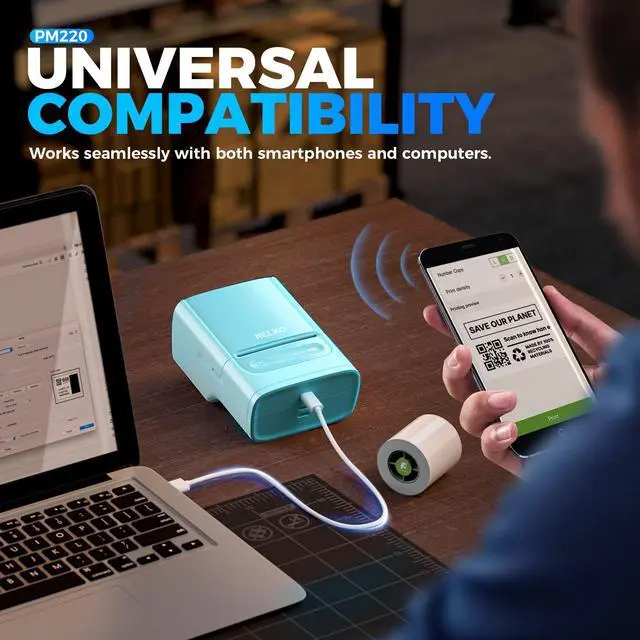
This label maker compatible with both Phone (iOS & Android) and Computer (Windows & Mac OS)
How to connect Bluetooth?
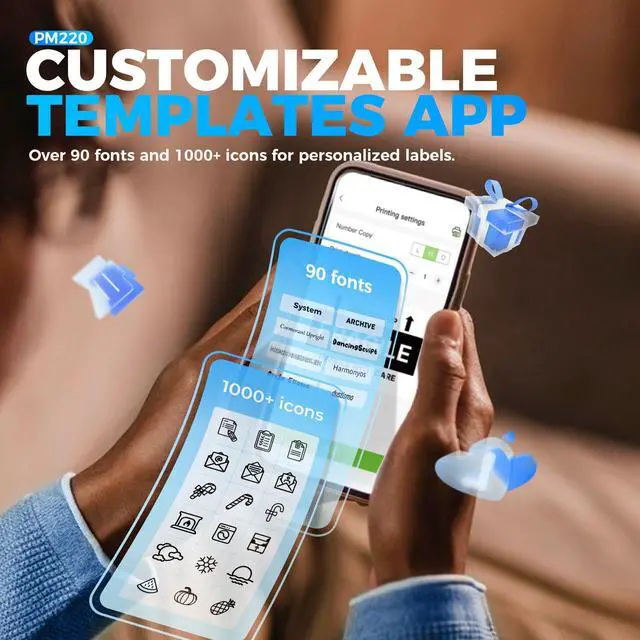
1. Connecting to Bluetooth through the "Nelko" APP.
2. Download the App "Nelko" from the Apple Store/Google Play.
3. Turn on Bluetooth on your phone, long press to turn on the PM220 label maker machine, and open the "Nelko" app to link to Bluetooth.
How to print through Computer?
1. Power on the printer and connect it to the computer via a USB cable.
2. Visit "nelkoprint." Install the PM220 Driver and "Labelnize" APP.
How can I calibrate the label?
You can press the button on the right side to calibrate the label.
Also, when the label maker is on, the label will be automatically calibrated after closing the paper bin.
How to optimize printing quality and printing deviation for PM220?
1. Connect PM220 through Bluethooth on APP.
2. Click on "Connection"- "Settings"-"Firmware version" -and update immediately
3. The printer emits a "beep" sound, indicating that the firmware upgrade is successful

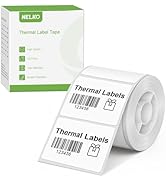
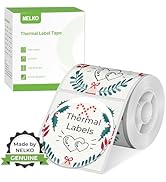
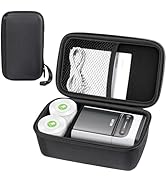
PM220 Label Maker
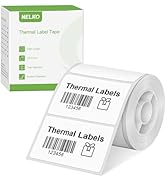
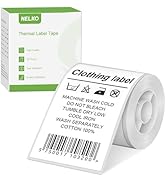
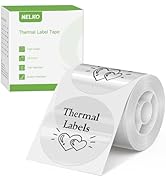
PM220 Label Maker Tape
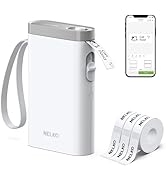
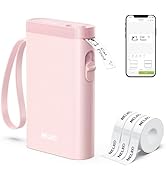
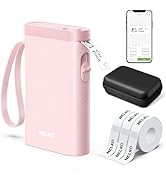
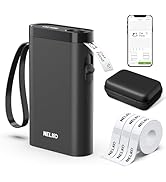
Nelko P21 Label Maker
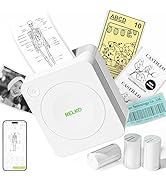
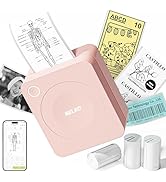
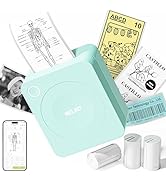
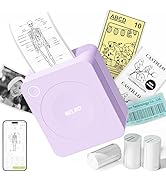
Nelko
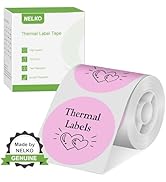
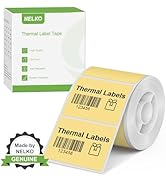
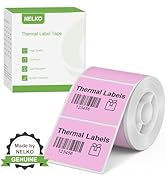
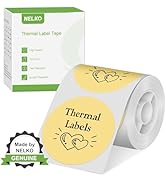
PM220 Label Maker Tape
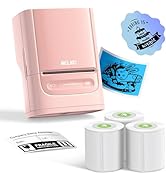
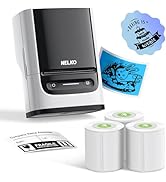
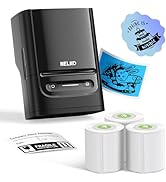
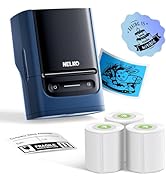
PM220 Label Maker
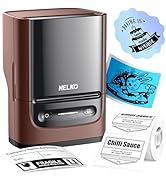
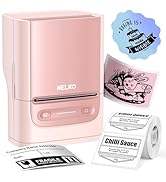
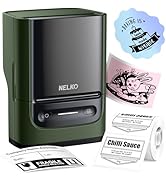
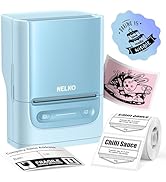
PM220 Label Maker
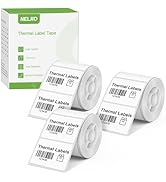
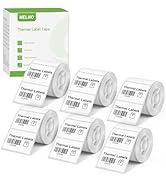
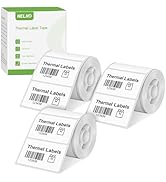
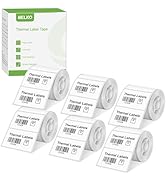
PM220 Label Maker Tape
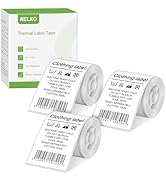
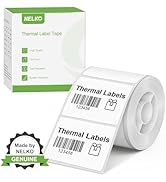
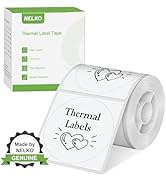
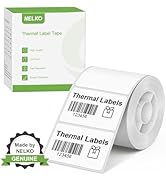
PM220 Label Maker Tape
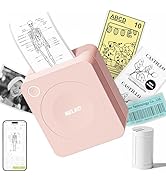
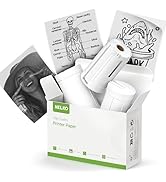
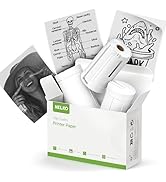
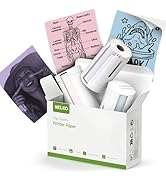
PM230 Sticker Printer
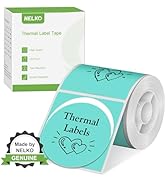
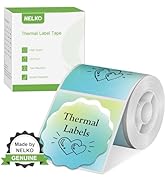
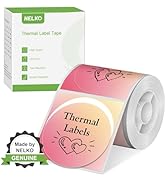
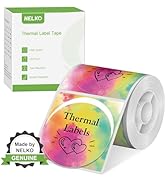
PM220 Label Maker Tape
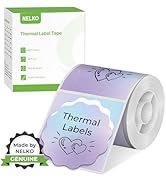
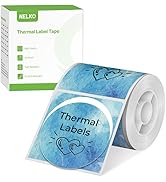
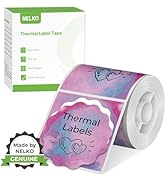
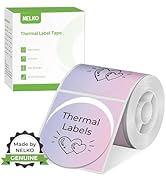
PM220 Label Maker Tape
NEKLO is committed to the development of office products, improving product quality and providing consumers with a good sense of experience.
We adhere to the happy concept, committed to producing high-quality office supplies. We will provide consumers with high-quality, products at a reasonable cost.
We hope to bring convenience to your small business and work.
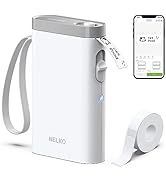
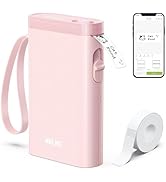
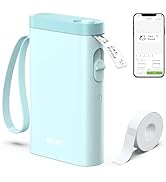
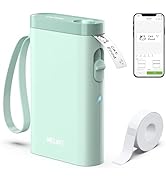
Nelko P21 Label Maker

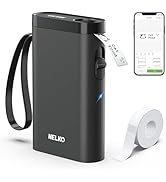
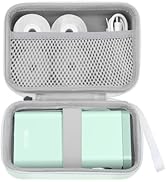
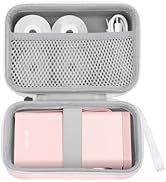
Nelko P21 Label Maker Case
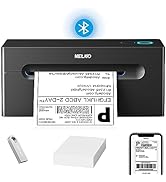
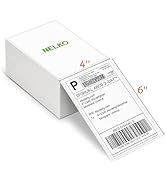
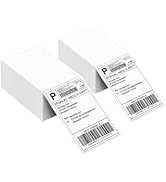
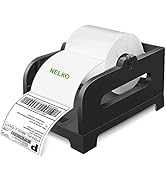
Nelko Bluetooth Label Printer


Work with Nelko PM220 Labal Maker Machine
Nelko PM220 Label Maker | 40x30mm Clear Label Tape | 50x50mm White Label Tape | 50x30mm White Label Tape | 50x80mm White Label Tape | 50x50mm Clear Label Tape | PM220 Travel Case |
|---|---|---|---|---|---|---|
| Customer Reviews | ||||||
| — | — | — | — | — | — | — |
| Price | ||||||
| — | — | — | — | — | — | — |
| Pack | ||||||
| / | 230 Labels | 150 Labels | 230 Labels | 100 Labels | 150 Labels | / |
| Color | ||||||
| White | Transparent | White | White | White | Transparent | Black |
| Size | ||||||
| 5.27"D x 3.15"W x 4.05"H | 1.57"x1.18"(40x30mm) | 2"(50mm) | 2"x1.18"(50x30mm) | 2"x3.15"(50x80mm) | 2"x2"(50x50mm) | 195x120x85mm |
| Compatible with | ||||||
| Phone/Windows/Mac OS | Nelko PM220 Label Maker | Nelko PM220 Label Maker | Nelko PM220 Label Maker | Nelko PM220 Label Maker | Nelko PM220 Label Maker | Nelko PM220 Label Maker |
| High Quality | ||||||
| ? | ? | ? | ? | ? | ? | ? |
What system does this label machine support?
This label maker compatible with both Phone (iOS & Android) and Computer (Windows & Mac OS)
How to connect Bluetooth?
1. Connecting to Bluetooth through the "Nelko" APP.
2. Download the App "Nelko" from the Apple Store/Google Play.
3. Turn on Bluetooth on your phone, long press to turn on the PM220 label maker machine, and open the "Nelko" app to link to Bluetooth.
How to print through Computer?
1. Power on the printer and connect it to the computer via a USB cable.
2. Visit "nelkoprint." Install the PM220 Driver and "Labelnize" APP.
How can I calibrate the label?
You can press the button on the right side to calibrate the label.
Also, when the label maker is on, the label will be automatically calibrated after closing the paper bin.
How to optimize printing quality and printing deviation for PM220?
1. Connect PM220 through Bluethooth on APP.
2. Click on "Connection"- "Settings"-"Firmware version" -and update immediately
3. The printer emits a "beep" sound, indicating that the firmware upgrade is successful
PM220 Label Maker
PM220 Label Maker Tape
Nelko P21 Label Maker
Nelko
PM220 Label Maker Tape
PM220 Label Maker
PM220 Label Maker
PM220 Label Maker Tape
PM220 Label Maker Tape
PM230 Sticker Printer
PM220 Label Maker Tape
PM220 Label Maker Tape
NEKLO is committed to the development of office products, improving product quality and providing consumers with a good sense of experience.
We adhere to the happy concept, committed to producing high-quality office supplies. We will provide consumers with high-quality, products at a reasonable cost.
We hope to bring convenience to your small business and work.
Nelko P21 Label Maker
Nelko P21 Label Maker Case
Nelko Bluetooth Label Printer