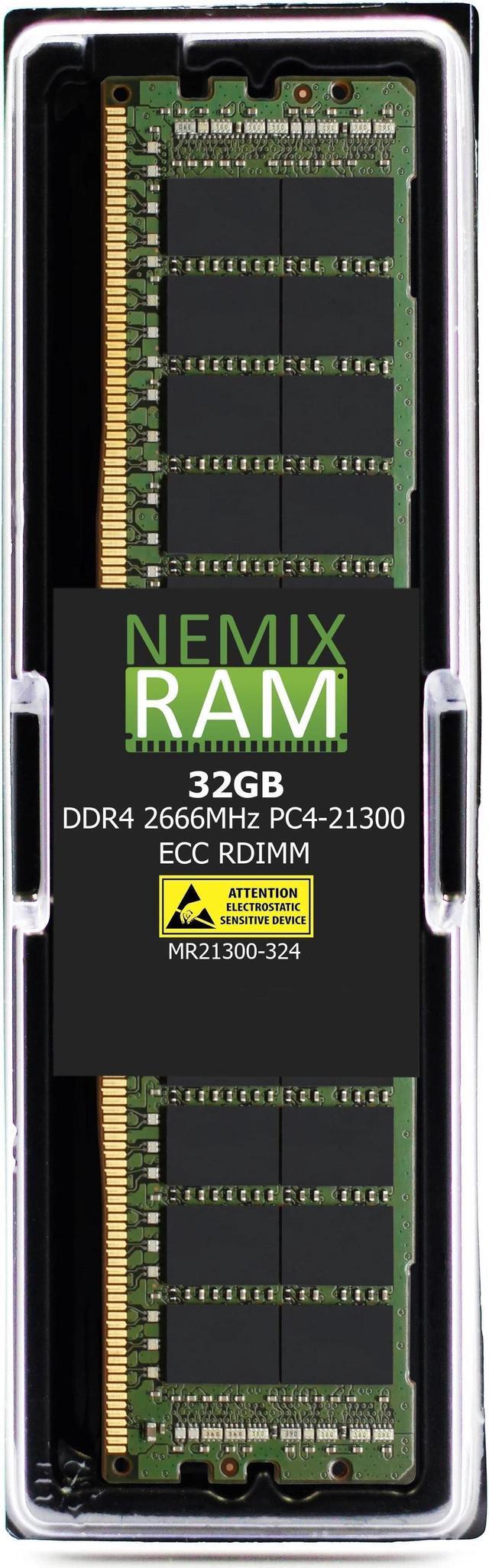
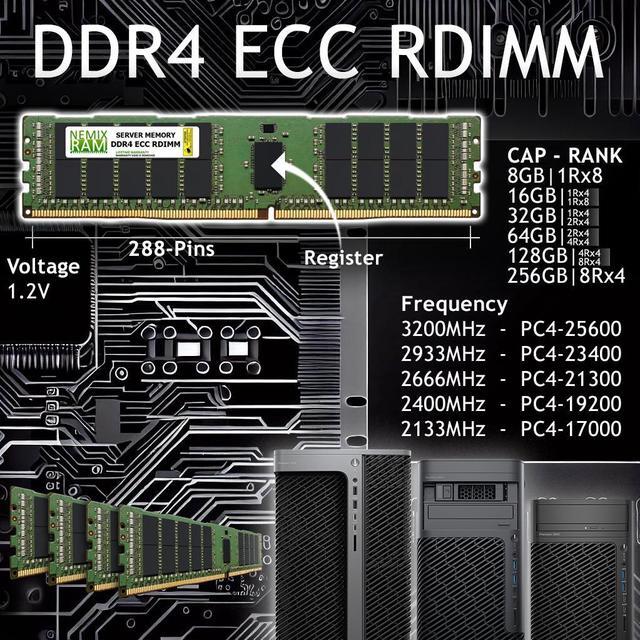
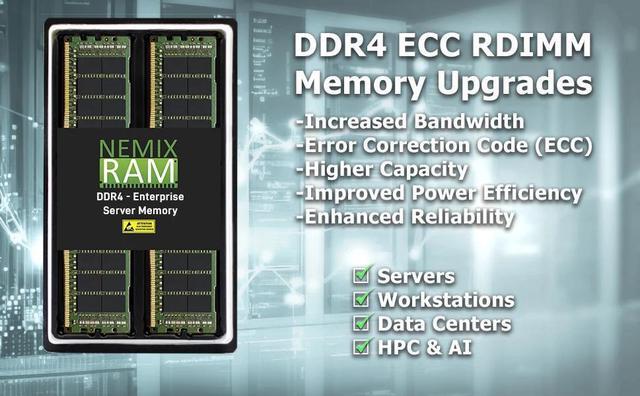
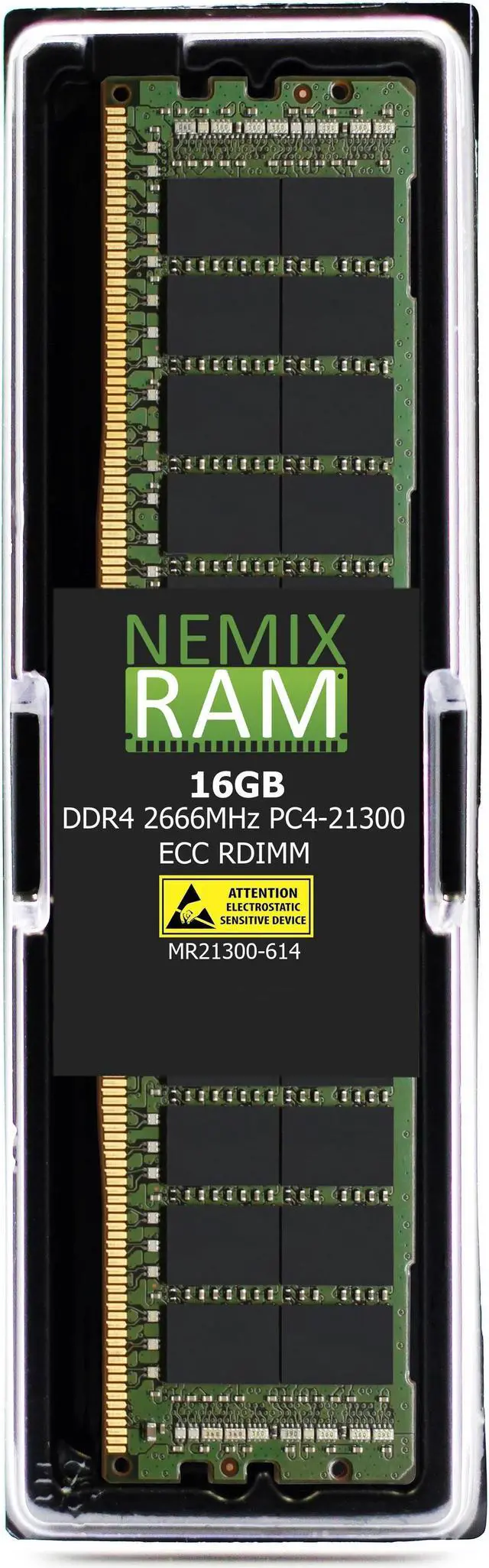
The NEMIX RAM 16GB DDR4-2666 ECC RDIMM is a registered server-memory module listed as compatible with Cisco UCS C-Series M5 servers, suited to administrators upgrading a compatible server that supports 16GB, 1Rx4, 288-pin DDR4 RDIMMs.
Recommended For
- IT administrators adding or replacing memory in a Cisco UCS C-Series M5 server for virtualization or enterprise applications, when the server’s CPU, existing DIMMs, and slot layout support this 16GB DDR4 RDIMM.
- Homelab operators running a compatible UCS M5 server who want to expand memory incrementally for virtual machines or test environments, provided they follow Cisco’s DIMM population rules.
- Server maintenance technicians replacing a failed DIMM in a compatible UCS M5 system when the replacement needs to match the system’s supported registered ECC memory type and configuration.
- Cisco UCS M5 owners seeking a single 16GB module for a modest capacity increase rather than a high-capacity-per-slot memory upgrade.
Real-World Use Scenarios
- On a Cisco UCS C-Series M5 virtualization host, add memory when existing VMs are running short of assigned RAM; if host memory is the bottleneck, the added capacity can reduce memory pressure or make room for more VM memory. The benefit depends on the full DIMM layout, CPU configuration, and hypervisor limits.
- For a UCS M5 server running virtualized collaboration services, add memory when the configured applications or VMs need more physical RAM. This can provide additional memory headroom, but does not by itself increase supported call capacity; deployment sizing and virtualization licensing still apply.
- On a UCS M5 server hosting a medium-sized database or business application, add memory when the working set or cache is constrained by available RAM. More capacity may reduce paging when memory is the limiting factor, but will not resolve CPU, storage, or application bottlenecks.
- For a UCS M5 web-infrastructure or middleware server, add memory when concurrent services or processes are competing for RAM. The extra capacity can give those workloads more room to operate if memory is the constraint; it does not increase network or processor performance.
- During server maintenance, use a compatible module to replace a faulty or undersized DIMM when the server’s configuration calls for it. Check the exact model’s supported memory and slot-population rules first; Cisco states that it does not support third-party DIMMs.




 here!