• $154.95
  • Free 30-day Returns
  • Sold by Direct from manufacturerNEMIX RAM
    Hot Seller
    4.6 (3,064 seller ratings)

    Shipped by Direct from manufacturerNEMIX RAM

    Price alert
    Server System configurator/ABS
    Shop it at NeweggBusiness.

    Meet Your Seller

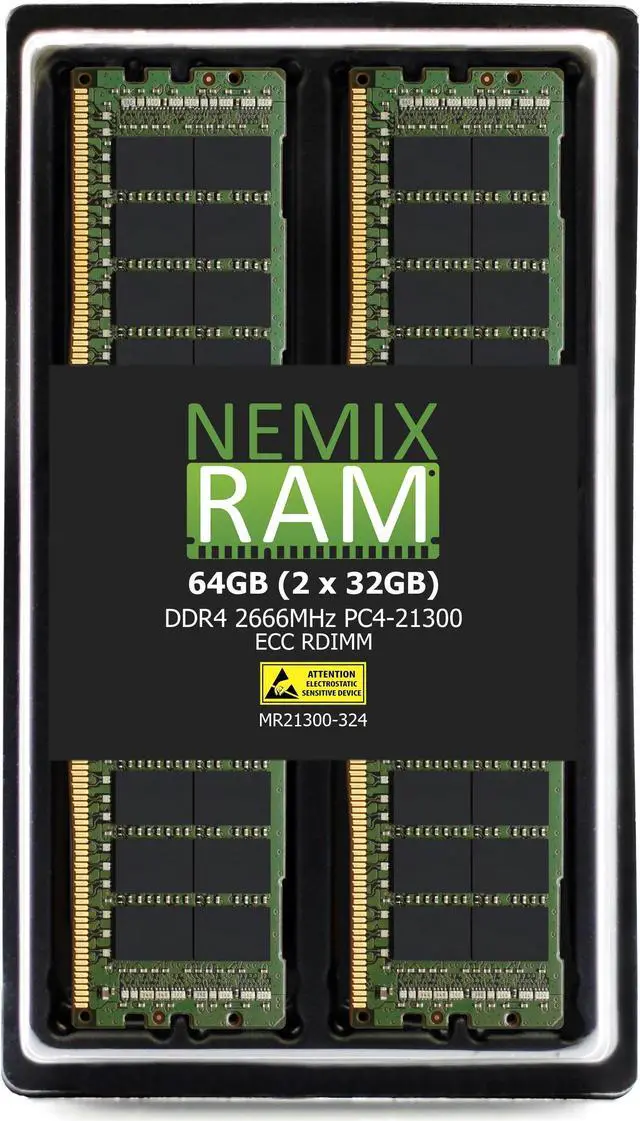
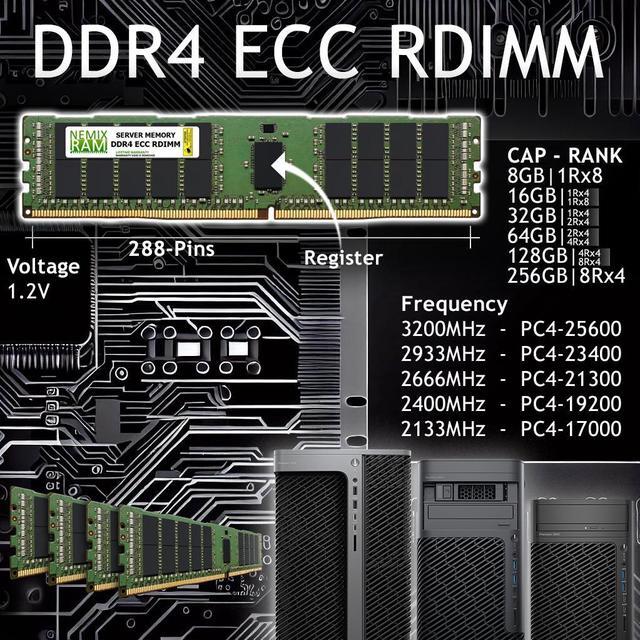
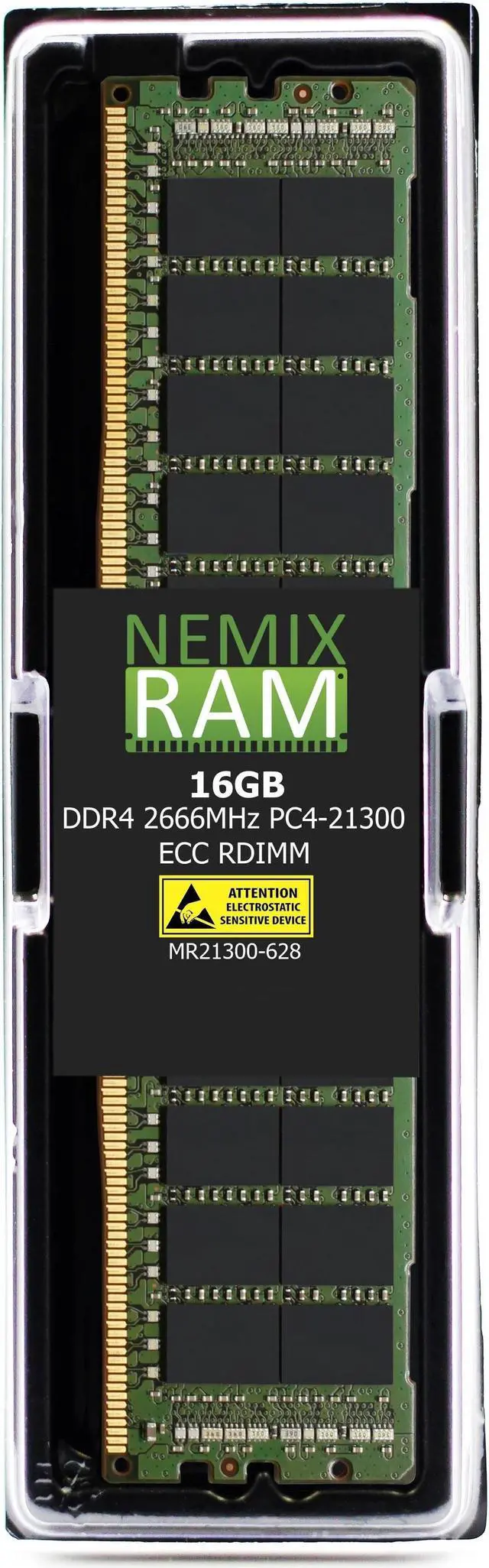
    NEMIX RAM 16GB (1X16GB) DDR4 2666MHZ PC4-21300 2Rx8 1.2V 288-PIN ECC RDIMM Registered Server Memory Compatible with ASUS KNPA-U16 EPYC 7000 Series Motherboard

    • 16GB
    • 32GB (2 x 16GB)
    • 64GB (4 x 16GB)
    • 128GB (8 x 16GB)
    • NEMIX RAM is a Distributor and Manufacturer of Computer Memory and Storage Upgrades. Specializing in Enterprise Storage RAM for Servers and Workstations along with all Standard and Specialty ECC Memory for NAS & PC/Mac based Computers and Laptops.
    • Our Memory Delivers Enhanced Performance: No Doubt about it, Memory Upgrades are the Easiest, Most Cost Effective Way to Speed Up, Maximize and Boost the Overall Performance of Your Computing Environment.
    • Simple Installation: Typically you can Easily Upgrade the Memory Yourself in a couple of Minutes. Always Refer to your Owners Manual for Detailed Instructions.
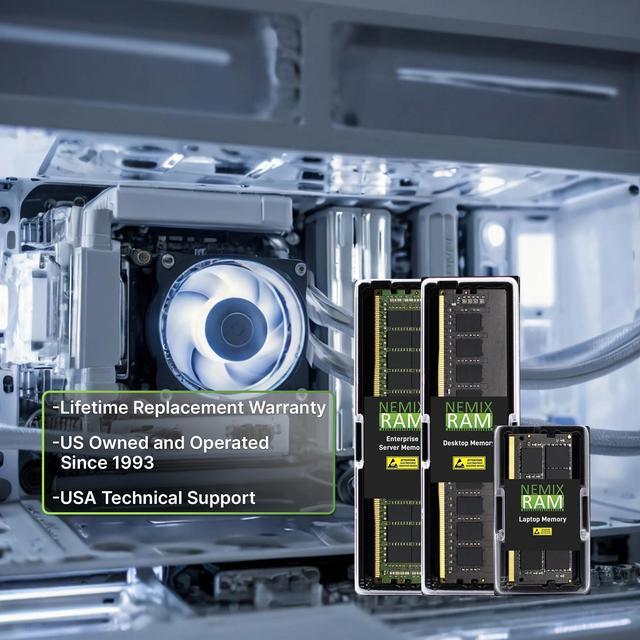
    • Our Commitment: To Provide only the Best, Highest Quality, Computer Memory Products in the Industry. Back them with a Lifetime Replacement Warranty, and offer Top Tier Support from a Seasoned IT Support Staff that Completely Understands Memory Upgrades.
    • Once You Install NEMIX RAM You Won't need Anything Else.
    +
    +
    Overview
    Specs
    Reviews

    Any questions? Ask CelesteSM will help you find out quickly.

    NEMIX RAM 16GB (1X16GB) DDR4 2666MHZ PC4-21300 2Rx8 1.2V 288-PIN ECC RDIMM Registered Server Memory Compatible with ASUS KNPA-U16 EPYC 7000 Series Motherboard

    Warranty & Returns

    Warranty, Returns, And Additional Information

    Warranty

    • Please contact the Seller directly for warranty information. Warranty information may also be found on the Manufacturer's website.
    • CONTACT

    Return Policies

    • Return for refund within: 30 days
    • Return for replacement within: 30 days
    • This item is covered by NEMIX RAM Return Policy

    Manufacturer Contact Info

    LOADING...

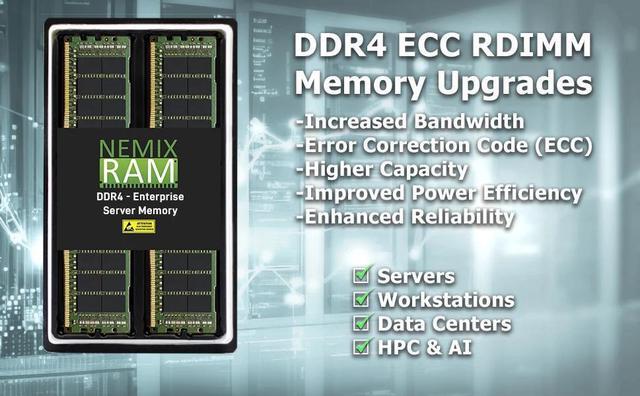
    NEMIX RAM 16GB DDR4-2666 ECC Registered DIMM is server memory specified for compatibility with the ASUS KNPA-U16 EPYC 7000 Series motherboard, for users upgrading or configuring a compatible server.

    Recommended For

    • Server administrators replacing or adding a 16GB ECC registered DIMM in an ASUS KNPA-U16 / EPYC 7000 system, after checking the motherboard’s memory configuration guidance.
    • Homelab builders running compatible EPYC server hardware who want to add ECC registered memory for virtual machines, storage services, or other always-on server workloads.
    • IT repair teams maintaining KNPA-U16-based servers that need a single 16GB DDR4-2666 RDIMM to match a documented system configuration.
    • Server builders expanding memory in stages who can follow the motherboard’s slot-population instructions and keep installed DIMMs at the same CAS latency.

    Real-World Use Scenarios

    • When a Proxmox or similar virtualization host is running short of memory, add this module as a compatible capacity increment so the host has more room for virtual machines and containers. The total available memory depends on the other DIMMs already installed.
    • For a home or development lab, use the added memory to give lightweight test VMs—such as Linux, Windows Server, or a Kubernetes test environment—more room to run alongside other services. It adds capacity; it does not guarantee faster performance if memory was not the bottleneck.
    • In a small-business server used for web hosting or other enterprise services, install it as a compatible memory expansion or replacement to provide additional RAM for the operating system and applications. The benefit depends on the server’s total memory and workload.
    • When maintaining a KNPA-U16 server, use the module to replace a failed DIMM or add capacity to an existing ECC registered-memory configuration. Check the motherboard manual’s slot-population guidance and match the installed memory configuration for compatibility.